


Camera Overhaul by Mirsario Mod (26.2, 1.20.1) – Feel Every Jump and Turn

 0
0 

🌐 Read this article in your language! Choose your preferred language below.
Or pick the one you like:
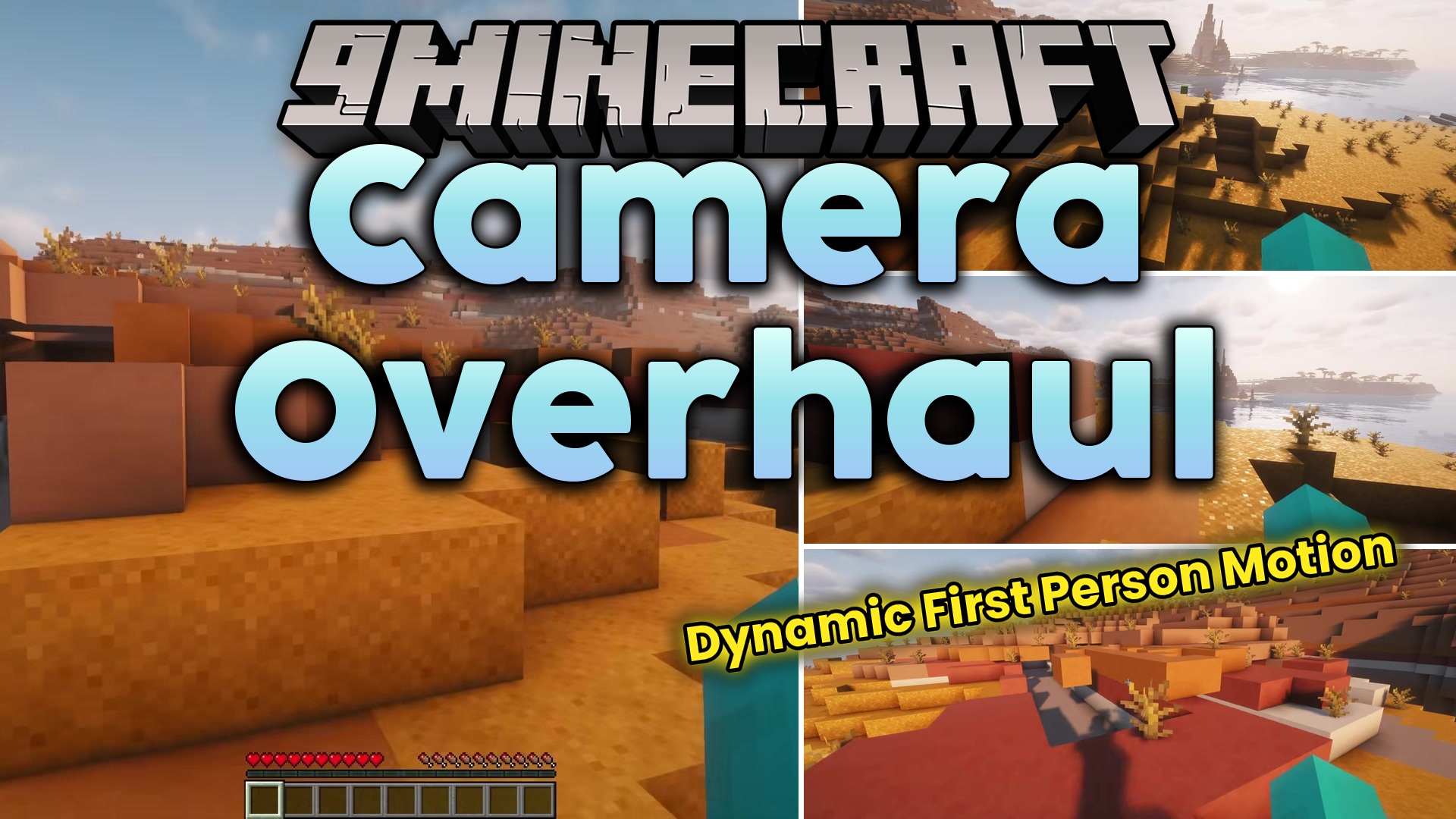
Camera Overhaul by Mirsario Mod adds new camera movements to make walking and running feel more real in first-person view. This mod changes how you see the world by tilting your screen when you move around. It makes simple actions like jumping, turning, and standing still look much better.
Features:
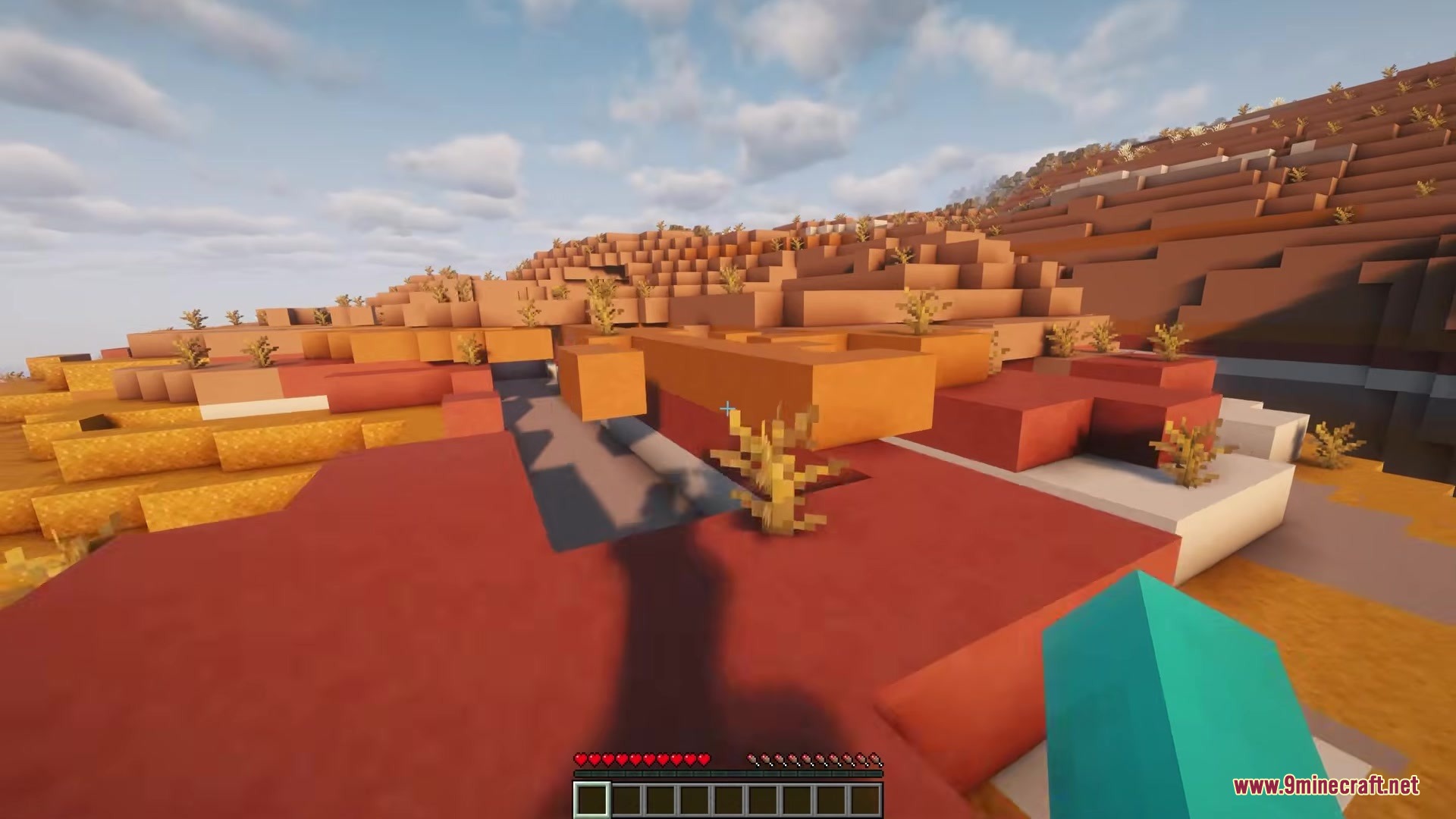
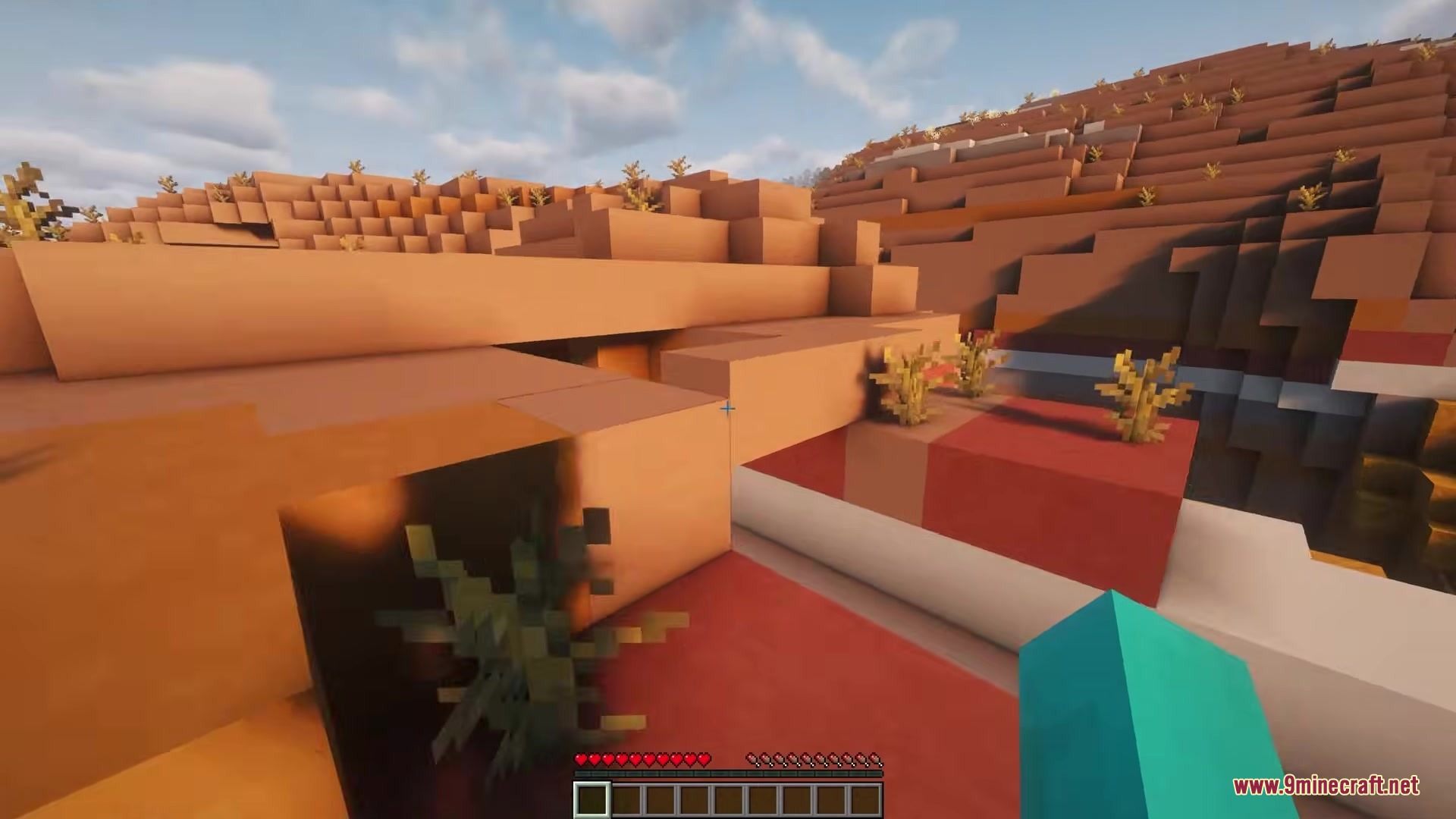
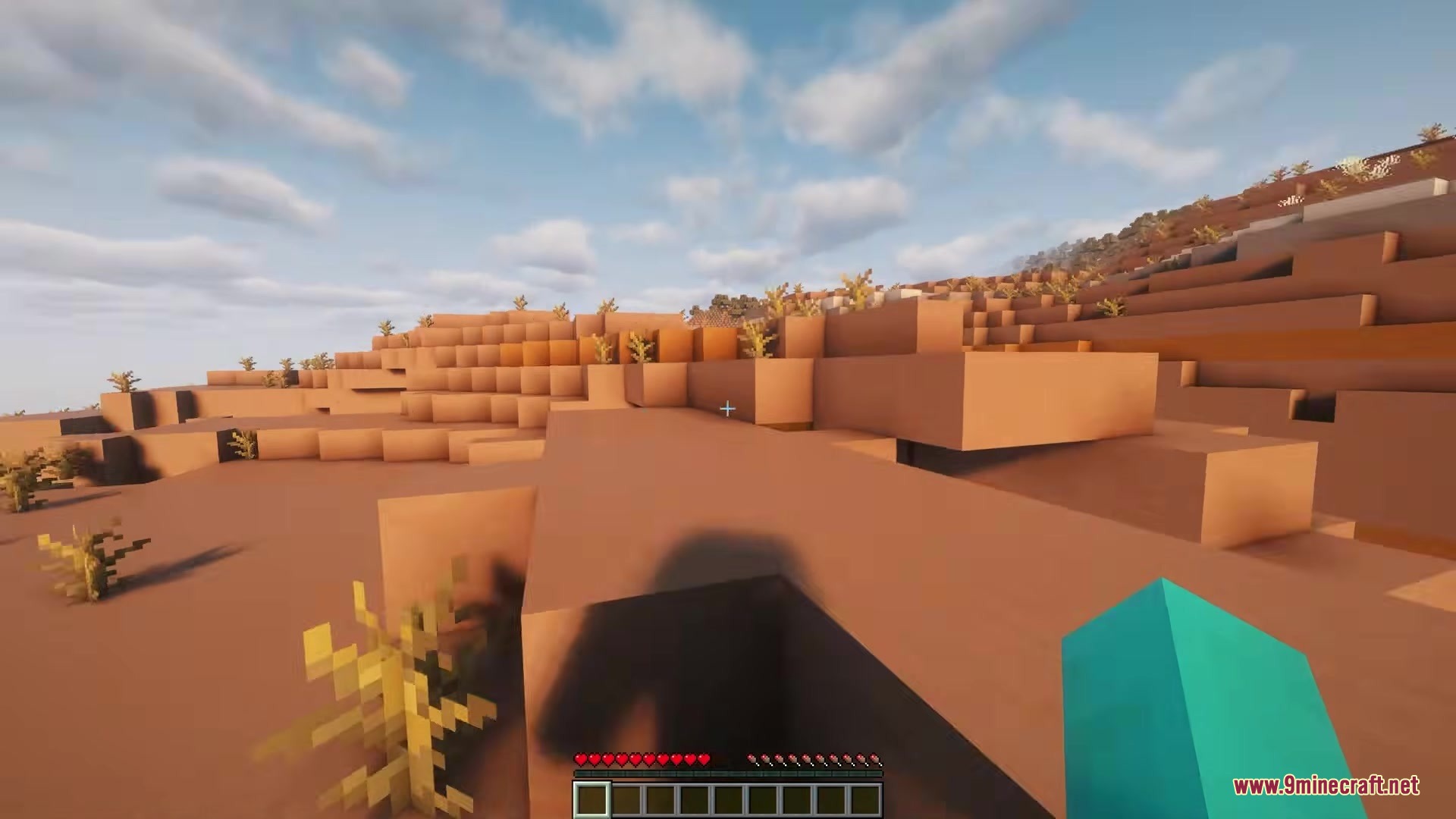
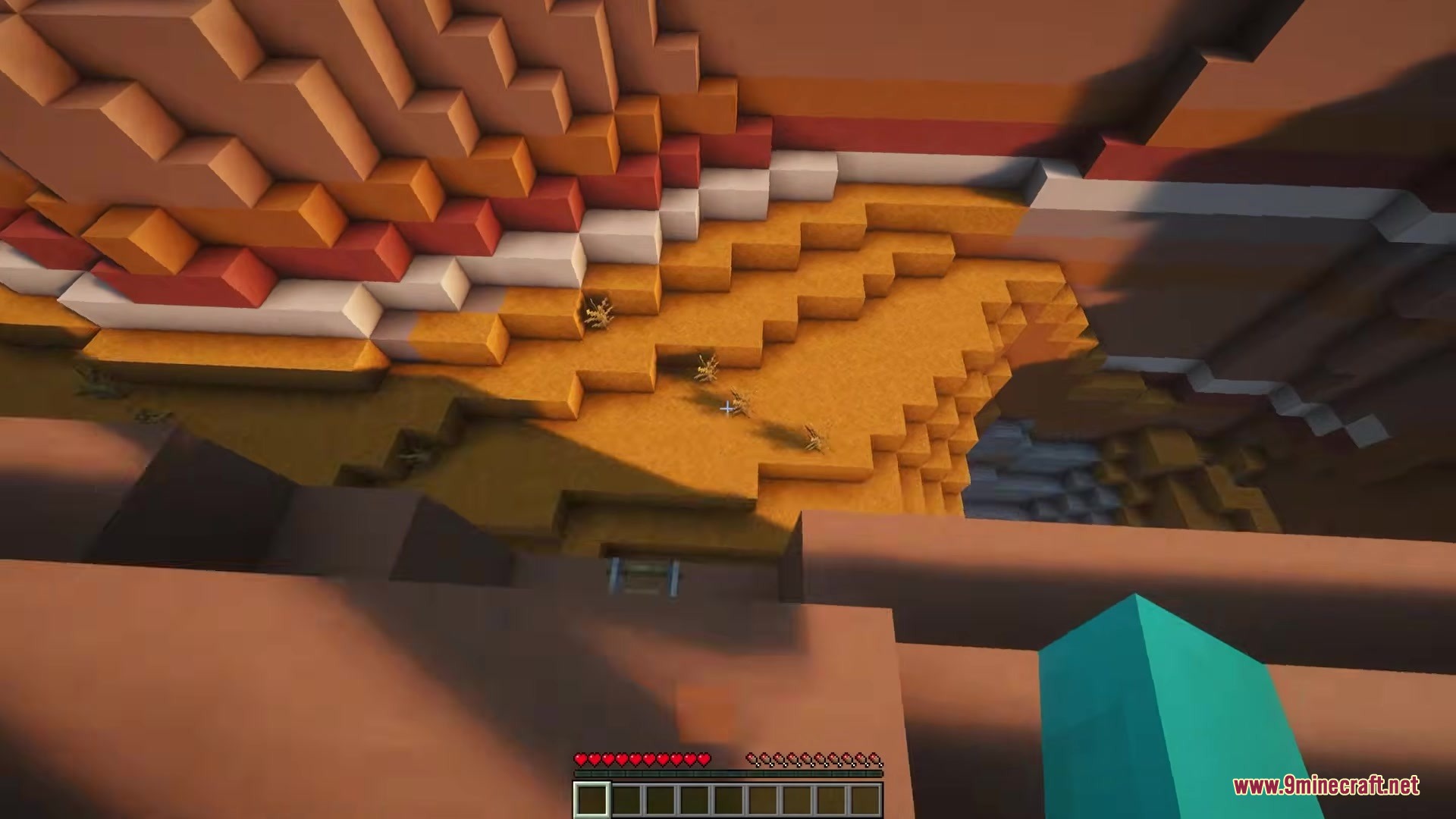
- Movement Tilt: Tilts your screen sideways when you walk side to side or turn around quickly.
- Jump Effects: Changes the up and down angle of your camera when you jump, fall, or walk forward and backward.
- Explosion Shakes: Shakes your whole screen when a creeper or TNT blows up near you.
- Adds a gentle swaying motion to your view when you stand still for a few seconds.
- Lets you change how strong each effect is through an in-game menu.
- Allows you to use negative numbers in the settings to flip the camera effects backwards.
Configuration:
.minecraft/config/cameraoverhaul.toml: Edit this file to change the strength of every camera movement. Set any number to0.0to turn that specific movement off.
How to Use:
- Install the required configuration mod for your game loader.
- Open your game menu and look for the mods list.
- Find this mod and click its settings button to open the config screen.
- Adjust the sliders to make the screen shake stronger or weaker to fit your play style.
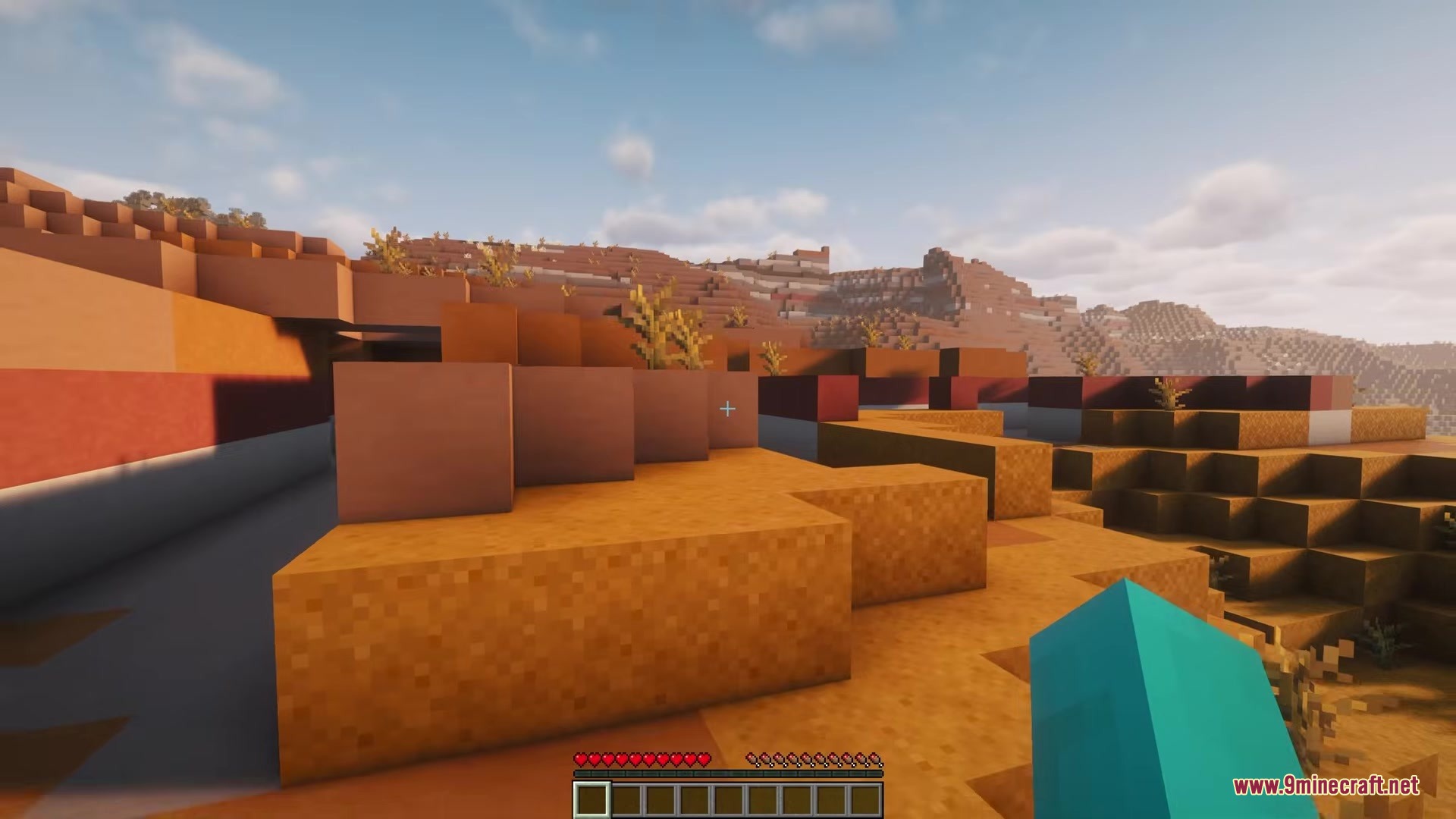
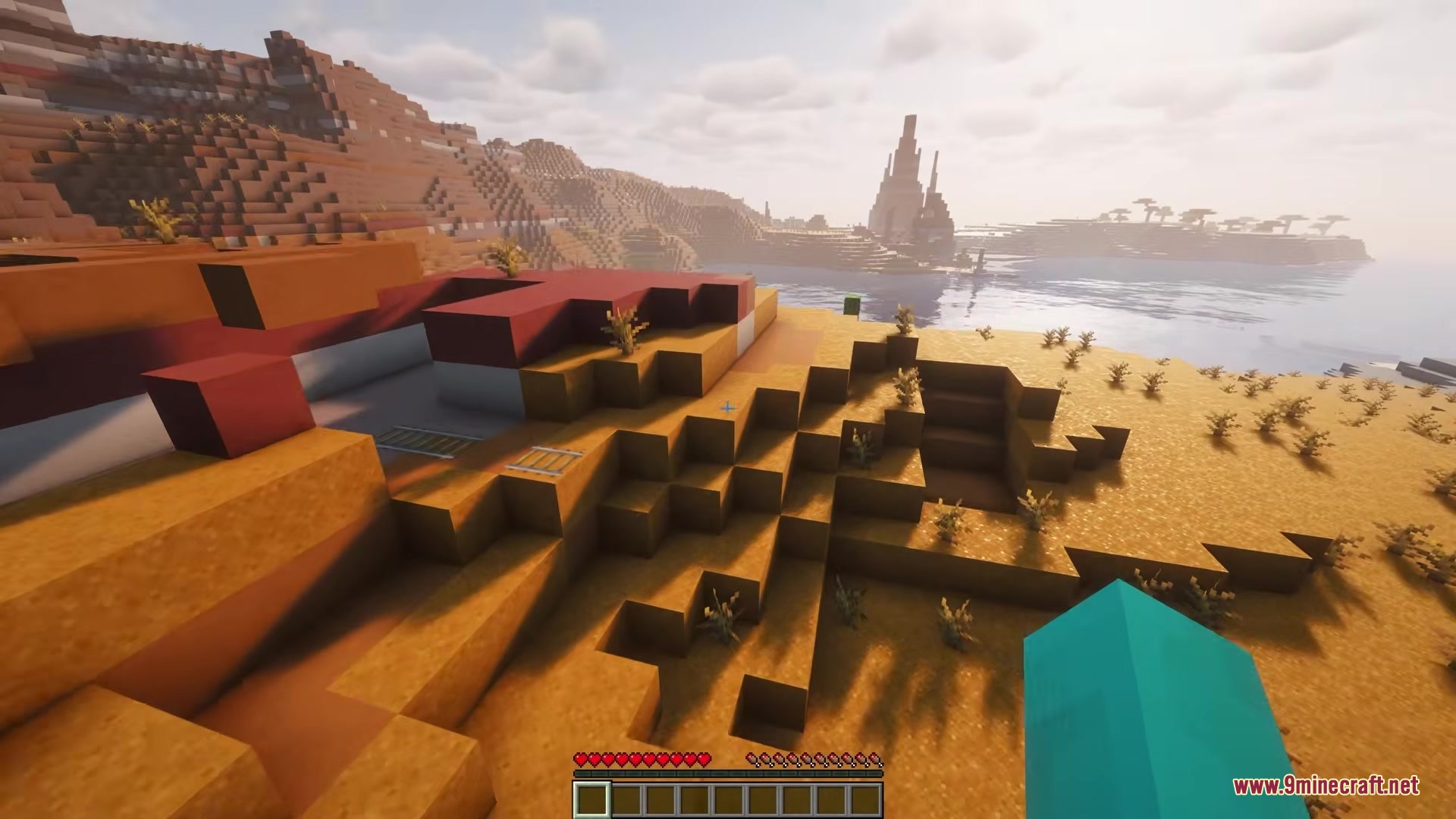
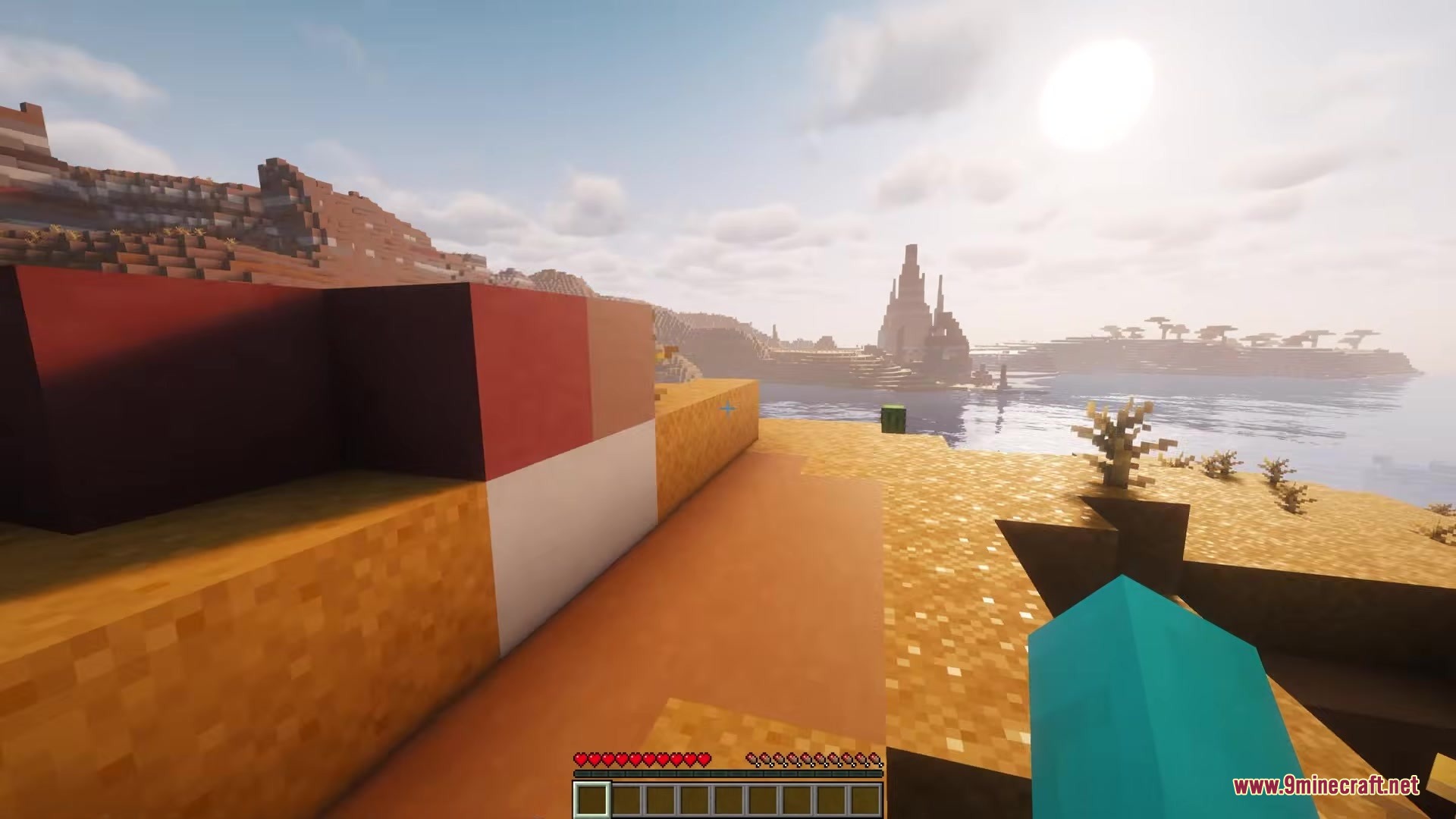
Screenshots:
How to Install:
New to Minecraft? Follow our step-by-step guide to install Mods on your PC.View Guide
Requirements:





Camera Overhaul by Mirsario Mod Download Links
For Minecraft
26.2,
26.1.2,
26.1.1
All Versions Covered
26.2
26.1.2
26.1.1
26.1
All Versions Covered
26.2
26.1.2
26.1.1
26.1
For Minecraft 1.21.11
For Minecraft 1.21.10, 1.21.9
For Minecraft
1.21.8,
1.21.7,
1.21.6
All Versions Covered
1.21.8
1.21.7
1.21.6
1.21.5
All Versions Covered
1.21.8
1.21.7
1.21.6
1.21.5
For Minecraft 1.21.4, 1.21.3, 1.21.2
For Minecraft 1.21.2, 1.21.1, 1.21
For Minecraft 1.21.1, 1.21
For Minecraft
1.20.5,
1.20.4,
1.20.3
All Versions Covered
1.20.5
1.20.4
1.20.3
1.20.2
1.20.1
1.20
All Versions Covered
1.20.5
1.20.4
1.20.3
1.20.2
1.20.1
1.20
For Minecraft 1.19.2, 1.19.1, 1.19
For Minecraft 1.18.2, 1.18.1, 1.18
For Minecraft
1.16.5,
1.16.4,
1.16.3
All Versions Covered
1.16.5
1.16.4
1.16.3
1.16.2
1.16.1
1.16
All Versions Covered
1.16.5
1.16.4
1.16.3
1.16.2
1.16.1
1.16
Click to rate this post!
[Total: 0 Average: 0]
You May Also Like






This post has no comments yet. Be the first — your comment will appear here.