


Road Weaver by Shiroha Mod (1.21.11, 1.20.1) – Auto-Generate Beautiful Paths

 0
0 

🌐 Read this article in your language! Choose your preferred language below.
Or pick the one you like:
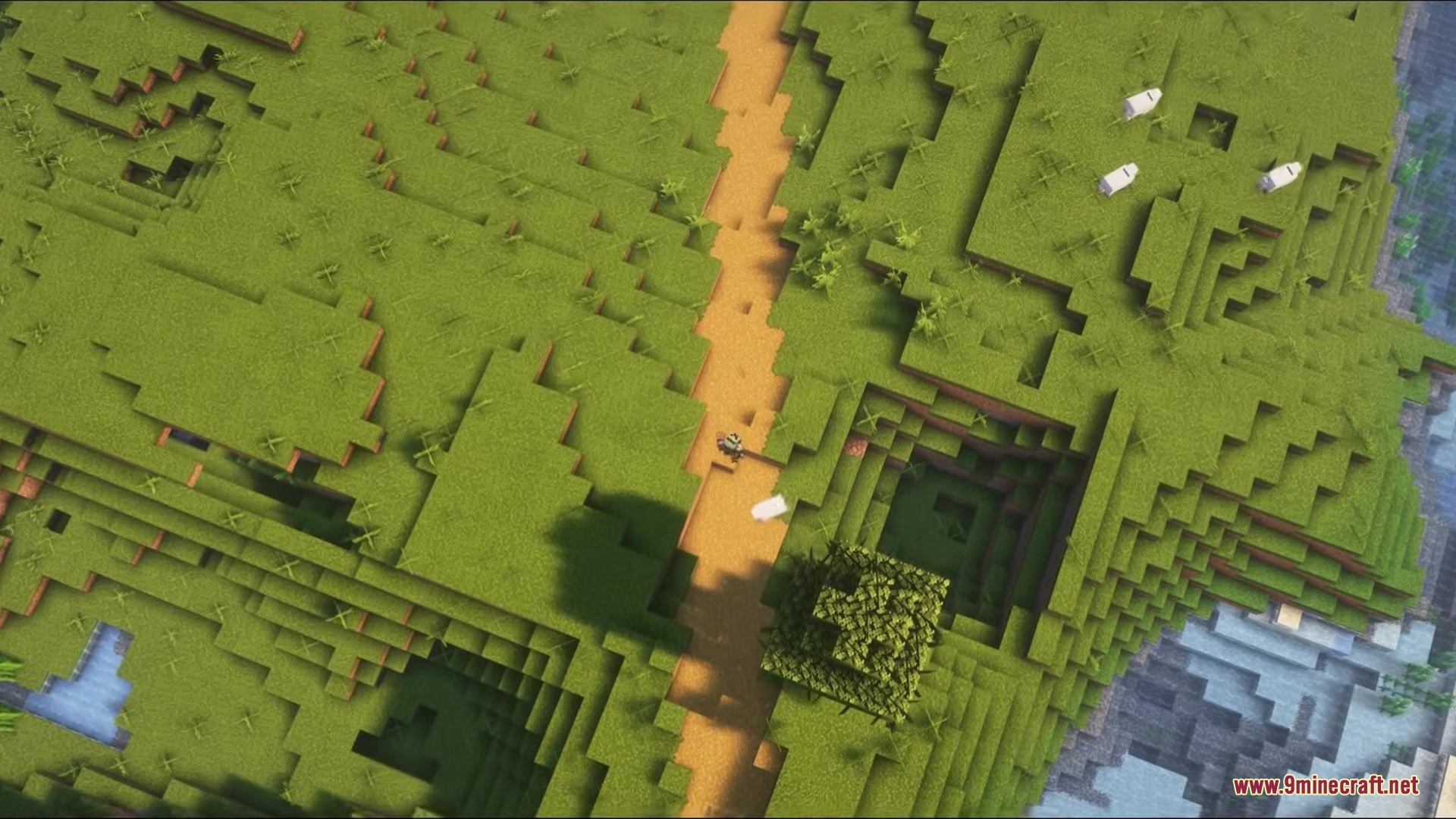
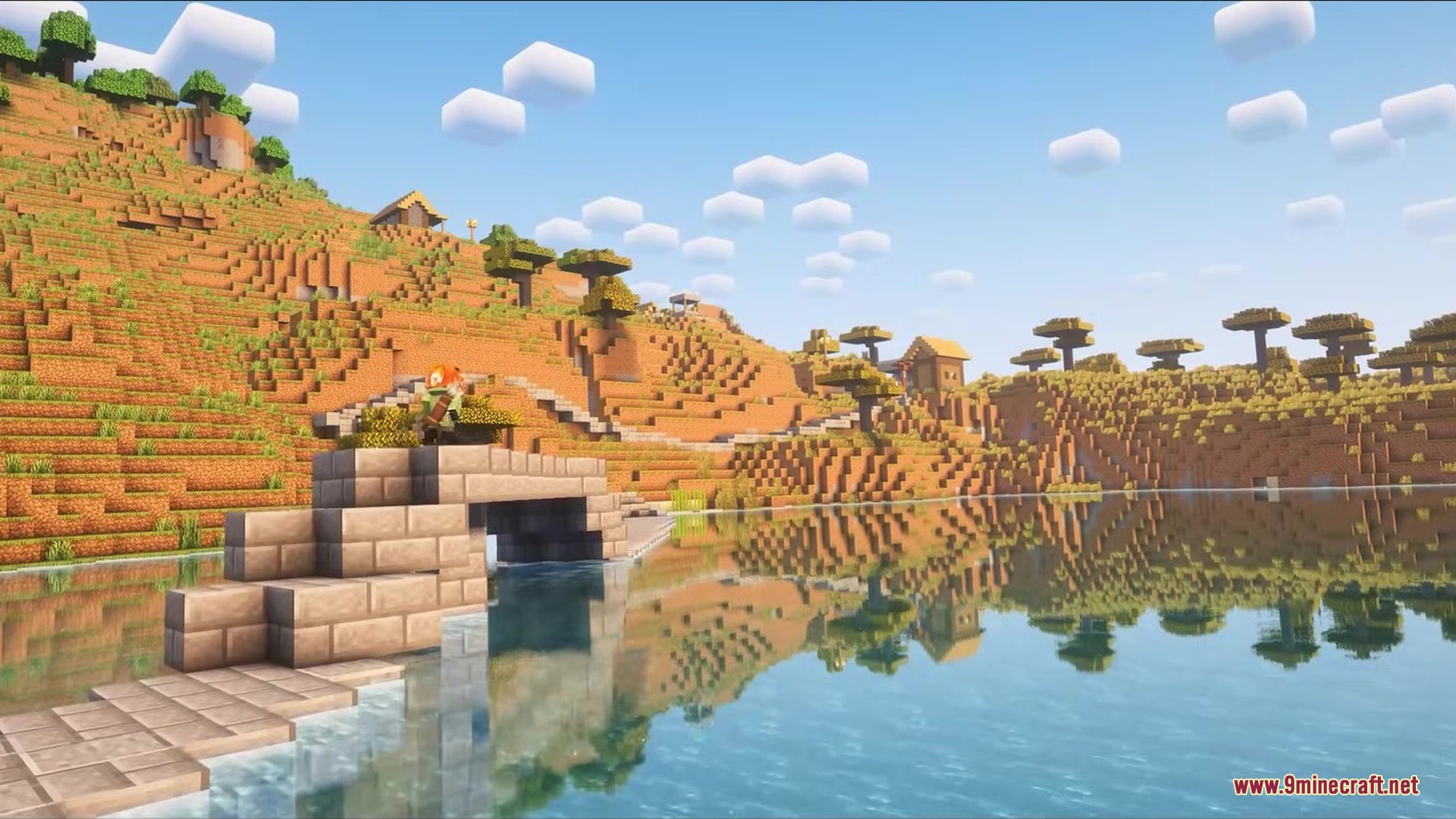
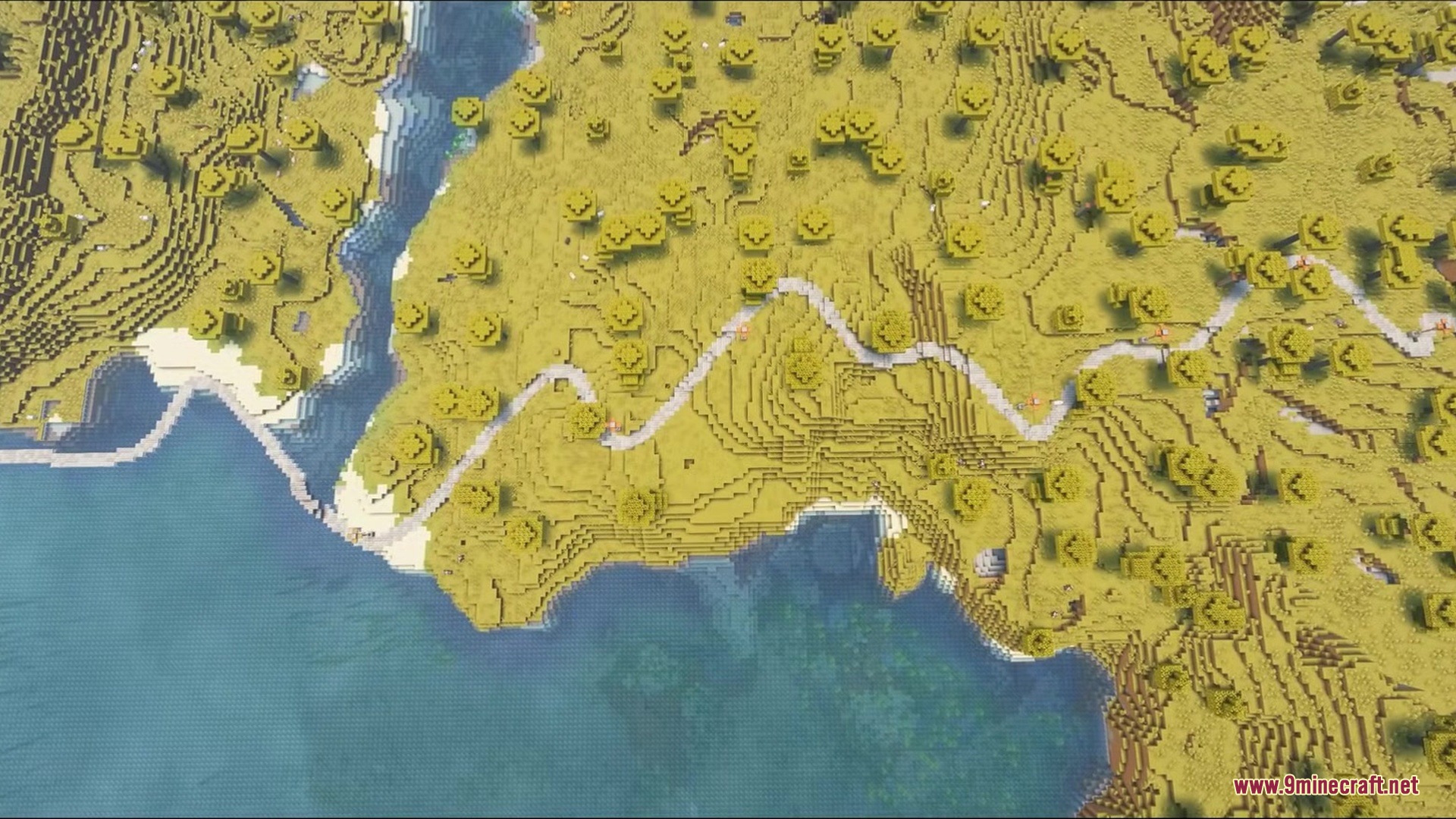
Road Weaver automatically builds beautiful paths between villages and other structures in your world. This mod saves you the trouble of making long paths by hand and makes traveling across the map much easier.

Features:
- Smart Pathfinding: The mod plans routes that avoid steep drops and dangerous areas.
- Tunnels and Bridges: It digs through mountains and builds bridges over rivers automatically.
- Smooth Curves: Paths bend naturally instead of making sharp, blocky turns.
- Generates different types of paths depending on the biome you are in.
- Cuts into the dirt or fills empty spaces under the path so it never floats in the air.
- Places slabs on hills so you can walk up without jumping.
- Decorates the sides of the path with redstone lamps that turn on at night.
- Adds helpful signposts to show you the distance to the next village.
- Spawns small rest stops with benches and campfires along the way.
- Runs in the background so it does not slow down your game while playing.
How to Use:
- Create a new world or load into an existing one.
- Wait a few moments as paths automatically generate between villages.
- Press the H key to open the map and see all the connected routes.
- Click the top right corner of the map screen to change path settings.
Screenshots:


How to Install:
New to Minecraft? Follow our step-by-step guide to install Mods on your PC.View Guide
Requirements:





Road Weaver by Shiroha Mod Download Links
For Minecraft 1.21.11
For Minecraft 1.21.1, 1.21
For Minecraft 1.20.1, 1.20
Click to rate this post!
[Total: 0 Average: 0]
You May Also Like









This post has no comments yet. Be the first — your comment will appear here.