


Skin Restorer Remoded Plugin (26.2, 1.20.1) – Bring Back Custom Skins
 8
8
 0
0


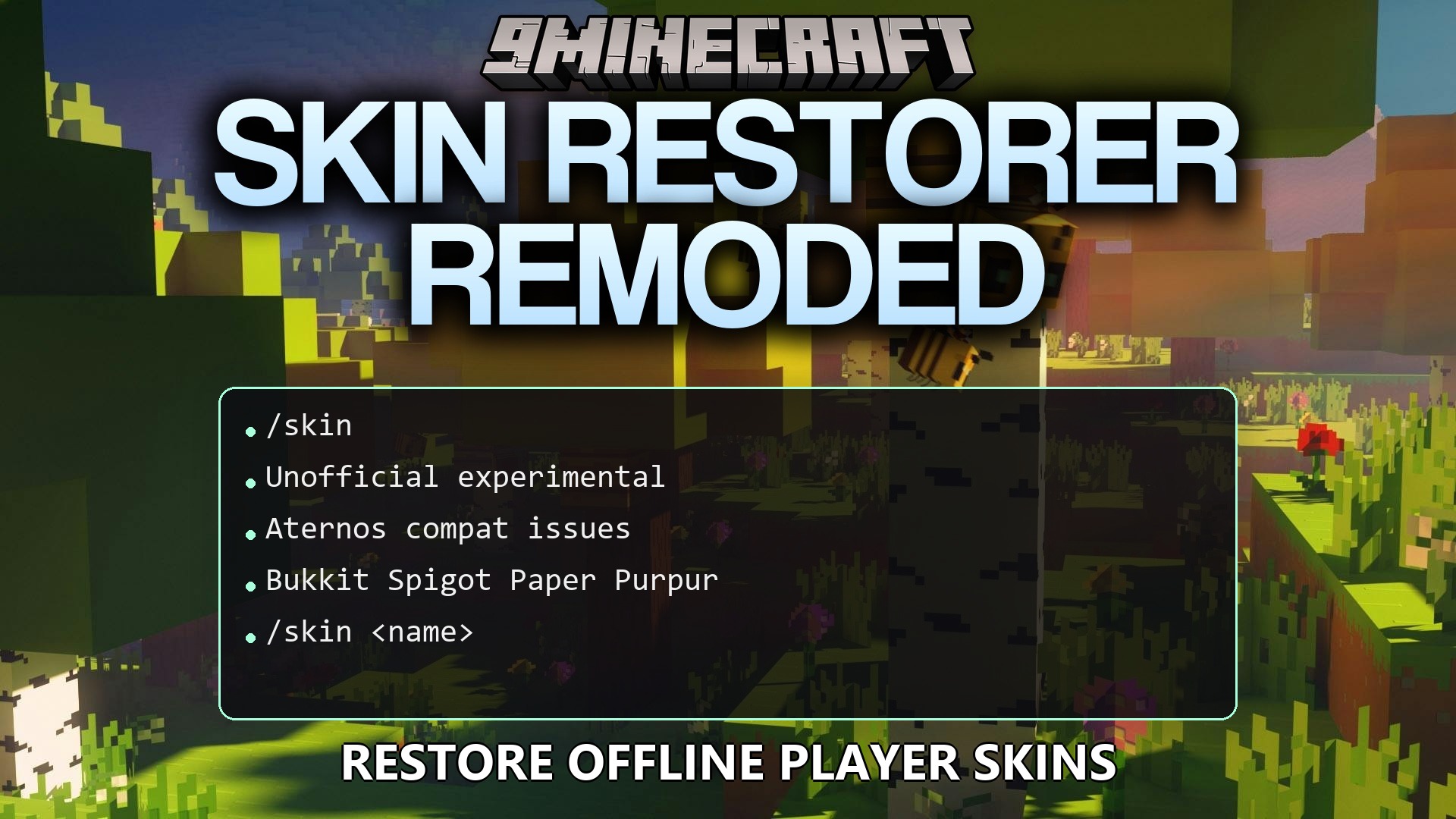
Skin Restorer Remoded Plugin fixes skin compatibility problems found in the original SkinsRestorer plugin. It brings back player skins on offline-mode Minecraft servers where custom looks usually break. The plugin runs lightly in the background so it does not slow down the game. It offers a simple way to manage player appearances when standard methods fail to load properly.
Features:
- Restores missing player skins on servers running in offline mode.
- Runs lightly in the background to keep server performance high.
- Offers a simple setup process without confusing settings.
- Improves compatibility for server hosts that struggle with normal skin plugins.
Commands:
/skin <name>: Change your current character skin to match another player./skin update: Refresh your current skin to fix visual glitches./skin clear: Reset your appearance back to the default look.
Configuration:
myskins.skin: Grants access to basic skin changing commands.myskins.admin: Unlocks administrative commands for server management.
How to Use:
- Join the server and open your chat window.
- Type the skin command followed by a name to change your appearance.
- Type the update command if your new look does not show up right away.
- Clear your skin anytime to return to the default character.
How to Install:
New to Minecraft? Follow our step-by-step guide to install Plugins on your PC.View Guide
Skin Restorer Remoded Plugin Download Links
For Minecraft
26.2,
26.1.2,
26.1.1
All Versions Covered
26.2
26.1.2
26.1.1
26.1
1.21.11
1.21.10
1.21.9
1.21.8
1.21.7
1.21.6
1.21.5
1.21.4
1.21.3
1.21.2
1.21.1
1.21
1.20.6
1.20.5
1.20.4
1.20.3
1.20.2
1.20.1
1.20
1.19.4
1.19.3
1.19.2
1.19.1
1.19
1.18.2
1.18.1
1.18
1.17
1.16
1.15
1.14
1.13
1.12
1.11
All Versions Covered
26.2
26.1.2
26.1.1
26.1
1.21.11
1.21.10
1.21.9
1.21.8
1.21.7
1.21.6
1.21.5
1.21.4
1.21.3
1.21.2
1.21.1
1.21
1.20.6
1.20.5
1.20.4
1.20.3
1.20.2
1.20.1
1.20
1.19.4
1.19.3
1.19.2
1.19.1
1.19
1.18.2
1.18.1
1.18
1.17
1.16
1.15
1.14
1.13
1.12
1.11
Click to rate this post!
[Total: 0 Average: 0]
You May Also Like








This post has no comments yet. Be the first — your comment will appear here.