


World Guard Region Protect Plugin (26.2, 1.20.1) – Keep Server Hubs Safe
 0
0
 0
0


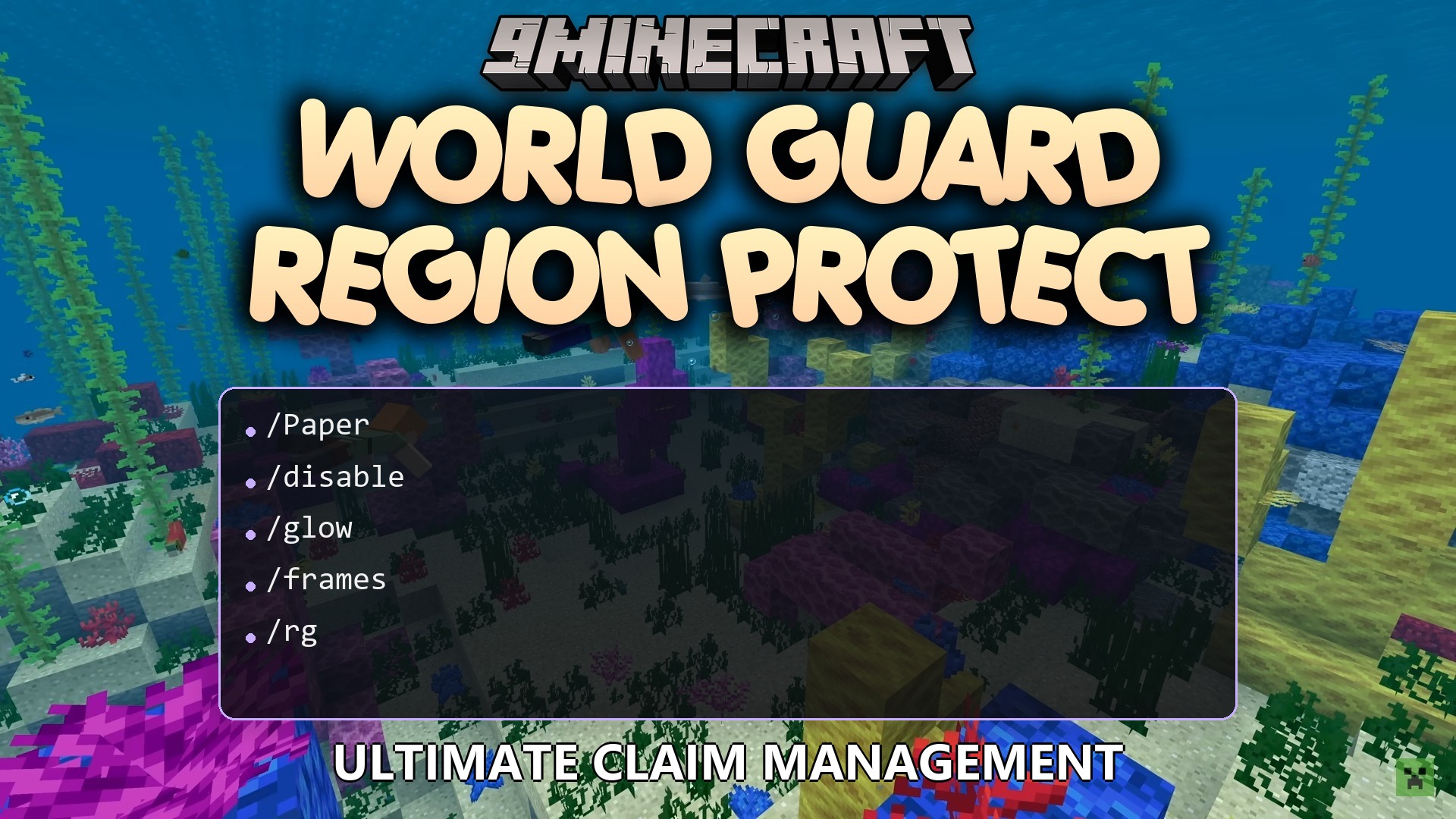
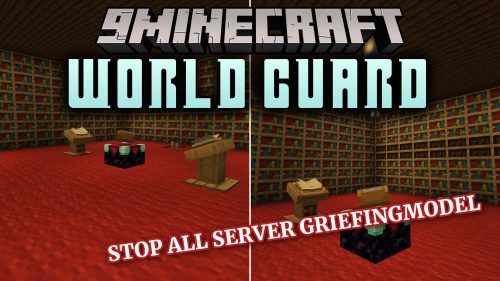
World Guard Region Protect Plugin extends WorldGuard with strict security layers for your most important server zones. It stops players and staff from breaking blocks or accidentally deleting claim flags in designated areas like server spawns. The plugin also blocks explosions from Creepers, Withers, and TNT from damaging item frames, paintings, and armor stands. Even server operators are restricted by default, keeping your primary builds completely safe from accidental edits.
Features:
- Blocks all block placing and block breaking inside protected zones.
- Stops explosions from Creepers, Ghasts, Withers, primed TNT, and End Crystals from harming builds.
- Guards item frames, glow frames, and paintings against damage from arrows, tridents, snowballs, and eggs.
- Prevents players from taking items off armor stands or damaging them.
- Disables bucket interactions such as placing water or lava in protected zones.
- Blocks dangerous commands that could delete regions or modify flags by mistake.
- Allows server owners to set special sub-zones where players can only break or place blocks.
- Sends alert notifications to staff when someone tries to run restricted editing commands in protected areas.
Commands:
/wgrp help: Lists all available plugin commands./wgrp about: Displays helpful details about the plugin./wgrp reload: Reloads the configuration file and language settings./wgrp addregion [region] [world]: Adds a WorldGuard zone to the protection list./wgrp removeregion [region] [world]: Removes a zone from the protection list.
Configuration:
wgrp.command.wgrpbase: Grants access to the main plugin command.wgrp.command.reload: Allows reloading the configuration and message files.wgrp.command.spy: Sends alerts when players attempt to break or place blocks in protected zones.wgrp.regionprotect: Gives bypass access to build inside protected zones.wgrp.notify.admin: Alerts staff when someone attempts to use editing commands in protected zones.wgrp.command.addregion: Allows adding new zones to the protection system.wgrp.command.removeregion: Allows removing zones from protection.
How to Use:
- Create your standard zone using WorldGuard first.
- Run
/wgrp addregion [region] [world]in chat or console to add high-level protection to that area. - Assign the
wgrp.regionprotectpermission to trusted builders who need build access. - Use
/wgrp reloadafter editing any message or config values.
How to Install:
New to Minecraft? Follow our step-by-step guide to install Plugins on your PC.View Guide
Requirements:

World Guard Region Protect Plugin Download Links
For Minecraft
26.2,
26.1.2,
26.1.1
All Versions Covered
26.2
26.1.2
26.1.1
26.1
All Versions Covered
26.2
26.1.2
26.1.1
26.1
For Minecraft
1.21.11,
1.21.10,
1.21.9
All Versions Covered
1.21.11
1.21.10
1.21.9
1.21.8
1.21.7
1.21.6
1.21.5
1.21.4
1.21.3
1.21.2
1.21.1
1.21
1.20.6
1.20.5
1.20.4
1.20.3
1.20.2
1.20.1
1.20
All Versions Covered
1.21.11
1.21.10
1.21.9
1.21.8
1.21.7
1.21.6
1.21.5
1.21.4
1.21.3
1.21.2
1.21.1
1.21
1.20.6
1.20.5
1.20.4
1.20.3
1.20.2
1.20.1
1.20
For Minecraft 1.18.2, 1.18.1, 1.18
Click to rate this post!
[Total: 0 Average: 0]
You May Also Like










This post has no comments yet. Be the first — your comment will appear here.