


Wiki Renderer Mod (26.2, 1.21.11) – Export Clean Isometric Renders

 0
0 

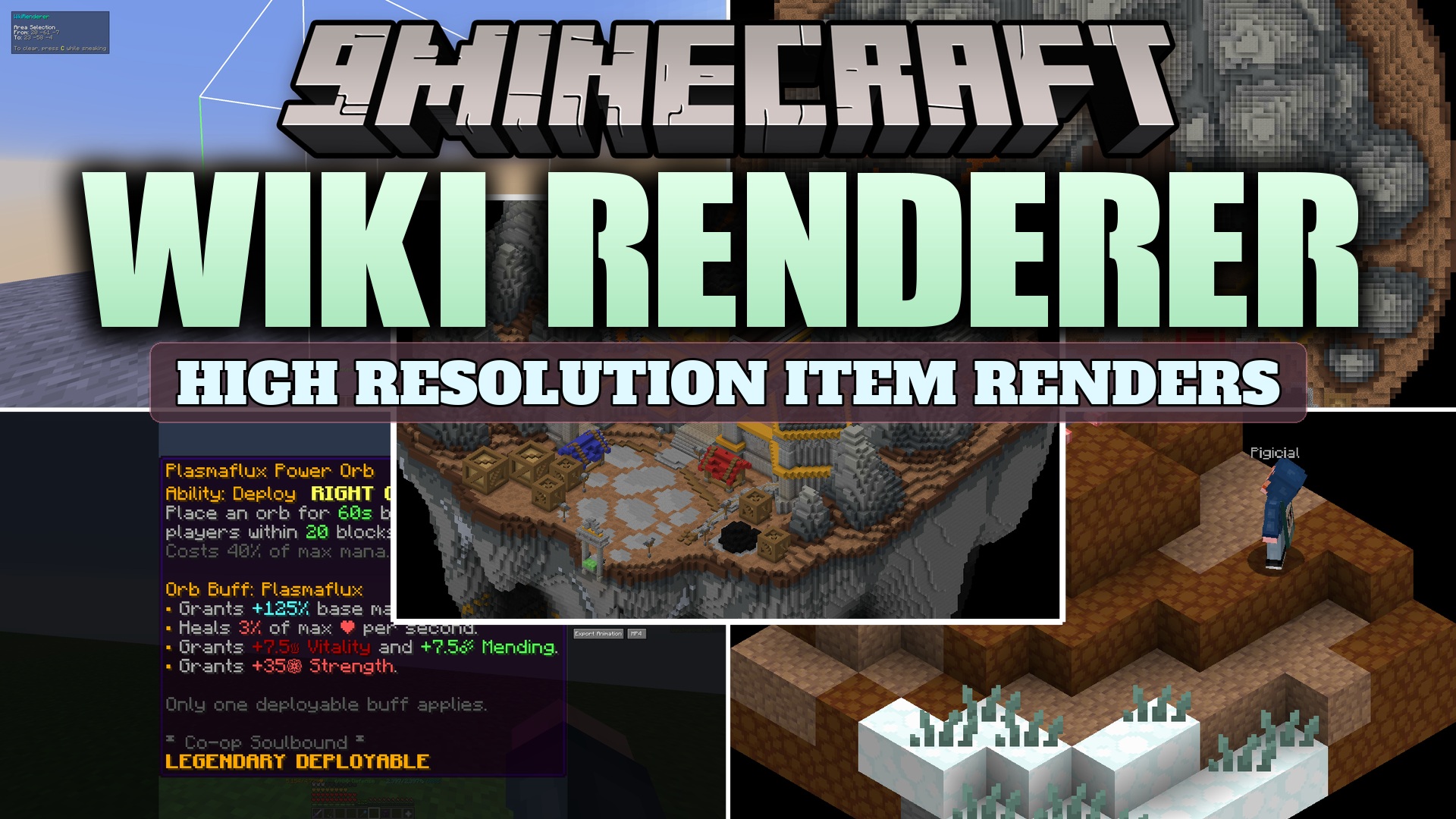
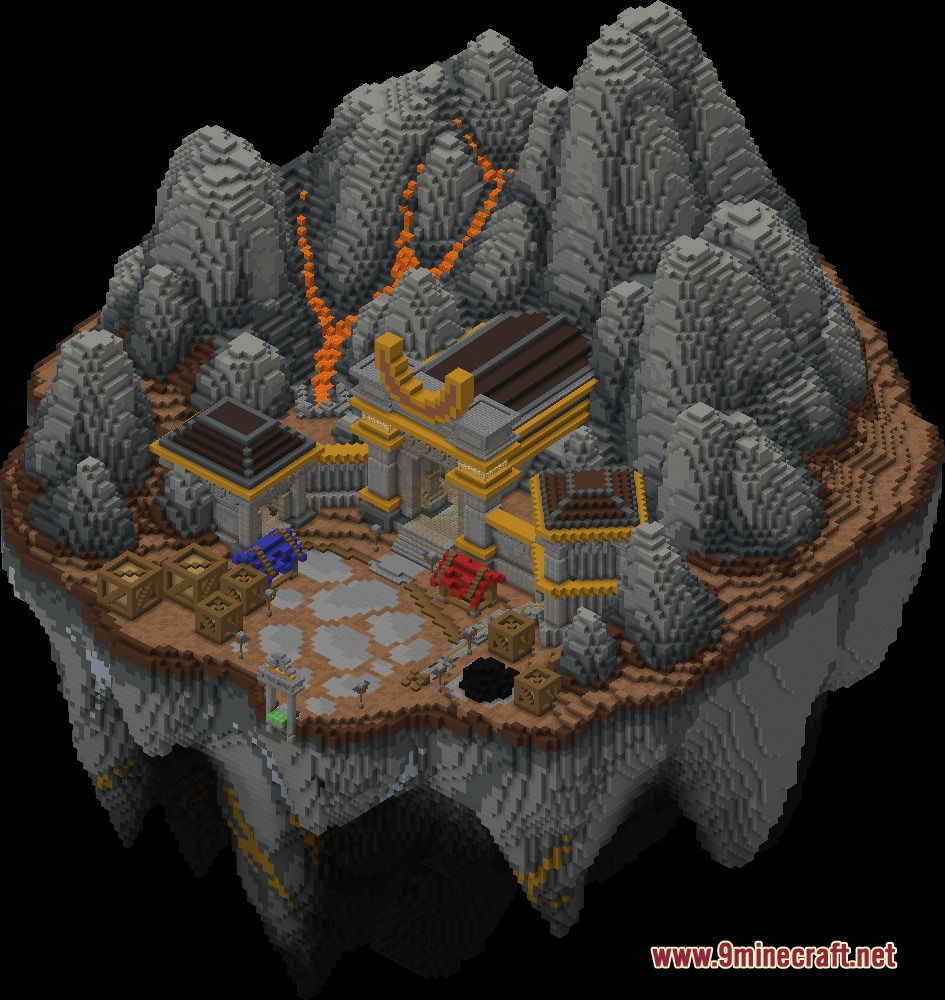
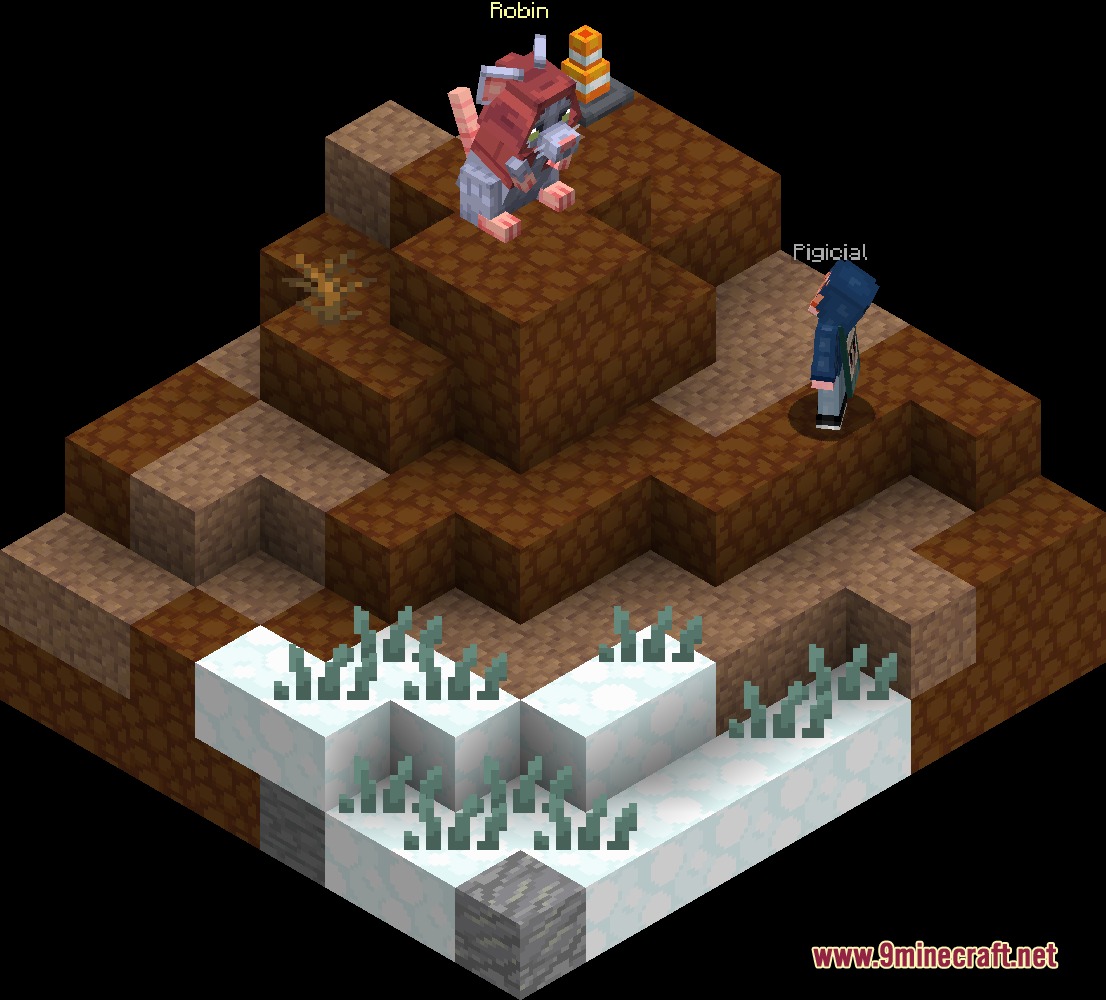
Wiki Renderer Mod extends Isometric Renders to produce clean images of blocks, items, mobs, and world builds. It adds transparent backgrounds automatically and gives you in-game menus to adjust scale, angles, and lighting before exporting. You can save still images or animations in multiple file formats like GIF, WebP, and MP4. The mod also includes special features for game wikis, such as player head texture extraction, minimap generation, and batch export tools.
Features:
- Renders items, mobs, block states, tooltips, and world regions with automatic transparent backgrounds.
- Exports animations and still frames into GIF, APNG, WebP, and MP4 file formats.
- Batch exports groups of items, mobs, tooltips, or blocks in a single operation.
- Lets you adjust scale, camera angles, positioning, and lighting directly inside an in-game interface.
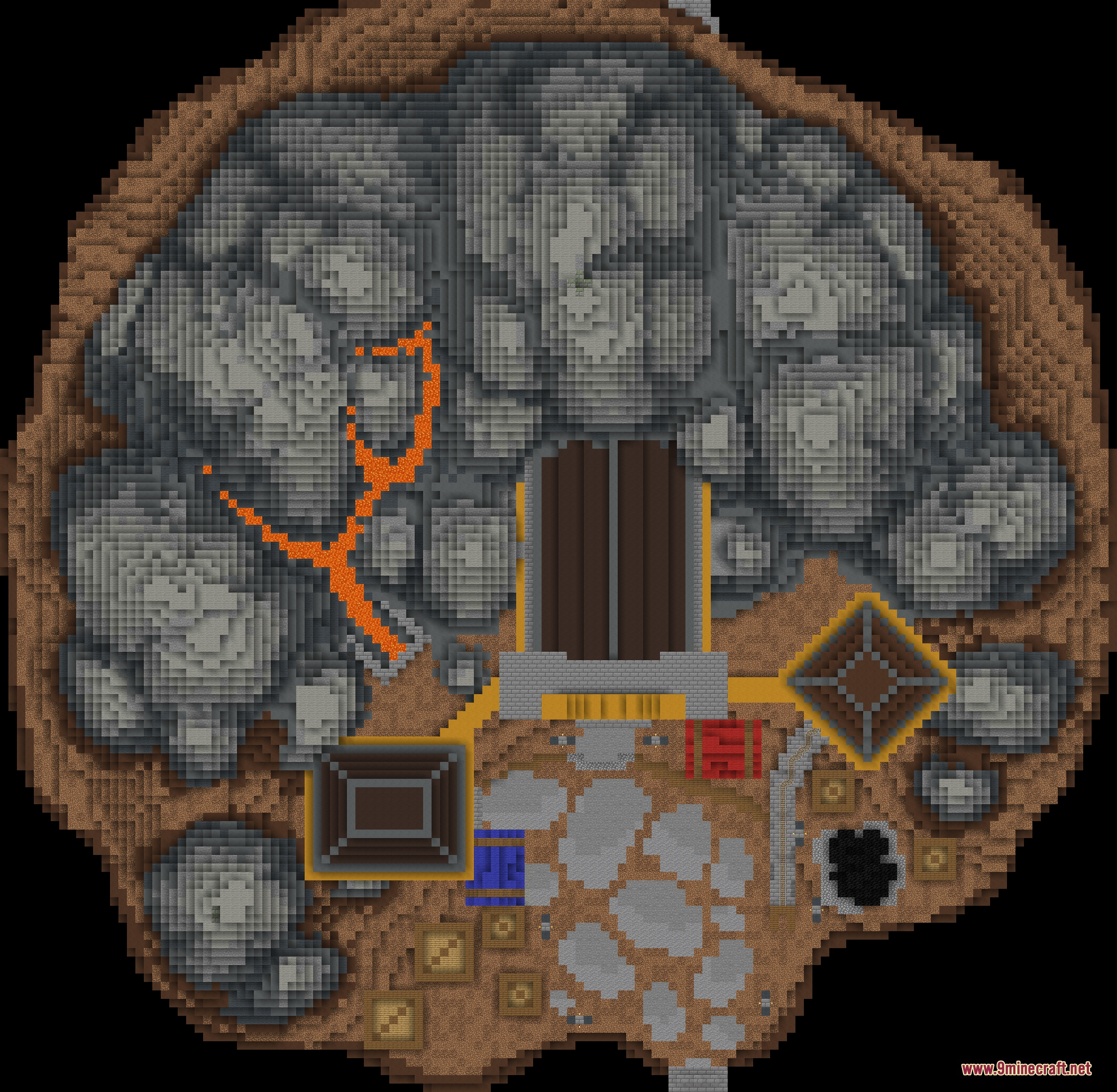
- Generates top-down and side-view minimap images with adjustable resolution scaling, including cave mode for underground tunnels.
- Captures pixel-accurate map art and item frame arrangements with original color data and brightness.
- Extracts raw skin and texture data from rendered player heads, player skins, and equipped gear.
- Speeds up enchantment glint cycles to create shorter, smooth animation loops.
- Supports live mob posing, frozen arm positions, and armor visibility toggles.
Commands:
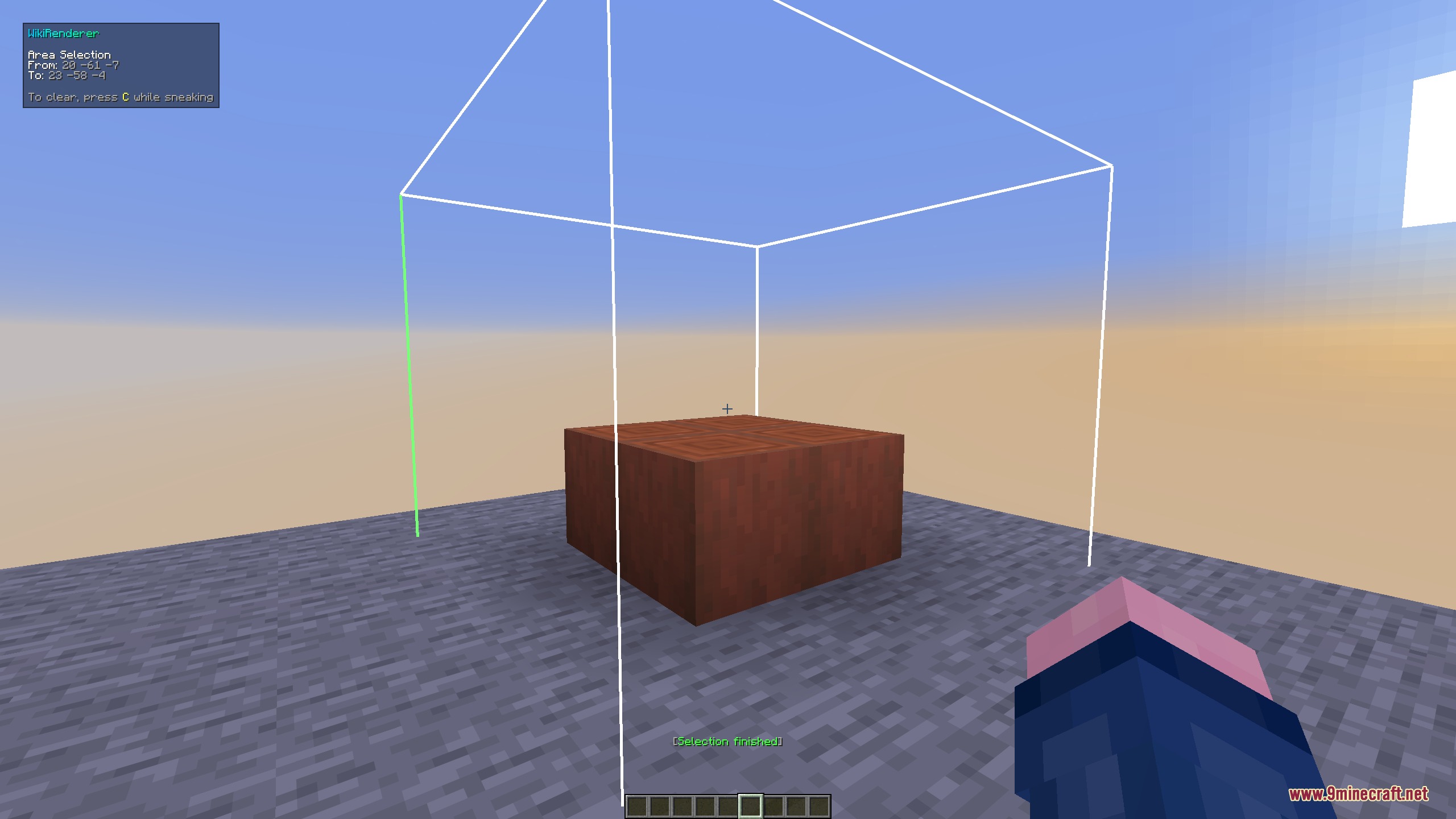
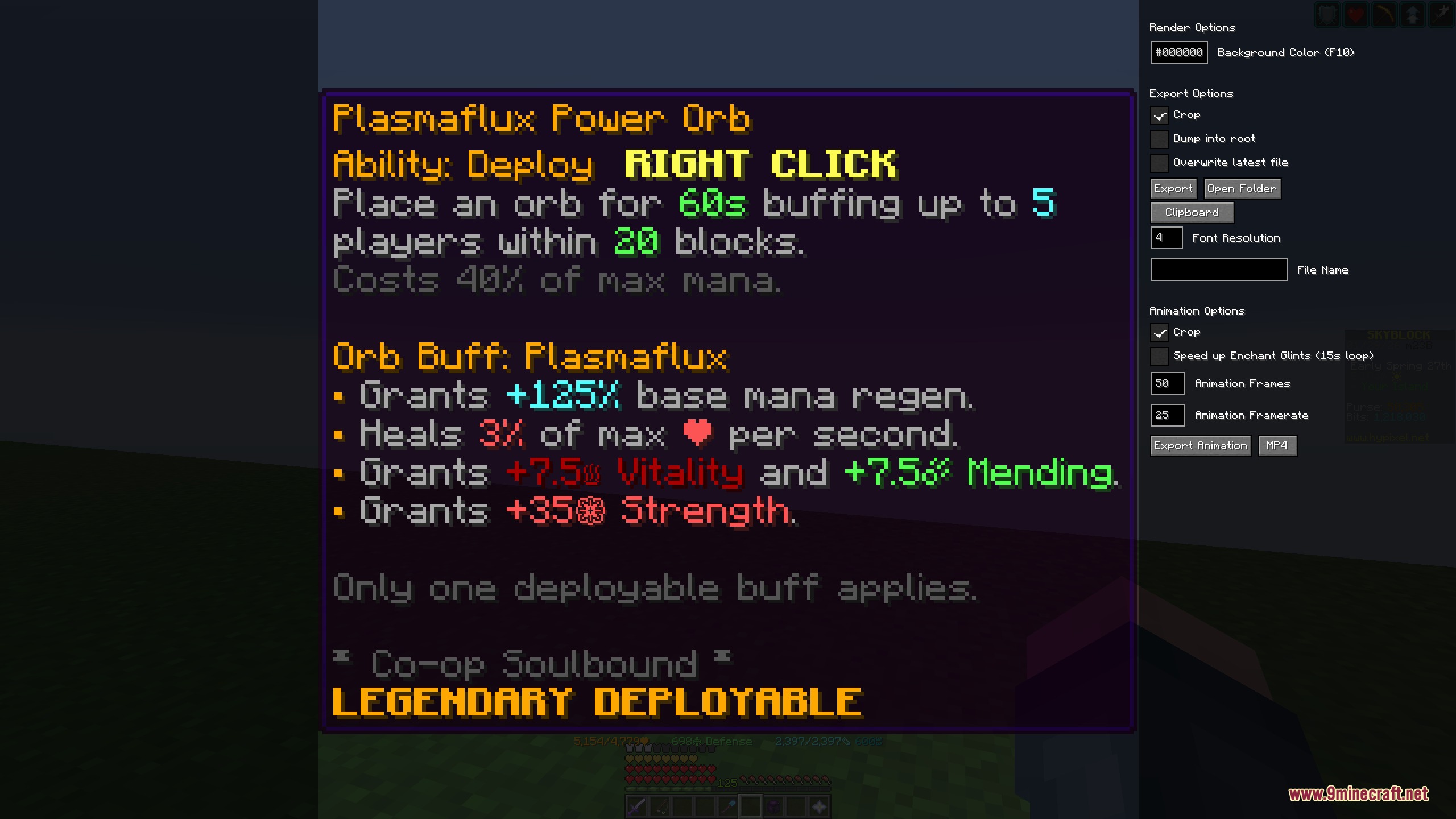
/wikirender: Opens the main rendering interface./wikirender item: Renders the item currently held in your main hand./wikirender item id <item>: Renders a specific item based on its registry name./wikirender item texture <texture>: Renders a player head using a texture ID or base64 string./wikirender area: Renders the region between two selected coordinates./wikirender area pos <start> <end>: Renders a world box defined by exact coordinate positions./wikirender area island <chunk_size> <distance_limit>: Scans and renders nearby connected island terrain automatically./wikirender player: Renders your current player character model and equipped gear./wikirender entity: Renders the mob or entity you are currently looking at./wikirender entity <entity_type> <nbt>: Renders a mob type with optional custom NBT tags./wikirender block: Renders the block you are currently targeting./wikirender block <block>: Renders a specific block ID and block state./wikirender tooltip: Renders the tooltip of your currently held item./wikirender tooltip <item>: Renders the tooltip for a specified item ID.
How to Use:
- Target a mob or block, hold an item, or pick two points in the world.
- Press H while hovering over an inventory item or looking at a mob to quickly open its render menu.
- Press C to select area points in the world, or press K to render an item tooltip.
- Type
/wikirenderwith your target category in chat to open the adjustment interface. - Adjust rotation, lighting, scale, and animation timings inside the menu screen.
- Select your output format and click the export button to save the render file.
Screenshots:
How to Install:
New to Minecraft? Follow our step-by-step guide to install Mods on your PC.View Guide
Requirements:


Wiki Renderer Mod Download Links
For Minecraft 26.2
For Minecraft 26.1.2, 26.1.1, 26.1
For Minecraft 1.21.11
Click to rate this post!
[Total: 0 Average: 0]
You May Also Like


This post has no comments yet. Be the first — your comment will appear here.