


Player’s Head Drop Plugin (26.2, 1.21.1) – Turn PvP Rivalries Into Collectible

 0
0 

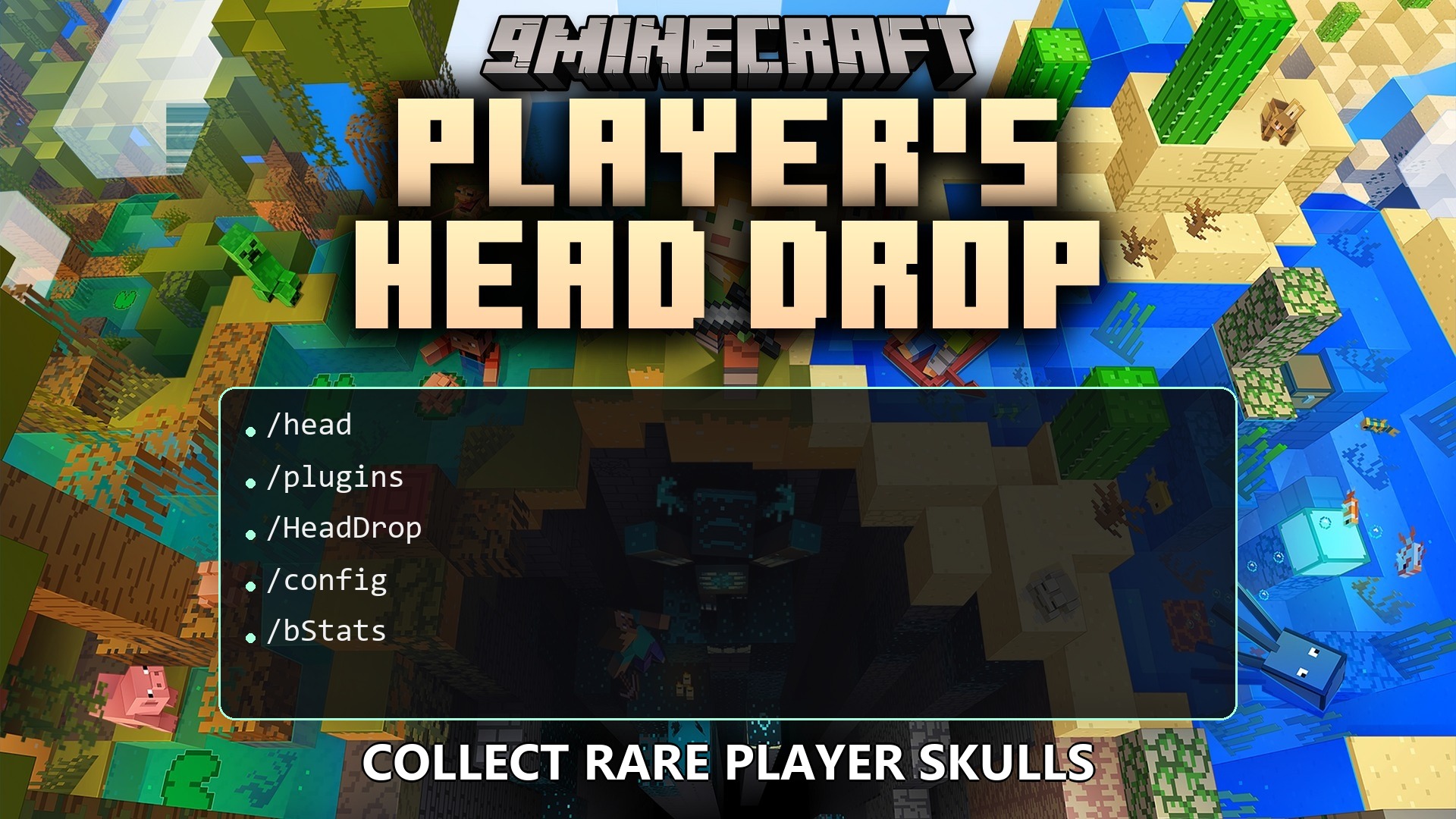
Player’s Head Drop Plugin drops player heads when someone dies on your server. It turns defeats into trophies with custom item lore, glowing outlines, and fun particle bursts. Players can browse drop statistics through an interactive menu to see who lost the most heads in battle.
Features:
- Lets players drop their heads upon death during PvP combat, PvE accidents, or all death events.
- Adjusts drop chances from 0% all the way up to 100%.
- Sets drop limits per player to prevent head farming.
- Blacklists specific worlds where head drops should stay disabled.
- Stops head drops when the defeated player is invisible.
- Preserves custom head names, dates, and lore even after players place, mine, or explode them.
- Broadcasts custom chat messages across the server whenever someone loses their head.
- Plays harmless lightning strikes, custom sounds, and 7 particle patterns when a head drops.
- Outlines dropped heads in 16 glowing colors for easy visibility.
- Displays drop leaderboards, unique player counts, and skins inside a clean menu.
- Blocks head renaming inside anvils to keep trophies authentic.
Commands:
/head help: Shows the help menu with all plugin actions./head stats [player|page]: Opens the drop statistics menu./head give <headName> <player>: Gives a specific player head to someone./head reset <player>: Resets the head drop counter for a chosen player./head reload: Reloads settings without restarting the server.
How to Use:
- Defeat other players in combat to watch their heads drop onto the ground.
- Collect the head item to view details like the killer, weapon, date, and coordinates.
- Type
/head statsin chat to browse server head counts and player leaderboards. - Use
/head reloadas an operator after tweaking options in the settings file.
How to Install:
New to Minecraft? Follow our step-by-step guide to install Plugins on your PC.View Guide
Player's Head Drop Plugin Download Links
For Minecraft
26.2,
26.1.2,
26.1.1
All Versions Covered
26.2
26.1.2
26.1.1
26.1
All Versions Covered
26.2
26.1.2
26.1.1
26.1
For Minecraft
1.21.11,
1.21.10,
1.21.9
All Versions Covered
1.21.11
1.21.10
1.21.9
1.21.8
1.21.7
1.21.6
1.21.5
1.21.4
1.21.3
1.21.2
1.21.1
1.21
All Versions Covered
1.21.11
1.21.10
1.21.9
1.21.8
1.21.7
1.21.6
1.21.5
1.21.4
1.21.3
1.21.2
1.21.1
1.21
Click to rate this post!
[Total: 0 Average: 0]
You May Also Like








This post has no comments yet. Be the first — your comment will appear here.