


Limp Body Overhaul Mod (1.21.1) – Drag Fallen Player Bodies Without Physics
 3
3
 0
0

🌐 Read this article in your language! Choose your preferred language below.
Or pick the one you like:
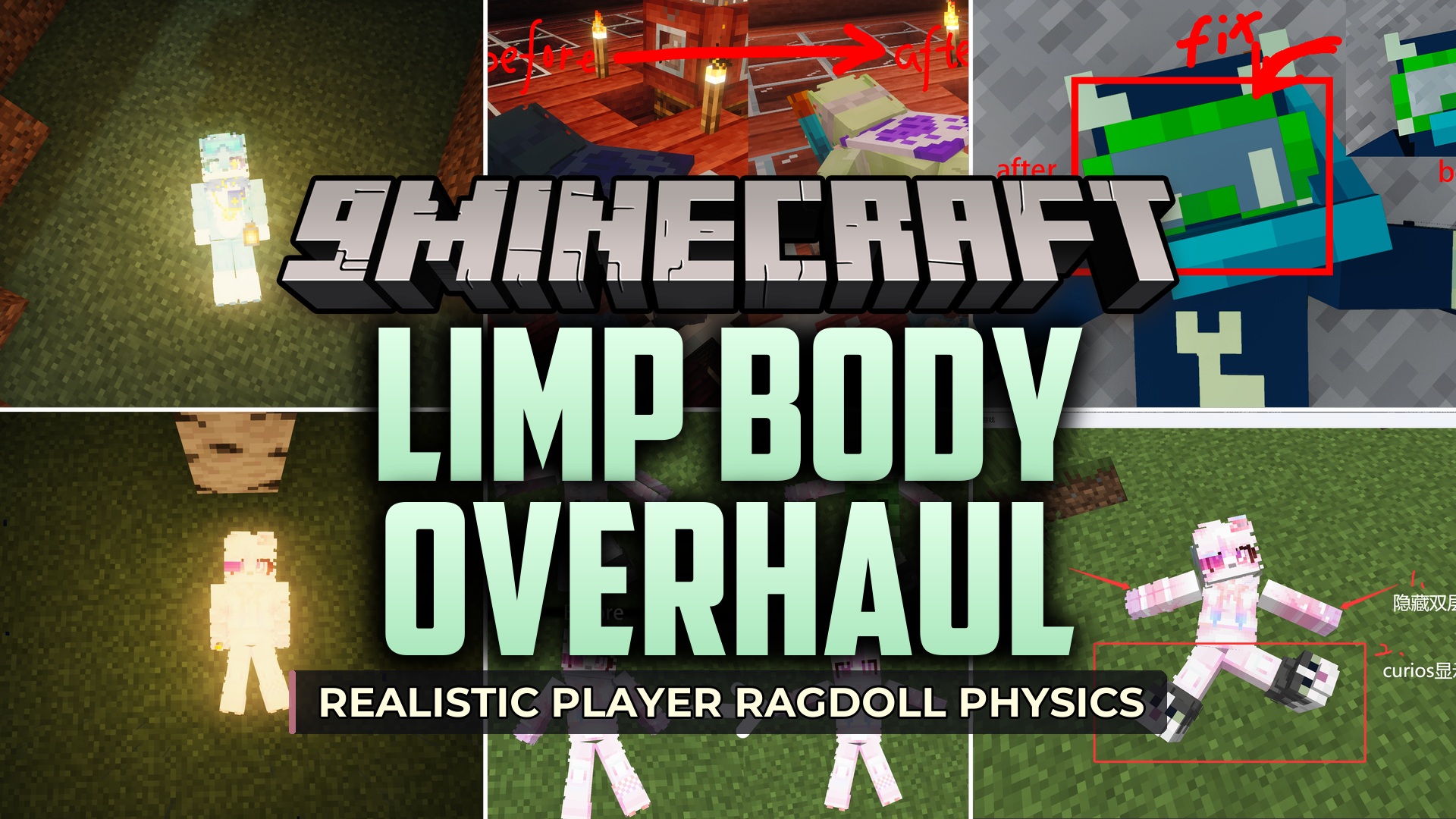
Limp Body Overhaul Mod patches visual bugs and physics glitches in Sable Player Ragdoll and Ragdoll Corpse. This mod corrects model sizing issues caused by custom player texture packs and improves interactions when dragging bodies around. It also adds proper light reception to corpses and resolves compatibility conflicts across different mods.
Features:
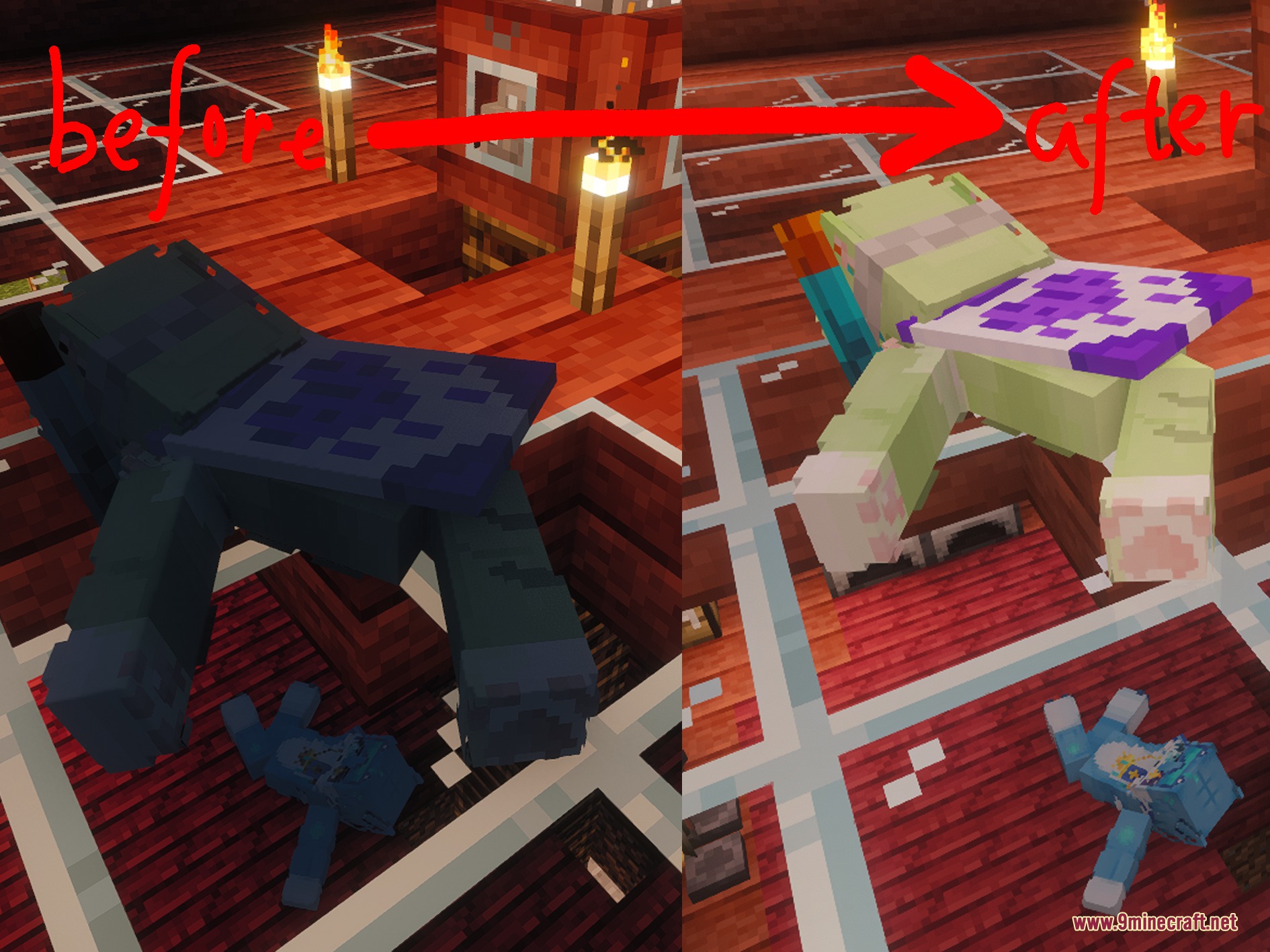
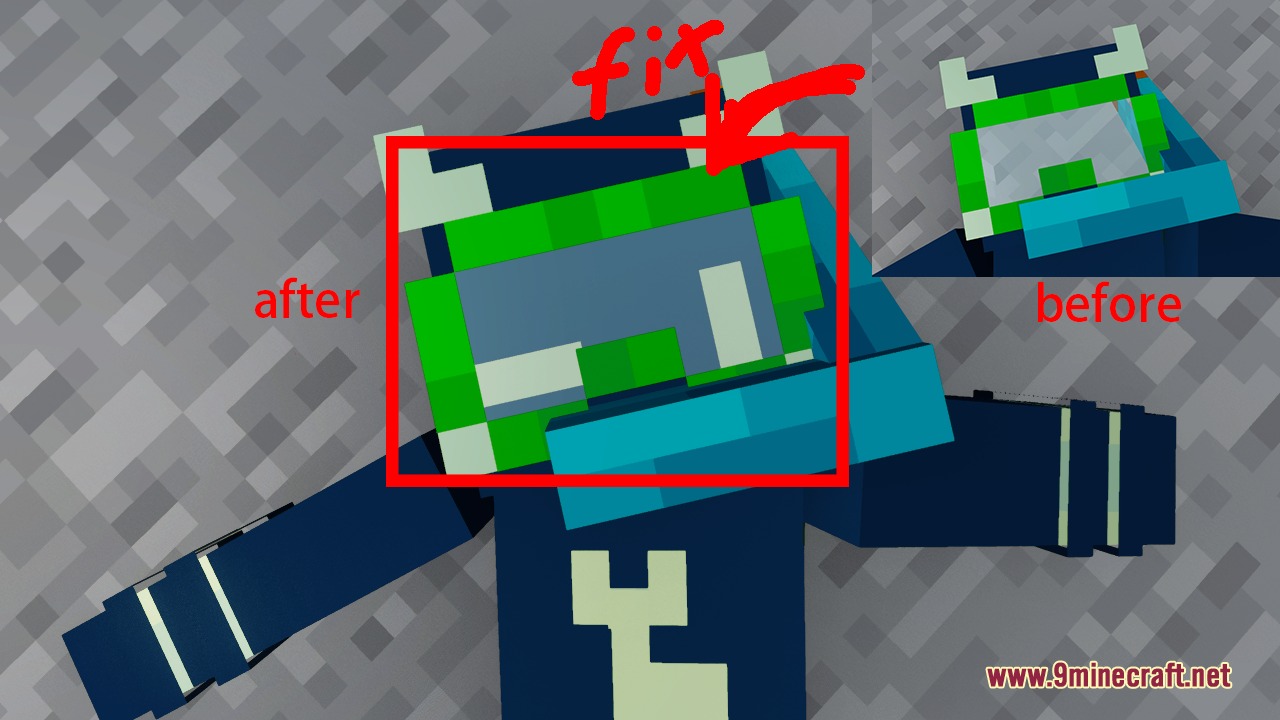
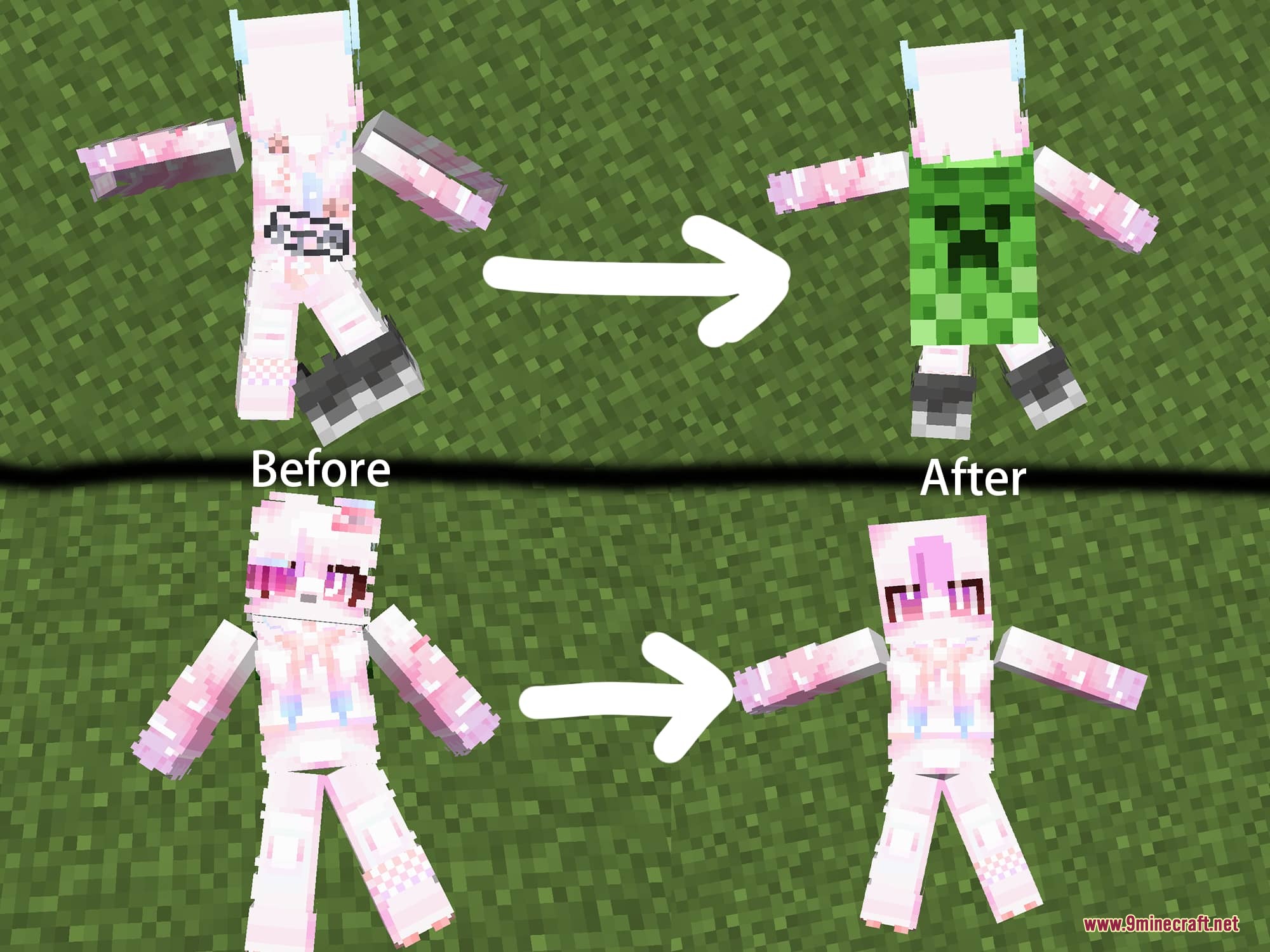
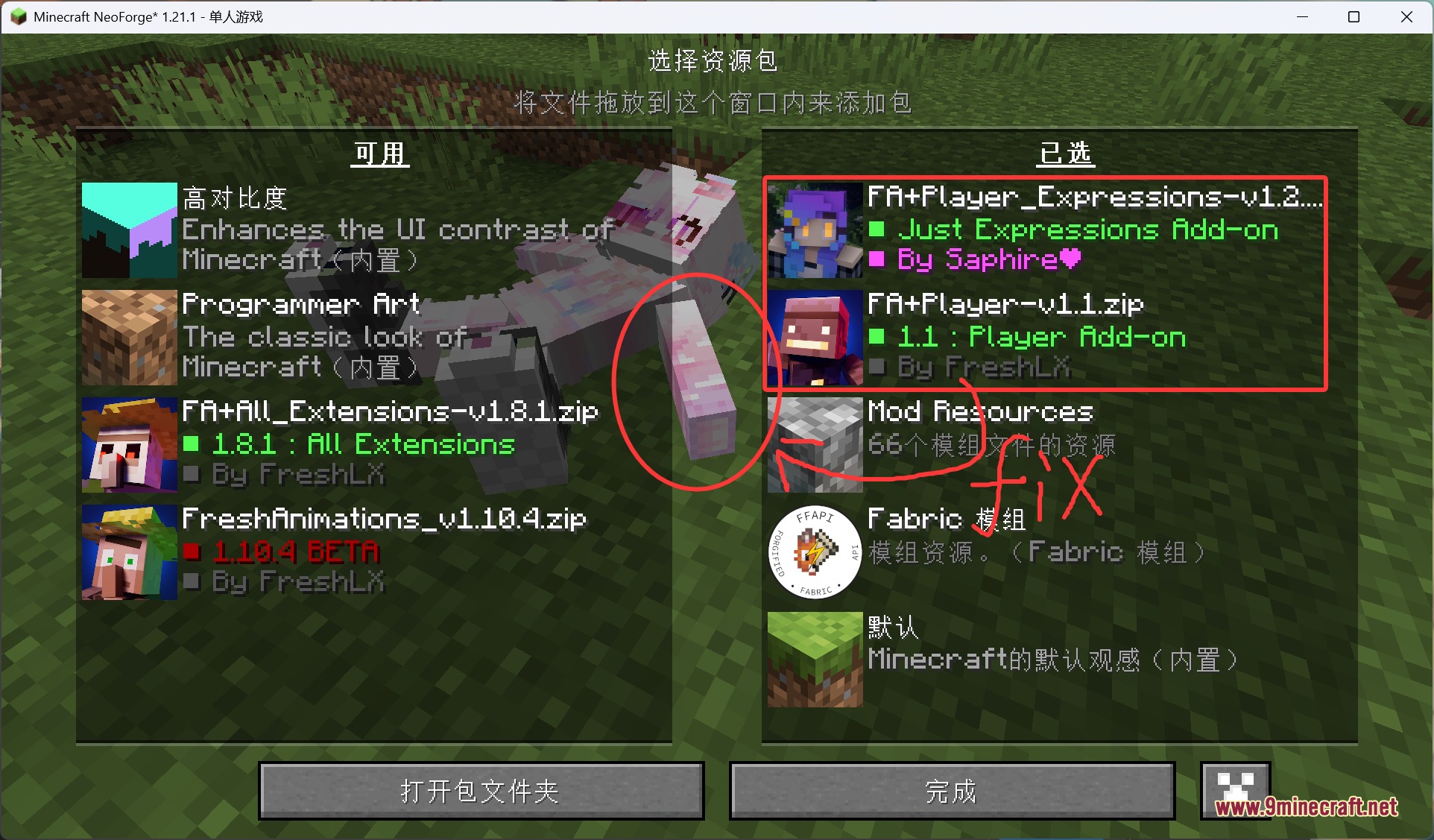
- Fixes oversized arms and broken ragdoll models caused by player expression texture packs.
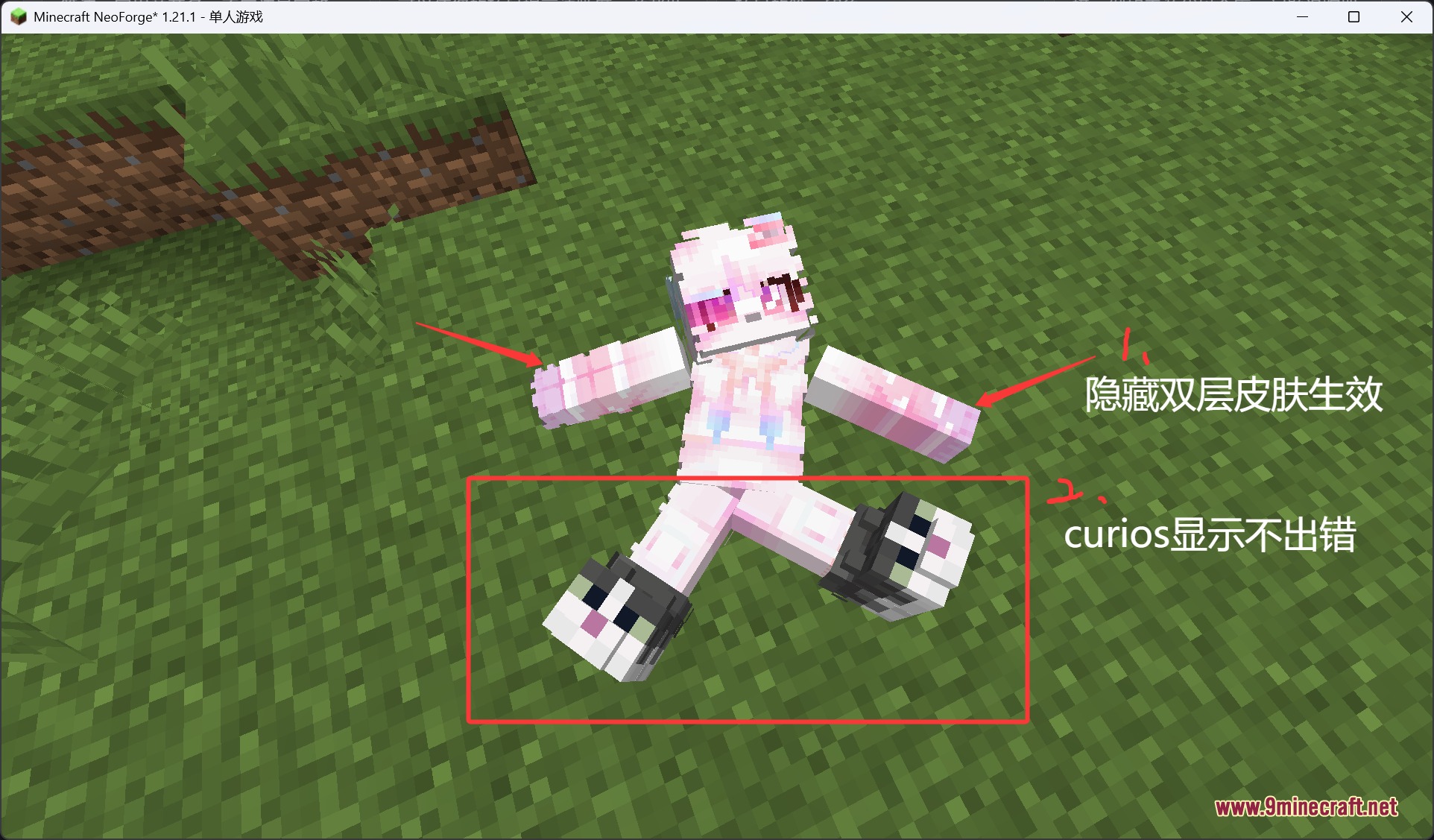
- Resolves display bugs with accessories from the Curios mod.
- Prevents accidental ragdoll inventory opening while grabbing bodies, while still letting you right-click the middle torso to open it.
- Stops bodies from accidentally opening containers like chests and furnaces when picked up.
- Prevents ragdolls from interacting with doors while you drag them.
- Disables body collision by default to prevent getting stuck on corpses.
- Keeps hidden second skin layers and capes hidden on ragdoll corpses after death.
- Fixes swimming animations triggering when standing under a body at a block edge.
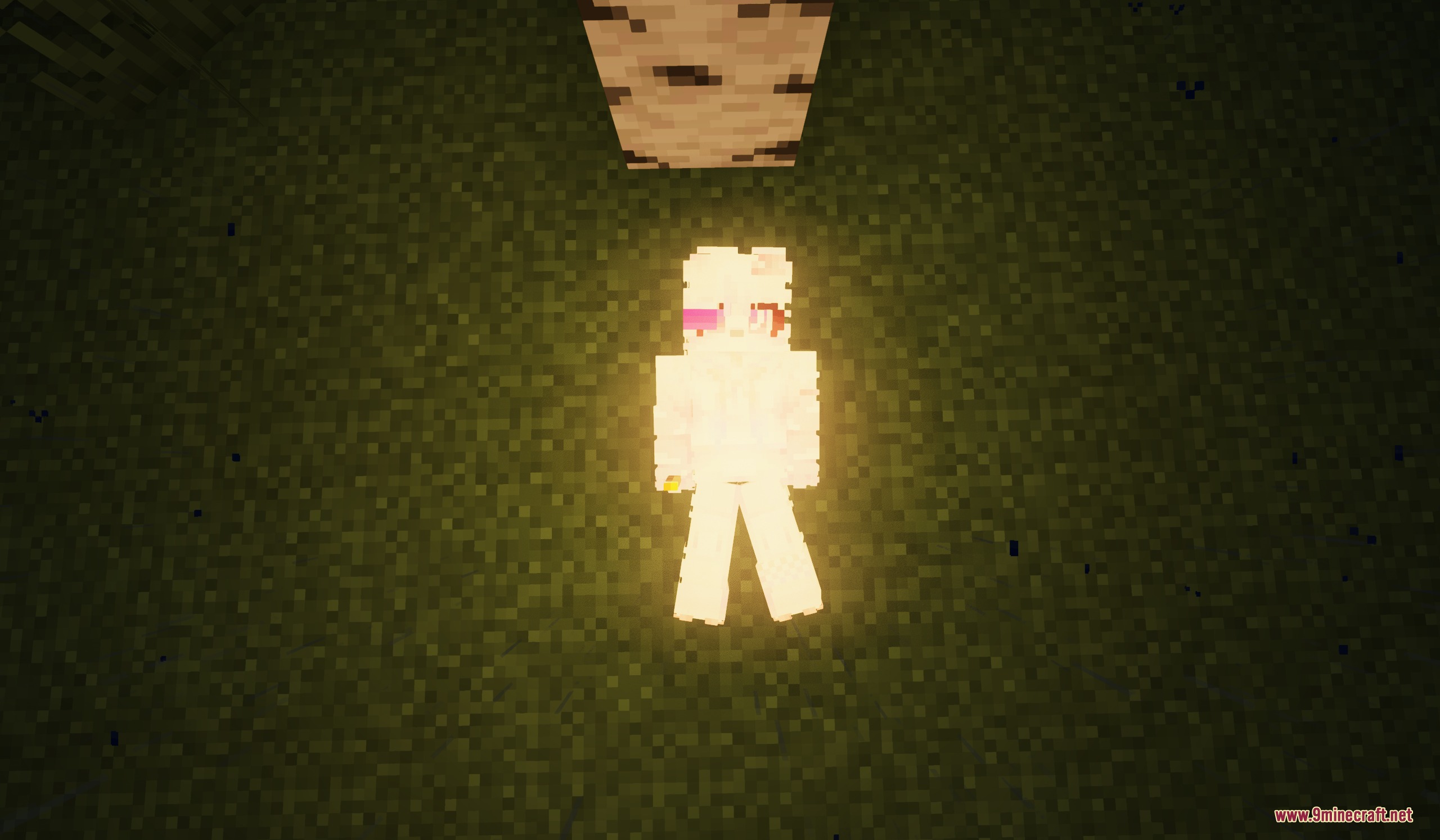
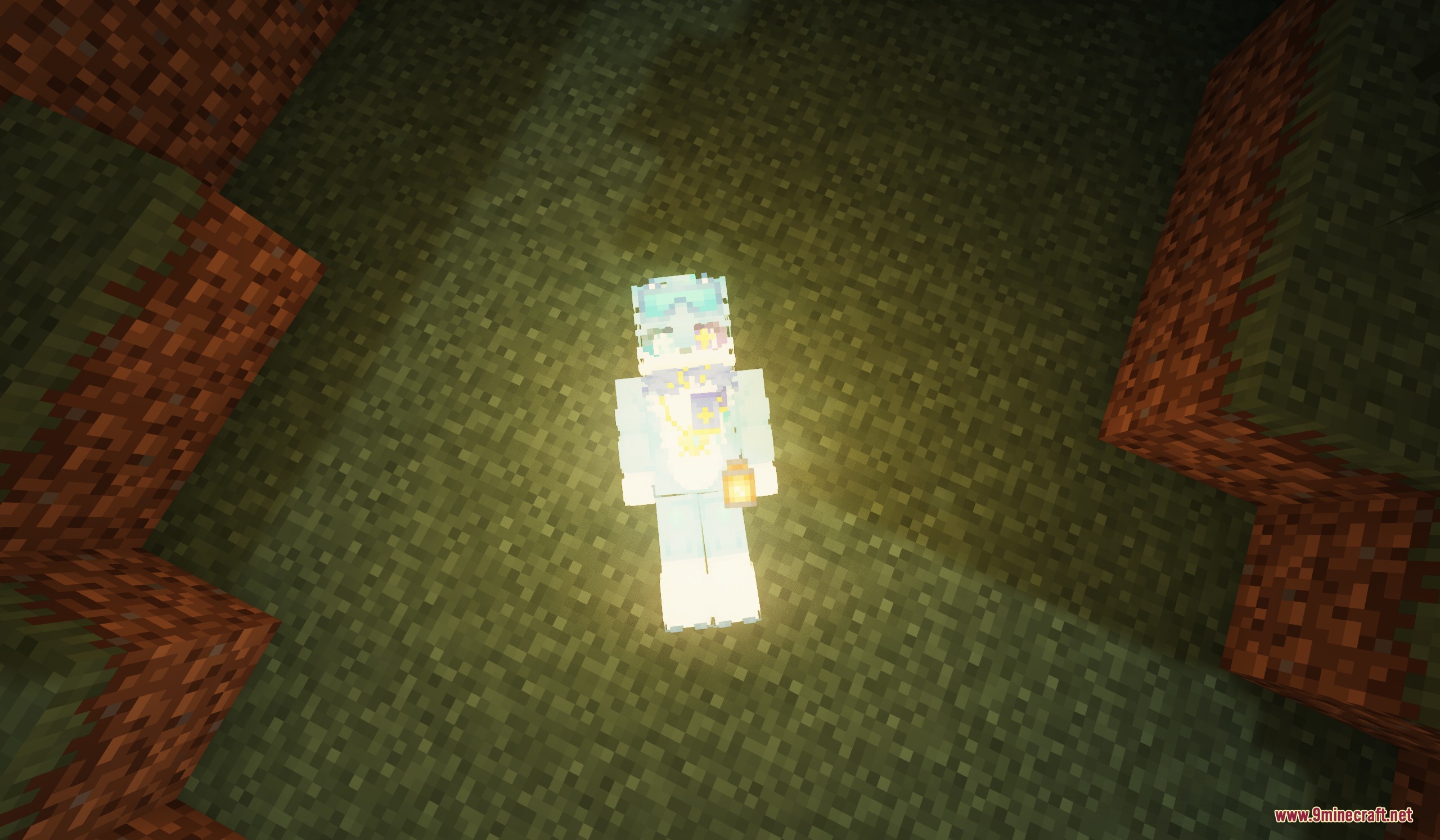
- Allows ragdolls to receive light from the environment instead of staying dark.
- Fixes player arms turning pitch black when stuck inside floor blocks.
- Works with lantern mods and lighting mods so held light sources glow on corpses.
- Allows bodies to hide armor when paired with cosmetic armor mods.
- Fixes invisible body blocks caused by entity culling mods.
- Fixes crashes when running alongside third-person camera mods.
- Prevents throwing ender pearls or wind charges while in ragdoll mode.
Commands:
/nocollide: toggles player collision with ragdoll bodies on and off.
How to Use:
- Grab a fallen ragdoll body to drag it without accidentally opening chests or doors.
- Right-click the middle torso area of a corpse to open and check its inventory.
- Type
/nocollideinto the chat if you want to walk through bodies or turn collision back on.
Screenshots:
How to Install:
New to Minecraft? Follow our step-by-step guide to install Mods on your PC.View Guide
Requirements:
 NeoForge Required
Sable: Ragdoll Corpse Required
Ragdoll Reactions Required
Sable: Ragdolls Required
sable-player-ragdoll Required
ragdoll_corpse Required
Limp Body Overhaul Mod Download Links
For Minecraft 1.21.1, 1.21
Click to rate this post!
[Total: 0 Average: 0]
You May Also Like


This post has no comments yet. Be the first — your comment will appear here.