
A Warium Bomb Schematic (1.20.x) – Compact Explosive Blueprint for Create Mod
 9
 0


A Warium Bomb Schematic provides a compact explosive setup for the Create mod. It creates a simple three-block explosive device built with parts from the crusty_chunks mod. You can load this blueprint directly into your world to handle quick demolition tasks or small-scale blasting projects.
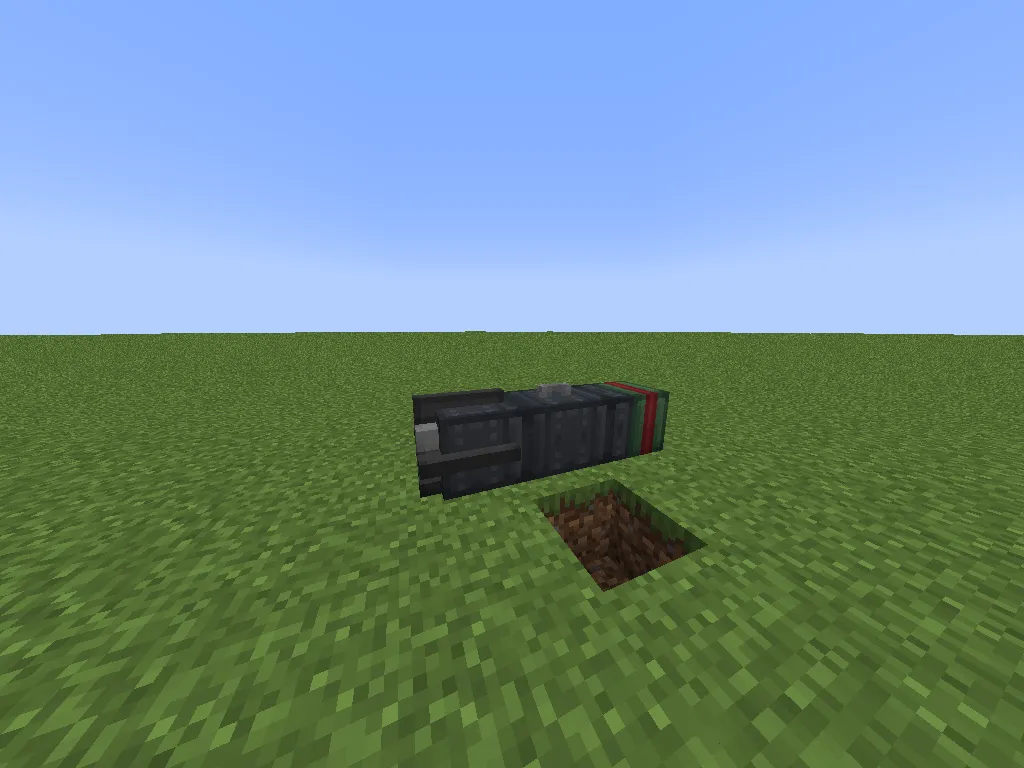
3D Preview & Editor:
Materials
3 types · 3 blocks
| Ordinance Heavy Warhead | 1 | Ordinance Fins | 1 | Ordinance Core | 1 |
How to place this schematic
.nbt This is a structure file. It loads through structure blocks, within the 48×48×48 size limit — but it uses modded blocks, so install the mods it needs first.
| 1 | Put the .nbt file in <your world>/generated/minecraft/structures. |
| 2 | Give yourself a structure block: /give @s structure_block. |
| 3 | Place it, open it and switch the mode to LOAD. |
| 4 | Type the file name without .nbt, press LOAD, then PLACE. |
Features:
- Builds a small explosive device with a footprint of only three blocks in a straight line.
- Uses items from the crusty_chunks mod to assemble the explosive unit.
- Loads into your world using standard Create mod schematic tools.
- Provides a quick setup for clearing terrain and breaking blocks.
Schematic Specs:
 Minecraft1.20.x
 Create Mod0.5.1 (a-j)
 Dimensions3×1×1
 Total Blocks3
 Top Blocks Used
Ordinance Heavy Warhead 1Ordinance Fins 1Ordinance Core 1
Requirements:
 Create Mod Required
Crusty Chunks Required
A Warium Bomb Schematic Download Links
For Minecraft 1.20.x
Click to rate this post!
[Total: 0 Average: 0]
QUICK MINECRAFT SURVEY · ONE TAP
Mods & Modpacks
How many mods do you usually have active at the same time?
18 responses · See the full results →
You May Also Like
Picked for this page
 Aeronautics F16 Schematic (1.21.x) – Fighter Jet Build for Create
 Airbus A380 800 Schematic (1.21.x) – Fly the Largest Commercial Airplane
 Compact Quartz and Gold Farm Schematic (1.21.x) – Compact Automated Quartz and Gold Farm
 Military Fight Heli Schematic (1.21.x) – Compact War Helicopter Build for Create
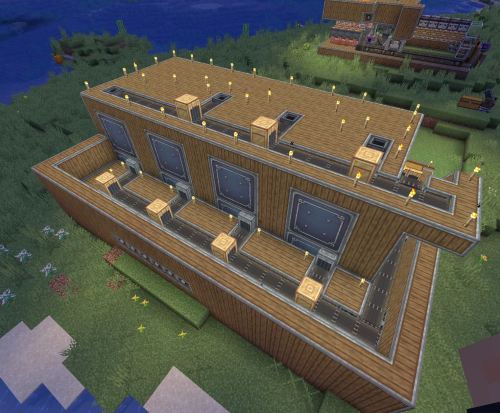 Sklad Schematic (1.20.x) – Automated Wooden Storage Building for Create
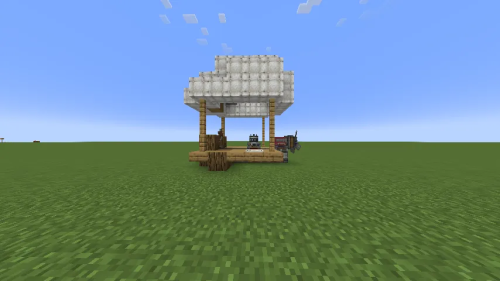 Simple Airship Schematic (1.21.x) – Small Flying Machine for Create
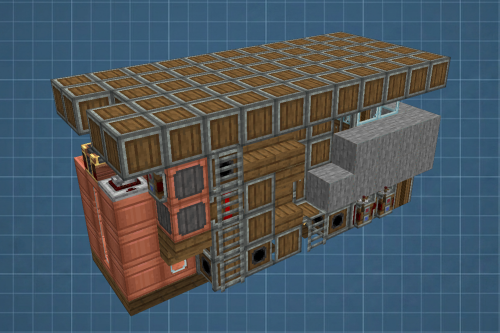 The Juicebox a Refuelling Vehicle Schematic (1.21.x) – Compact Tracked Tanker for Create Mod
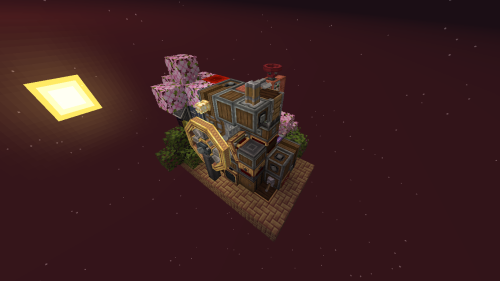 Sturdy Sheet Processor Staroo Schematic (1.21.x) – Compact Sturdy Sheet Production Machine
 Areonauticcs Digger 3×3 Cheap Schematic (1.21.x) – Simple 3×3 Tunnel Digging Machine
 White Tanker 1 Nbt Schematic (1.20.x) – White Tanker Train Car for Cargo Lines
 The Bigfish MKI Simple Airship Schematic (1.21.x) – Massive Fish-Shaped Flying Base
 Is 24m Schematic (1.21.x) – Fictional Tank to Distract Enemies
Most viewed in Create Mod Schematics over the last 7 days
 Copper Flying Ship That Can Also Act as a Normal Boat Schematic (1.21.x) – Dual Purpose Copper
 Arasaka Tower Schematic (1.21.x) – Massive Black Industrial Skyscraper Build
 Rail Gun Schematic (1.21.x)
 Starter Iron Farm Schematic (1.21.x) – Simple Early Game Iron Production Build
 Agrimotor Schematic (1.21.x) – Build a Functional Create Mod Tractor
 Large Submarine Schematic (1.21.x) – Build a Large Submarine for Travel
 F16 Falcon Schematic (1.21.x)
 NSV Skyliner Mobile Base and Factory Schematic (1.21.x) – Massive Steampunk Flying Factory
 Sd40 2 Blue Nbt Schematic (1.20.x) – Classic Blue American Locomotive
 Thrall 40ft 53ft Well Car Nbt Schematic (1.20.x) – Legendary Double Stack Container Train Car
 Compacted Alloy Farm Schematic (1.21.x) – Automatic Andesite Alloy Factory for Create
 Diesel Engine Train Schematic (1.21.x) – Heavy Freight Locomotive for Create Mod
More from Create Mod Schematics
 Cobblemon Semi Automatic Pp up and Vitamins Workshop Schematic (1.21.x) – Automatic Vitamin Farming
 Cobblemon Medicinal Leek Farm Schematic (1.21.x) – Automatic Farm for Your Pokémon Supplies
 Cobblemon Vivichoke Farm Schematic (1.21.x) – Automatic Crop Farm for Cobblemon Trainers
 Lp 3 Submarine Schematic (1.21.x) – Build a Functional Small Submarine Blueprint
 Copper Gold and Zinc Farm V5 Schematic (1.21.x) – Automated Resource Farm for Create Mod
 Heavenly Scourge Airship Schematic (1.21.x) – Fast and Powerful Flying Warship
 Vargonihckin’s The Cpsu Airship Schematic (1.21.x) – Heavy 28-Ton Airship for Sky Exploration
 Easy Survival Friendly Bike Schematic (1.21.x) – Simple Survival Bike for Create Aeronautics
 Otobüs Schematic (1.21.x) – Detailed Turkish City Bus Build for Create Mod
 Max’s Foundry Building Schematic (1.21.x) – Massive Church Style Foundry Building Design
 Max’s First Shop Building Schematic (1.21.x) – Detailed Medieval and Industrial Shop Building
 Max’s Mega Base Factory 1 Schematic (1.21.x) – Large Industrial Factory for Automation Projects

This post has no comments yet. Be the first — your comment will appear here.