AddurDisc Mod (1.20.1, 1.19.2) – Custom Music Discs
 110
110
 0
0
 November 7, 2025
 TunYuntuwuQWQ
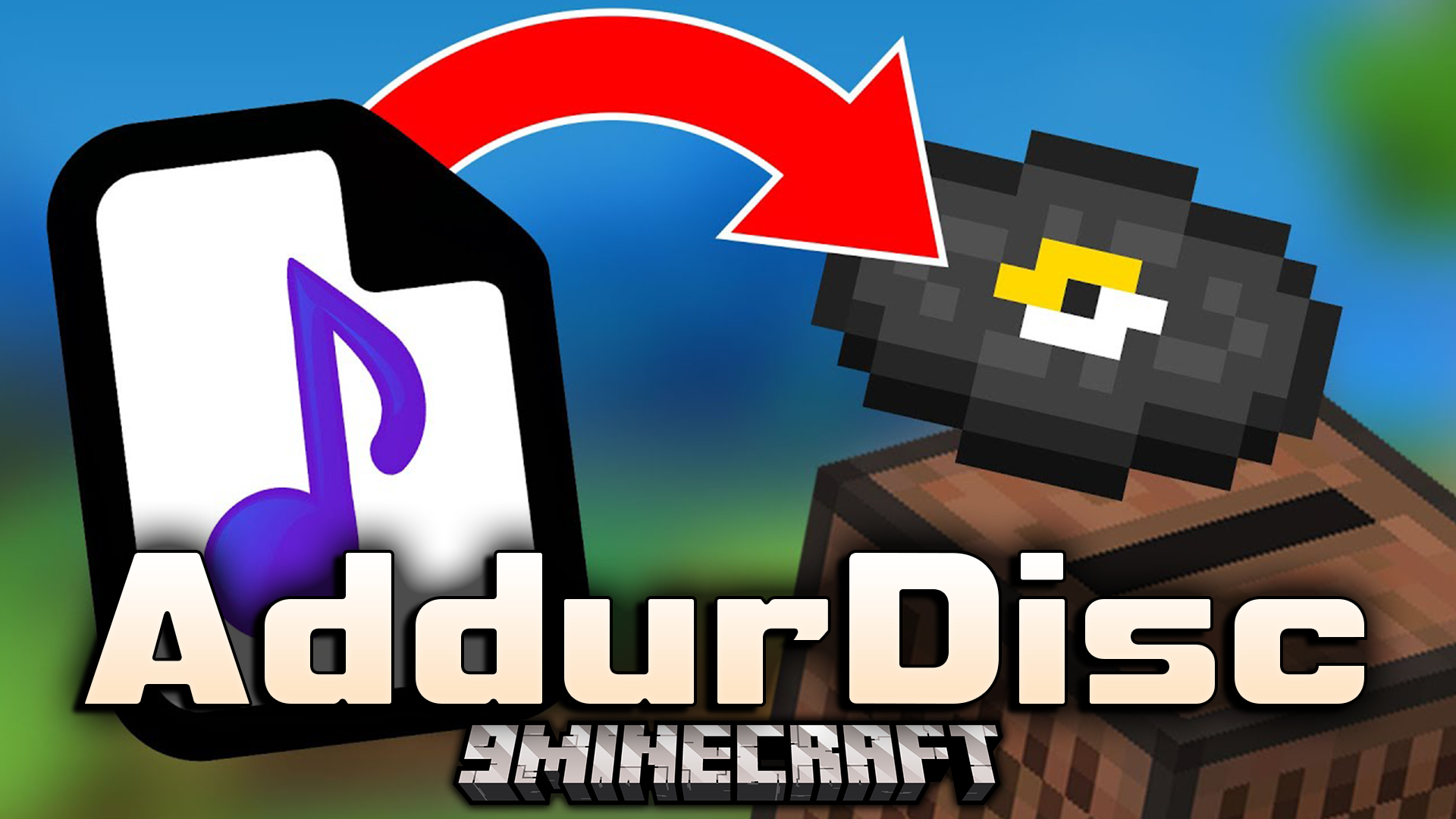
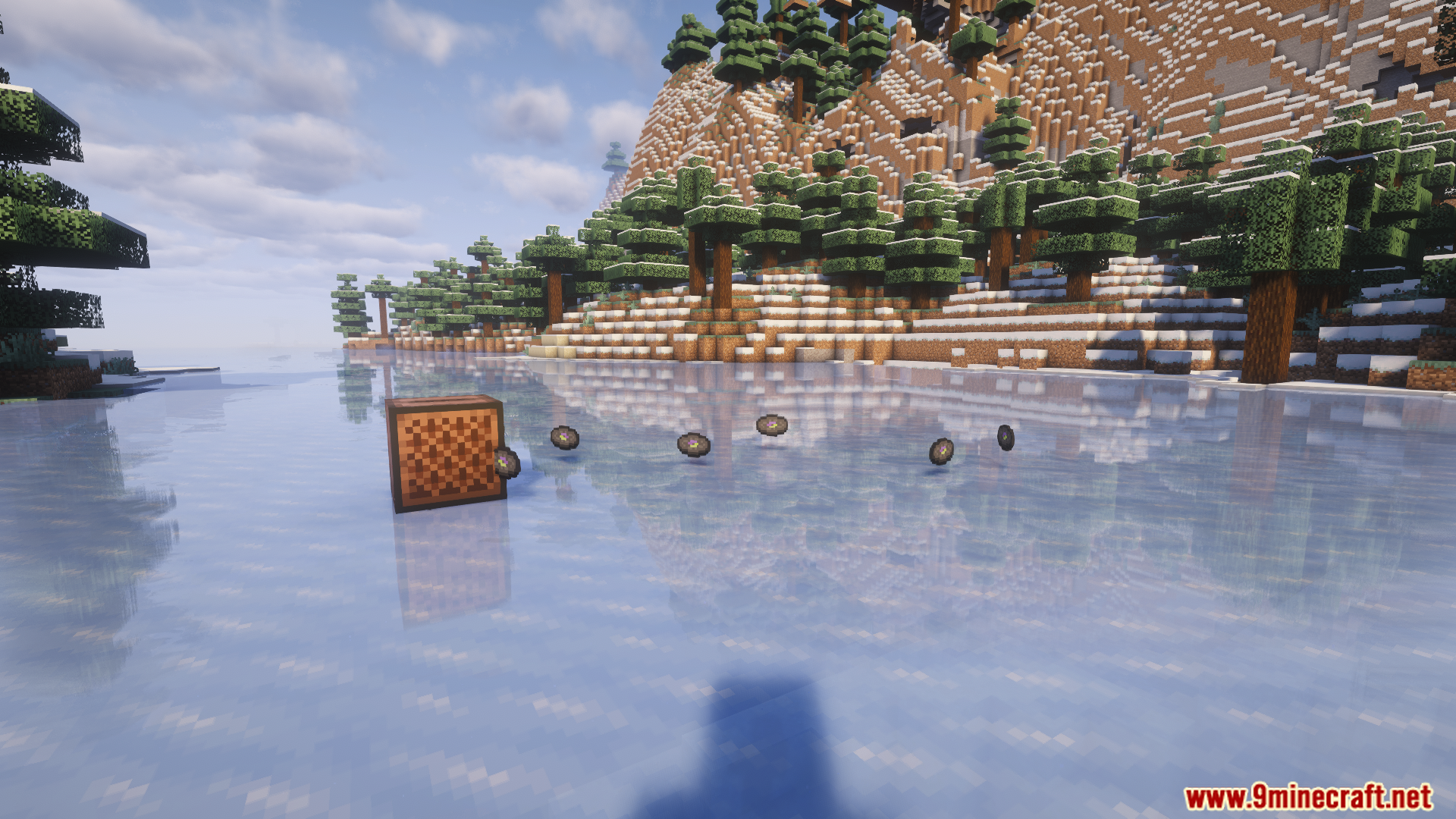
AddurDisc Mod lets you easily add custom music discs to Minecraft using OGG files and simple configuration. It’s ideal for modpack creators or players who want personalized soundtracks in-game.
Features:
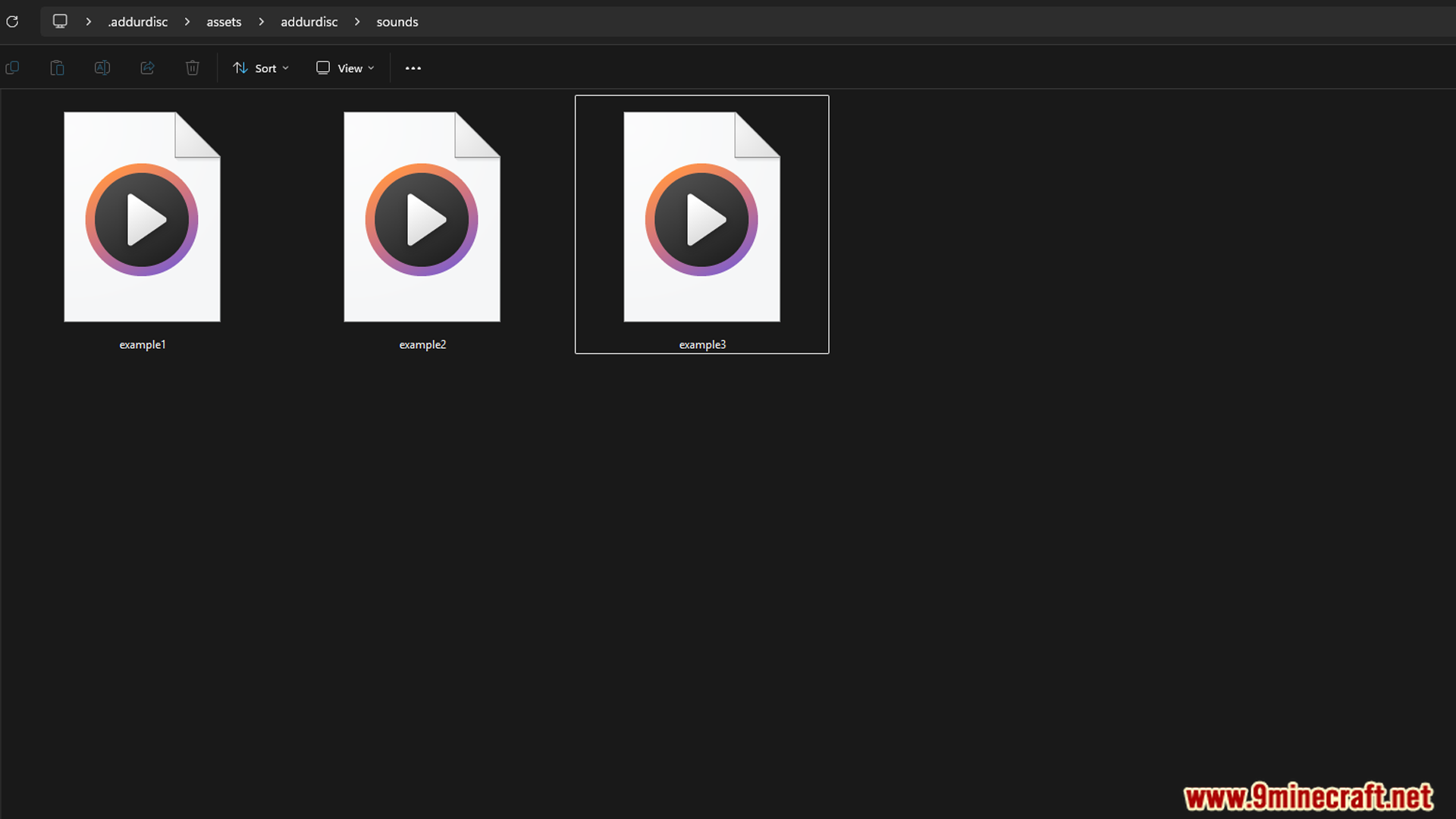
- Place your .ogg audio files in .minecraft/.addurdisc/assets/addurdisc/sounds/
- Filenames must use only lowercase letters, numbers, hyphens, periods, or underscores
- Replace .png files in .minecraft/.addurdisc/assets/addurdisc/texture/item/ to style your discs
- Edit en_us.json to rename and describe your discs
- Configurable options:
– Change resource directory
– Enable/disable creeper disc drops
– Toggle refreshLang to manually control language updates - Audio tips:
– Remove video streams from downloaded .ogg files using FFmpeg:
ffmpeg -i input.ogg -map 0:1 -c copy output.ogg
– Convert to mono for better playback effects:
ffmpeg -i input.ogg -ac 1 output.ogg
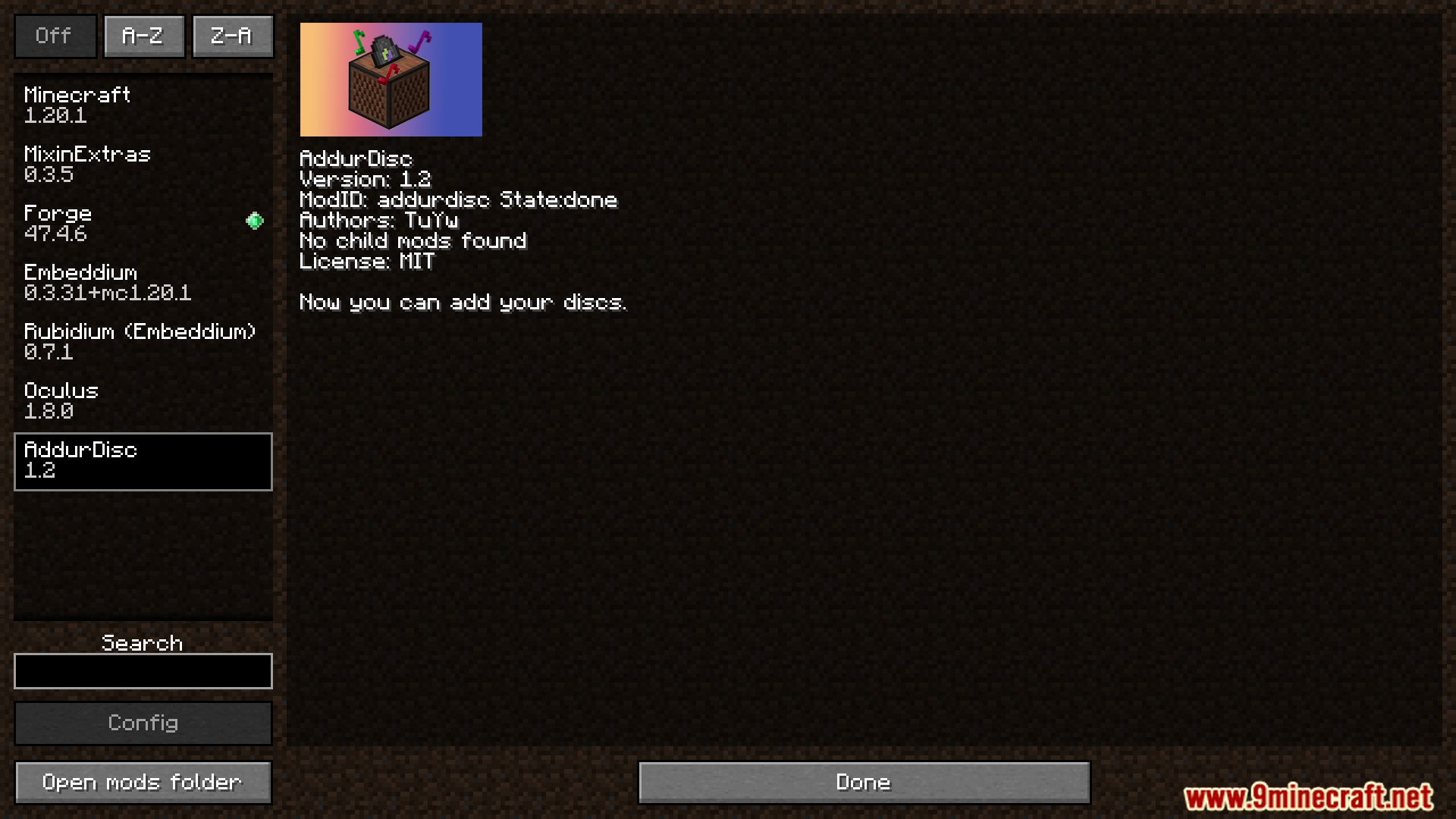
Screenshots:
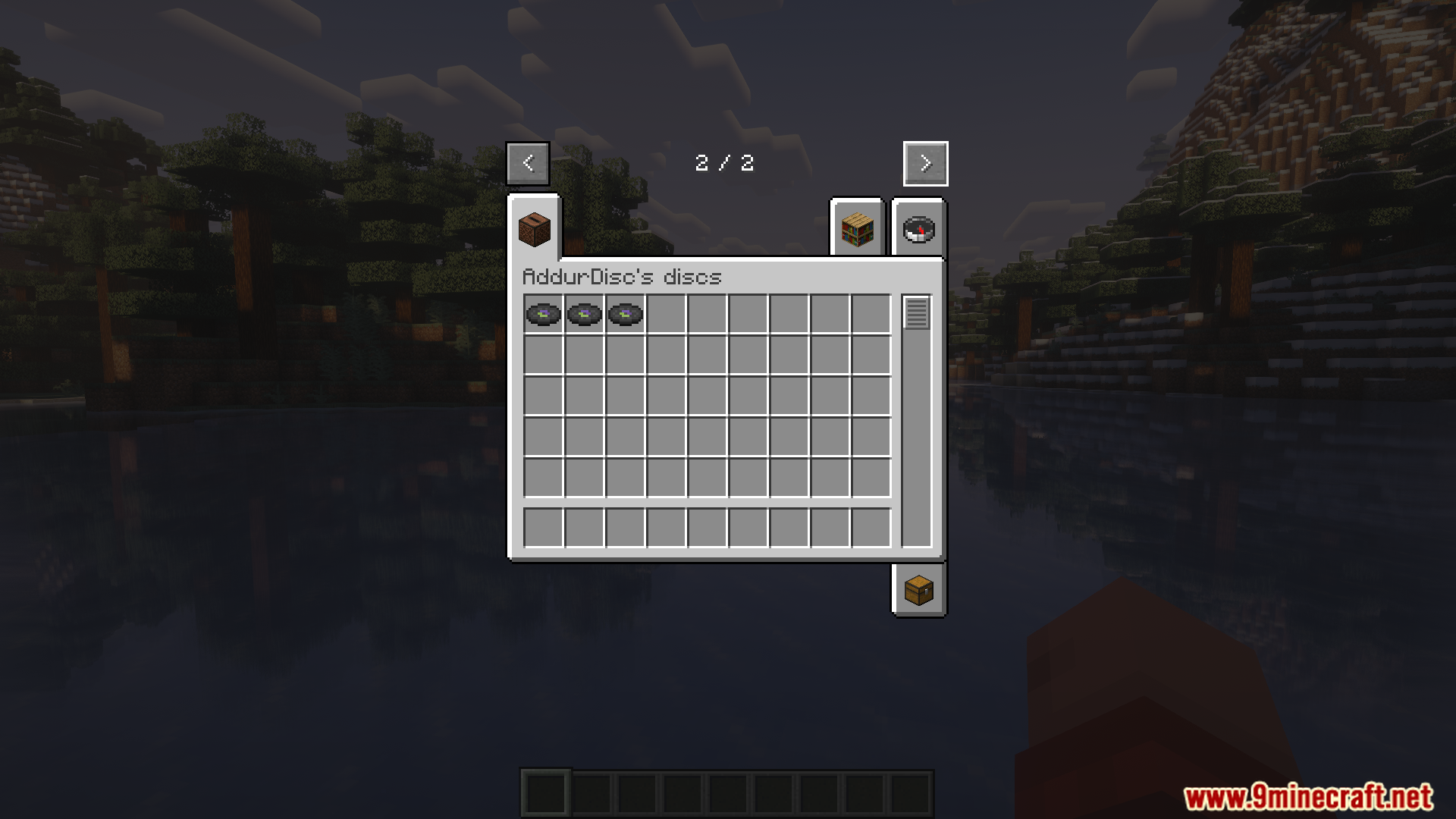
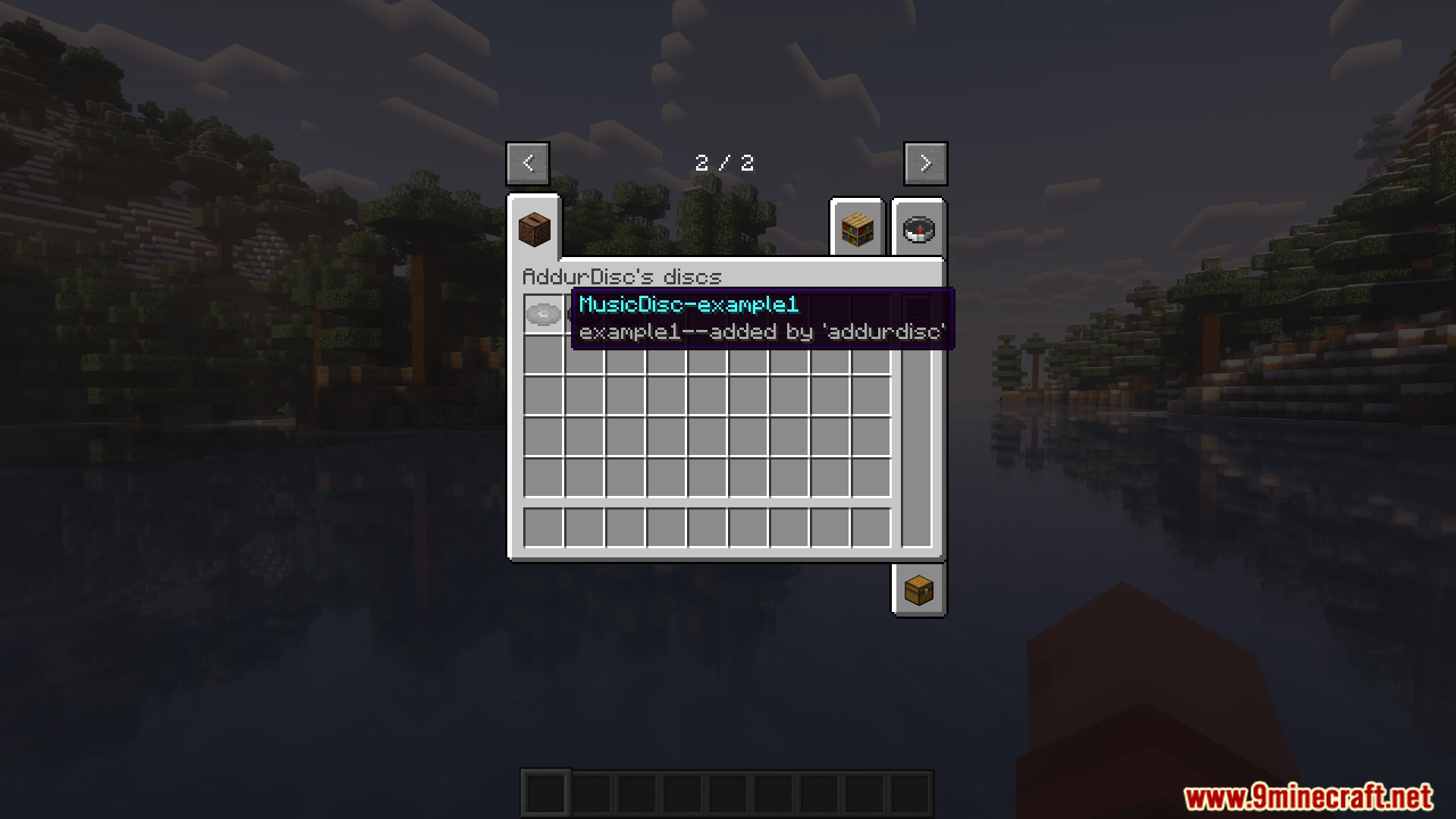
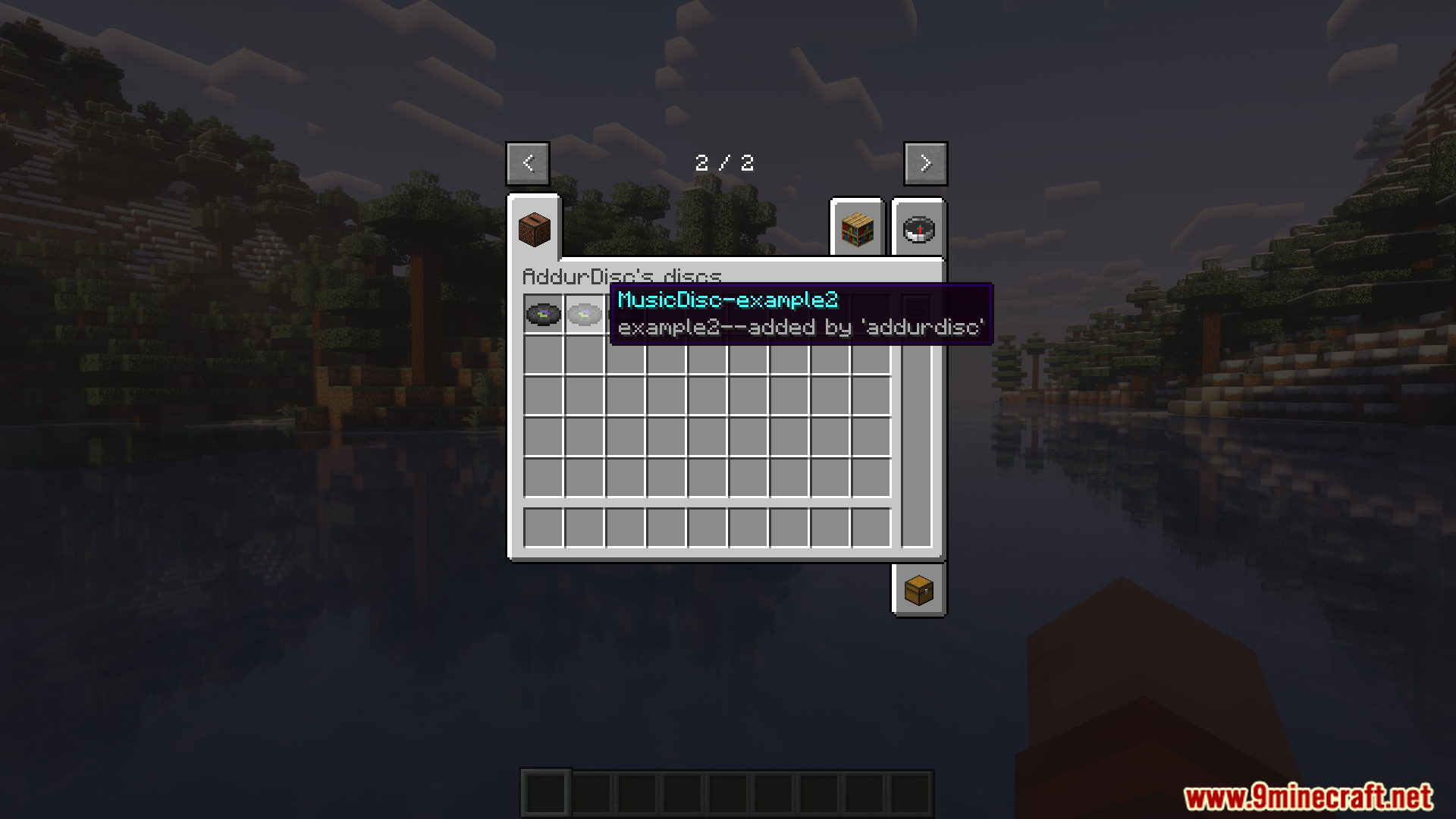
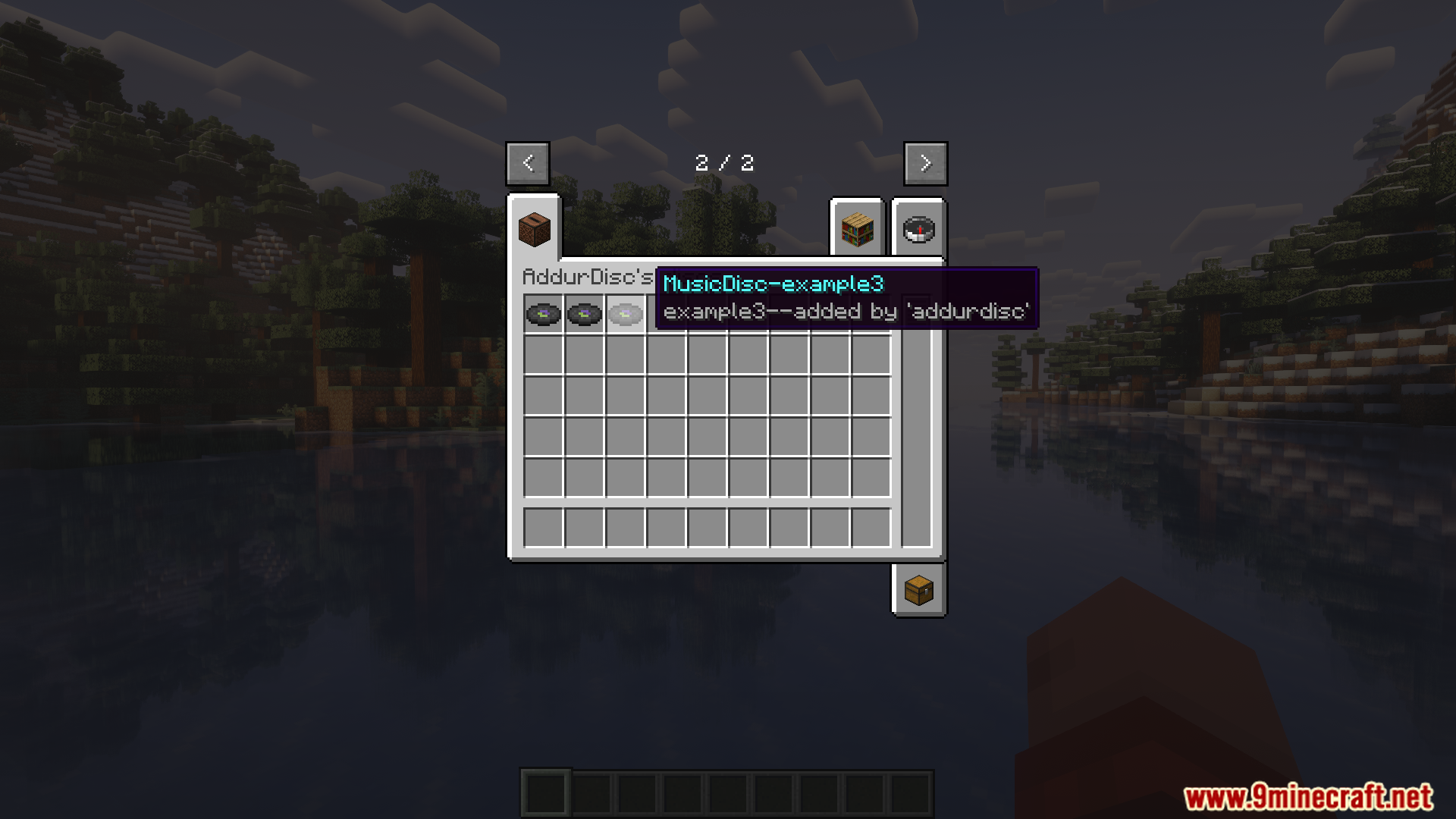
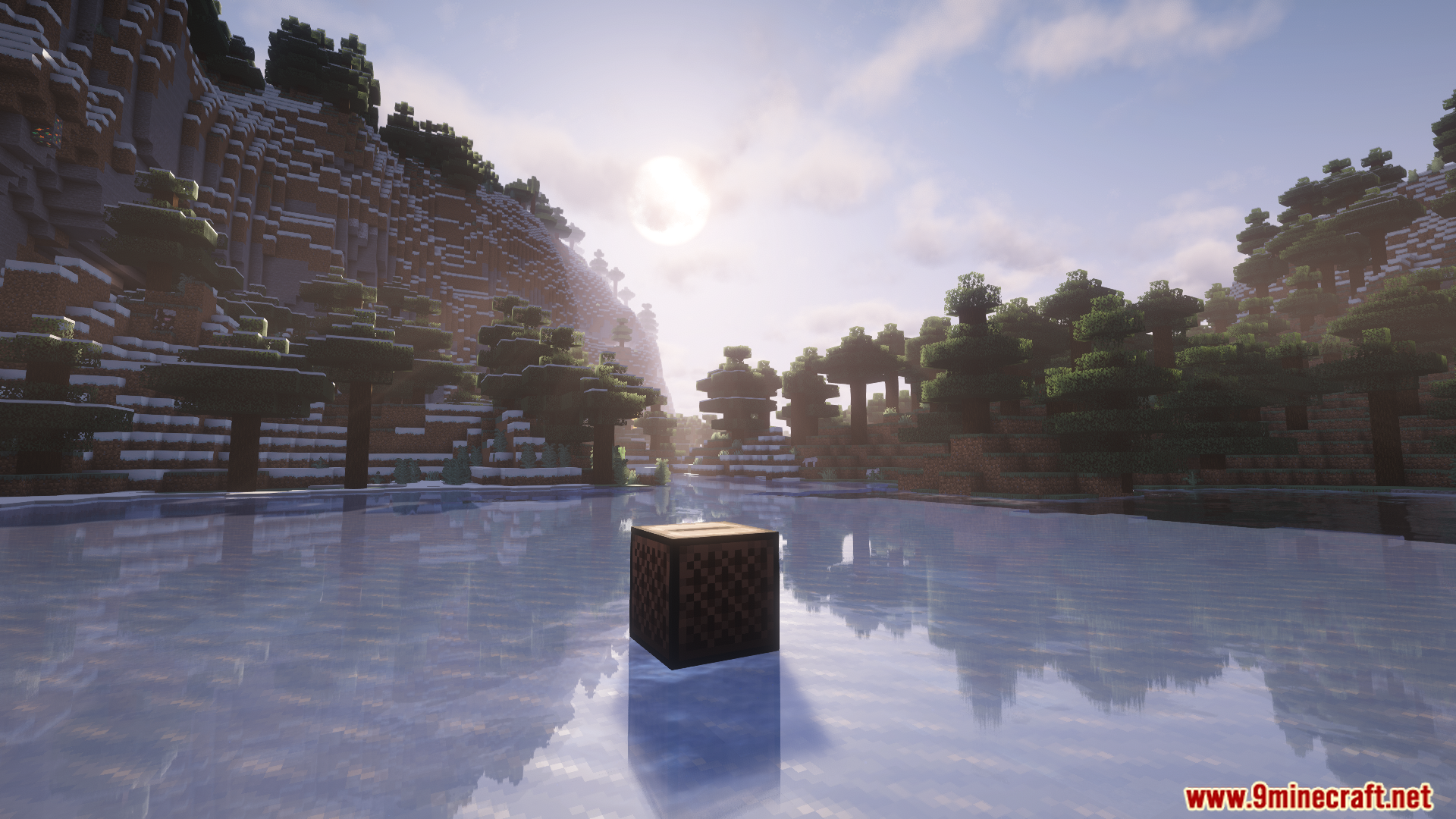
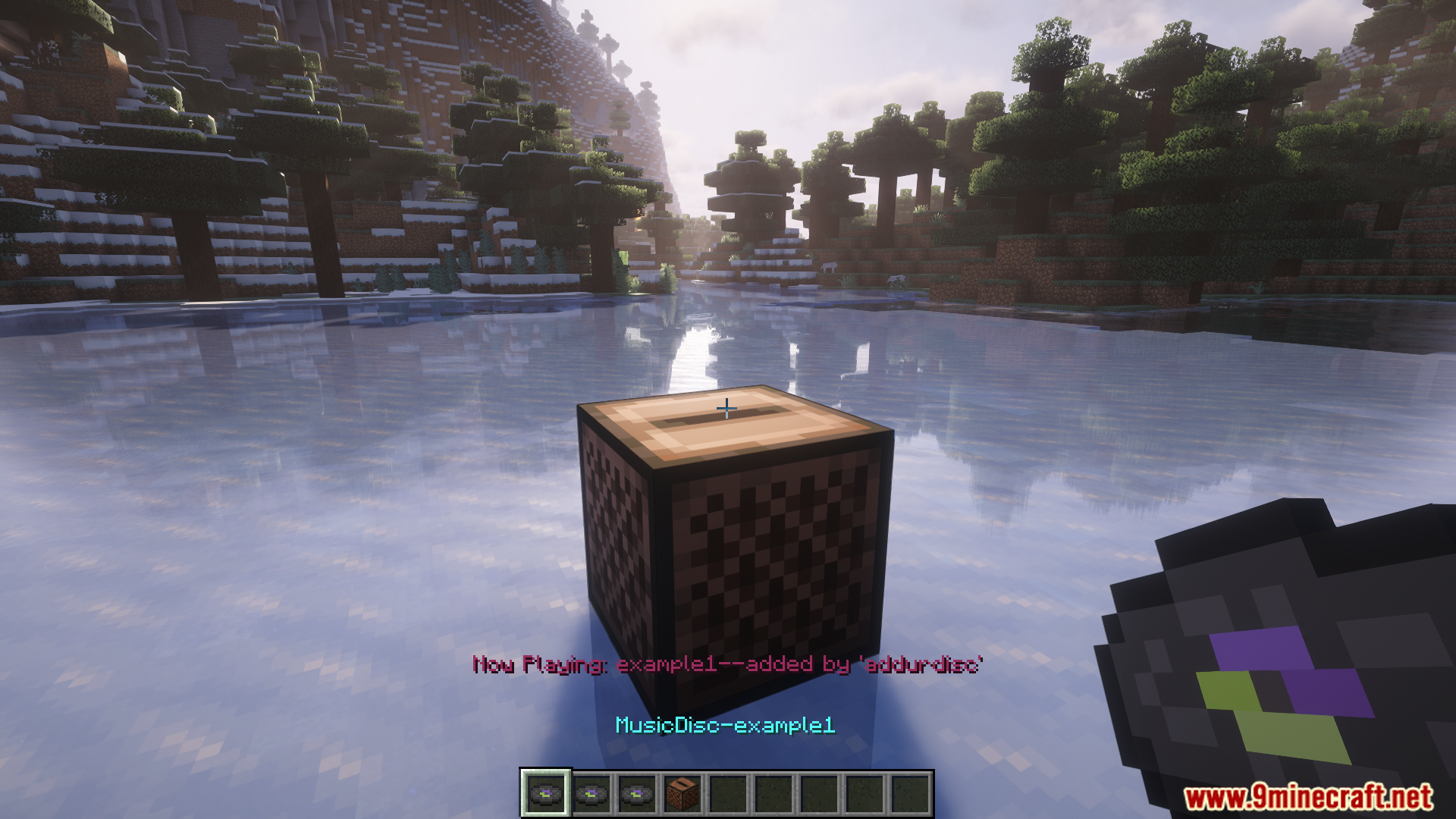
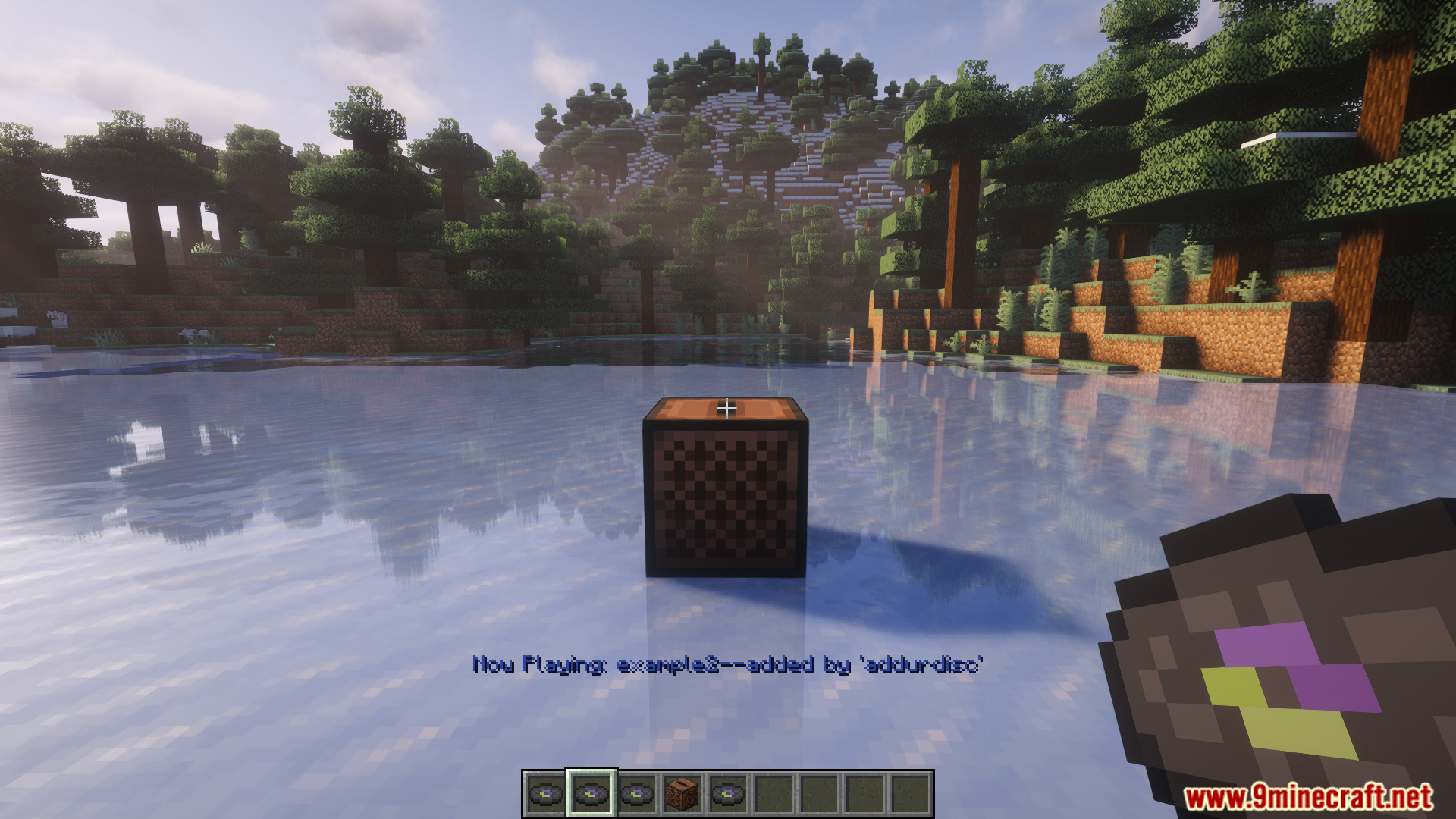
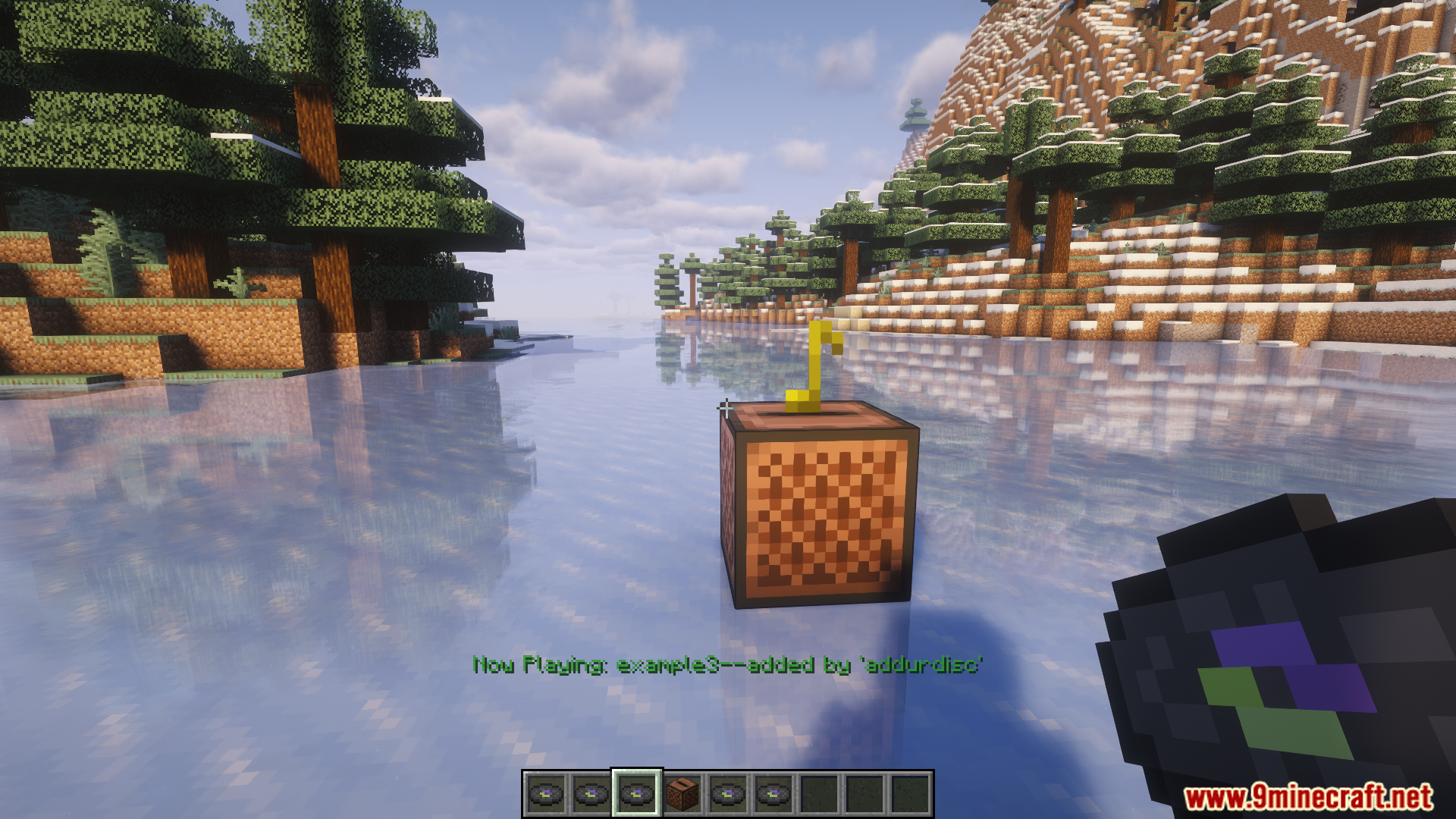
Crafting Recipes:
Recommend that you should install Just Enough Items (for mods using Forge) or Roughly Enough Items (for mods using Fabric) to view the full recipes included in this mod.
Requires:
How to install:
Click the following link to view details: How to Install Mods for Minecraft Java Edition on PC: A Beginner Guide
AddurDisc Mod Download Links
For Minecraft 1.18.2
Forge version: Download from Server 1 – Download from Server 2
For Minecraft 1.19.2
Forge version: Download from Server 1 – Download from Server 2
For Minecraft 1.20.1, 1.20
Forge version: Download from Server 1 – Download from Server 2
Fabric version: Download from Server 1 – Download from Server 2
Click to rate this post!
[Total: 2 Average: 5]
You May Also Like