Auto Tools Mod (1.21.11, 1.20.1) – Smart Mining & Combat Helper

 0
0  January 2, 2026
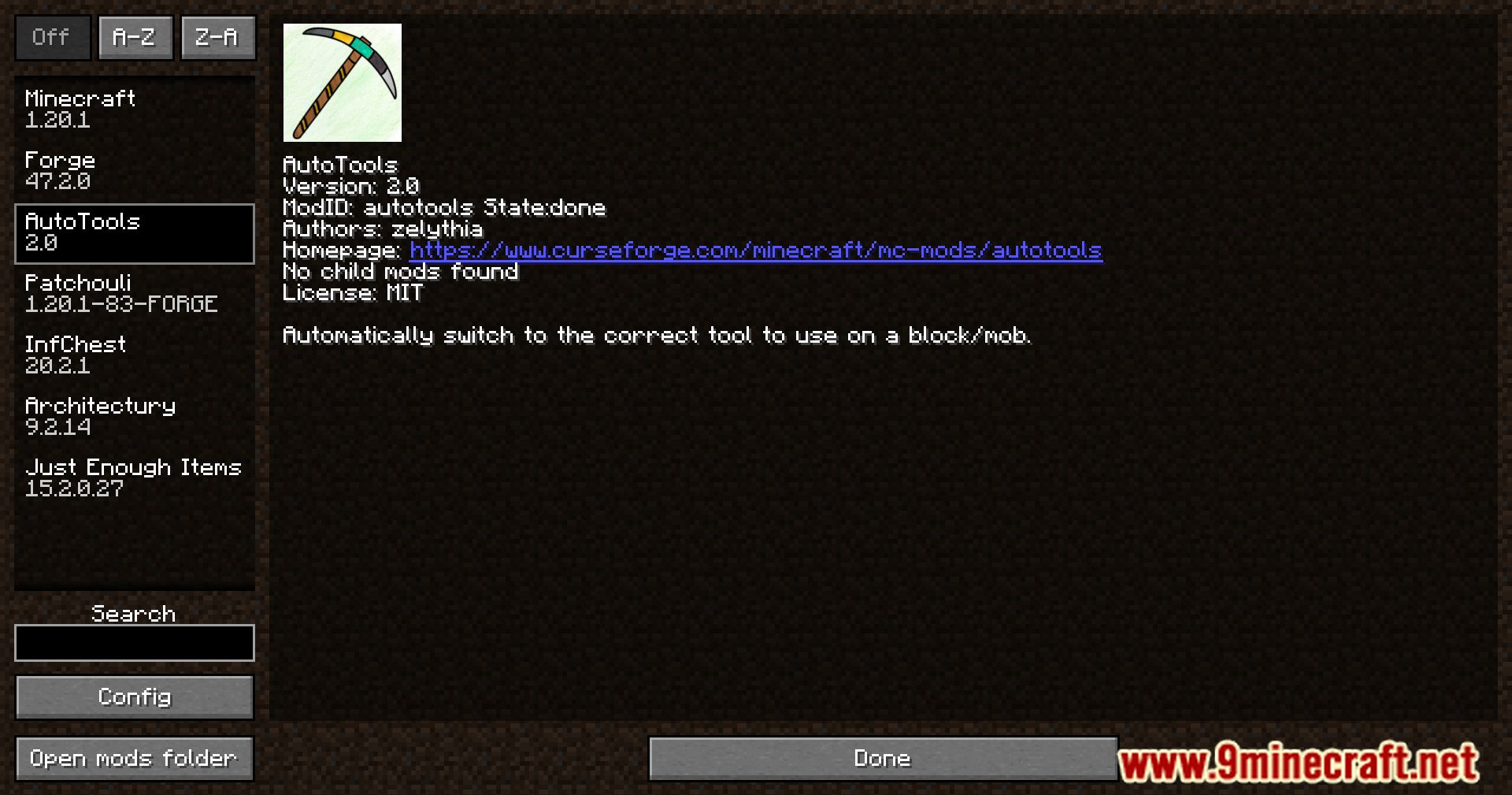
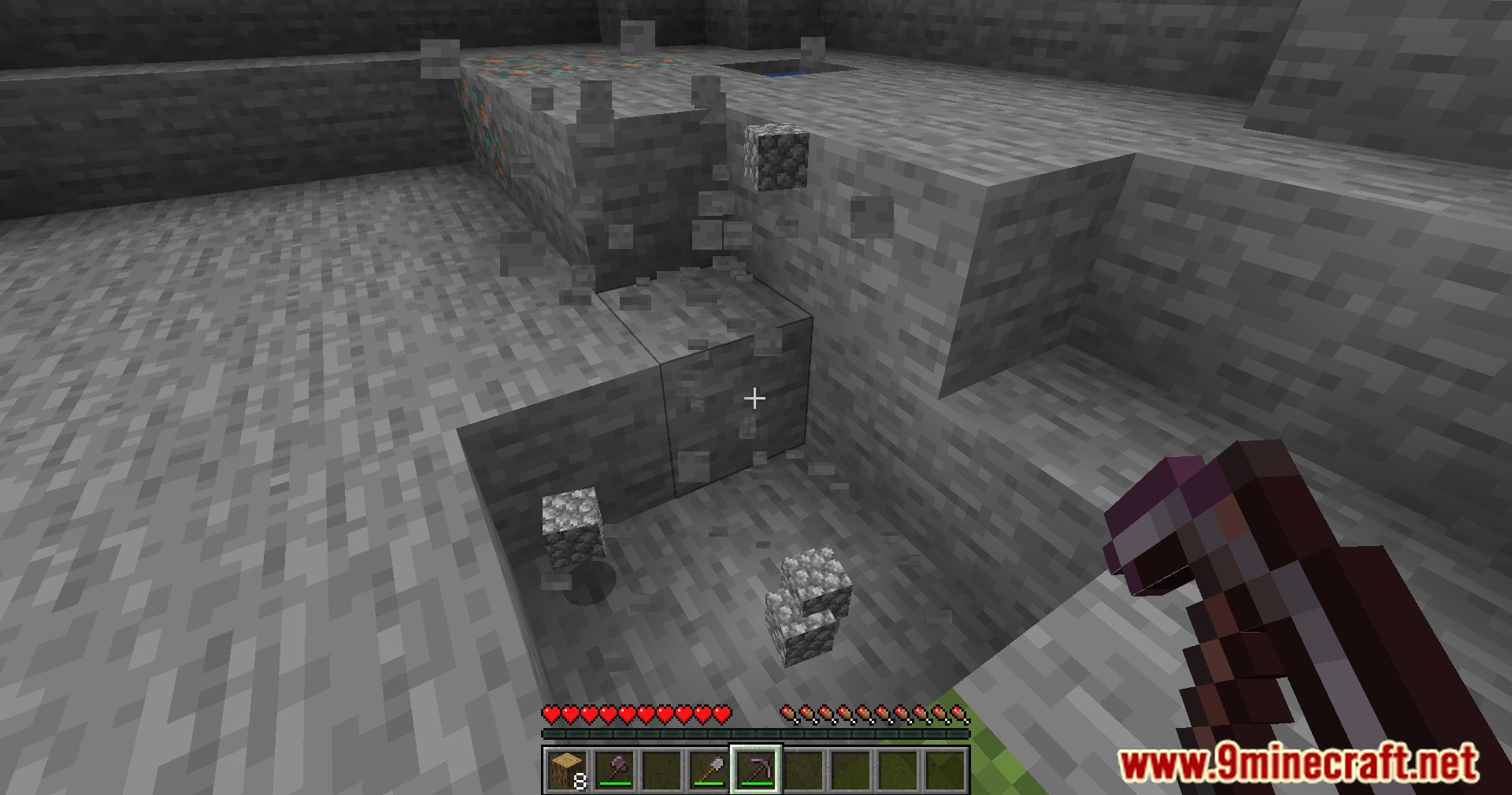
Auto Tools Mod (1.21.11, 1.20.1) is a helpful Minecraft mod that automatically picks the best tool or weapon from your inventory. It makes mining faster, fighting mobs easier, and saves you from constantly switching items. The mod can also use special enchantments like Silk Touch or Fortune when needed, and works entirely on your client without affecting servers. It’s simple to use and highly customizable for beginners and experienced players alike.
Features:
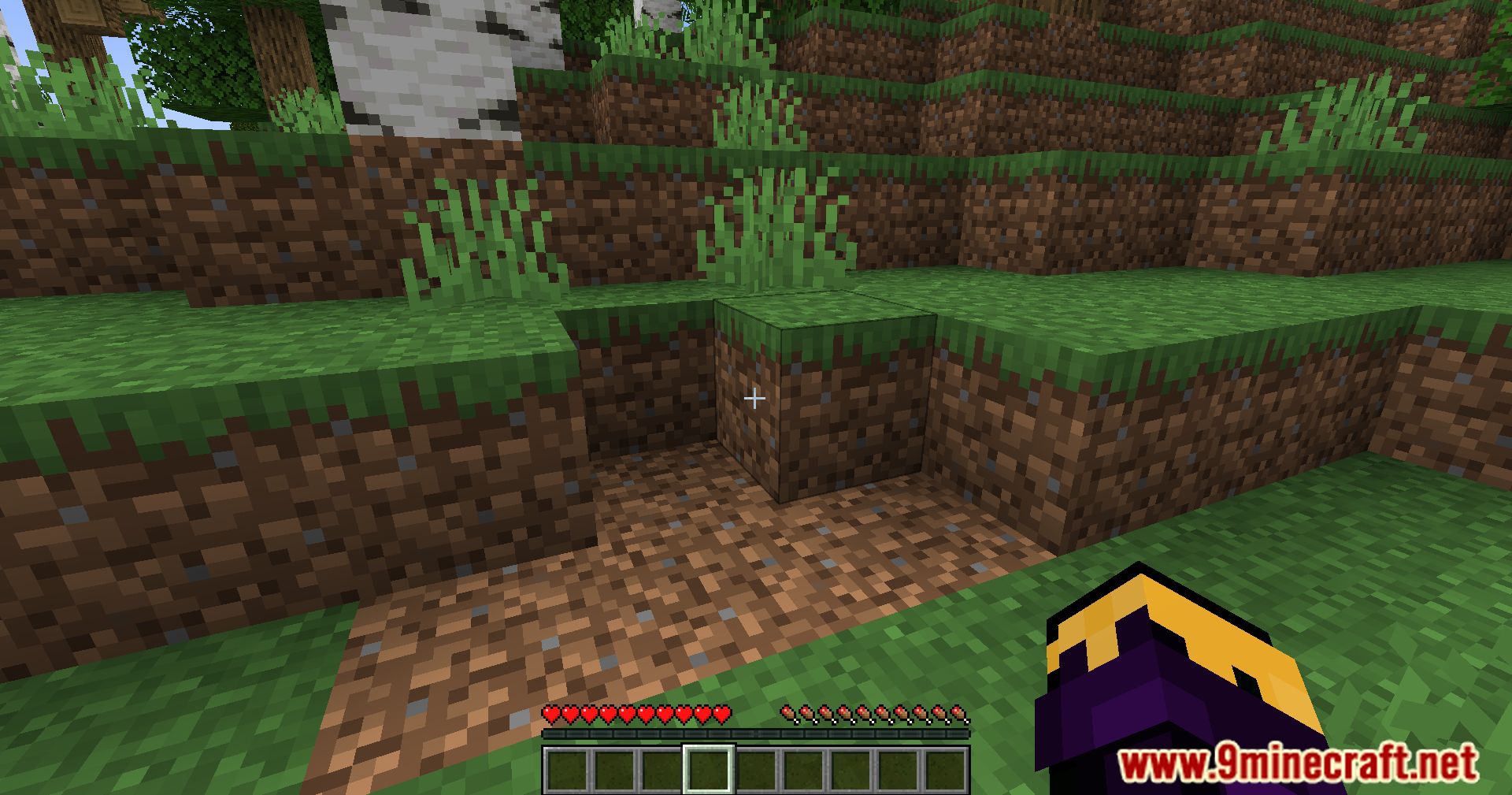
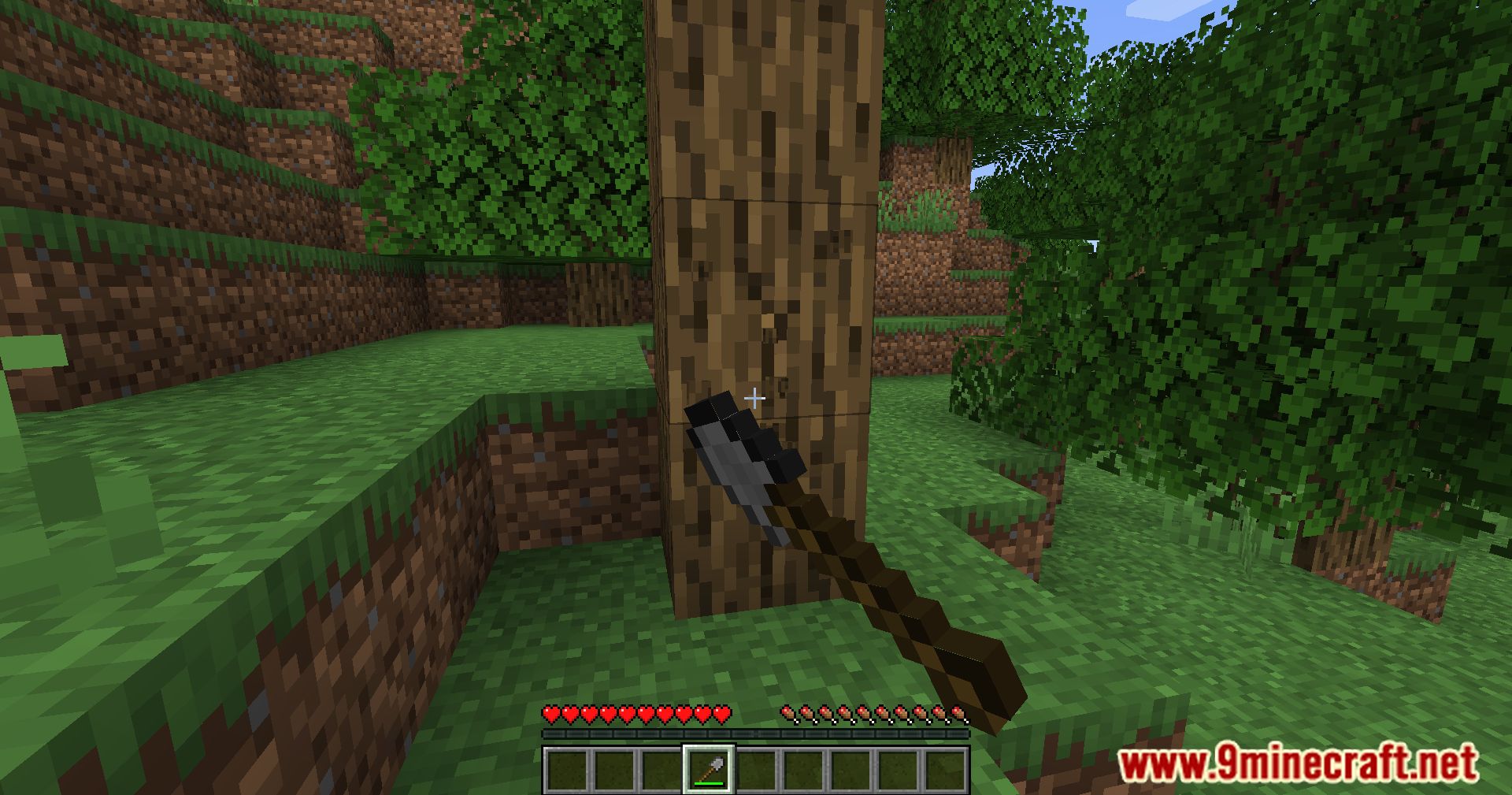
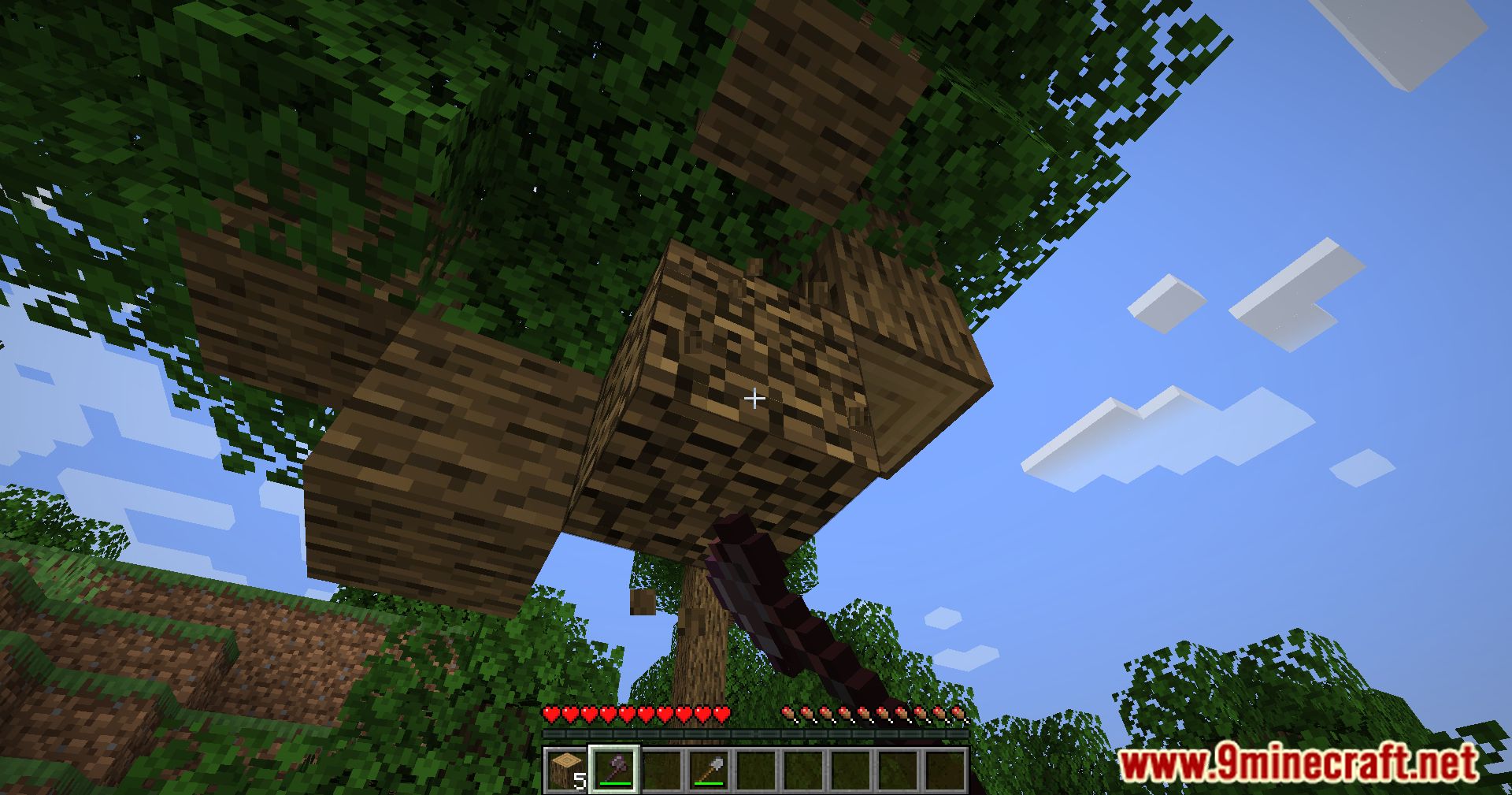
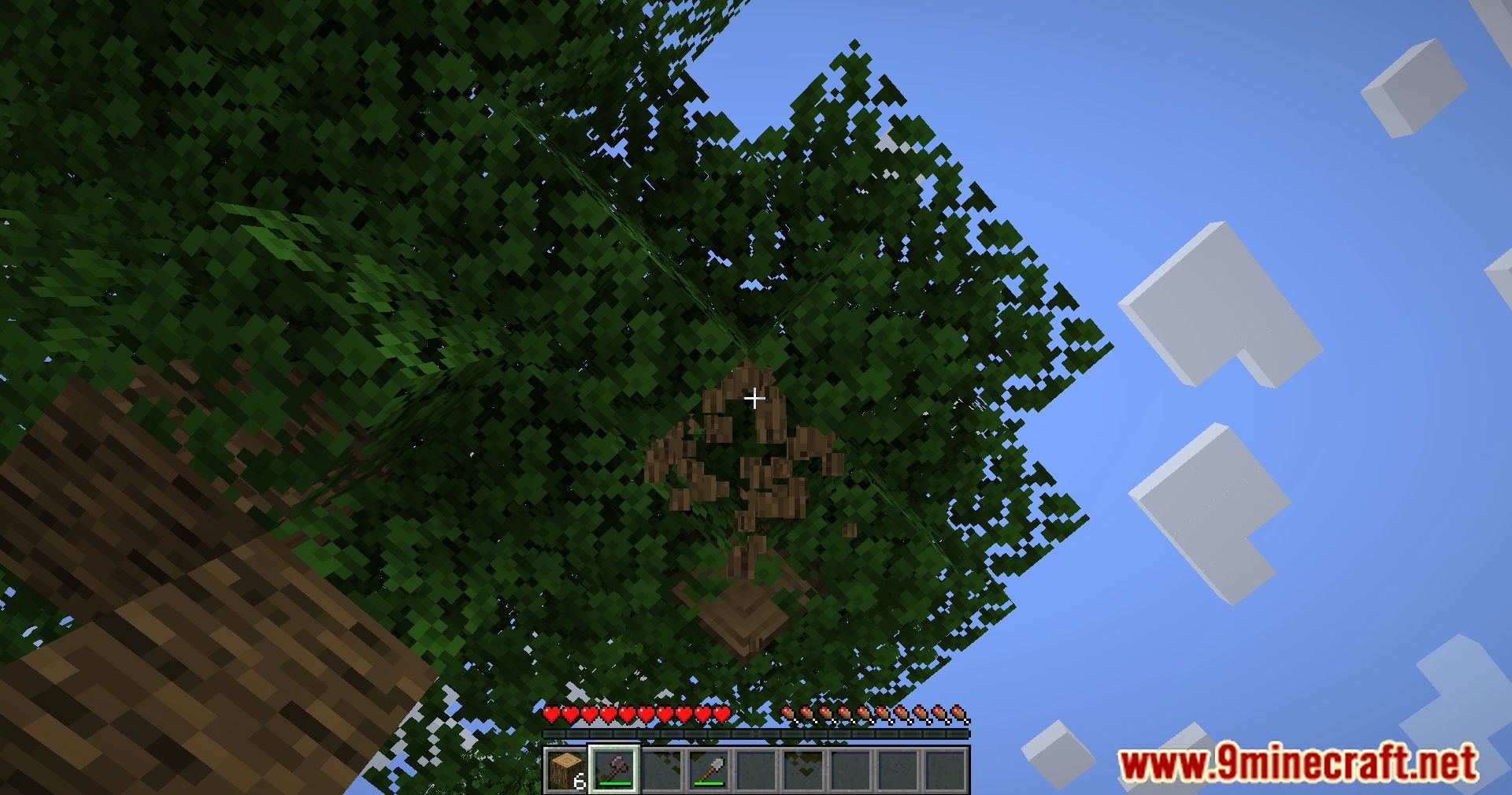
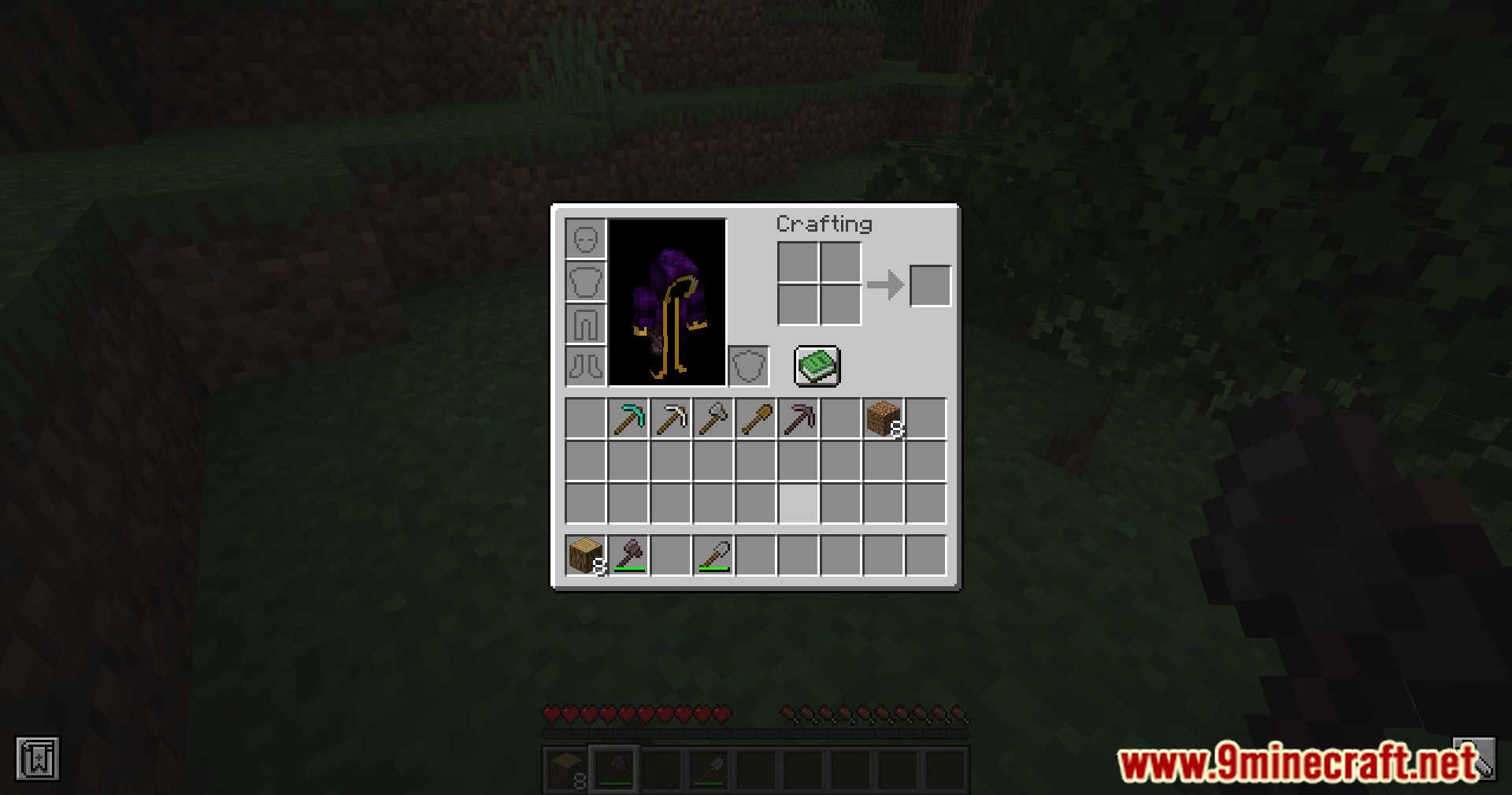
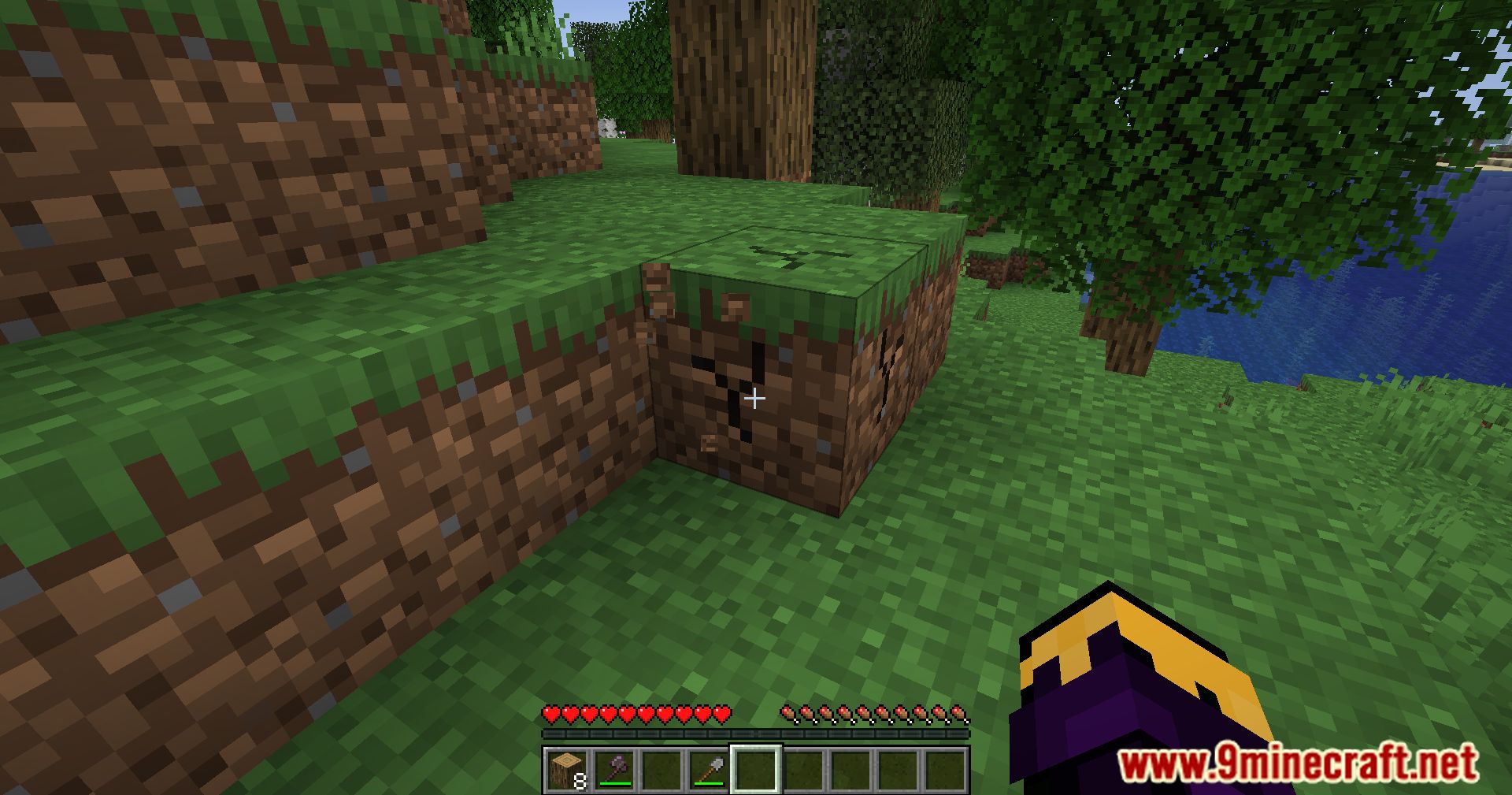
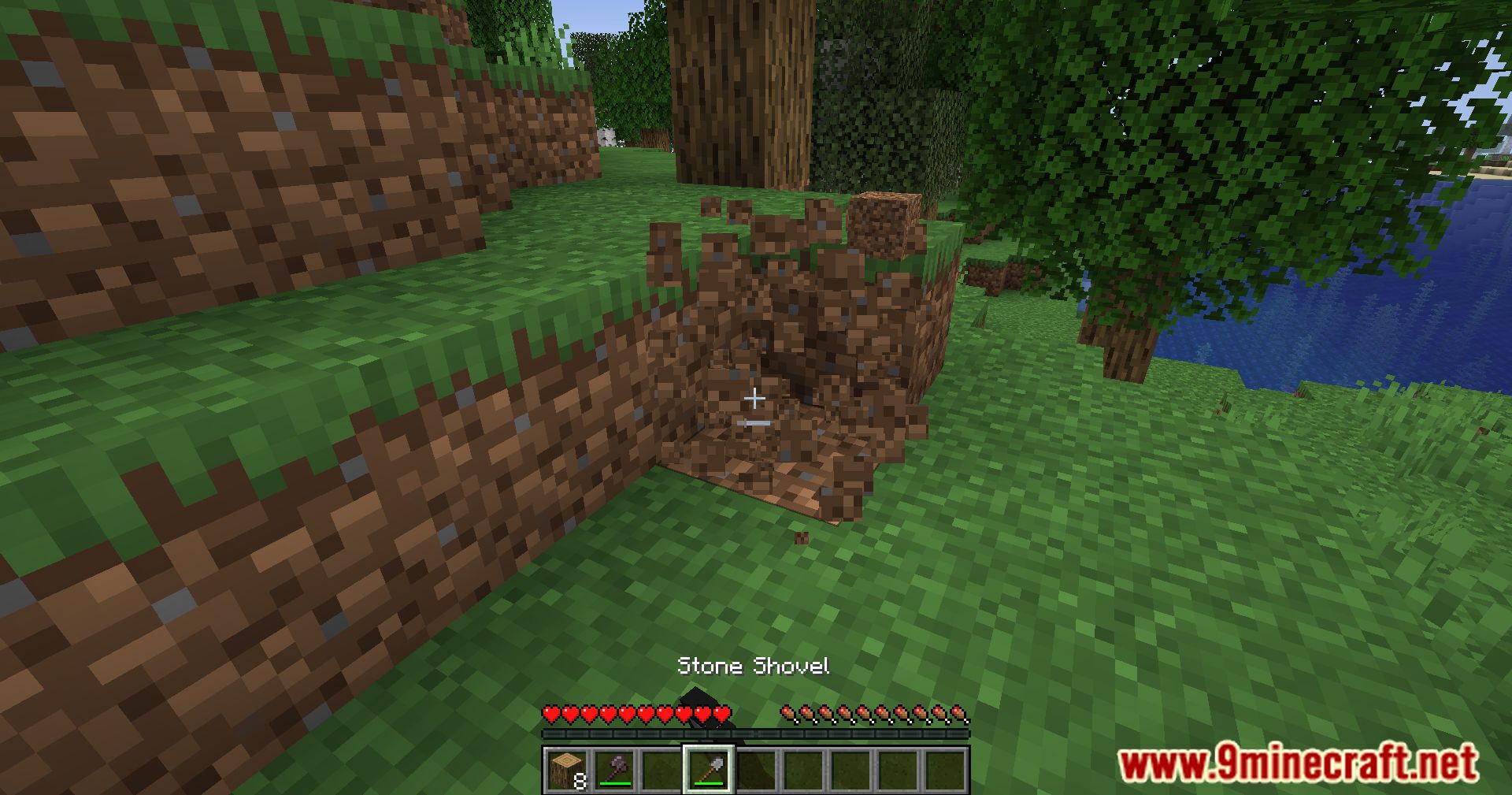
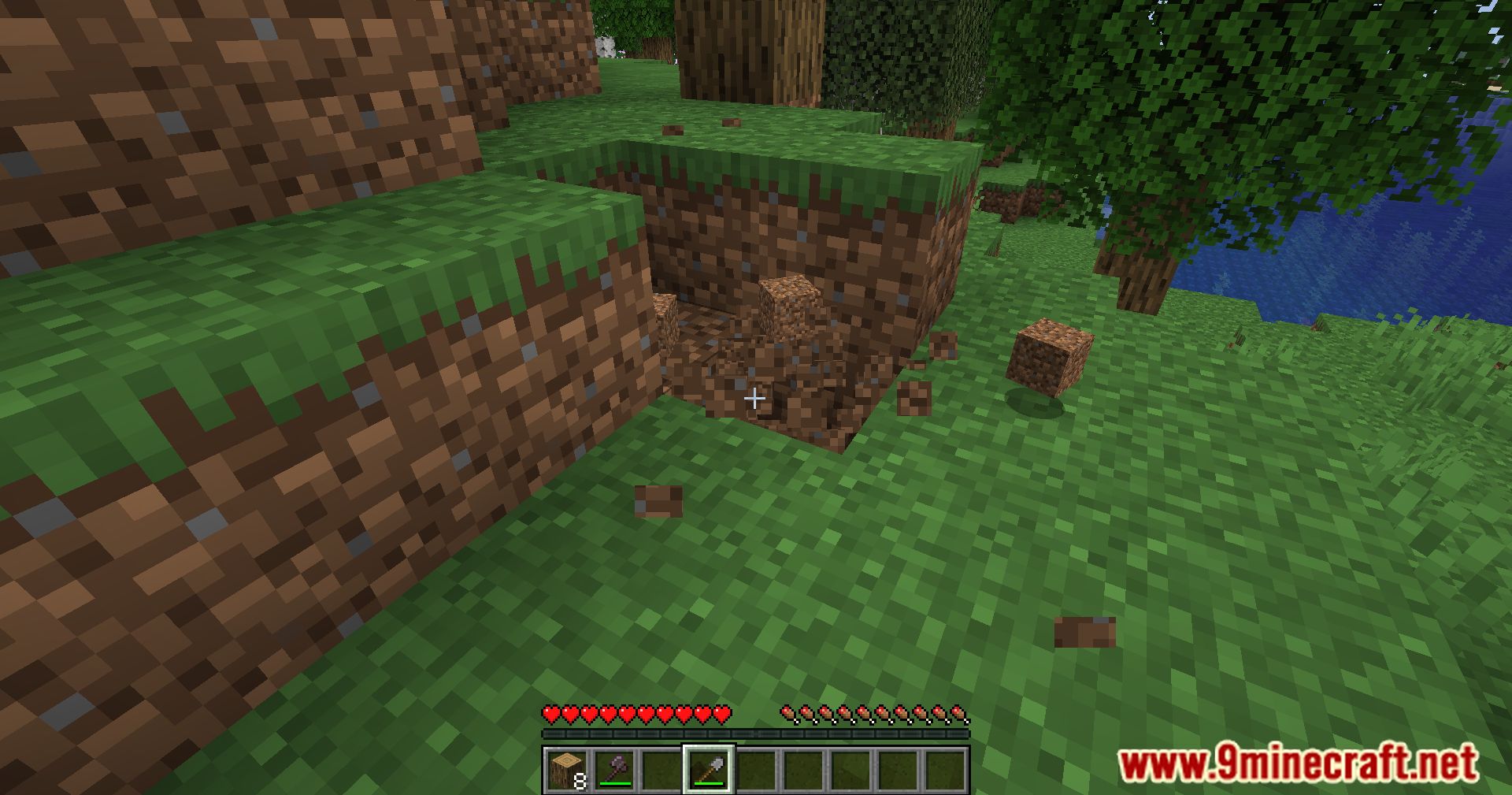
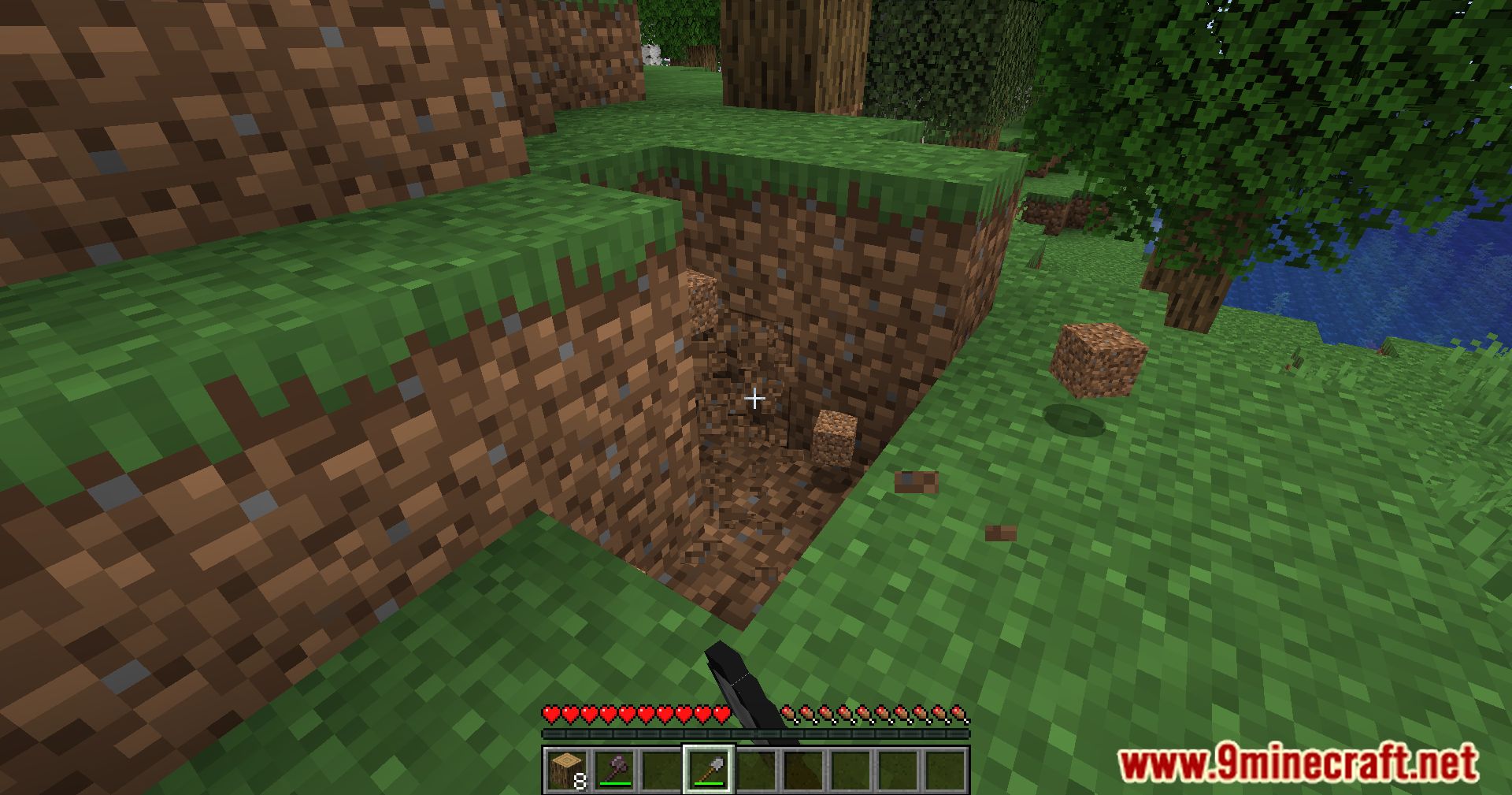
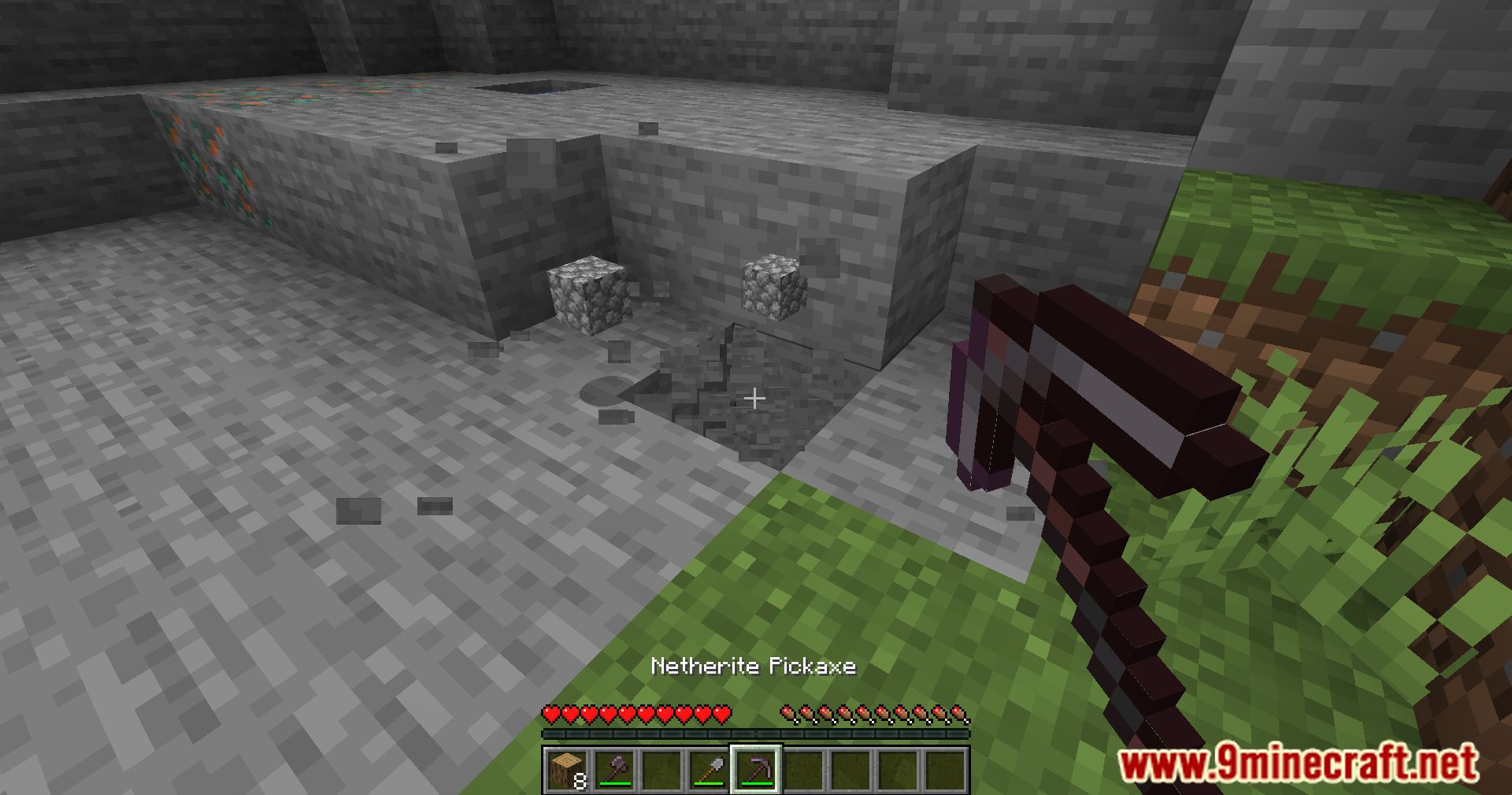
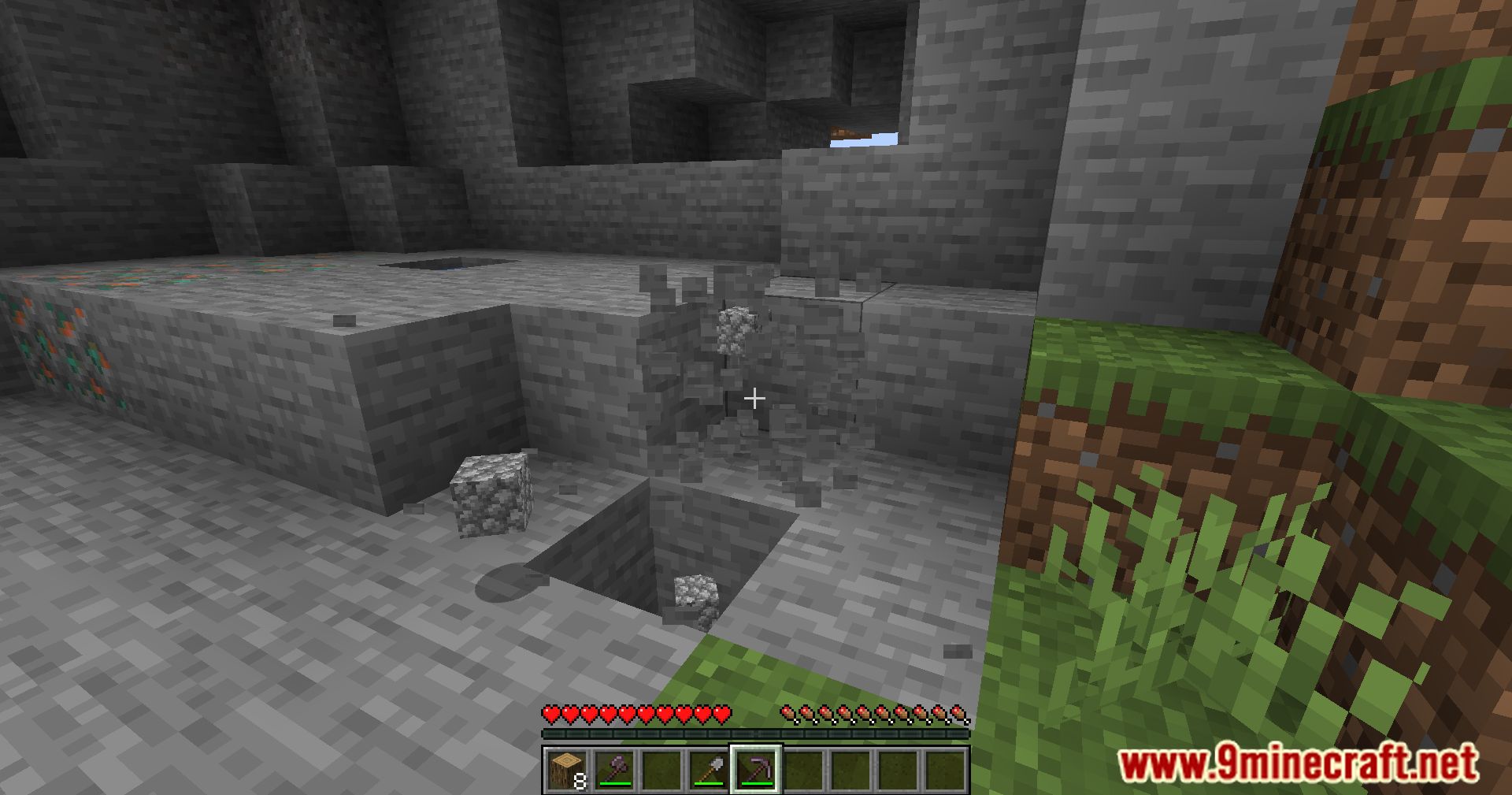
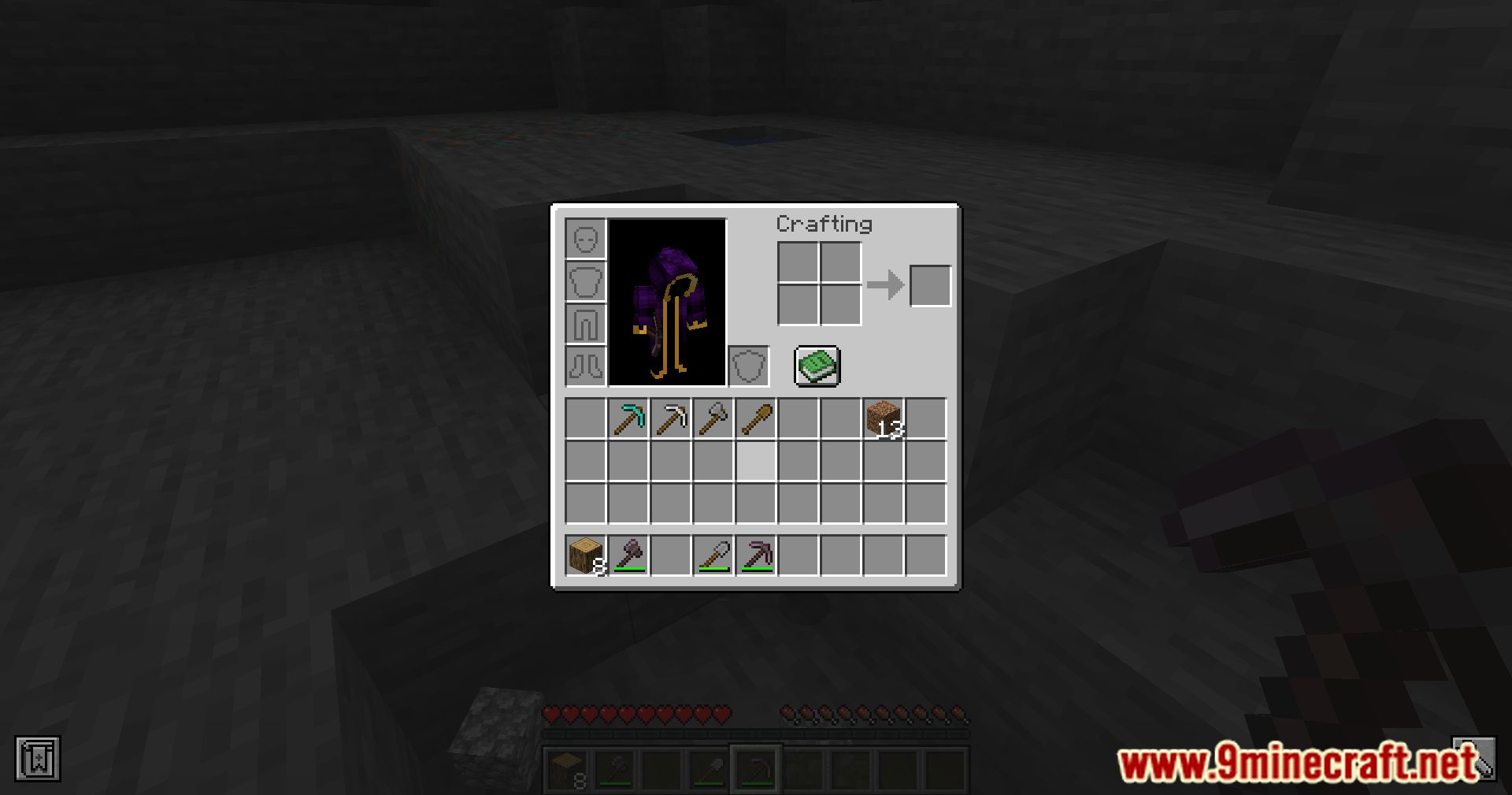
Auto Tools scans your entire inventory and selects the best tool to mine a block or attack a mob. The selected tool is determined by mining speed, mining level, enchantments, and DPS. The mod offers a high level of customisation through various configuration options.
For blocks where Silk Touch is preferred, use silk_touch.json. For Fortune, use fortune.json. Shears will always be preferred for entries defined in shears.json.
- Selection Config [default]:
- toggle [false]: AutoTools will always be active and try to get you the best tool. Can be toggled with the set key.
- disableCreative [true]: Disables AutoTools in creative-mode if toggle is enabled.
- keepSlot [false]: Keeps the selected slot when swapping to a new tool instead of using the vanilla mechanics.
- preferHotBarTool [true]: AutoTools will prefer the tool already in your hotbar if multiple tools have the same mining speed, regardless their durability.
- preferLowDurability [false]: AutoTools will prefer the tool with the lower durability, instead of the higher one, if they have the same mining speed and enchantments.
- switchBack [false]: AutoTools will switch back to the item you had in your hand before breaking the block
- showDPS [true]: Displays the weapons Damage when hovering over it as a tooltip
- changeForEntities [true]: AutoTools will change to the tool with the most DPS when looking at an entity
- Block Behaviour:
- onlySwitchIfNecessary [false]: AutoTools only tries to get a new tool if it is needed to break the block
- alwaysPreferFortune [false]: Autotools will use Fortune for Gravel and Leaves
- preferSilkTouch [except_ores]:
- always: Autotools additionally will use SilkTouch for: grass, stone, ores, leaves, snow
- always_ores: AutoTools additionally will use SilkTouch for ores
- except_ores: Autotools additionally will SilkTouch for: grass, stone, leaves, snow
- never: Autotools will only use SilkTouch if its required to mine a block.
- customTools
- Add custom tool-configurations in JSON format (e.g. customTools={“minecraft:block_id”:”minecraft:tool_id”} or customBlocks={“minecraft:block_id”:[“minecraft:tool_id_1”, “minecraft:tool_id_2”]})
- Note: On Forge and NeoForge you have the use customTools=”{“minecraft:block_id”:”minecraft: tool_id”}”
- When adding multiple tools, the first one has the highest priority There are also pre-define lists for tool groups: autotools:pickaxe, autotools:axe, autotools:shovel, autotools:hoe, autotools:sword
- To completely disable AutoTools for a block use: “autotools:disabled”
- This works on both blocks and entities (e.g. “minecraft:stone” or “minecraft:sheep”)
Developer Information
- Tools:
- Items should implement Item.isCorrectToolForDrops(BlockState) and Item.getDestroySpeed(Item, BlockState).
- Blocks should correctly implement requiresCorrectToolForDrops (Mojmap mappings).
- Weapons:
- Items must store their attack damage and attack speed as AttributeModifiers.
Screenshots:
Crafting Recipes:
Recommend that you should install Just Enough Items (for mods using Forge) or Roughly Enough Items (for mods using Fabric) to view the full recipes included in this mod.
Requires:
Minecraft Forge or Fabric API or Quilt Loader or NeoForge Installer
How to install:
Click the following link to view details: How to Install Mods for Minecraft Java Edition on PC: A Beginner Guide
Auto Tools Mod (1.21.11, 1.20.1) Download Links
For Minecraft 1.16.5
Forge Version: Download from Server 1 – Download from Server 2
Fabric/Quilt Version: Download from Server 1 – Download from Server 2
For Minecraft 1.17.1
Fabric Version: Download from Server 1 – Download from Server 2
For Minecraft 1.18.1
Forge Version: Download from Server 1 – Download from Server 2
For Minecraft 1.18.2
Forge Version: Download from Server 1 – Download from Server 2
For Minecraft 1.18.2, 1.18.1
Fabric/Quilt Version: Download from Server 1 – Download from Server 2
For Minecraft 1.19
Forge Version: Download from Server 1 – Download from Server 2
Fabric Version: Download from Server 1 – Download from Server 2
For Minecraft 1.19.3
Forge Version: Download from Server 1 – Download from Server 2
For Minecraft 1.19.4
Forge Version: Download from Server 1 – Download from Server 2
For Minecraft 1.19.4, 1.19.3
Fabric/Quilt Version: Download from Server 1 – Download from Server 2
For Minecraft 1.20.1, 1.20
Forge Version: Download from Server 1 – Download from Server 2
Fabric/Quilt Version: Download from Server 1 – Download from Server 2
For Minecraft 1.20.2
Forge Version: Download from Server 1 – Download from Server 2
Fabric Version: Download from Server 1 – Download from Server 2
For Minecraft 1.20.4
Forge Version: Download from Server 1 – Download from Server 2
NeoForge Version: Download from Server 1 – Download from Server 2
For Minecraft 1.20.4, 1.20.3
Fabric/Quilt Version: Download from Server 1 – Download from Server 2
For Minecraft 1.20.6
NeoForge Version: Download from Server 1 – Download from Server 2
Fabric/Quilt Version: Download from Server 1 – Download from Server 2
For Minecraft 1.21.1, 1.21
NeoForge Version: Download from Server 1 – Download from Server 2
Fabric/Quilt Version: Download from Server 1 – Download from Server 2
For Minecraft 1.21.3
NeoForge Version: Download from Server 1 – Download from Server 2
Fabric/Quilt Version: Download from Server 1 – Download from Server 2
For Minecraft 1.21.4
NeoForge Version: Download from Server 1 – Download from Server 2
Fabric/Quilt Version: Download from Server 1 – Download from Server 2
For Minecraft 1.21.8, 1.21.7, 1.21.6
NeoForge Version: Download from Server 1 – Download from Server 2
Fabric/Quilt Version: Download from Server 1 – Download from Server 2
For Minecraft 1.21.10, 1.21.9
NeoForge Version: Download from Server 1 – Download from Server 2
Fabric/Quilt Version: Download from Server 1 – Download from Server 2
For Minecraft 1.21.11
NeoForge Version: Download from Server 1 – Download from Server 2
Fabric/Quilt Version: Download from Server 1 – Download from Server 2
You May Also Like