


AVECOINS Shop & Economy Mod (26.2, 1.20.1) – Trade Goods and Build a Thriving
 0
0
 0
0

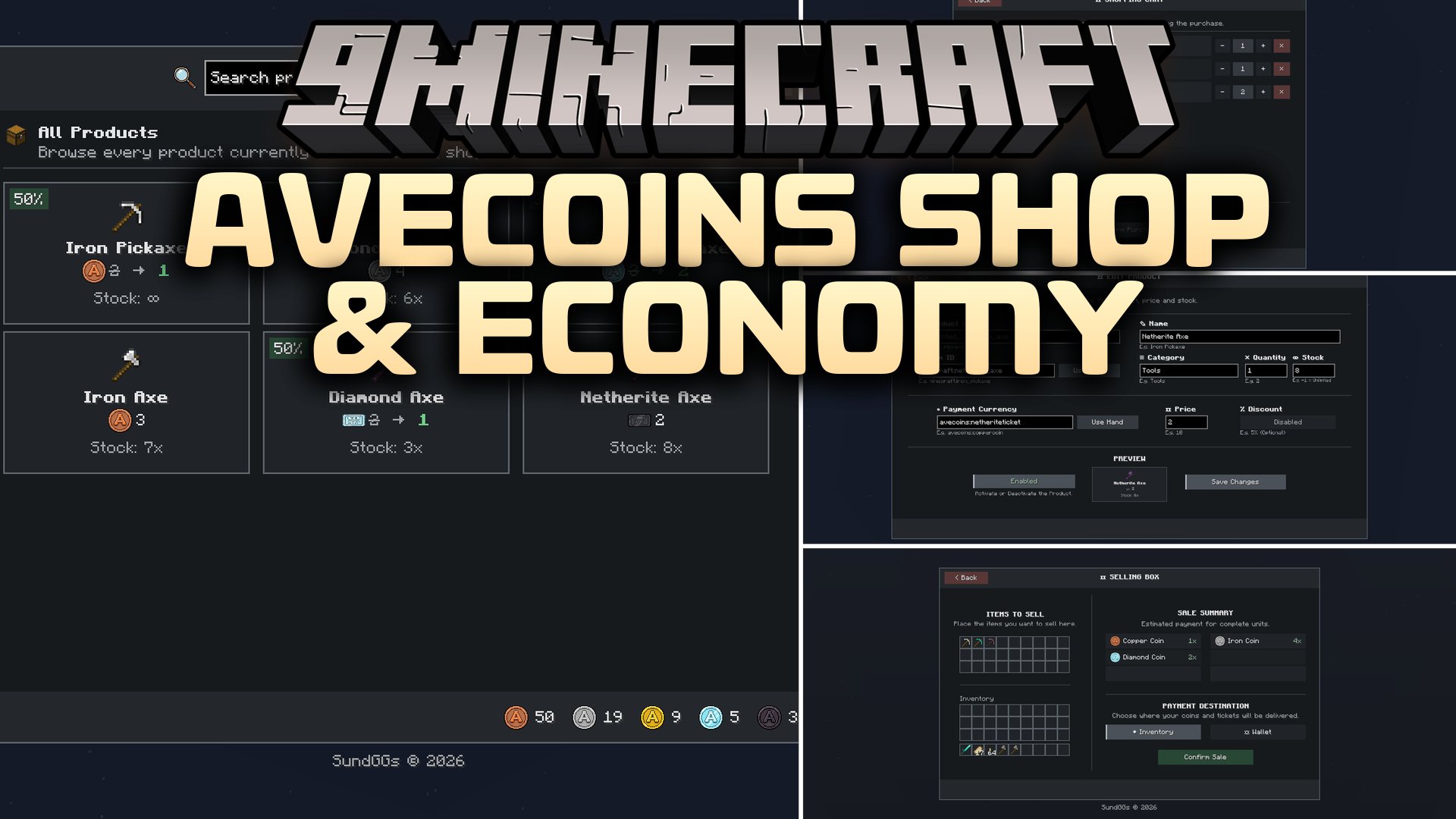
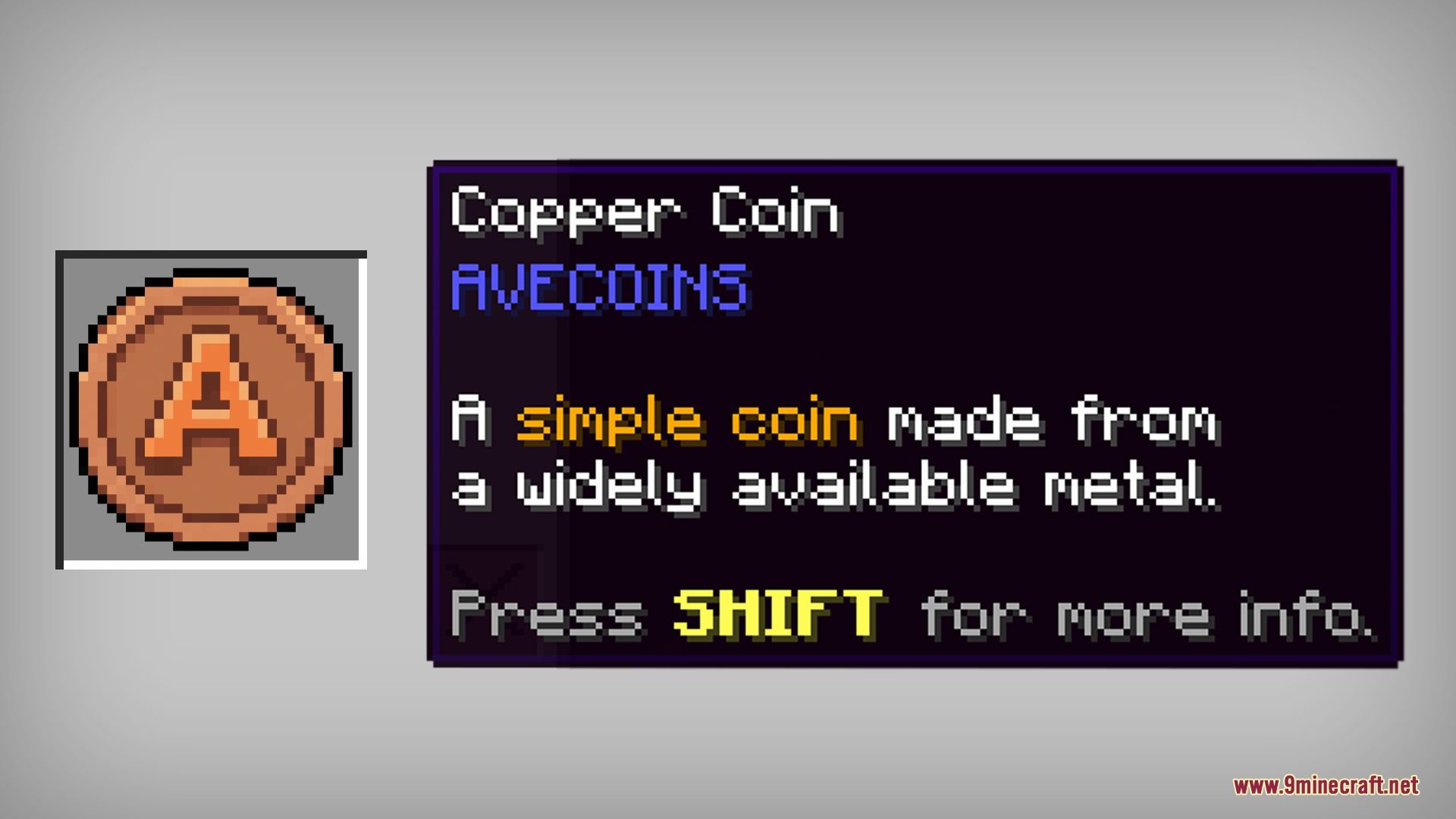
AVECOINS Shop & Economy Mod adds tiered physical currency and an in-game shop system to your world. It introduces five metal coins and three high-value tickets for player trading. The mod includes an admin shop interface where you can browse items, use a virtual coin wallet, and sell extra loot. You can manage prices, create item categories, and customize crafting recipes directly inside the game menus.
Features:
- Adds five tiers of coins including Copper, Iron, Gold, Diamond, and Netherite.
- Introduces three special tickets made of Gold, Diamond, and Netherite for high-cost trades.
- Lets players upgrade four lower coins and one matching material into a higher-tier coin.
- Allows breaking down higher-tier coins back into four lower-tier coins on a crafting table.
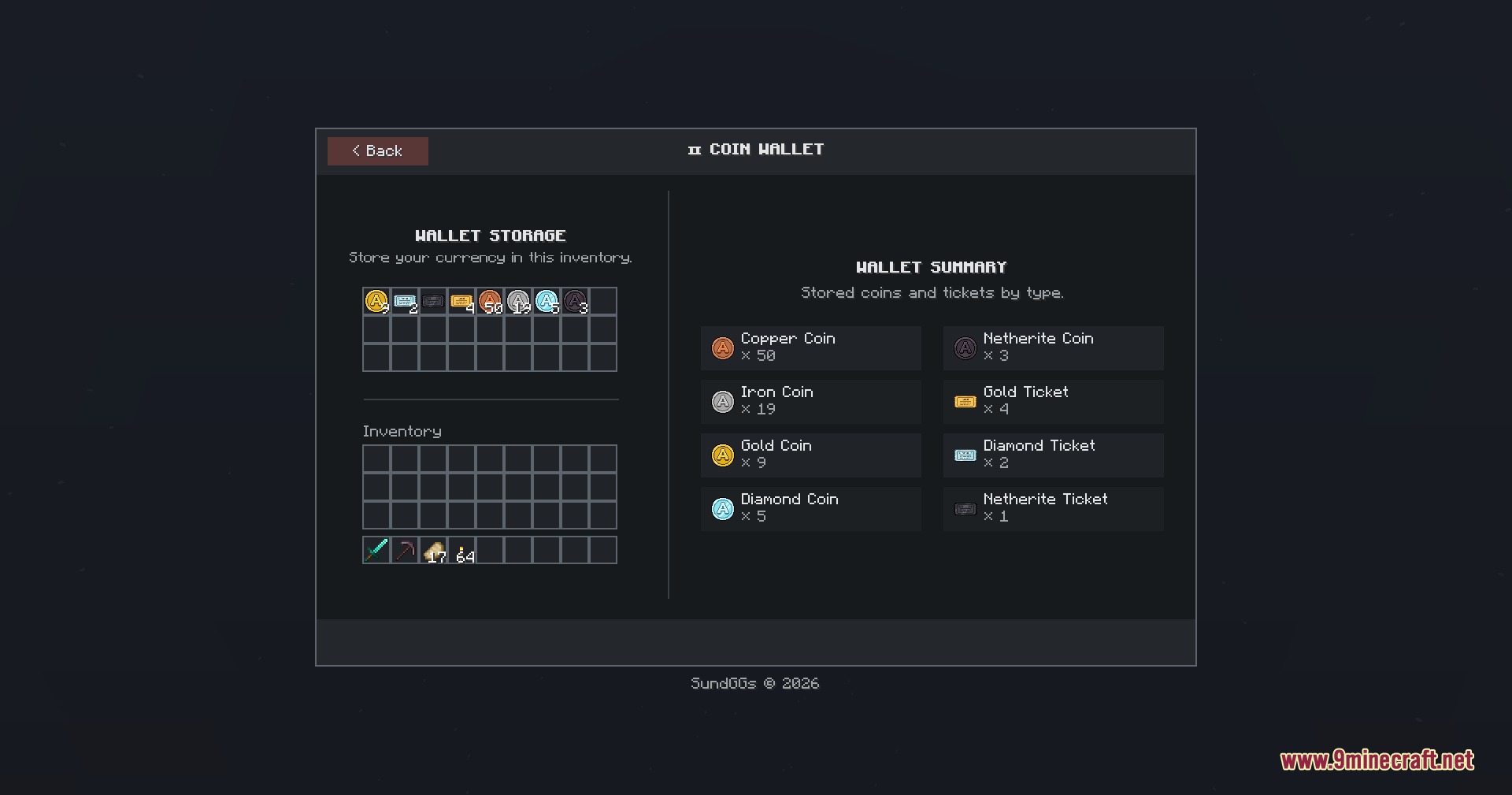
- Provides a built-in virtual coin wallet to store currency safely for shopping.
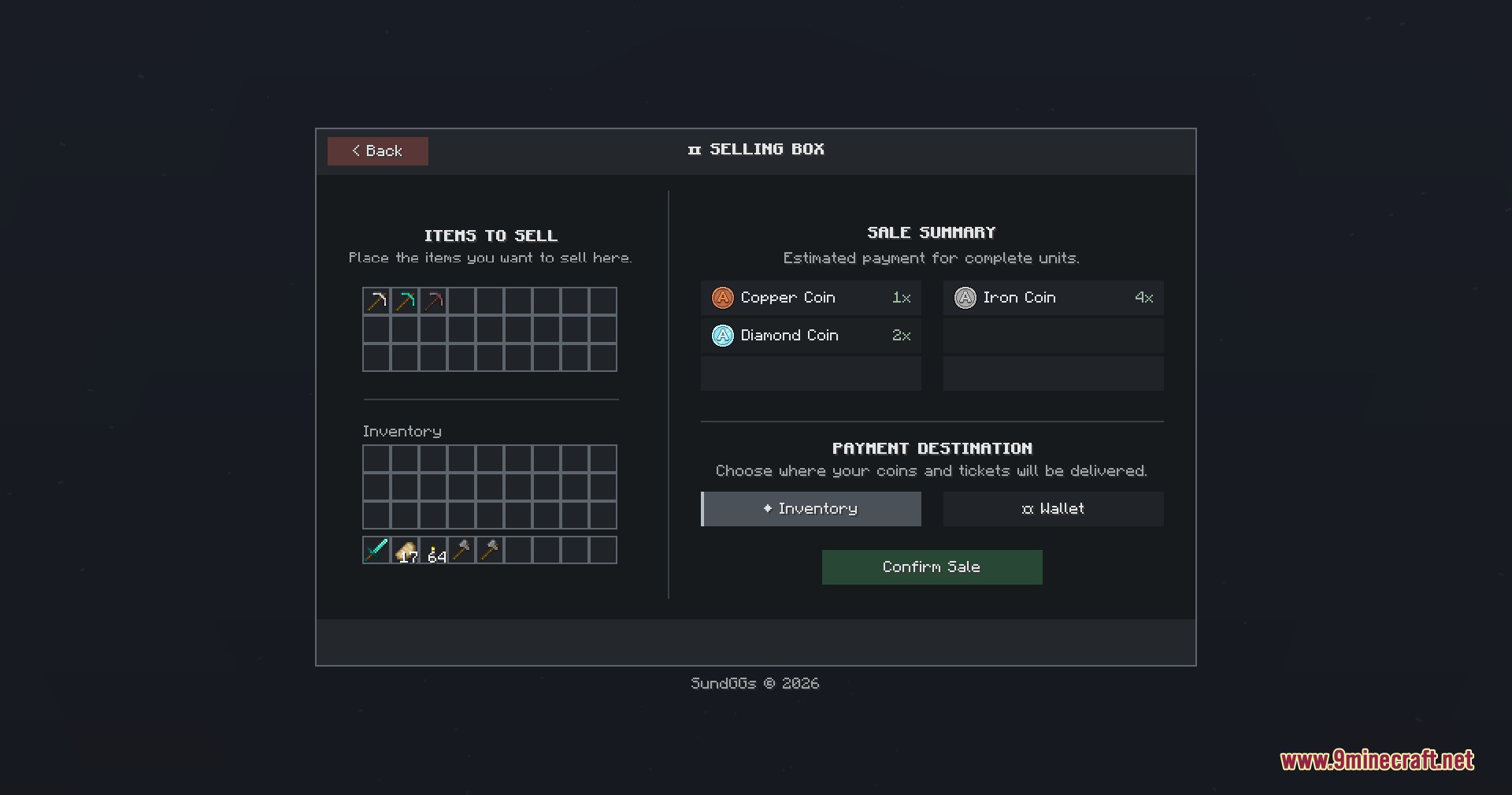
- Features a selling box that lets players trade their extra items for coins and tickets.
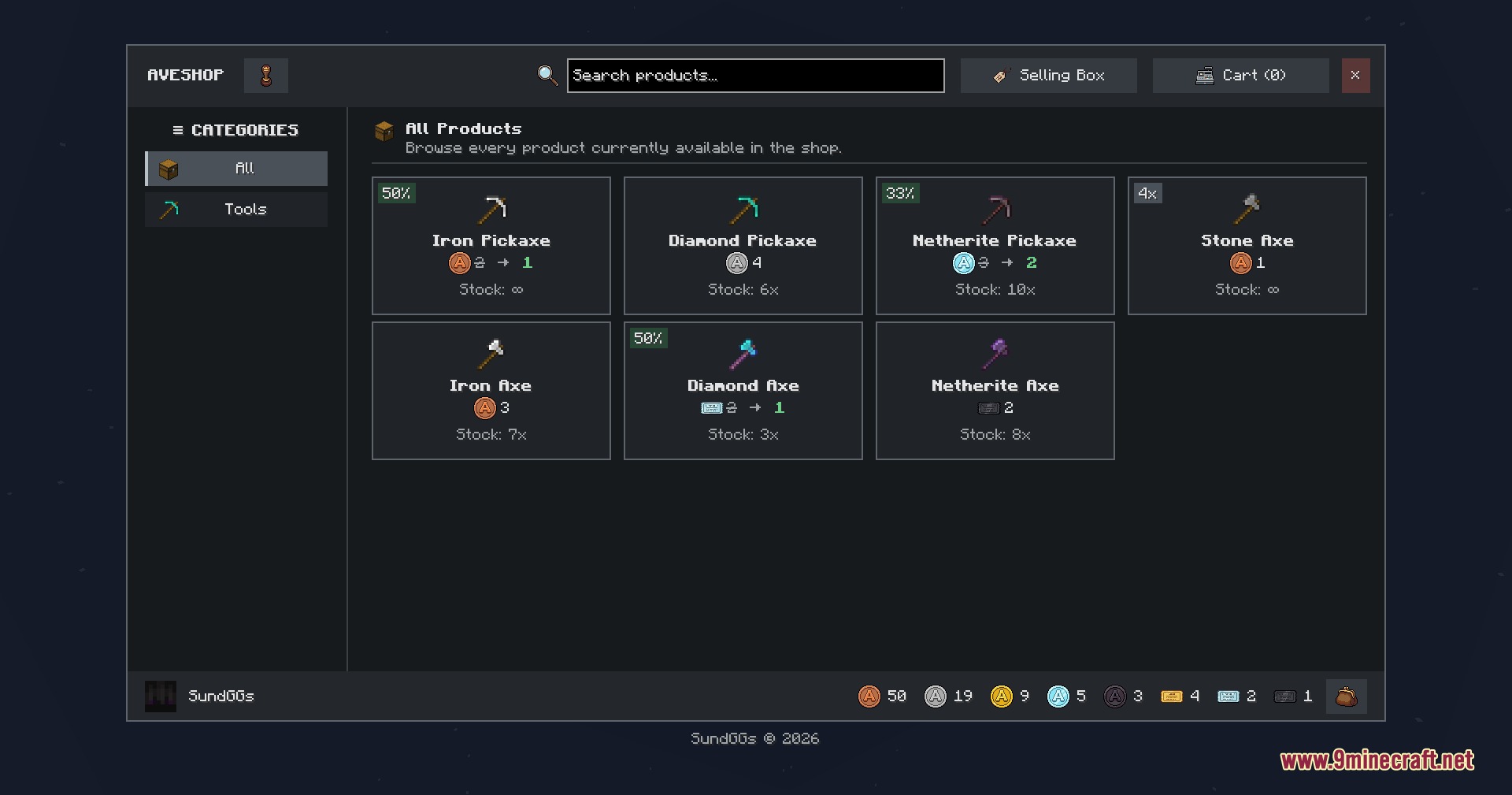
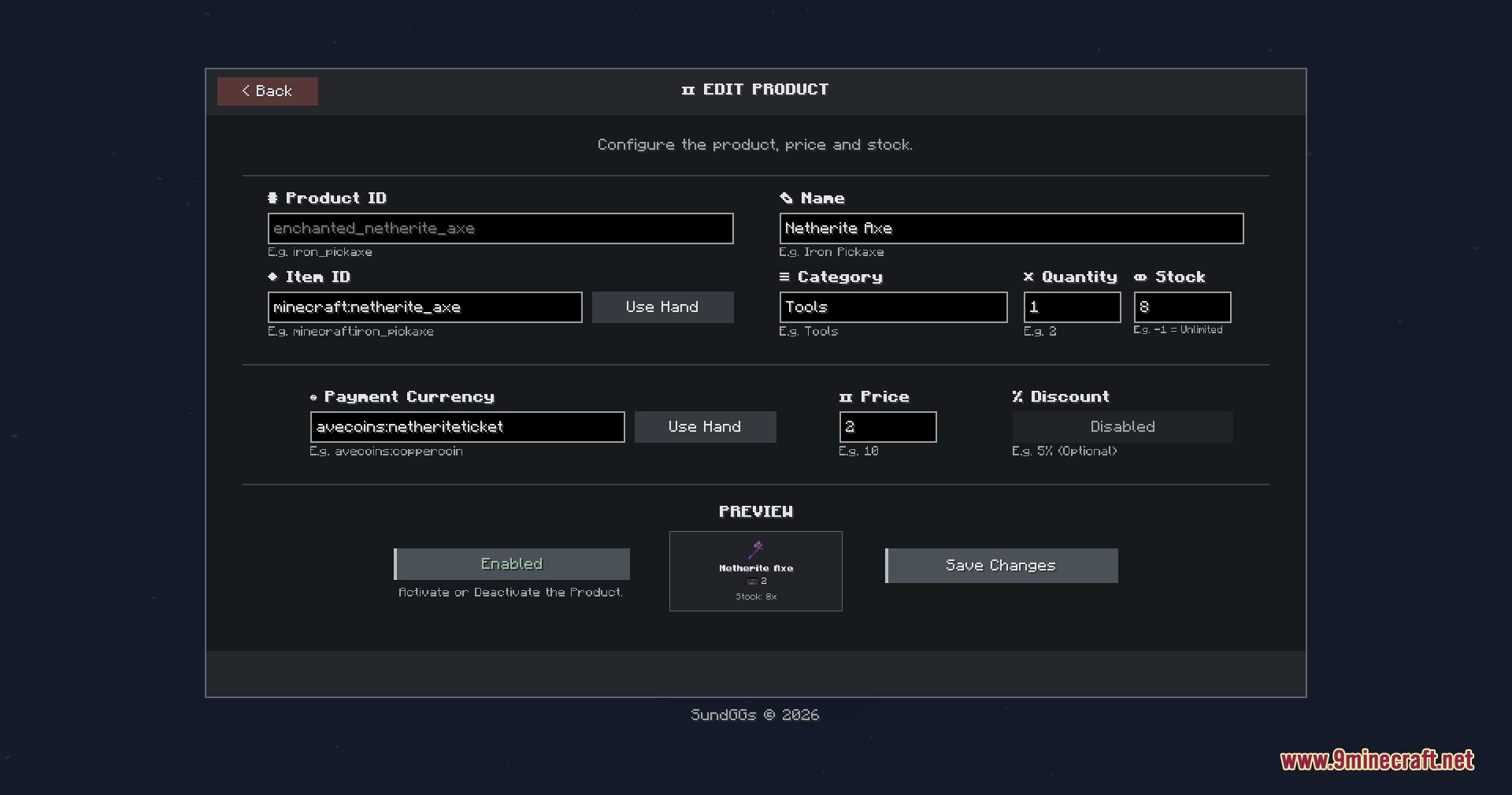
- Includes a full admin shop with category creation, product price controls, and discounts.
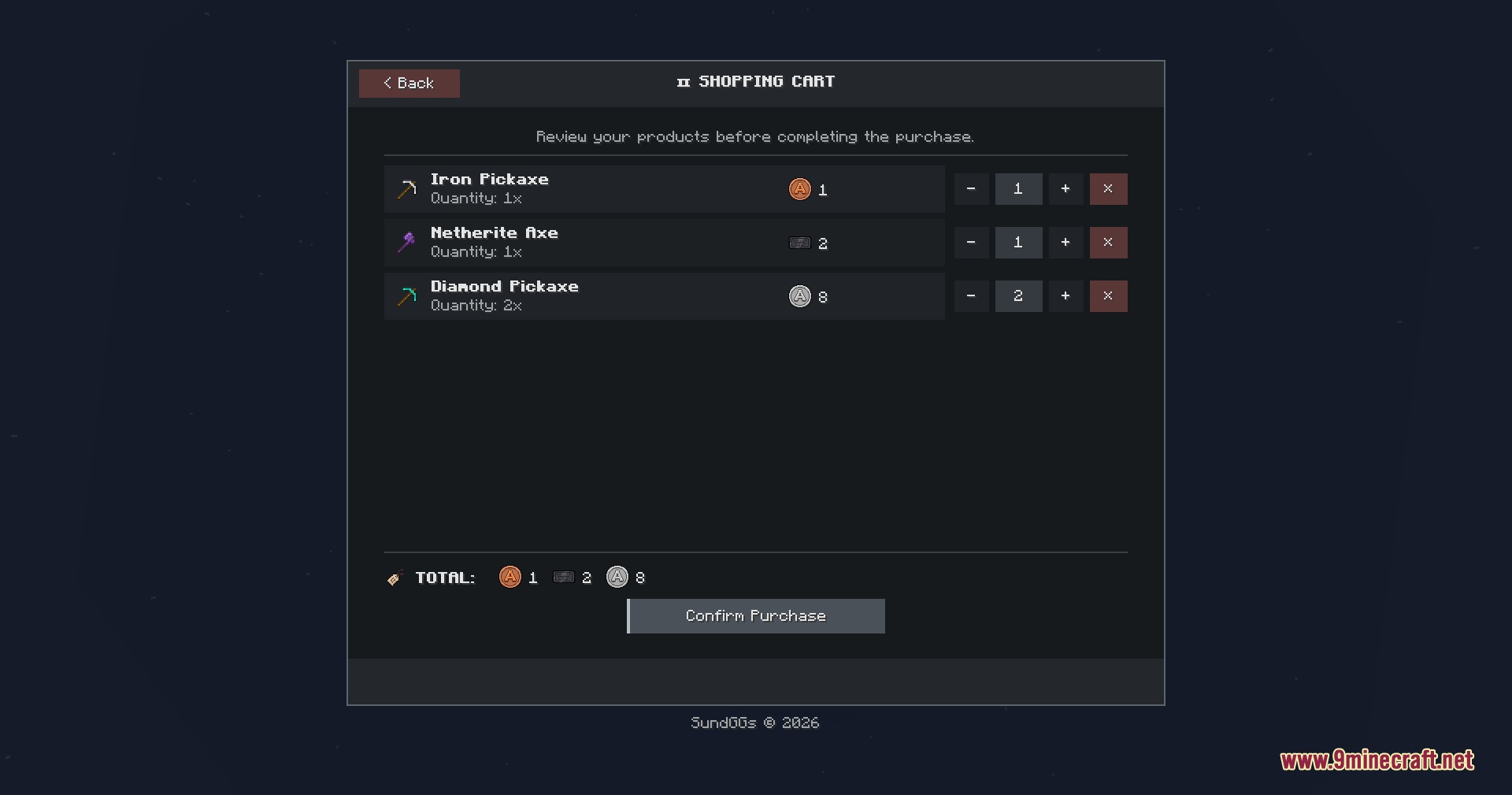
- Adds a shopping cart system so players can review and confirm purchases before spending coins.
- Tracks recent transactions through an in-game purchase history tab.
- Places a quick-access shop button directly inside the standard survival inventory screen.
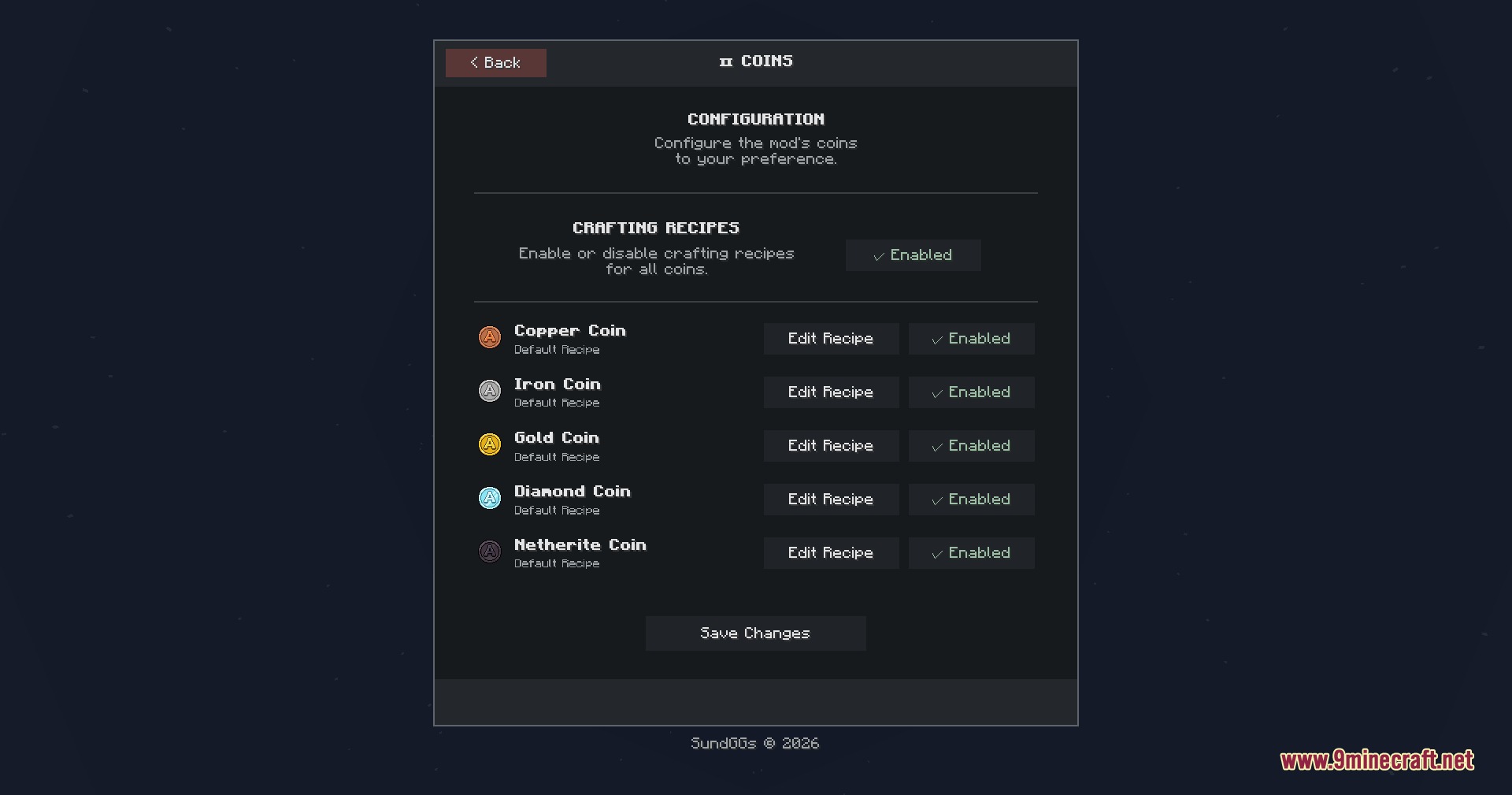
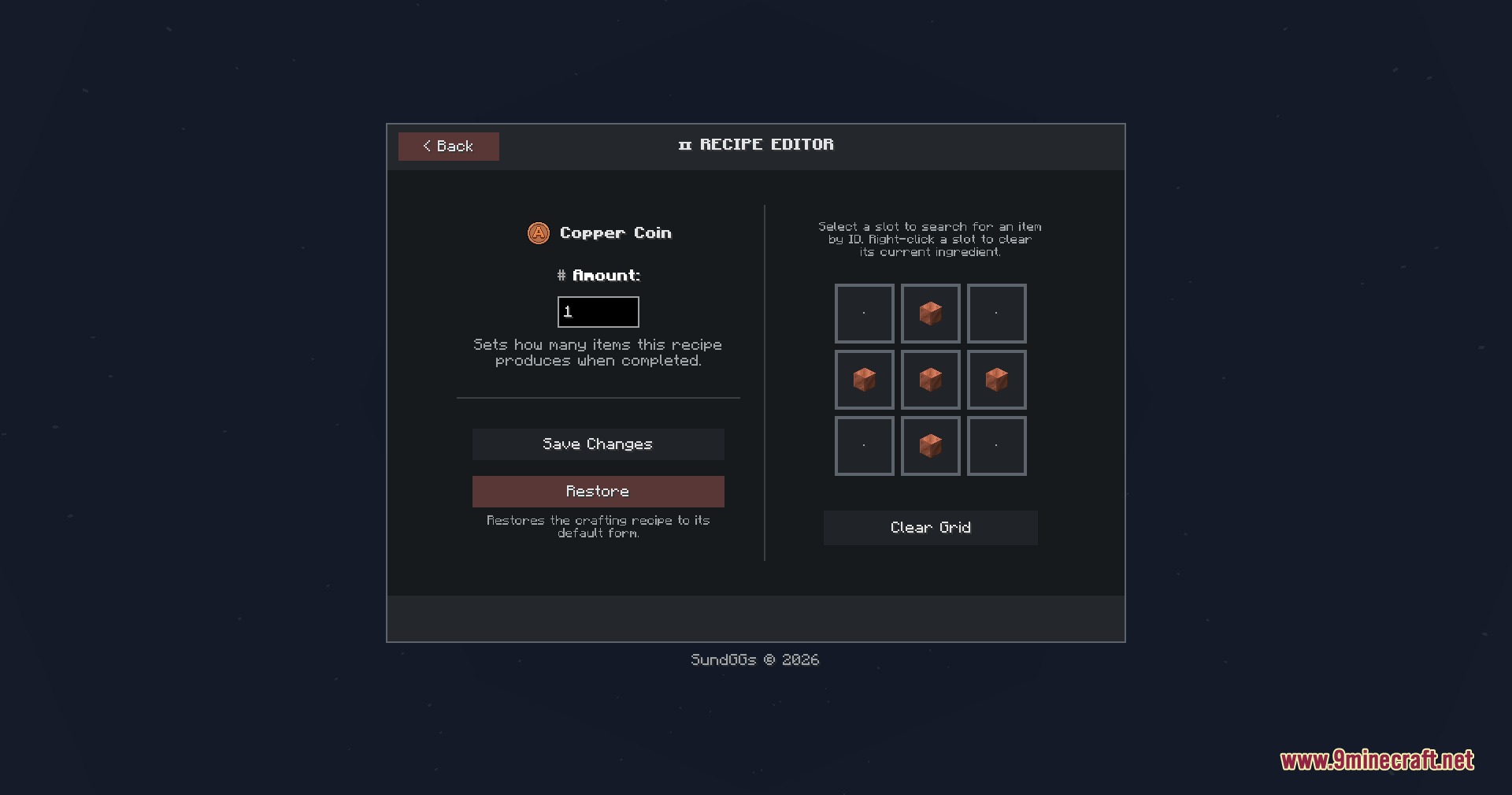
- Provides an in-game configuration menu to adjust crafting recipes and shop settings.
- Offers full text translations for English, Spanish, and Mexican Spanish.
Commands:
/avc shop: Opens the Admin Shop interface to browse, buy, or sell items./avc gui: Opens the configuration menu to customize recipes, shop settings, and command aliases.
How to Use:
- Press E to open your survival inventory and click the shop button on the left side of the screen.
- Type
/avc shopin chat to open the shopping catalog from anywhere. - Deposit your coins and tickets into the virtual wallet inside the shop window.
- Place unwanted items into the Selling Box to trade them for coins.
- Pick the items you want, add them to your shopping cart, and confirm your purchase.
- Type
/avc guiif you want to change recipe ingredients or shop settings.
Screenshots:
How to Install:
New to Minecraft? Follow our step-by-step guide to install Mods on your PC.View Guide




AVECOINS Shop & Economy Mod Download Links
For Minecraft 26.2
For Minecraft 26.1.2, 26.1.1, 26.1
For Minecraft 1.21.11
For Minecraft 1.21.1, 1.21
For Minecraft 1.20.1, 1.20
Click to rate this post!
[Total: 0 Average: 0]
You May Also Like





This post has no comments yet. Be the first — your comment will appear here.