


Vivid Panel Canvas Mod (26.2, 1.20.1) – Track Nearby Mobs with a Sleek Radial
 6
6
 0
0

🌐 Read this article in your language! Choose your preferred language below.
Or pick the one you like:
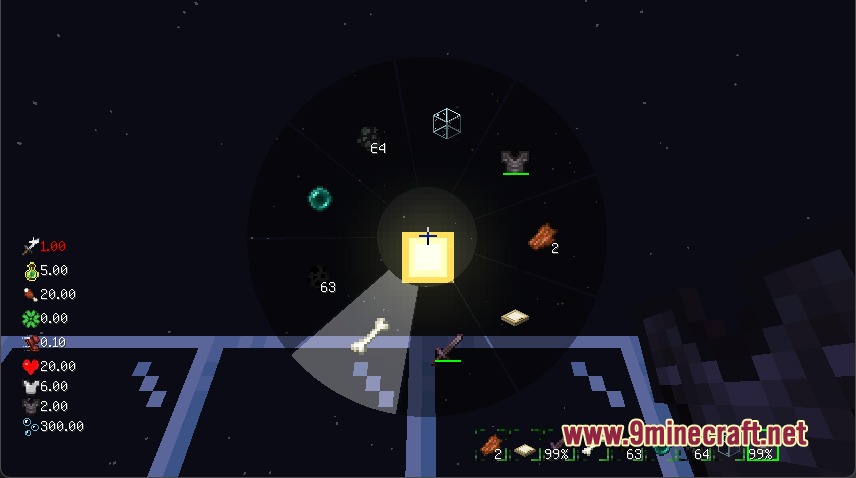
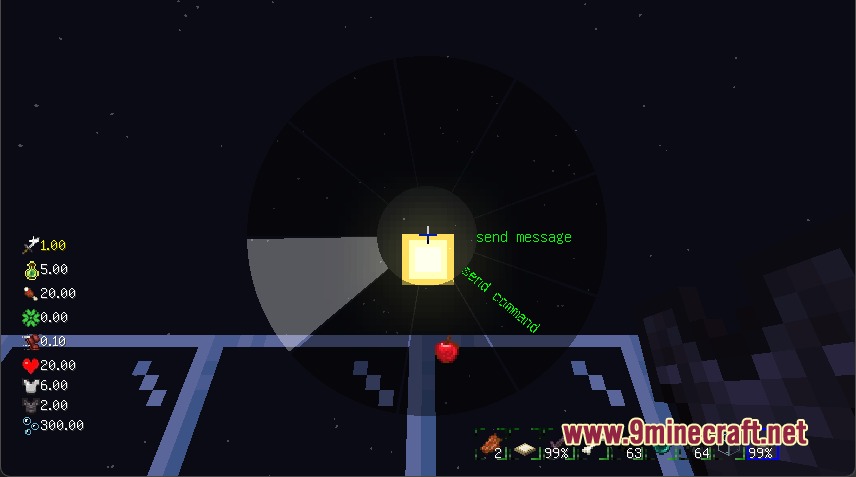
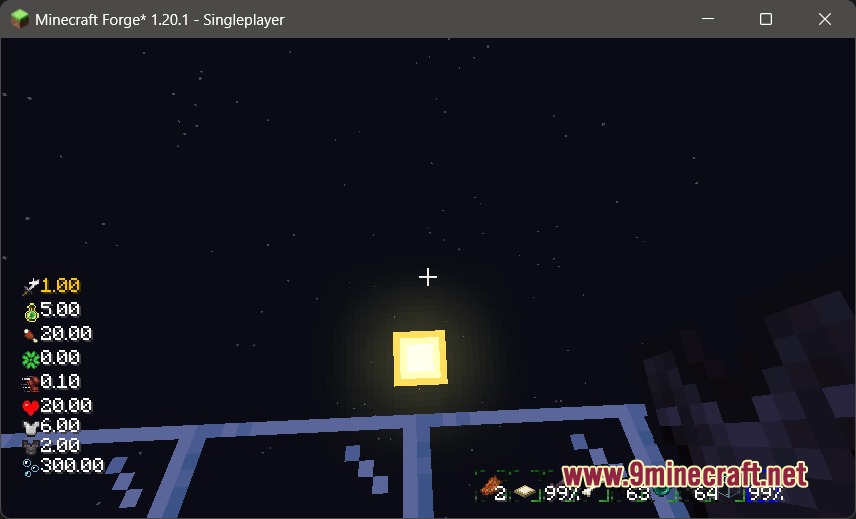
Vivid Panel Canvas Mod redesigns the default Minecraft interface with modern display panels and quick navigation tools. It replaces standard health, hunger, and hotbar graphics with clean visual meters that you can toggle individually. The mod also introduces an on-screen mob radar and a radial selection wheel to speed up daily gameplay actions.

Features:
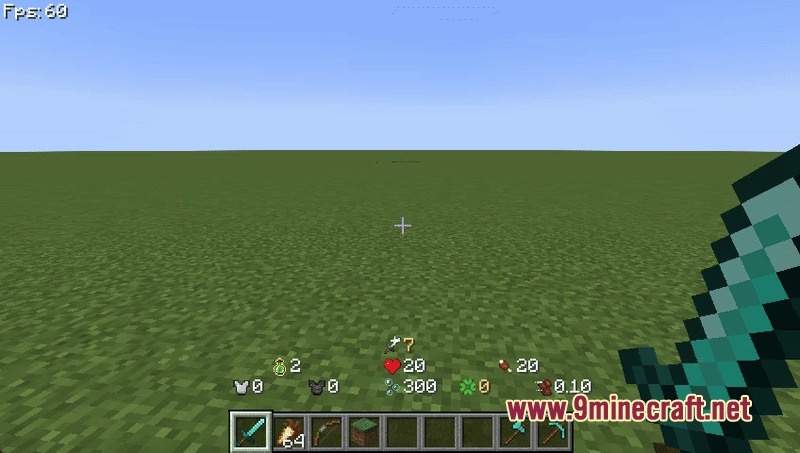
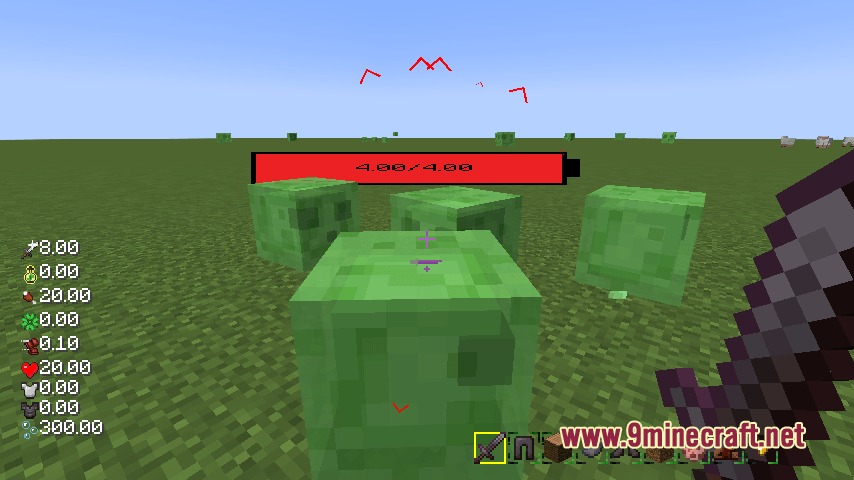
- Clean Interface Elements: Health bars, food levels, experience gauges, and hotbars receive fresh layouts that fit modern screen setups.
- Mob Position Tracker: Visual indicators show nearby mobs around you with icons that change size based on distance.
- Quick Action Menu: A radial wheel menu lets you jump between screens and trigger actions with minimal button presses.
- Each HUD component can be turned on or off separately to match your personal preference.
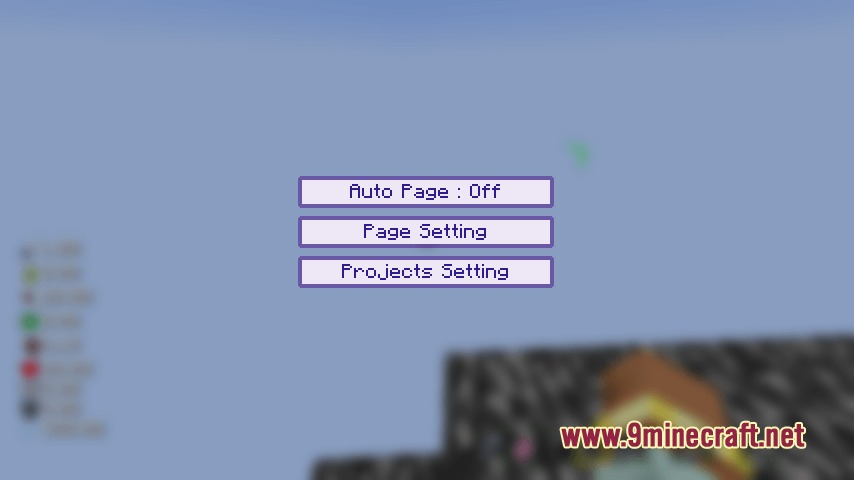
- Configuration files allow direct adjustments to the layout and placement of all on-screen elements.
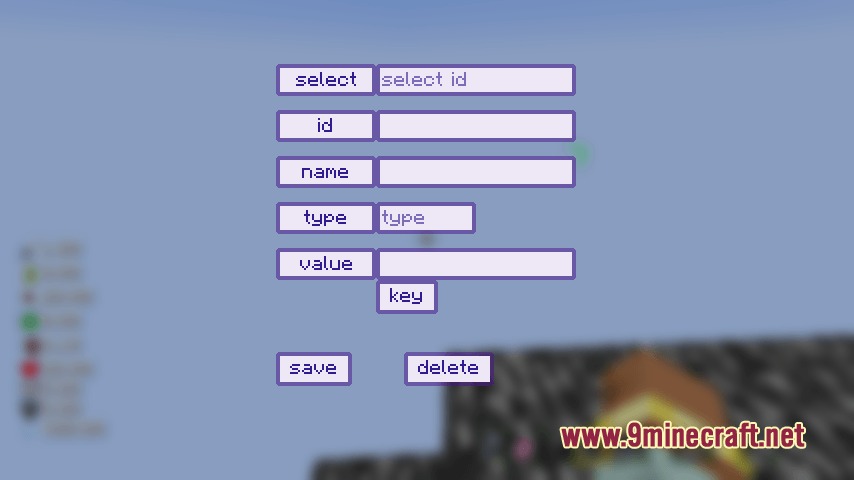
- JavaScript script support lets you draw custom interface designs and unique health bar styles on screen.
How to Use:
- Hold down the TAB key on your keyboard to open the quick selection menu.
- Click the left and right mouse buttons to switch between different tool interfaces.
- Hover the mouse cursor over your desired option.
- Release the TAB key to select and trigger the chosen action.
- Edit the mod configuration file in your game folder to turn specific HUD parts on or off.
Screenshots:
How to Install:
New to Minecraft? Follow our step-by-step guide to install Mods on your PC.View Guide
Requirements:


Vivid Panel Canvas Mod Download Links
For Minecraft 26.2
For Minecraft 26.1.2, 26.1.1, 26.1
For Minecraft 1.21.11
For Minecraft 1.21.10, 1.21.9
For Minecraft 1.21.1, 1.21
For Minecraft 1.20.1, 1.20
Click to rate this post!
[Total: 0 Average: 0]
You May Also Like














This post has no comments yet. Be the first — your comment will appear here.