
BetterRedstone Model – Brings Clear 3D Visuals to Redstone Circuits

 0


BetterRedstone Model refreshes redstone components with 53 custom 3D models and 192 texture files. This pack includes animated textures that show the active states and fill levels of blocks like comparators, repeaters, observers, cauldrons, and composters. Players can see signal modes, facing directions, and container amounts at a glance while building redstone contraptions.

Features:
- 53 Custom 3D Models: Replaces standard redstone blocks and utility containers with updated 3D shapes.
- 192 Custom Textures: Repaints block surfaces with animated textures for clear visual feedback on your circuits.
- Shows exact power and mode states on comparators, observers, levers, and repeaters.
- Displays distinct fill levels for composters and cauldrons holding lava or powder snow.
- Highlights directional orientation for hoppers, sticky piston heads, dispensers, and droppers.
Included Block Models:
- Comparators: Dedicated models for standard, powered on, subtract mode, and powered subtract states.
- Repeaters and Sensors: Updated 3D models for the 1-tick repeater and the calibrated sculk sensor.
- Observers and Levers: Separate visual models for off and powered on states.
- Dispensers and Droppers: Distinct models for horizontal and vertical placement, plus side-facing hoppers and sticky piston heads.
- Composters: Individual models for empty composters, fill levels 1 through 7, and the ready-to-harvest state.
- Cauldrons: Custom models for empty cauldrons, lava cauldrons, and powder snow cauldrons at levels 1, 2, and 3.
How to Use:
- Activate the resource pack in your Minecraft settings menu and load into a world.
- Place down a comparator, repeater, lever, or observer from your Creative inventory or crafting table.
- Power these blocks with redstone dust or right-click the comparator to watch the model change between off, on, and subtract modes.
- Place a dispenser, dropper, sticky piston, or hopper facing different directions to see the vertical and side-oriented 3D models.
- Add seeds or food items into a composter to watch the contents rise through 7 fill stages until the ready model appears.
- Fill a cauldron using a lava bucket or powder snow buckets to view the lava cauldron and the 3 powder snow level models.
Requirements:
- A Minecraft version that supports animated textures
Screenshots:


BetterRedstone Model Download Links
Click to rate this post!
[Total: 0 Average: 0]
You May Also Like
Picked for this page
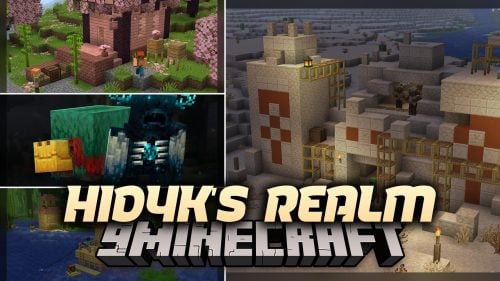 Hidyk’s Realm Model – Brings Animated 3D Depth to Vanilla Blocks
 Quadral Model – Brings Vivid Colors and 31 Custom 3D Models to Vanilla
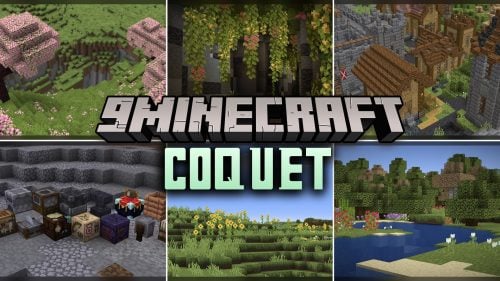 Coquet Model – Transforms Vanilla Foliage and Terrain with 3D Shapes
 Pixel-Tree Model – Transforms Everyday Vanilla Blocks with Detailed 3D Shapes
 Gui’s Better Vanilla Model – Brings Animated 3D Torches and Plants
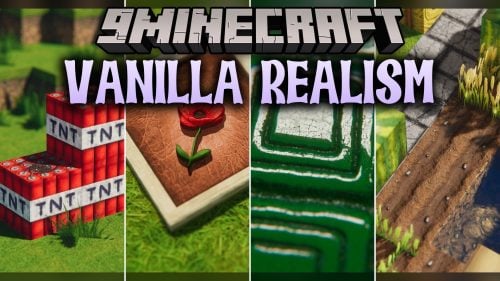 Vanilla Realism Model – Transforms Flat Blocks Into Animated 3D Shapes
 Brush & Juice Model – Brings Animated 3D Redstone and Mechanical Blocks
 The Original Work Programmer Art Model – Brings Classic Retro Visuals and Models
 Justzilla’s Classic Model – Brings Retro Aesthetics to Modern Blocks
 TextureRevamp 64x Model – Transforms Vanilla Blocks with Detailed 3D Shapes
 Modilla Model – Brings 3D Depth and Animated Textures to Everyday Vanilla Blocks
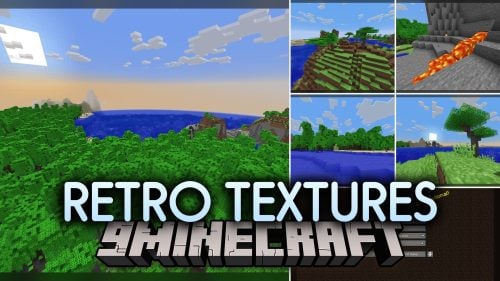 Retro Textures Model – Brings Classic Alpha Blocks and 3D Redstone
Most viewed in Models over the last 7 days
 Jenny Mod Skin Pack Mega Collection – 310+ Characters
 The Most Complete Collection of Jenny Mod Resources – Models, Animations, Structures,…
 Albedo Rework Jenny Mod Model
 750 Models Addon for Yes Steve Model Mod
 Galath Rework Model – Custom Girl for PleasureCraft Mod
 Power Model – Custom Girl for PleasureCraft Mod
 Pomni Jenny Mod Model
 Femboy Ellie Rework Jenny Mod Model
 Ram Model – Custom Girl for PleasureCraft Mod
 100+ Custom Animations For Jenny Mod
 Ellie Rework Jenny Mod Model
 Steve (Jenny & Zoey) Pack Jenny Mod Model
More from Models
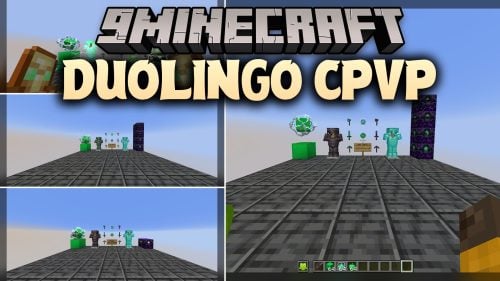 Duolingo Cpvp Model – Brings Animated 3D Duo Owl Visuals to Crystal PvP
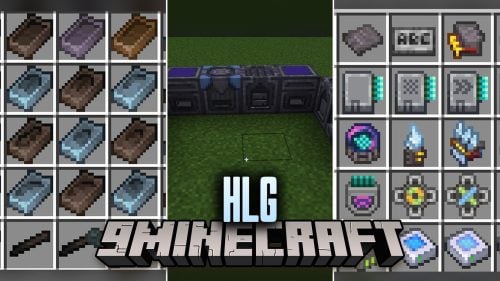 HLG Model – Transforms Storage Cells and Metal Gear Into Animated 3D Objects
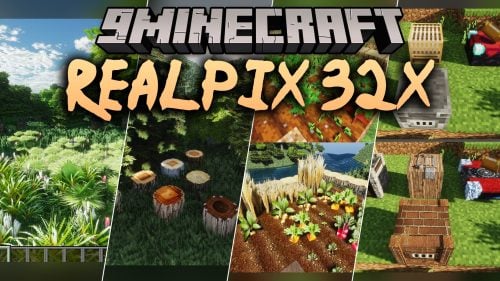 RealPix 32x Model – Brings Lifelike 3D Foliage and Animated Block Details
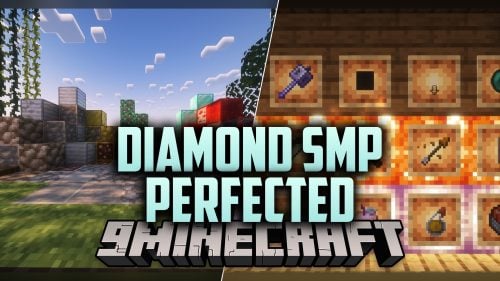 Diamond Smp Perfected Model – Brings Clean 3D Visuals to PvP Combat
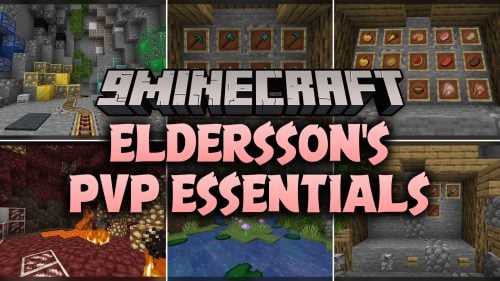 Eldersson’s PvP Essentials Model – Brings Animated 3D Blocks to PvP Combat
 Bubblellaneous Model – Adds Animated 3D Furniture, Tech Gadgets, and Food Props
 Items & Stuff X Enchantment Outline Model – Adds Glowing Outlines to 3D Gear
 Zero Particles Model – Brings Clear PvP Views and Readable Enchanting Spells
 XK Redstone Display Model – Brings Animated 3D Visuals to Redstone Circuits
 MirRP CIT Model – Adds 3D Cafe Drinks, Meals, Plushies, and Wearable Furry Ears
 KTRC Generic Stock Model – Adds Custom MTR Rolling Stock Trains
 DOCTOR YELLOW S1 S2 Model – Brings Bright Yellow Trains to Transit Railways

This post has no comments yet. Be the first — your comment will appear here.