Blossom Homes Mod (1.21.11, 1.20.1) – Easy Home Teleports
 2,136
2,136
 0
0
 December 15, 2025
 CodedSakura
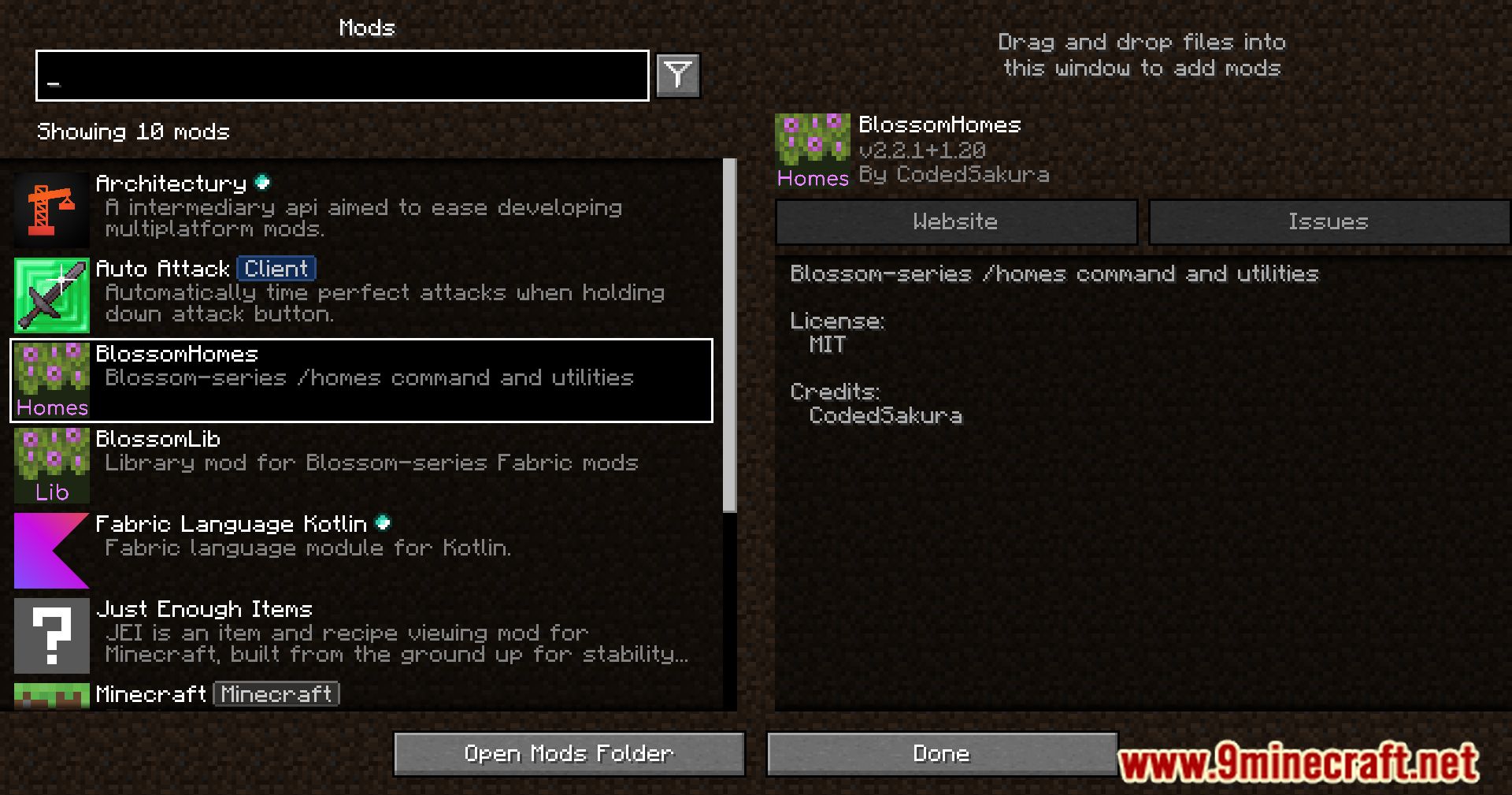
Blossom Homes Mod (1.21.11, 1.20.1) adds the /home command, letting players set and teleport to custom home points with ease.
Features:
- Use the /home command to set and return to custom locations.
- Simplifies travel and base management.
Teleportation Settings:
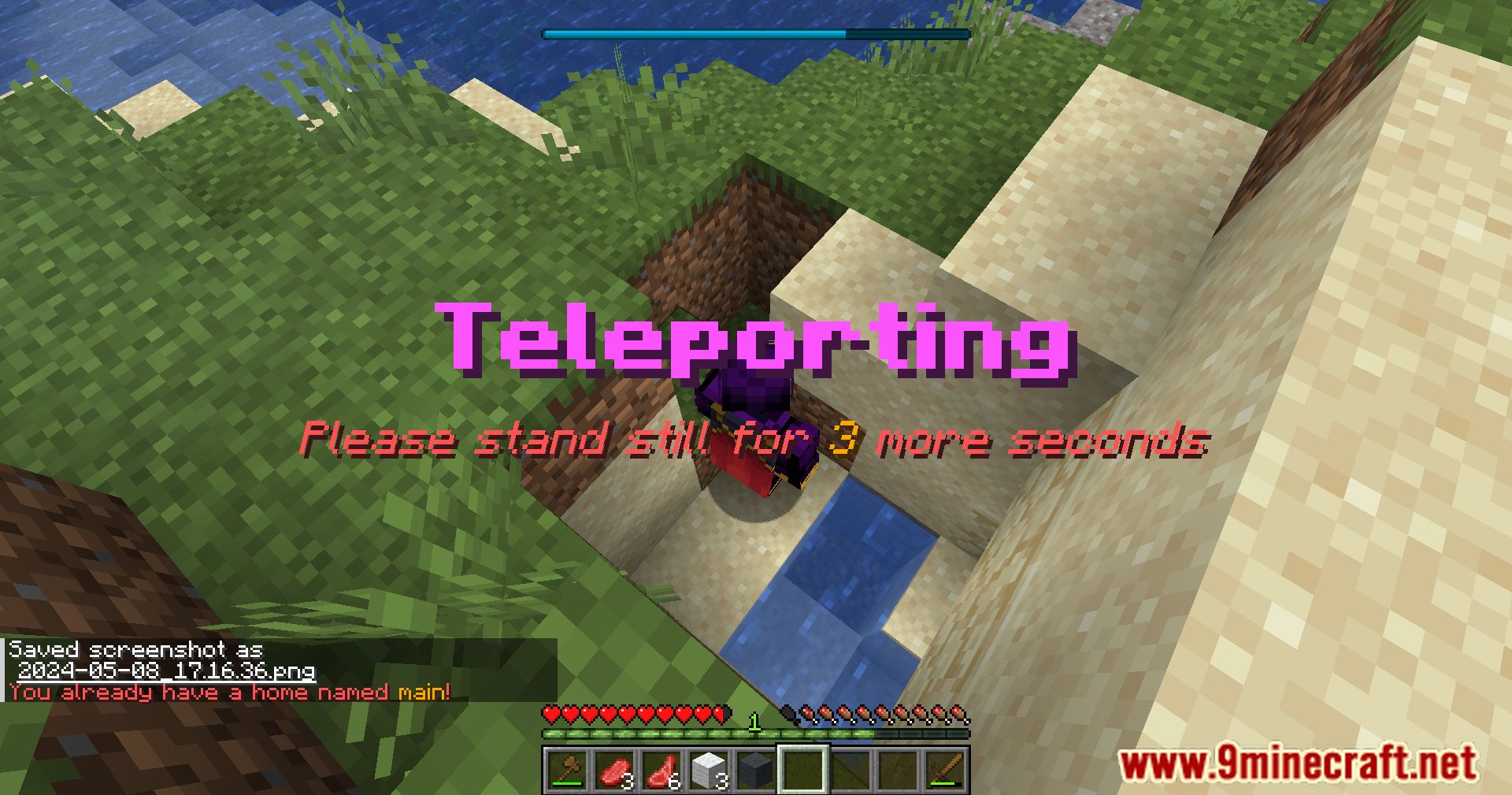
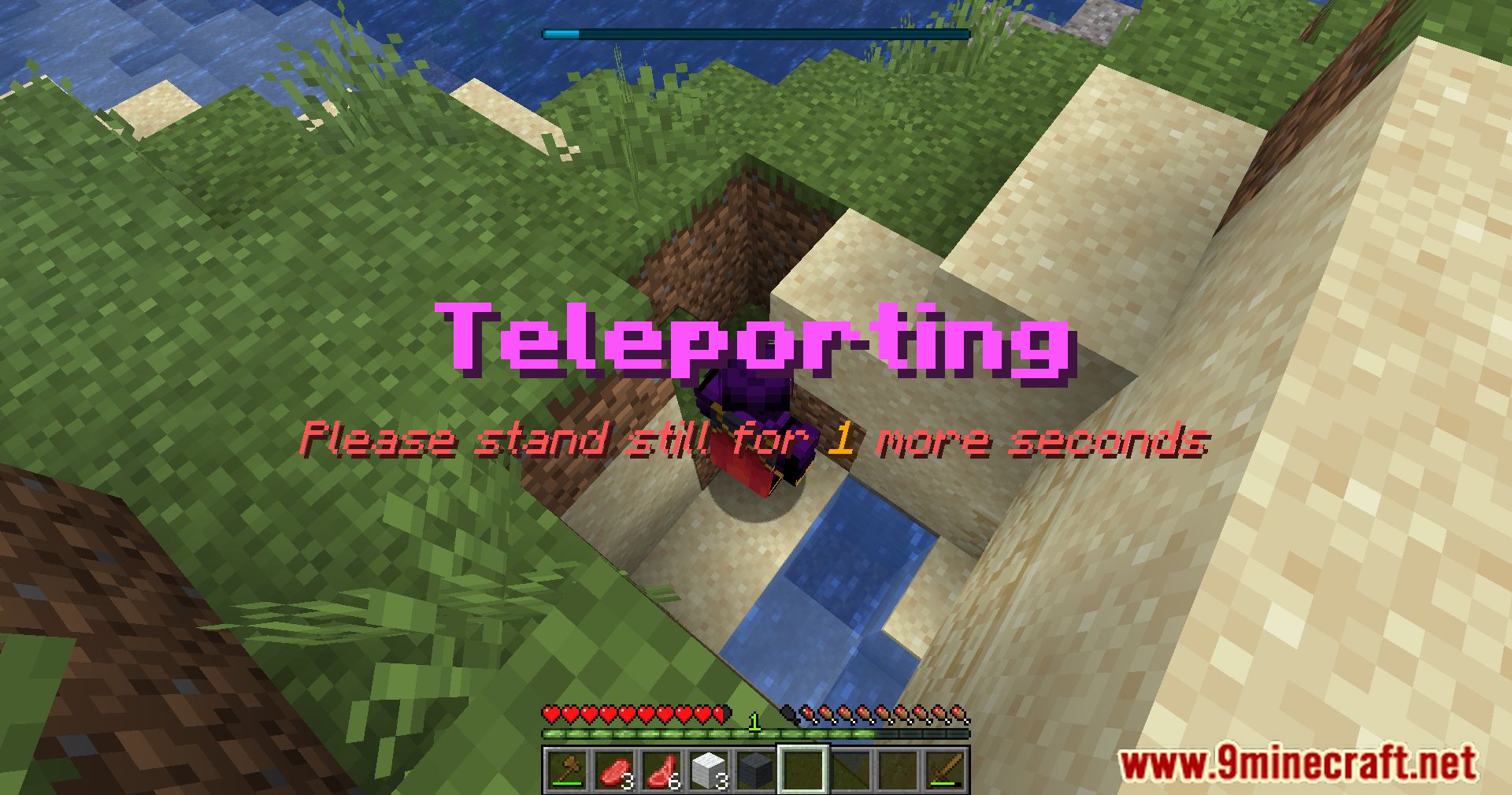
- standStill (
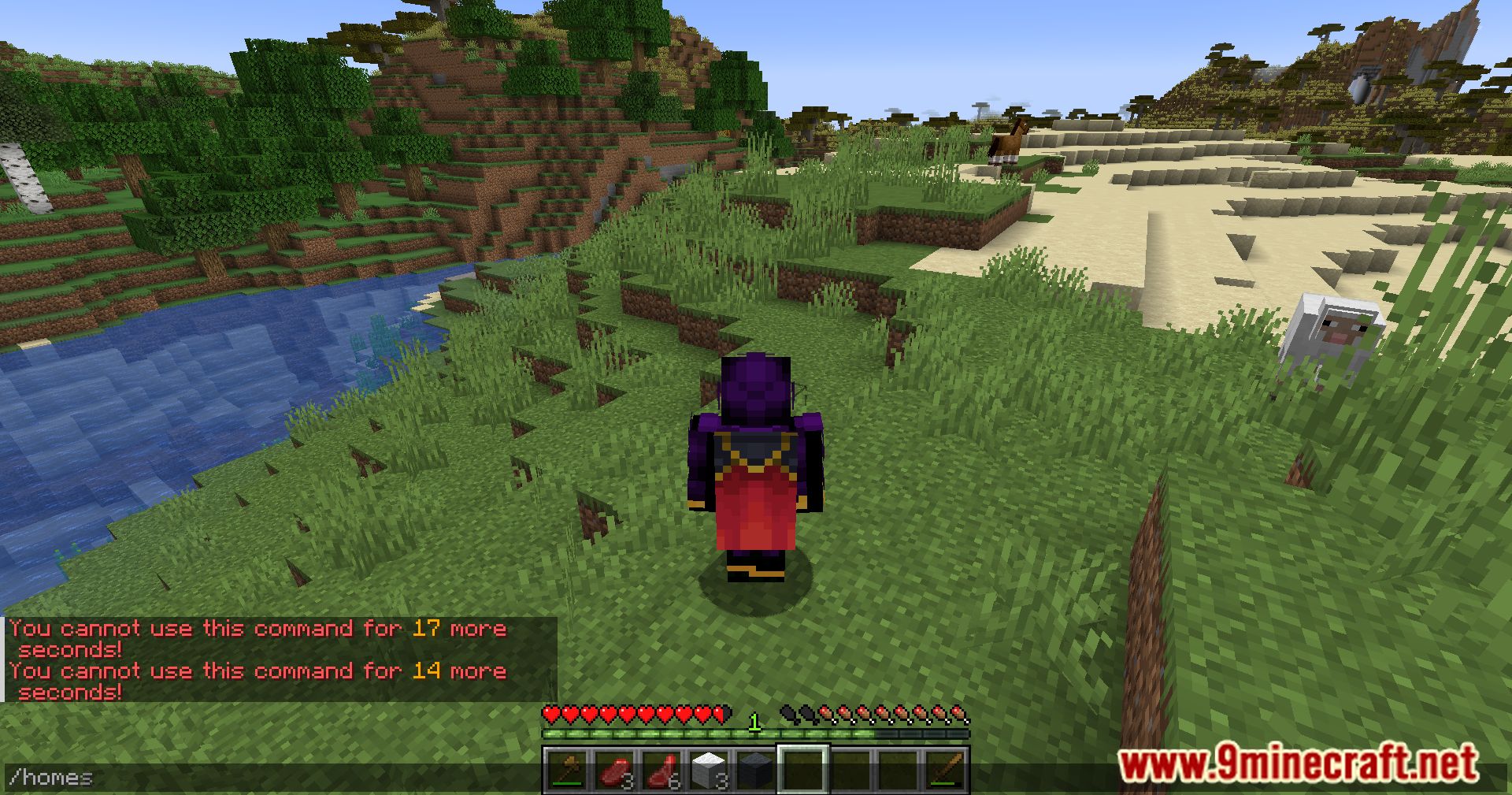
int): Time in seconds a player must stand still before teleporting. - cooldown (
int): Time in seconds a player must wait after teleporting before teleporting again. - defaultHome (
String): Name of the default home. - startHomes (
int): Maximum number of homes a player can start with. - dimensionBlacklist (
String[]): Dimensions where setting a home is not allowed (e.g.,minecraft:the_end). - useBlacklistAsWhitelist (
boolean): Inverts the blacklist to work as a whitelist. - fallbackToPlayerSpawnPoint (
boolean): Uses the player’s spawn point if no default home is set.
Commands & Permissions: (If <name> is omitted, defaultHome is used)
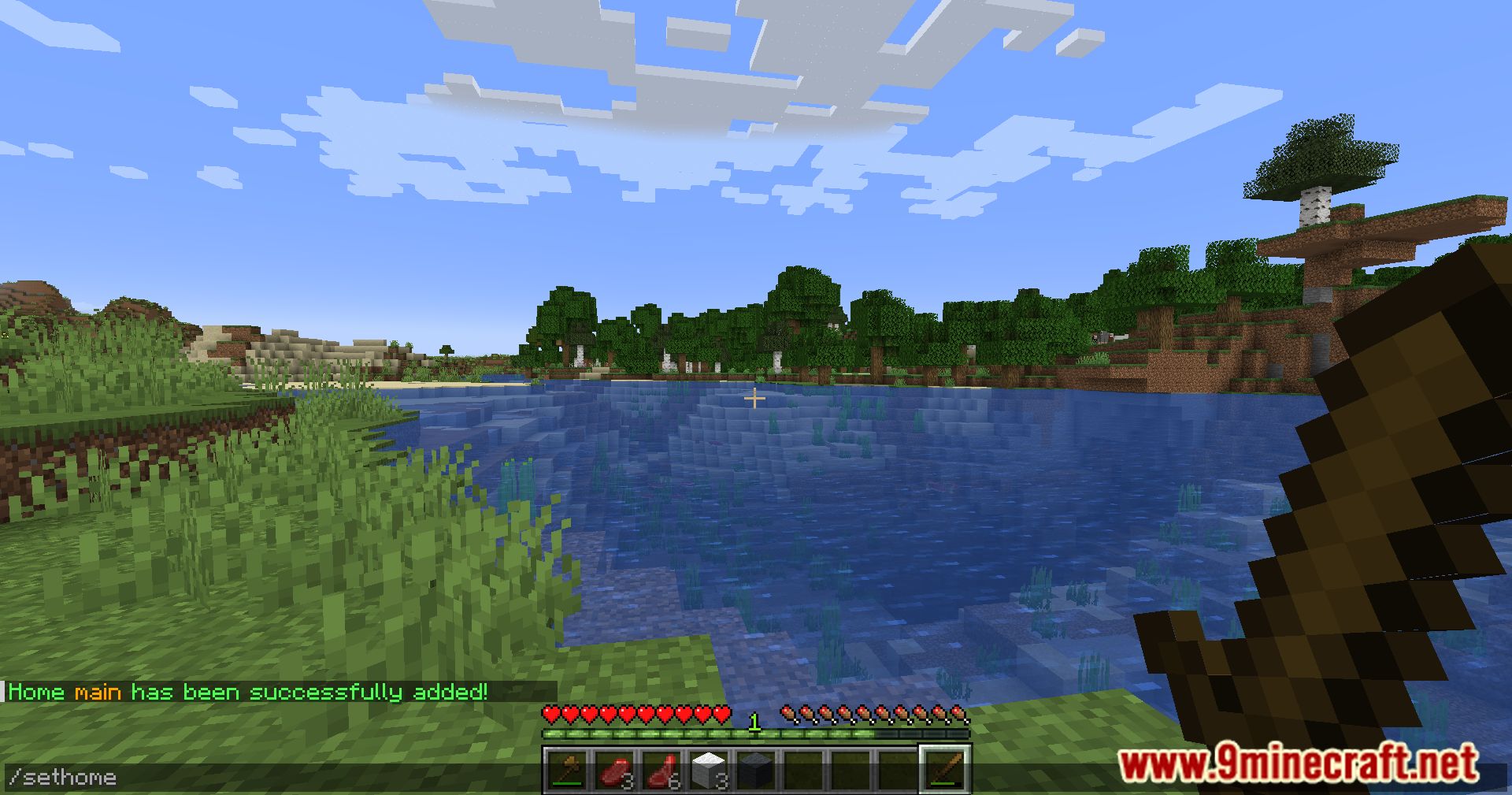
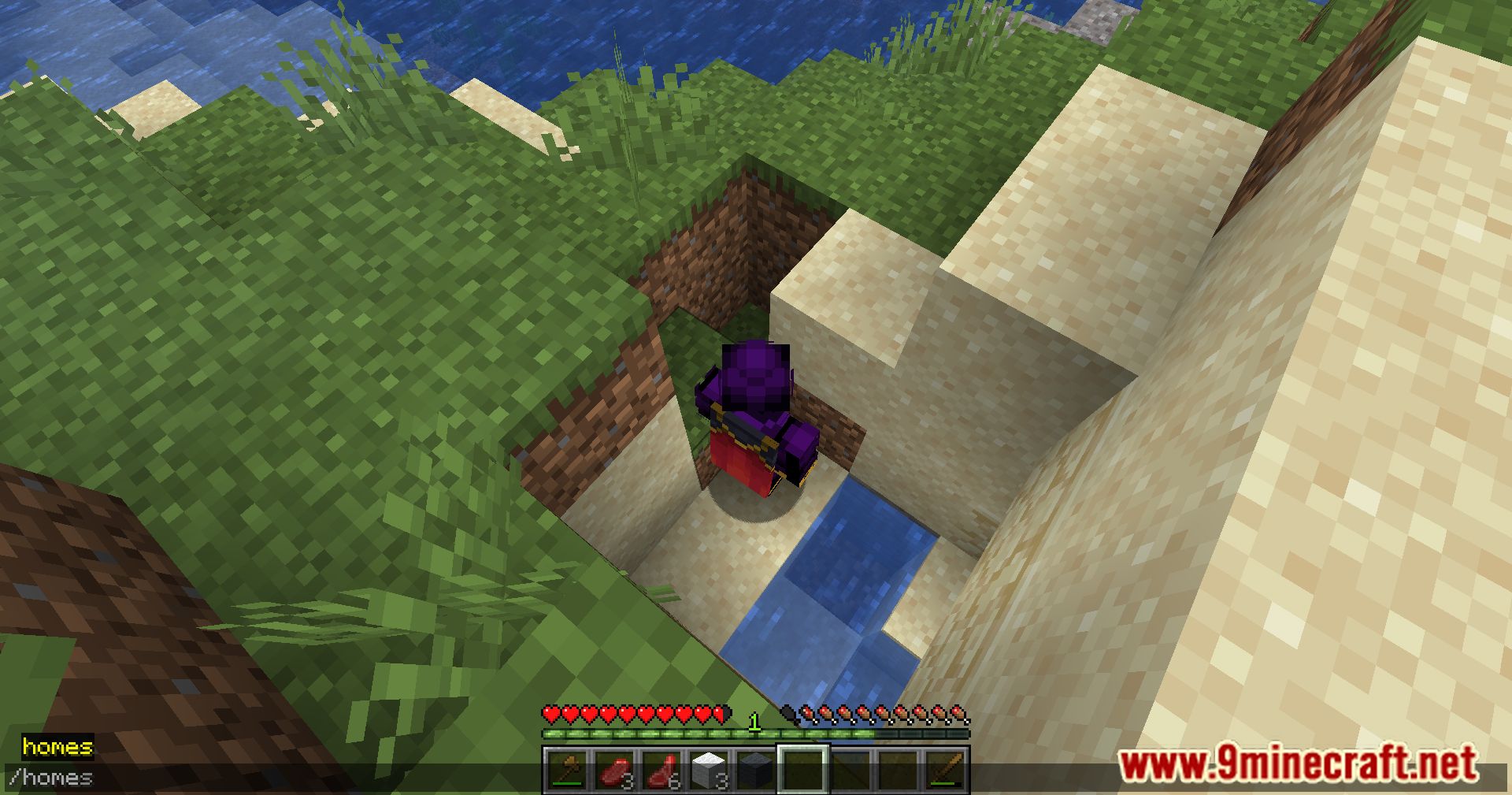
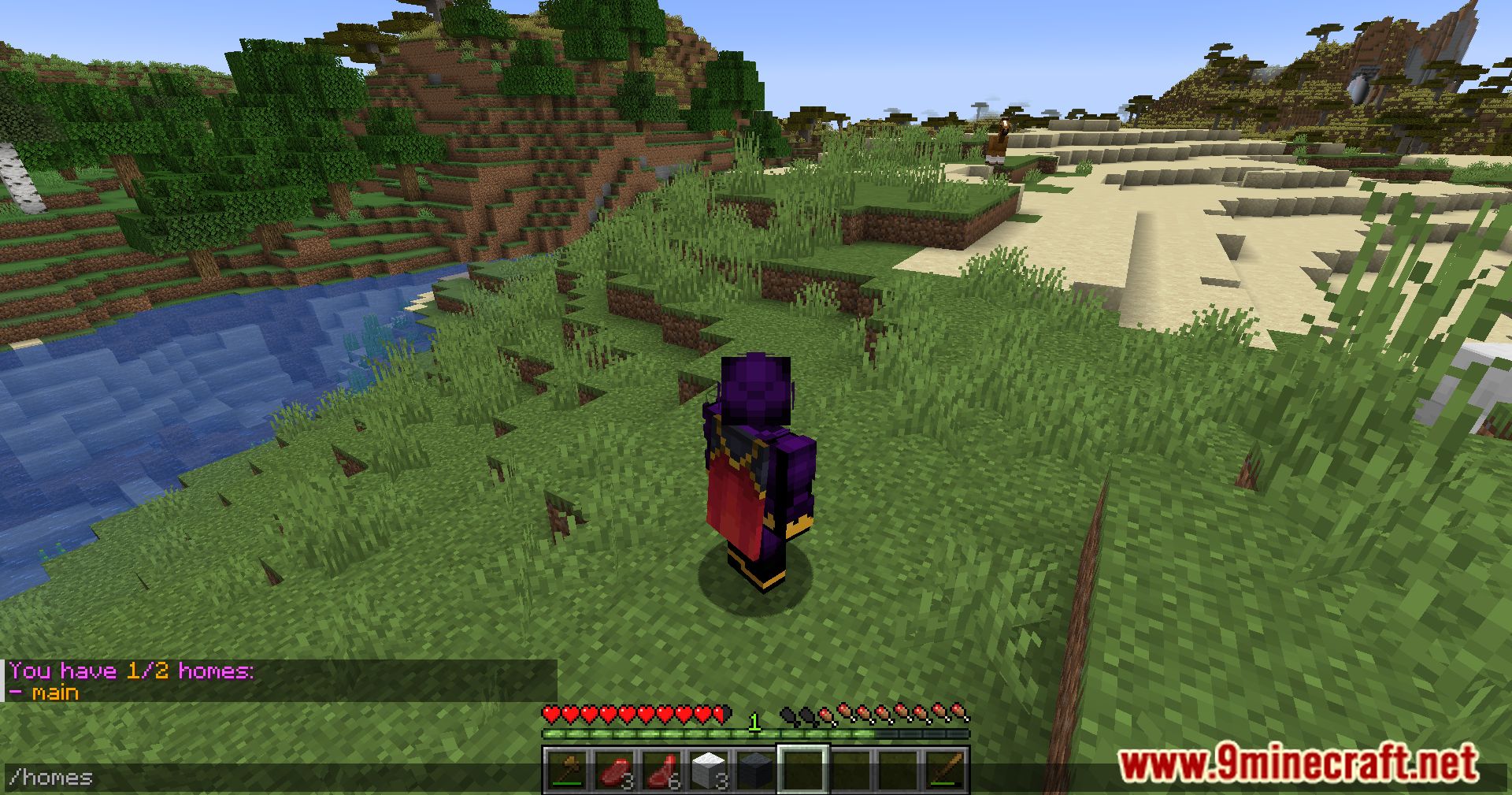
/home [<name>]– Teleport to a home. Permission:blossom.home/sethome [<name>]– Create a home. Permission:blossom.home.set/sethome <name> <position> <rotation>– Create a home at a specific position and rotation. Permission:blossom.home.set.pos/sethome <name> <position> <rotation> <dimension>– Create a home in a specific dimension. Permission:blossom.home.set.dim/delhome [<name>]– Delete a home. Permission:blossom.home.remove/listhomesor/homes– List all homes. Permission:blossom.home.list
Aliases:
/homes list– Same as/listhomes/homes setor/homes add– Same as/sethome/homes deleteor/homes remove– Same as/delhome/homes set-max <new-max> <players>– Set max homes for players. Permission: OP level 2/homes load-legacy [<overwrite>]– Import old FabricHomes homes. Permission: OP level 4
Translation Keys: (used for messages shown to players)
blossom.homes.list.empty– Shown when a player has no homes.blossom.homes.list.header– Shows total homes vs max homes.blossom.homes.list.item– Shows a home name.blossom.homes.list.item.description– Shows home details: name, dimension, coordinates, and rotation.blossom.homes.add– Confirms home addition.blossom.homes.add.failed.max– Shown if max homes reached.blossom.homes.add.failed.name– Shown if home name already exists.blossom.homes.remove– Confirms home removal.blossom.homes.remove.failed– Shown if removing a non-existent home.
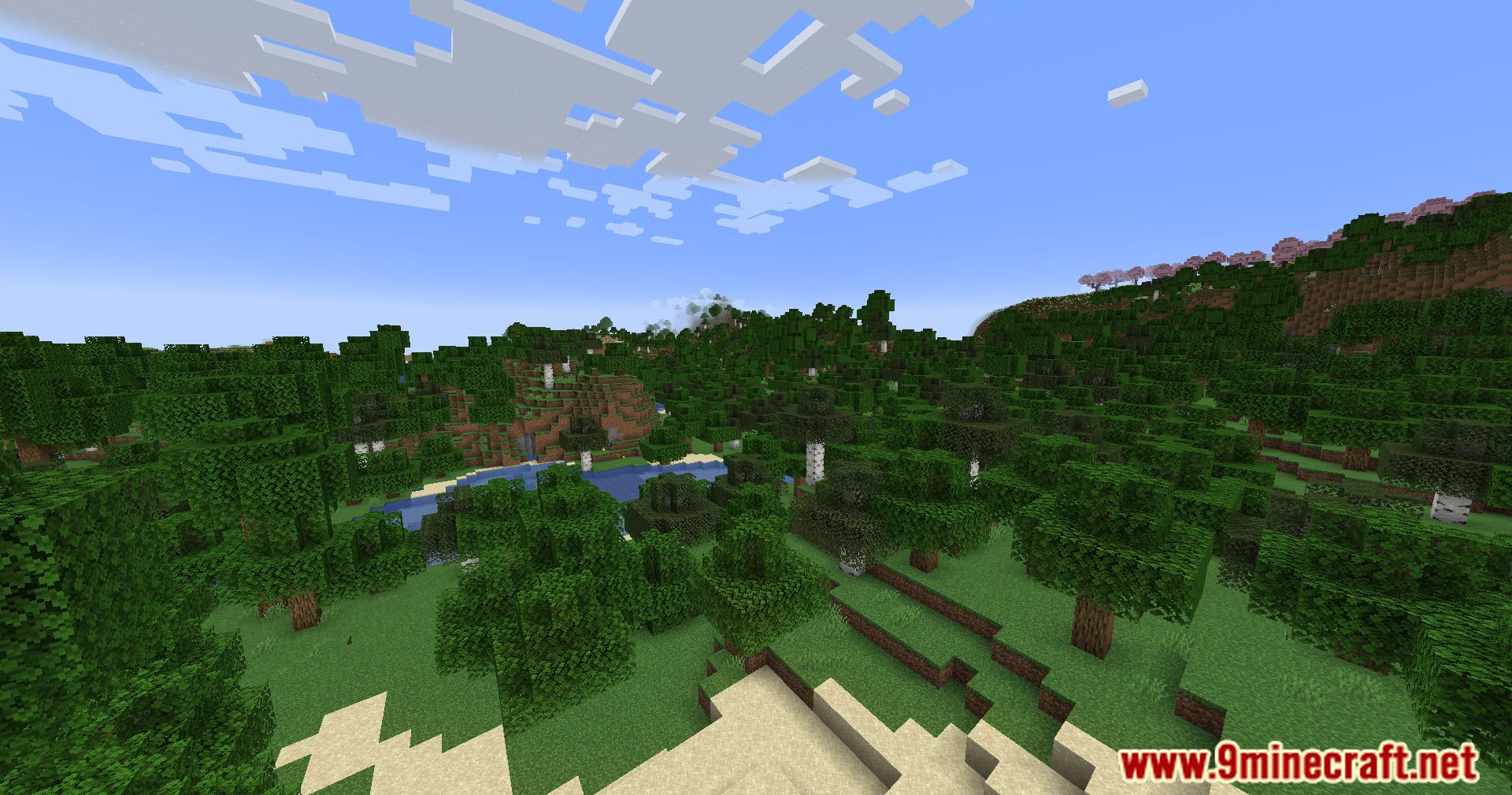
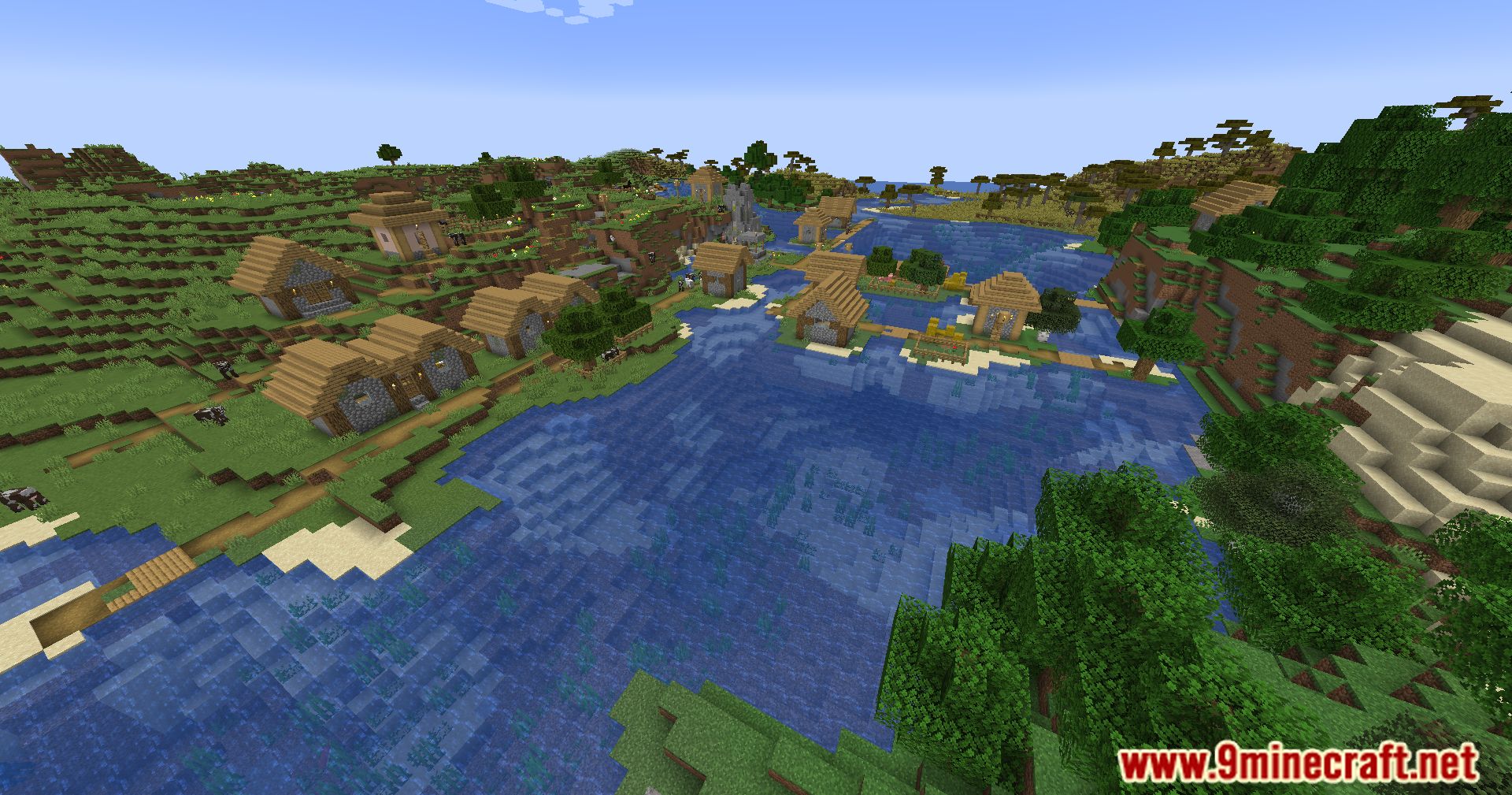
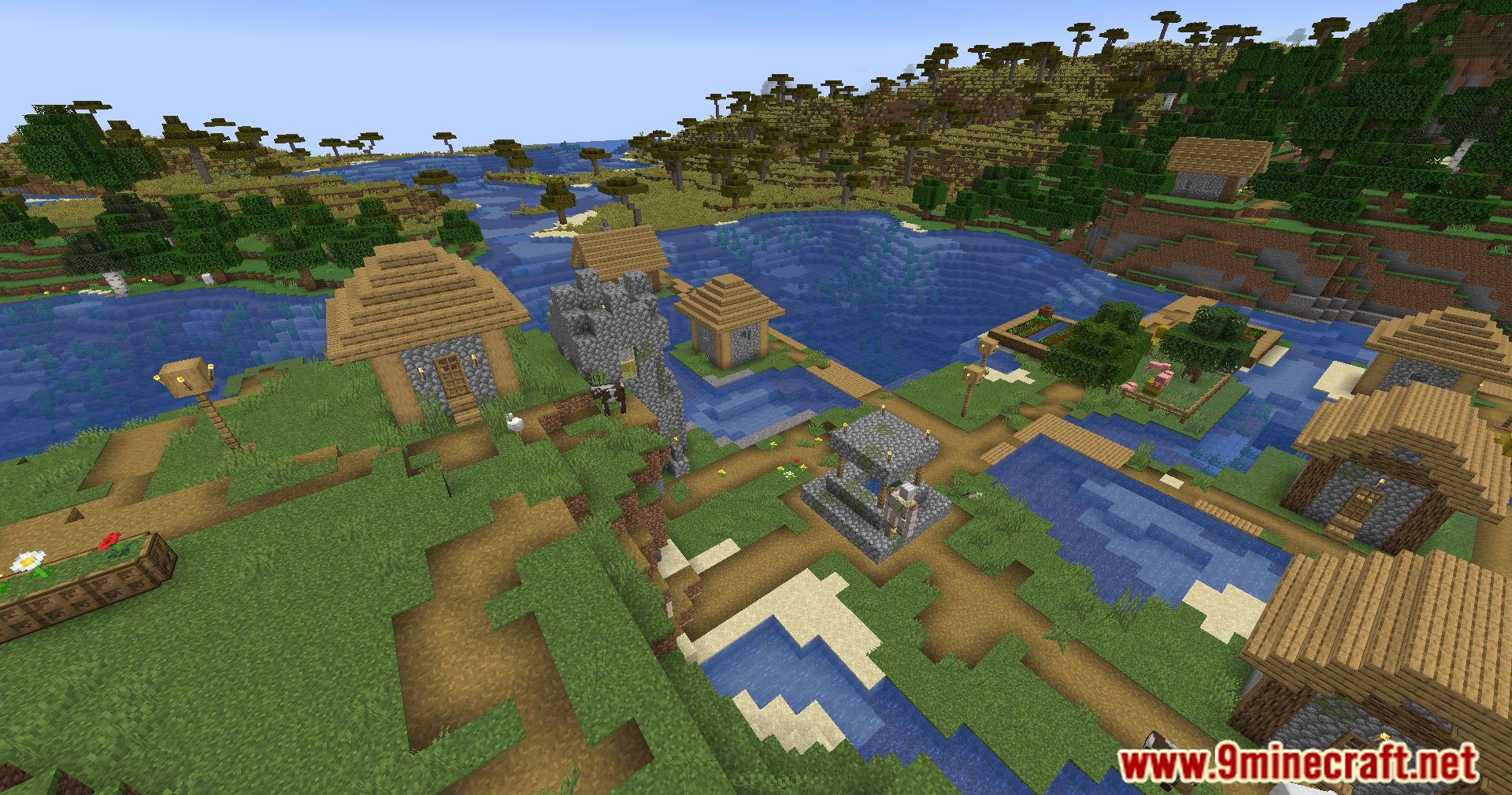
Screenshots:
Crafting Recipes:
Recommend that you should install Just Enough Items (for mods using Forge) or Roughly Enough Items (for mods using Fabric) to view the full recipes included in this mod.
Requires:
How to install:
Click the following link to view details: How to Install Mods for Minecraft Java Edition on PC: A Beginner Guide
Blossom Homes Mod (1.21.11, 1.20.1) Download Links
For Minecraft 1.18.2
Fabric/Quilt version: Download from Server 1 – Download from Server 2
For Minecraft 1.19.2, 1.19.1, 1.19
Fabric/Quilt version: Download from Server 1 – Download from Server 2
For Minecraft 1.19.3
Fabric/Quilt version: Download from Server 1 – Download from Server 2
For Minecraft 1.19.4
Fabric/Quilt version: Download from Server 1 – Download from Server 2
For Minecraft 1.20.2, 1.20.1, 1.20
Fabric/Quilt version: Download from Server 1 – Download from Server 2
For Minecraft 1.20.4
Fabric/Quilt version: Download from Server 1 – Download from Server 2
For Minecraft 1.20.6
Fabric/Quilt version: Download from Server 1 – Download from Server 2
For Minecraft 1.21.1, 1.21
Fabric/Quilt version: Download from Server 1 – Download from Server 2
For Minecraft 1.21.3
Fabric/Quilt version: Download from Server 1 – Download from Server 2
For Minecraft 1.21.10, 1.21.9, 1.21.8, 1.21.7, 1.21.6, 1.21.5
Fabric/Quilt version: Download from Server 1 – Download from Server 2
For Minecraft 1.21.11
Fabric/Quilt version: Download from Server 1 – Download from Server 2
You May Also Like