
Bone Zone Mod (1.20.4, 1.20.1) – Wear Carved Animal Skulls
 7,116
 0


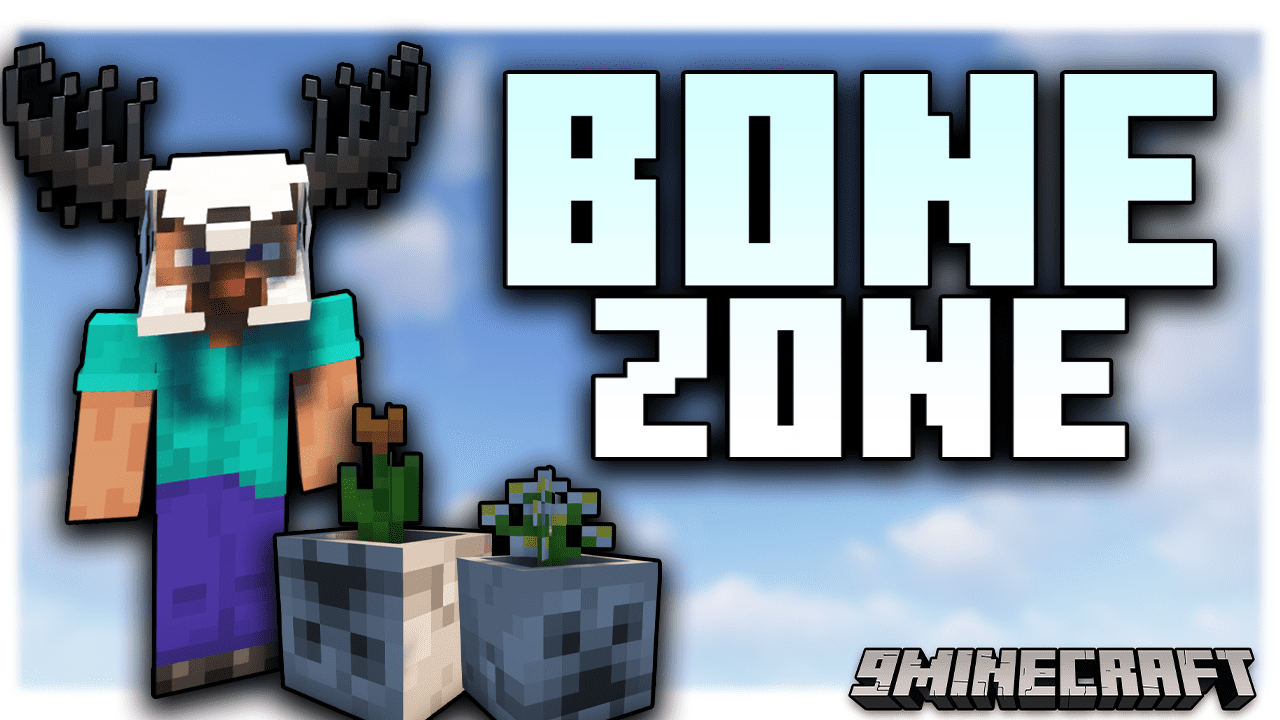
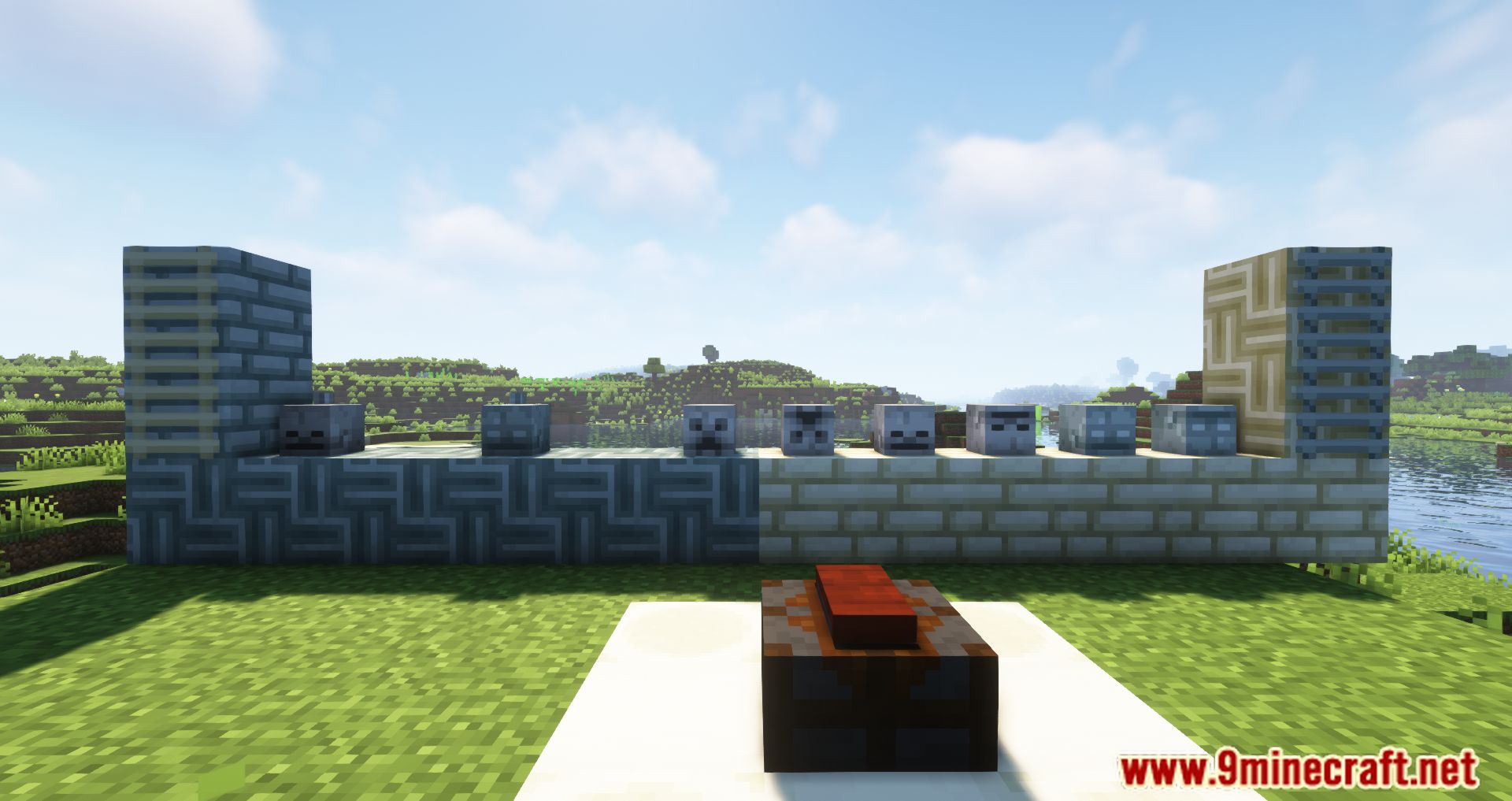
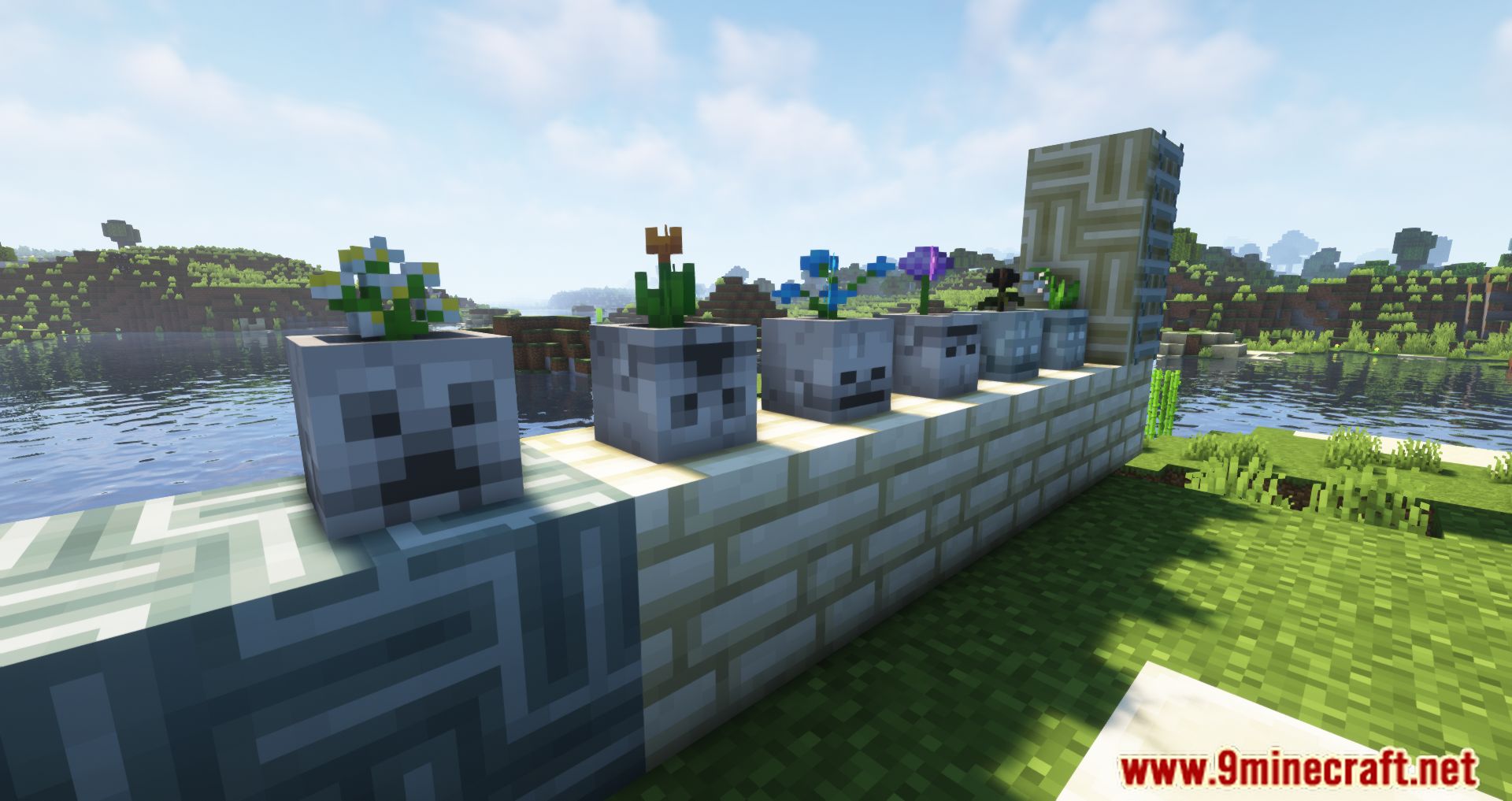
Bone Zone Mod adds spooky bone decorations, building blocks, and wearable masks to Minecraft. It introduces a crafting block called the Bonecarver that turns bones, bone blocks, and coal blocks into new items. You can make skull flower pots for plants, wear or place animal skull masks shaped like goats, deer, and birds, and build with blocks styled after classic skeletons, wither skeletons, and strays. The Bonecarver also hurts mobs that stand on top of it and can sand down certain mobs for extra drops like bone meal, coal, and feathers.
Features:
- Bonecarver Block: Turns bones, bone blocks, and coal blocks into new bone items and decorations after you craft it on a standard Crafting Table.
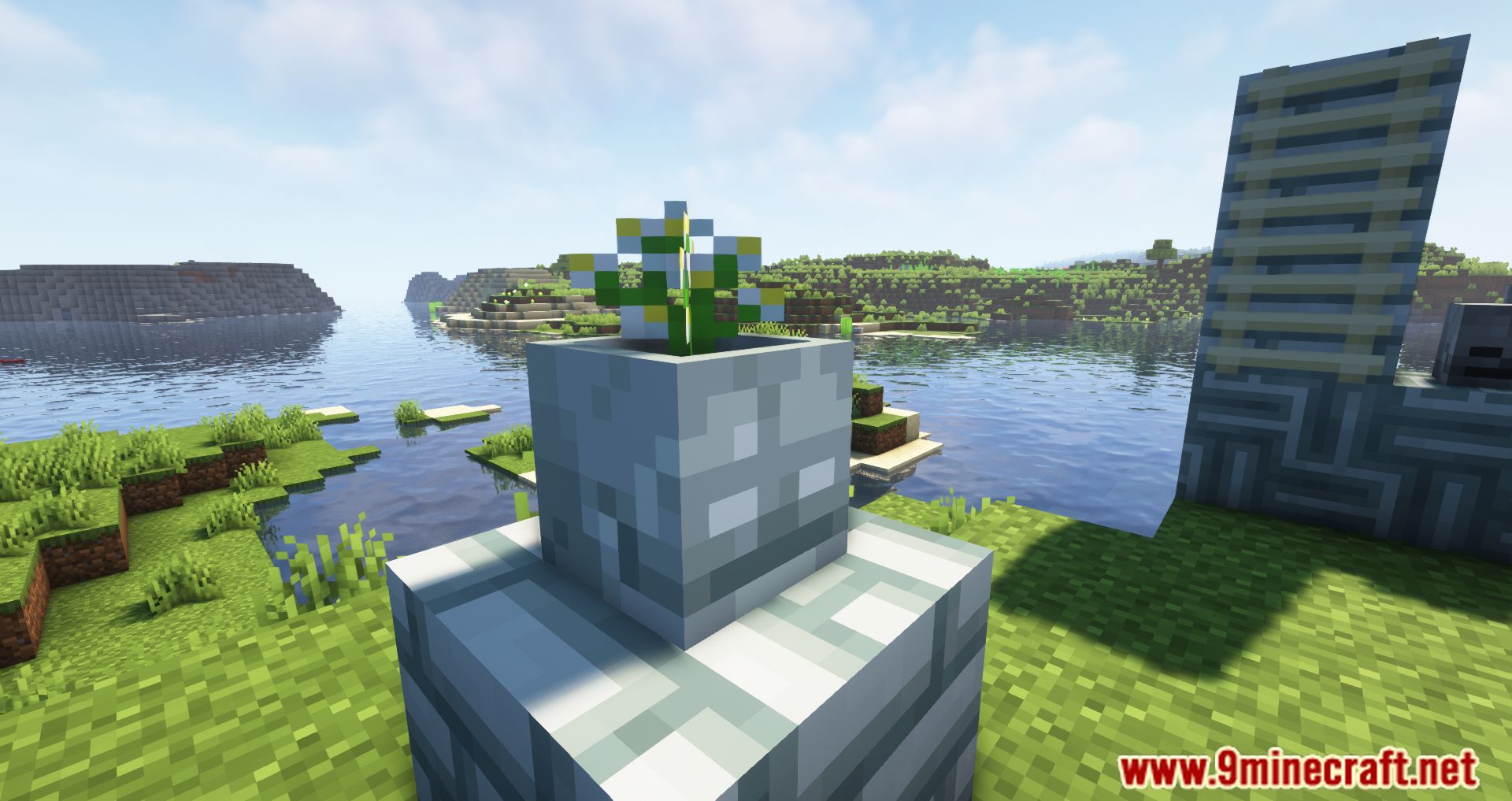
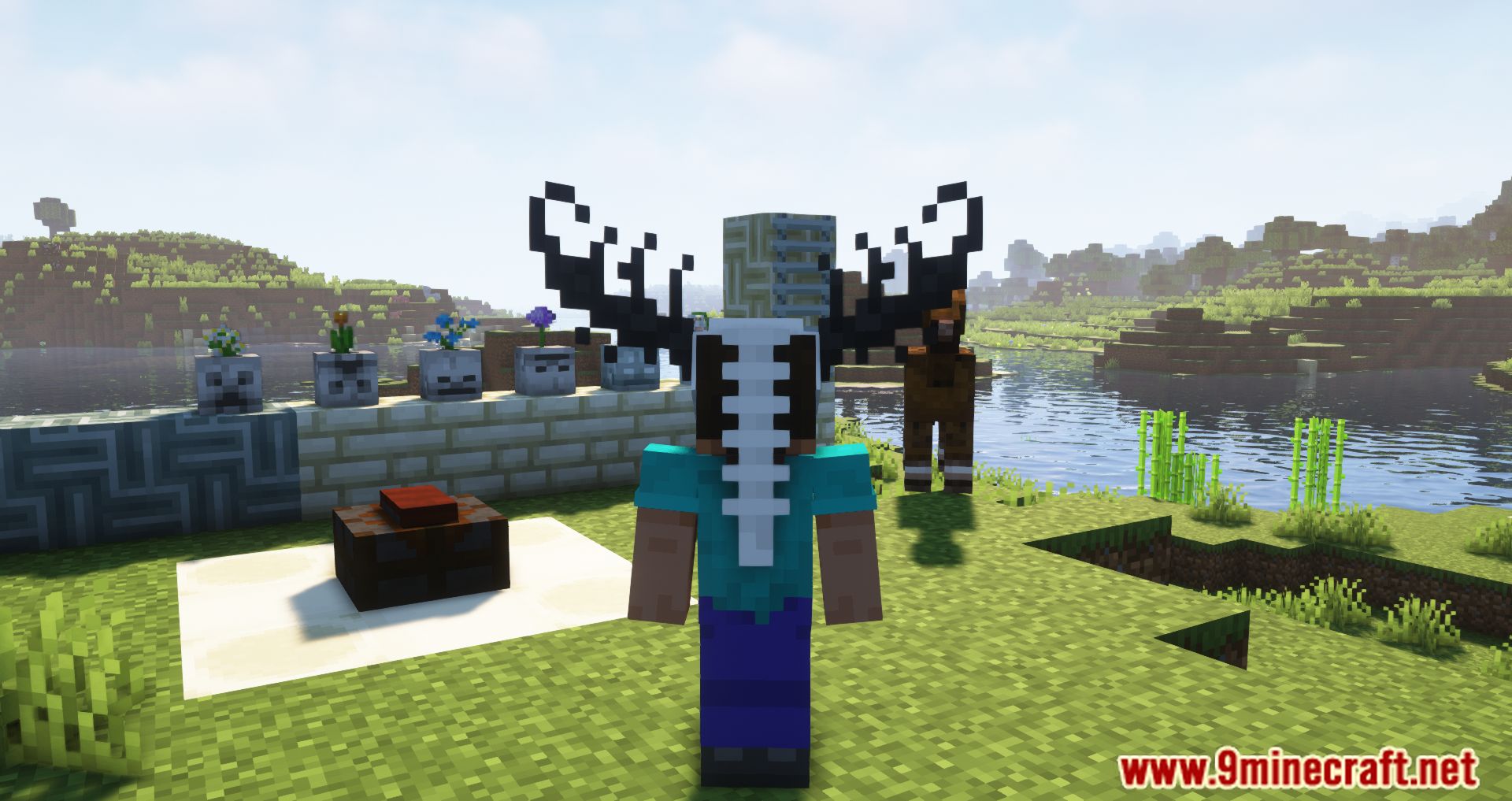
- Skull Pots: Works like a vanilla flower pot and holds any flower or plant a normal pot supports. These pots come in several variants, rotate to face different directions, and can be waterlogged when placed in water.
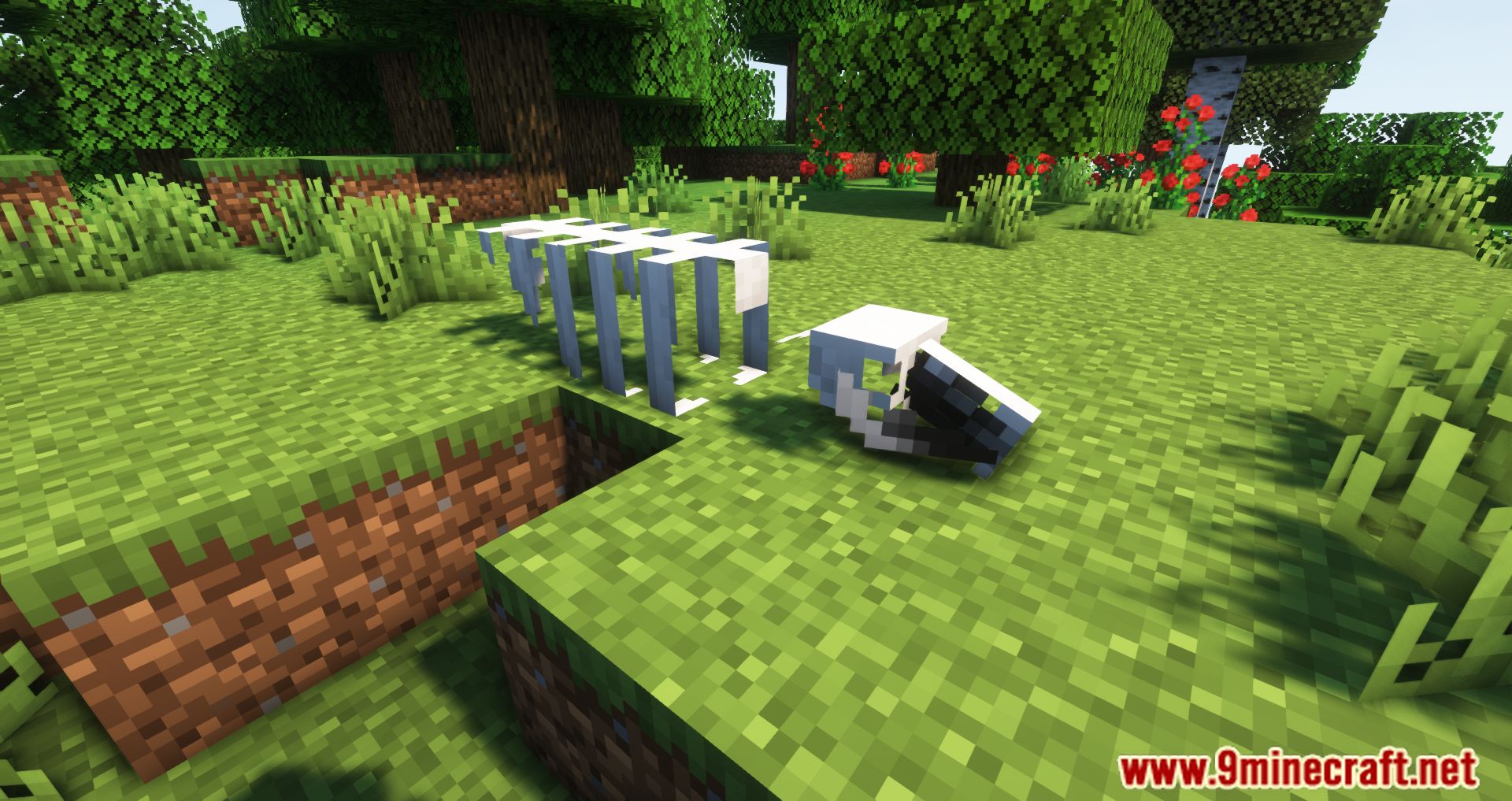
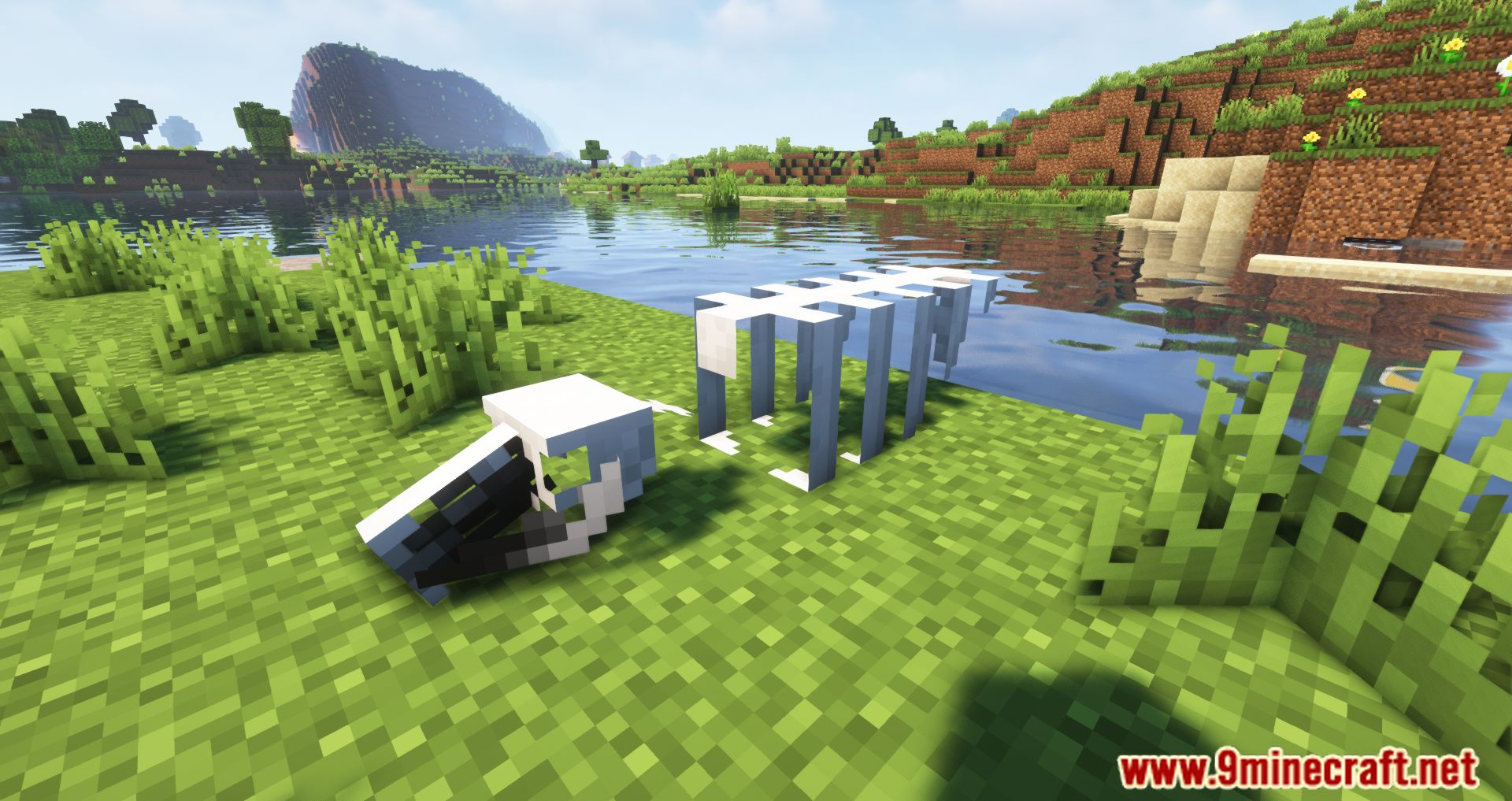
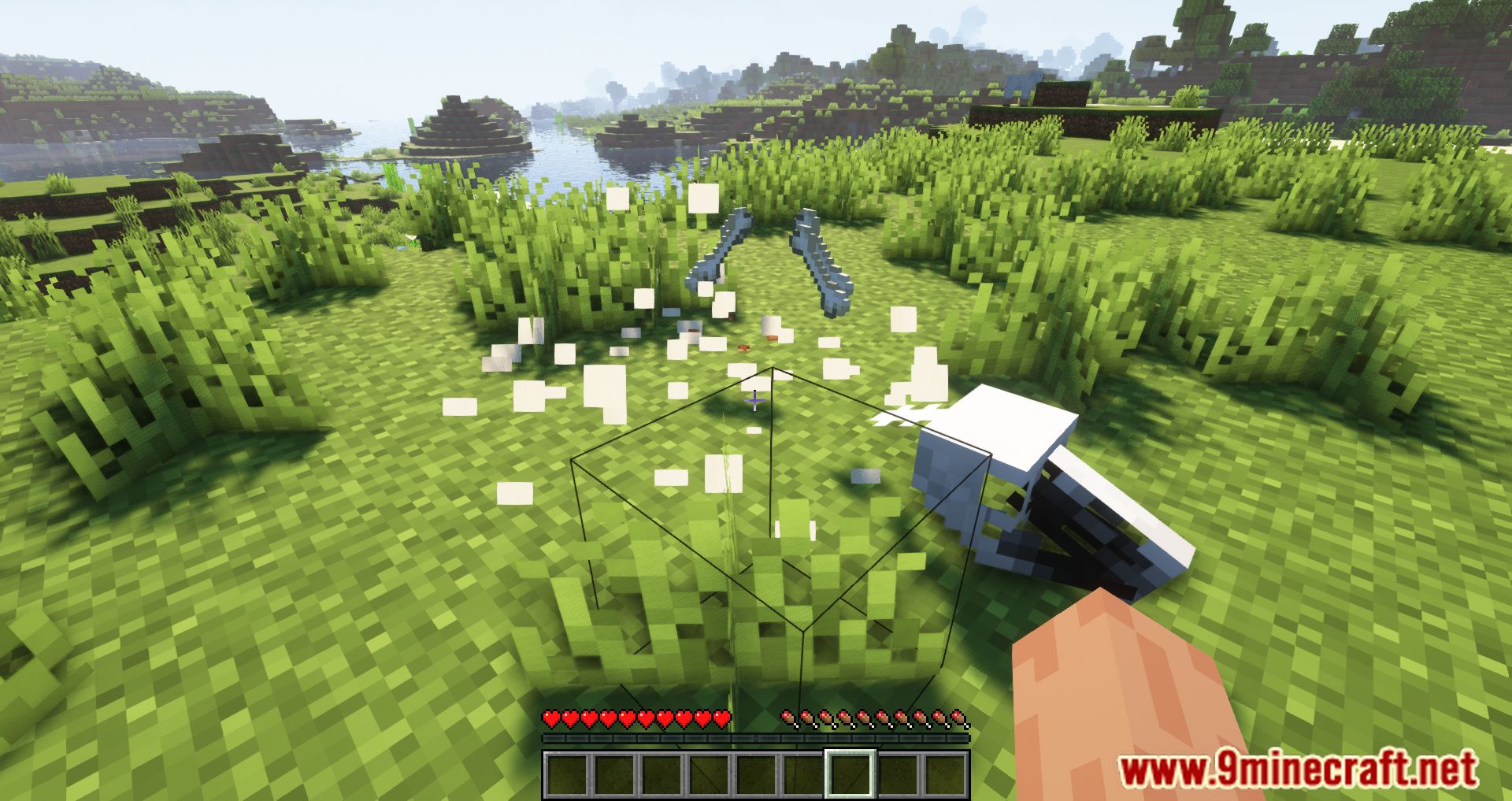
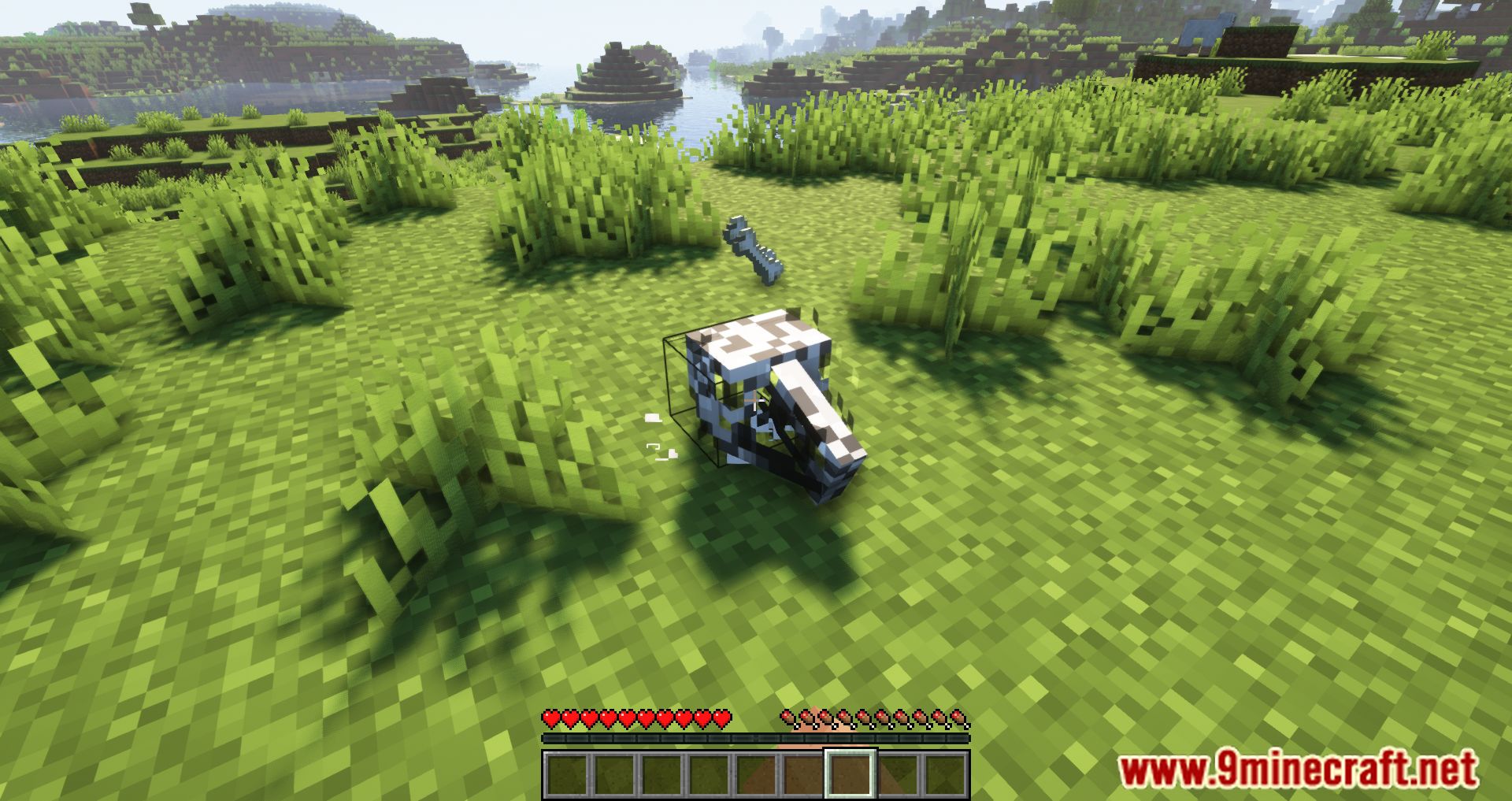
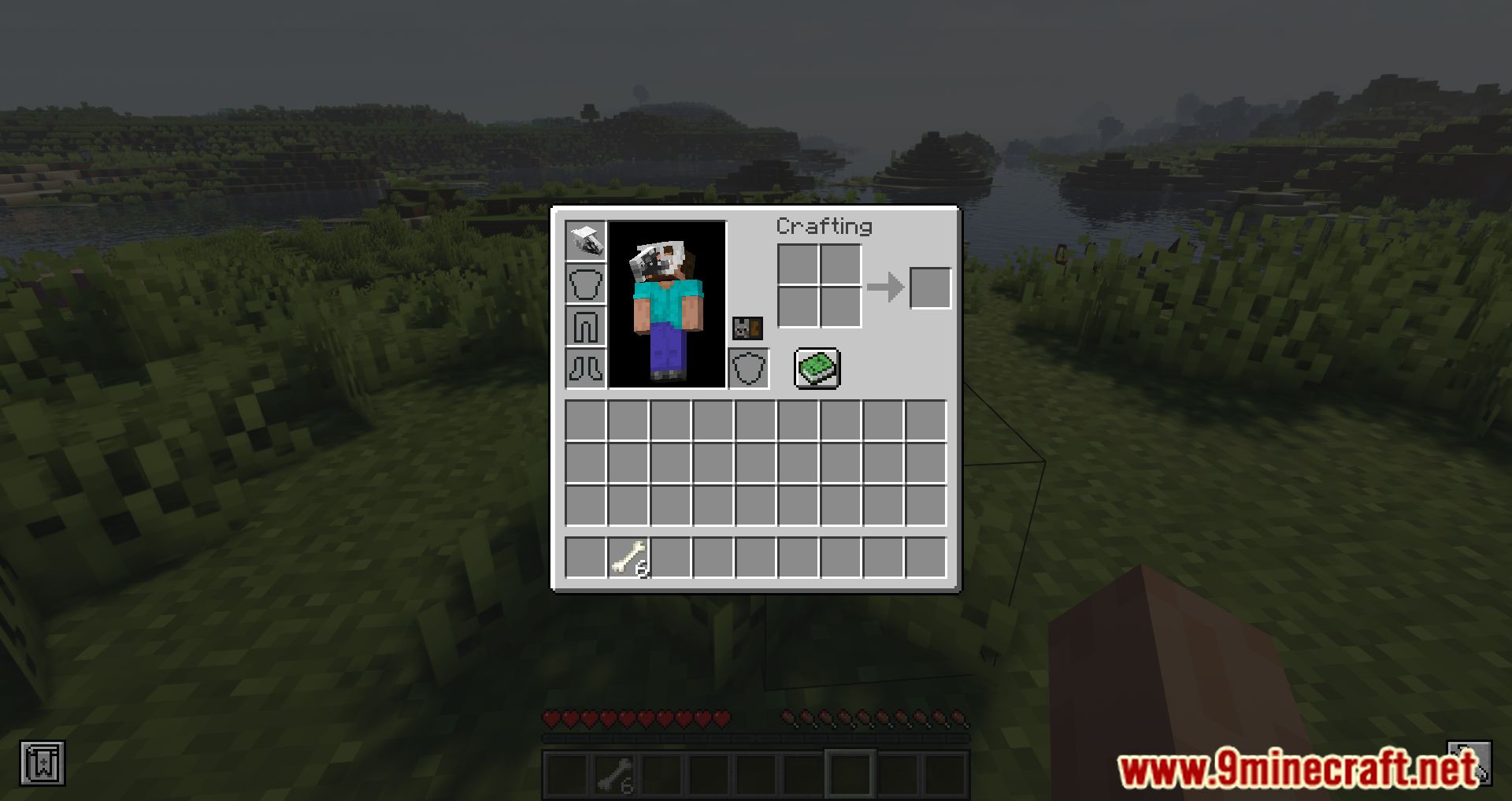
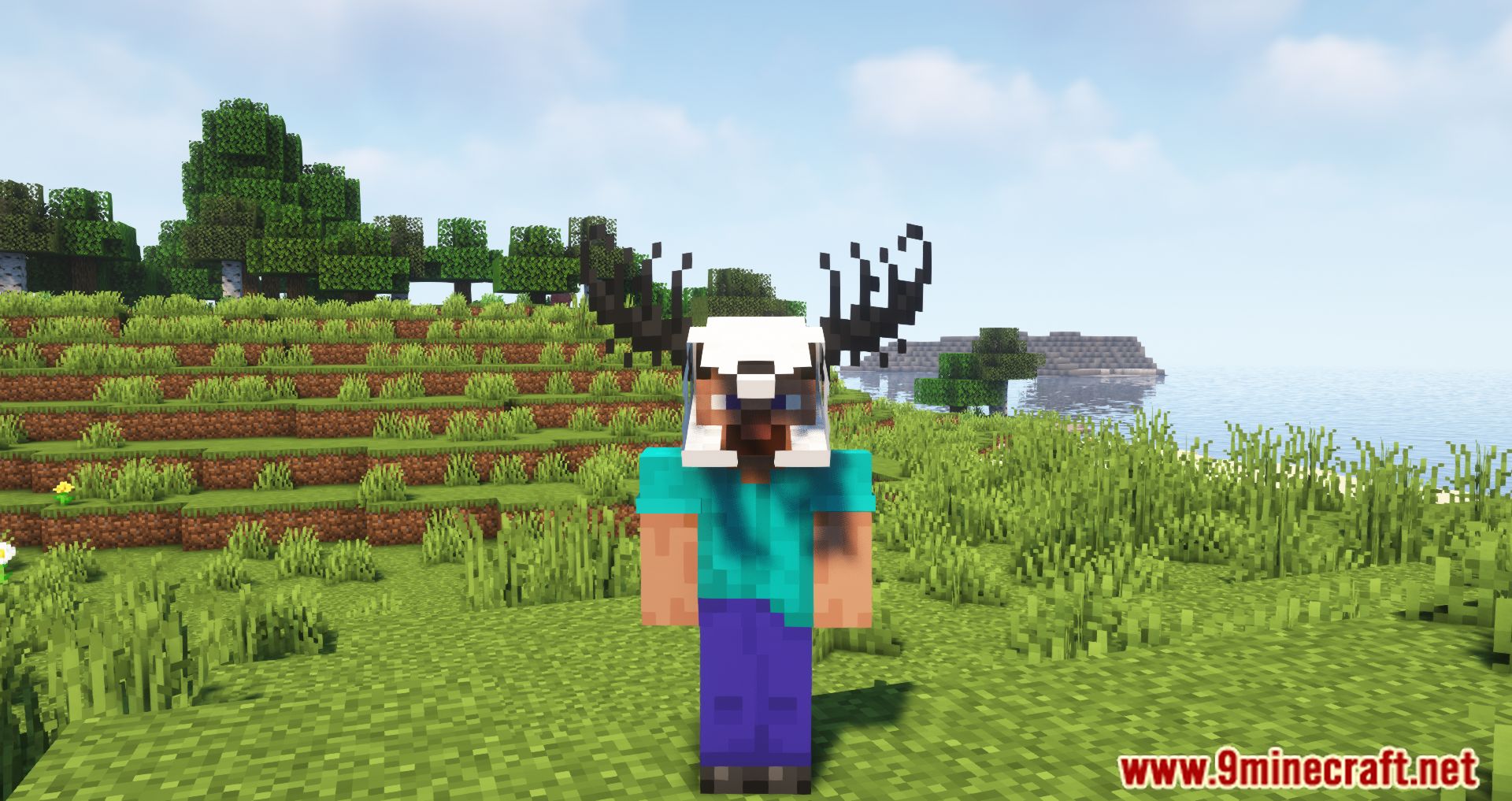
- Skull Masks: Lets you craft animal skull masks shaped like goats, deer, and birds using the Bonecarver. Players, armor stands, and any mob that can wear a helmet can put them on, or you can place them on the ground like a normal skeleton skull.
- Bone Building Blocks: Adds new building blocks in three color tones based on skeleton types: creamy off-white from classic skeletons, neutral black from wither skeletons, and cool steel from strays.
- Hurts any mob that stands on top of the Bonecarver long enough, dealing 2 damage per second to most mobs and 3 damage per second to mobs with special sanding drops.
Bonecarver Mob Drops:
- Skeletons and Strays have a 35% chance to drop bone meal when sanded on the Bonecarver.
- Wither Skeletons have a 5% chance to drop coal when sanded.
- Blazes have a 5% chance to drop blaze powder when sanded.
- Chickens have a 75% chance to drop a feather when sanded.
- Iron Golems have a 5% chance to drop an iron nugget when sanded.
- Zombies have a 15% chance to drop rotten flesh when sanded.
How to Use:
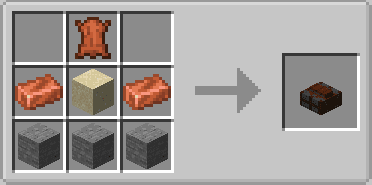
- Craft the Bonecarver block on a standard Crafting Table and place it in your world.
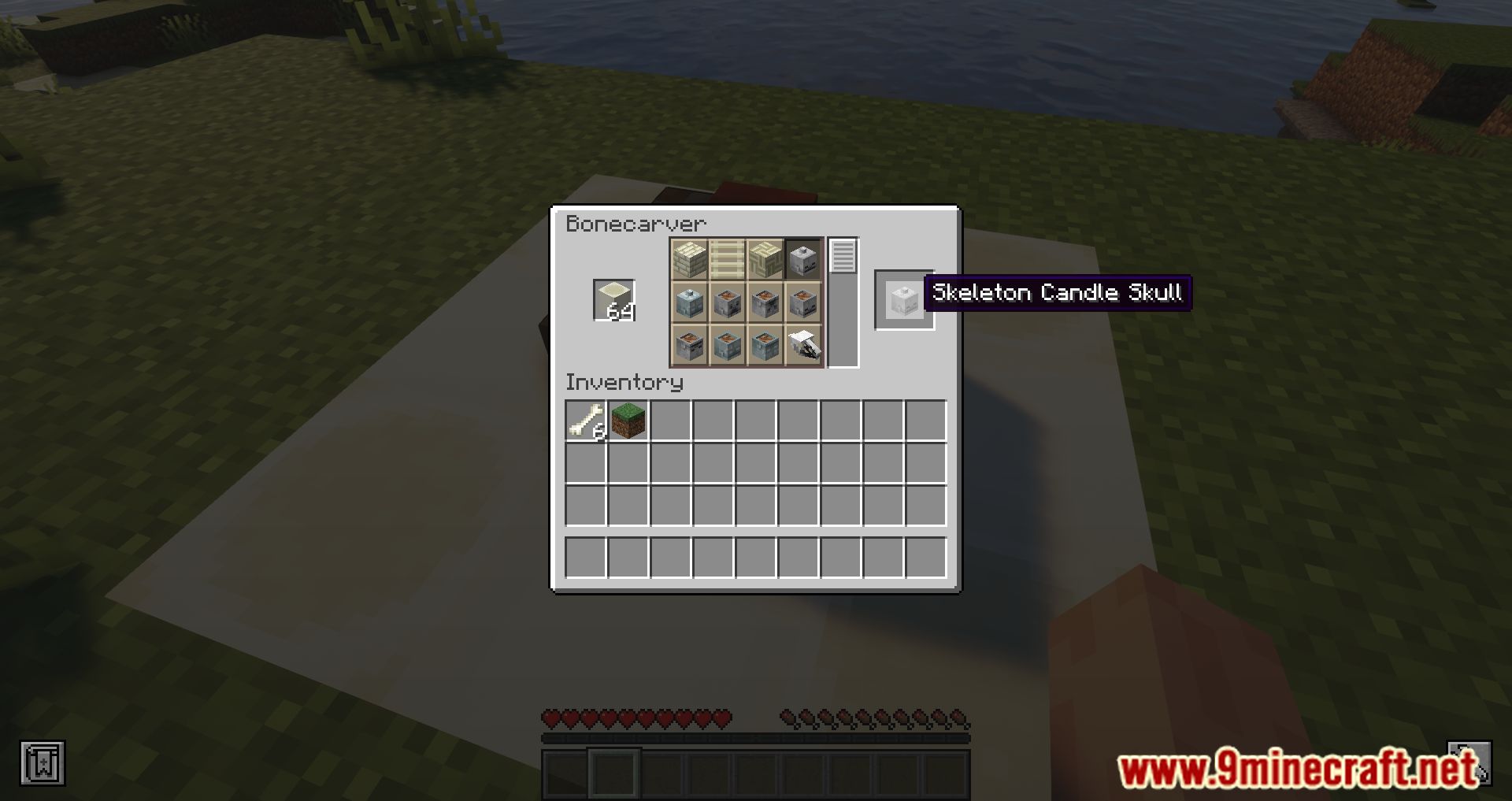
- Right-click the Bonecarver block to open its crafting screen.
- Put bones, bone blocks, or coal blocks into the input slot on the left so the center area shows all the items and blocks you can craft.
- Click the item you want in the center area and take the finished result from the output slot on the right.
- Let supported mobs stand on top of the Bonecarver block to hurt them and collect extra resource drops as they get sanded down.
Crafting Recipes:
Screenshots:

How to Install:
New to Minecraft? Follow our step-by-step guide to install Mods on your PC.View Guide
Requirements:
Bone Zone Mod Download Links
For Minecraft 1.19.2
Forge Version: Download from Server 1 – Download from Server 2
Fabric Version: Download from Server 1 – Download from Server 2
For Minecraft 1.19.4
Forge Version: Download from Server 1 – Download from Server 2
Fabric Version: Download from Server 1 – Download from Server 2
For Minecraft 1.20.1
Forge Version: Download from Server 1 – Download from Server 2
Fabric Version: Download from Server 1 – Download from Server 2
For Minecraft 1.20.2
Forge Version: Download from Server 1 – Download from Server 2
NeoForge Version: Download from Server 1 – Download from Server 2
Fabric/Quilt Version: Download from Server 1 – Download from Server 2
For Minecraft 1.20.4
Forge Version: Download from Server 1 – Download from Server 2
NeoForge Version: Download from Server 1 – Download from Server 2
Fabric/Quilt Version: Download from Server 1 – Download from Server 2
How do you feel about 'expert' modpacks that change recipes to be much harder and interconnected?
0 responses · See the full results →
You May Also Like
Picked for this page
 Harvest With Ease Mod (26.1.2, 1.20.1) – Right-Click Harvesting
 Bedrock Plus Mod (26.3, 1.20.1) – Stronger Bedrock Tools and Weapons
 More Axolotl Variants Mod (26.3, 1.20.1) – More Adorable Creatures
 TelePass Mod (26.2, 1.20.1) – Teleport to a Player Using a Compass
 Audio Player Mod (26.3, 1.20.1) – Put Your Own Audio Files on Music Discs
 Alternate Current Mod (26.3, 1.20.1) – An Efficient Redstone Dust Implementation
 Head Index Mod (26.3, 1.20.1) – 36,000+ Heads In-Game!
 Jodek Sleep Mod (1.21.11, 1.20.1) – Customizable Multiplayer Sleep Control
 Robin’s Fishery Mod (26.2, 1.21.1) – New Biome Dependent Fish
 Toggle Scoreboard Mod (26.2, 1.20.1) – Keybind To Toggle Scoreboard Visibility
 ManasCore Mod (1.21.1) – Library for ManasMods’s Mods
 Enhanced Searchability Mod (1.20.1) – Adds Search Bar Wherever Necessary
Most viewed in Mods over the last 7 days
 Ala Industrial Mod (26.3) – Run Electric Power Grids and Automated Factories
 PleasureCraft Mod (26.3, 1.21.1) – Jenny Mod Remake for Fabric
 Jennycraft Mod (26.3, 1.20.1) – Virtual Girlfriend in Minecraft
 Fapcraft Mod (26.3, 1.12.2) – Comprehensive and Detailed Content
 Jenny Mod (Fapcraft) Official Complete Guide – How to use, Tutorial
 BangCraft Mod (1.20.1) – Jenny, Ellie and Elliot
 Fabric Loader (26.3, 1.20.1) – Fabric Installer for All Minecraft Versions
 The Shooting Star Demo Mod (26.3, 1.20.1) – Vaporize Terrain From Orbit
 Meteor Client Mod (26.3, 1.20.1) – Xray, HUD, Fly
 OptiFine HD (26.3, 1.20.1) – Run Faster, FPS Boost, Shaders Support
 Aristois Client Mod (1.21.4, 1.20.1) – World Class Minecraft Utility
 Prestige Client Mod (1.21.11, 1.21.4) – Powerful Ghost Features for Crystal & Sword PvP
More from Mods
 MTR Navigation Mod (1.21.1) – Plan Railway Trips and Never Miss a Train Stop
 TheHouse Mod (1.21.11) – Host Casino Tables and Track Every Bet in Real Time
 CinematicInteractions Mod (1.21.1) – Watch Your Hands Work at Every Crafting Table
 Earth Platform Mod (1.21.1) – Travel Across Real Continents in a True Scale World
 Taunahi Mod (26.1.2) – Automate Daily Farming and Slayers in Hypixel Skyblock
 HORROR Fake Join Leave Messages Mod (1.20.1) – Trigger Creepy Chat Scares
 Bons Voyage Mod (1.20.1) – Teleport Across Biomes Through Hidden Waystones
 Orbital Railgun UPDATED Mod (26.3) – Flatten Giant Landscapes From Space
 Automobility Autoradio Mod (26.3, 26.1.2) – Trade Custom Mixtapes with Friends
 Towers of the Wild 9minecraft Mod (26.3, 26.2) – Climb Tall Towers for Loot
 Ender Storage 9minecraft Mod (26.3, 26.2) – Send Loot Back Home From Any Dimension
 Snad 9minecraft Mod (26.3, 26.2) – Build Faster Sugar Cane and Nether Wart Farms

This post has no comments yet. Be the first — your comment will appear here.