


BS Ban Hammer Plugin (26.2, 1.21.1) – Strike Down Rulebreakers to Keep

 0
0 

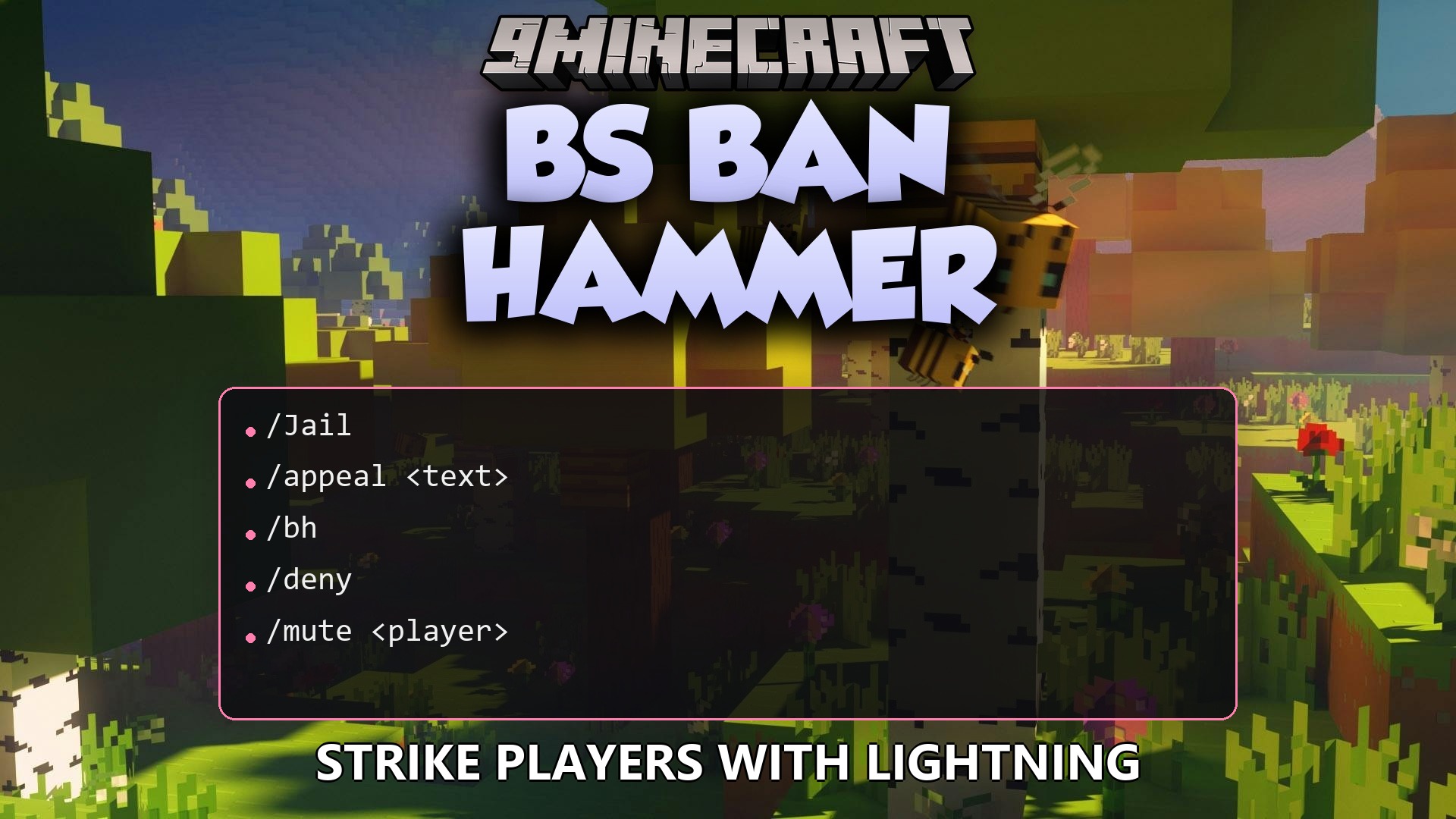
BS Ban Hammer Plugin gives server staff a physical item to punish rulebreakers instantly. It strikes players with lightning, plays loud explosion sounds, and adds particle effects when they get banned or kicked. This plugin also keeps a full history of all actions and connects to Discord to log every punishment automatically.
Features:
- Dual-Action Presets: Shift-right-click to cycle through ban types, and shift-left-click to cycle through kick or jail options.
- Dramatic Effects: Strikes the target with lightning, plays thunder sounds, and shows smoke particles upon punishment.
- Staff members can right-click a player to ban them instantly using the active preset without typing any commands.
- Left-clicking a player applies the active kick or jail preset right away.
- Tracks all punishment history in a database so you always know who broke the rules.
- Automatically removes temporary bans, mutes, and jail times when they expire.
- Includes a warning system that automatically bans someone after they receive too many warnings.
- Lets players submit unban appeals directly through a command.
- Sends real-time logs to a Discord channel with color-coded messages.
- Works alongside the Essentials plugin to use its jail locations if you have it installed.
Commands:
/bh give <player>: gives the hammer item./bh reload: reloads the plugin files./bh history <player>: shows all past punishments for a specific person./bh unban <player>: removes a ban manually./bh stats [player]: displays statistics for staff actions./bh appeals: checks pending unban requests./mute <player> <duration>: stops someone from chatting./jail <player> <duration>: sends a rulebreaker to jail./warn <player> [reason]: gives an official warning.
Configuration:
presets: defines the different types of bans you can cycle through.kickJailPresets: defines the quick kick and jail options.
Example of setting up custom ban presets:
presets:
  warning:
    displayName: "Warning Ban"
    reason: "First offense"
    duration: "1h"
    ipBan: false
    sound: "BLOCK_NOTE_BLOCK_PLING"

  serious:
    displayName: "7 Day Ban"
    reason: "Serious rule violation"
    duration: "7d"
    ipBan: false
    sound: "BLOCK_NOTE_BLOCK_BASS"
How to Use:
- Type /bh give <player> to get the hammer item.
- Hold Shift and Right-Click to cycle through your ban presets.
- Hold Shift and Left-Click to cycle through kick and jail presets.
- Right-Click a player to ban them with your selected ban preset.
- Left-Click a player to kick or jail them with your selected kick/jail preset.
How to Install:
New to Minecraft? Follow our step-by-step guide to install Plugins on your PC.View Guide
BS Ban Hammer Plugin Download Links
For Minecraft
26.2,
26.1.2,
26.1.1
All Versions Covered
26.2
26.1.2
26.1.1
26.1
1.21.11
1.21.10
1.21.9
1.21.8
1.21.7
1.21.6
1.21.5
1.21.4
1.21.3
1.21.2
1.21.1
1.21
All Versions Covered
26.2
26.1.2
26.1.1
26.1
1.21.11
1.21.10
1.21.9
1.21.8
1.21.7
1.21.6
1.21.5
1.21.4
1.21.3
1.21.2
1.21.1
1.21
Click to rate this post!
[Total: 0 Average: 0]
You May Also Like








This post has no comments yet. Be the first — your comment will appear here.