Carpet AMS Addition Mod (1.21.11, 1.20.1) – More Control Over Minecraft
 149
149
 0
0
 December 20, 2025
 A Minecraft Server
Carpet AMS Addition Mod (1.21.11, 1.20.1) is an expansion to the Carpet mod, offering extra AMS (Advanced Management System) features and utilities. Designed for technical users and server administrators, it enhances Carpet’s existing commands with helpful additions for chunk loading, farm automation, world analysis, and more.
Features:
- A fabric-carpet extension mod. It offers some interesting and useful features.
Commands:
- Chunk Load Control
- /playerChunkLoading [true|false] – Toggle whether the player loads chunks.
- Anvil Interaction Control
- /anvilInteractionDisabled [true|false] – Enable or disable player interaction with anvils.
- Update Suppression Crash Fix
- /amsUpdateSuppressionCrashFixForceMode [true|false] – Force-enable the crash fix when the custom block update suppressor is active.
- Custom Block Blast Resistance
- /customBlockBlastResistance set <block> <value> – Add or modify a block’s blast resistance.
- /customBlockBlastResistance remove <block> – Remove a block from the list.
- /customBlockBlastResistance removeAll – Clear all custom entries.
- /customBlockBlastResistance list – List all configured blocks.
- Location Commands
- /here – Show your dimension and coordinates, including overworld/nether conversion, and apply a 30s glow.
- /where – Show another player’s location and apply a 30s glow to them.
- Player Leader System
- /leader add <player> – Assign a player as a leader.
- /leader remove <player> – Remove a leader.
- /leader removeAll – Remove all leaders.
- /leader broadcastLeaderPos <player> interval <tick> – Periodically broadcast a leader’s position (negative value stops).
- /leader list – View all leaders.
- Ping Command
- /pings <ip|domain> <count> – Ping a host.
- /pings stop – Stop the ping process.
- Server Information
- /getSaveSize – Get the world save size.
- /getSystemInfo – Display server system information.
- Dimension Teleport
- /goto <dimension> – Teleport to the corresponding coordinates in another dimension.
- Custom Command Permission Level
- /customCommandPermissionLevel set <command> <level> – Set permission level for a command.
- /customCommandPermissionLevel remove <command> – Remove custom permission settings.
- /customCommandPermissionLevel removeAll – Reset all modified commands.
- /customCommandPermissionLevel refresh – Refresh the command tree.
- /customCommandPermissionLevel list – List modified commands.
- Player Utilities
- /getPlayerSkull <player> <count> – Obtain a player’s head.
- /getHeldItemID – Get the ID of the item in the main hand.
- /@ <player> – Mention a player.
- /getClientPlayerFps <player> – View a player’s FPS.
- Custom Movable Blocks
- /customMovableBlock add <block> – Allow a block to be movable.
- /customMovableBlock remove <block> – Remove a movable block.
- /customMovableBlock removeAll – Clear all entries.
- /customMovableBlock list – List movable blocks.
- Custom Fireproof Items
- /customAntiFireItems add <item> – Add a fireproof item.
- /customAntiFireItems remove <item> – Remove a fireproof item.
- /customAntiFireItems removeAll – Clear all entries.
- /customAntiFireItems list – List fireproof items.
- Custom Block Hardness
- /customBlockHardness set <block> <value> – Add or modify block hardness.
- /customBlockHardness remove <block> – Remove a block.
- /customBlockHardness removeAll – Clear all entries.
- /customBlockHardness getDefaultHardness <block> – Query default hardness.
- /customBlockHardness list – List modified blocks.
- Player Pose Control
- /playerPose <player> set <pose> – Set a player pose.
- /playerPose <player> stop – Stop the pose.
- Nether Portal Teleport Control
- /playerNoNetherPortalTeleport globalMode [true|false] – Toggle global mode.
- /playerNoNetherPortalTeleport add <player> – Add a player to the blacklist.
- /playerNoNetherPortalTeleport remove <player> – Remove a player from the blacklist.
- /playerNoNetherPortalTeleport clear – Clear the blacklist.
- /playerNoNetherPortalTeleport list – View the blacklist.
- Carpet Extension Wiki
- /carpetExtensionModWikiHyperlink <mod> – Get the wiki link for a Carpet extension mod.
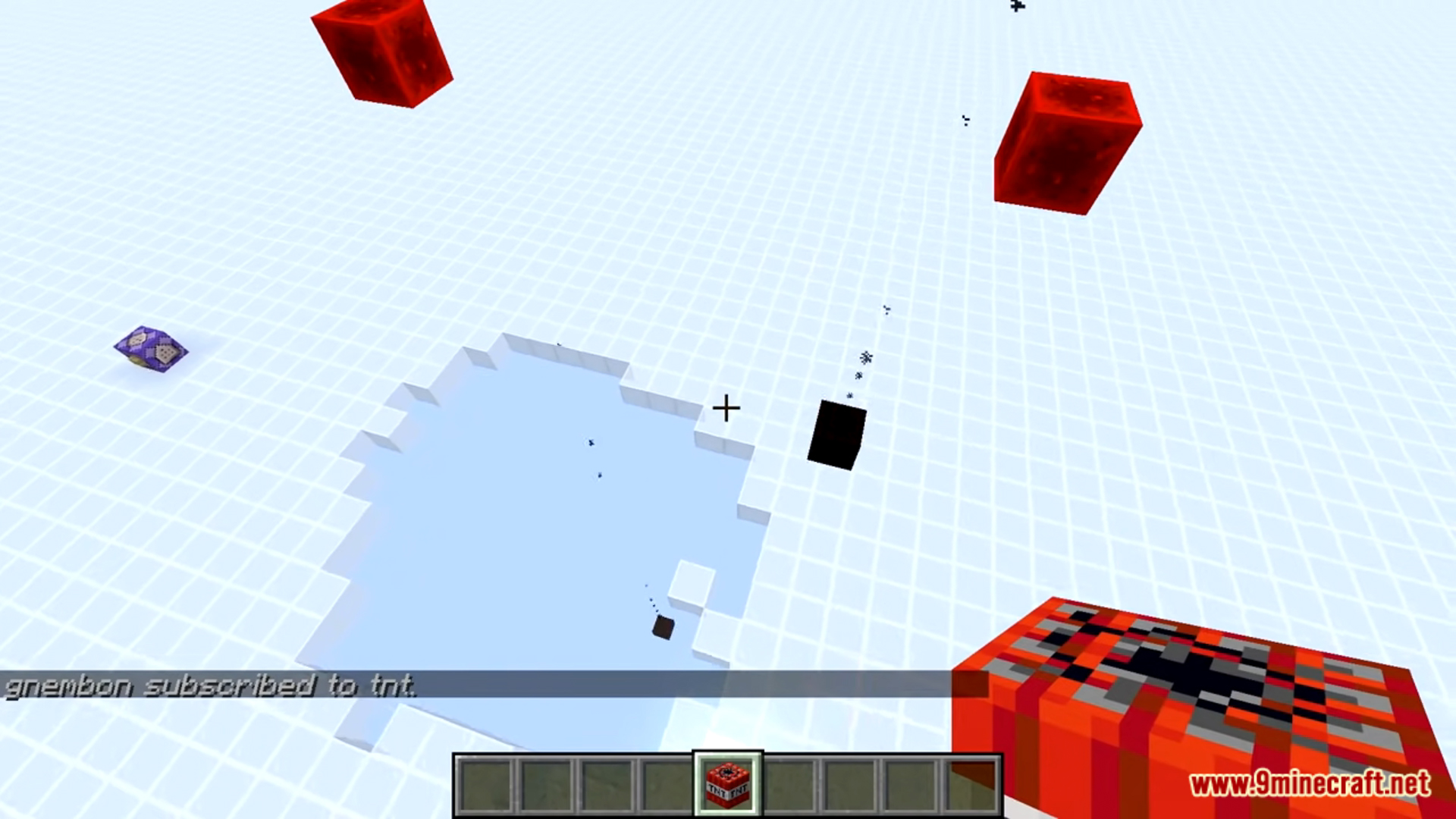
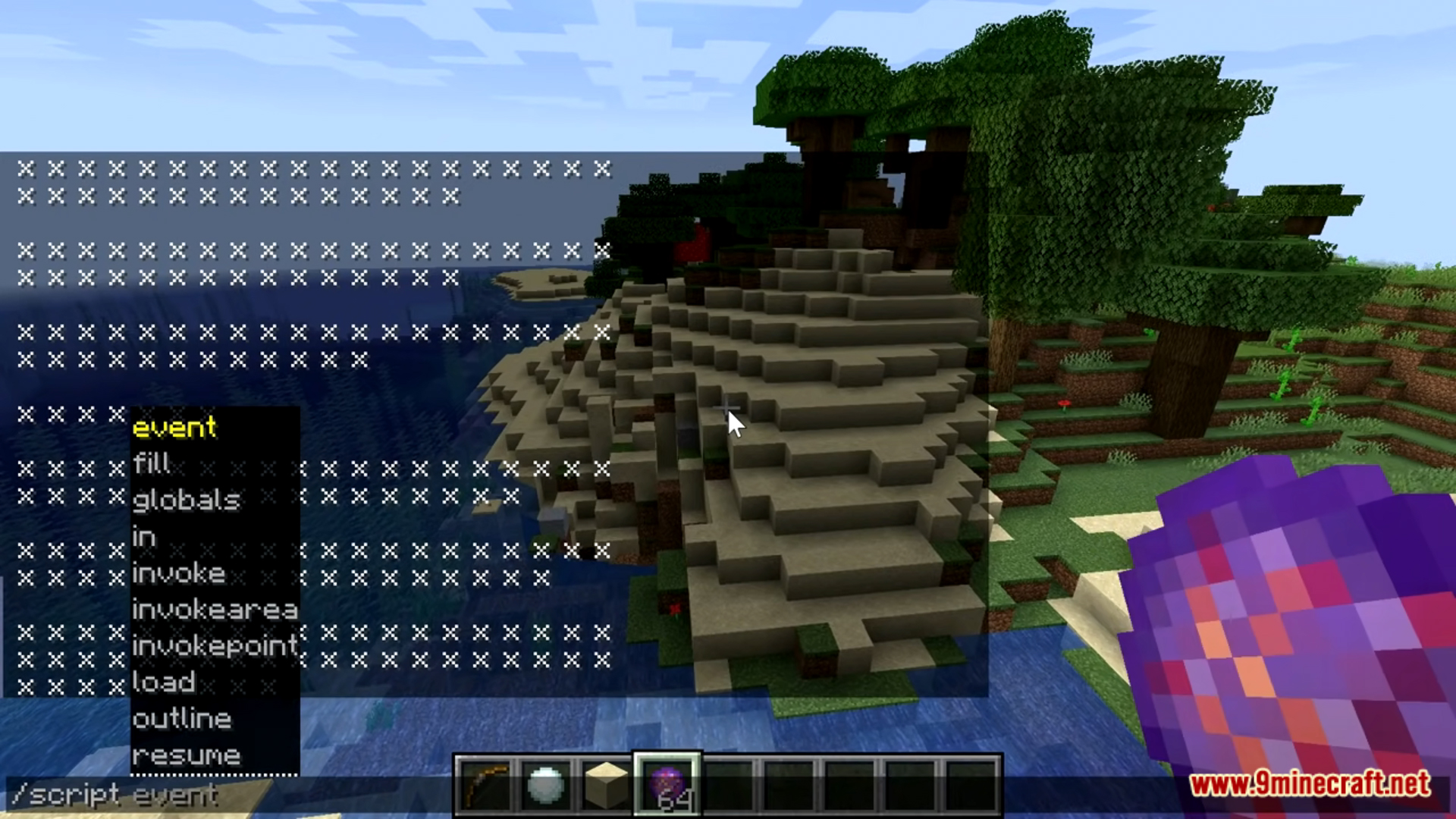
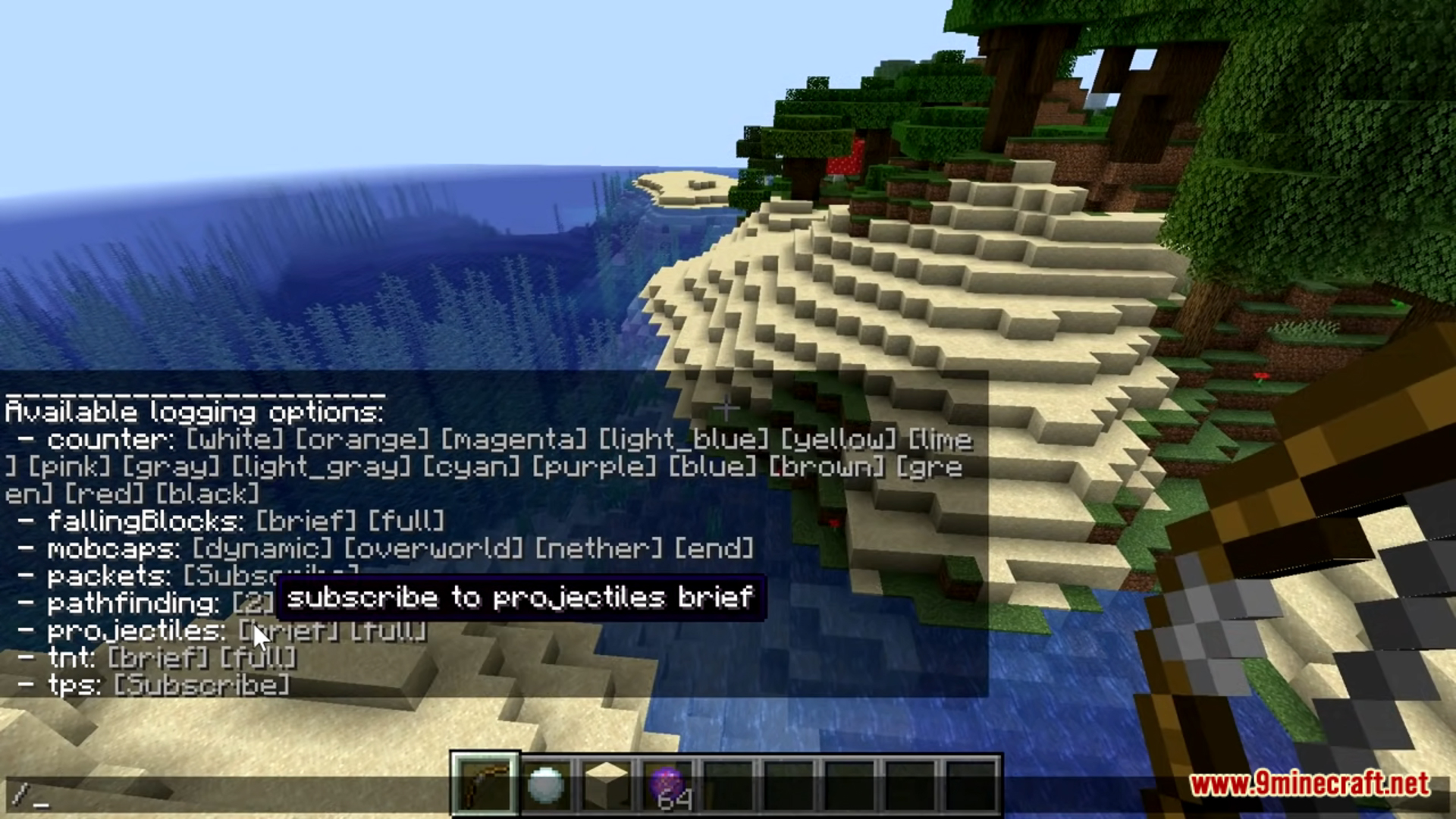
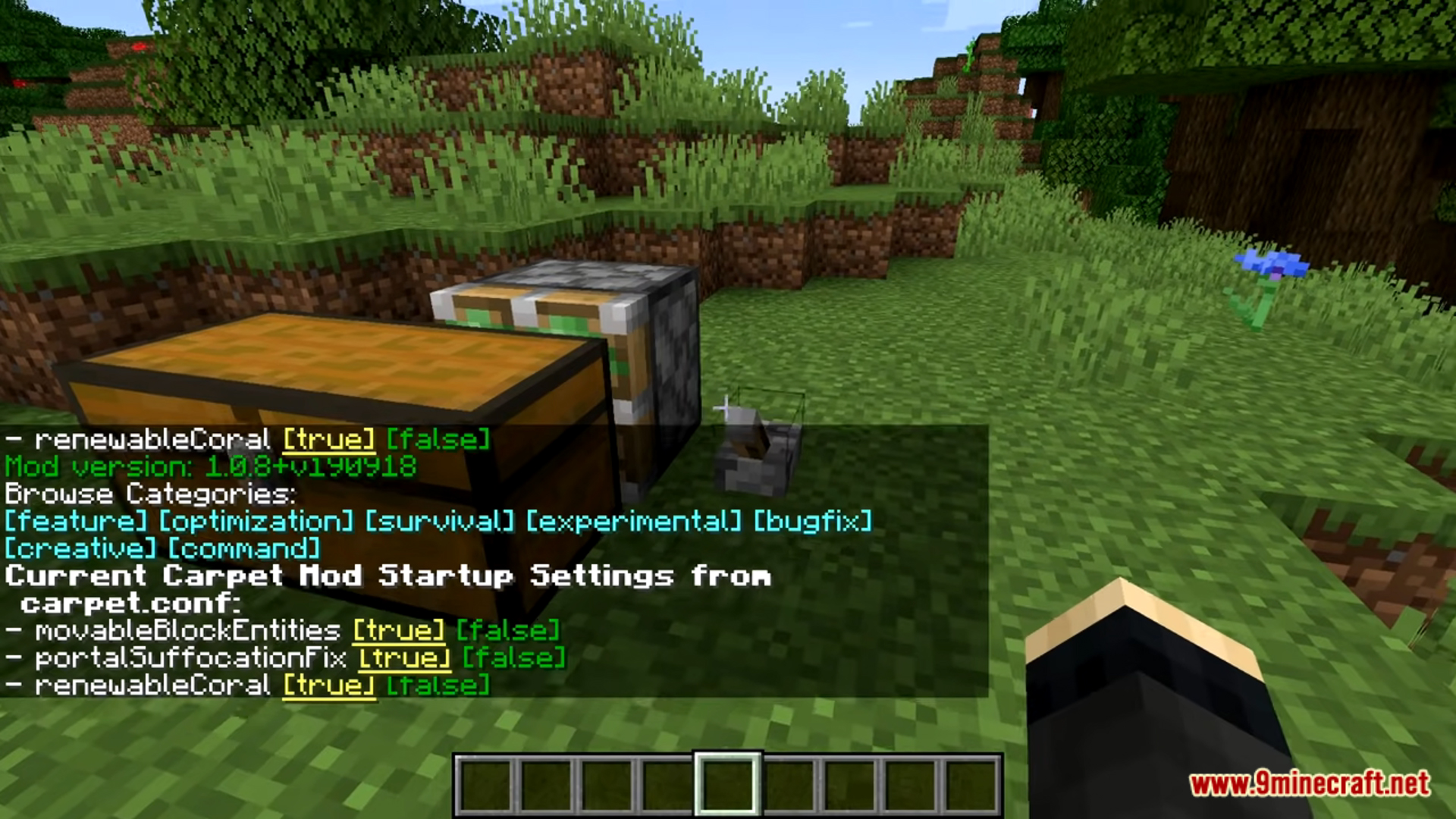
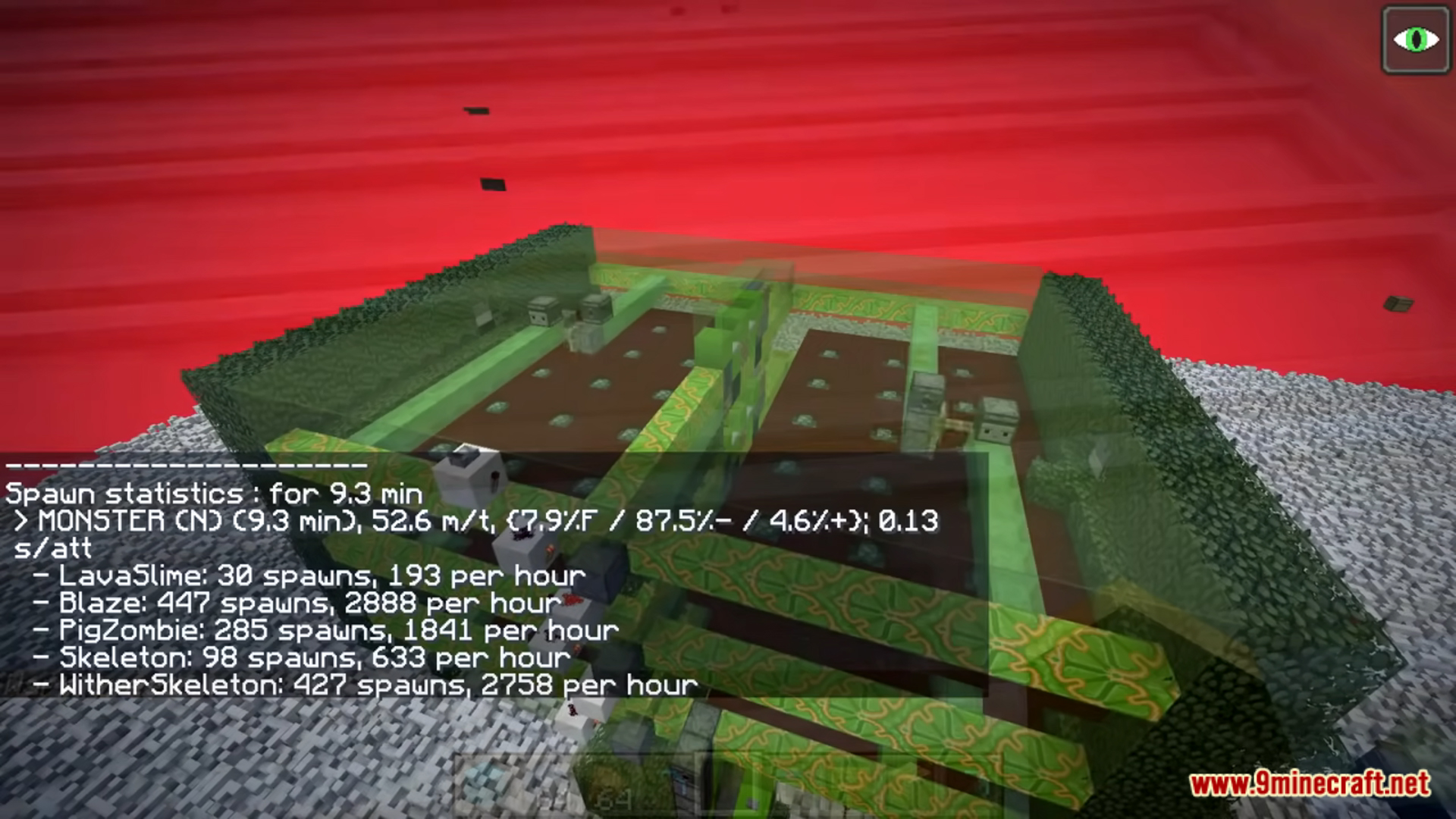
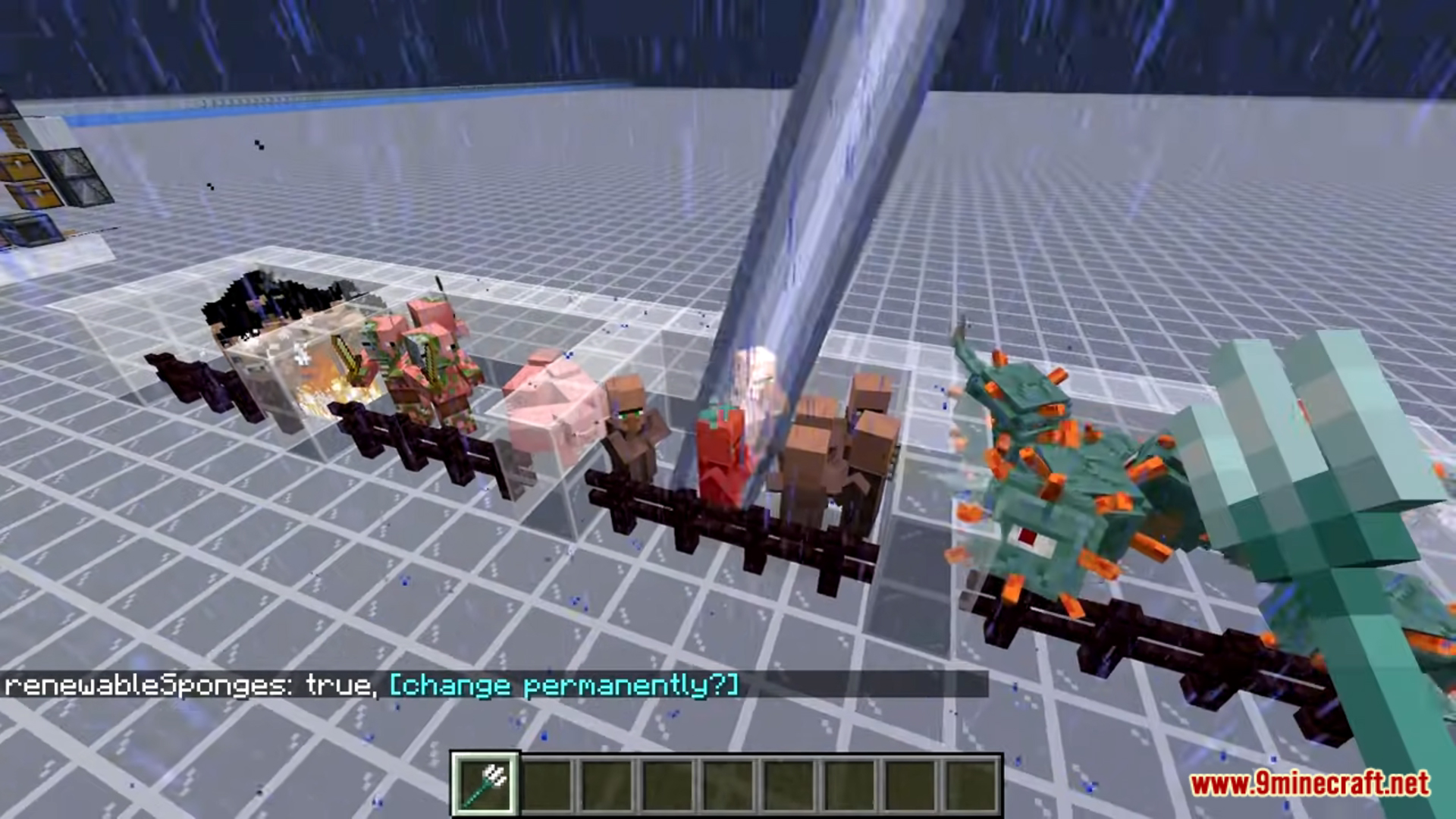
Screenshots:
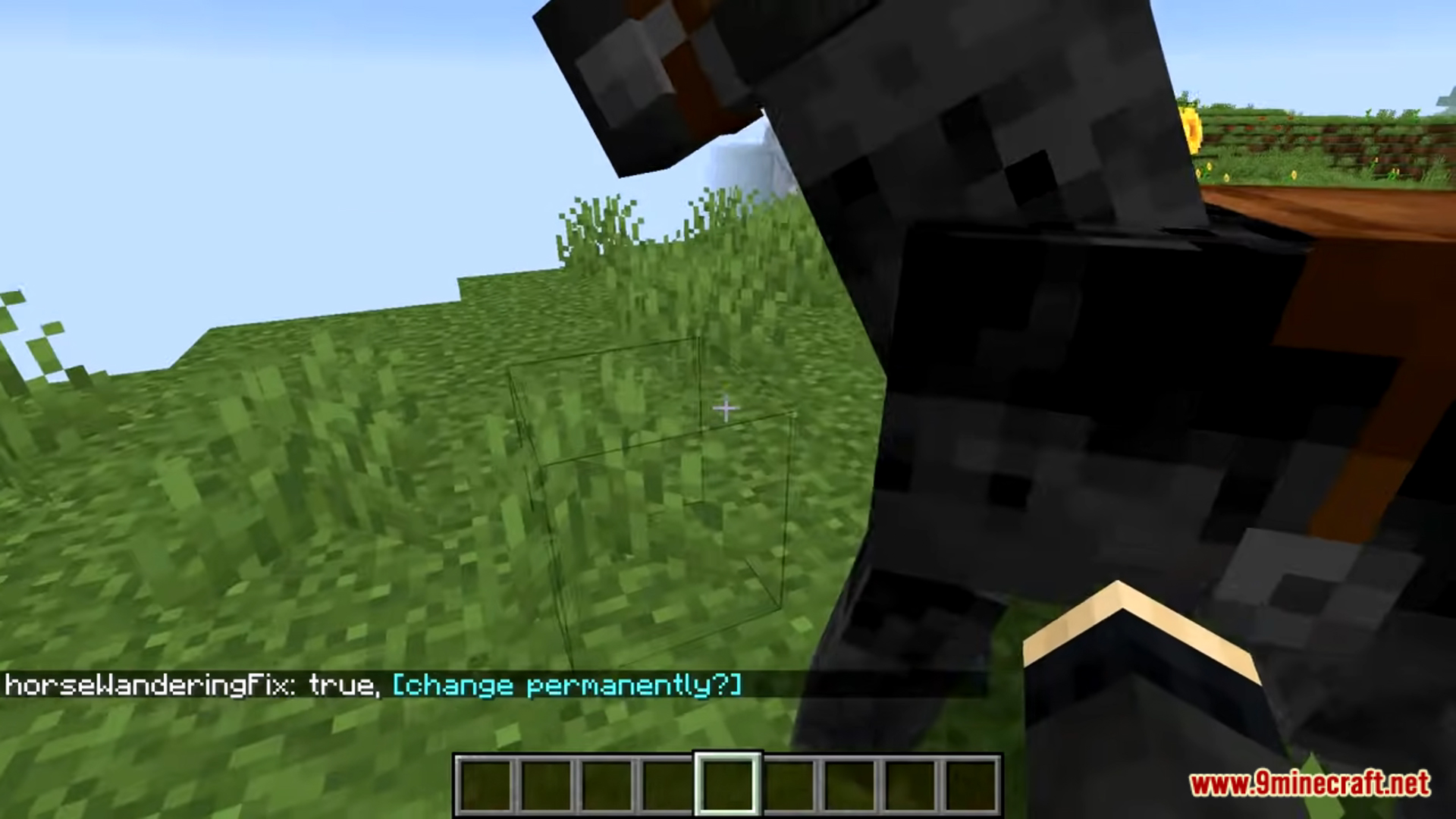
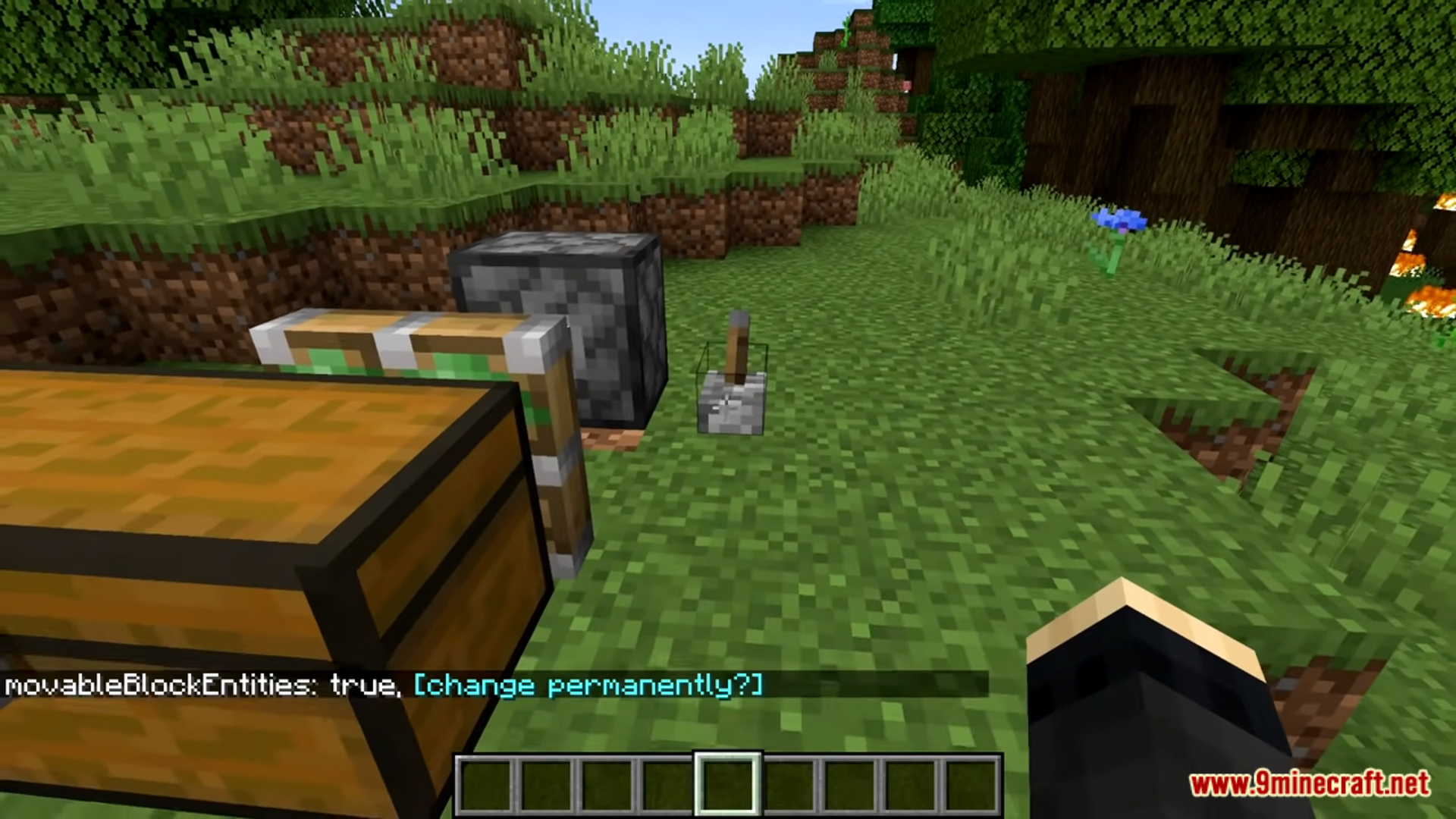
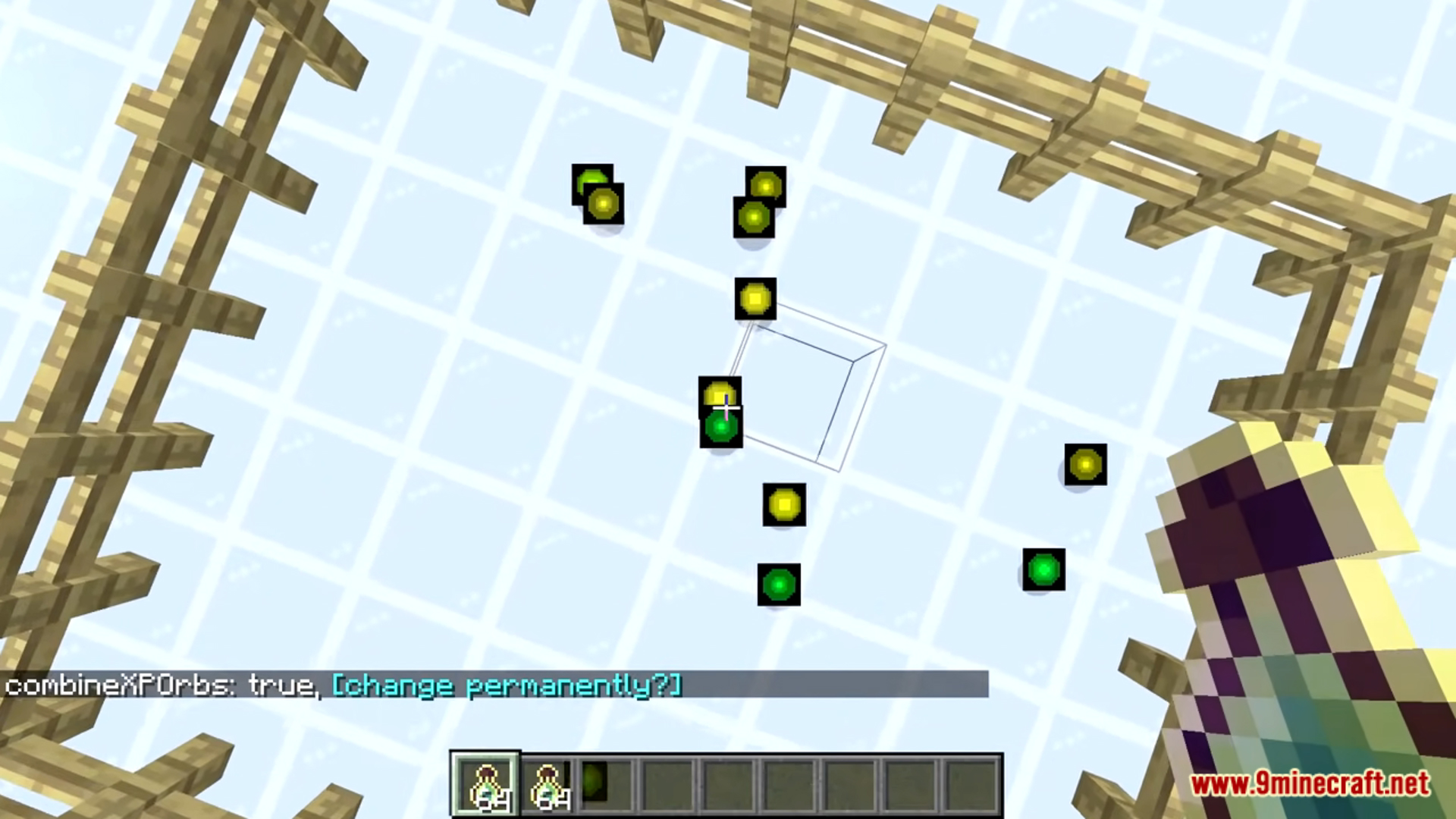
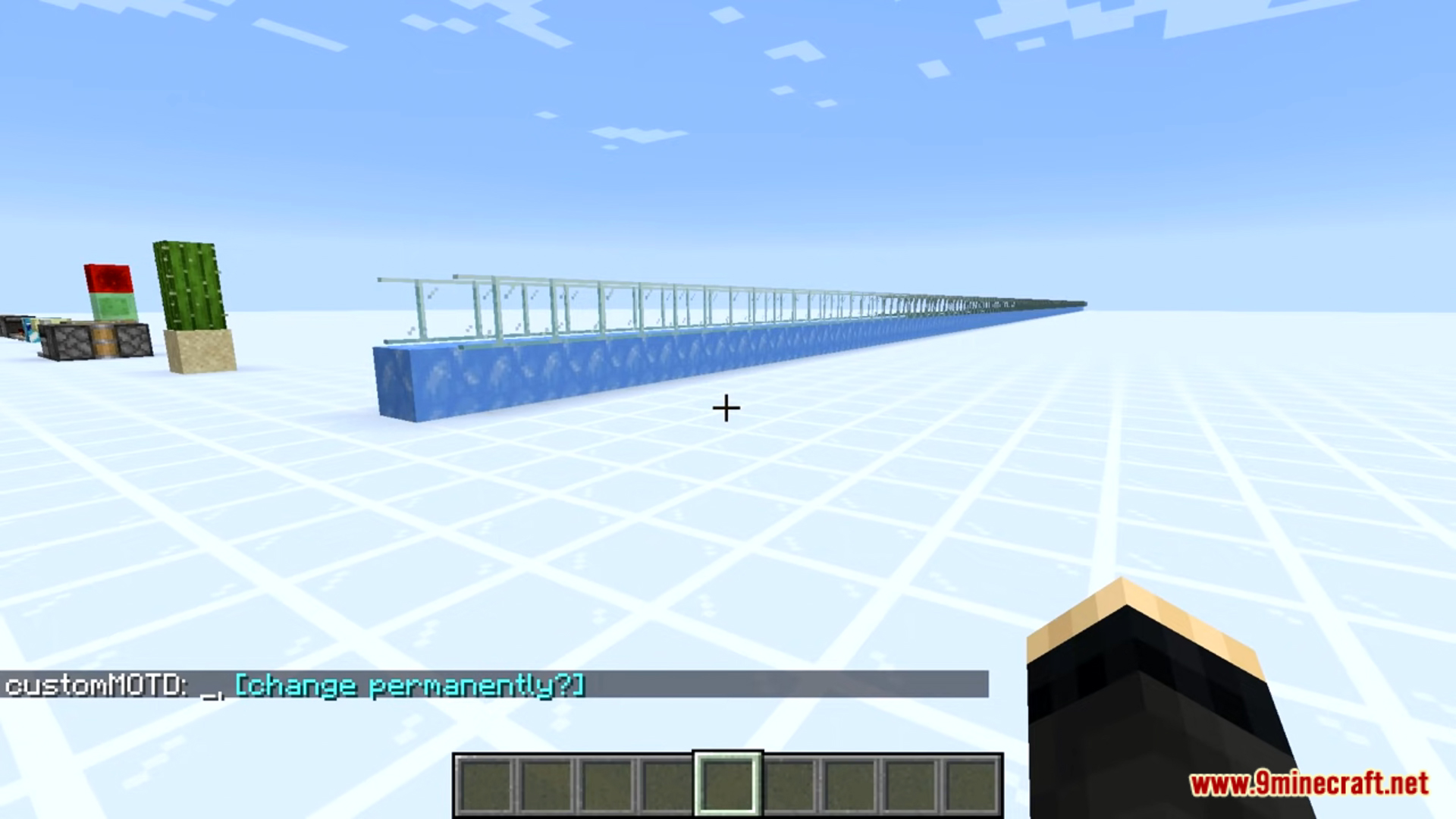
Crafting Recipes:
Recommend that you should install Just Enough Items (for mods using Forge) or Roughly Enough Items (for mods using Fabric) to view the full recipes included in this mod.
Requires:
How to install:
Click the following link to view details: How to Install Mods for Minecraft Java Edition on PC: A Beginner Guide
Carpet AMS Addition Mod (1.21.11, 1.20.1) Download Links
Other Versions:
For Minecraft 1.16.5
Fabric version: Download from Server 1 – Download from Server 2
For Minecraft 1.18.2
Fabric version: Download from Server 1 – Download from Server 2
For Minecraft 1.19.4
Fabric version: Download from Server 1 – Download from Server 2
For Minecraft 1.20.1, 1.20
Fabric version: Download from Server 1 – Download from Server 2
For Minecraft 1.20.2
Fabric version: Download from Server 1 – Download from Server 2
For Minecraft 1.20.4
Fabric version: Download from Server 1 – Download from Server 2
For Minecraft 1.20.6
Fabric version: Download from Server 1 – Download from Server 2
For Minecraft 1.21.1, 1.21
Fabric version: Download from Server 1 – Download from Server 2
For Minecraft 1.21.3
Fabric version: Download from Server 1 – Download from Server 2
For Minecraft 1.21.4
Fabric version: Download from Server 1 – Download from Server 2
For Minecraft 1.21.5
Fabric version: Download from Server 1 – Download from Server 2
For Minecraft 1.21.8
Fabric version: Download from Server 1 – Download from Server 2
For Minecraft 1.21.10
Fabric version: Download from Server 1 – Download from Server 2
For Minecraft 1.21.11
Fabric version: Download from Server 1 – Download from Server 2
You May Also Like