


CC Optical Mod (1.21.1) – Aim Cannons and Track Enemy Airships with Lua Code

 0
0 

🌐 Good news — we've translated this article into other languages!
Or pick the one you like:
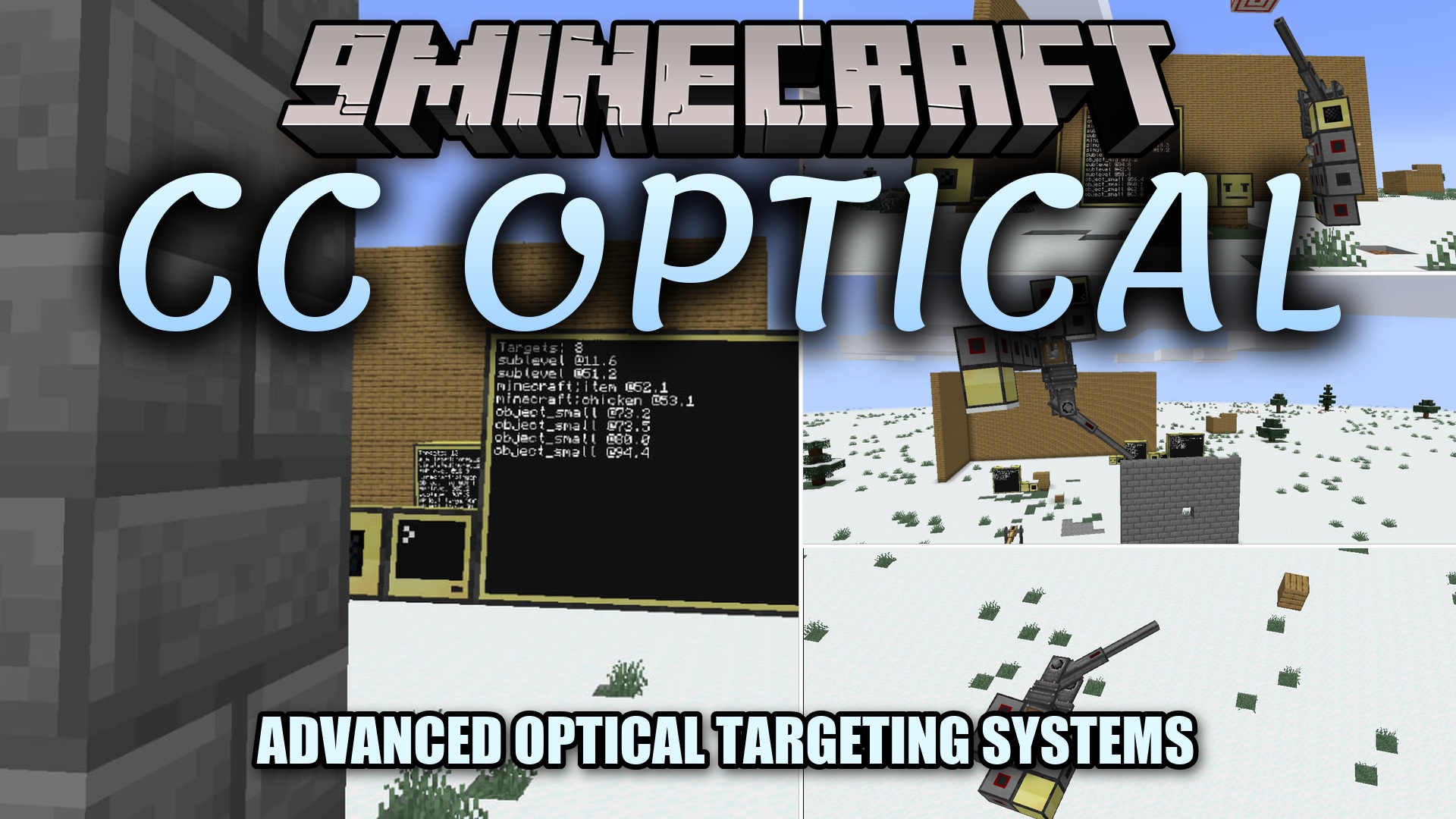
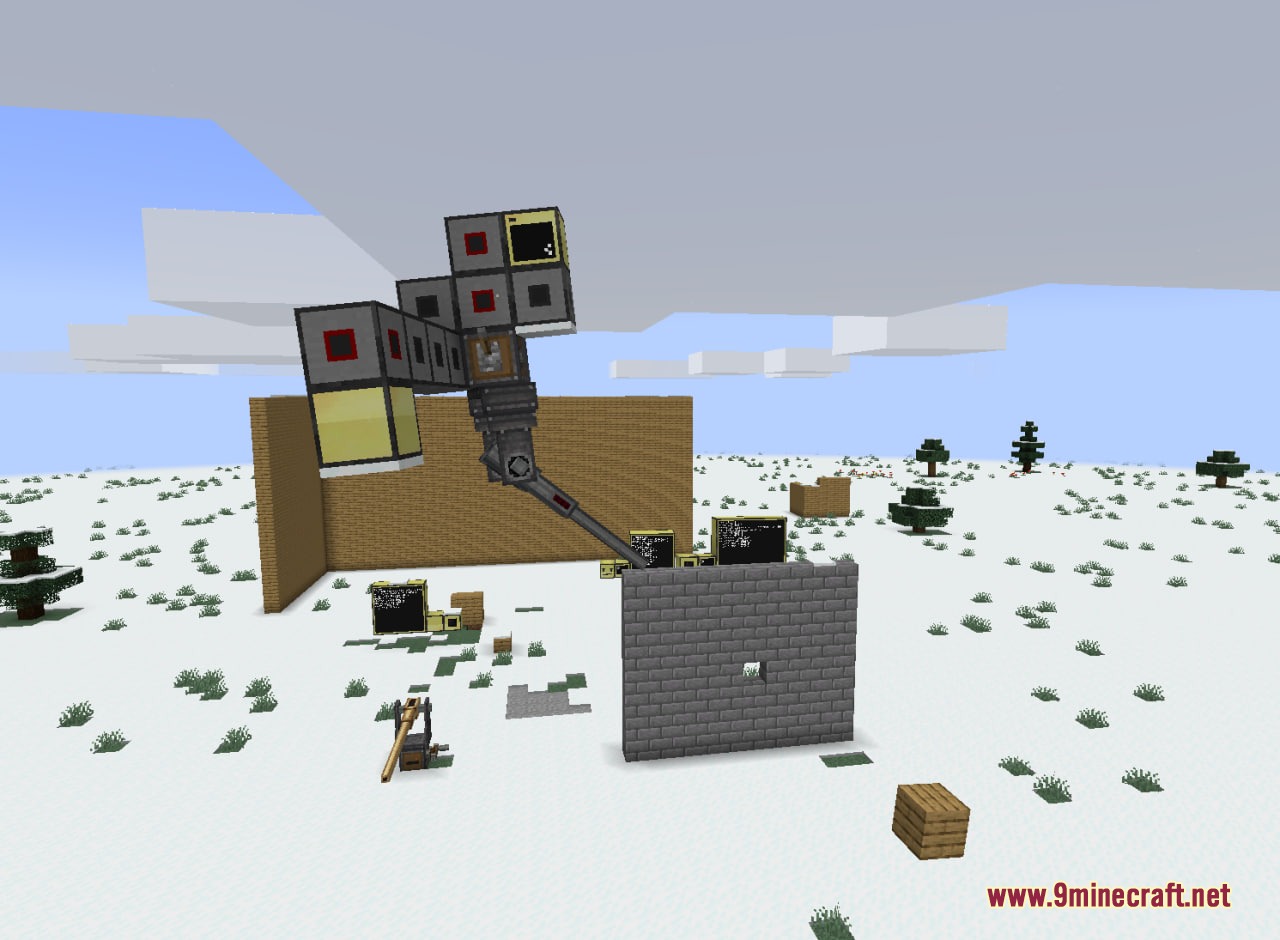
CC Optical Mod adds sensor and cannon control peripherals for CC:Tweaked and Create Big Cannons. This mod gives you new blocks to detect mobs, track airships across long distances, and aim heavy cannons with Lua code. It works with moving contraptions and airship systems so you can build automated defense stations and smart turrets.
Features:
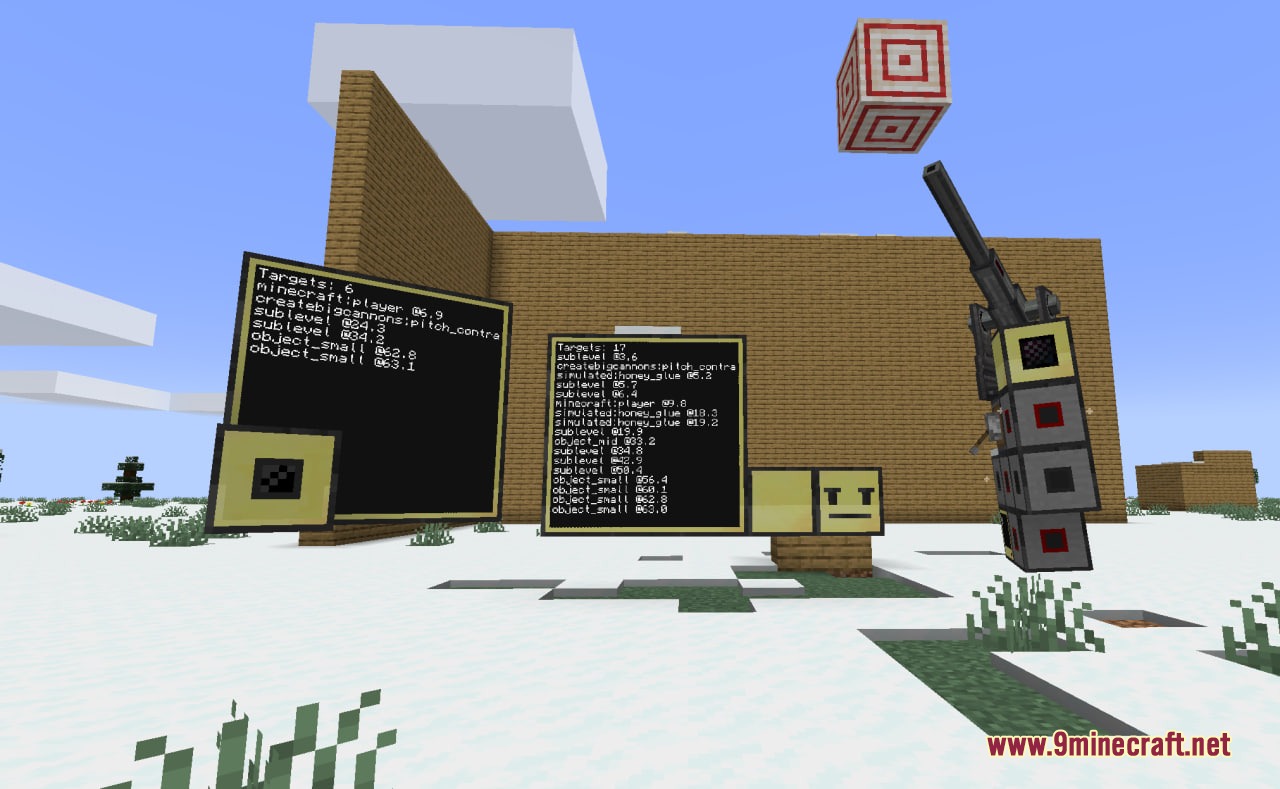
- Adds four sensor blocks to scan for mobs, players, and airships.
- Optical sensors let you zoom in by narrowing the field of view to spot targets far away.
- Entity radar scans in all directions through walls and solid blocks.
- Radar boosters and antenna blocks extend radar tracking up to 900 blocks.
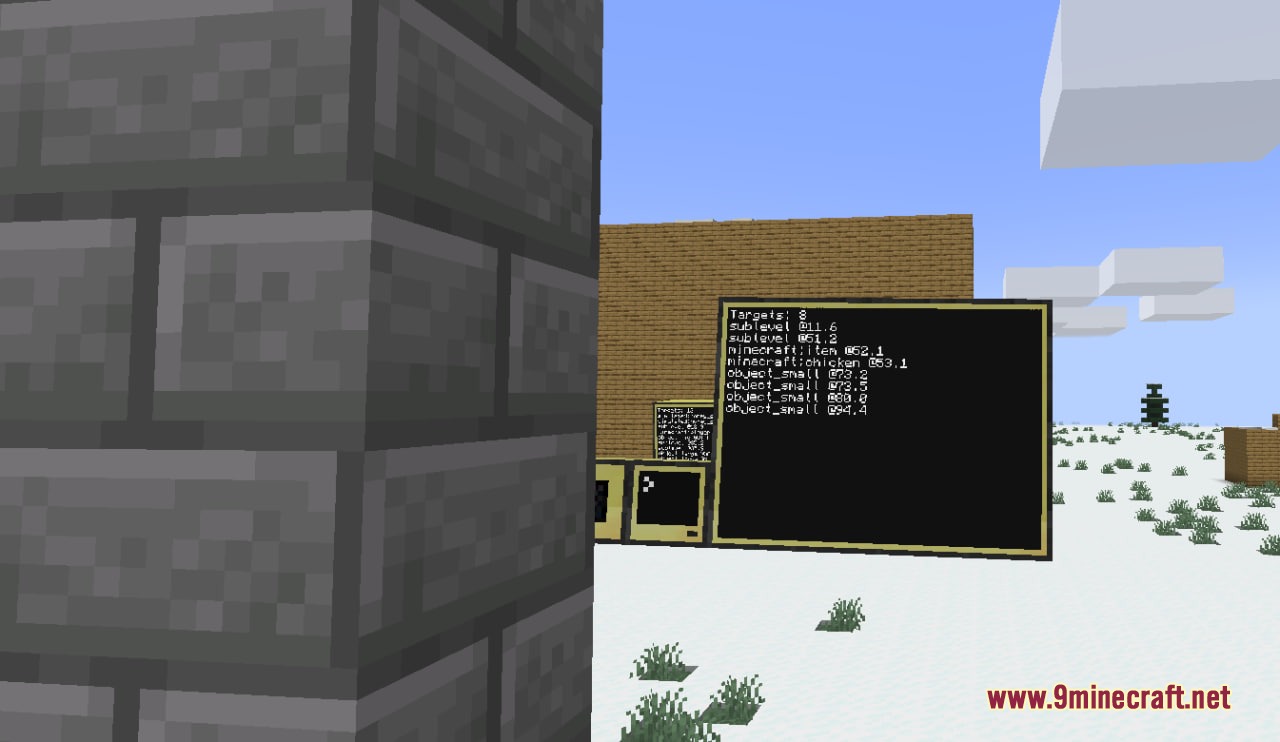
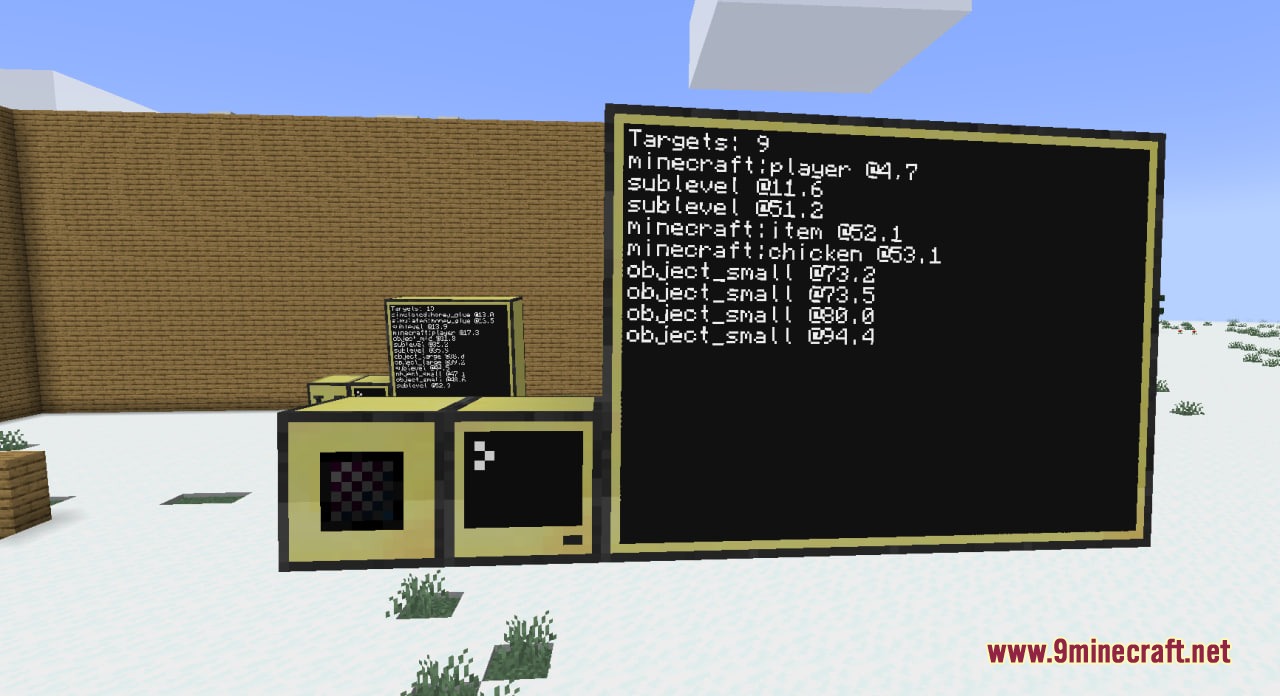
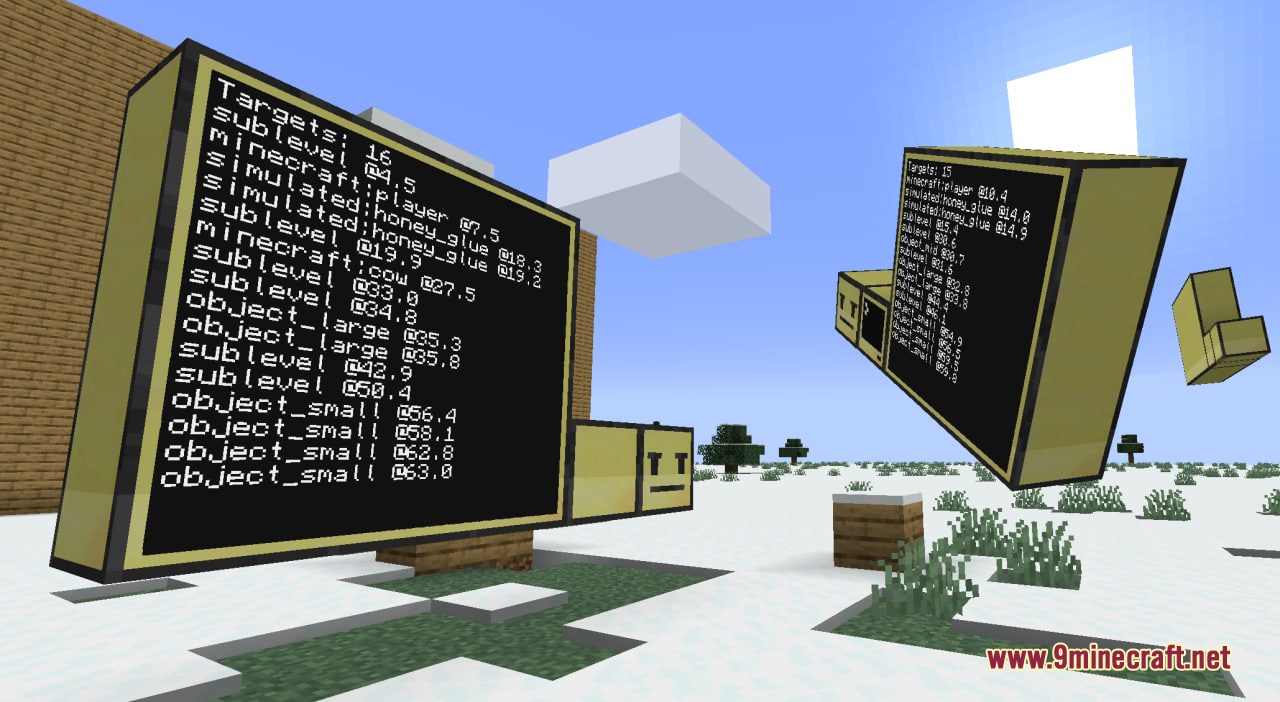
- Sensor scans can filter targets by mob name, size class, or airship sublevel.
- Decorative items like item frames and paintings are ignored during scans.
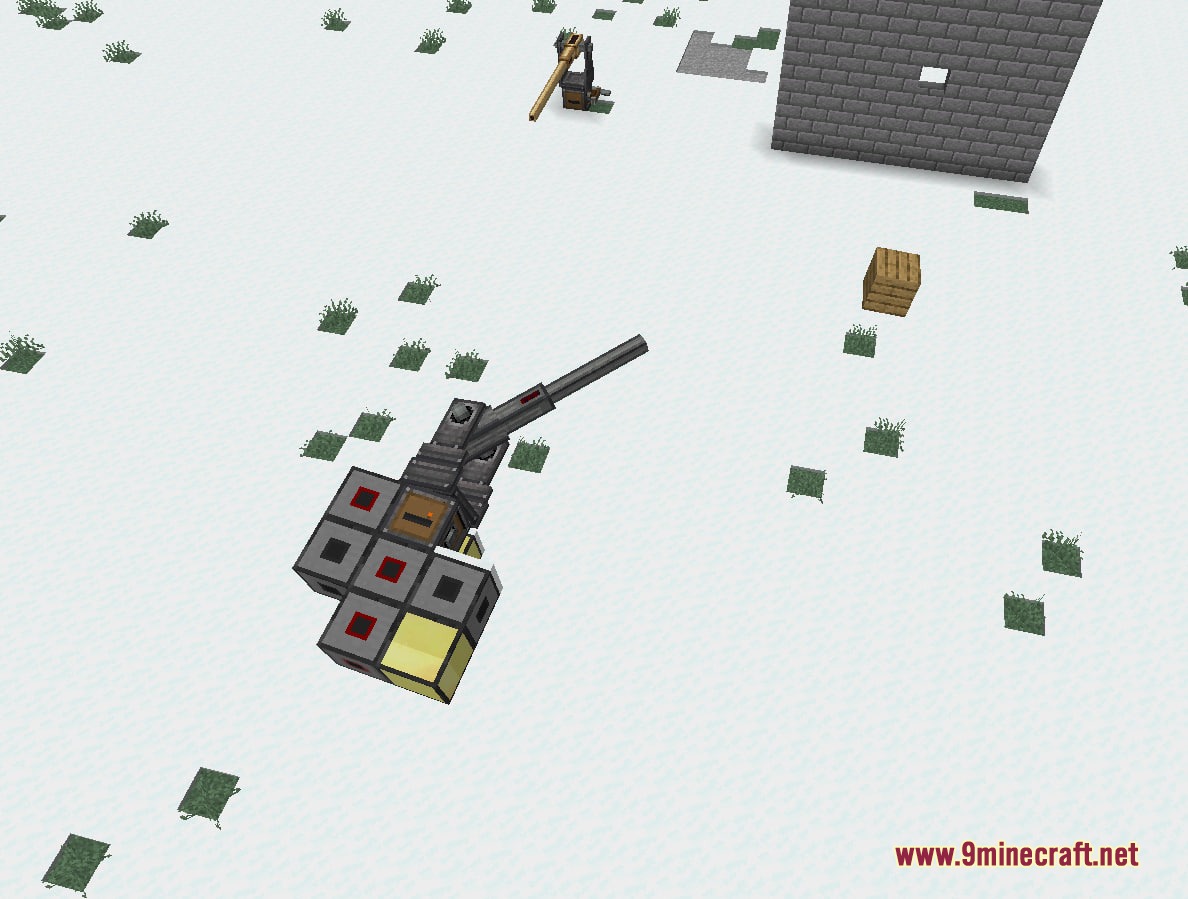
- Cannon mounts turn into programmable peripherals for CC:Tweaked computers.
- Scripts can assemble, pitch, yaw, check loaded state, and fire cannons automatically.
Sensor Types:
- Optical Sensor: 360-degree base scan with adjustable zoom up to 192 blocks.
- Directional Optical Sensor: Cone scan reaching up to 512 blocks at minimum field of view.
- Long Range Optical Sensor: Narrow cone scanner reaching up to 900 blocks.
- Radar: Omnidirectional scanner that detects through solid blocks and scales with booster blocks.
Cannon Control:
- Wraps Create Big Cannons mounts as scriptable peripherals.
- Sets target pitch and yaw angles directly through code.
- Checks cannon weight, rotation limits, and firing readiness.
How to Use:
- Place an optical sensor or radar next to a CC:Tweaked computer or wired modem.
- Place a cannon mount next to your computer setup if you want automated weapons.
- Open the computer terminal and wrap the block using Lua scripts.
- Run scans to collect target coordinates or send angle values to aim and fire your cannon.
local sensor = peripheral.wrap("left")

if sensor.isOptical() then
  sensor.setFov(15)
  sensor.setFilter("sublevel")
end

while true do
  local res = sensor.scan(true)
  print("Targets: " .. Res.count)
  for _, t in ipairs(res.detections) do
    print(t.type .. " at " .. T.distance .. " blocks")
  end
  sleep(0.25)
end
Configuration:
cbcPeripheralEnabled: turns cannon mount computer control on or off.cbcFreeRotationEnabled: controls whether cannon mounts rotate freely without normal limits.cbcFreeRotationMaxWeight: sets the maximum weight limit allowed for free rotation.
Screenshots:
How to Install:
New to Minecraft? Follow our step-by-step guide to install Mods on your PC.View Guide
Requirements:
 NeoForge Required
 Experimental Settings Disabler Mod Required
Create Big Cannons Required
CC: Tweaked Required
CC:Tweaked Required
CC Optical Mod Download Links
For Minecraft 1.21.1, 1.21
Click to rate this post!
[Total: 0 Average: 0]
You May Also Like












This post has no comments yet. Be the first — your comment will appear here.