


Chestmonster Mod (26.1.2, 1.20.1) – Find Any Item Without Opening Every Chest
 85
85
 0
0


🌐 Read this article in your language! Choose your preferred language below.
Or pick the one you like:
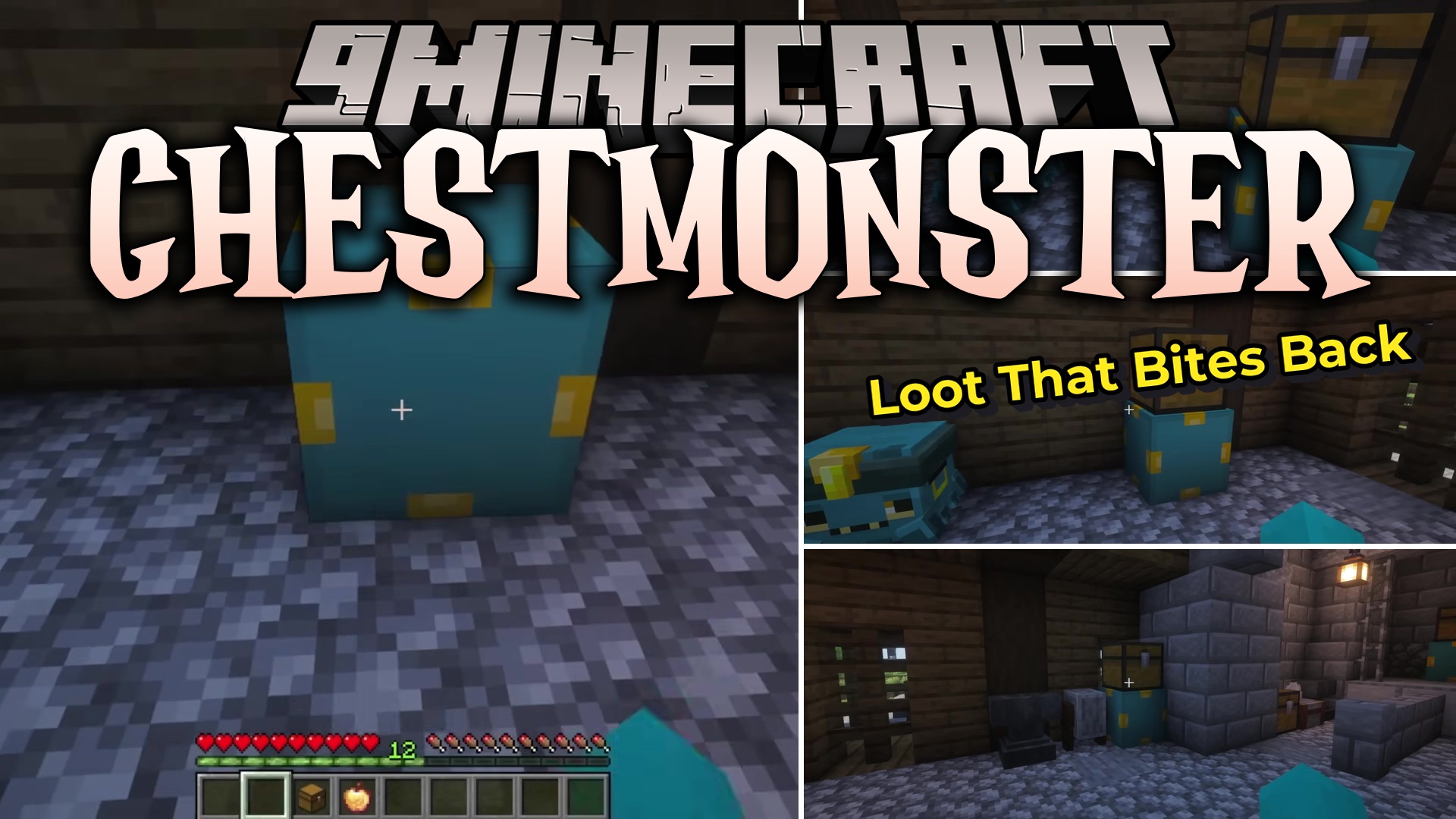
Chestmonster Mod links your messy chests together so you can find items fast. It gives you a special block that works like a search screen for your early game storage. Instead of opening twenty different boxes to find one piece of iron, you just open this main hub. The block looks through your nearby boxes and shows everything in one simple menu.
Features:
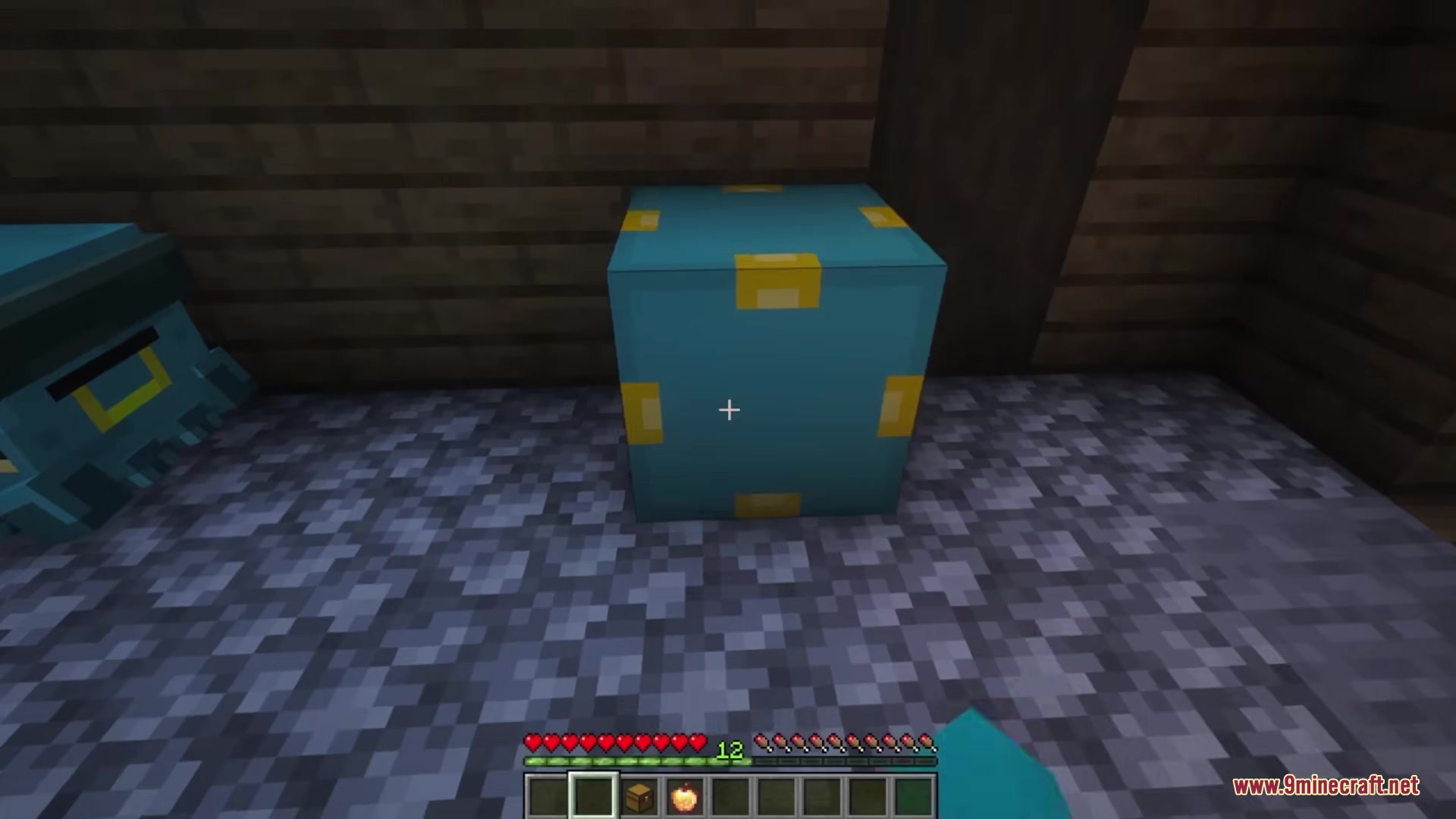
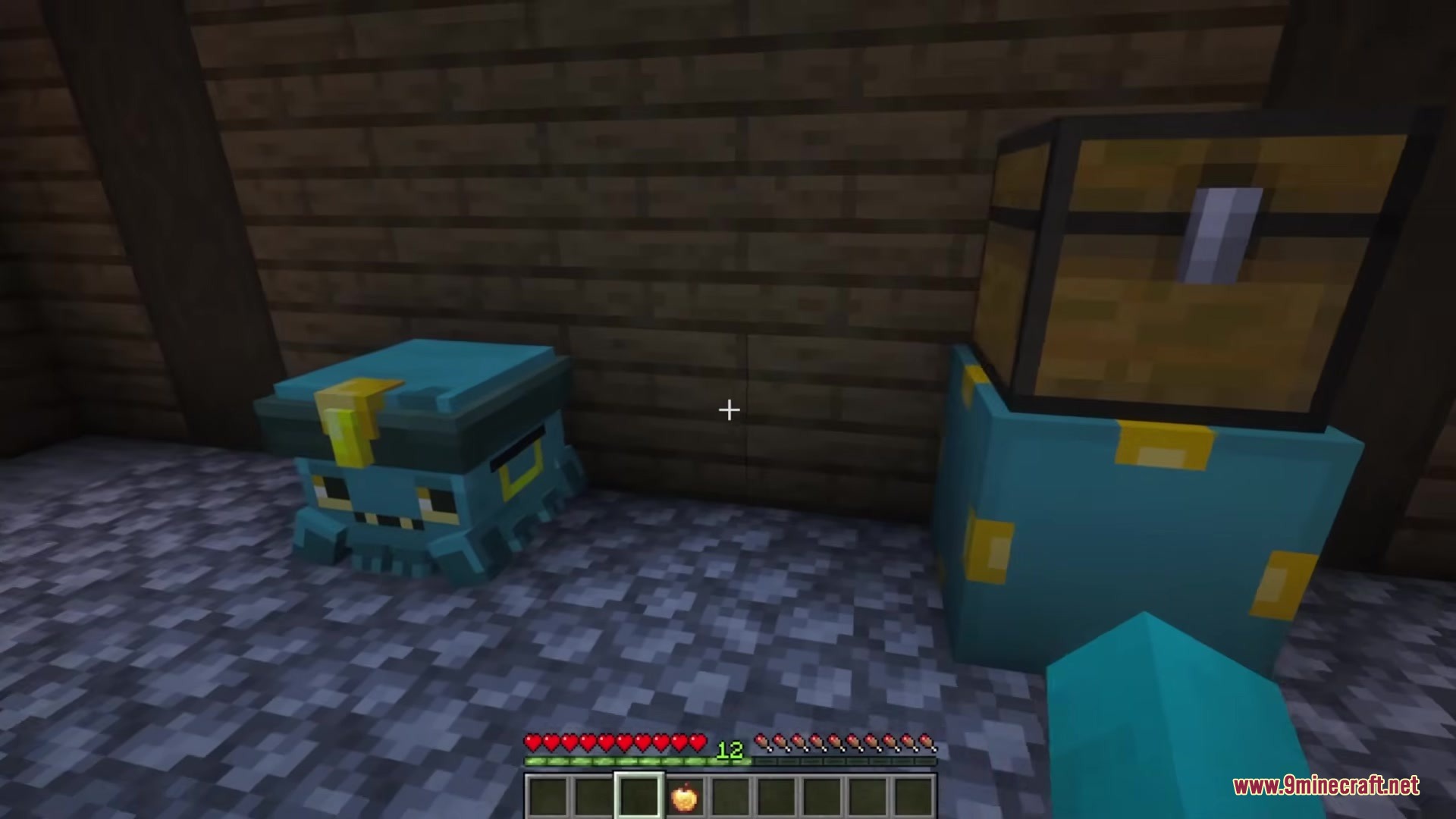
- Central Storage Hub: Gives you a special block that shows a 9×3 grid of everything inside your connected boxes.
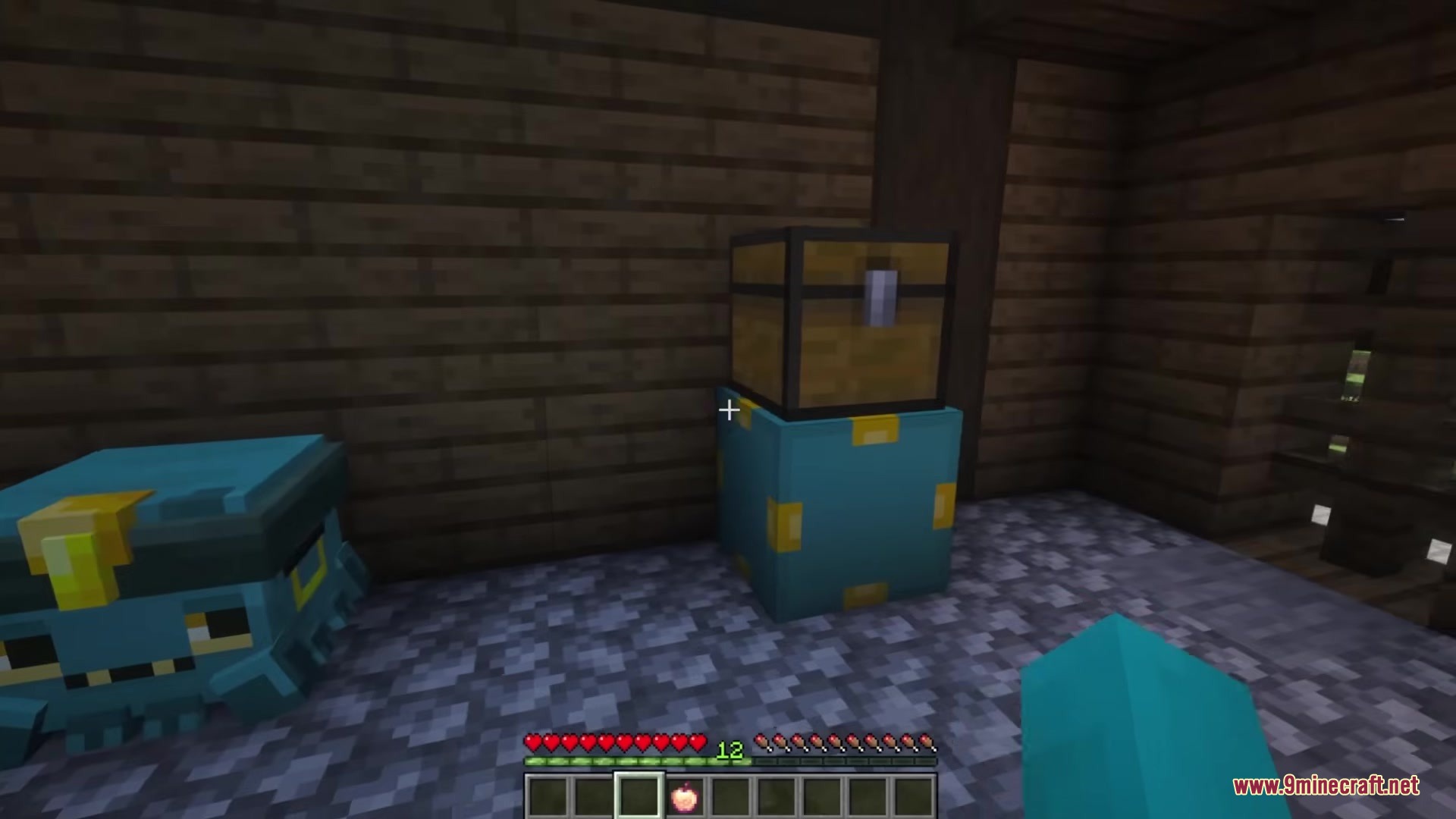
- Easy Linking: Uses a special hand block to connect your normal chests to the main hub.
- Lets you type in a search bar to find exactly what you need without looking through piles of junk.
- Allows you to grab a single item with a normal click or pull a whole stack by holding the shift key.
- Adds a quick deposit button so you can drop off matching items straight from your pockets.
- Includes an optional button right in your normal screen to empty your pockets fast.
- Keeps the game fair by only letting each player have one main hub block.
Commands:
/chestmonster reload: Updates your settings while you play without needing to restart the game.
Configuration:
gridstoreitems: Turns on or off the ability to put items back into your boxes from the main menu.searchradius: Changes how far away the main block can look for connected boxes.enableDeloot: Turns the quick empty button on or off.delootDimensions: Sets which worlds allow you to use the quick empty button.
{
  "gridstoreitems": false,
  "searchradius": 12,
  "enableDeloot": true,
  "delootDimensions": [
    "minecraft:overworld",
    "minecraft:the_nether",
    "minecraft:the_end"
  ]
}
How to Use:
- Place down the main Chestmonster block somewhere in your base.
- Put Chestmonster Hand blocks right next to the chests you want to connect.
- Open the main block to see everything stored in those connected chests.
- Type in the search box to find specific blocks or tools.
- Click an item to take just one, or hold Shift and click to take a whole stack.
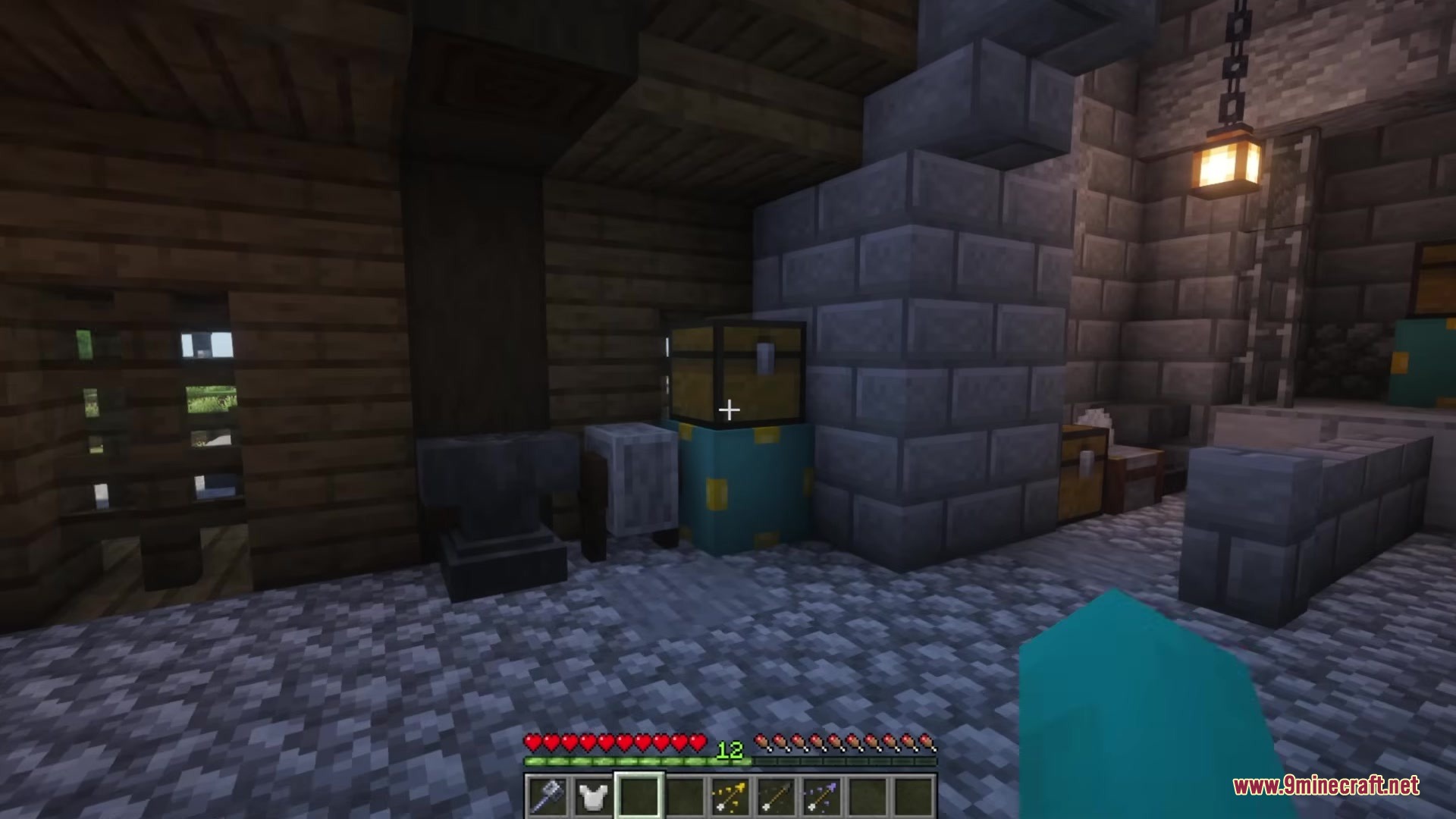
Screenshots:
How to Install:
New to Minecraft? Follow our step-by-step guide to install Mods on your PC.View Guide
Requirements:


Chestmonster Mod Download Links
For Minecraft 26.1.2, 26.1.1, 26.1
For Minecraft 1.21.1, 1.21
For Minecraft 1.20.1, 1.20
For Minecraft 1.18.2
Click to rate this post!
[Total: 0 Average: 0]
You May Also Like

This post has no comments yet. Be the first — your comment will appear here.