


Chrono Landscape Origins Mod (1.12.2) – Explore Nostalgic Beta and Alpha
 5
5
 0
0

🌐 Read this article in your language! Choose your preferred language below.
Or pick the one you like:
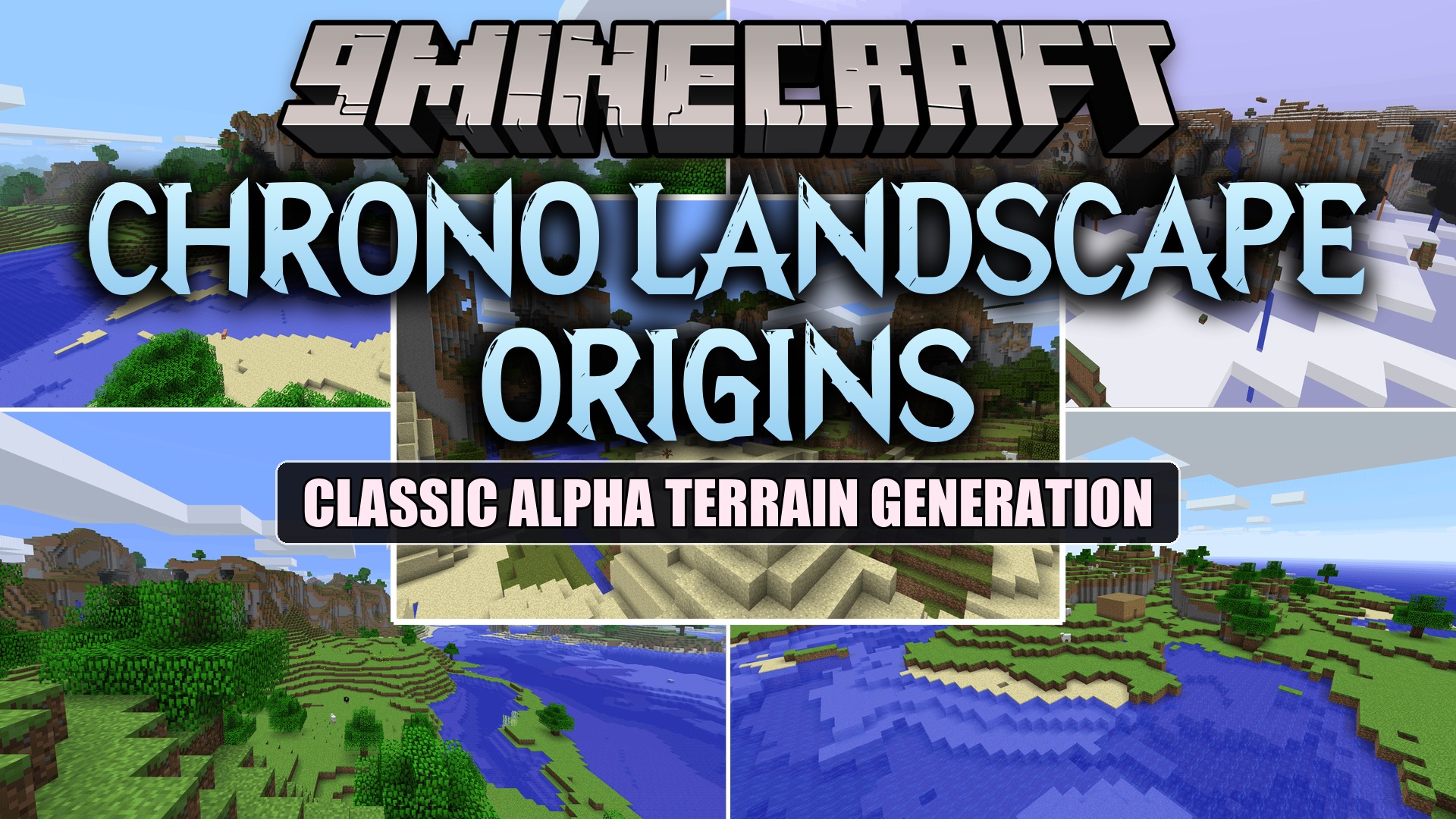
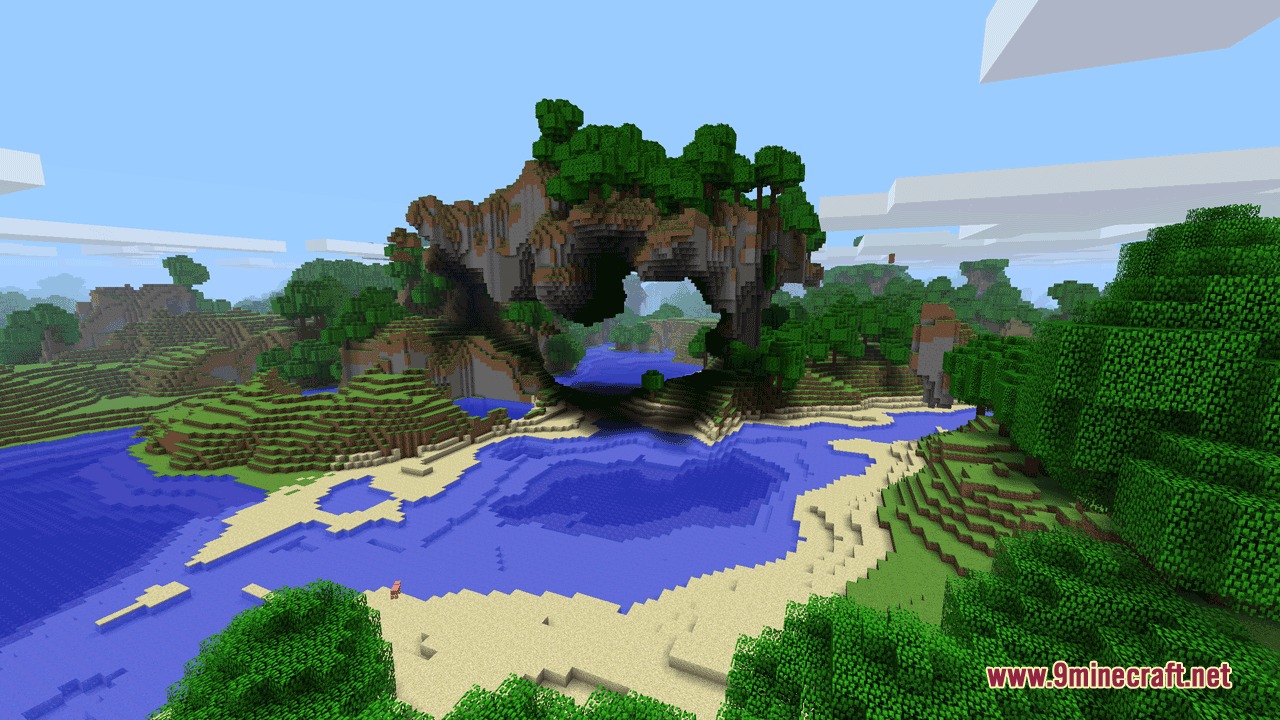
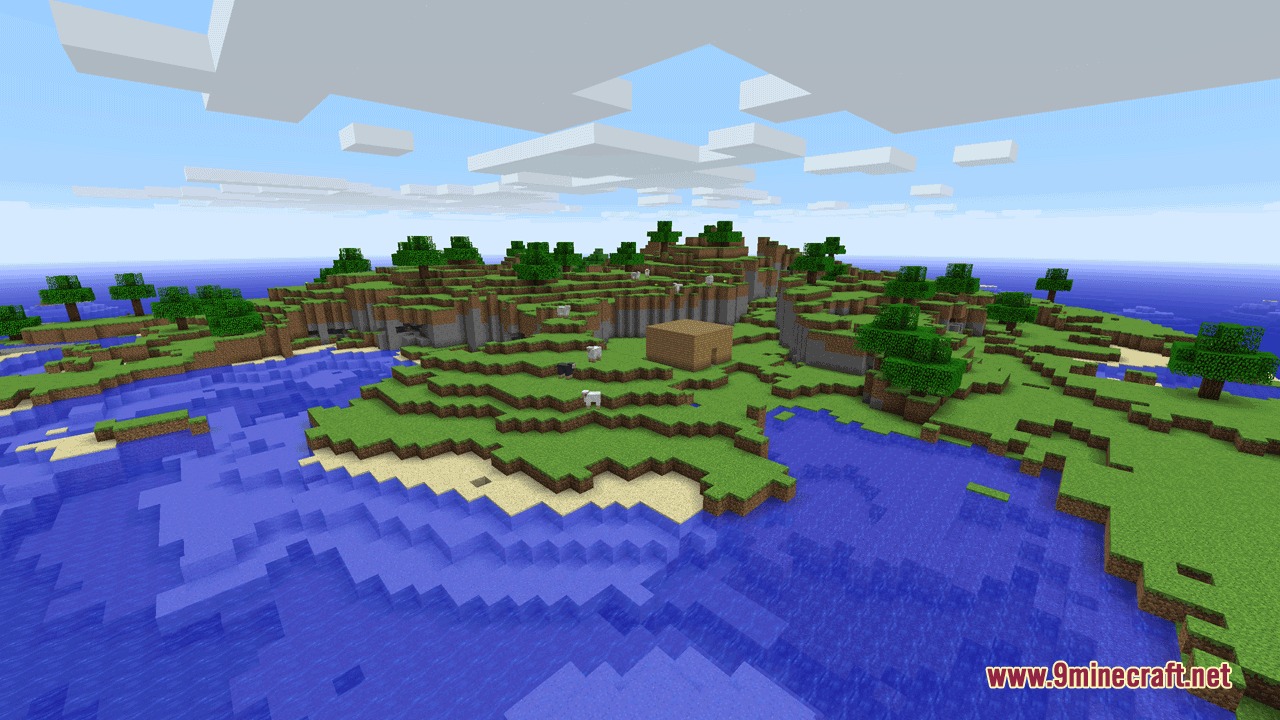
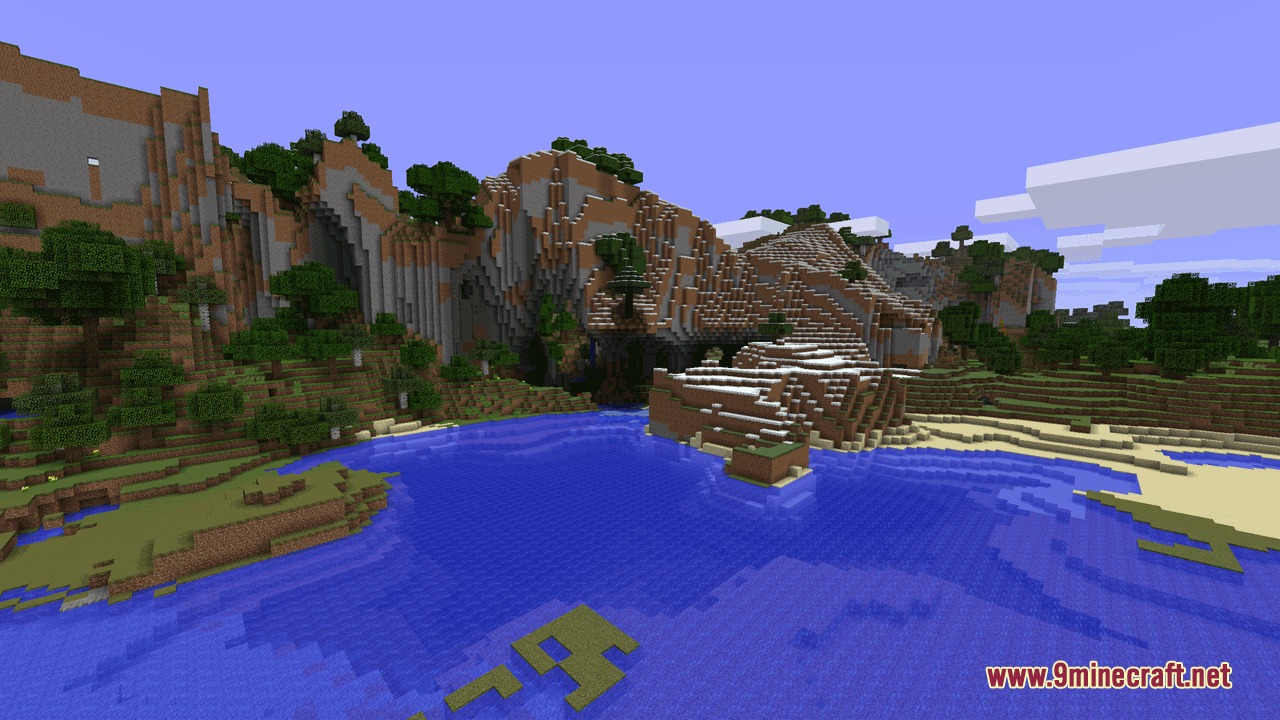
Chrono Landscape Origins Mod brings classic world generation back into Minecraft. It recreates terrain and biome systems from Beta, Alpha, Infdev, Indev, and other early game releases. You can mix and match old landscape layouts with modern features, adjust settings in-game, and explore nostalgic biomes.
Features:
- Recreates classic terrain systems from Beta, Alpha, Infdev, Indev, Classic, and Beta Skylands.
- Includes early Pocket Edition v0.6.0 terrain and biome generation.
- Lets you mix and match different terrain and biome generators together.
- Restores classic Nether terrain generation.
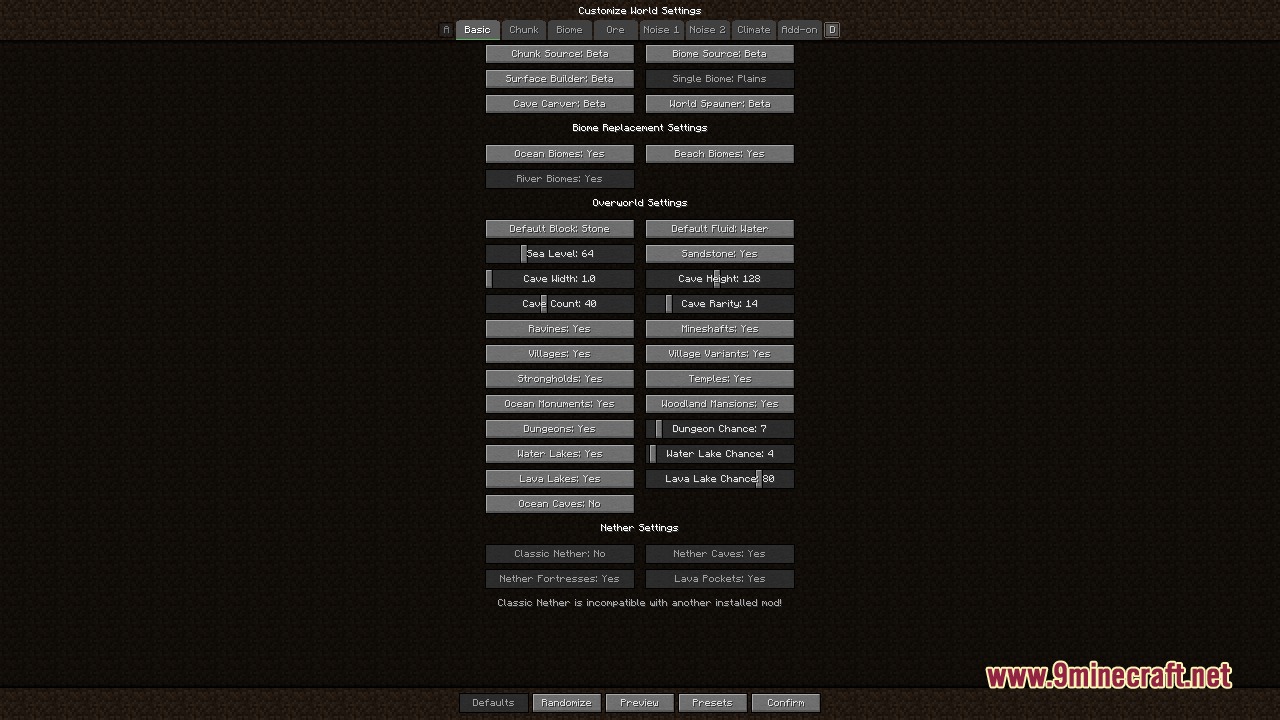
- Adds built-in and shareable world customization presets directly inside the world creation menu.
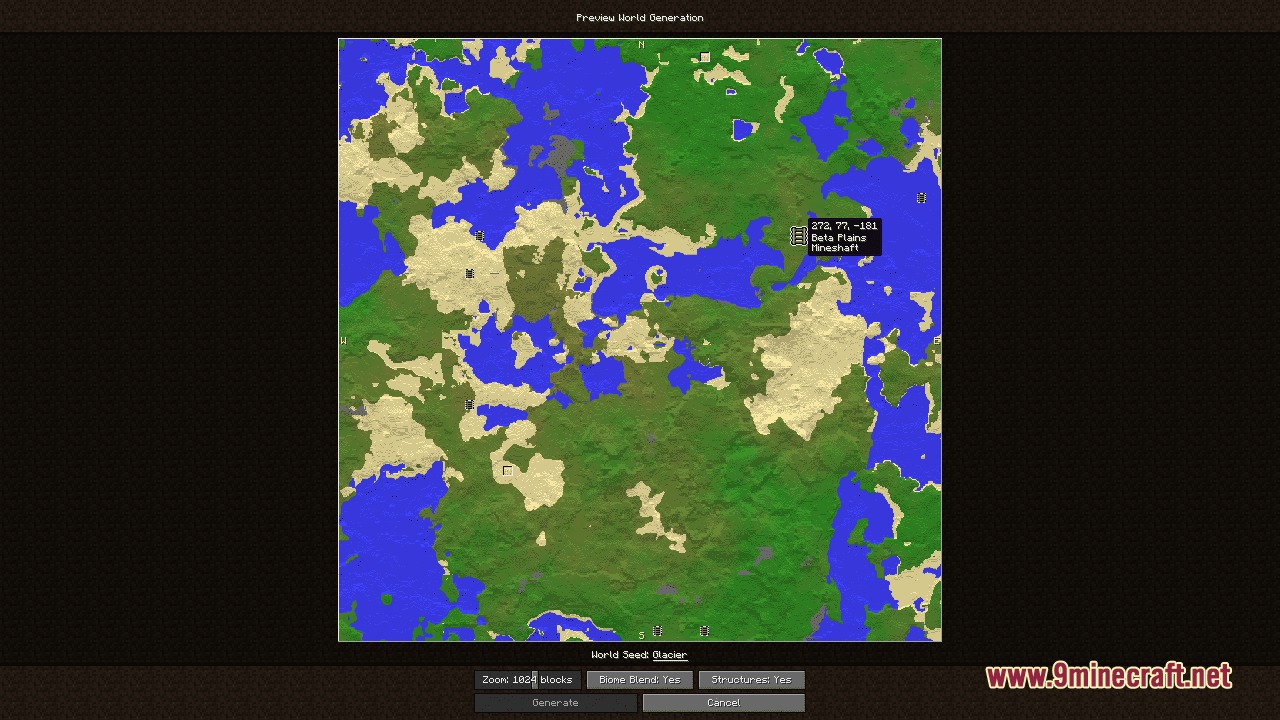
- Provides an in-game terrain and biome preview window before you generate a world.
- Brings accurate Beta sky lighting and biome grass colors to singleplayer and multiplayer.
- Allows adjusting cloud height, with a default setting at y108.
- Spawns players on sandy beaches just like early versions of the game.
- Works alongside popular mods such as Biomes O’ Plenty, Thaumcraft, and Dynamic Trees.
Included Terrain Generators:
- Beta 1.7.3 and Alpha 1.1.2_01.
- Infdev versions including 20100611, 20100420, 20100415, and 20100227.
- Indev 20100223 and Classic 0.0.23a.
- Beta Skylands and Pocket Edition v0.6.0.
- Release 1.12.2 Vanilla and The End generation.
Included Biome Generators:
- Beta 1.7.3 biomes with classic color maps.
- Pocket Edition v0.6.0 biomes.
- Single fixed biome choices.
- Release 1.12.2 biomes with modded biome integration.
- Biomes O’ Plenty generation when the mod is present.
How to Use:
- Select the customized world type during singleplayer world creation to choose your classic preset.
- Adjust chunk source settings, biome choices, or structure toggles in the setup menu.
- Check the preview window to see how your terrain and biomes look before generating.
- For multiplayer servers, set
levelType=modernbetainside yourserver.propertiesfile. - Paste your generator settings string into the
generator-settingsfield inserver.properties.
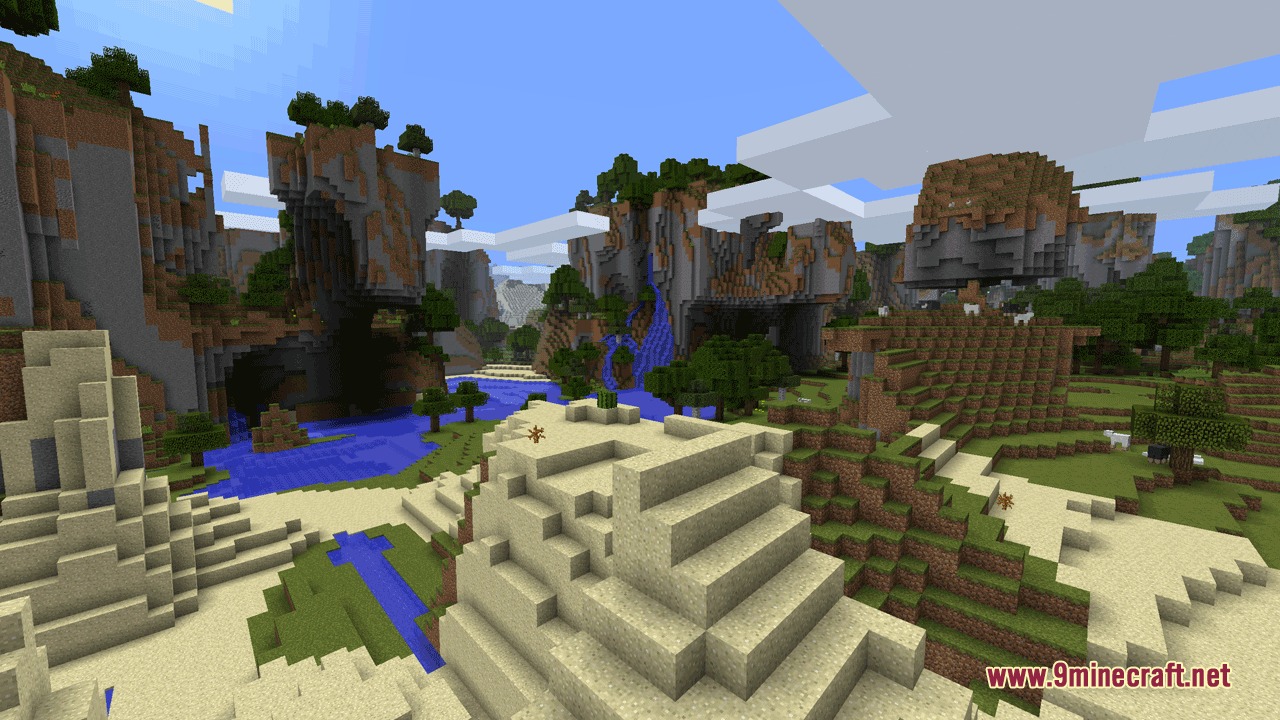
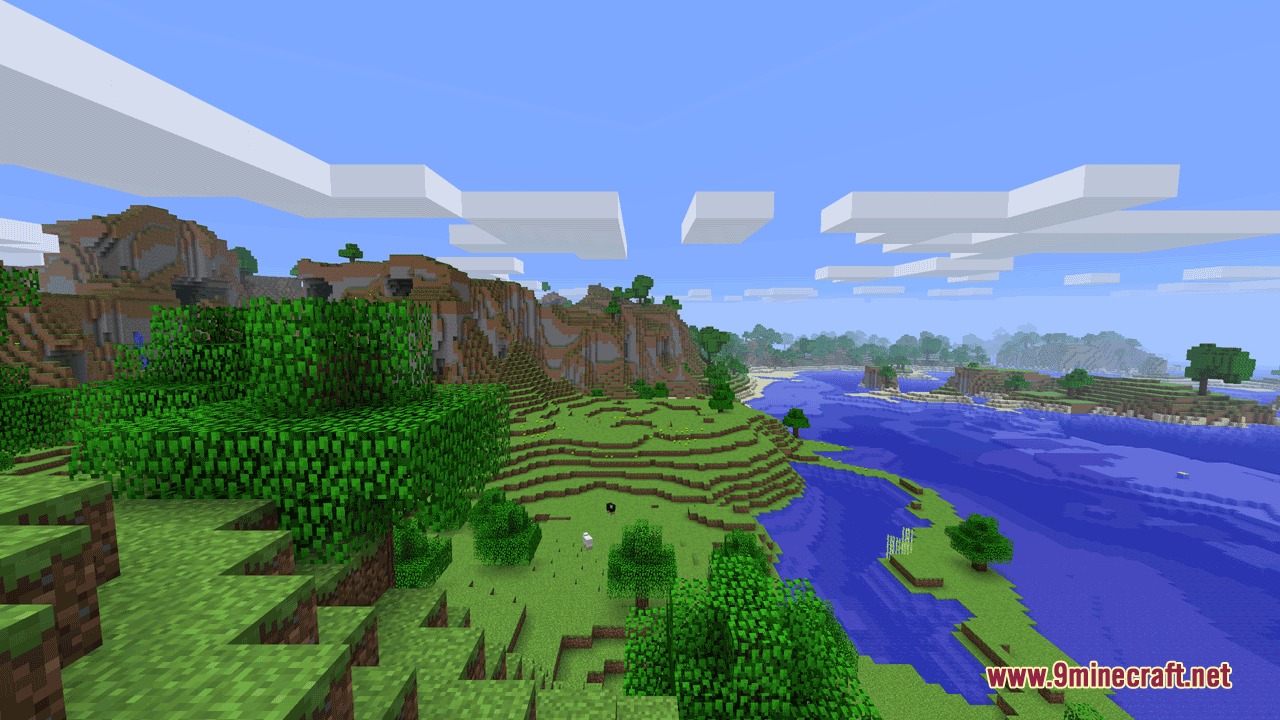
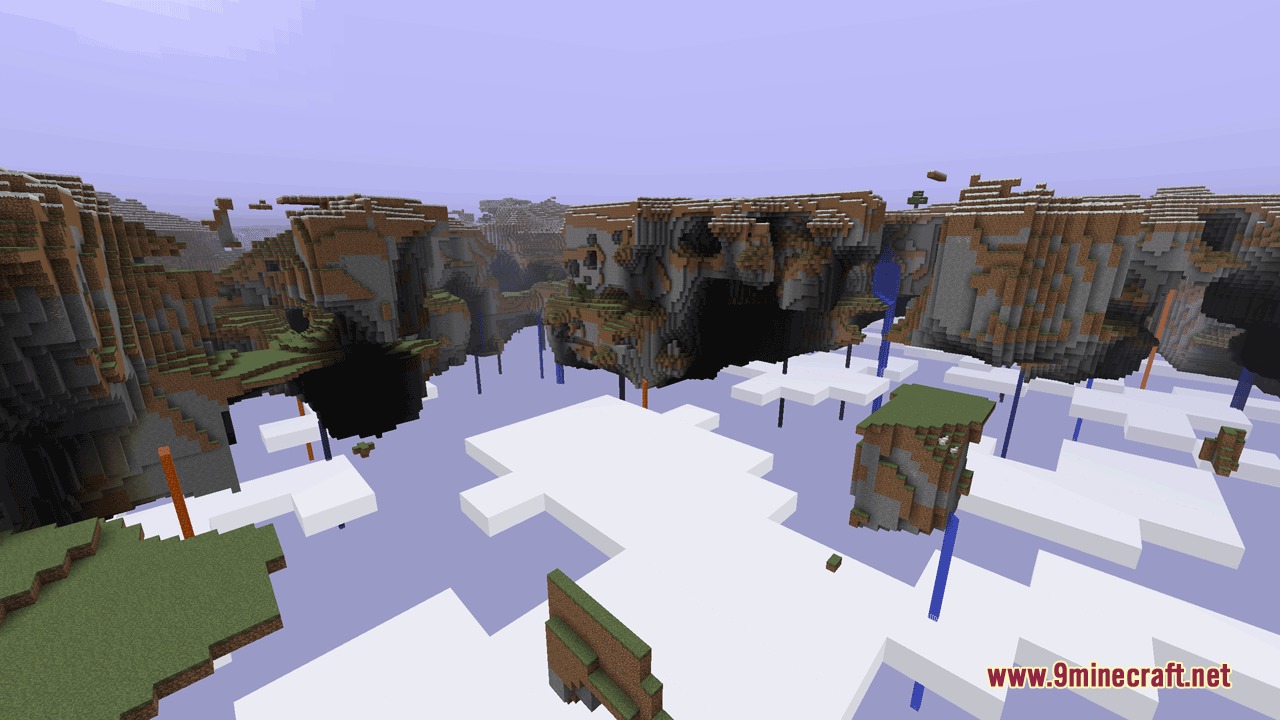
Screenshots:
How to Install:
New to Minecraft? Follow our step-by-step guide to install Mods on your PC.View Guide
Requirements:

Chrono Landscape Origins Mod Download Links
For Minecraft 1.12.2
Click to rate this post!
[Total: 0 Average: 0]
You May Also Like





This post has no comments yet. Be the first — your comment will appear here.