
Craftable Deeds Mod (1.16.5) – Protect Your Base From Griefers

 0


Craftable Deeds Mod lets you claim and protect land in your Minecraft world using craftable deed items and special pedestals. You can lock down a standard 8×8 chunk map area so other players cannot break your blocks or open your containers. This mod also gives you a menu inside each pedestal to manage player permissions, block interactions, and loyal mobs that defend your land. Other players can still break your claim if they find and right-click your pedestal, which triggers an explosion and drops a nether star.
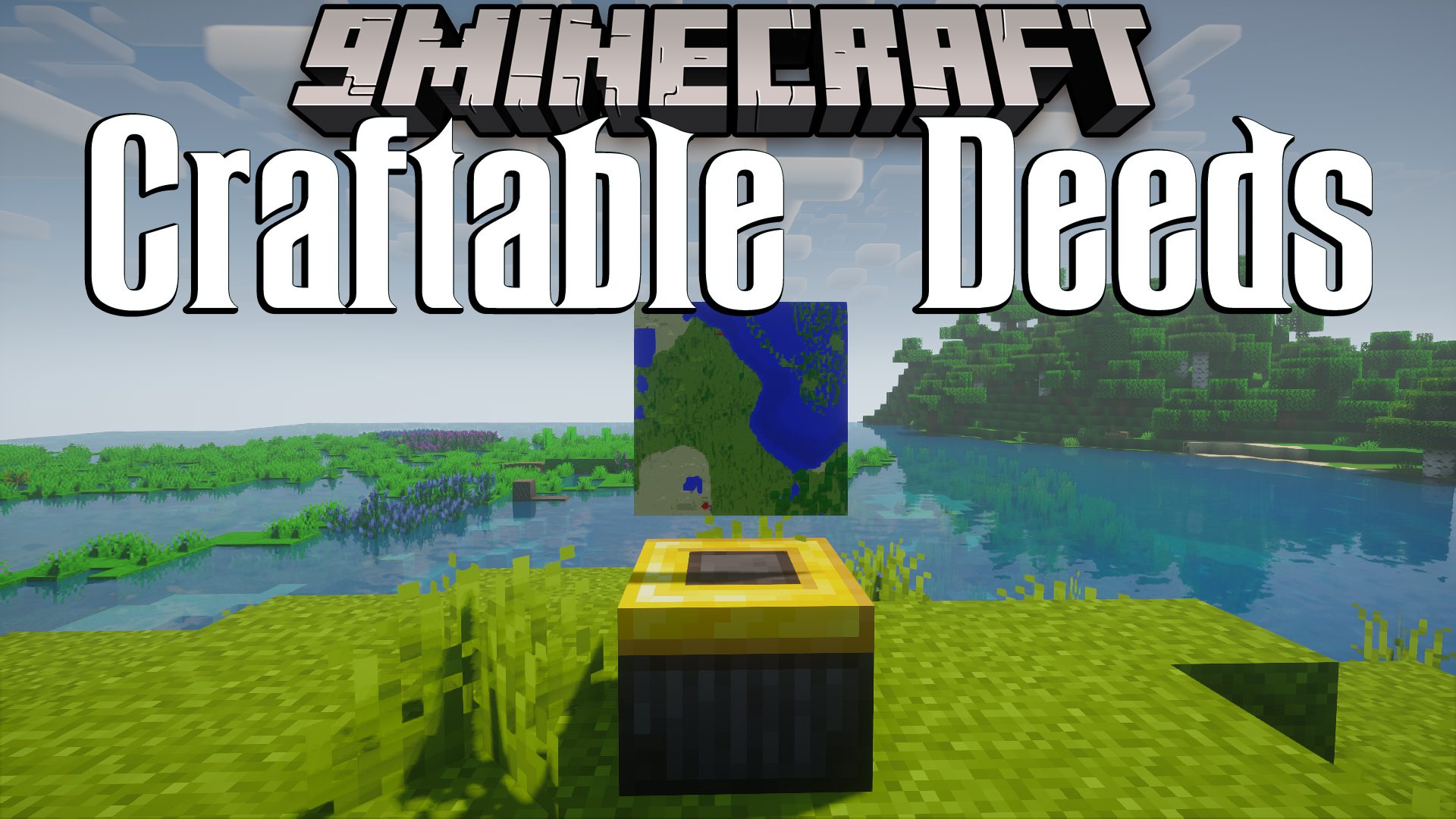
Features:
- Adds craftable deeds made with a nether star surrounded by eight paper, or a nether star placed next to a map in the crafting menu, to claim an 8×8 chunk map area.
- Adds a Deed Pedestal crafted from three gold ingots and three netherite ingots to hold your deed and turn on land protection.
- Protects all blocks above y-value 15 inside the mapped chunks so other players cannot break them or open containers.
- Prevents players from opening a new deed inside chunks that are already claimed.
- Includes a Deed Pedestal GUI where you can choose which players can place or break blocks, change container and block interaction rules, and set loyal mobs to attack other players in your area.
- Lets other players deactivate your Deed Pedestal by right-clicking it if they find it, causing an explosion, dropping a nether star, and making the land claimable again after a configurable wait time.
- Supports commands to claim and unclaim chunks in your world.
Commands:
/craftabledeed: claims or unclaims chunks in the world.
How to Use:
- Craft a deed in the crafting menu by placing a nether star surrounded by eight paper, or by placing a nether star next to a map.
- Use the deed in an unclaimed spot to claim a standard 8×8 chunk map area; you cannot open a deed inside chunks that are already claimed.
- Craft a Deed Pedestal using three gold ingots and three netherite ingots.
- Place your deed inside the Deed Pedestal to protect all blocks above y-value 15 in the mapped chunks and lock containers from other players.
- Open the Deed Pedestal GUI to change who can place or break blocks, adjust container and block interaction settings, and set loyal mobs to attack other players in your land.
- Run the
/craftabledeedcommand whenever you want to claim or unclaim chunks directly. - Find and right-click another player’s Deed Pedestal to deactivate their claim; this causes an explosion, drops a nether star, and makes the area claimable again after the configured wait time.
Crafting Recipes:
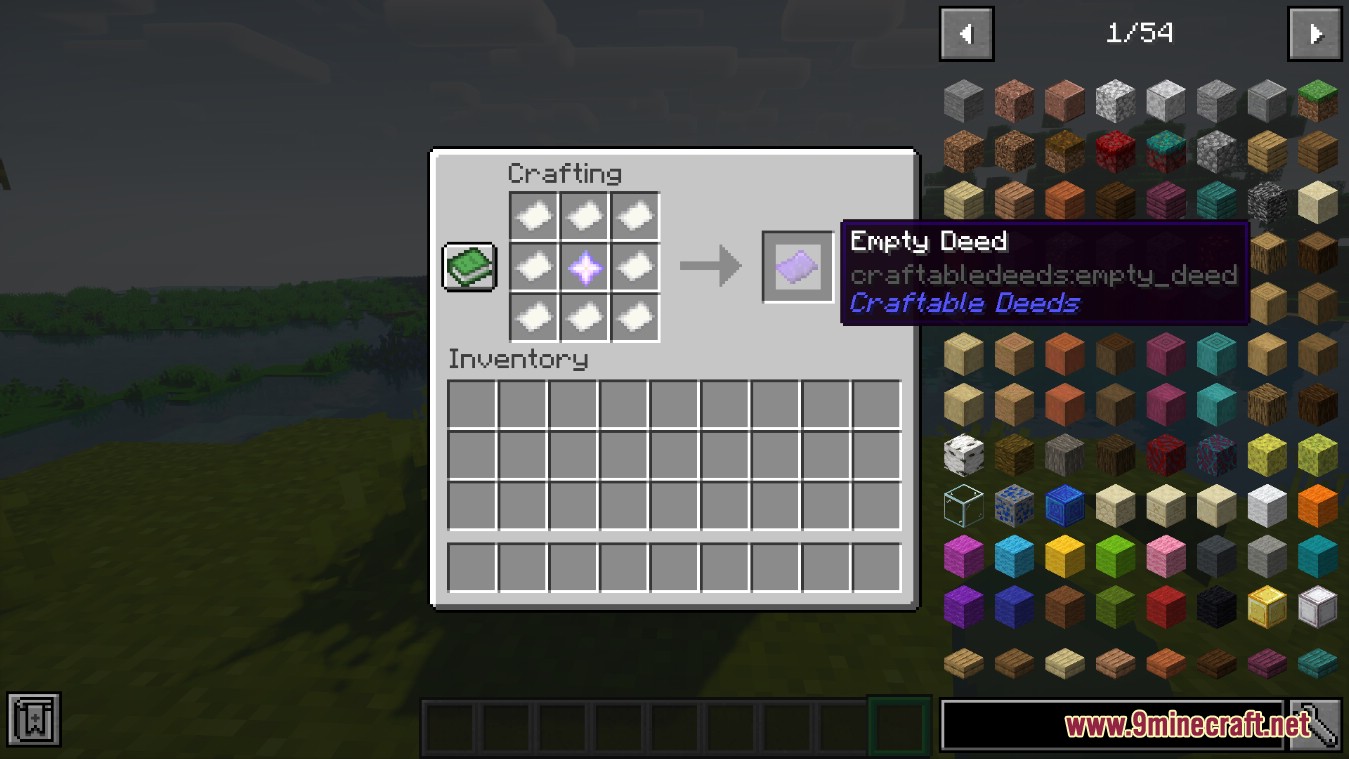
The deed can be crafted with a nether star and eight paper or a nether star and a map
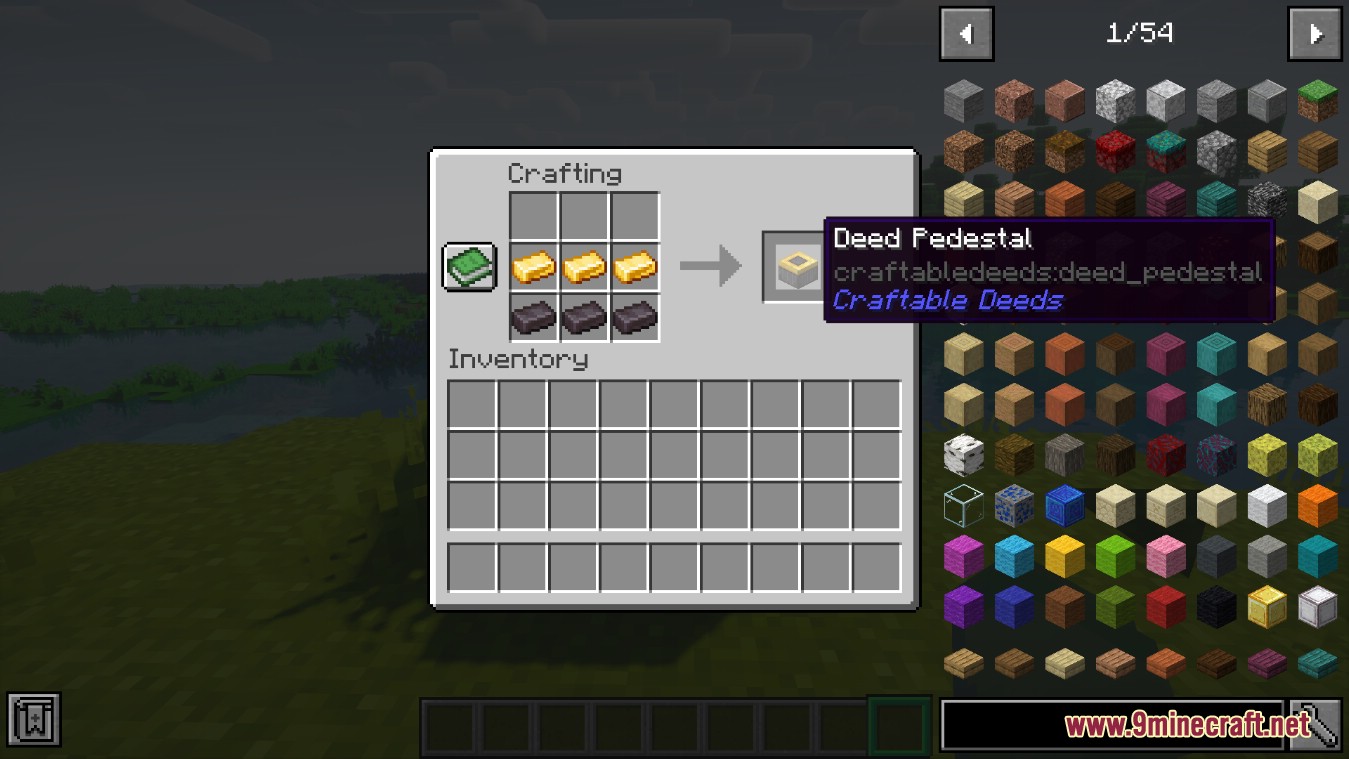
The deed pedestal can be crafted with three gold and three netherite
Screenshots:
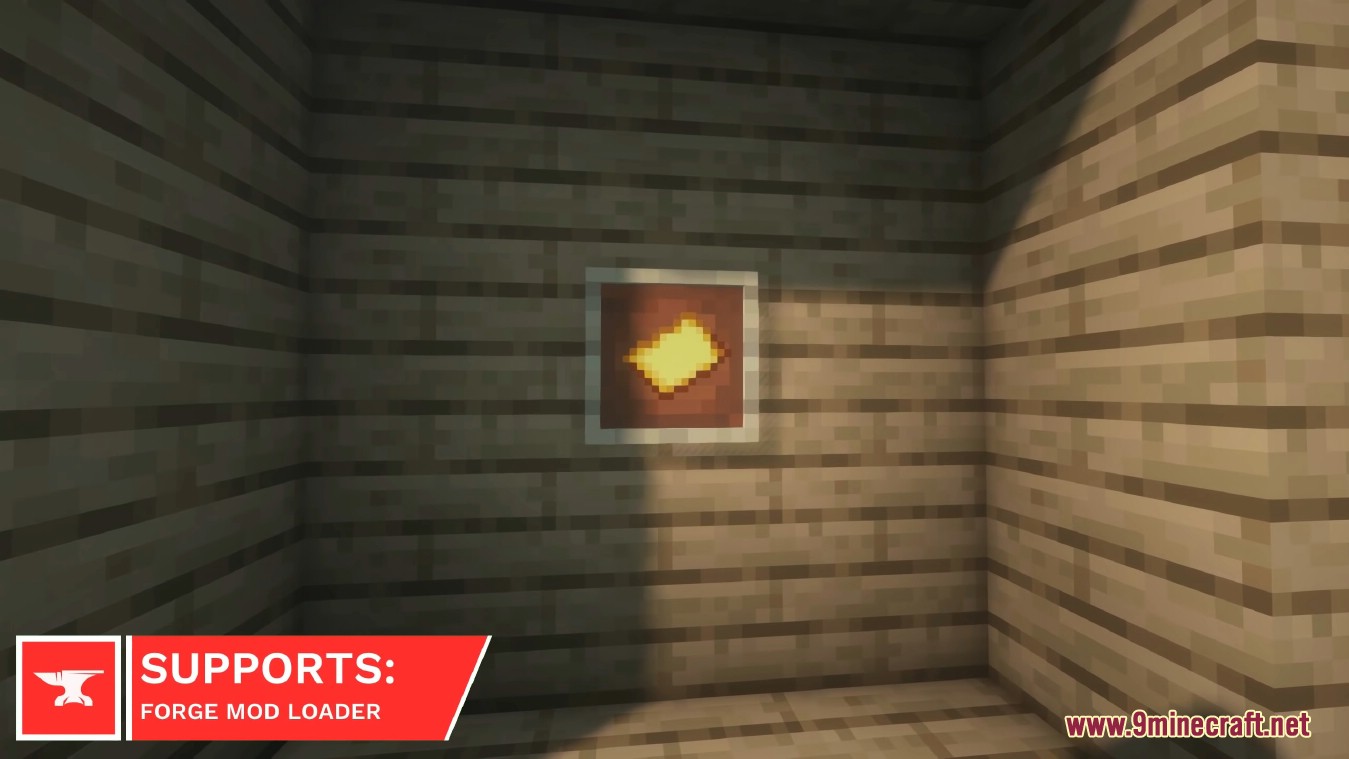
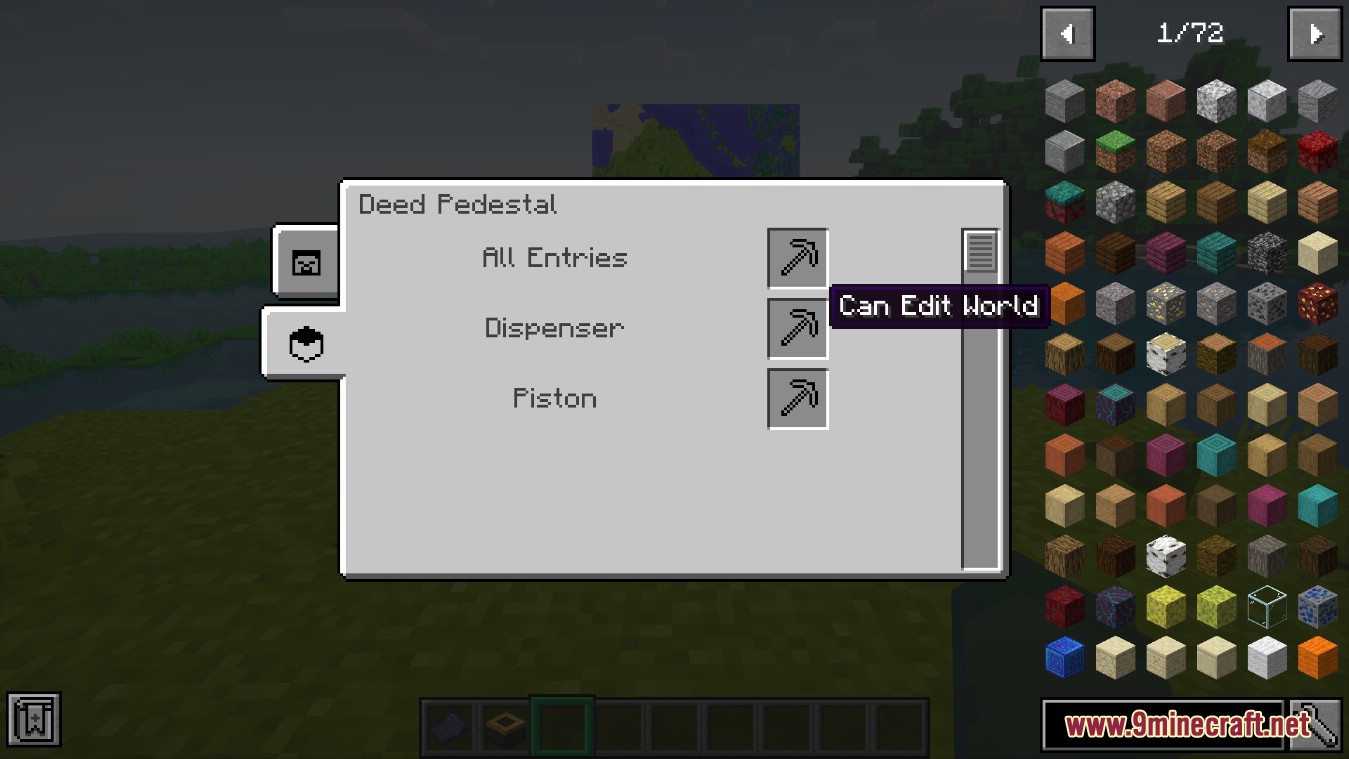
The GUI lets you choose which players can place/break blocks and what blocks can interact with the world
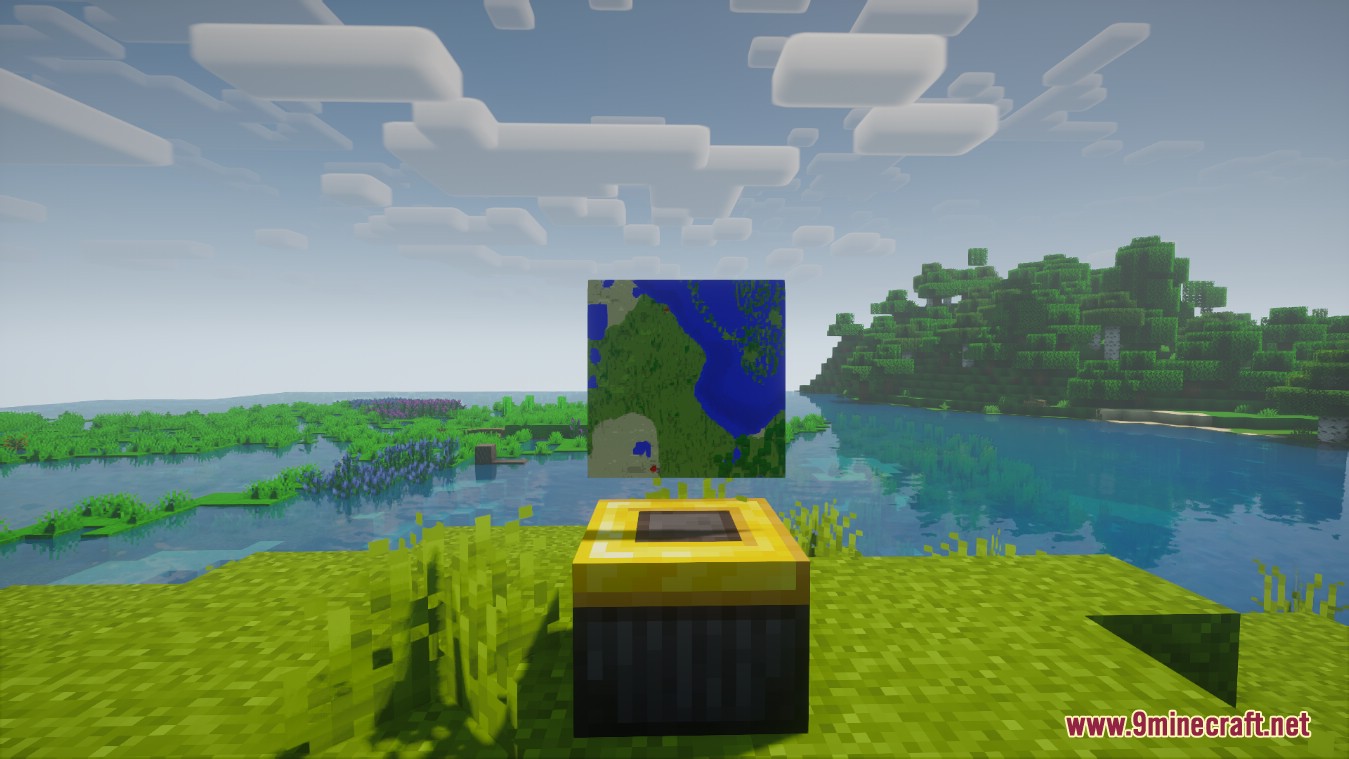
When a deed is placed in the pedestal it protects all blocks within the mapped area
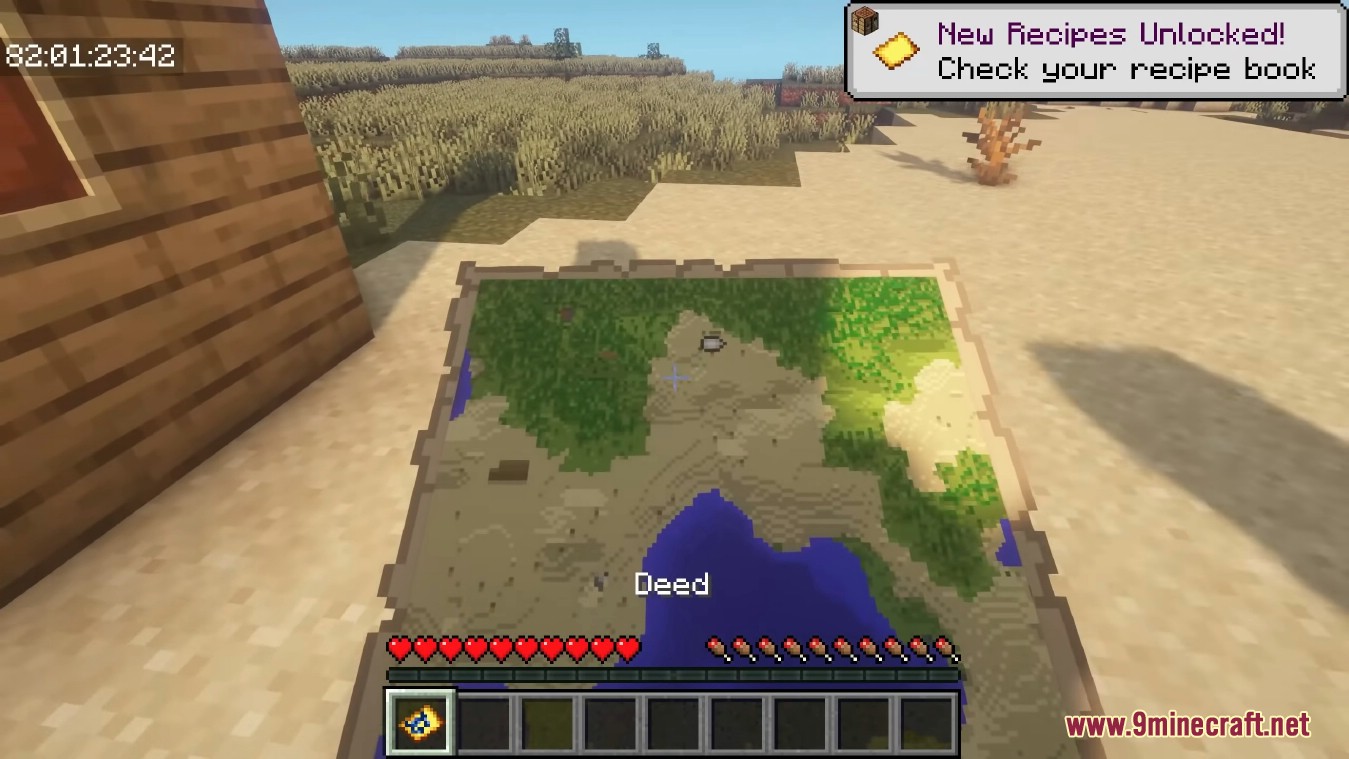
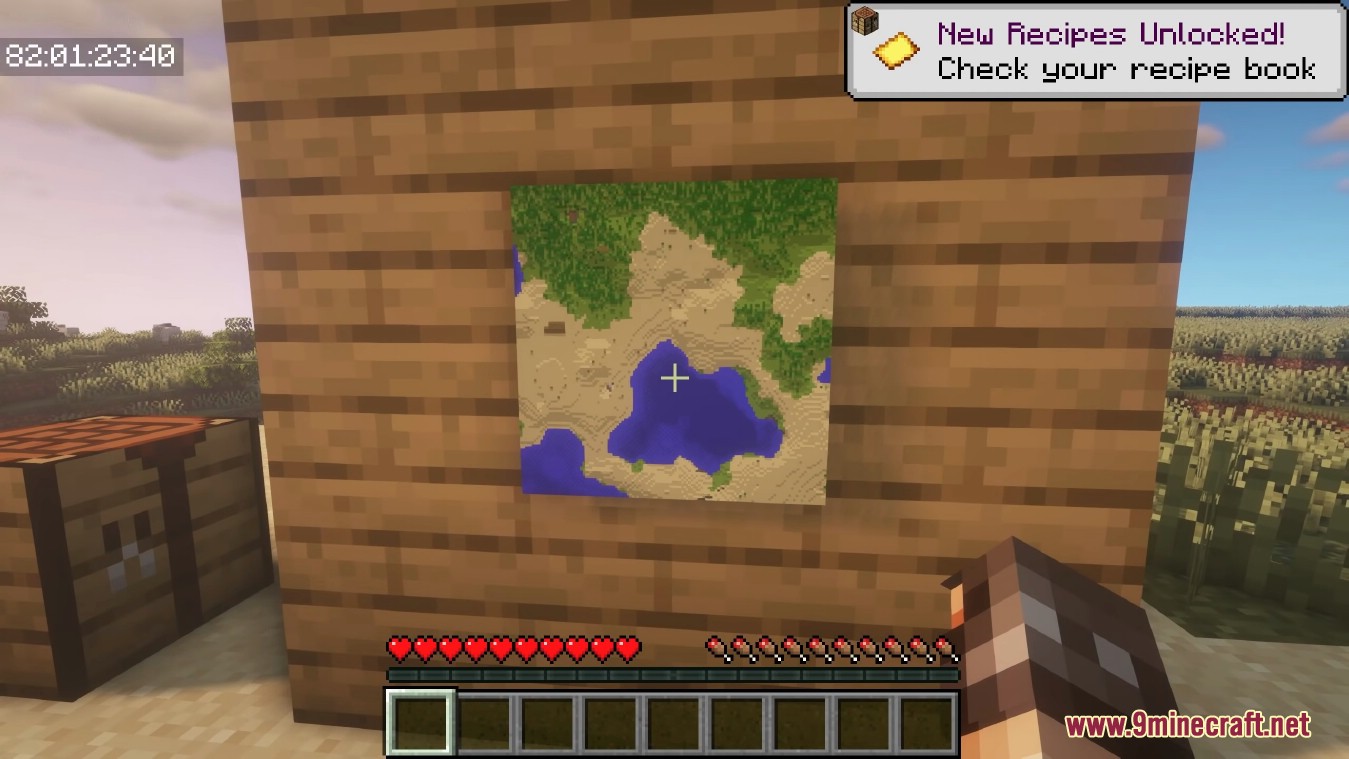
How to Install:
New to Minecraft? Follow our step-by-step guide to install Mods on your PC.View Guide
Craftable Deeds Mod Download Links
For Minecraft 1.16.5
Forge version: Download from Server 1
How do you usually discover new mods to try out?
10 responses · See the full results →
You May Also Like
Picked for this page
 Grimoire of Gaia Mod (26.2, 1.20.1) – Mobs & Monster Girls
 Mob Sunscreen Mod (26.2, 1.20.1) – Prevent Mobs from Burning in Sunlight
 Diagonal Fences Mod (26.3, 1.20.1) – Fences Connecting Diagonally
 Explorations Mod (26.3, 1.20.1) – More Vanilla Style Structures
 Towers of the Wild Modded Mod (26.2, 1.20.1) – Multiple Dimensions & Planets
 Skeleton Horse Spawn Mod (26.3, 1.20.1) – Natural Rider Spawns
 Rally Health Mod (26.1.2, 1.20.1) – Rally System from Bloodborne Game
 Moderner Beta Mod (26.3, 1.20.1) – Rediscover Classic Minecraft Landscapes
 Vanilla Structure Update Mod (1.21.11) – Cherry Grove And Swamp Villages
 Spartan Weaponry Unofficial Mod (26.1.2, 1.21.1) – Master Medieval Combat
 Drifter Mod (1.20.1) – Explore New Dimensions on Fast Hoverboards
 More Enchantment Info Mod (26.2, 1.20.1) – Clear Enchantment Details
Most viewed in Mods over the last 7 days
 Ala Industrial Mod (26.3) – Run Electric Power Grids and Automated Factories
 PleasureCraft Mod (26.3, 1.21.1) – Jenny Mod Remake for Fabric
 Jennycraft Mod (26.3, 1.20.1) – Virtual Girlfriend in Minecraft
 Fapcraft Mod (26.3, 1.12.2) – Comprehensive and Detailed Content
 Jenny Mod (Fapcraft) Official Complete Guide – How to use, Tutorial
 BangCraft Mod (1.20.1) – Jenny, Ellie and Elliot
 Fabric Loader (26.3, 1.20.1) – Fabric Installer for All Minecraft Versions
 The Shooting Star Demo Mod (26.3, 1.20.1) – Vaporize Terrain From Orbit
 Meteor Client Mod (26.3, 1.20.1) – Xray, HUD, Fly
 OptiFine HD (26.3, 1.20.1) – Run Faster, FPS Boost, Shaders Support
 Aristois Client Mod (1.21.4, 1.20.1) – World Class Minecraft Utility
 Prestige Client Mod (1.21.11, 1.21.4) – Powerful Ghost Features for Crystal & Sword PvP
More from Mods
 Explainstone and Songmelyn Mod (1.21.1) – Broadcast Custom Music Across Your Base
 Rockstar Shaders Mod (26.3) – Cast Ray-Traced Light Across Vast Distant Horizons
 ERYDON Mod (1.20.1) – Design Grand Courtyards with Carved Marble Pillars
 Infinity Bound Mod (1.21.1) – Snap Away Enemies with Legendary Superhero Gear
 Legacy Gecko Lib Fabric Mod (1.16.5) – Power Animated Creatures in Modpacks
 The Man from the Shadow Horror Mod (1.20.1) – Fight Hallucinations to Survive
 Shade & Saturation Slider Mod (26.2, 1.21.11) – Make Every Biome Vibrant
 Cataclysm X Yung’s Better Nether Fortresses Compat Mod (1.21.1, 1.20.1)
 Patchouli 9minecraft Mod (26.3) – Read Mod Guides Without Leaving Minecraft
 Paintings ++ 9minecraft Mod (26.3) – Pick the Exact Painting You Want
 owo-lib 9minecraft Mod (26.3) – Run Your Favorite Mods Without Errors
 Moonlight 9minecraft Lib (26.3, 26.2) – Run Complex Mods Without Errors

This post has no comments yet. Be the first — your comment will appear here.