


Create Filters Anywhere Mod (1.21.1, 1.20.1) – Sort Everything with Create
 240
240
 0
0


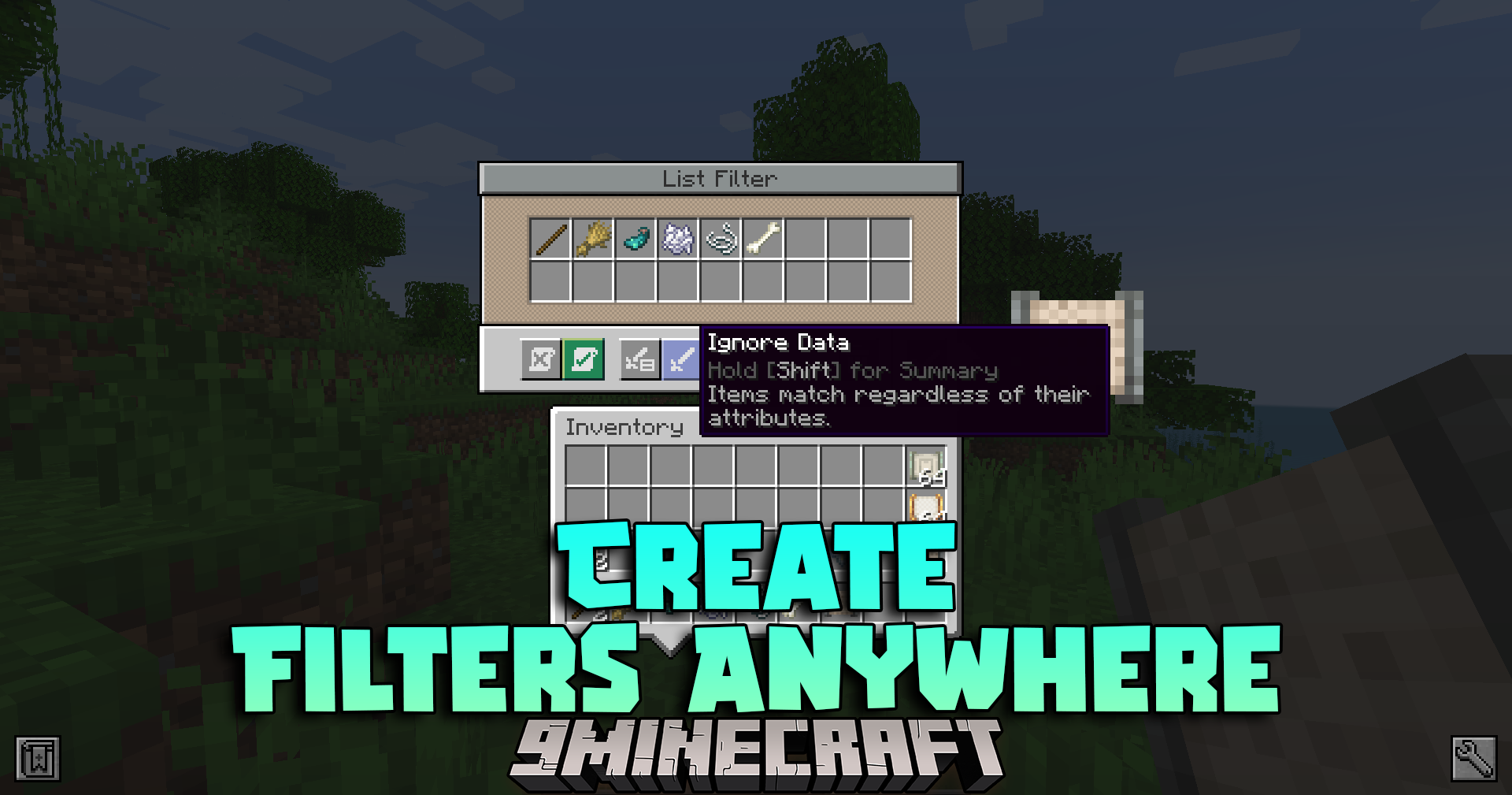
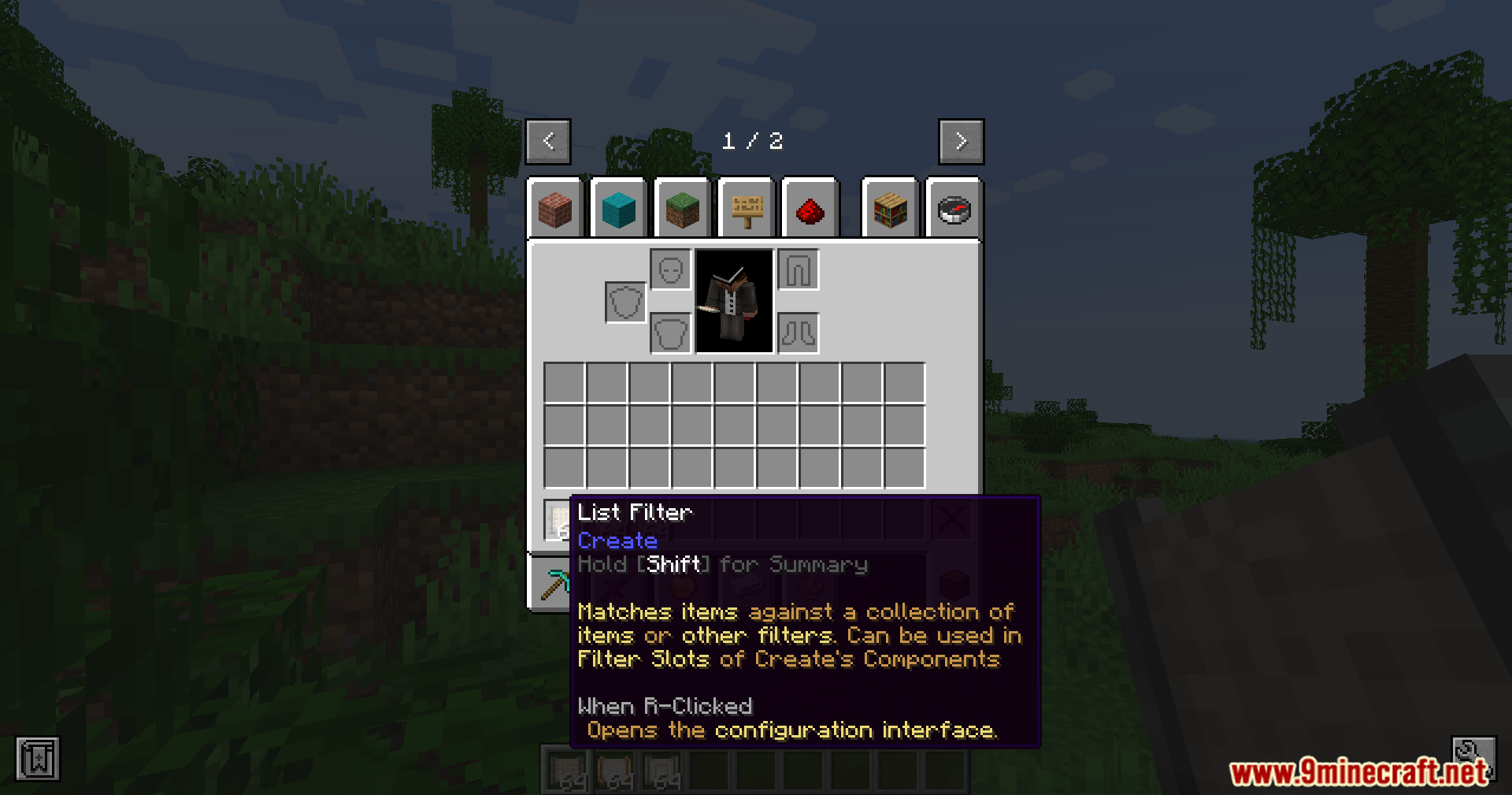
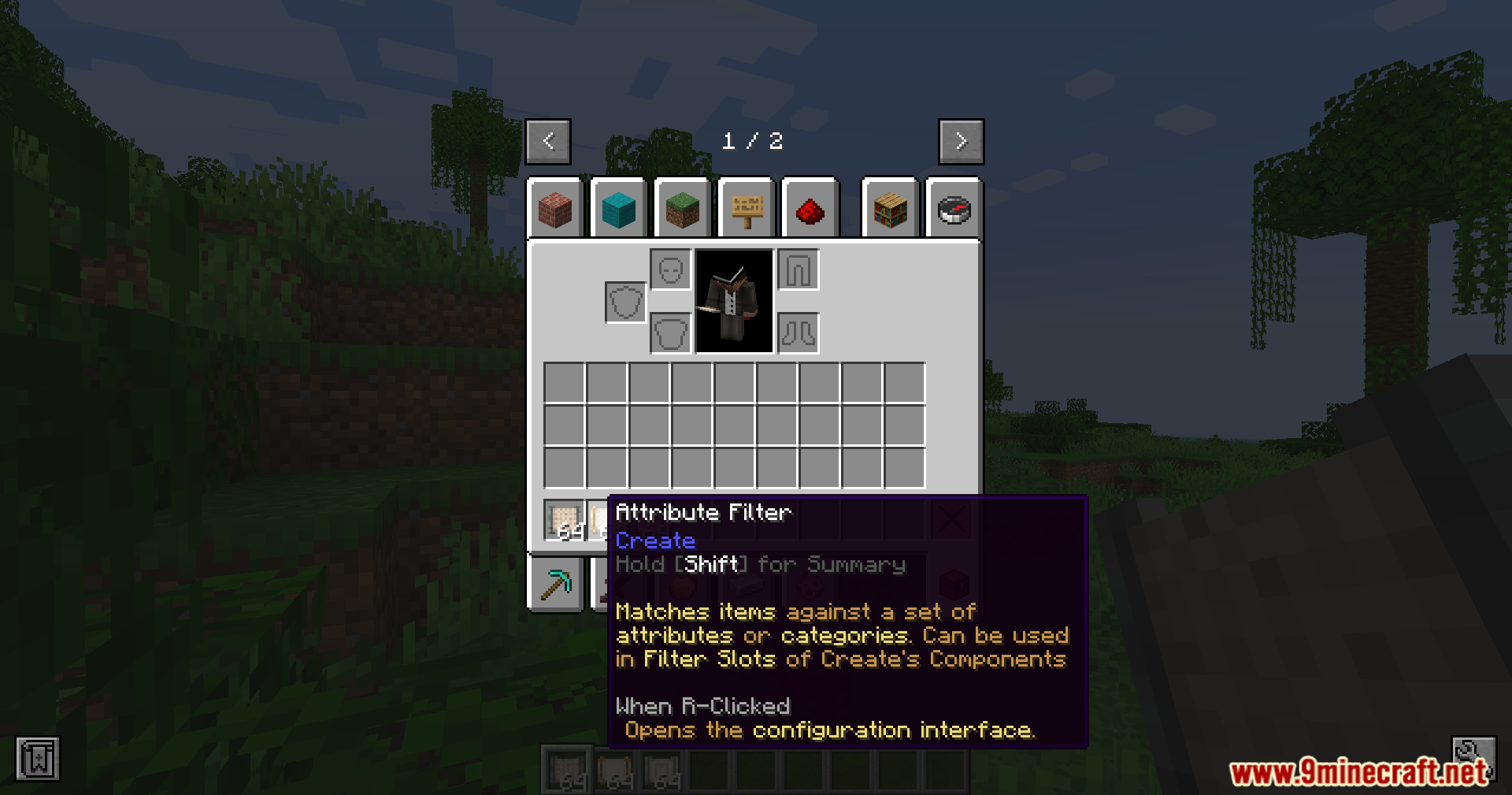
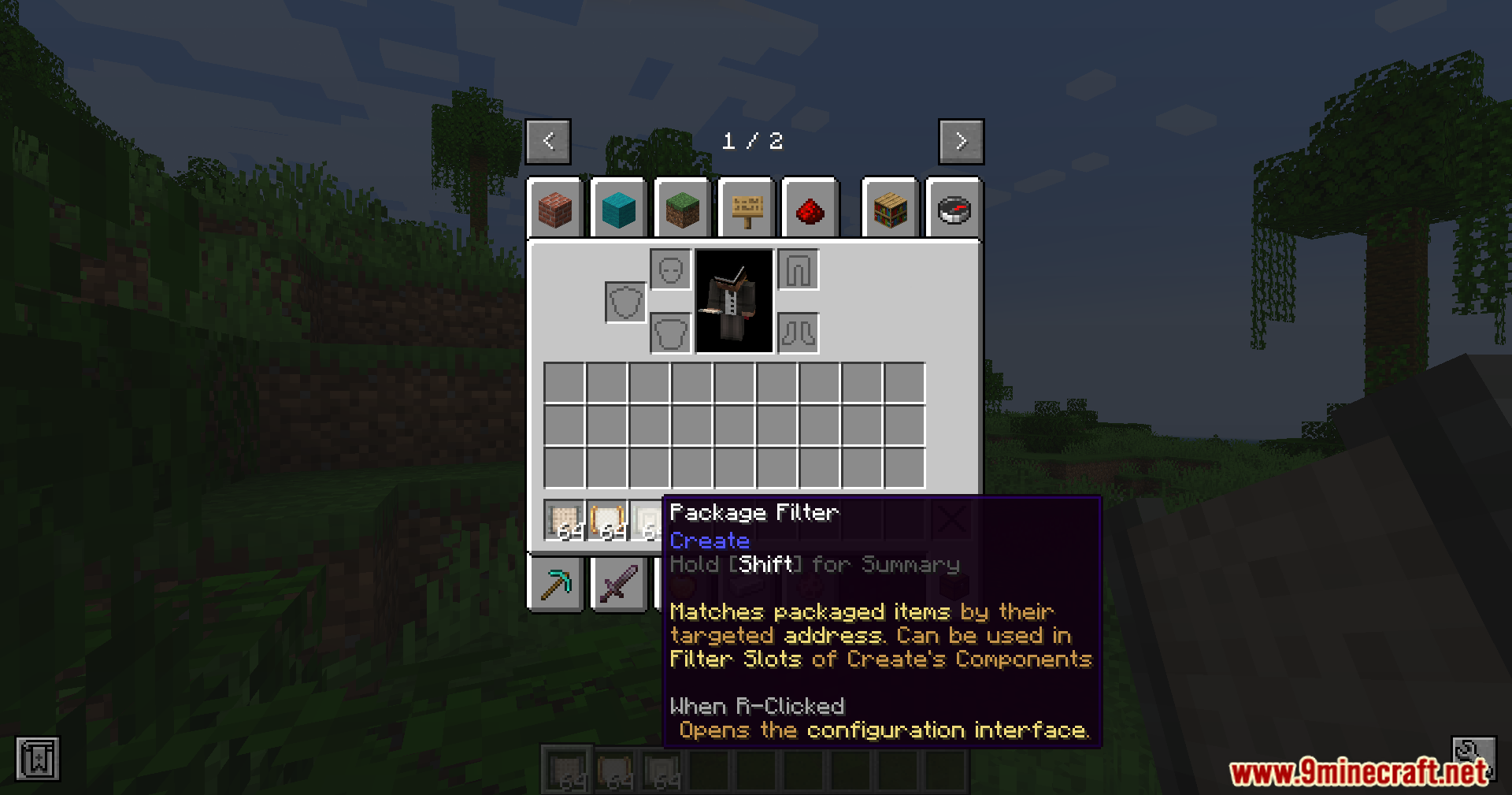
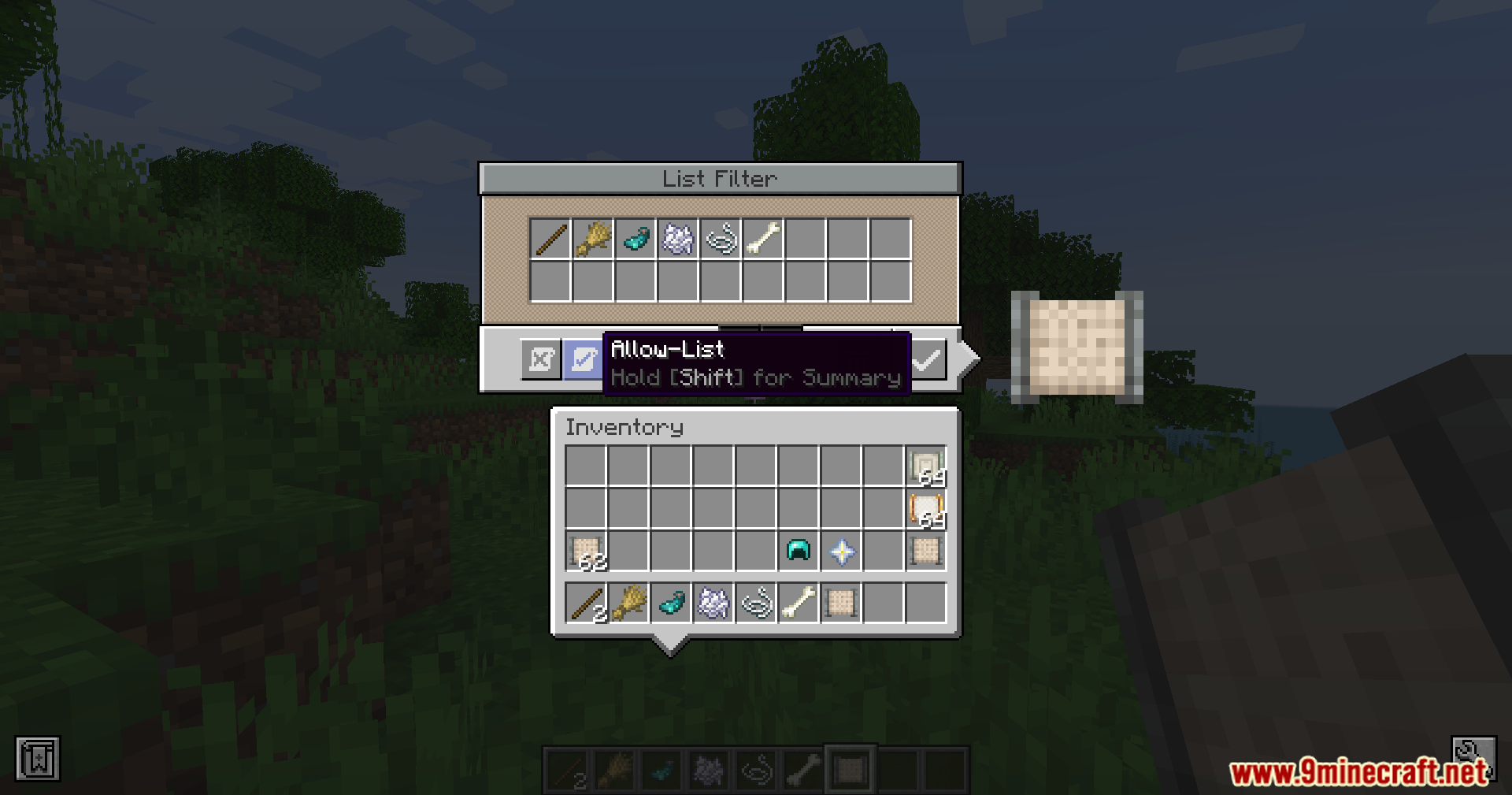
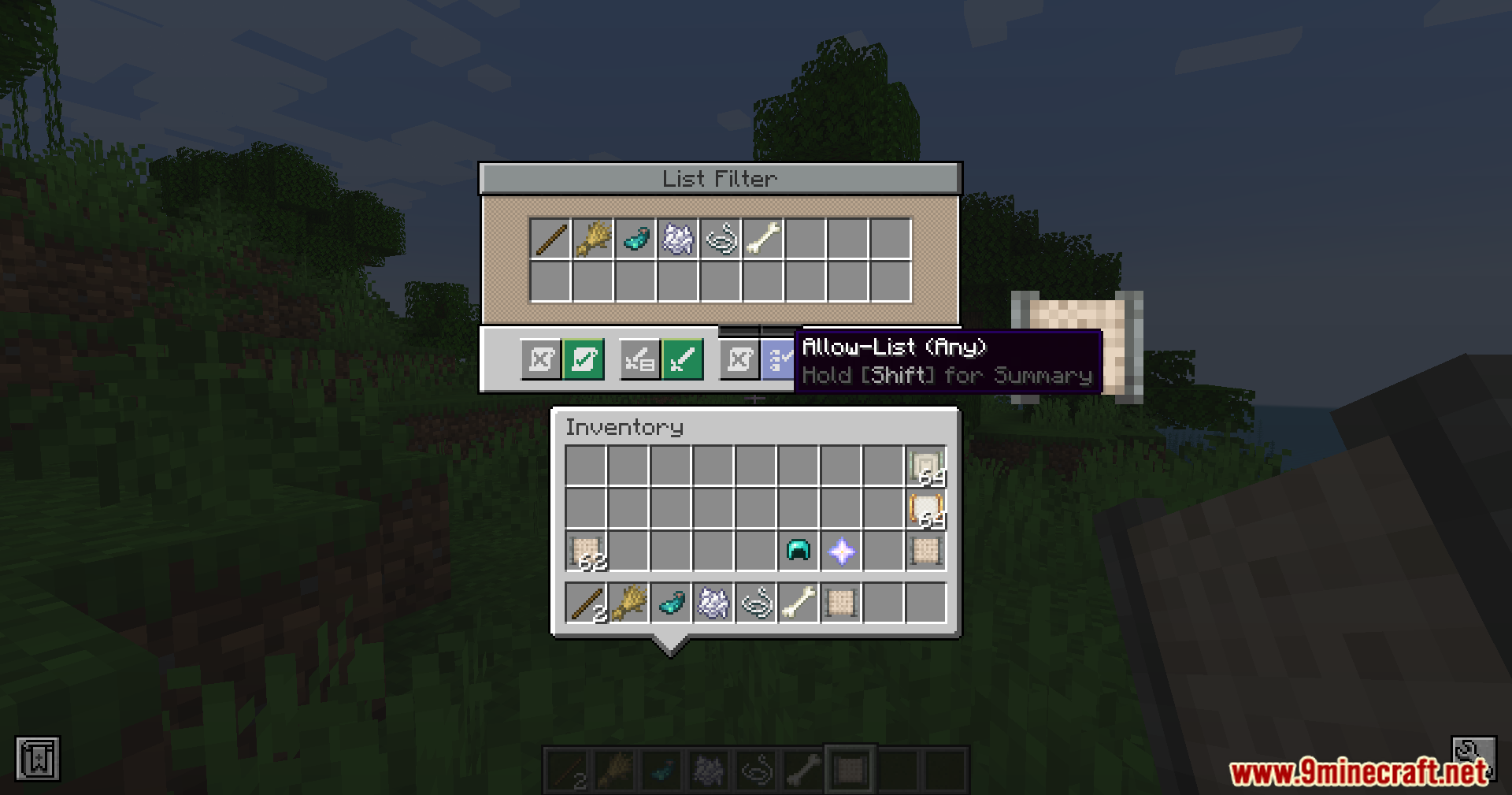
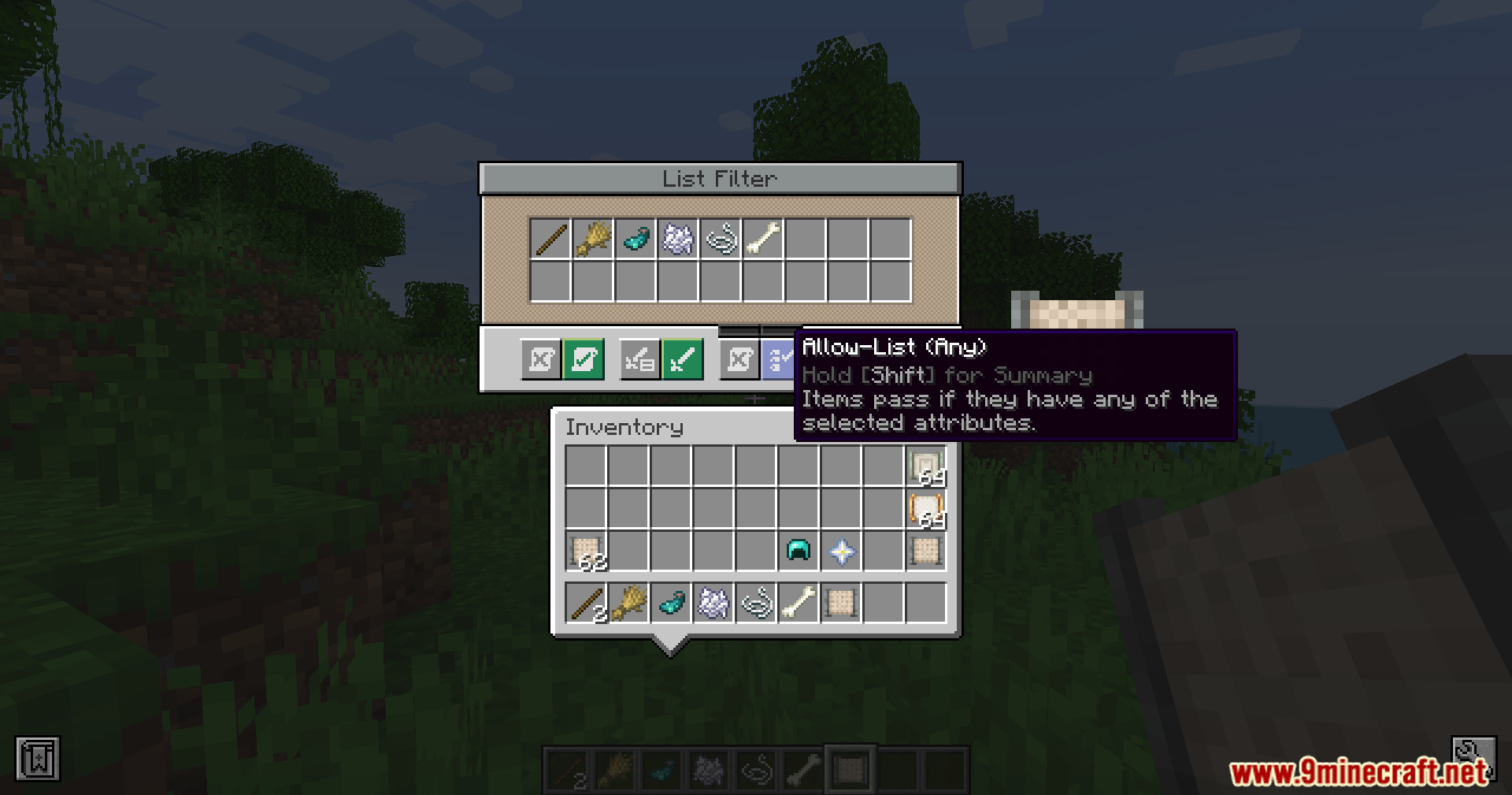
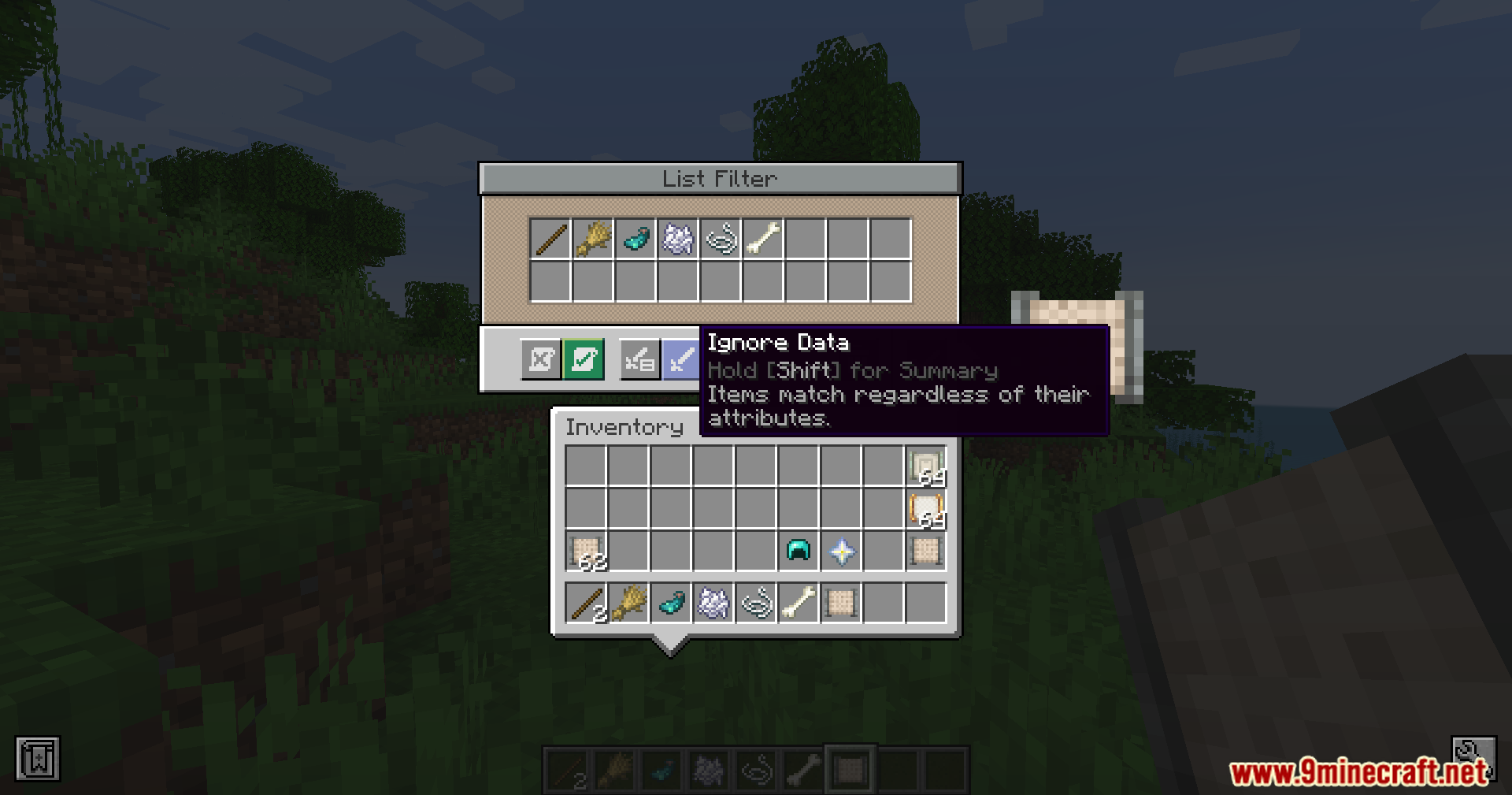
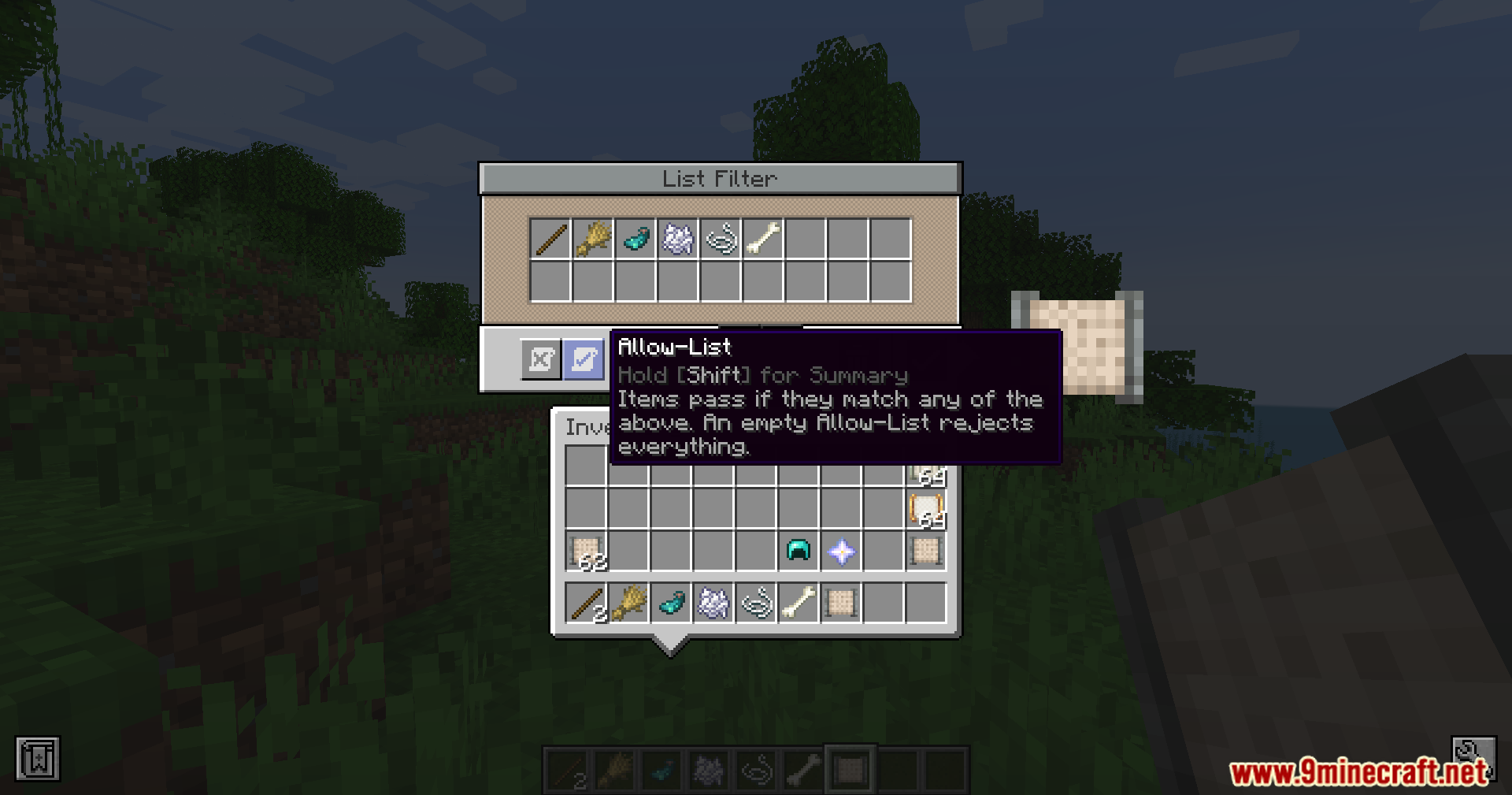
Create Filters Anywhere Mod extends the Create mod by letting you put its Attribute and List filters into the filter slots of other mods. Normally, you can only use these filters with Create machines. This addon changes that, so you can sort items in backpacks, storage networks, and item routers. It also adds helpful shortcuts for setting up your filters. You can look at filter details with a keyboard button, remove one rule at a time, and set list filters to require all items to match. Even vanilla Allays will pick up the right items if you hand them a custom filter.
Features:
- Cross-Mod Support: This addon lets you put Create filters directly into the filter slots of other popular mods.
- Lets you give a filter to an Allay, and the mob will only pick up items that match your exact rules.
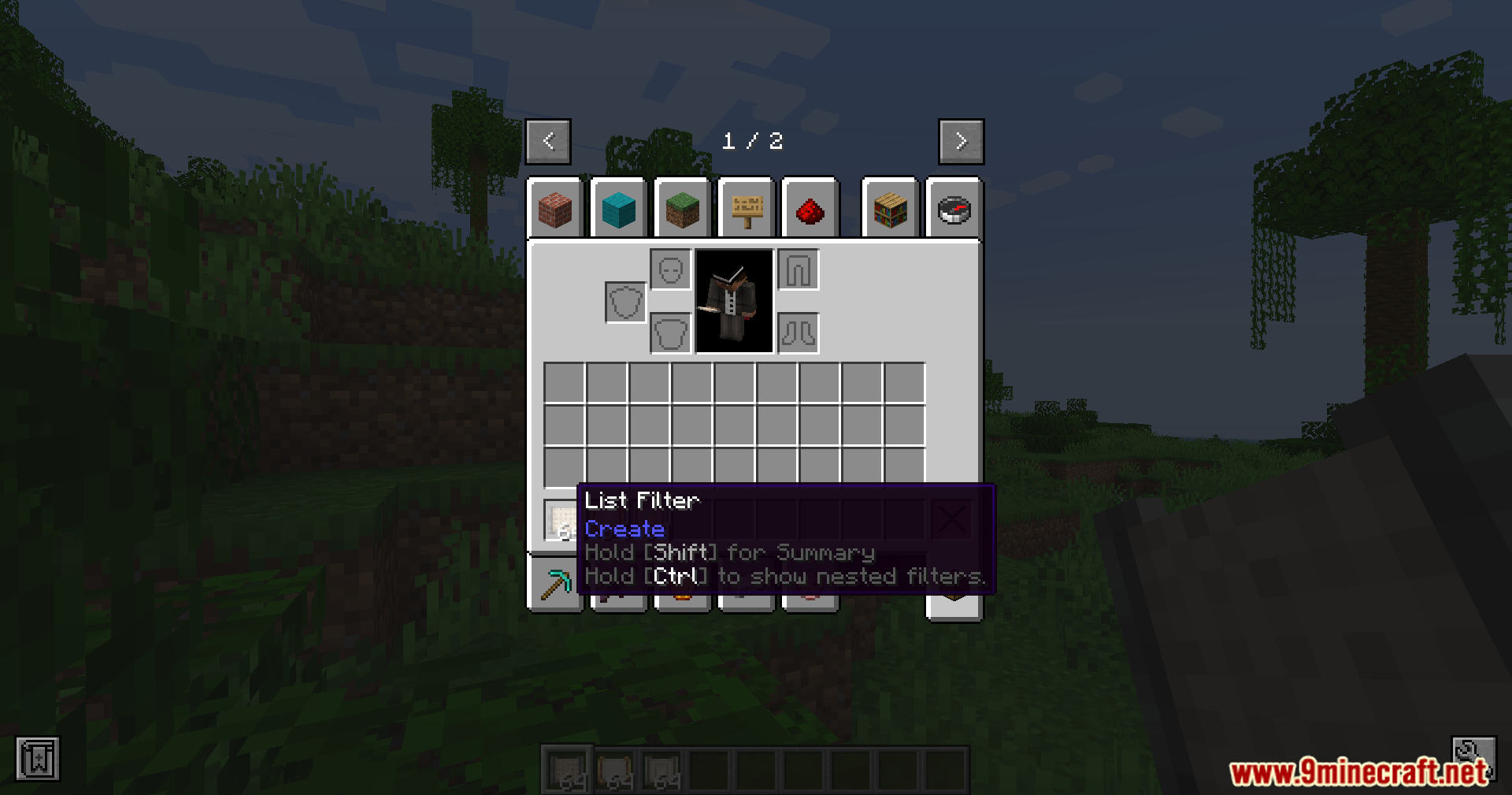
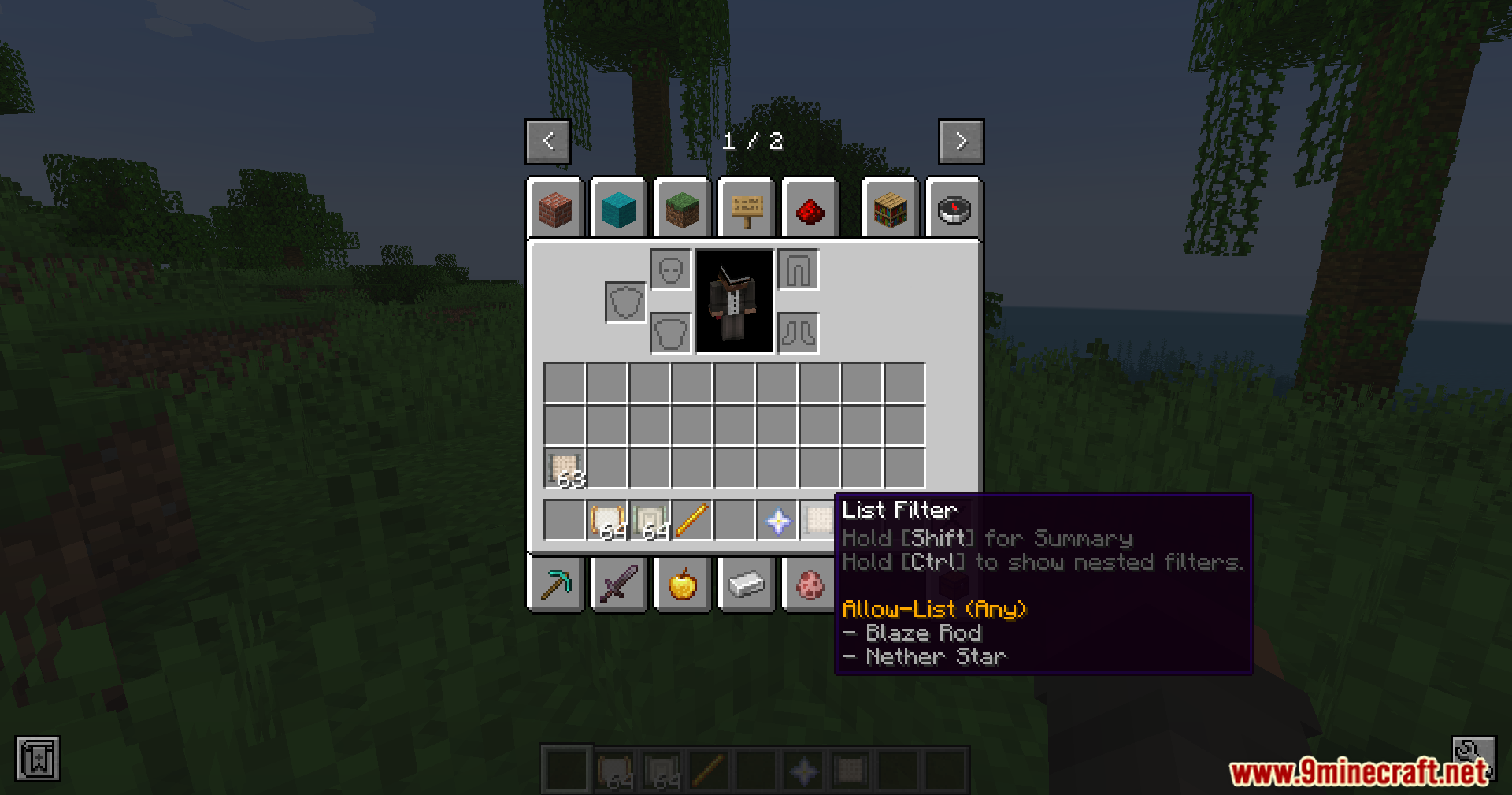
- Shows you the full details of a filter when you hold the CTRL key and hover over it in your inventory.
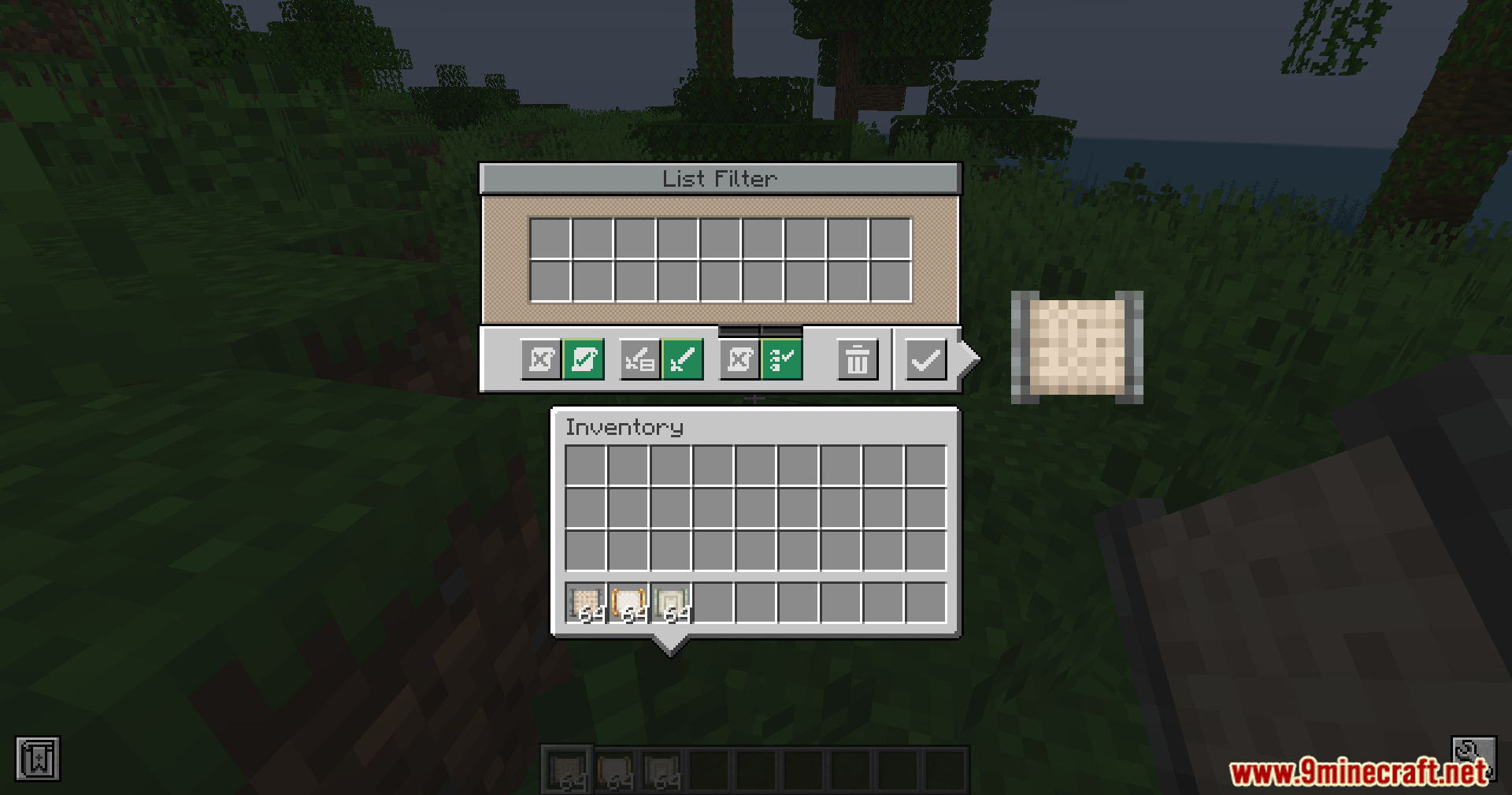
- Lets you delete single rules from a filter while you edit it, so you do not have to clear the whole list to fix one mistake.
- Adds a new “Match All” button to the List Filter, making it so an item must pass every single rule instead of just one.
- Brings new specific checks for backpacks, like sorting by a certain backpack ID or the type of upgrade it holds.
Works With These Mods:
- Works inside the upgrade slots of Sophisticated Backpacks and Sophisticated Storage, such as the pickup or void upgrades.
- Fits directly into Applied Energistics 2 parts, including import buses, export buses, view cells, and formation planes.
- Acts as a filter item inside the modules and bulk item filters from Modular Routers.
- Plugs into Refined Storage blocks like exporters, importers, grid filters, destructors, and external storages.
- Connects with the basic item filters in Tom’s Simple Storage, LaserIO, and Oritech.
Screenshots:
How to Install:
New to Minecraft? Follow our step-by-step guide to install Mods on your PC.View Guide
Requirements:
 Create Mod Required
Create Filters Anywhere Mod Download Links
For Minecraft 1.21.1, 1.21
NeoForge Version: Download from Server 1 – Download from Server 2
For Minecraft 1.20.1, 1.20
Forge Version: Download from Server 1 – Download from Server 2
NeoForge Version: Download from Server 1 – Download from Server 2
You May Also Like






This post has no comments yet. Be the first — your comment will appear here.