
Create Picky Wheels Mod (1.21.1, 1.20.1) – Realistic Rules for Rotational Power

 0


Create Picky Wheels Mod adds strict placement rules for waterwheels and windmills in Create. Both small and large waterwheels must sit in a River biome and touch a large body of water to make power, much like how Hose Pulleys check for water. Windmills need enough open space around them for air flow and only work in the Overworld by default. This mod adds no new blocks and lets you view warning tooltips with Create’s Goggles. You can also adjust water and biome rules through config options and biome tags, and it pairs well with Create Low-Heated.
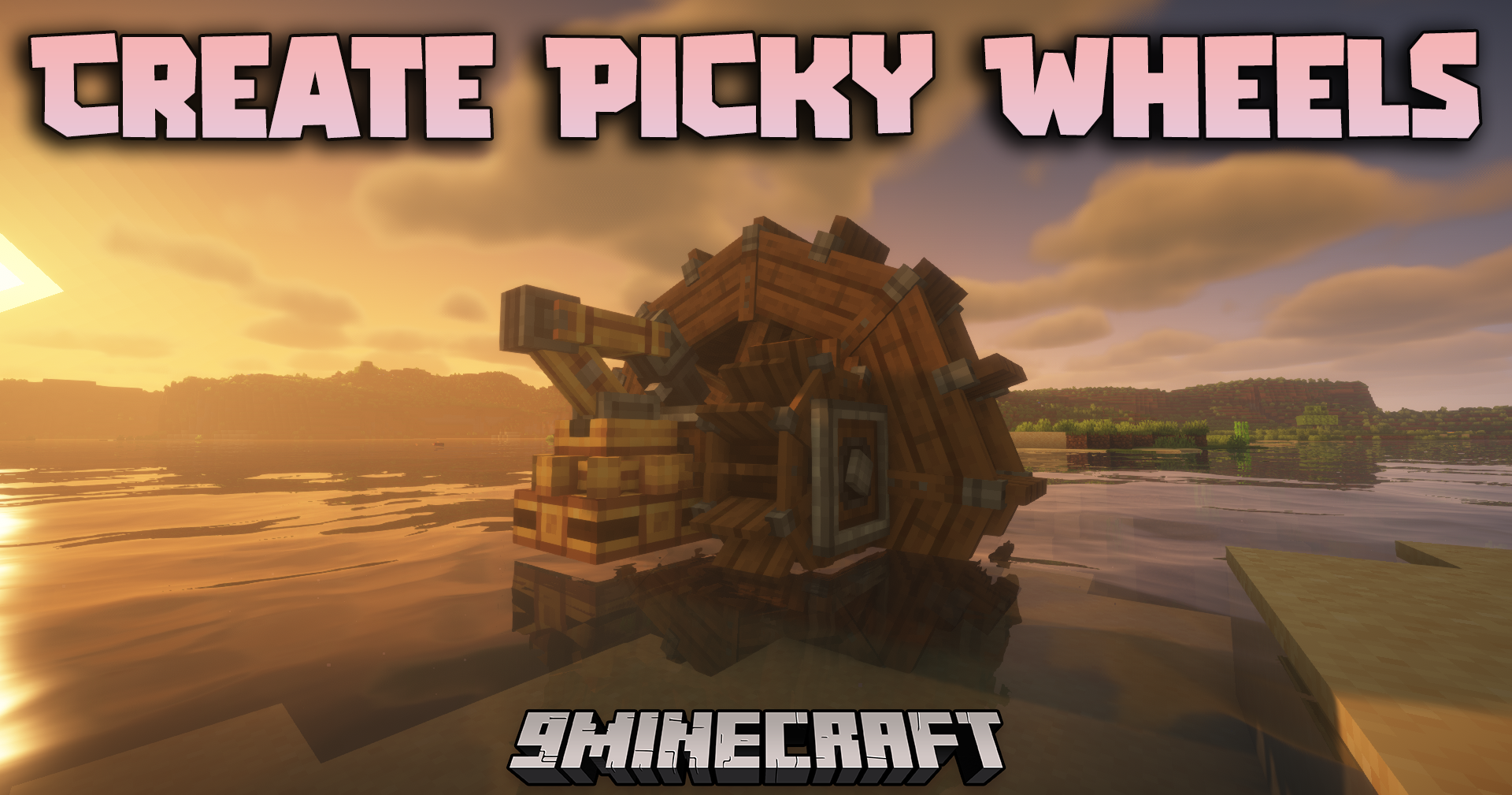
Features:
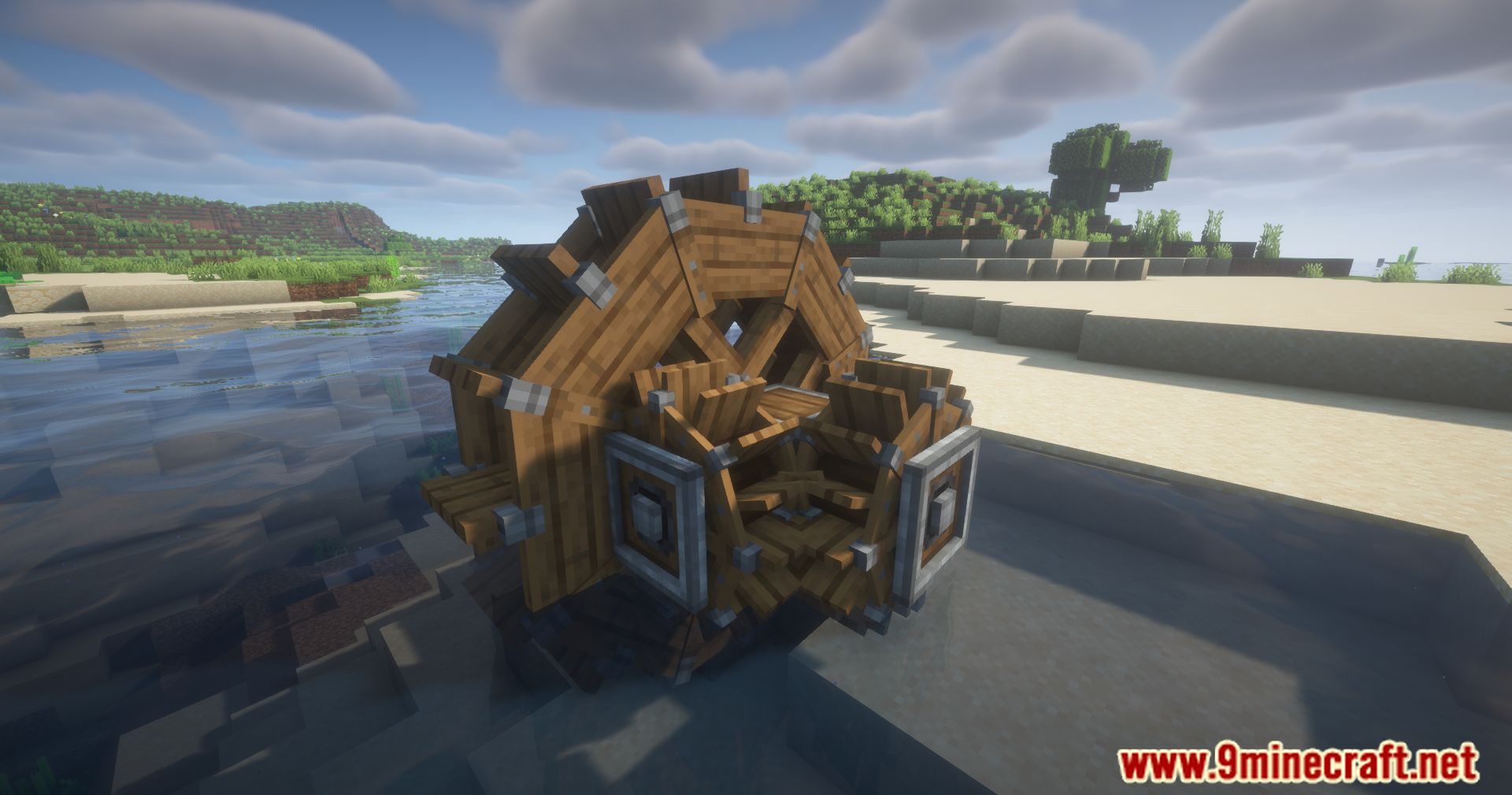
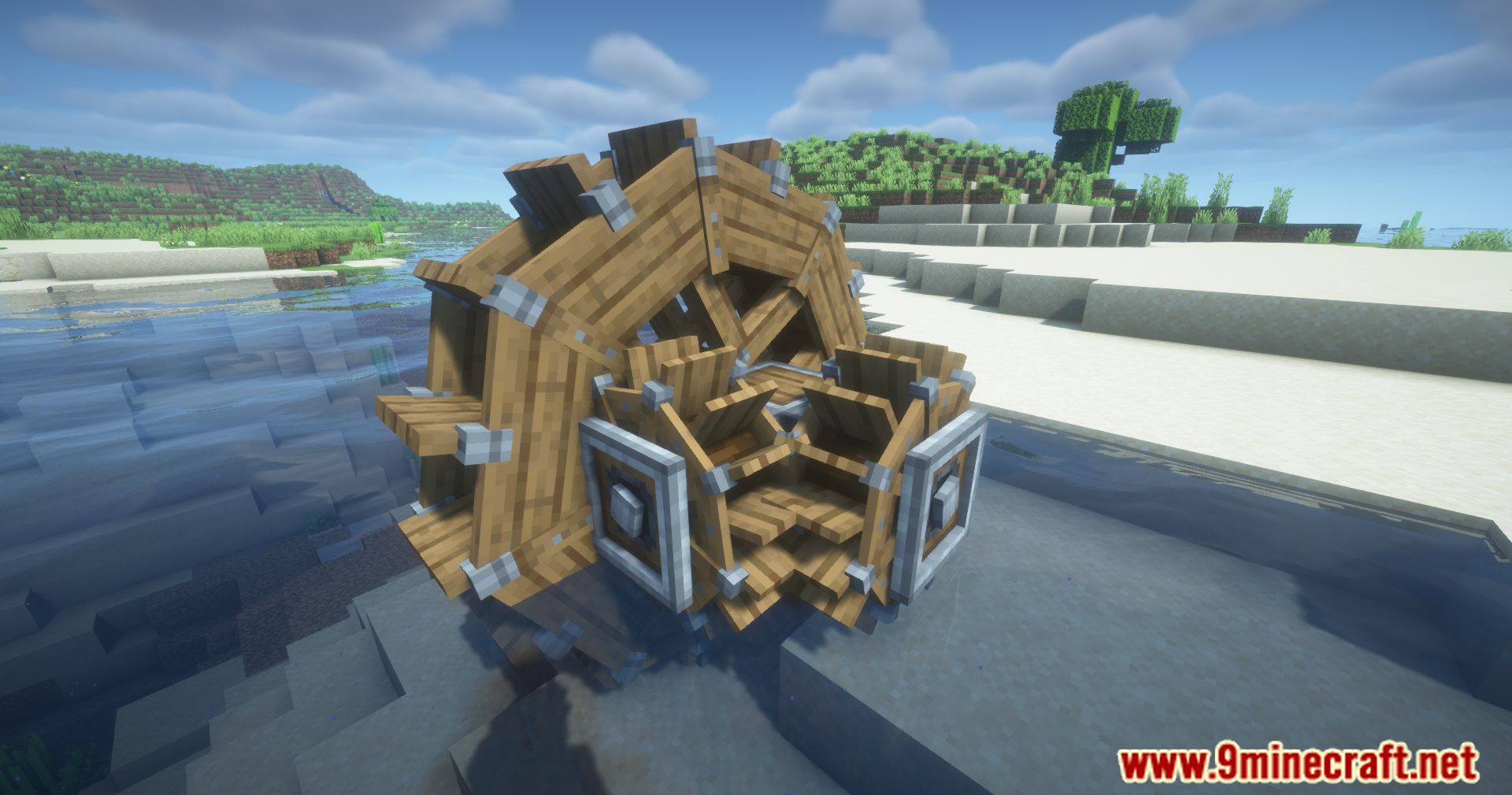
- Waterwheel Placement Rules: Both small and large waterwheels must sit inside a River biome and touch a large body of water to make power, working like Create’s Hose Pulley. If these rules are not met, the waterwheel makes no power.
- Windmill Placement Rules: Windmills check the area around them for enough open space so air can circulate. They also check the biome and only work in the Overworld by default.
- Adds no new blocks and only changes how Create’s existing waterwheels and windmills behave.
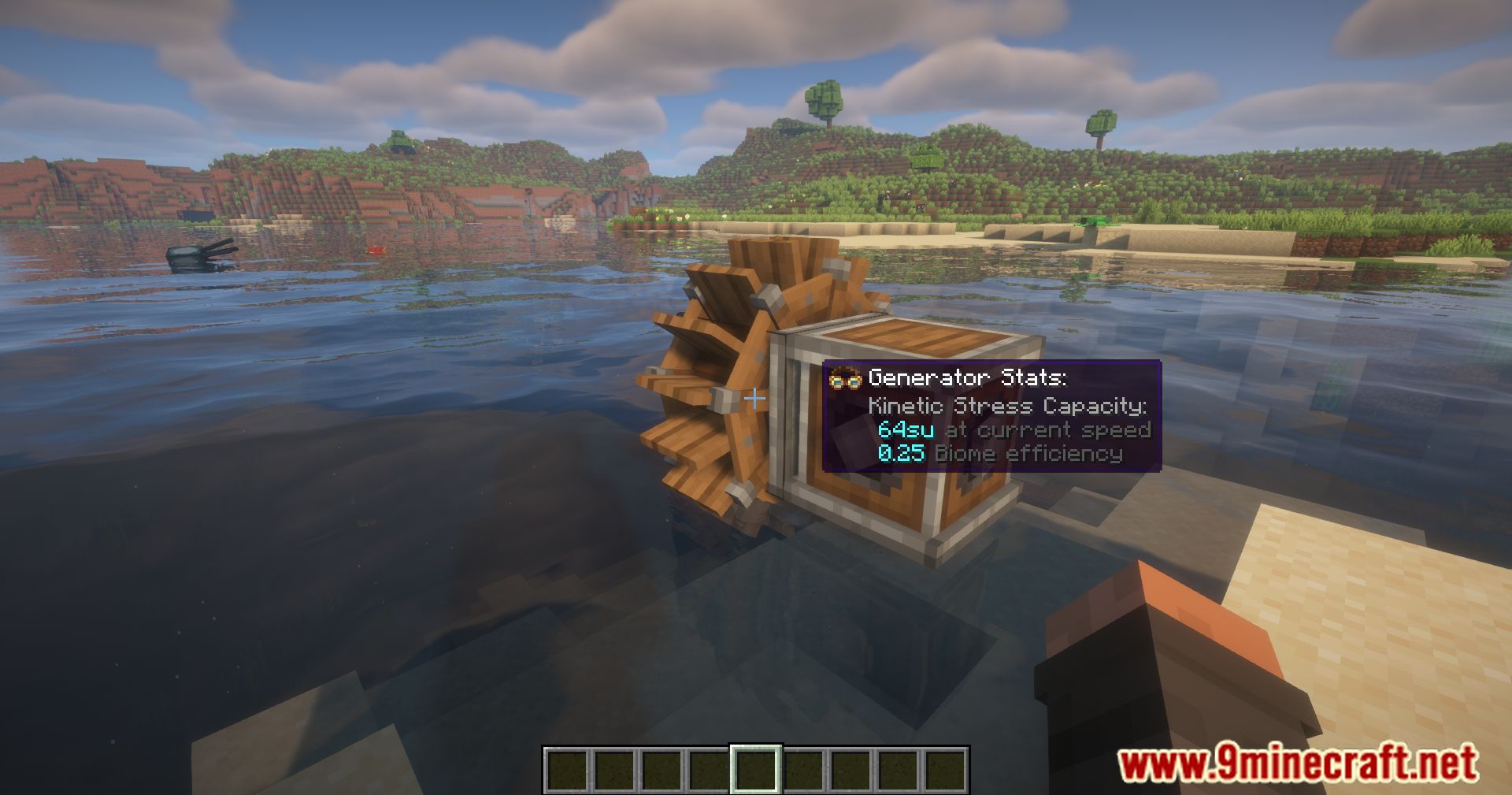
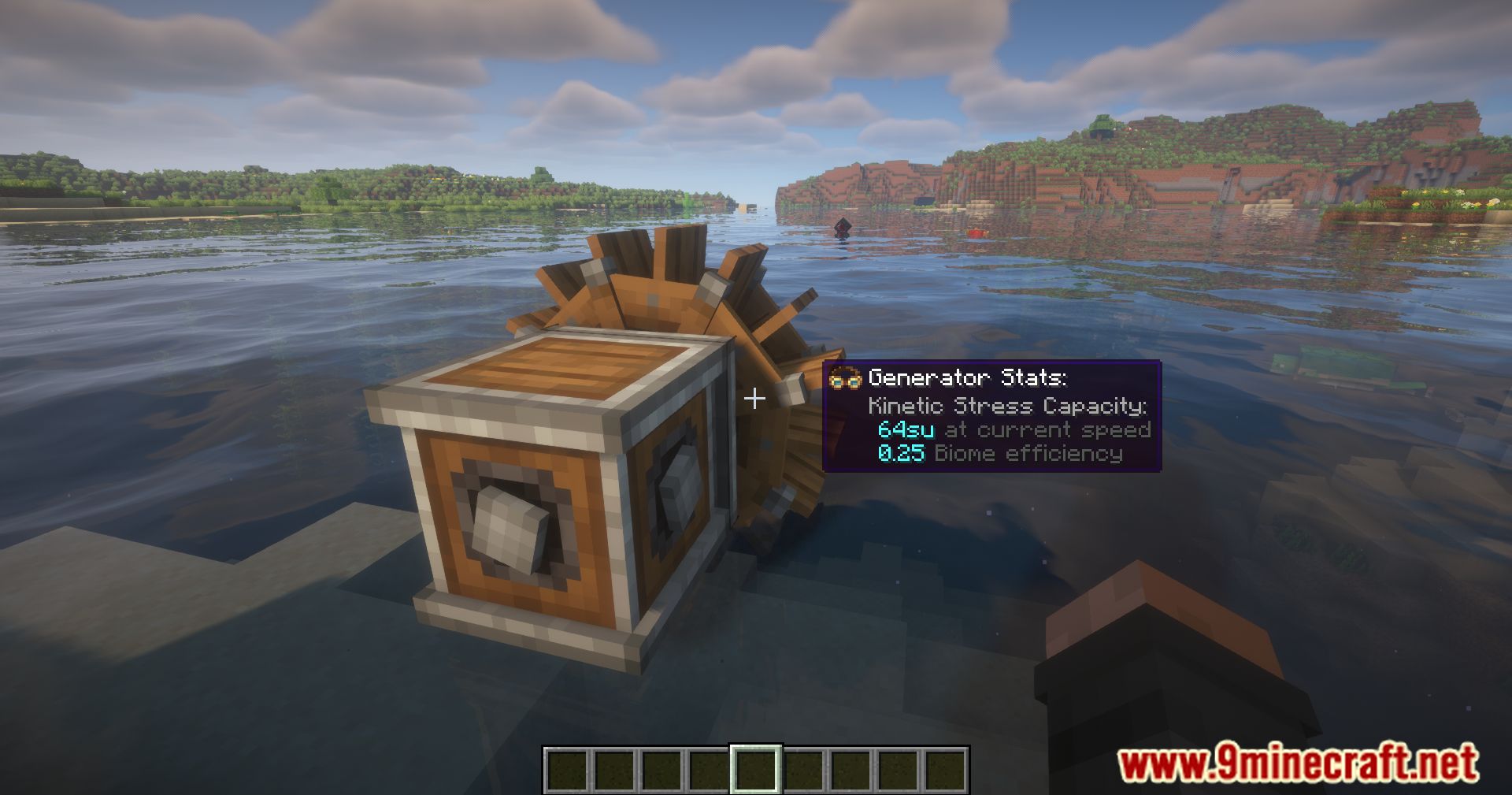
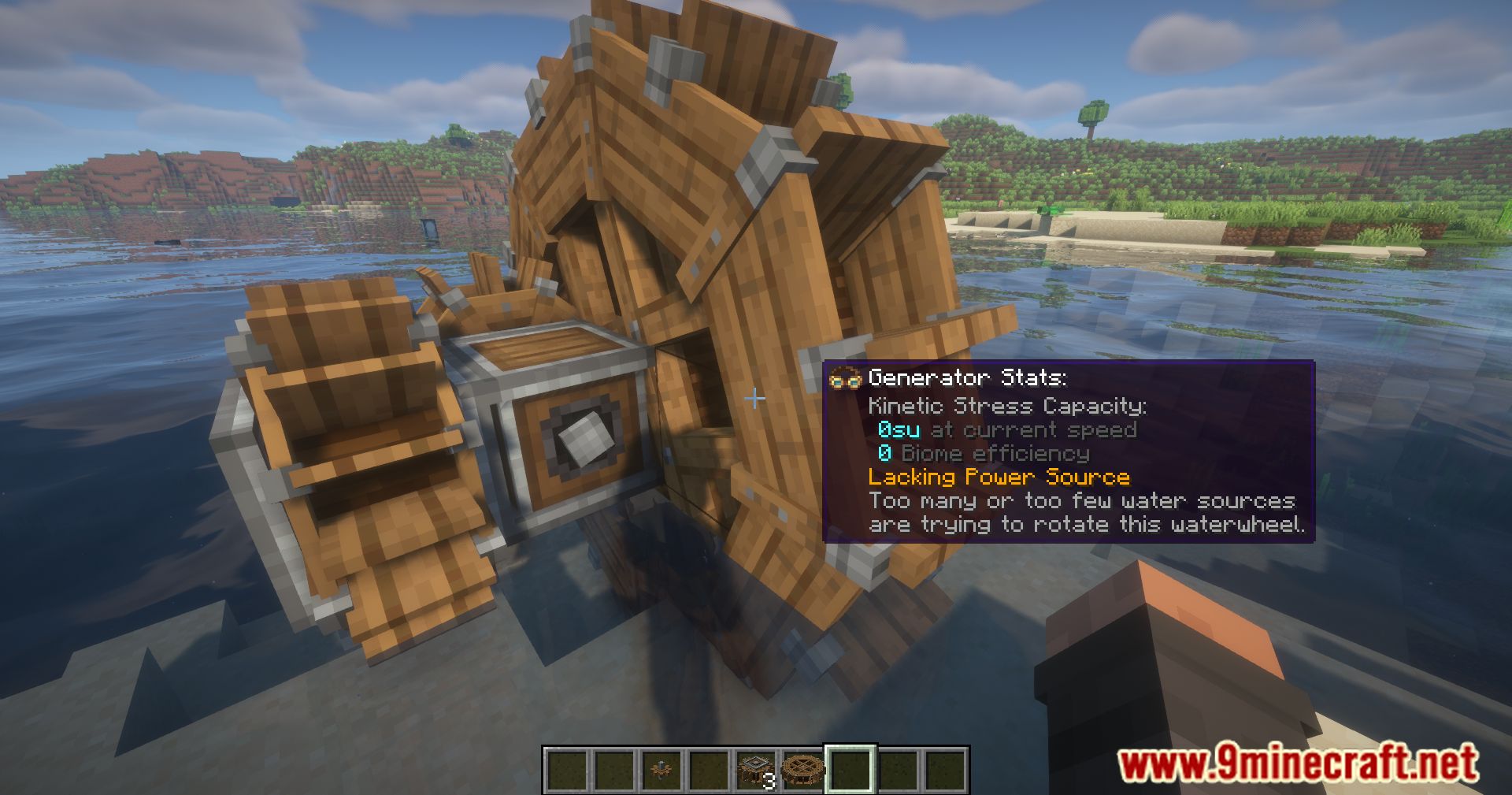
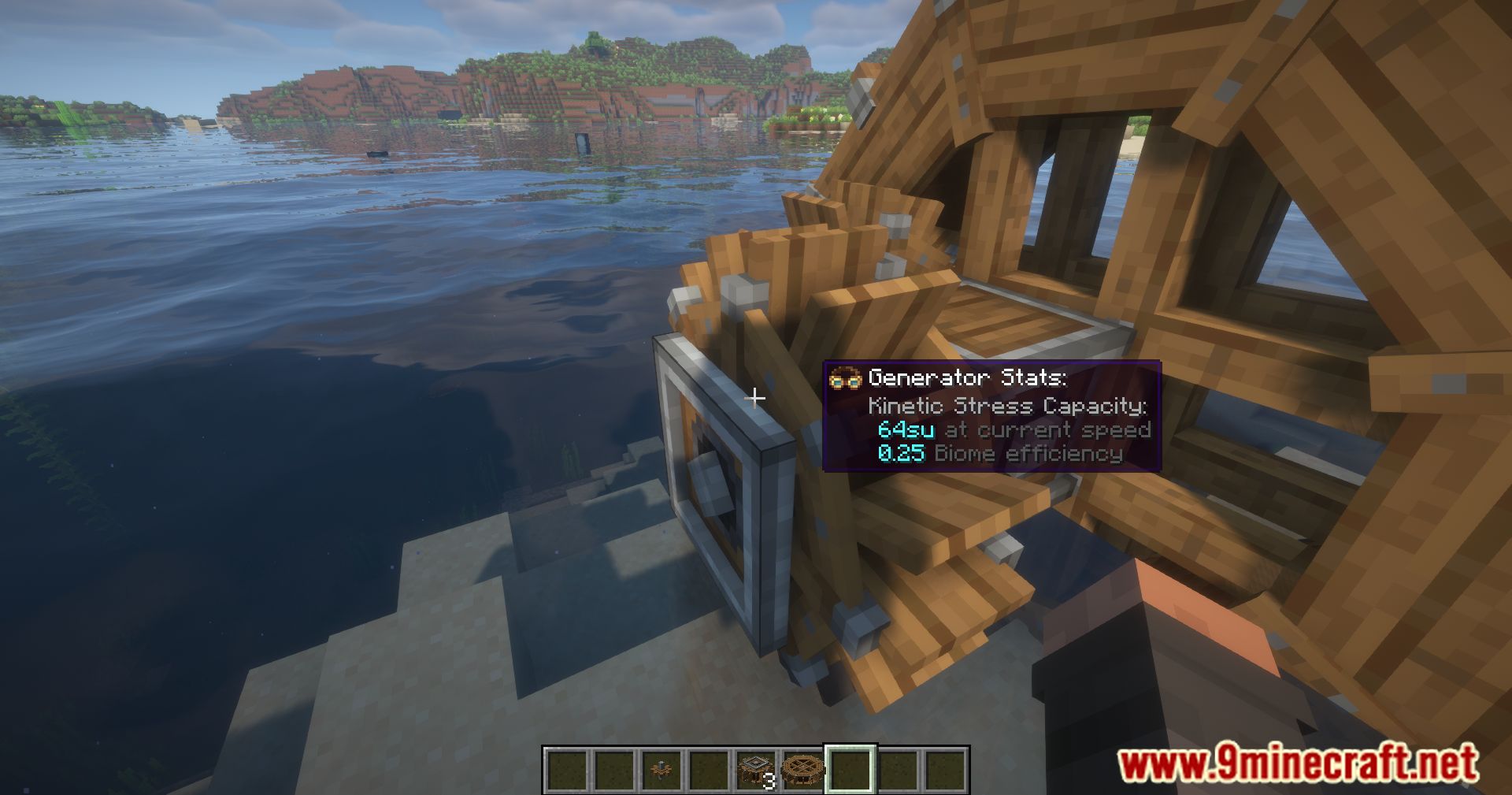
- Shows warning tooltips on waterwheels and windmills when you wear Create’s Goggles, letting you see why a generator is not working.
- Applies waterwheel placement rules only to player-placed wheels by default, so wheels inside generated structures keep working.
- Lets you change water thresholds, biome requirements via biome tags, and other rules in the config file.
- Includes config support for TerraFirmaCraft and FlowingFluids, and works well alongside Create Low-Heated or setups with lower windmill and waterwheel power capacity.
How to Use:
- Place small or large waterwheels inside a River biome and in contact with a large body of water so they generate power.
- Place windmills in the Overworld with enough open space around them so air can circulate and generate power.
- Wear Create’s Goggles and look at your waterwheel or windmill to view warning tooltips when a setup does not work.
- Edit the config file or biome tag if you want to change the water threshold or allowed biomes.
- When playing with TerraFirmaCraft, set
waterwheelsSourceRequiresFlowtotrueand add TerraFirmaCraft biomes to the biome tag so rivers turn your waterwheels. - When playing with FlowingFluids, set
water_wheel_requirementstoFLOWin the FlowingFluids config first, then setwaterwheelsAcceptsFlowingtotrueand adjustwaterwheelsMinimumShallownessif you want shallower water to count.
Configuration:
waterwheelsPickyOnPlacement: Set totrueby default so waterwheel placement rules only apply to player-placed wheels, not generated structures.waterwheelsSourceRequiresFlow: Set totruefor TerraFirmaCraft so rivers spin waterwheels properly (TerraFirmaCraft biomes are not tagged by default).waterwheelsAcceptsFlowing: Set totruefor FlowingFluids so waterwheels count non-full water blocks.waterwheelsMinimumShallowness: Change this value with FlowingFluids if you want shallower water blocks to count for waterwheels.water_wheel_requirements: Located in the FlowingFluids config file; set this toFLOWfirst so this mod handles the biome and water checks instead of FlowingFluids.
Screenshots:
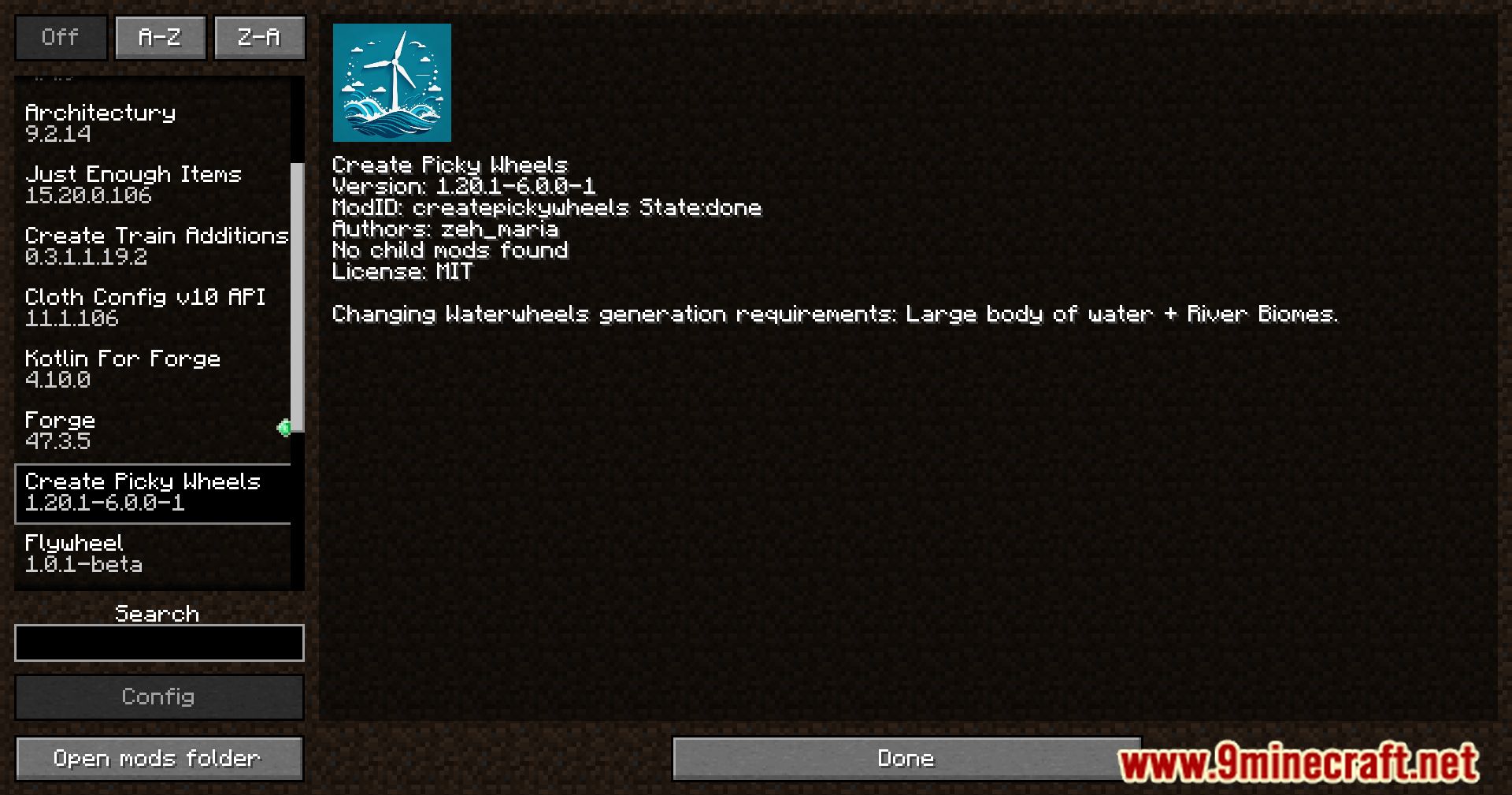
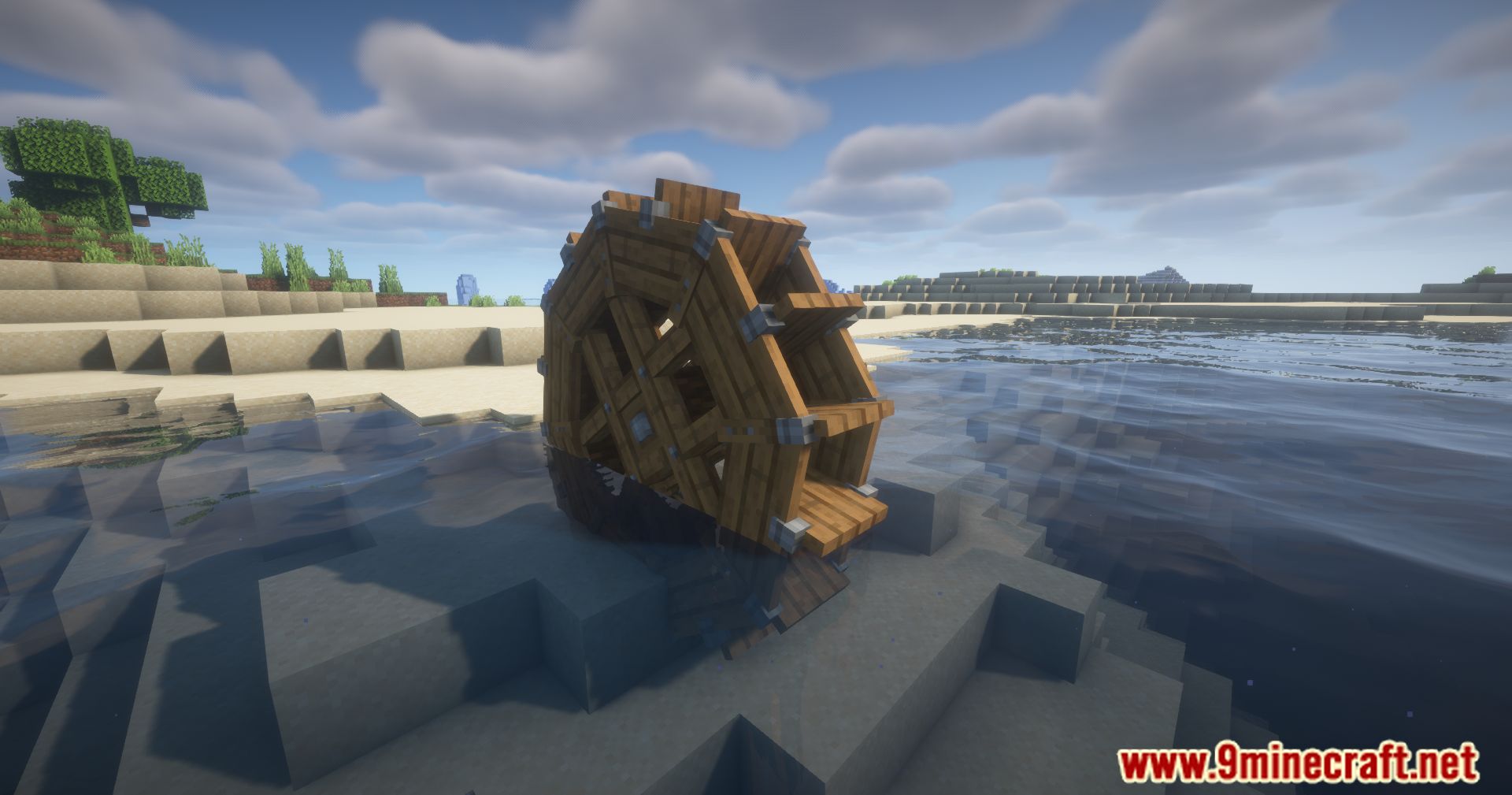
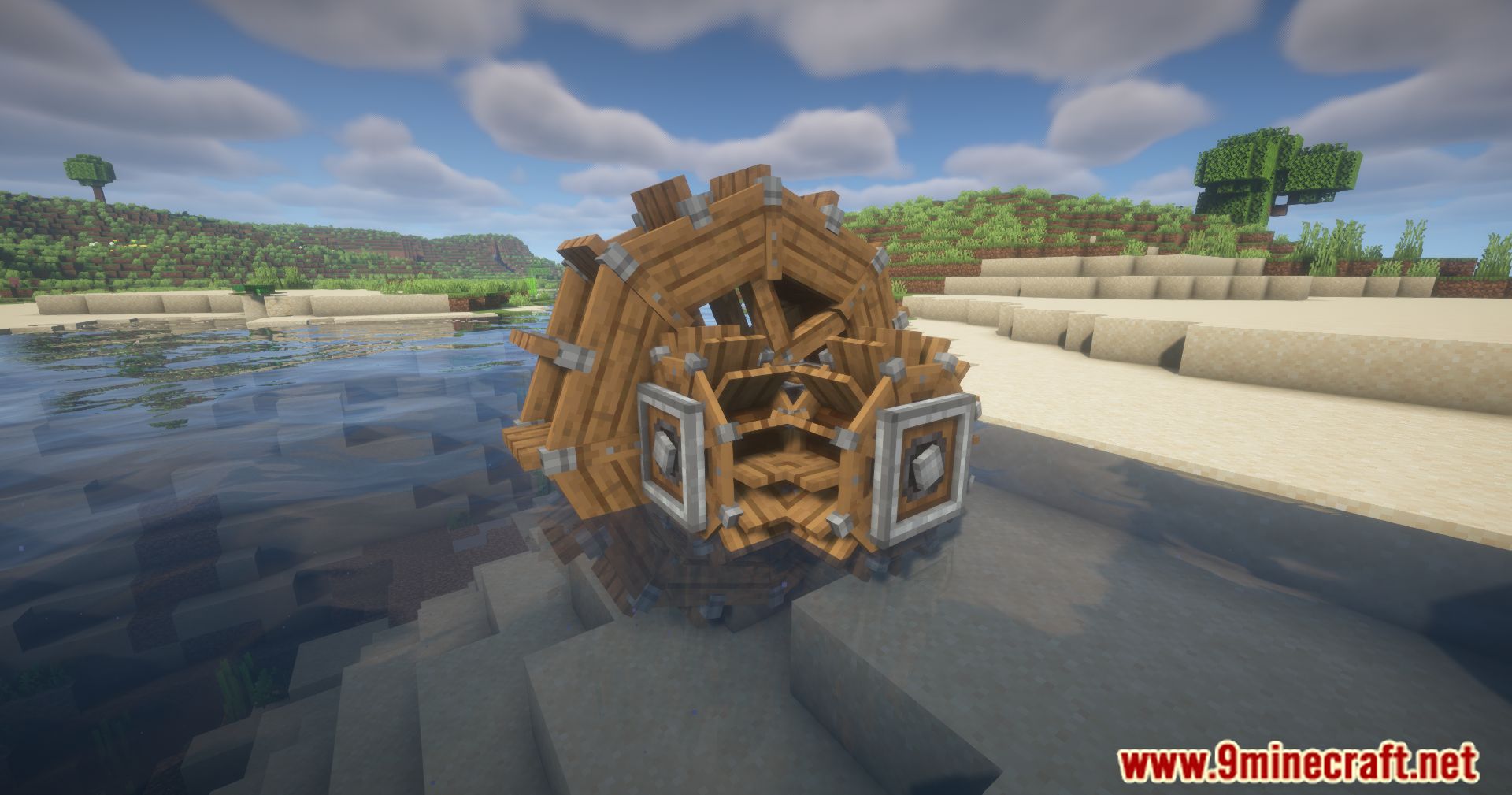
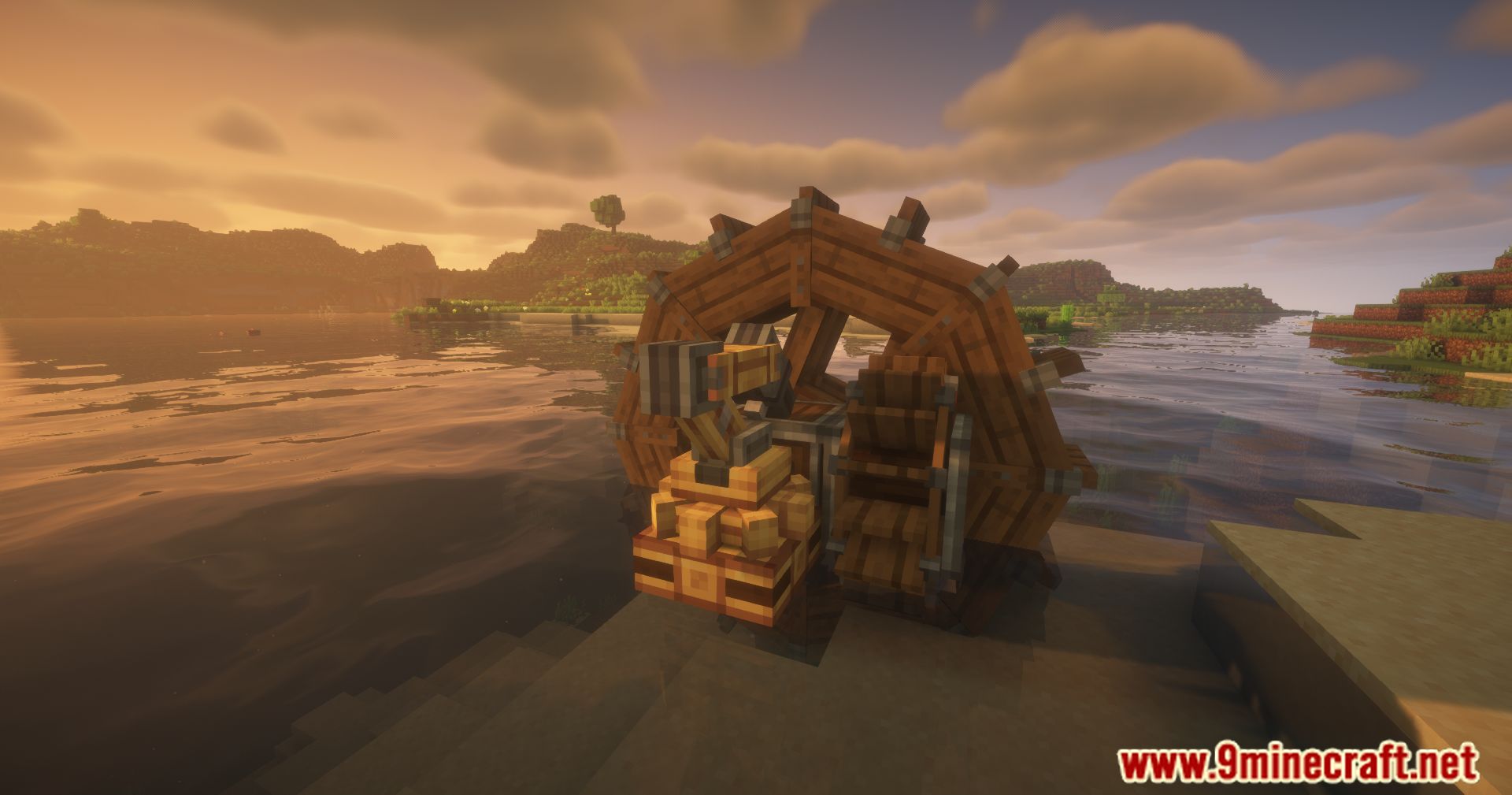
How to Install:
New to Minecraft? Follow our step-by-step guide to install Mods on your PC.View Guide
Requirements:
 Create Mod Required
Create Picky Wheels Mod Download Links
For Minecraft 1.21.1, 1.21
NeoForge Version: Download from Server 1 – Download from Server 2
For Minecraft 1.20.1
Forge/NeoForge Version: Download from Server 1 – Download from Server 2
For Minecraft 1.19.2
Forge Version: Download from Server 1 – Download from Server 2
For Minecraft 1.18.2
Forge Version: Download from Server 1 – Download from Server 2
How many mods do you usually have active at the same time?
72 responses · See the full results →
You May Also Like
Picked for this page
 Simple Planes Mod (1.21.1, 1.20.1) – New Vehicles, Flying
 Solar Generation Mod (26.3, 1.20.1) – Produce FE from the Sun
 Pipez Mod (26.3, 1.20.1) – Transporting Things Is Easier
 Reign of Nether RTS Mod (1.20.1) – Minecraft In RTS
 Inventory Control Tweaks Mod (26.3, 1.20.1) – Sorting, Swapping Smoother
 Hornets Mod (1.21.1, 1.20.1) – Insect, Hostile Entity
 Client Sort Mod (26.3, 1.20.1) – Sort Inventories with a Keybind
 Armor Statues Mod (26.3, 1.20.1) – Unlock the Full Potential of Armor Stands
 Typewriter Day Counter Mod (26.1.2, 1.20.1) – Day Counter Title Display
 Stack Deobfuscator Mod (26.1, 1.20.1) – Making Errors Readable
 Atmospherics Mod (26.3, 1.21.1) – Real-Time Biome Atmosphere Customization
 Yucutan Delight Mod (1.20.1, 1.20) – Jade Knife And Cultural Foods
Most viewed in Mods over the last 7 days
 Ala Industrial Mod (26.3) – Run Electric Power Grids and Automated Factories
 PleasureCraft Mod (26.3, 1.21.1) – Jenny Mod Remake for Fabric
 Jennycraft Mod (26.3, 1.20.1) – Virtual Girlfriend in Minecraft
 Fapcraft Mod (26.3, 1.12.2) – Comprehensive and Detailed Content
 Jenny Mod (Fapcraft) Official Complete Guide – How to use, Tutorial
 BangCraft Mod (1.20.1) – Jenny, Ellie and Elliot
 Fabric Loader (26.3, 1.20.1) – Fabric Installer for All Minecraft Versions
 The Shooting Star Demo Mod (26.3, 1.20.1) – Vaporize Terrain From Orbit
 Meteor Client Mod (26.3, 1.20.1) – Xray, HUD, Fly
 OptiFine HD (26.3, 1.20.1) – Run Faster, FPS Boost, Shaders Support
 Aristois Client Mod (1.21.4, 1.20.1) – World Class Minecraft Utility
 Prestige Client Mod (1.21.11, 1.21.4) – Powerful Ghost Features for Crystal & Sword PvP
More from Mods
 Kaleidoscope Cookery Refabricated Mod (26.3, 1.20.1) – Cook Hearty Meals
 Minecraft MusicBox Mod (1.21.12) – Play Your Favorite Songs While Mining and Building
 MTR Navigation Mod (1.21.1) – Plan Railway Trips and Never Miss a Train Stop
 TheHouse Mod (1.21.11) – Host Casino Tables and Track Every Bet in Real Time
 CinematicInteractions Mod (1.21.1) – Watch Your Hands Work at Every Crafting Table
 Earth Platform Mod (1.21.1) – Travel Across Real Continents in a True Scale World
 Taunahi Mod (26.1.2) – Automate Daily Farming and Slayers in Hypixel Skyblock
 HORROR Fake Join Leave Messages Mod (1.20.1) – Trigger Creepy Chat Scares
 Bons Voyage Mod (1.20.1) – Teleport Across Biomes Through Hidden Waystones
 Orbital Railgun UPDATED Mod (26.3) – Flatten Giant Landscapes From Space
 Automobility Autoradio Mod (26.3, 26.1.2) – Trade Custom Mixtapes with Friends
 Towers of the Wild 9minecraft Mod (26.3, 26.2) – Climb Tall Towers for Loot

This post has no comments yet. Be the first — your comment will appear here.