
Crimson Moon Mod (1.19.2, 1.18.2) – Survive Terrifying Blood Moon Invasions

 0


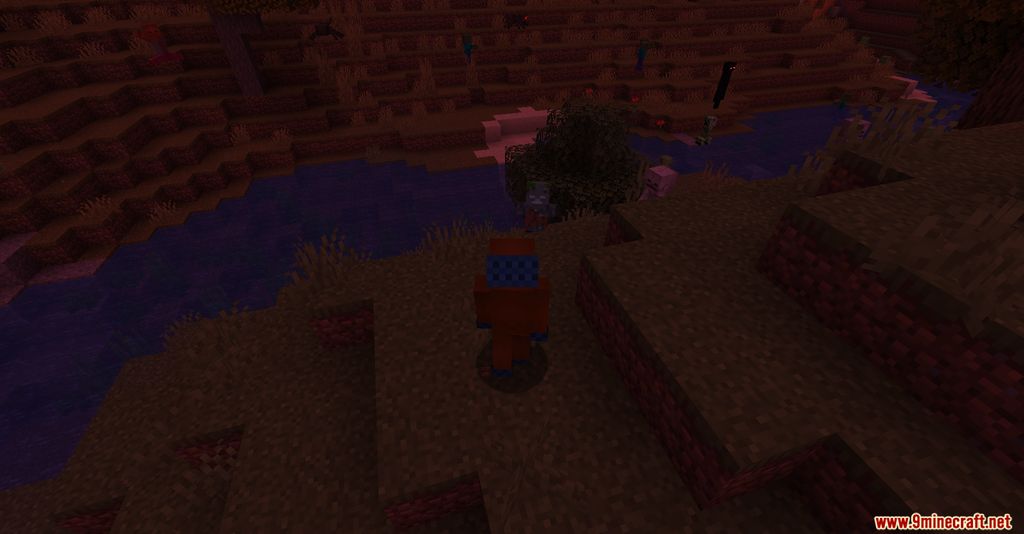
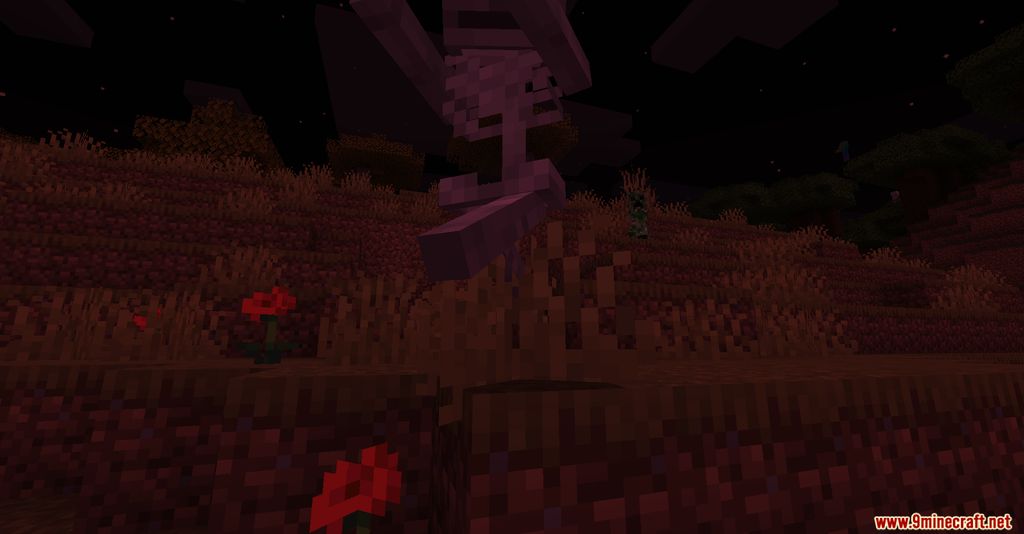
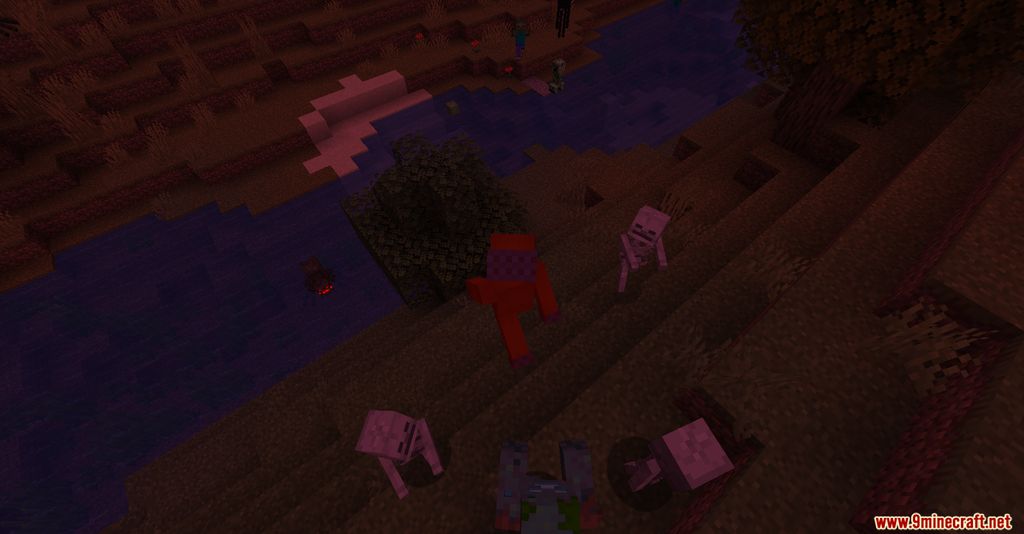
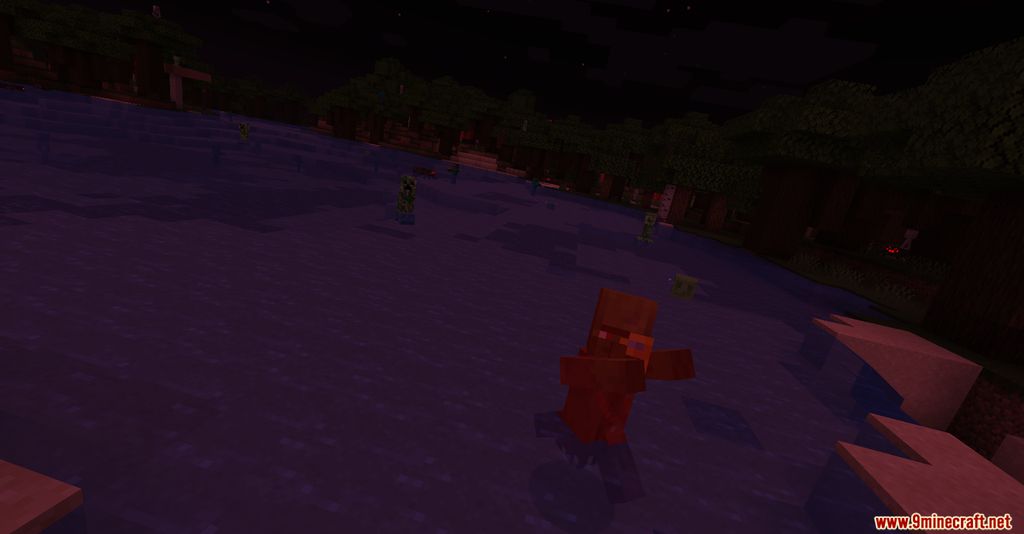
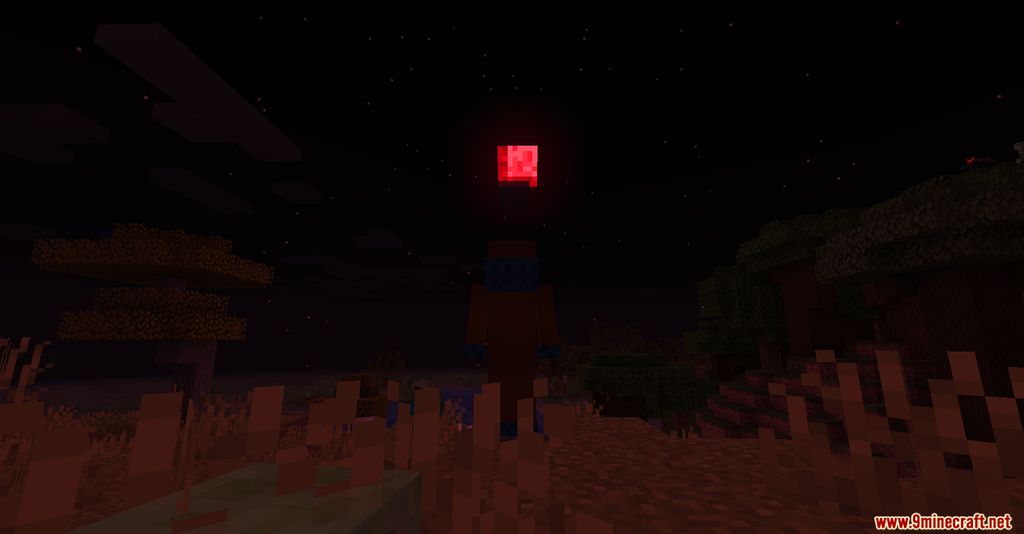
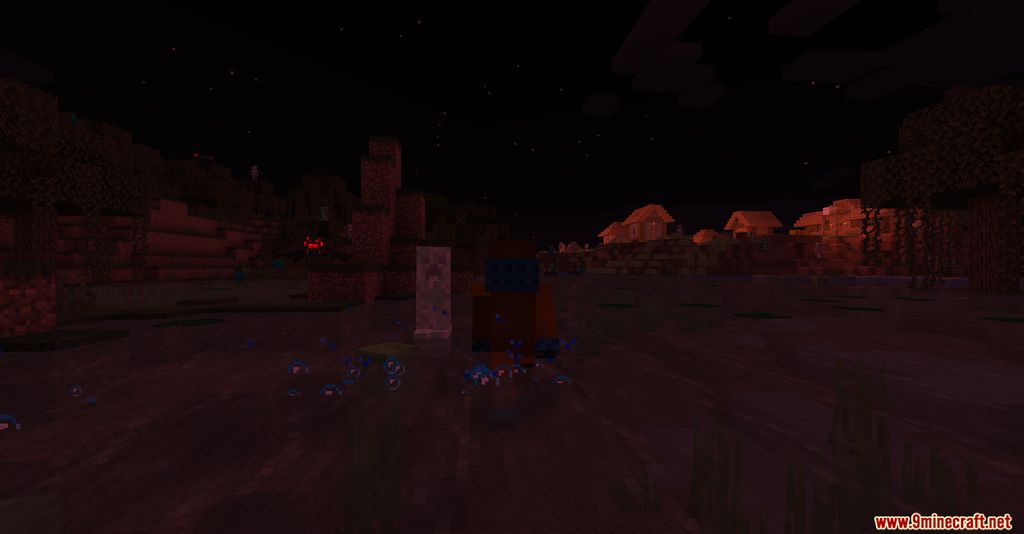
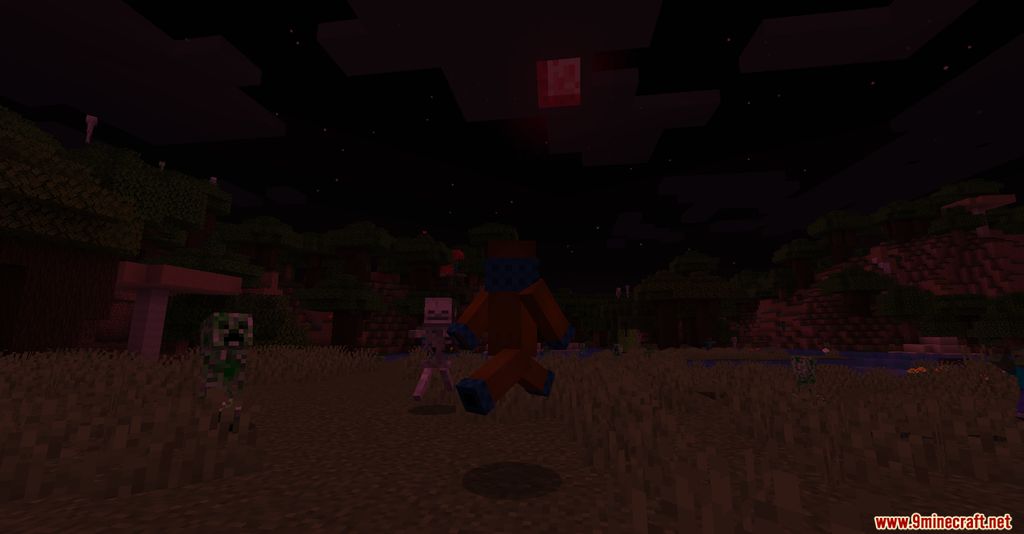
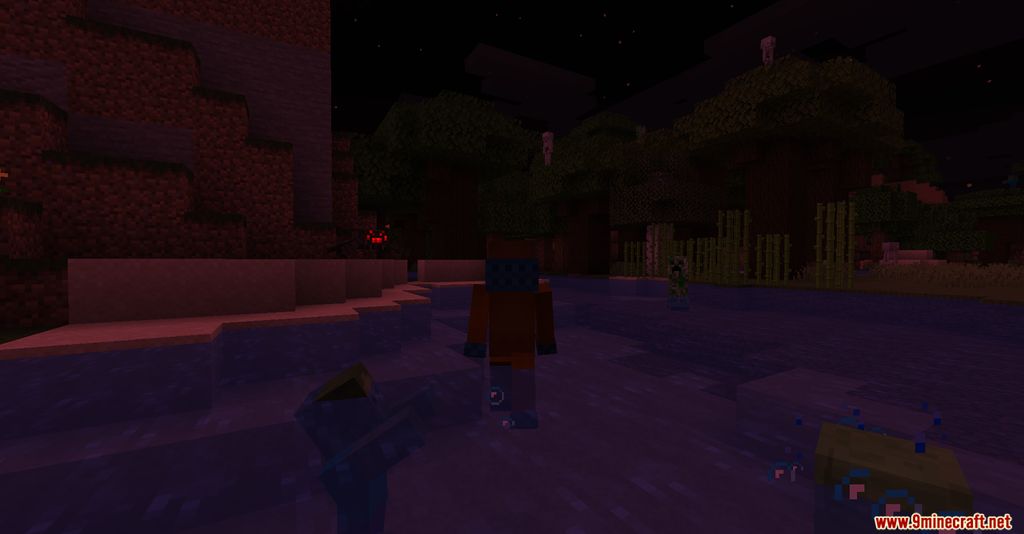
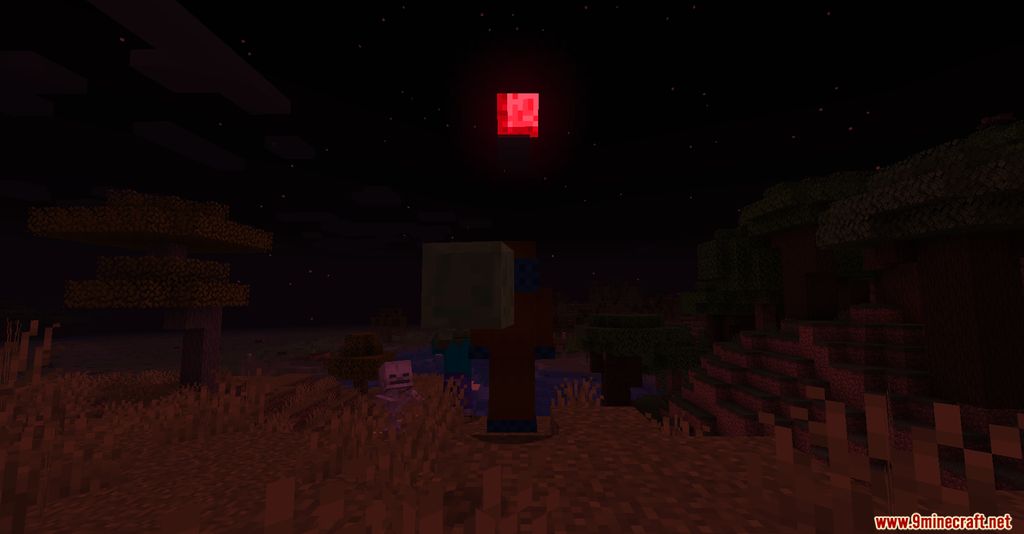
Crimson Moon Mod adds a scary red moon event based on the Blood Moon from Terraria. Once every 20 nights, mob howls echo across the world as more mobs spawn and tougher enemies show up. You can also head out during this dangerous night to forge rare items. This mod runs on Fabric and comes with config options so you can tweak how it works.

Requires:
Features:
- Starts a special red moon event once every 20 nights, based on the Blood Moon from Terraria.
- Fills the world with the sound of mob howls when the red moon appears.
- Raises mob spawn rates across the world during the event night.
- Brings tougher and more dangerous enemies to fight while the event lasts.
- Lets you forge rare items as you go on adventures during the special night.
- Includes a config file at
config/crimsonmoon.json5where every option has a comment explaining what it does.
Configuration:
config/crimsonmoon.json5: Open this file to change the mod’s settings. Every option has a comment that explains what it does.
How to Use:
- Play through 20 nights in your world to trigger the red moon event.
- Listen for mob howls and look for the red moon in the sky, which tells you mob spawn rates are higher and tougher enemies are out.
- Go out on adventures during this special night to forge rare items.
- Open
config/crimsonmoon.json5if you want to change any settings, and read the comment on each option to see what it does.
Screenshots:

How to Install:
New to Minecraft? Follow our step-by-step guide to install Mods on your PC.View Guide
Crimson Moon Mod Download Links
For Minecraft 1.19.2
Fabric version: Download from Server 1
For Minecraft 1.19.1, 1.19
Fabric version: Download from Server 1
For Minecraft 1.18.2
Fabric version: Download from Server 1
For Minecraft 1.18.1
Fabric version: Download from Server 1
For Minecraft 1.16.5
Fabric version: Download from Server 1
What is your biggest frustration when playing with mods?
22 responses · See the full results →
You May Also Like
Picked for this page
 Simple Grinder Mod (26.3, 1.20.1) – Duplicate Your Diamonds And Minerals
 More Bows And Arrows Mod (26.1.2, 1.20.1) – Master the Art of Archery
 Crops Love Rain Mod (26.3, 1.20.1) – Accelerated Crop Growth During Rain
 Loginar Storage Mod (26.1.2, 1.20.1) – Improve Inventory Management
 Server Friendly Looting Mod (26.1.2, 1.20.1) – Discover Loot Equality With Mimics
 Configured Defaults Mod (26.3, 1.20.1) – Distribute Default Config Files
 Smooth Menu Refabricated Mod (26.2, 1.20.1) – Uncapped FPS In Minecraft Main Menu
 Configurable Mob Potion Effects Mod (26.3, 1.20.1) – Set Potion Effects for All Living Entities
 Smooth Scrolling Refurbished Mod (26.3, 1.20.1) – Smoother Scrollbar Animation
 Give Me A New Splash Text Mod (26.3, 1.20.1) – Read Every Splash Text
 Leather Recycling Mod (1.21.11, 1.20.1) – Recycle Leather & Rabbit Hide
 Cloud Tweaks Mod (26.2, 1.20.1) – Configure Cloud And Sky Details
Most viewed in Mods over the last 7 days
 Ala Industrial Mod (26.3) – Run Electric Power Grids and Automated Factories
 PleasureCraft Mod (26.3, 1.21.1) – Jenny Mod Remake for Fabric
 Jennycraft Mod (26.3, 1.20.1) – Virtual Girlfriend in Minecraft
 Fapcraft Mod (26.3, 1.12.2) – Comprehensive and Detailed Content
 Jenny Mod (Fapcraft) Official Complete Guide – How to use, Tutorial
 BangCraft Mod (1.20.1) – Jenny, Ellie and Elliot
 Fabric Loader (26.3, 1.20.1) – Fabric Installer for All Minecraft Versions
 The Shooting Star Demo Mod (26.3, 1.20.1) – Vaporize Terrain From Orbit
 Meteor Client Mod (26.3, 1.20.1) – Xray, HUD, Fly
 OptiFine HD (26.3, 1.20.1) – Run Faster, FPS Boost, Shaders Support
 Aristois Client Mod (1.21.4, 1.20.1) – World Class Minecraft Utility
 Prestige Client Mod (1.21.11, 1.21.4) – Powerful Ghost Features for Crystal & Sword PvP
More from Mods
 Artemis’ Thin Logs Mod (26.3, 1.20.1) – Build Custom Trees and Detailed Wood
 Asterion Mod (26.3, 1.20.1) – Survive Ancient Mazes and Slay the Legendary Minotaur
 Passthrough Signs Mod (26.3, 1.20.1) – Right-Click Through Wall Signs
 Packing Tape Mod (26.3, 1.20.1) – Move Chests, Machines
 No XP Anvils Mod (26.3, 1.20.1) – Repair And Enchant Without XP
 Naruto Shippuden Mod (26.3, 1.16.5) – Immerse Yourself in The World of Ninja
 Araxer’s Bestiary Mod (26.3, 1.20.1) – Build an In-Game Encyclopedia of Every Mob
 Villagers Plus Mod (26.3, 1.20.1) – Expanded Villager Types and Villages
 Ore Excavation 9minecraft Mod (26.3) – Mine Ores and Chop Trees in a Single Swing
 Dirigo Mod (26.1.2, 1.21.1) – Walk Across Nether Lava Seas and Automate Animal
 HandLib Mod (26.3, 1.21.1) – Keep Your Multiplayer World Stable
 Happy Ghasts Boost Mod (26.1.2, 1.20.1) – Fly Across Vast Distances at Top Speed

This post has no comments yet. Be the first — your comment will appear here.