
Custom Stars Mod (1.20.6, 1.20.1) – Turn Dark Nights Into Glowing Starfields
 11,797
 0


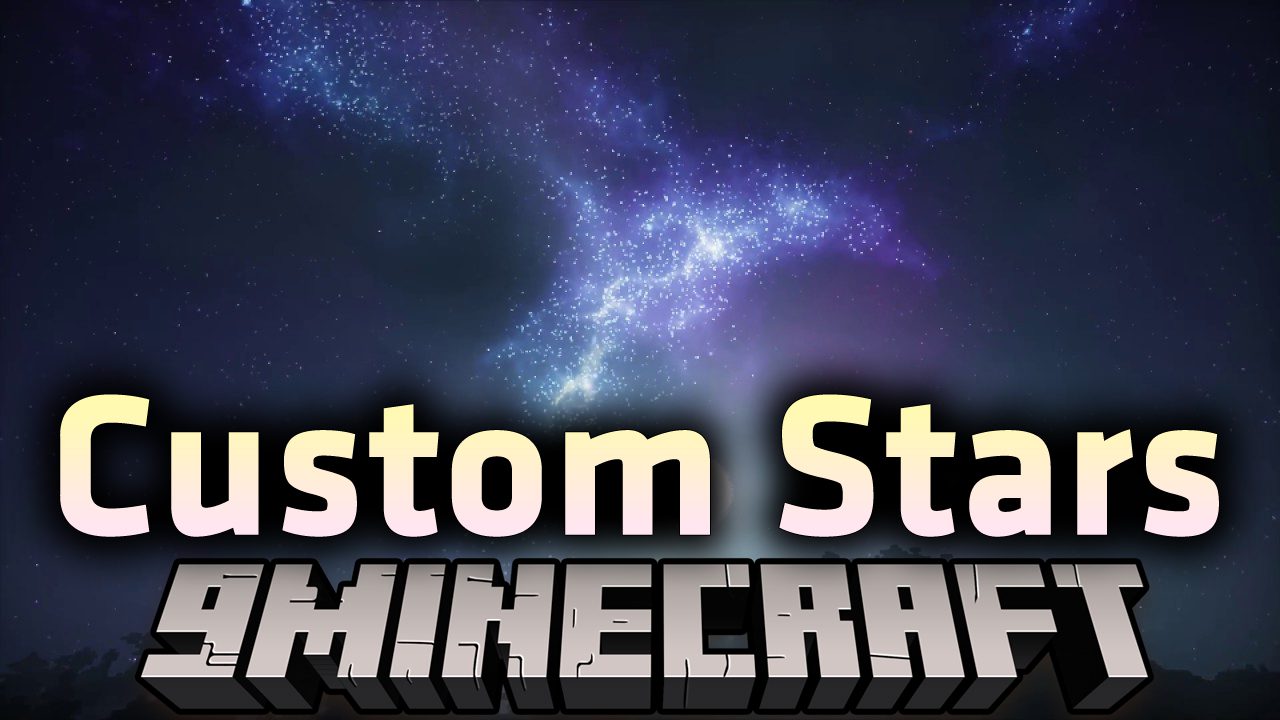
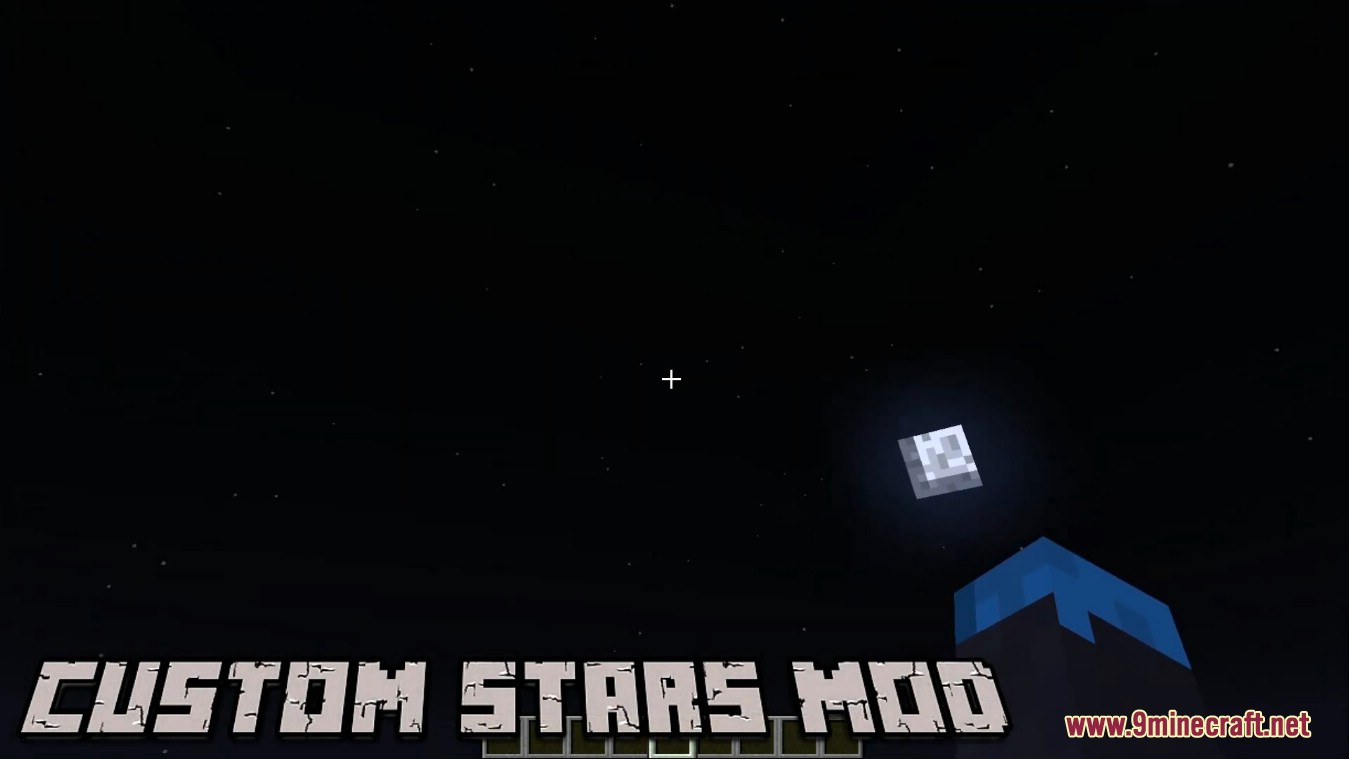
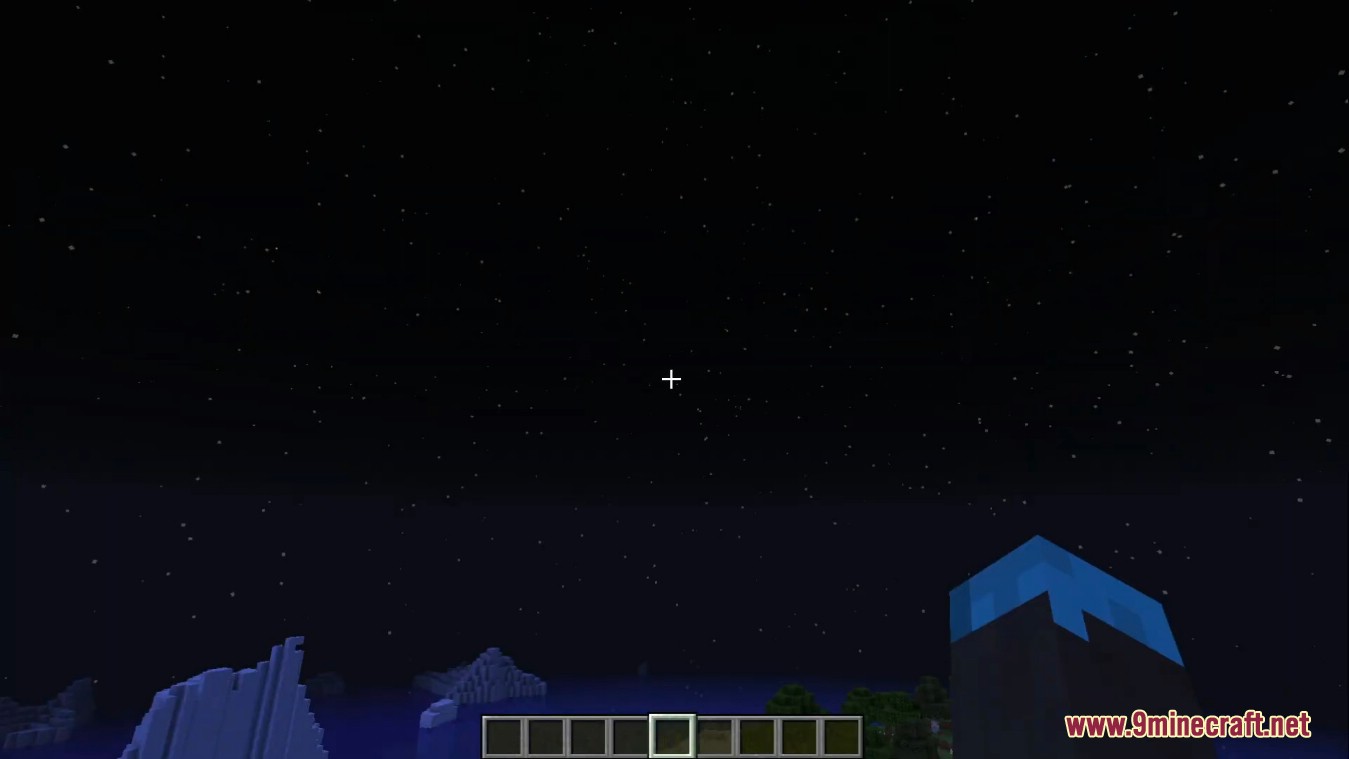
Custom Stars Mod lets you change the size, count, brightness, and color of stars in the Minecraft night sky. This client-side mod also adds options for star noise patterns, a moon deadzone, night sky colors, and the End sky. It works as a companion to Modern Beta and lets you restore the classic pre-1.3.1 star look. The mod requires Fabric API and Cloth Config, and you can adjust every setting in Mod Menu or a JSON config file.
Features:
- Star Size and Count: Changes the base star size, maximum size limit, total star count, and overall star brightness in the night sky.
- Star Noise Placement: Uses a noisemap with custom seeds, thresholds, and percentages to group stars into tighter areas instead of using only vanilla random positions.
- Custom Star Colors: Supports three color modes: a single RGBA color, random colors, or random picks from your own custom RGBA color list.
- Moon Deadzone: Stops stars from showing up on top of the moon texture, with square or circle shapes and an adjustable size.
- Lets you tweak the red, green, and blue values from 0 to 255 to change the color of the night sky.
- Adds End sky controls for texture size multiplier, RGB color channels, and brightness alpha.
- Brings back classic pre-1.3.1 stars when you set both the base size and max star size multiplier to 0.25 while leaving other options at default.
- Runs on the client side and lets you edit settings in Mod Menu or inside the
config/customstars.jsonfile.
Configuration:
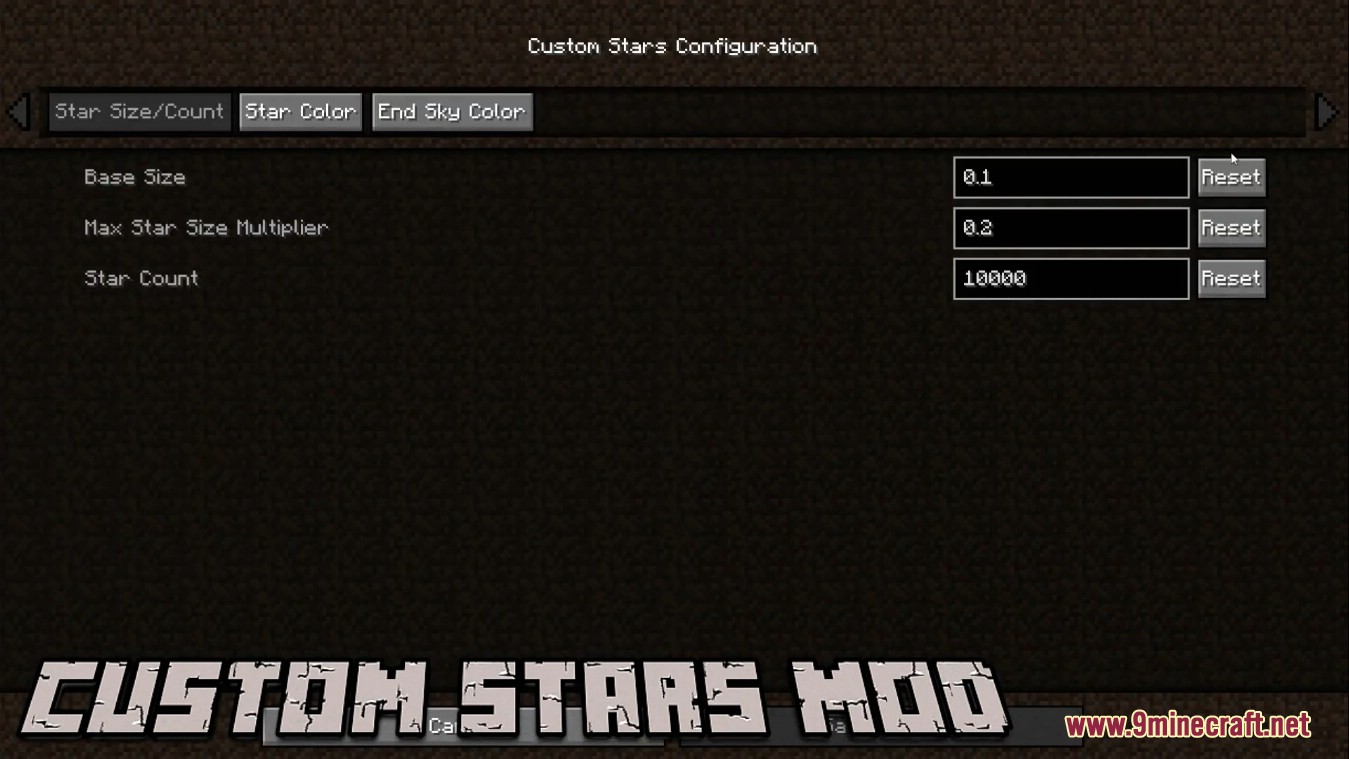
Base Size: Sets the starting size for stars (default: 0.15).Max Star Size Multiplier: Controls the maximum star size limit (default: 0.1). Higher values make larger stars, and setting it to 0 makes every star match thebase_sizevalue.Star Count: Sets how many stars appear in the night sky (default: 1500).Star Brightness: Sets the overall brightness of the stars (default: 1.0).Star Noise: Turns noisemap star placement on or off (default: false).Star Noise Seed: Sets the seed for the star noise sampler (default: 10842).Star Noise Threshold: Sets the noise threshold for star placement (default: 0.5). Higher values group stars into smaller areas.Star Noise Percentage: Sets the percentage of stars placed with noise compared to vanilla random positions (default: 50).Star Color Type: Picks the star color mode (default: SINGLE). ChooseSINGLEfor one color,RANDOMfor random colors, orCUSTOMfor colors picked at random from a custom list.Single Star Color: Sets the RGBA color values used for theSINGLEcolor mode.Custom Star Colors: Holds a list of RGBA color values for theCUSTOMcolor mode, editable in Mod Menu or the config file.Moon Deadzone: Stops stars from rendering on top of the moon texture when turned on (default: false).Moon Deadzone Shape: Sets the deadzone shape toSQUAREorCIRCLE(default: SQUARE).Moon Deadzone Size: Sets the size of the moon deadzone (default: 5.0).Red(Night Sky): Sets the red color value of the night sky from 0 to 255 (default: 0).Green(Night Sky): Sets the green color value of the night sky from 0 to 255 (default: 0).Blue(Night Sky): Sets the blue color value of the night sky from 0 to 255 (default: 0).Size Multiplier(End Sky): Sets the texture size multiplier for the End sky from 0.0 to 1.0 (default: 1.0).Red(End Sky): Sets the red color value of the End sky from 0 to 255 (default: 40).Green(End Sky): Sets the green color value of the End sky from 0 to 255 (default: 40).Blue(End Sky): Sets the blue color value of the End sky from 0 to 255 (default: 40).Alpha(End Sky): Sets the brightness multiplier for the End sky (default: 1.0).
How to Use:
- Open the settings screen for Custom Stars Mod through Mod Menu (recommended), or open the
config/customstars.jsonfile directly to view all options. - Adjust
Base Size,Max Star Size Multiplier,Star Count, andStar Brightnessto change how large, numerous, and bright stars look at night. - Turn on
Star Noiseand tweak its seed, threshold, and percentage if you want stars grouped into clusters instead of spread evenly. - Pick a
Star Color Type(SINGLE,RANDOM, orCUSTOM) and set RGBA values so stars render in the colors you want. - Enable
Moon Deadzoneto keep stars off the moon texture, then choose aSQUAREorCIRCLEshape and set its size. - Edit the Night Sky RGB values and the End Sky size multiplier, RGB, and alpha values to change the look of both skies.
- For classic pre-1.3.1 stars, set
Base Sizeto 0.25, setMax Star Size Multiplierto 0.25, and leave all other options at their default values. - Save your changes to update the night sky and End sky visuals in your game.
Screenshots:
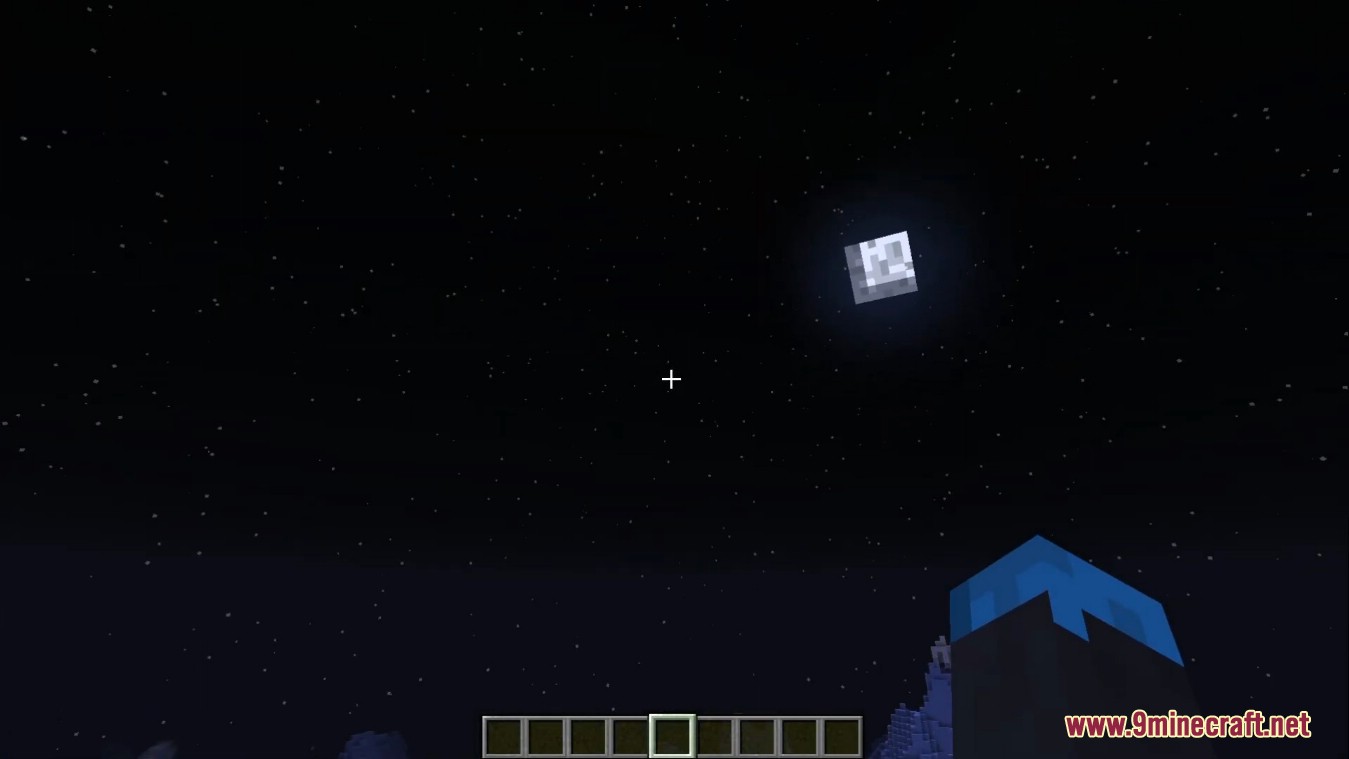
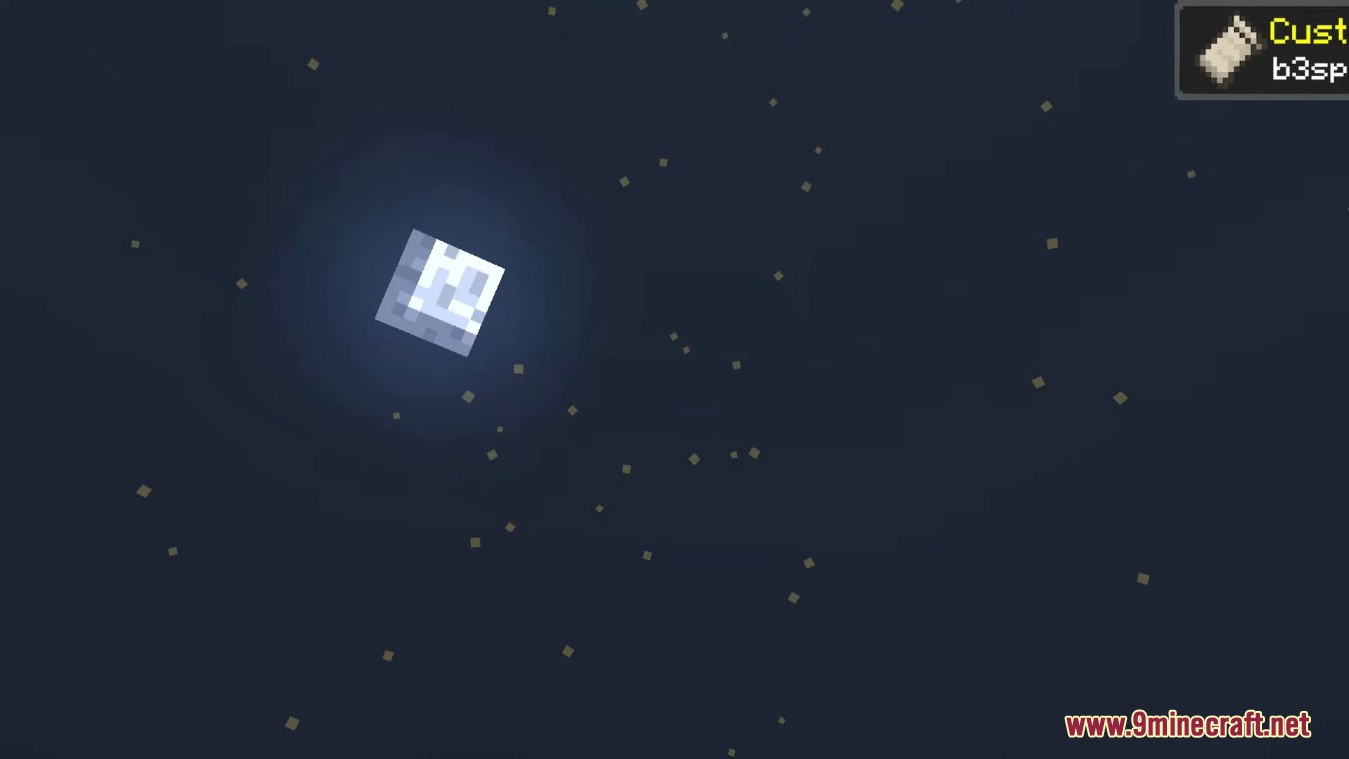
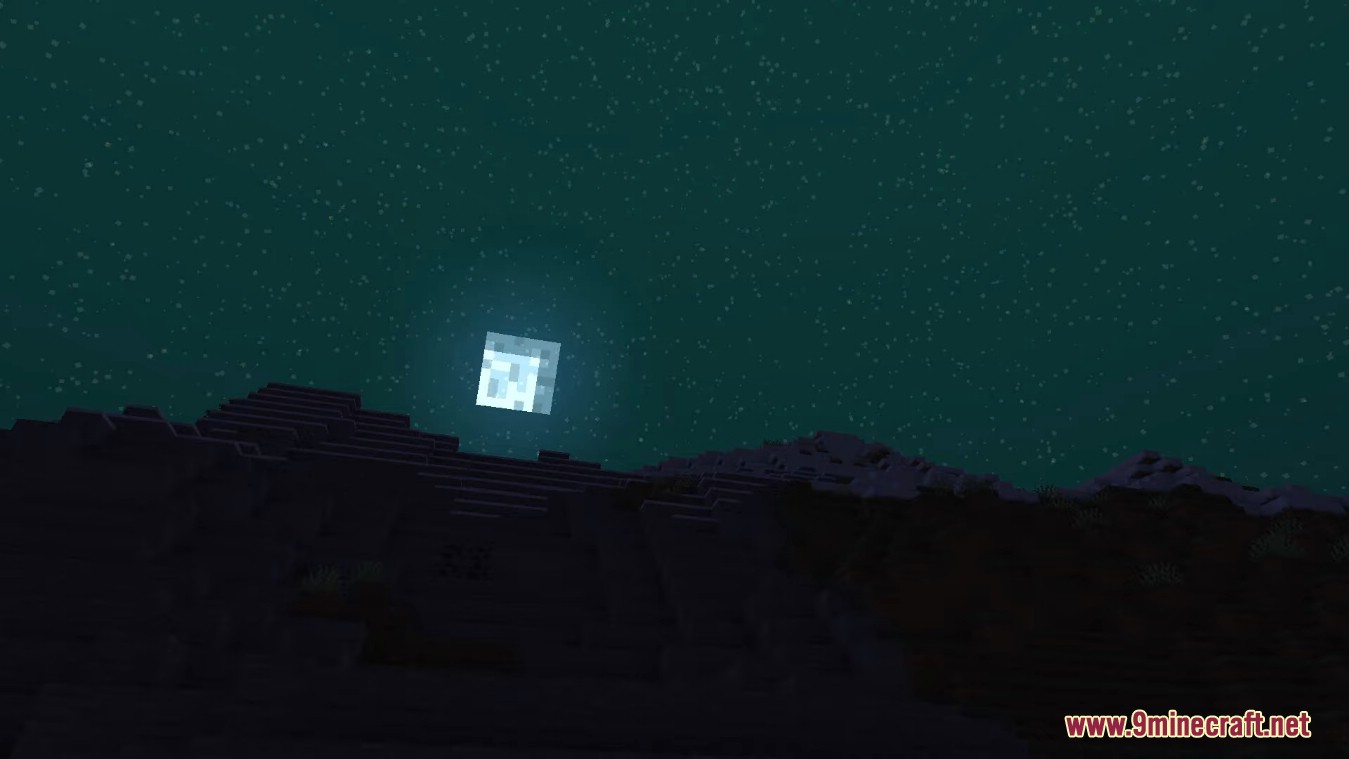
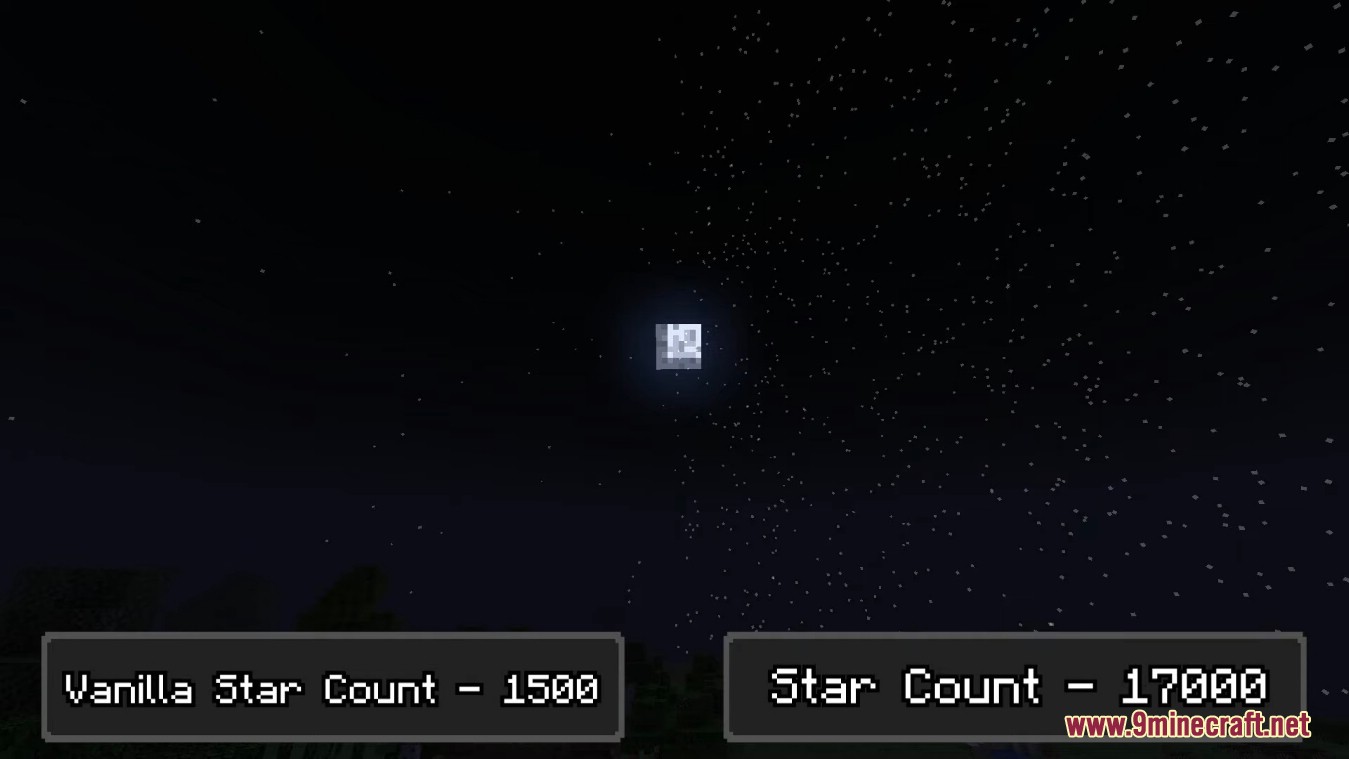
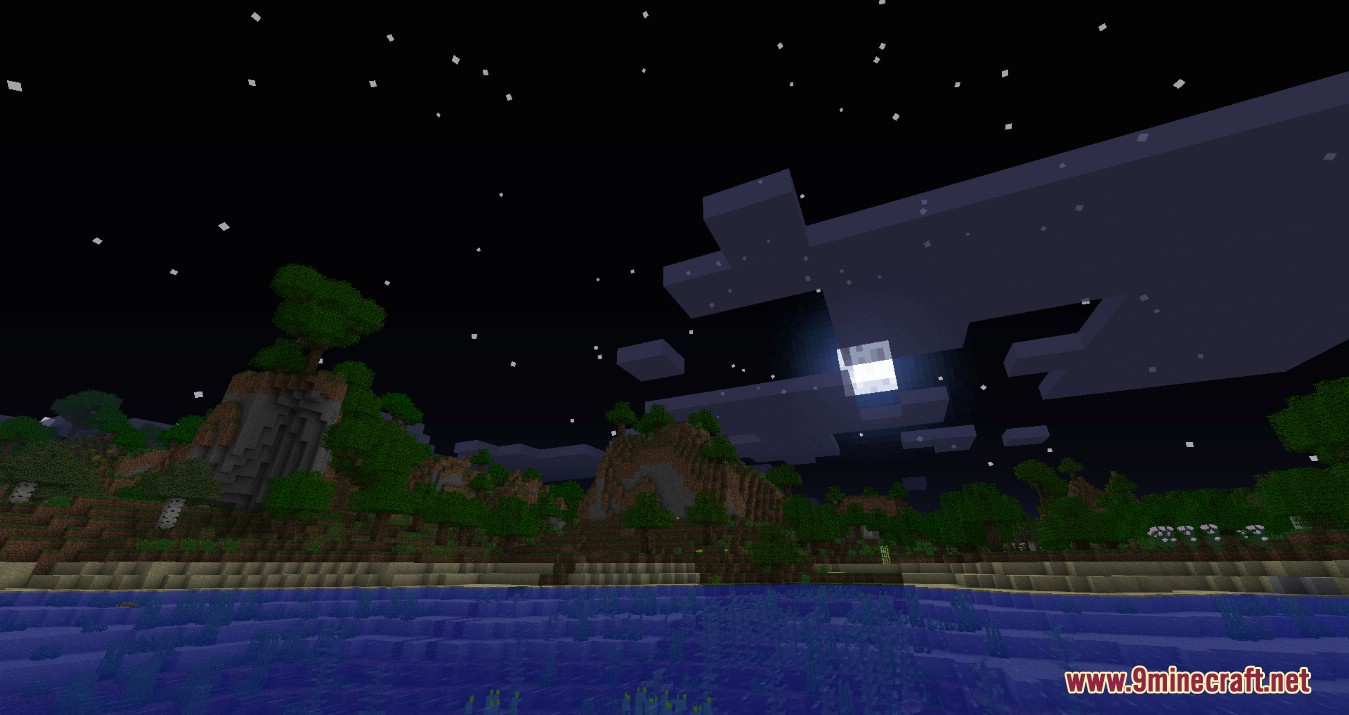
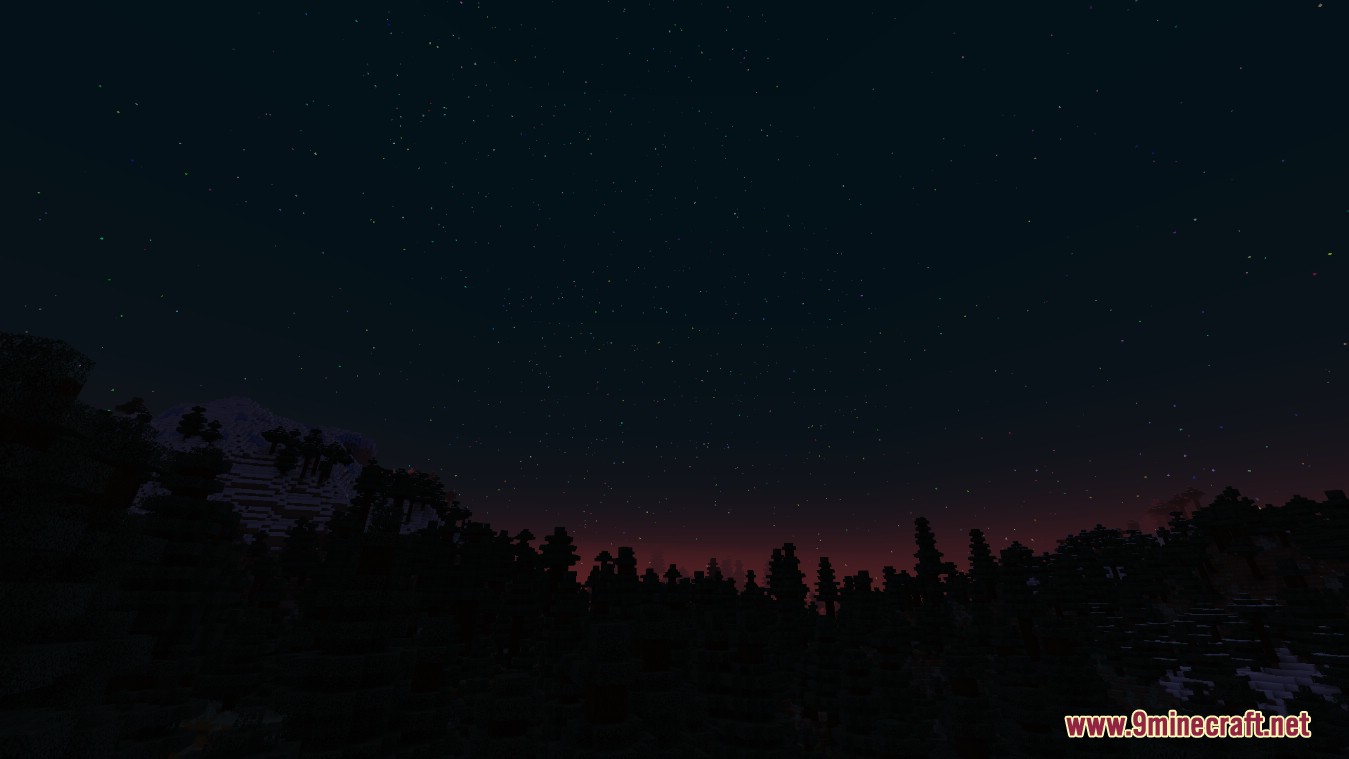
How to Install:
New to Minecraft? Follow our step-by-step guide to install Mods on your PC.View Guide
Custom Stars Mod Download Links
For Minecraft 1.16.5
Fabric version: Download from Server 1
For Minecraft 1.17.1
Fabric version: Download from Server 1
For Minecraft 1.18.1
Fabric version: Download from Server 1
For Minecraft 1.18.2
Fabric version: Download from Server 1
For Minecraft 1.19
Fabric version: Download from Server 1
For Minecraft 1.19.1
Fabric version: Download from Server 1
For Minecraft 1.19.2
Forge version: Download from Server 1
Fabric version: Download from Server 1
For Minecraft 1.19.3
Fabric version: Download from Server 1 – Download from Server 2
For Minecraft 1.19.4
Fabric version: Download from Server 1 – Download from Server 2
For Minecraft 1.20.1, 1.20
Fabric version: Download from Server 1 – Download from Server 2
For Minecraft 1.20.2
Fabric version: Download from Server 1 – Download from Server 2
For Minecraft 1.20.4, 1.20.3
Fabric version: Download from Server 1 – Download from Server 2
For Minecraft 1.20.5
Fabric version: Download from Server 1 – Download from Server 2
For Minecraft 1.20.6
Fabric version: Download from Server 1 – Download from Server 2
Have you ever financially supported a mod creator (via Patreon, Ko-fi, or donations)?
0 responses · See the full results →
You May Also Like
Picked for this page
 Large Ore Deposits Mod (26.3, 1.20.1) – Rare, Super-Massive Ore Deposits
 Eyes in the Darkness Mod (26.2, 1.20.1) – A Spooky Mod
 Name Tag Tweaks Mod (26.3, 1.20.1) – Craftable & Retrievable NameTag
 Sit Mod (26.3, 1.20.1) – Make Your Base Feel Lived-In
 Ctrl Q Mod (26.1, 1.20.1) – Take Control Of Your Inventory
 Advanced Shulkerboxes Mod (26.2, 1.20.1) – Improved Function of Shulker Box
 Better Withered Mobs Mod (26.2, 1.20.1) – Withering Enchantment
 Entity View Distance Mod (26.3, 1.20.1) – Control How Far Away You Can See Entities
 Entangled Mod (26.3, 1.20.1) – Link Blocks Across Worlds
 Item Transform Helper Mod (26.3, 1.20.1) – Set Size & Location Of Items
 Snowmancy Mod (1.21.11, 1.20.1) – Your Snow Golem Companion
 Thorough Keybindings Mod (26.3, 1.20.1) – Full Control Customization
Most viewed in Mods over the last 7 days
 Ala Industrial Mod (26.3) – Run Electric Power Grids and Automated Factories
 PleasureCraft Mod (26.3, 1.21.1) – Jenny Mod Remake for Fabric
 Jennycraft Mod (26.3, 1.20.1) – Virtual Girlfriend in Minecraft
 Fapcraft Mod (26.3, 1.12.2) – Comprehensive and Detailed Content
 Jenny Mod (Fapcraft) Official Complete Guide – How to use, Tutorial
 BangCraft Mod (1.20.1) – Jenny, Ellie and Elliot
 Fabric Loader (26.3, 1.20.1) – Fabric Installer for All Minecraft Versions
 Meteor Client Mod (26.3, 1.20.1) – Xray, HUD, Fly
 The Shooting Star Demo Mod (26.3, 1.20.1) – Vaporize Terrain From Orbit
 OptiFine HD (26.3, 1.20.1) – Run Faster, FPS Boost, Shaders Support
 Aristois Client Mod (1.21.4, 1.20.1) – World Class Minecraft Utility
 Prestige Client Mod (1.21.11, 1.21.4) – Powerful Ghost Features for Crystal & Sword PvP
More from Mods
 Decoween Mod (1.21.1, 1.20.1) – Transform Ordinary Survival Bases
 Simply Light 9minecraft Mod (26.3) – Decorate Builds Without Torches
 Alex’s Caves Continued Mod (26.3, 1.20.1) – Conquer Six Massive Underground
 Anvil Uses Mod (26.3, 1.20.1) – Track Item Anvil Usage
 Animal Info Mod (26.3, 1.21.11) – Quick Stats For Your Animals
 Timber Tales Dynamic Tree System Mod (26.3, 1.20.1) – Watch Entire Trees Topple
 Gabou’s Libs Mod (26.3, 1.20.1) – Keep Custom Weather and Survival Mods Stable
 /Sit Mod (26.3, 1.21.1) – Make The Player Sit Down
 Arcane Redstone Dial Mod (26.3, 1.20.1) – Trigger Commands and Shortcuts
 The Graveyard Mod (26.3, 1.20.1) – Cemeteries in Minecraft
 Enhanced Overlay Mod (26.3, 1.21.11) – Remove Screen Clutter
 Flint Mod (1.21.11) – Run DiamondFire Community Addons Without Crashing

This post has no comments yet. Be the first — your comment will appear here.