


Data Tip Mod (1.21.1, 1.20.1) – View Live Stats and 3D Models on Item Tooltips
 0
0
 0
0

Data Tip Mod adds custom visual tooltips to items using simple JSON files in resource packs. It lets you display extra text, progress bars, 3D models, and live stats without writing any Java code. You can customize tooltip colors, set up multi-language text, or hide extra details behind a key press. It updates in real time and reloads instantly whenever you refresh your resource packs.
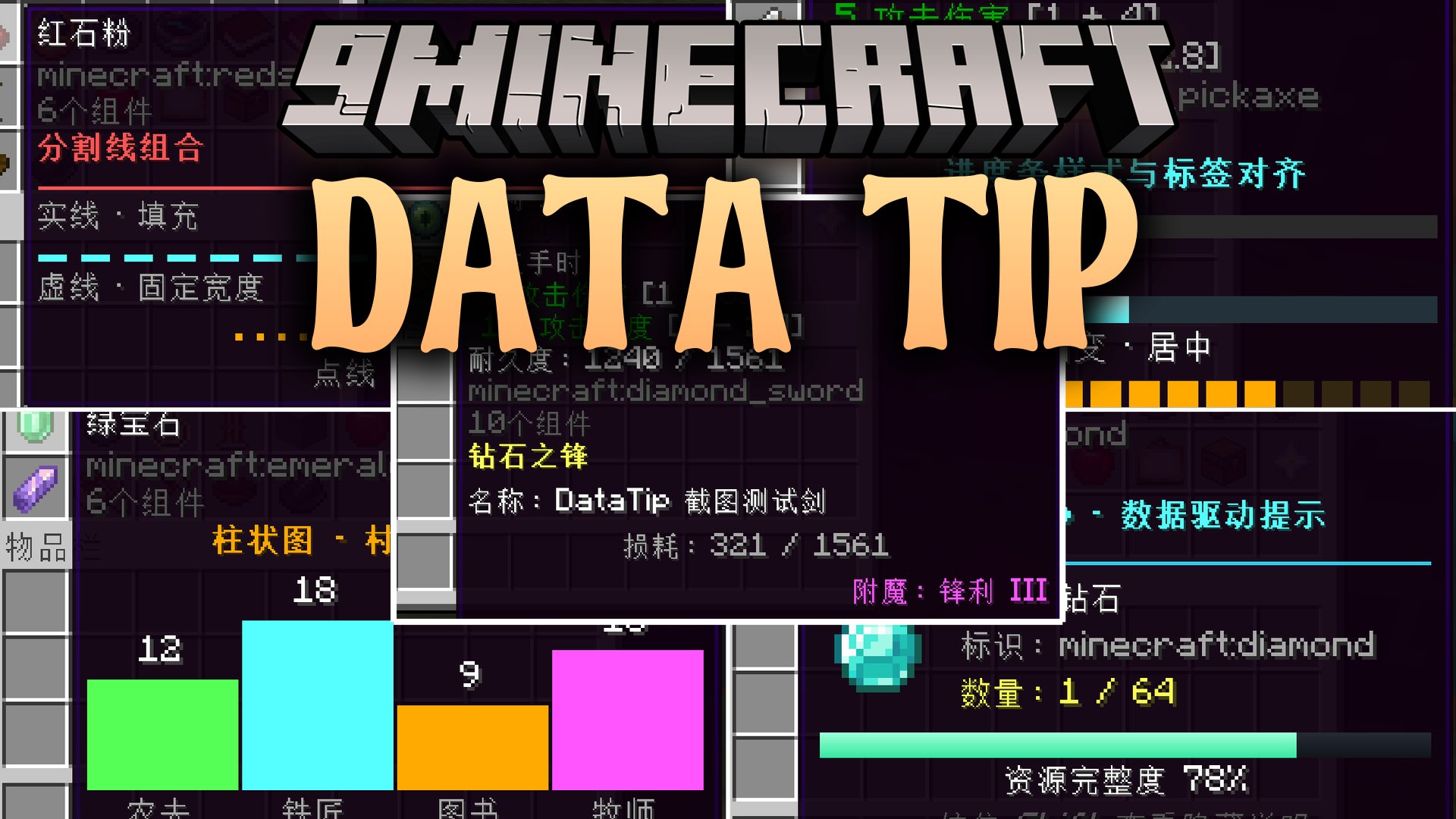
Features:
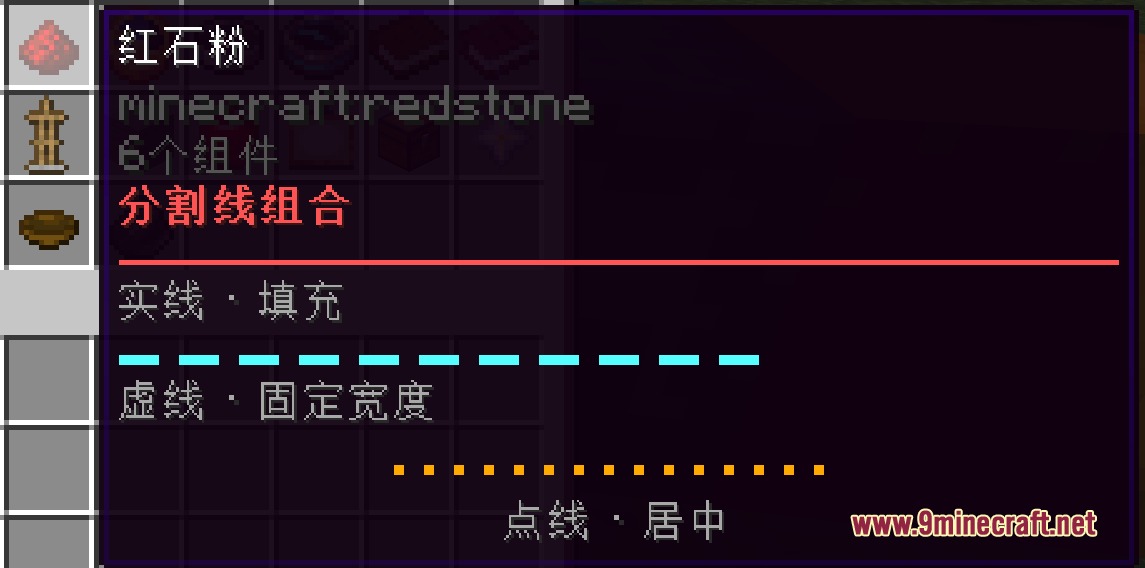
- Lets you create rich item tooltips with custom colors, bold styles, custom fonts, and formatting.
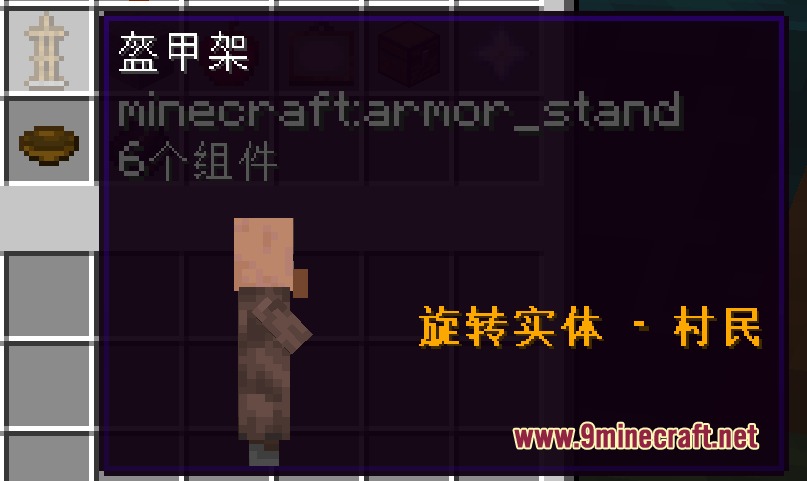
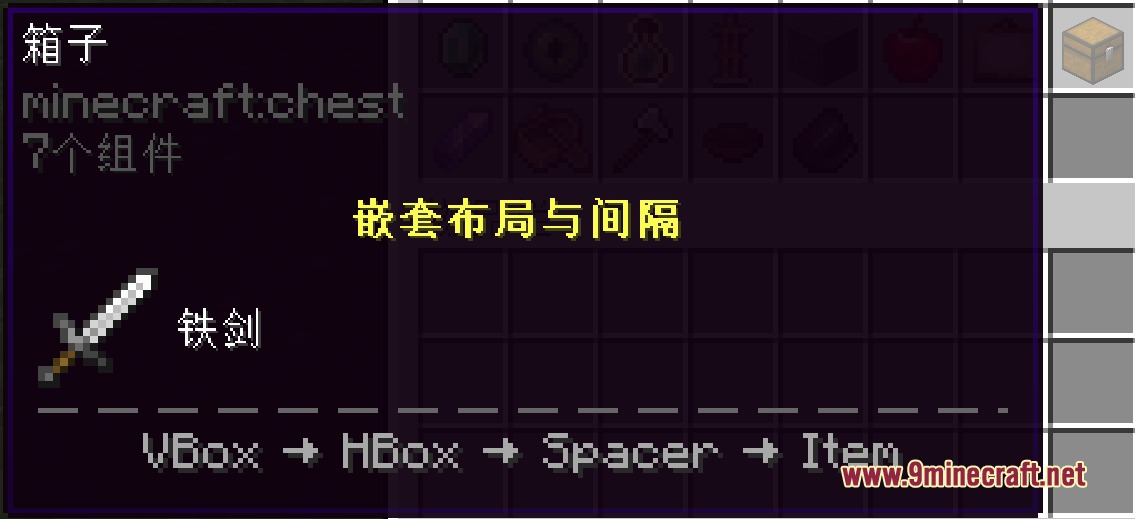
- Displays 3D rotating blocks, mob models, item icons, and custom textures directly inside the hover box.
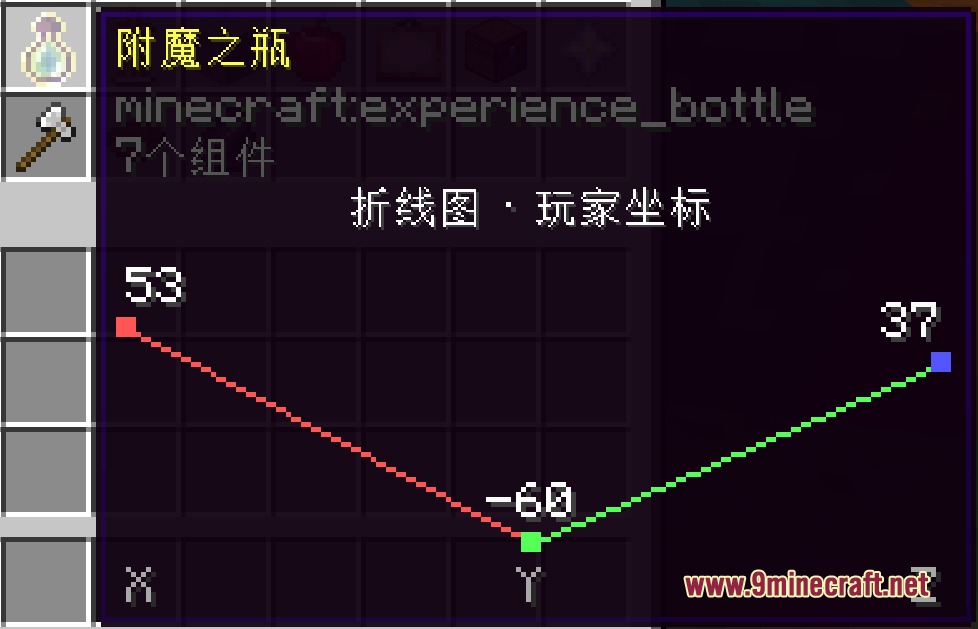
- Shows live values such as remaining durability, player health, world coordinates, and in-game time.
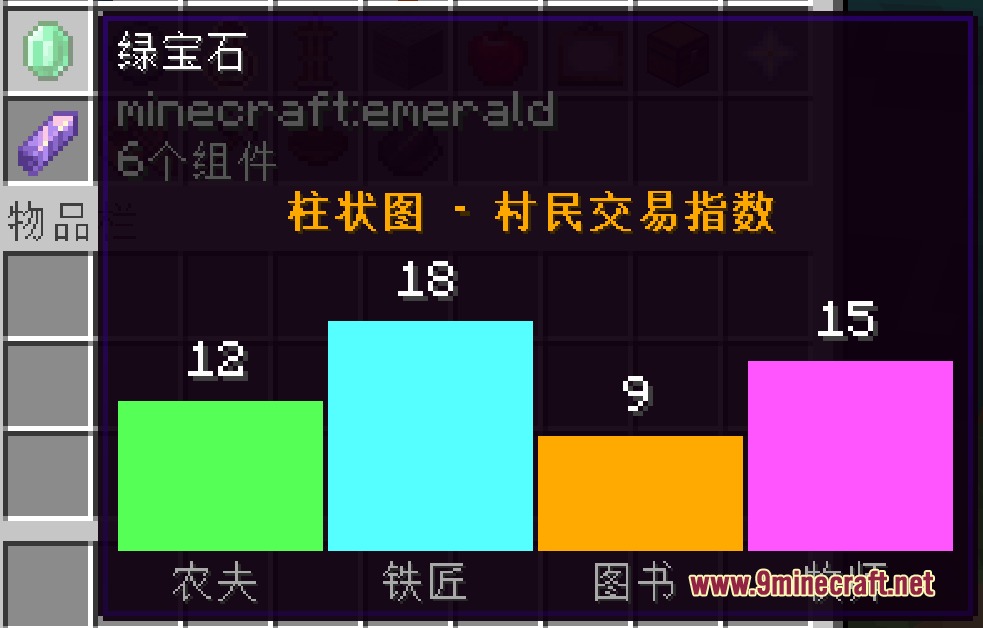
- Includes progress bars, carousels, typewriter text effects, and data charts like bar, pie, and line graphs.
- Matches items using exact IDs, item tags, or wildcard patterns.
- Uses conditions to display or hide tooltip lines based on biome, dimension, weather, player hunger, or NBT data.
- Hides extra information until you press and hold the keybind.
- Positions elements precisely with custom horizontal and vertical offsets.
- Reloads all tooltip definitions instantly without restarting the game.
Configuration:
enabled: Global toggle to turn the tooltip system on or off.defaultColor: Sets the default text color using ARGB values.defaultLineHeight: Sets the default line spacing in pixels.maxWidth: Sets the maximum width limit for tooltip boxes.
How to Use:
- Create a JSON file at
assets/<namespace>/datatip/datatip.jsoninside your resource pack. - Define your item IDs and add your desired text, colors, conditions, or components.
- Press F3 + T or run
/reloadin-game to apply your changes. - Hover over the item in your inventory and hold Left Shift to view hidden details.
Screenshots:
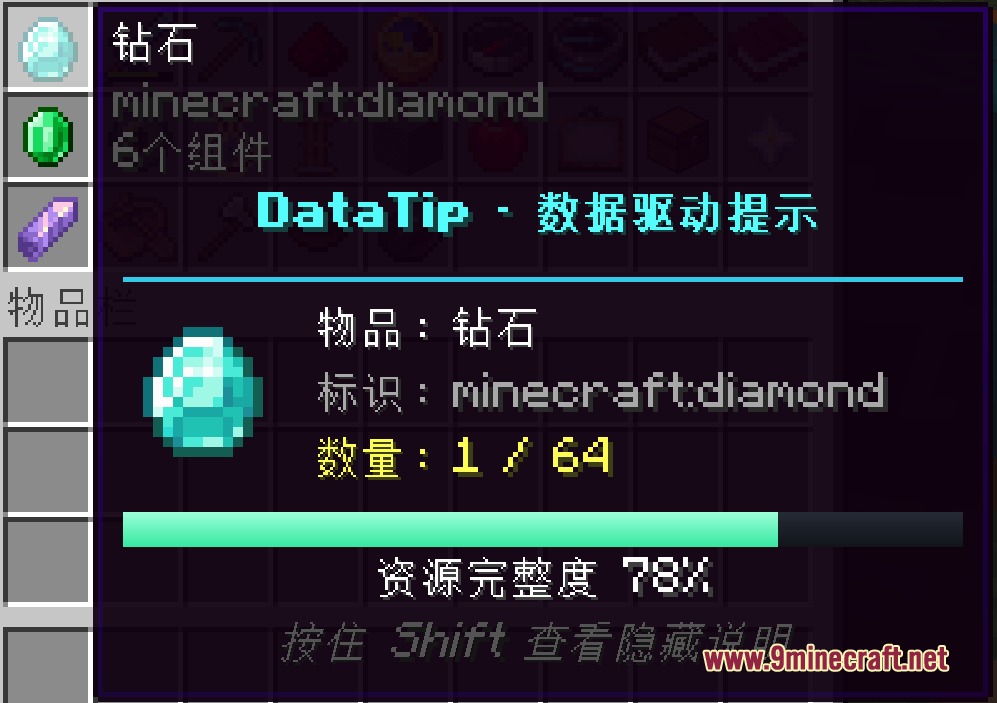
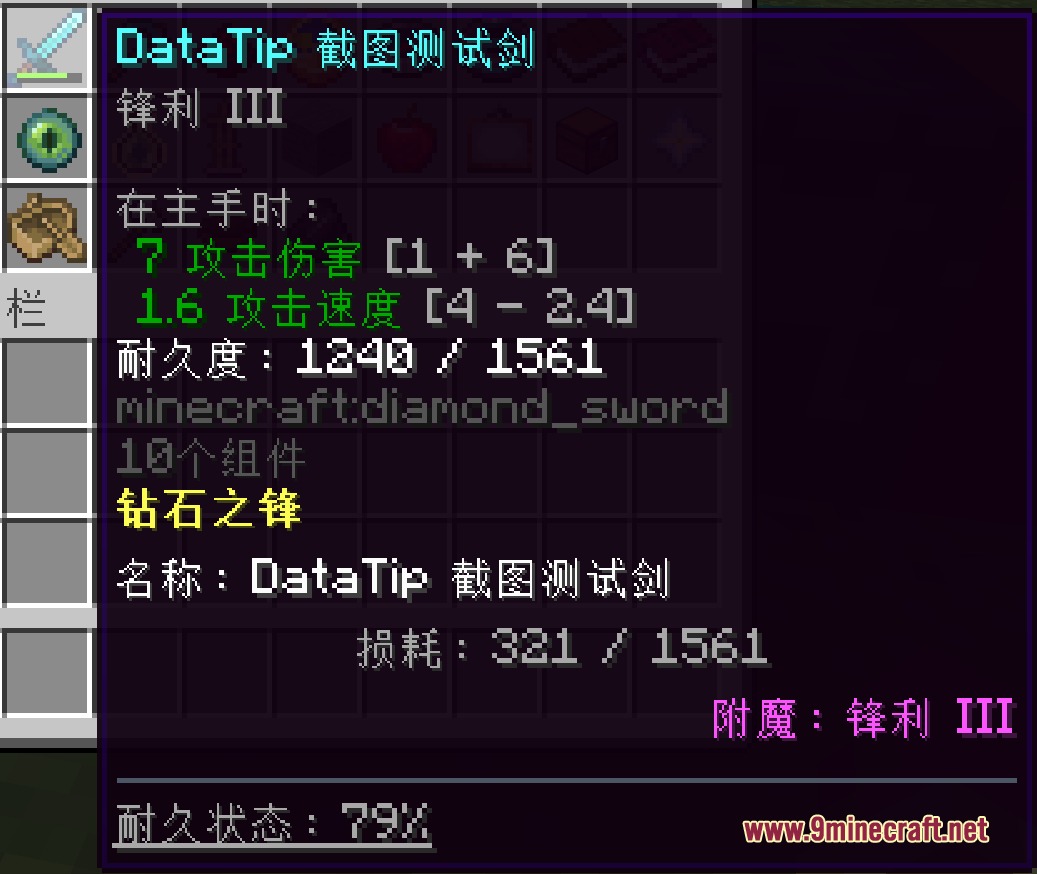
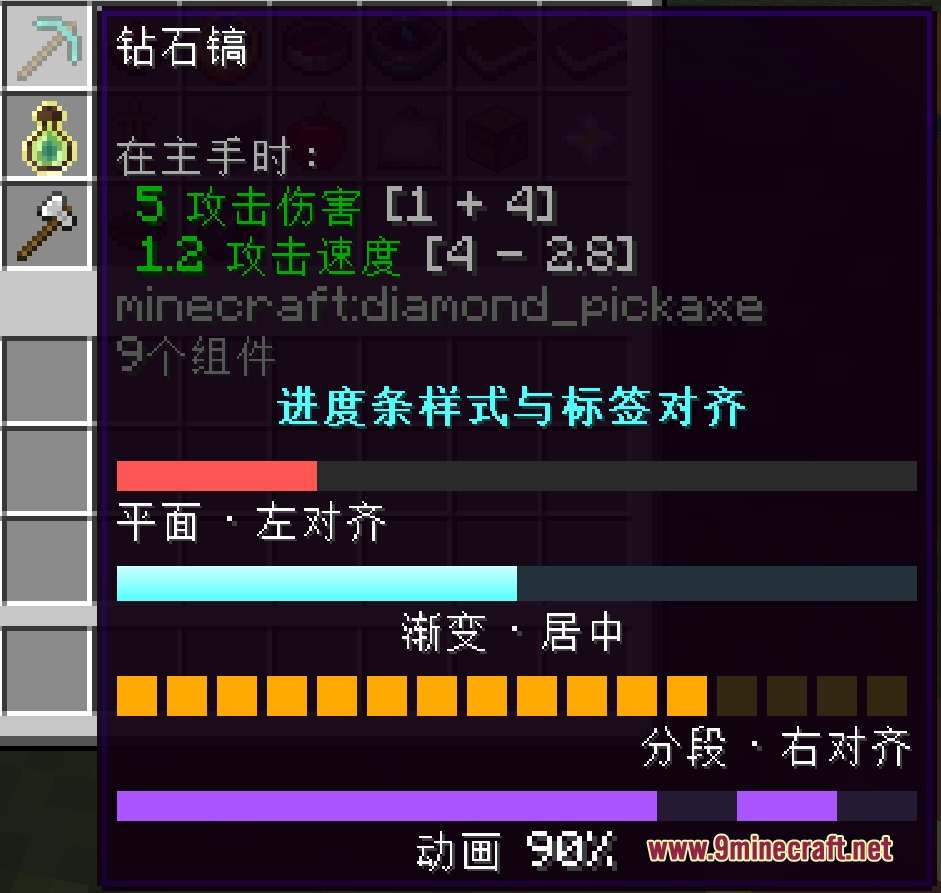
How to Install:
New to Minecraft? Follow our step-by-step guide to install Mods on your PC.View Guide
Requirements:


Data Tip Mod Download Links
For Minecraft 1.21.1, 1.21
For Minecraft 1.20.1, 1.20
Click to rate this post!
[Total: 0 Average: 0]
You May Also Like





This post has no comments yet. Be the first — your comment will appear here.