Dragon Mine Z Mod (1.20.1) – Dragon Ball Z Adventure

 0
0  6 days ago
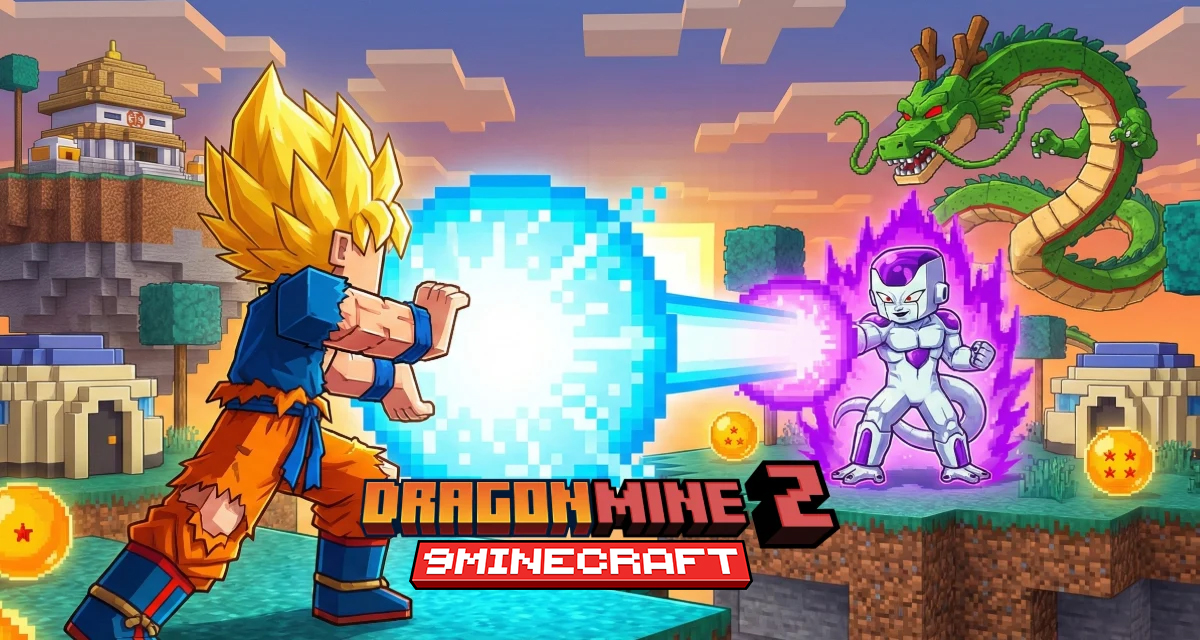
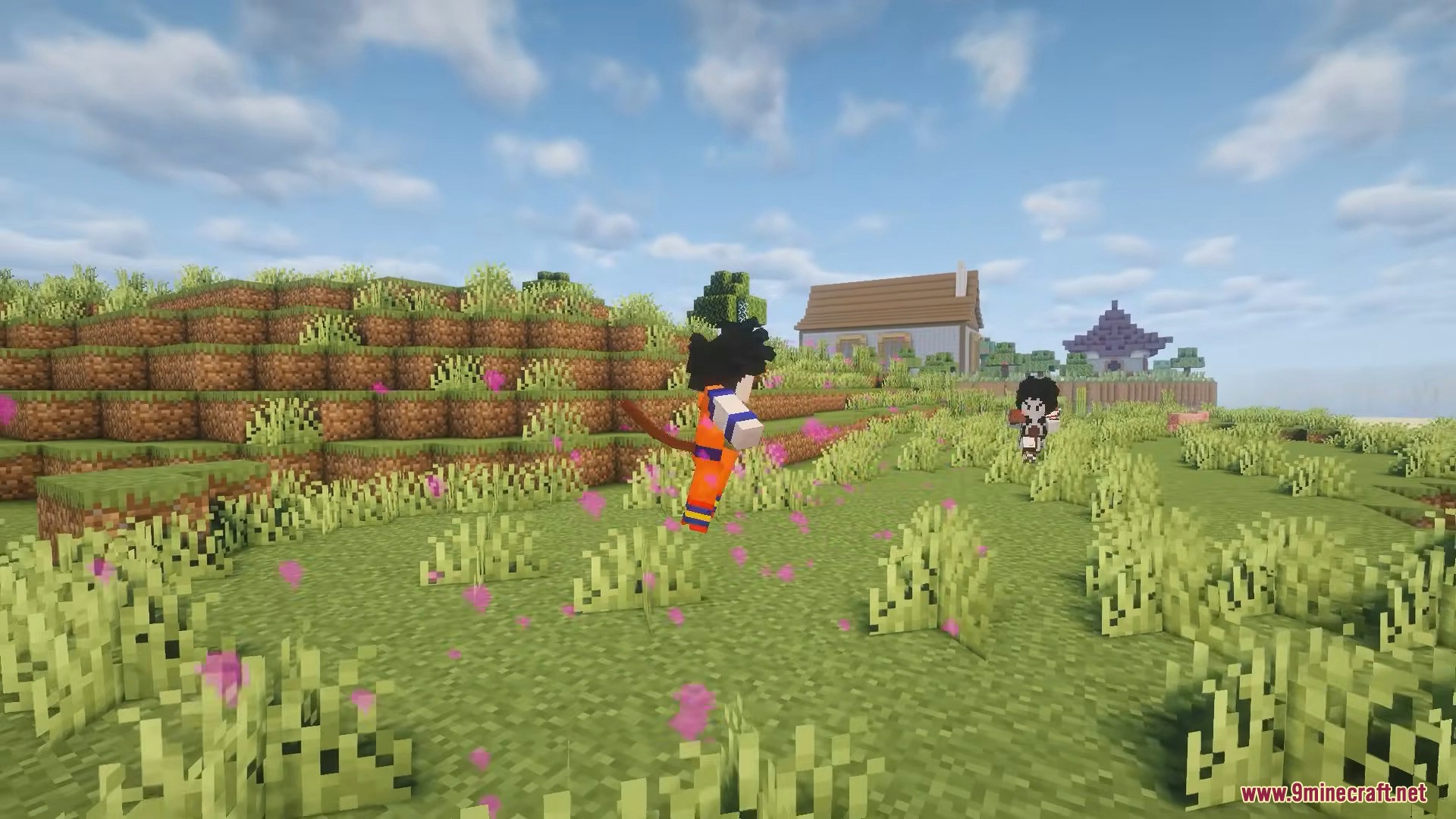
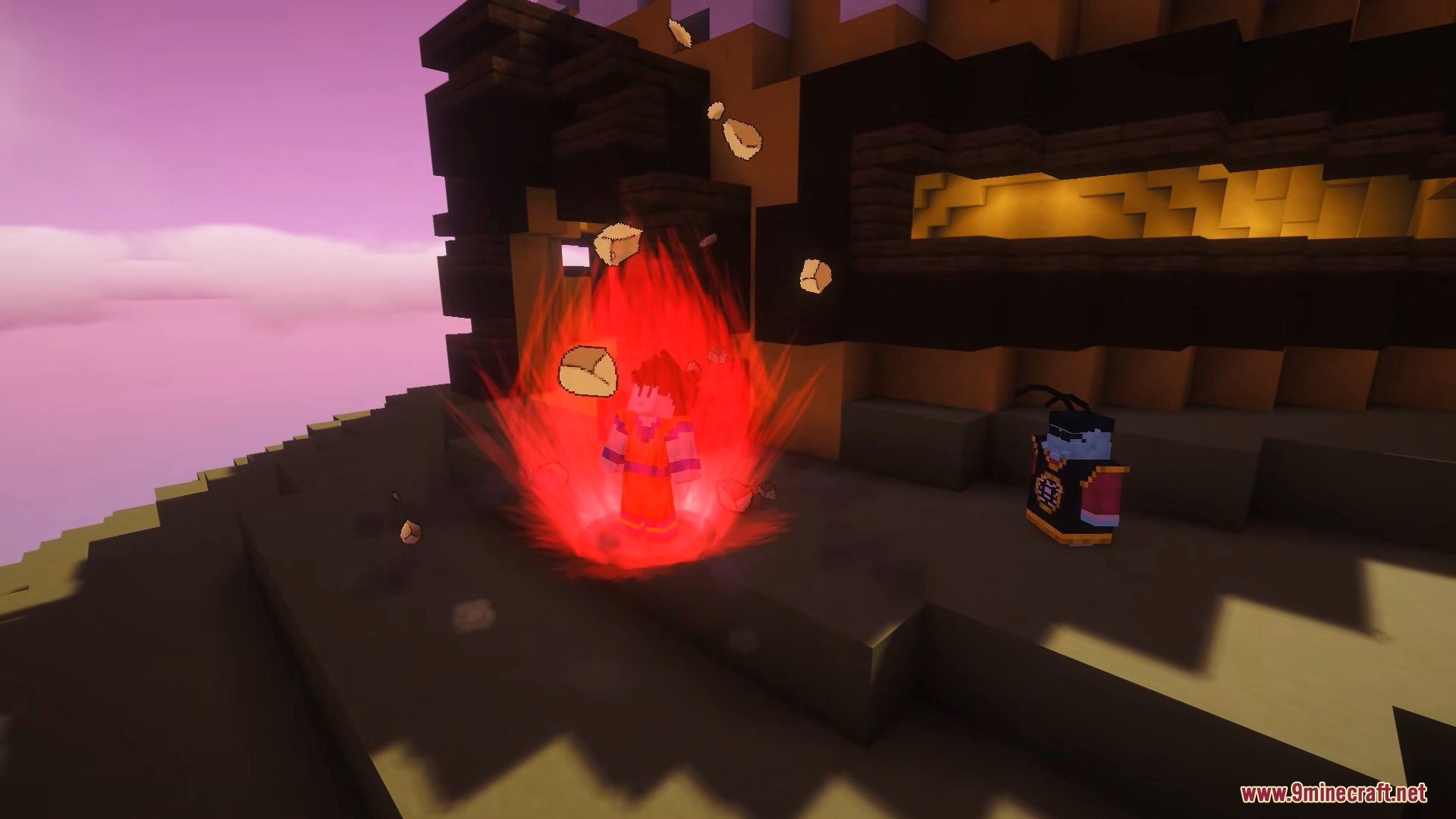
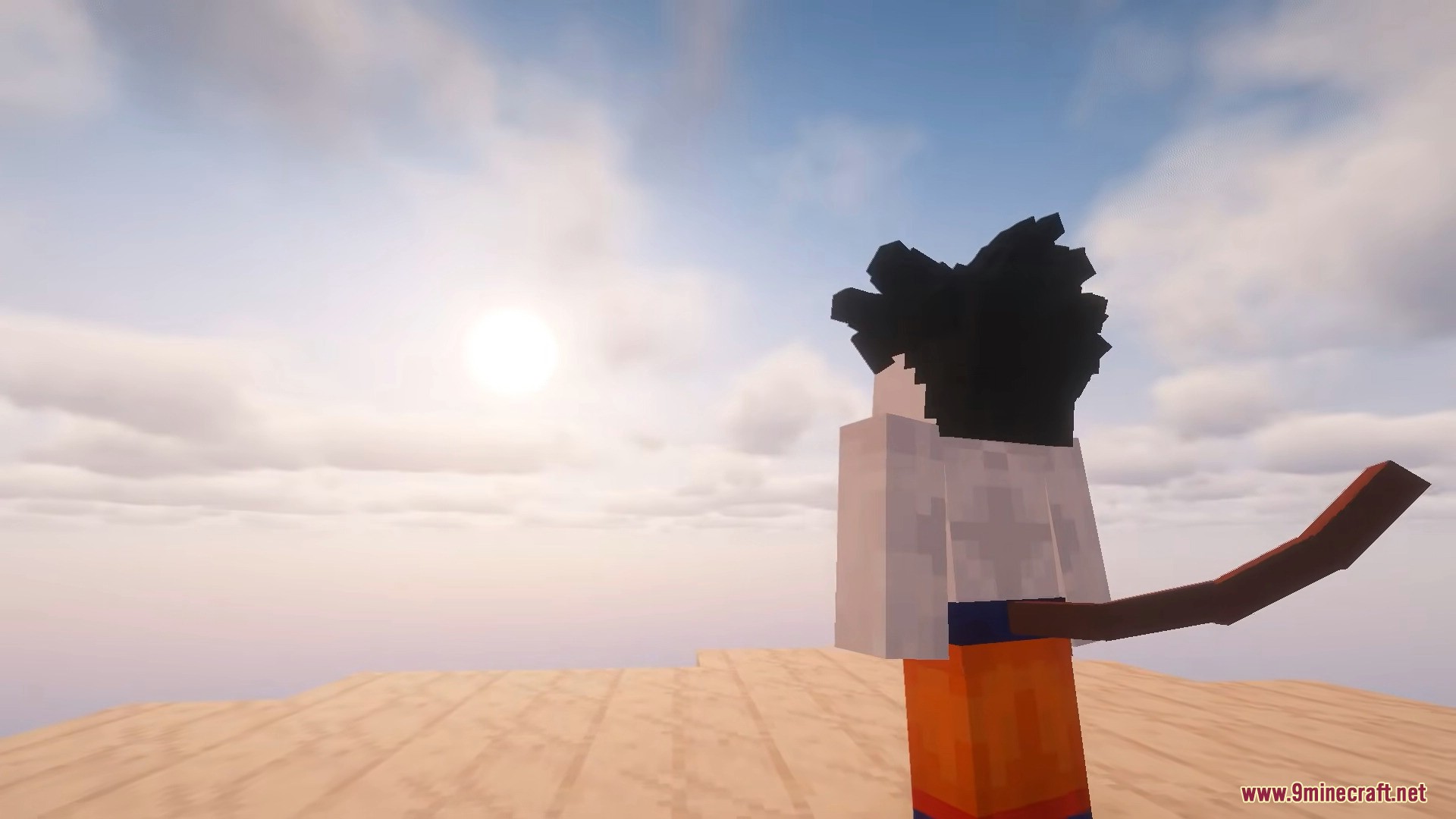
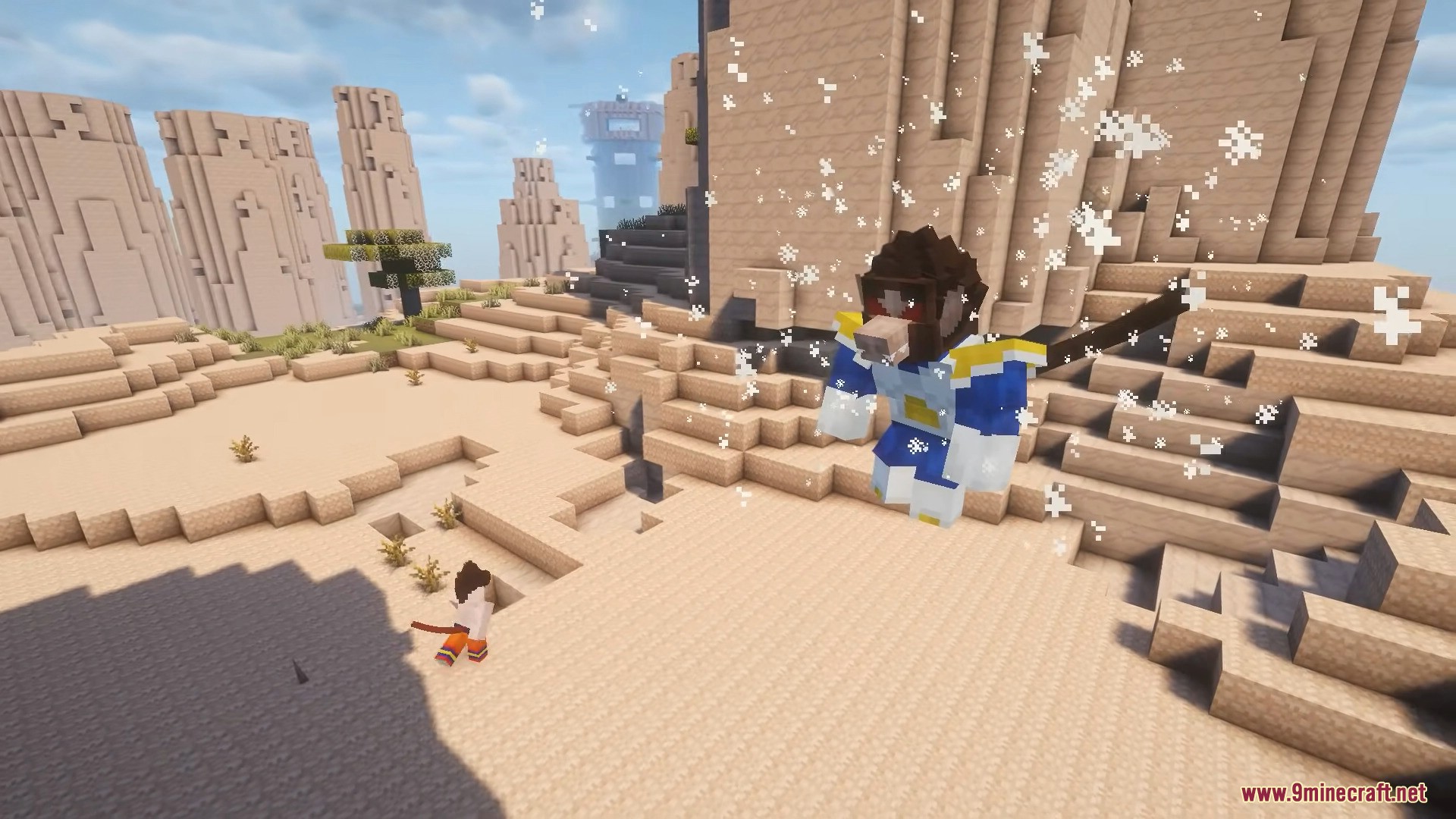
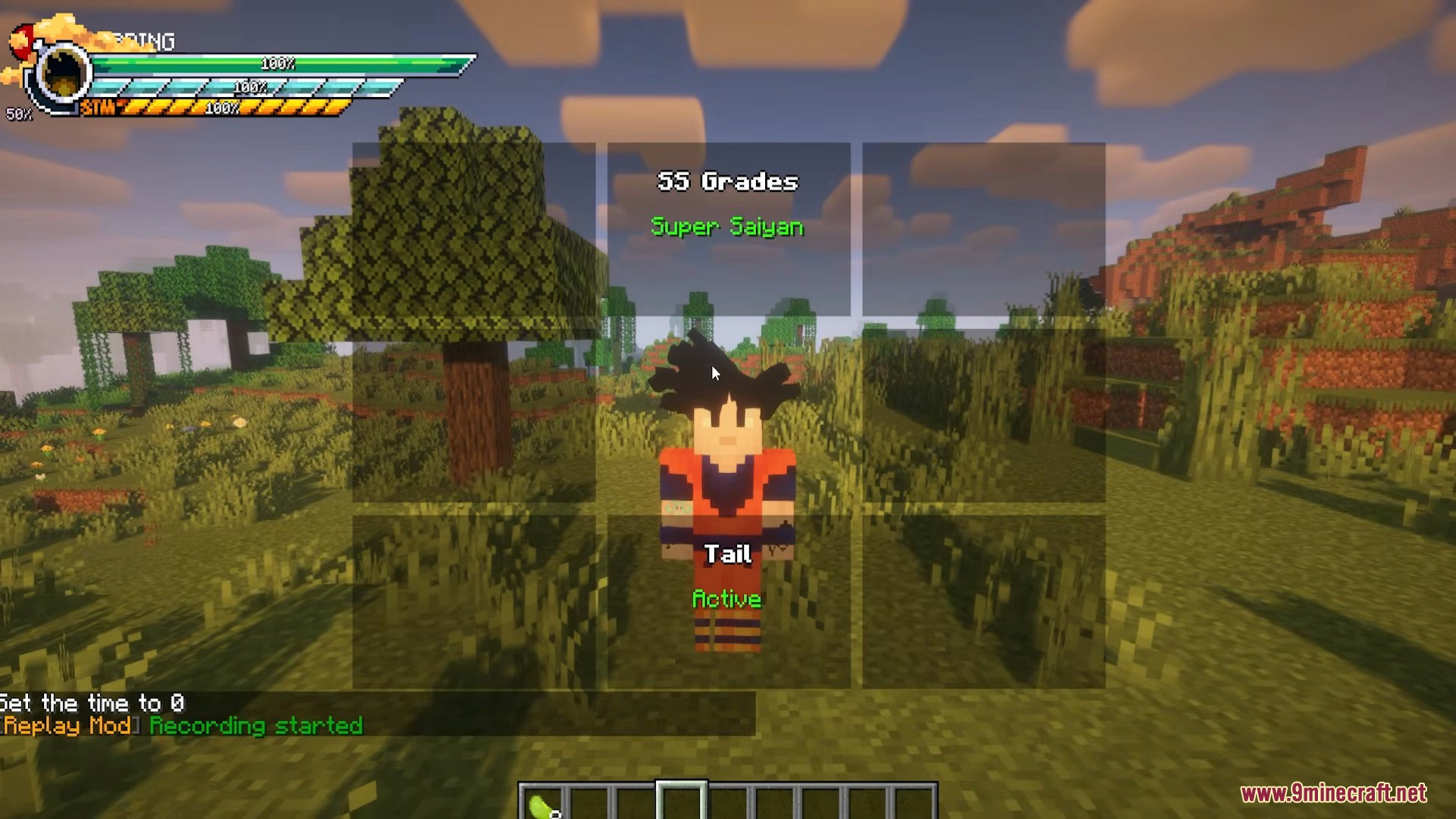
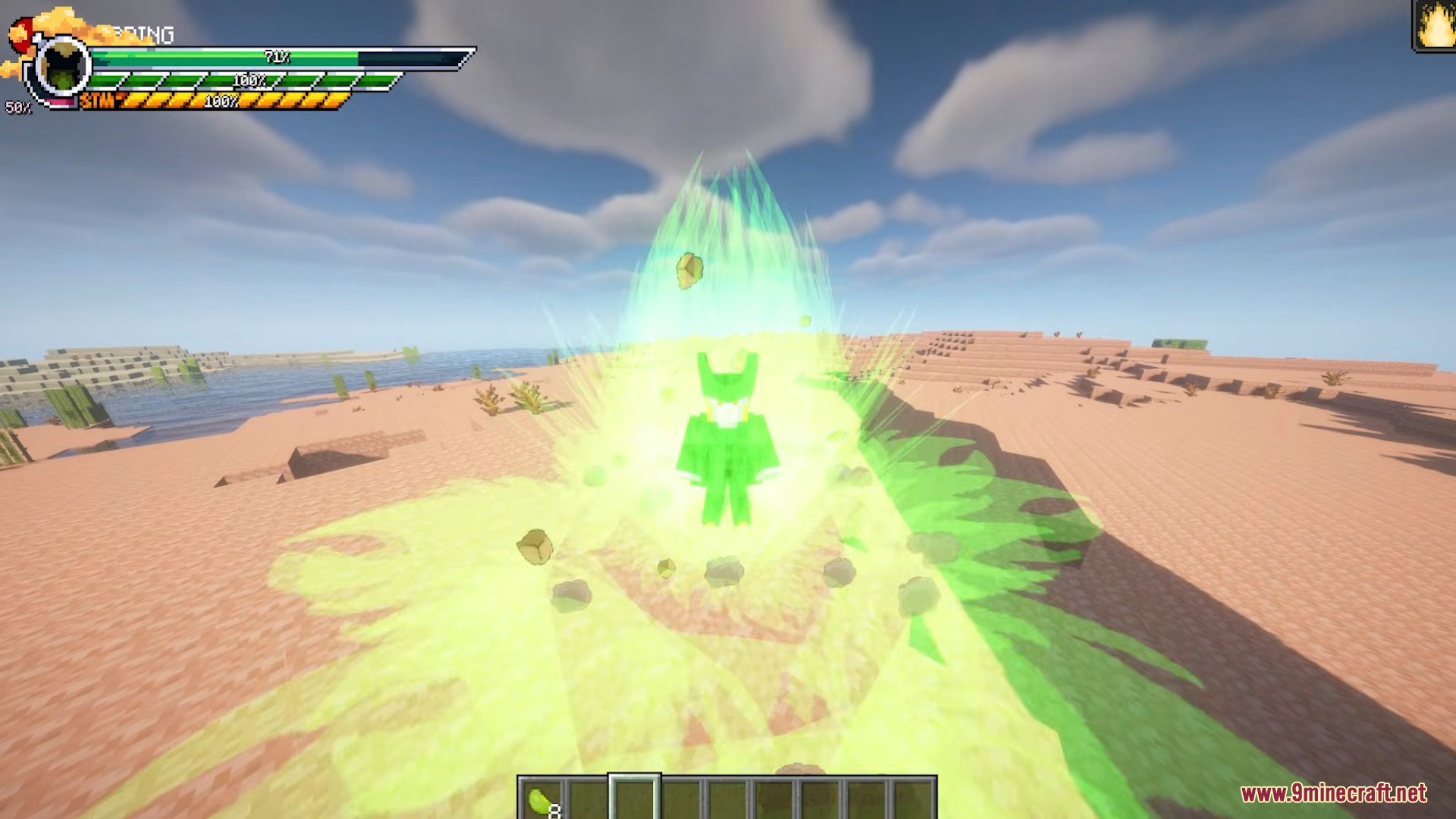
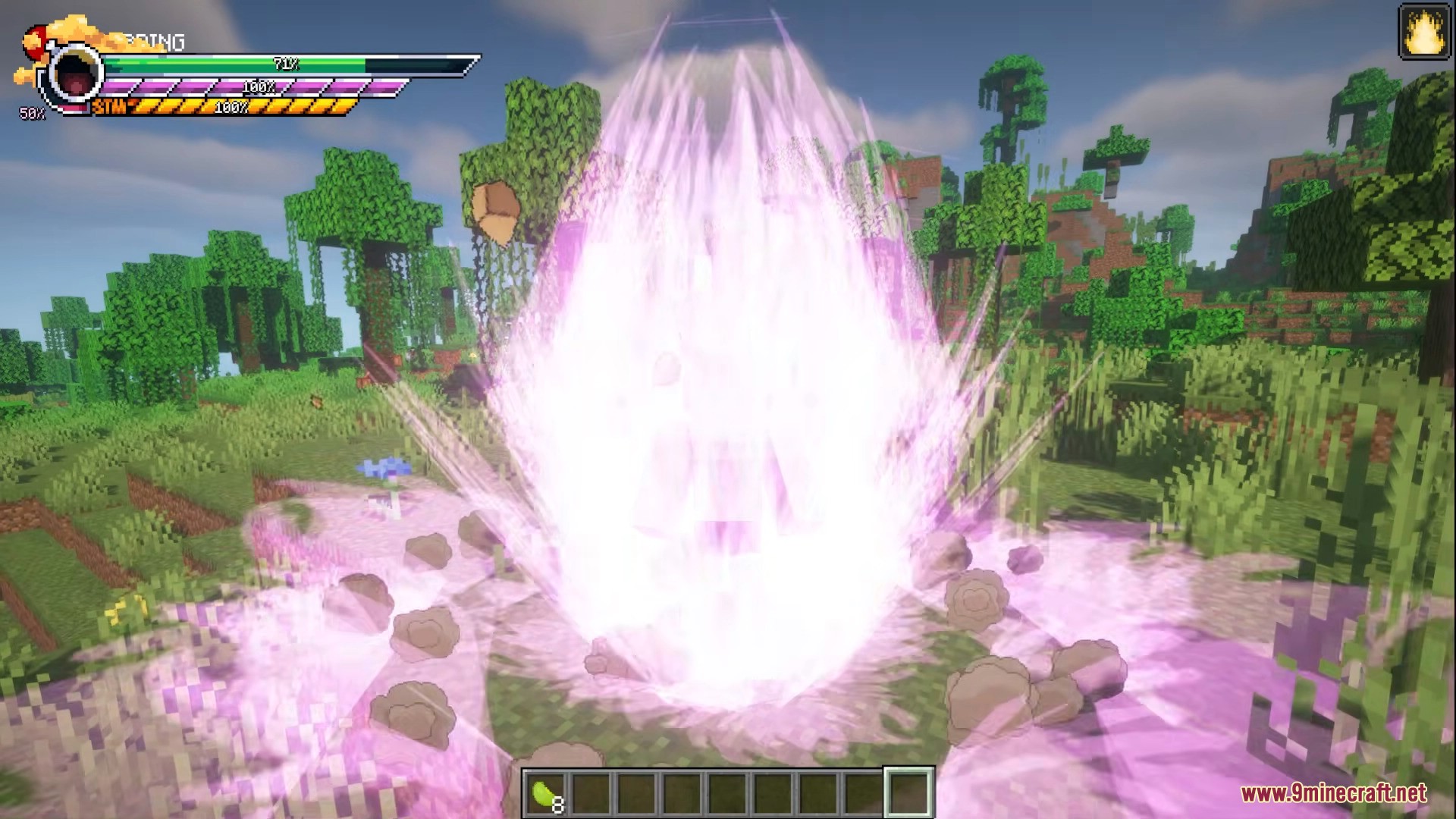
Dragon Mine Z Mod (1.20.1) is an immersive Minecraft mod inspired by Dragon Ball, bringing a full anime-style progression system into survival gameplay. Create and customize your own character from multiple races, level up detailed stats and skills, unlock powerful transformations, and explore iconic locations like Kami’s Lookout and Planet Namek. Collect the Dragon Balls, summon Shenron, and grow stronger through structured story content and intense battles. The mod is highly configurable, server-friendly, and designed to feel like a natural extension of vanilla Minecraft.
Features:
- Custom Character Creation
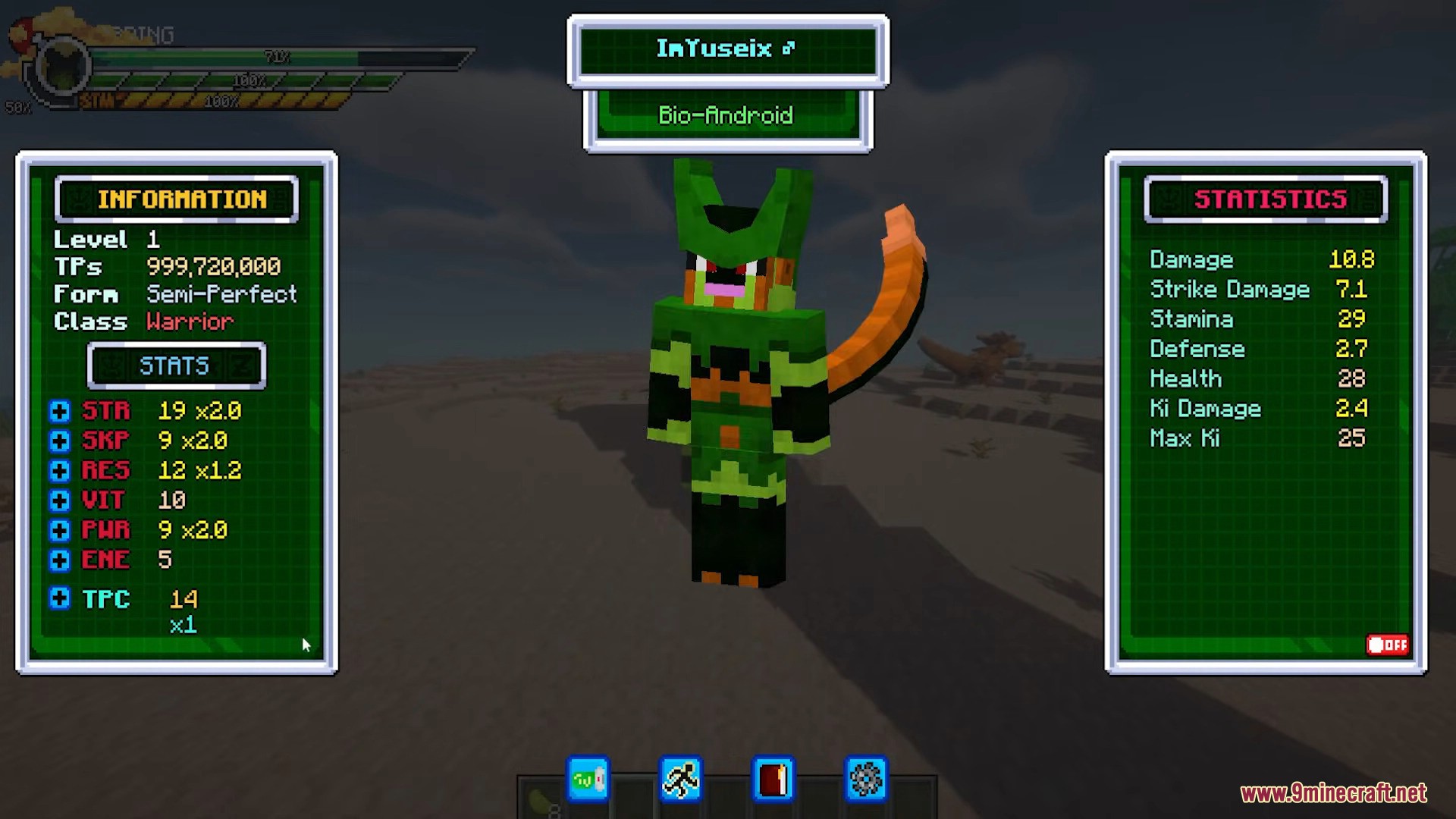
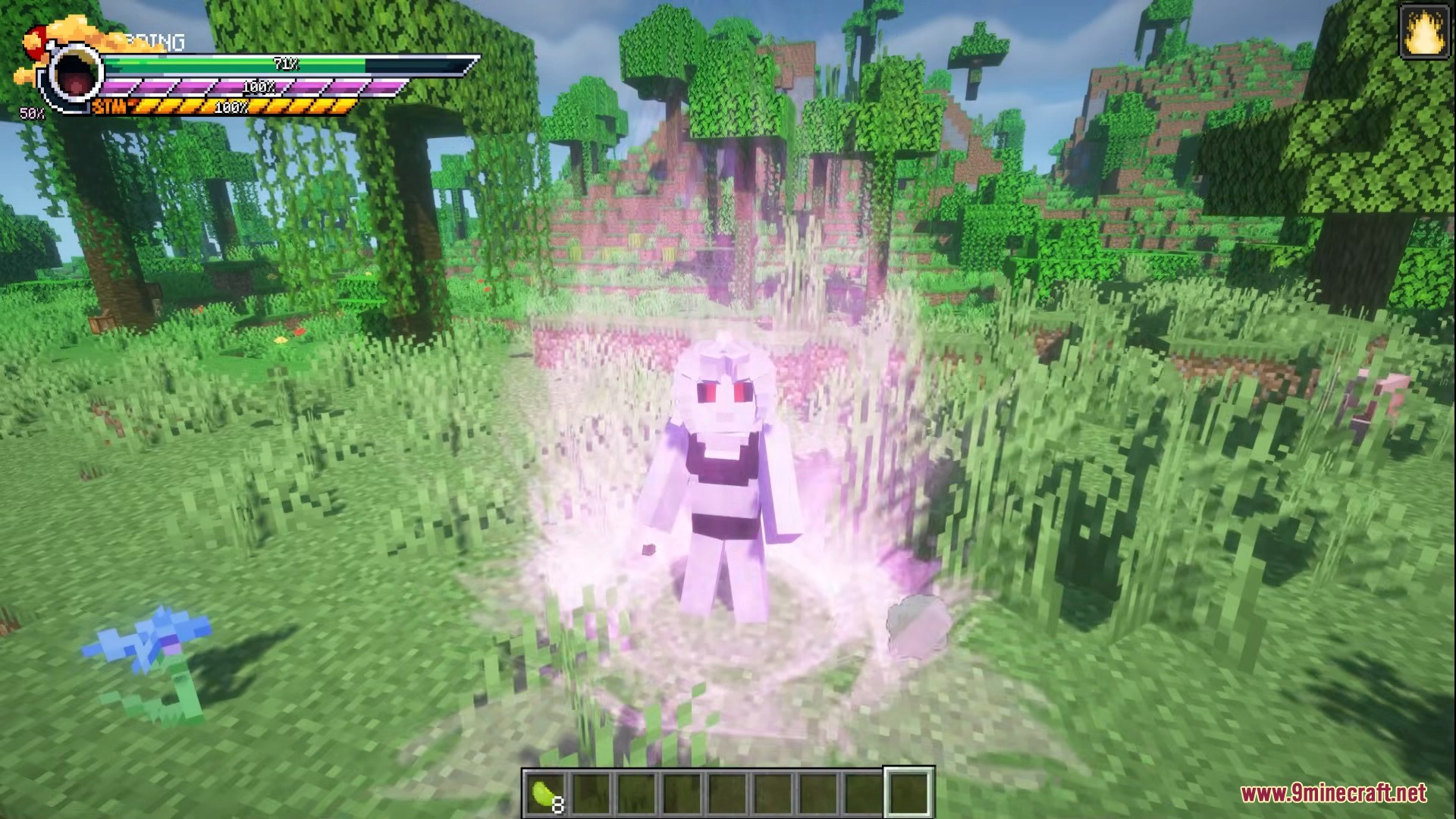
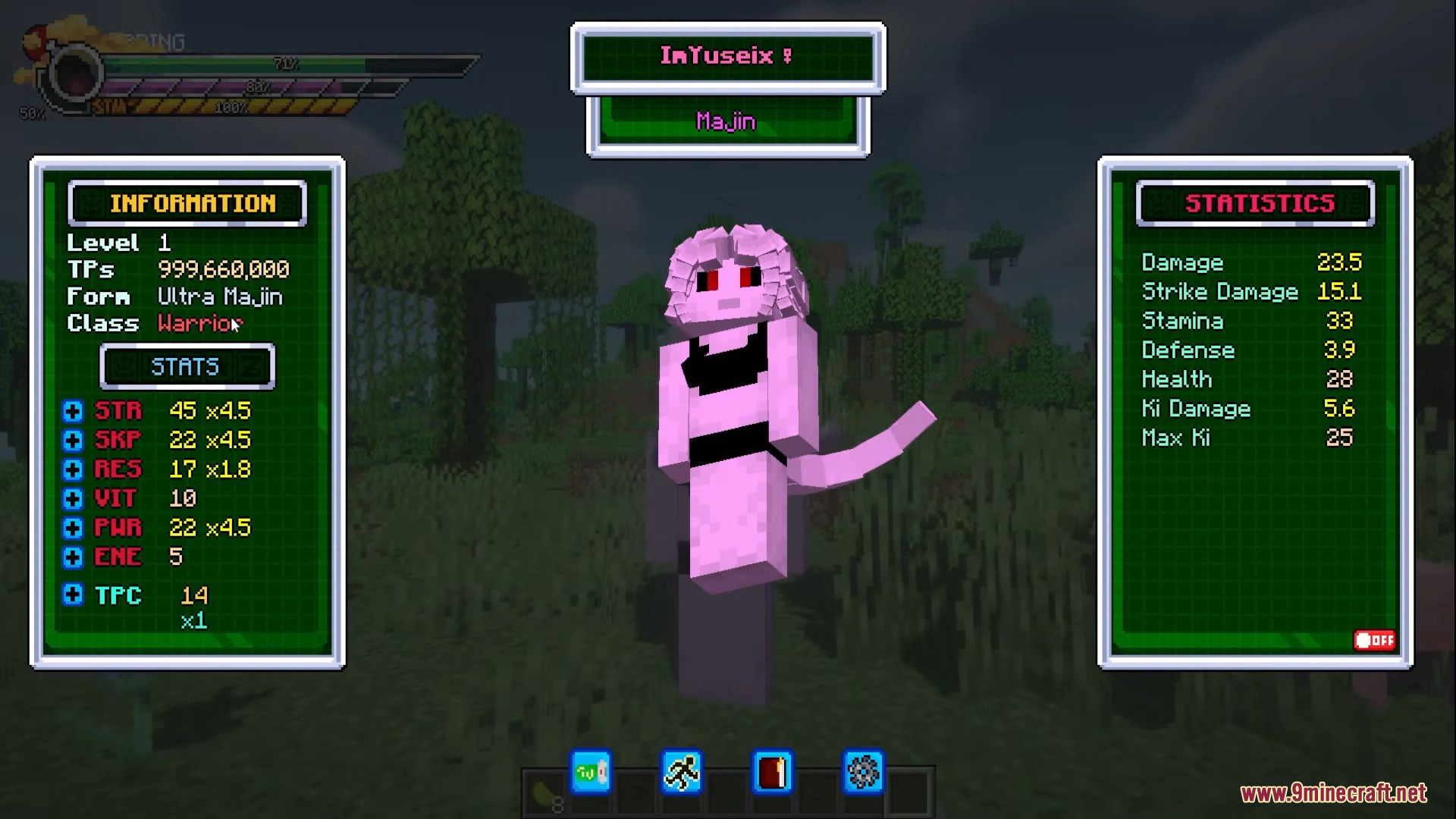
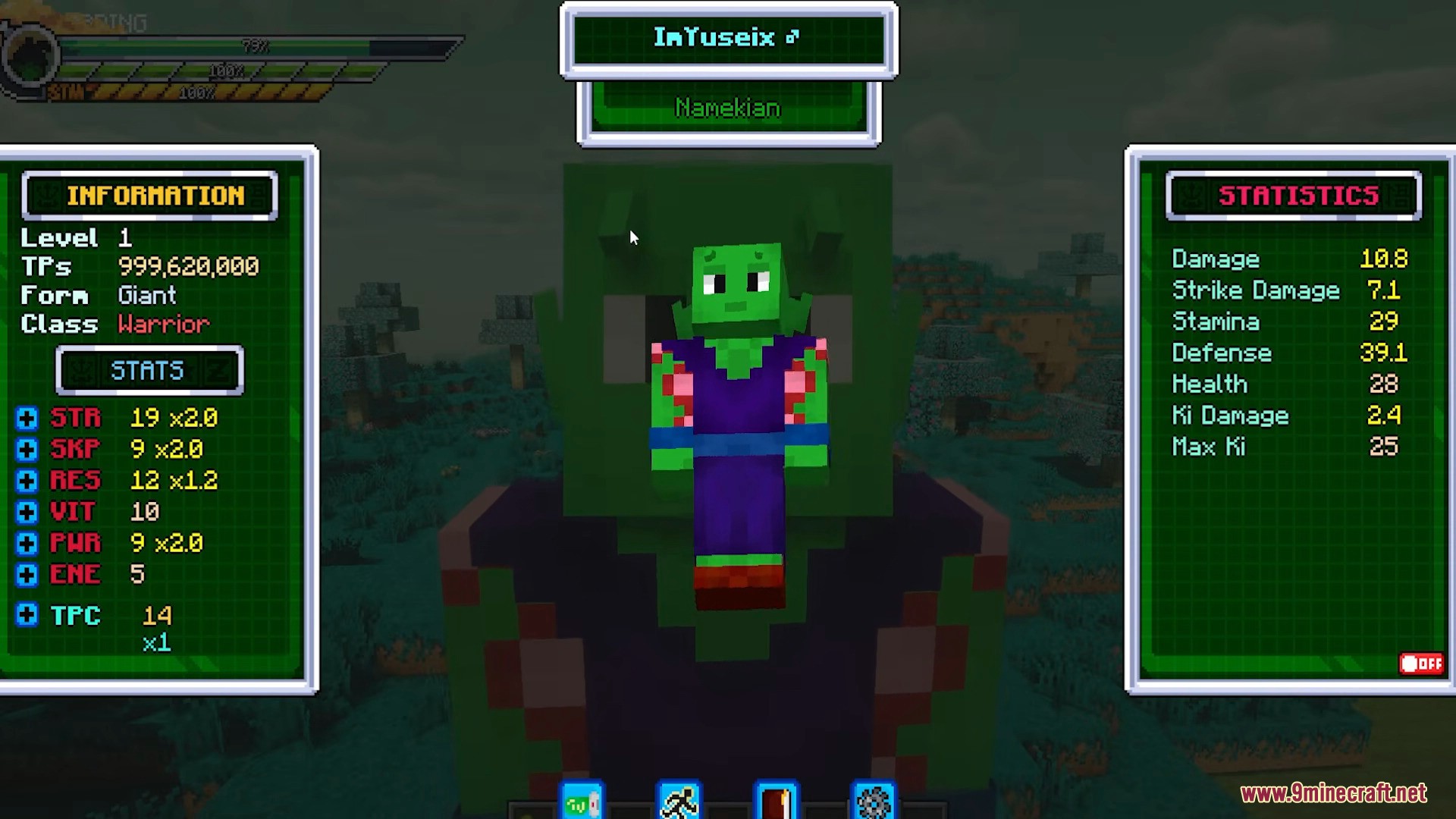
- Play as Human, Saiyan, Namekian, Frost Demon, Bio-Android, or Majin
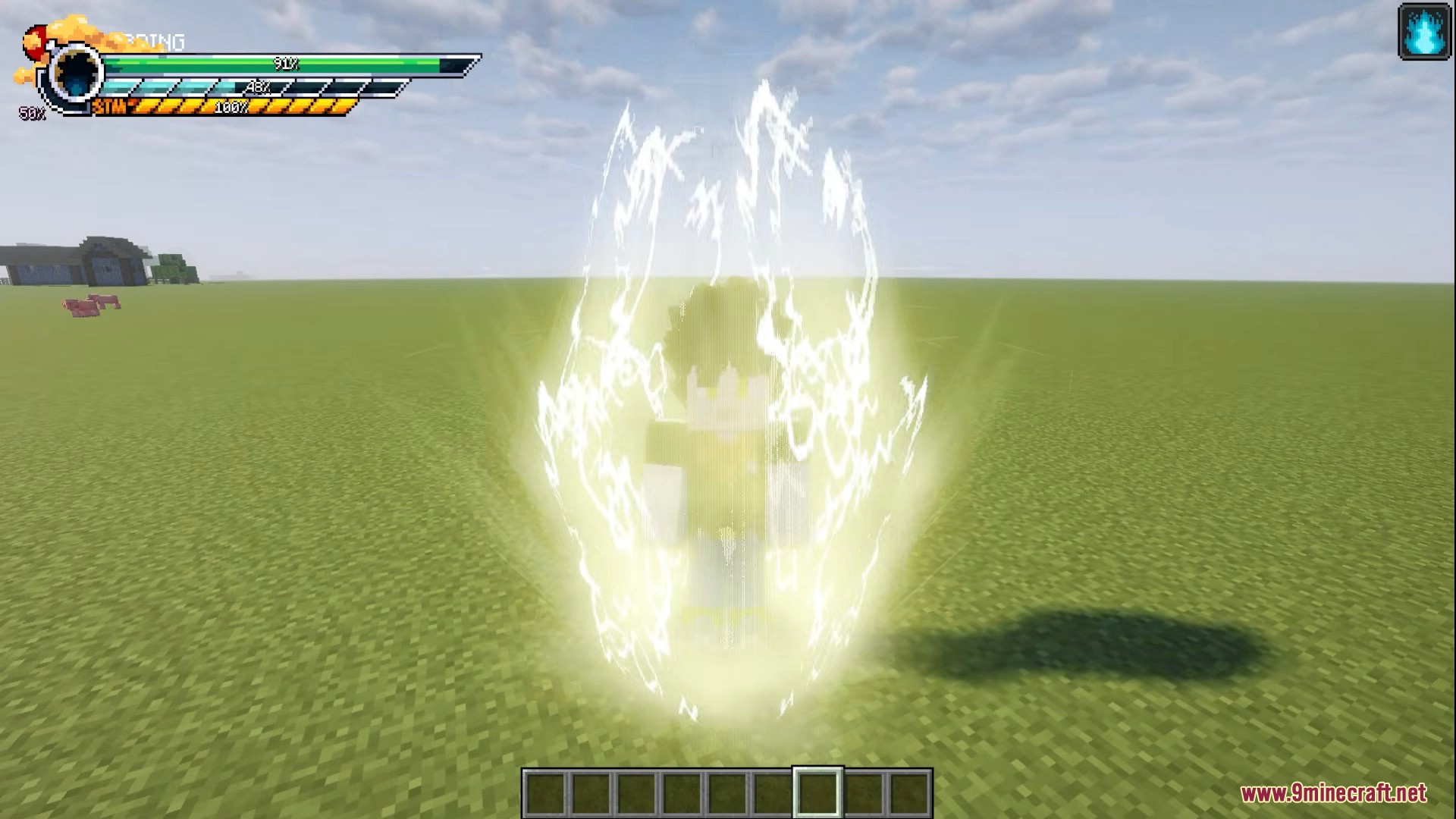
- Customize hair, eyes, skin, aura, colors, and more
- Advanced Stats & Skills System
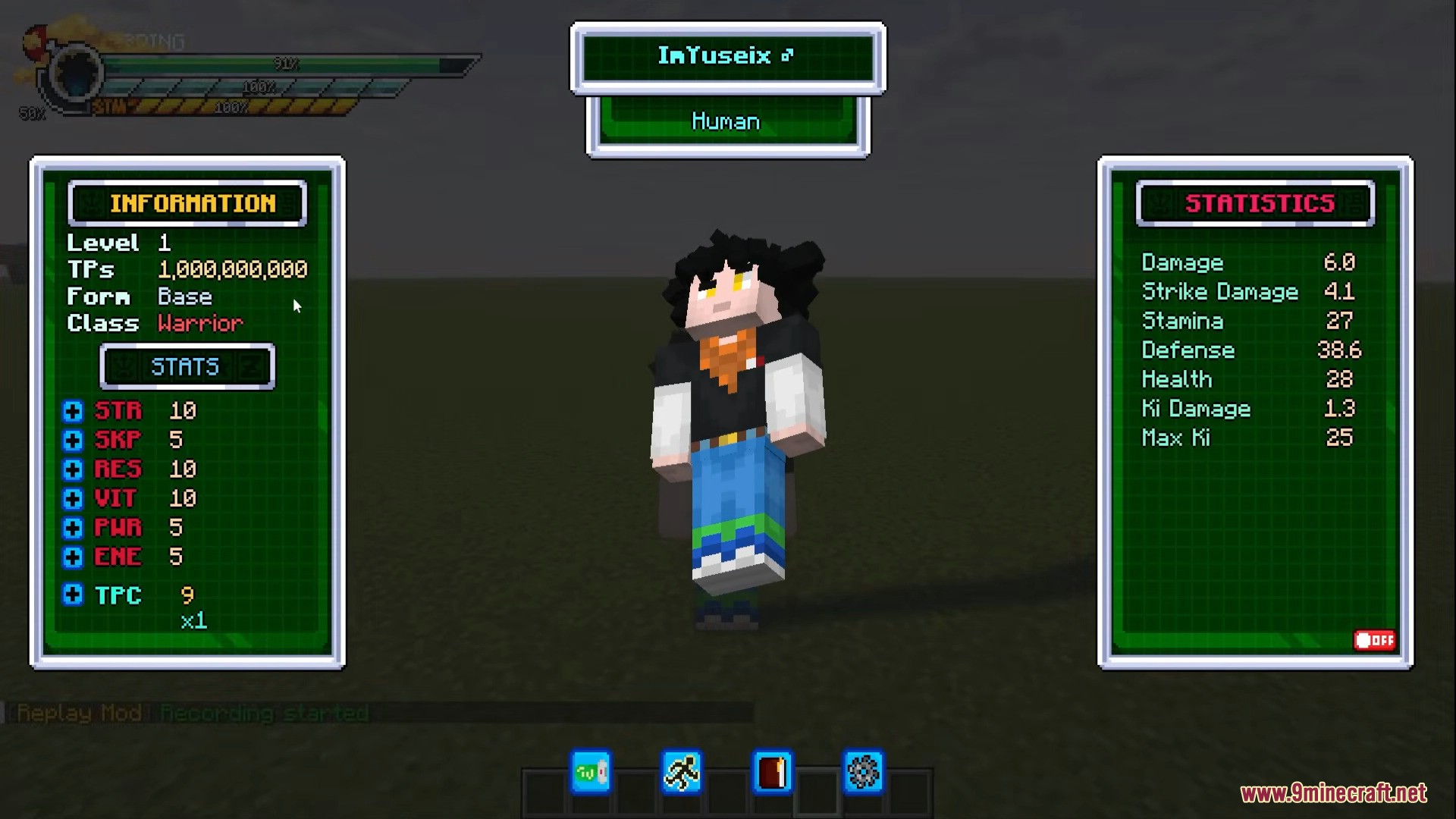
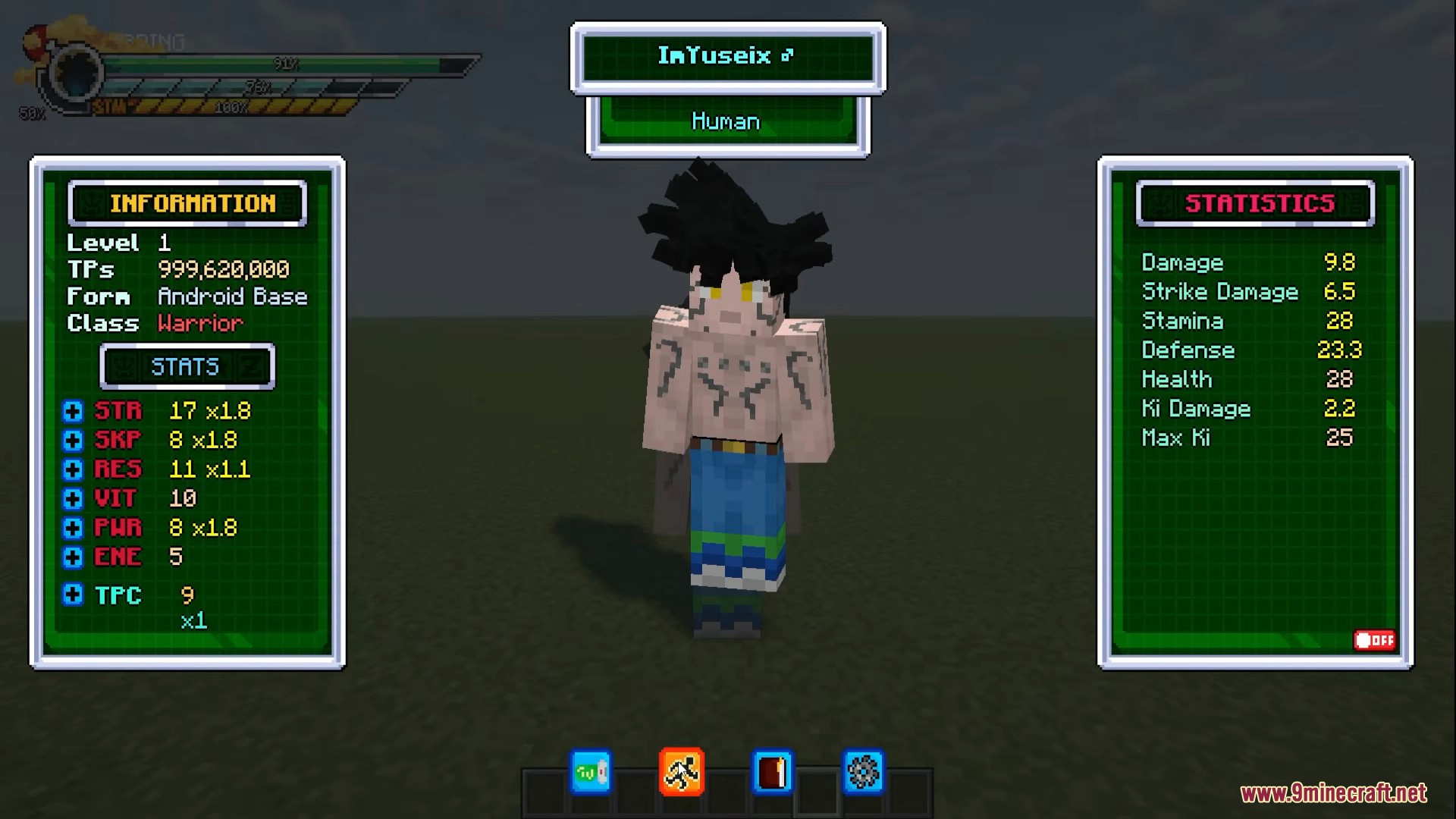
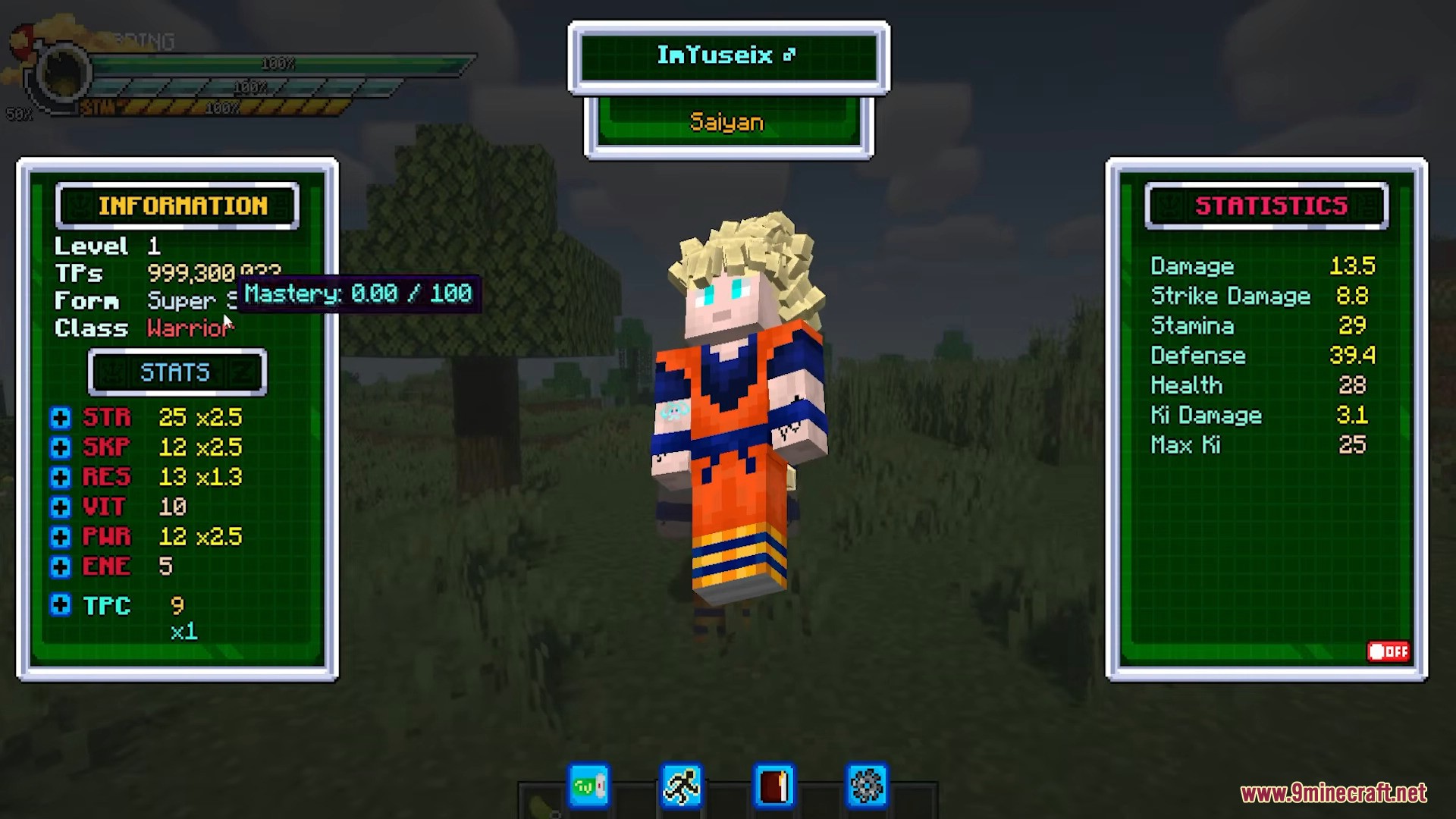
- Six core stats: Strength, Strike Power, Resistance, Vitality, Ki Power, Energy
- Level up stats and unlock powerful skills
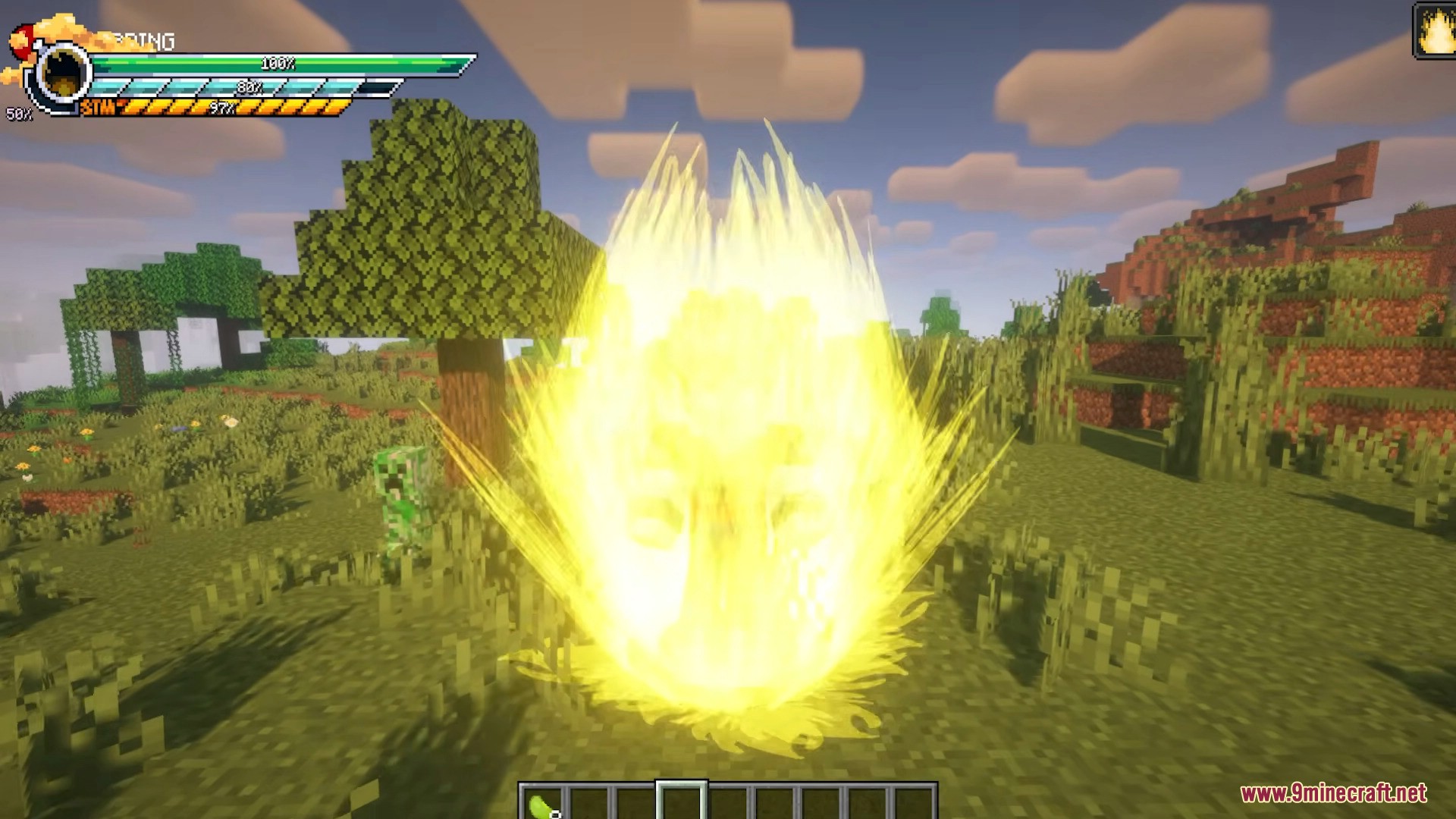
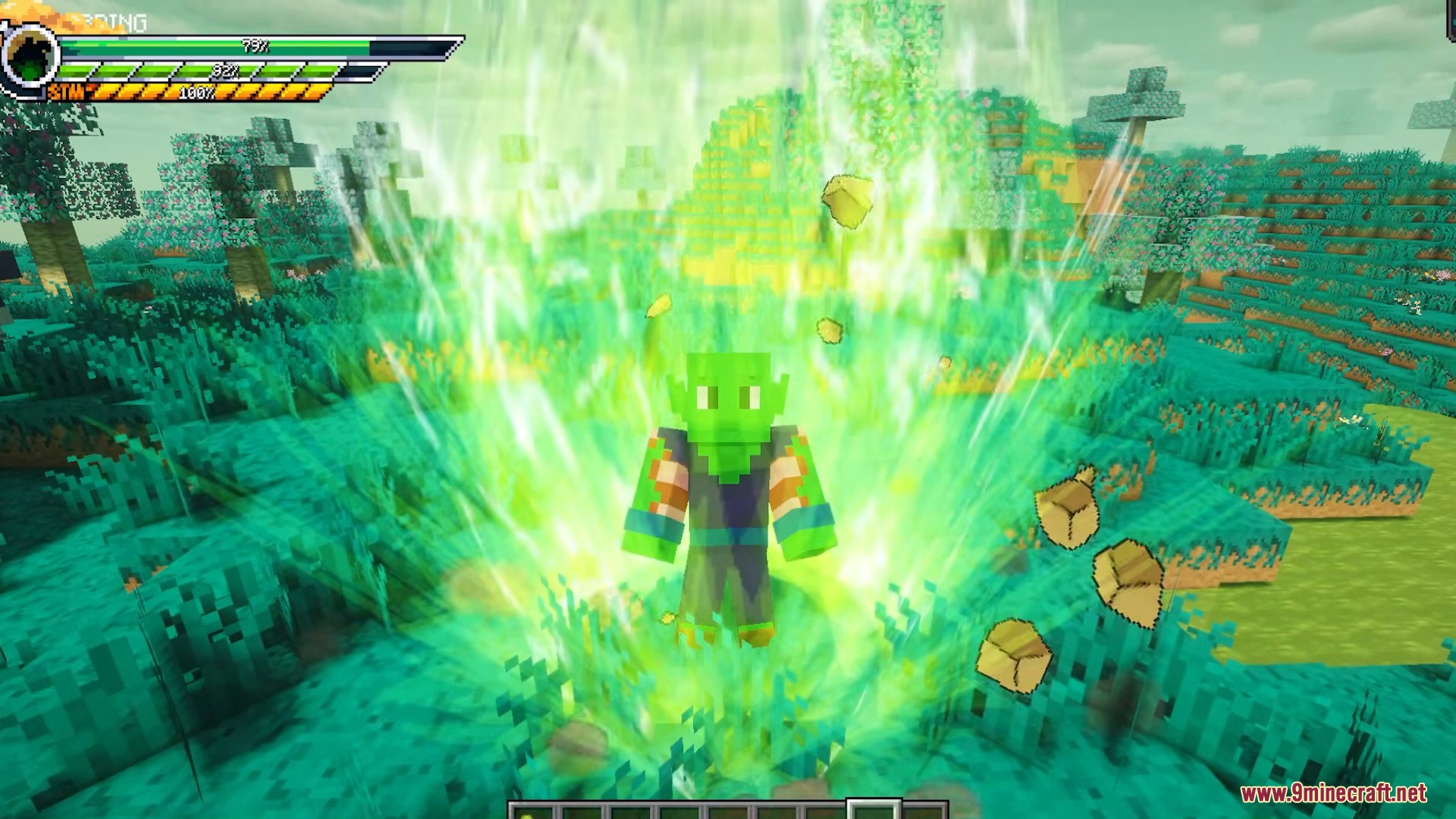
- Transformations with stat multipliers and Ki consumption
- Iconic Structures & Dimensions
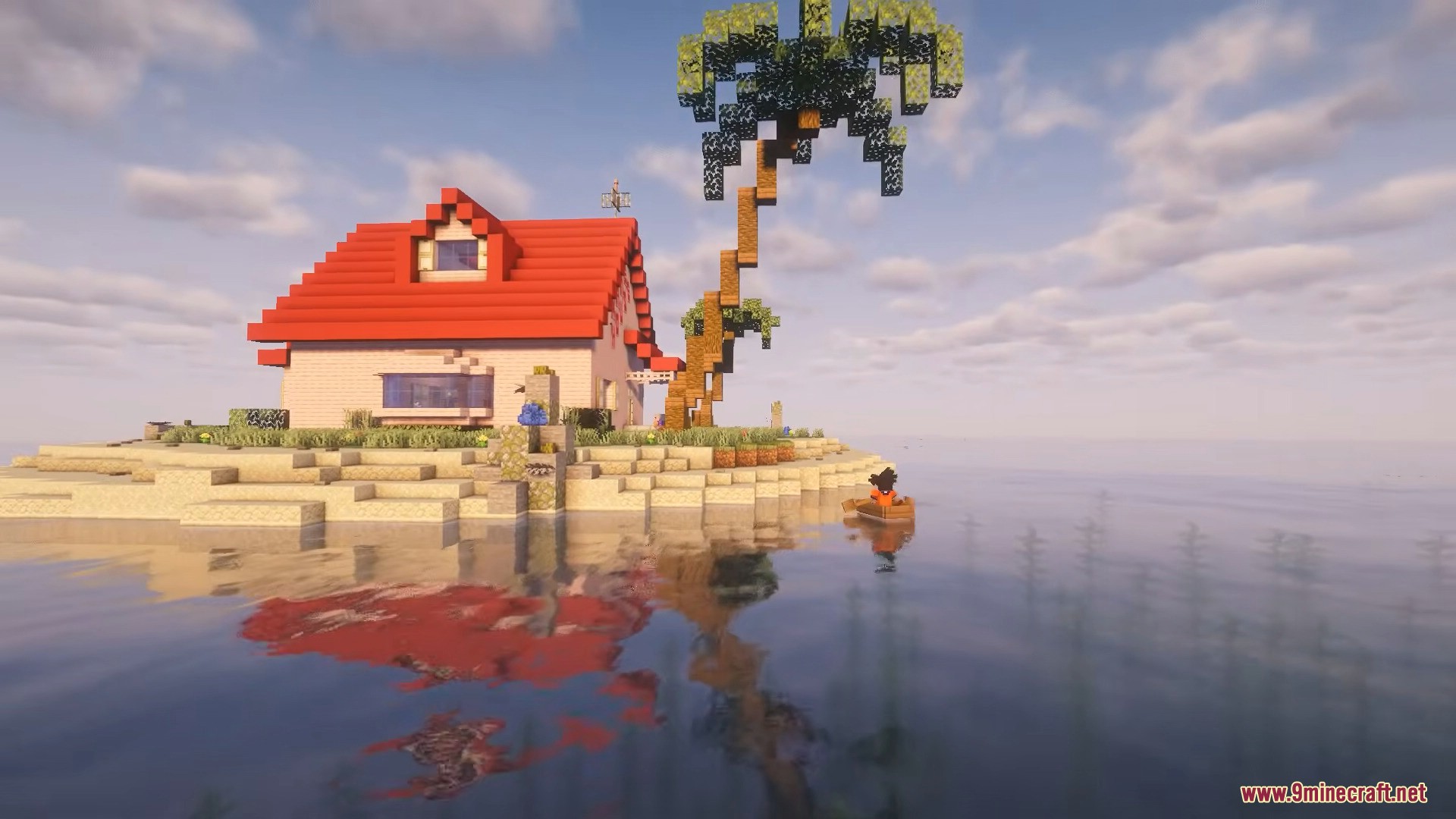
- Kami’s Lookout, Korin’s Tower, Goku’s House, Roshi’s House, Elder Guru’s House
- Hyperbolic Time Chamber and Planet Namek
- More planets planned for future updates
- Dragon Balls System
- Craft the Dragon Radar
- Search and collect all 7 Dragon Balls
- Summon Shenron and make powerful wishes
- Items, Armors & Vanilla-Friendly Crafting
- Craftable weapons and character-themed armors
- Balanced to fit naturally into survival gameplay
- Multiplayer & Server Support
- Highly configurable stats, forms, and multipliers
- Forge dedicated server compatible
- Designed for long-term progression and PvP
How to play:
1. First Time Playing
- Create a new world using Default World Type.
- Press
Vto open the Character Creation menu. - Choose your Race and customize appearance.
- Confirm to begin.
Open Main Menu: Press V
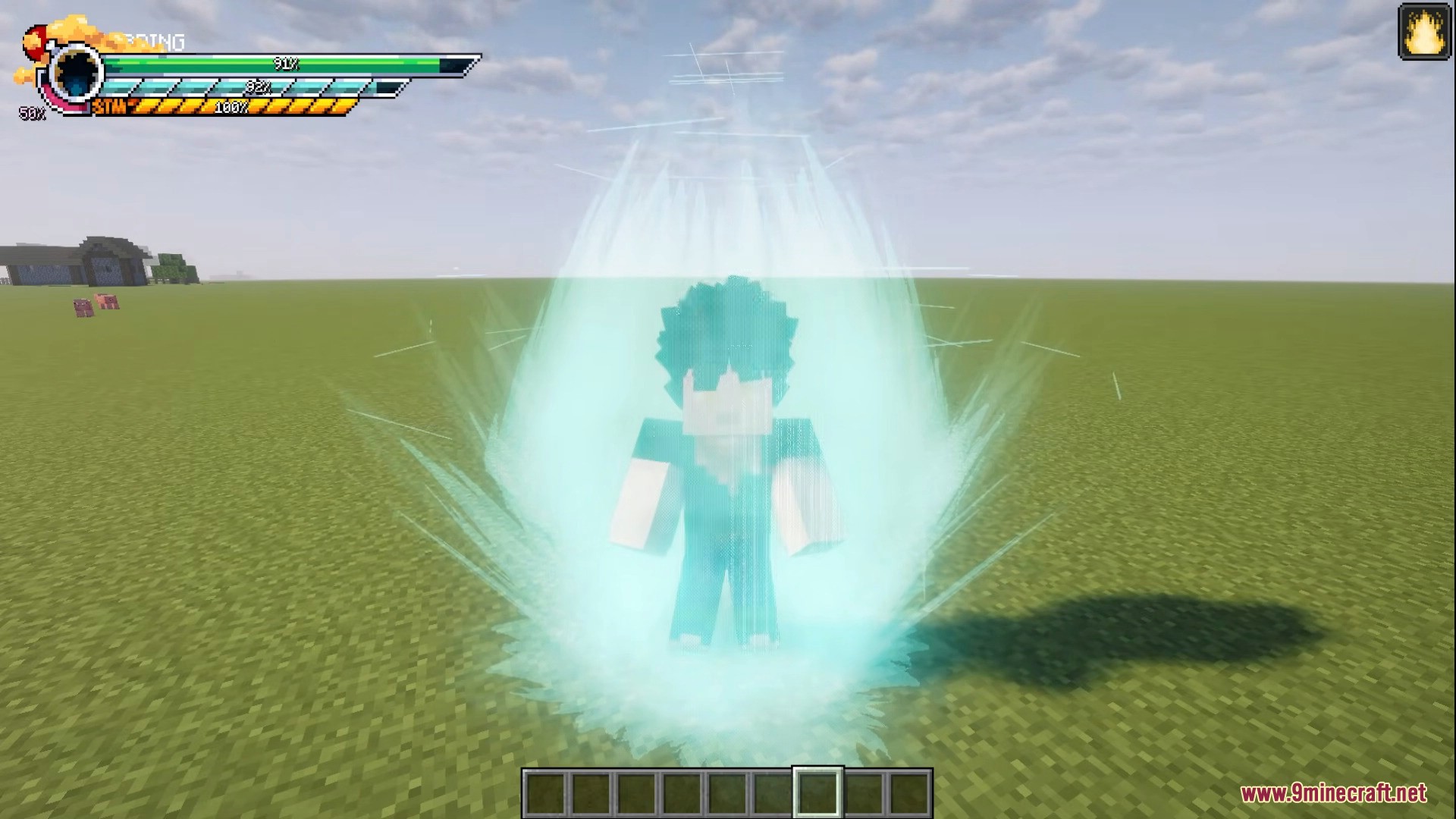
Release Power: Hold C
Transform: Hold G
Select Forms: Press X
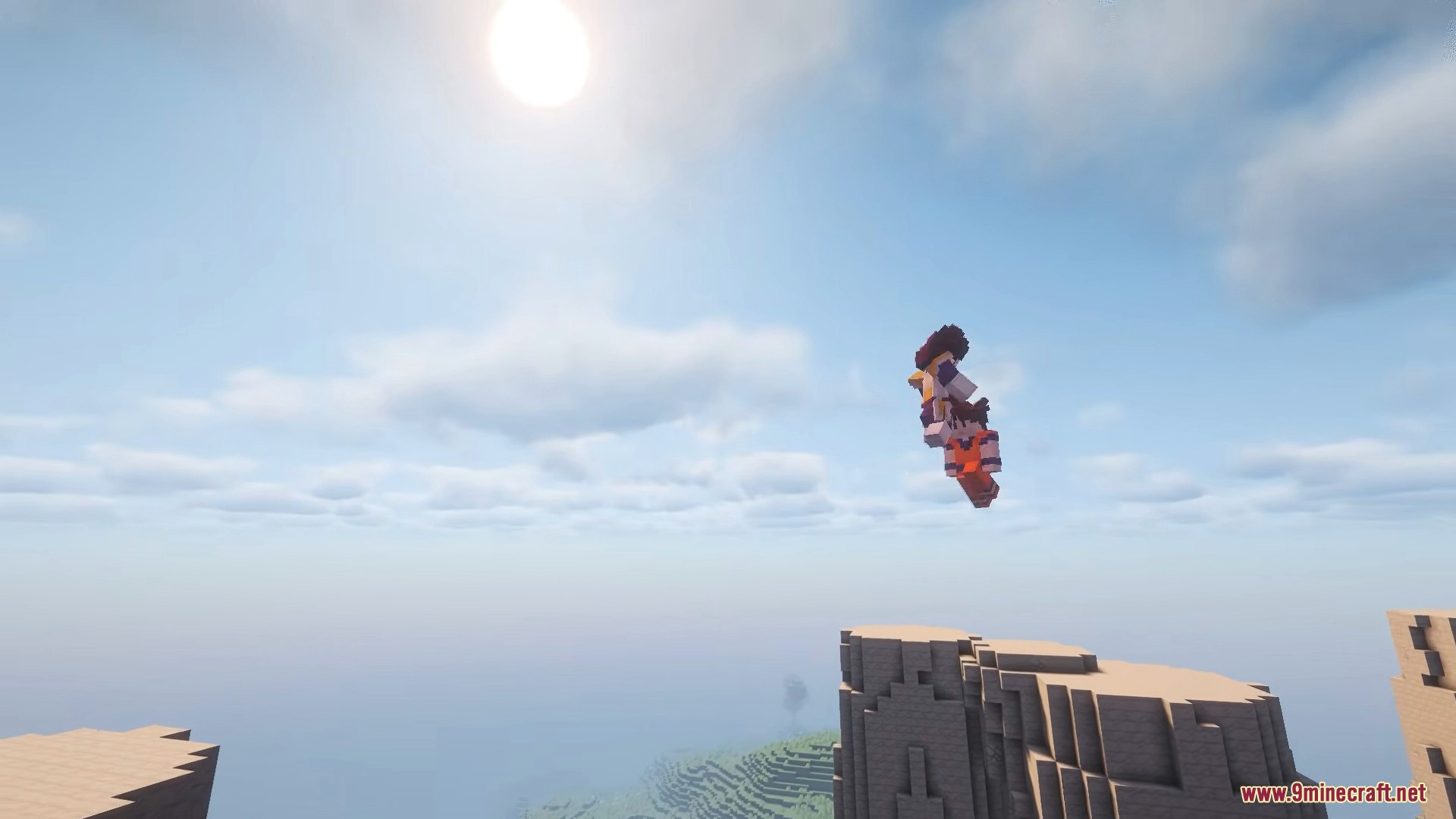
Fly: Press F
2. Core Systems
Stats System
- You gain Training Points (TP) by hitting or killing entities.
- Allocate TP to increase:
- STR – Physical damage
- DEF – Damage resistance
- CON – Health & stamina
- PWR – Ki damage
- ENE – Energy pool
- Balance STR and CON to avoid stamina drain.
Skills
- Learn from Masters or use commands.
- Important beginner skills:
- Fly
- Potential Unlock
- Meditation
- Ki Manipulation
- Kaioken
Transformations
- Unlocked through Storyline or configuration.
- Increase STR, DEF, and PWR.
- Consume Ki while active.
3. Important Locations
- Korin’s Tower
- Get Senzu Beans every 5 minutes.
- Receive Flying Nimbus.
- Kami’s Lookout
- Heal and reset character via Dende.
- Access Hyperbolic Time Chamber.
- Hyperbolic Time Chamber
- TP gain is multiplied.
- Goku’s House
- Learn skills.
- Find the 4-Star Dragon Ball.
- Kame House
- Train with Master Roshi.
- Planet Namek
- Summon Porunga.
- Unlock potential with Guru.
4. Dragon Balls
- Collect all 7 Dragon Balls.
- Place them in a 3×3 square.
- Right-click one to summon Shenron or Porunga.
- After wishing, Dragon Balls respawn elsewhere.
5. Races Overview
- Human – Faster Ki charging.
- Saiyan – Zenkai boost after near-death.
- Namek – Higher passive Ki regeneration.
- Bio-Android – Lifesteal at low HP.
- Cold Demon – Increased TP gain.
- Majin – Passive HP regeneration.
6. Useful Commands (Server/Admin)
/dmzstats <set|add|remove> <stat> <amount> <player>/dmzpoints <set|add|remove> <amount> <player>/dmzskill <give|set|take> <skill> <level> <player>/dmzforms <give|set|take> <form_id> <level> <player>/dmzrestart <player>
7. Beginner Progression Path
- Create character.
- Release power and train on mobs.
- Visit Korin’s Tower.
- Train in Hyperbolic Time Chamber.
- Learn Fly and Potential Unlock.
- Collect Dragon Balls.
- Start the Storyline.
- Unlock Transformations.
Screenshots:
Requires:
How to install:
Click the following link to view details: How to Install Mods for Minecraft Java Edition on PC: A Beginner Guide
Dragon Mine Z Mod (1.20.1) Download Links
For Minecraft 1.20.1, 1.20
Forge version: Download from Server 1 – Download from Server 2
You May Also Like