
Harder Spawners Mod (1.21.11, 1.20.1) – Never Pacify Spawners with Torches Again

 0


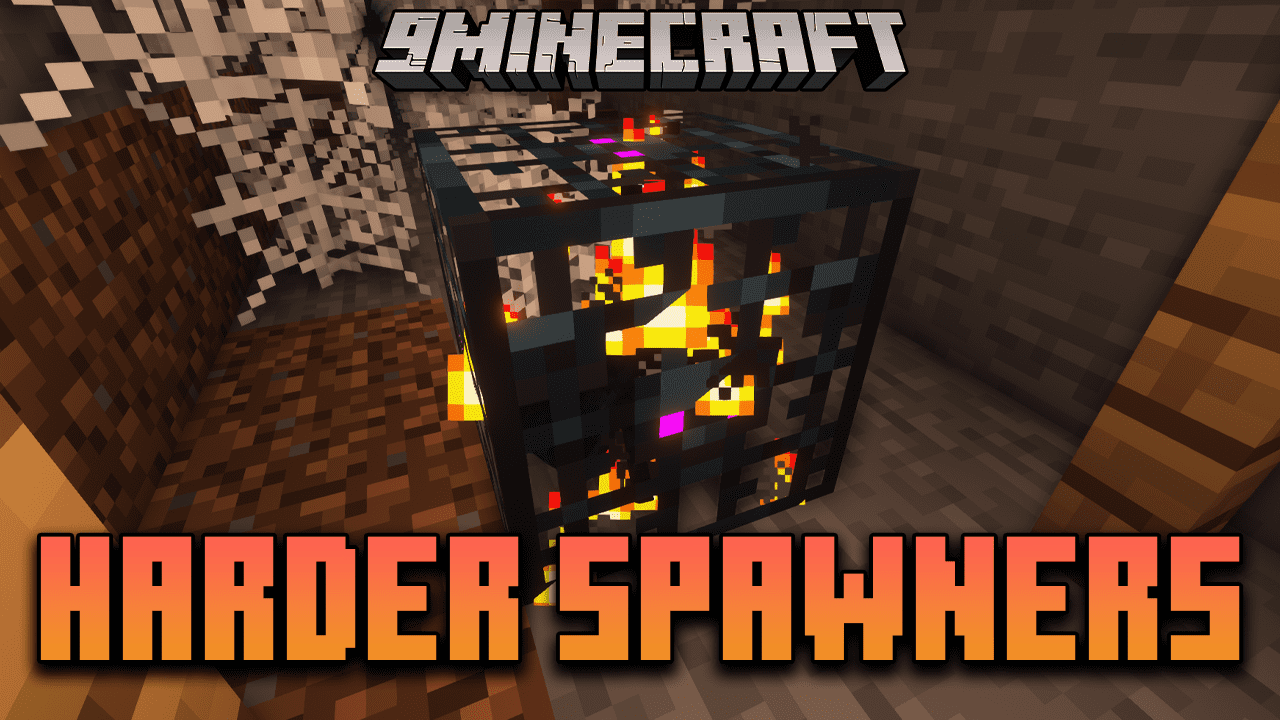
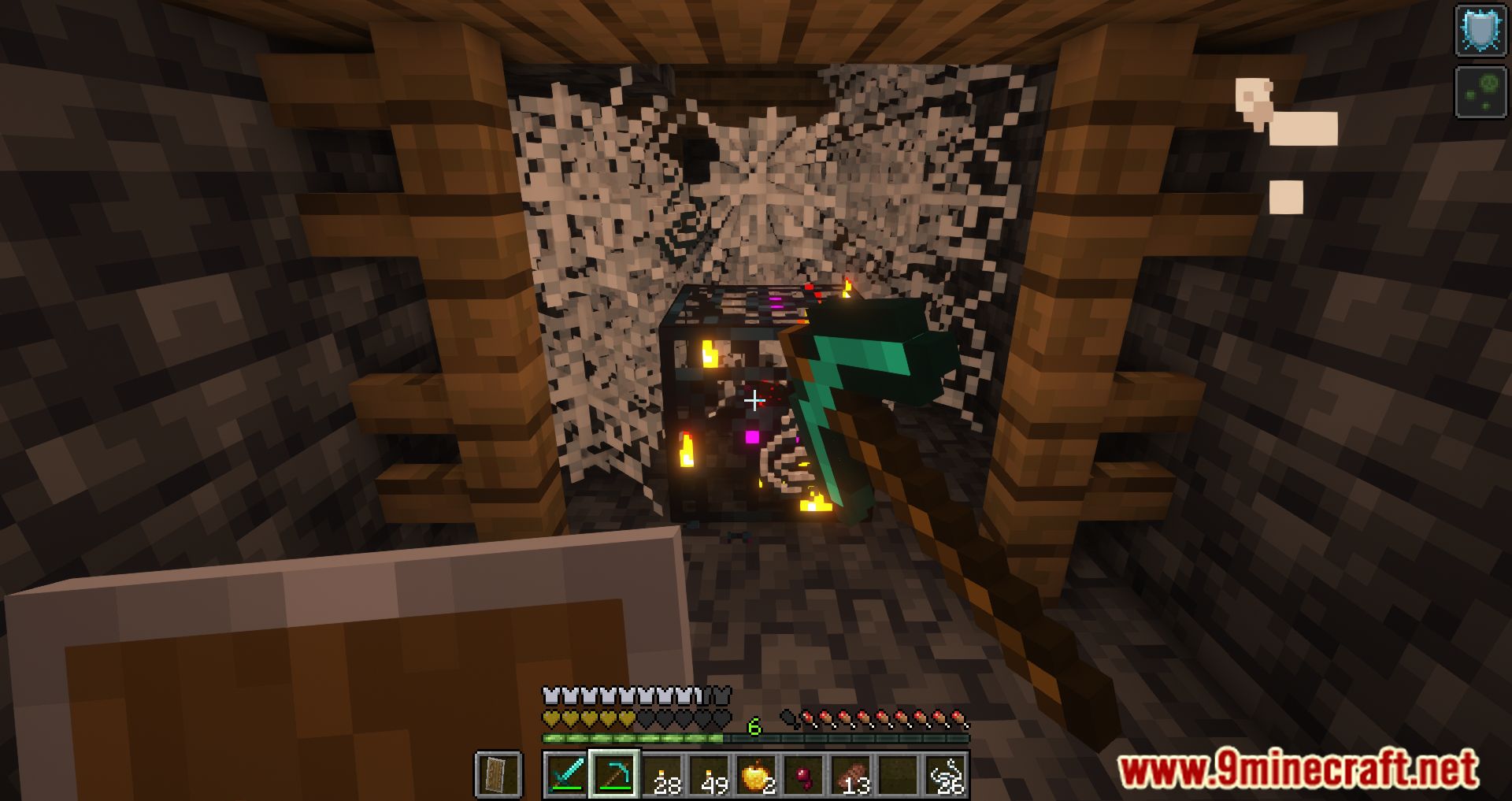
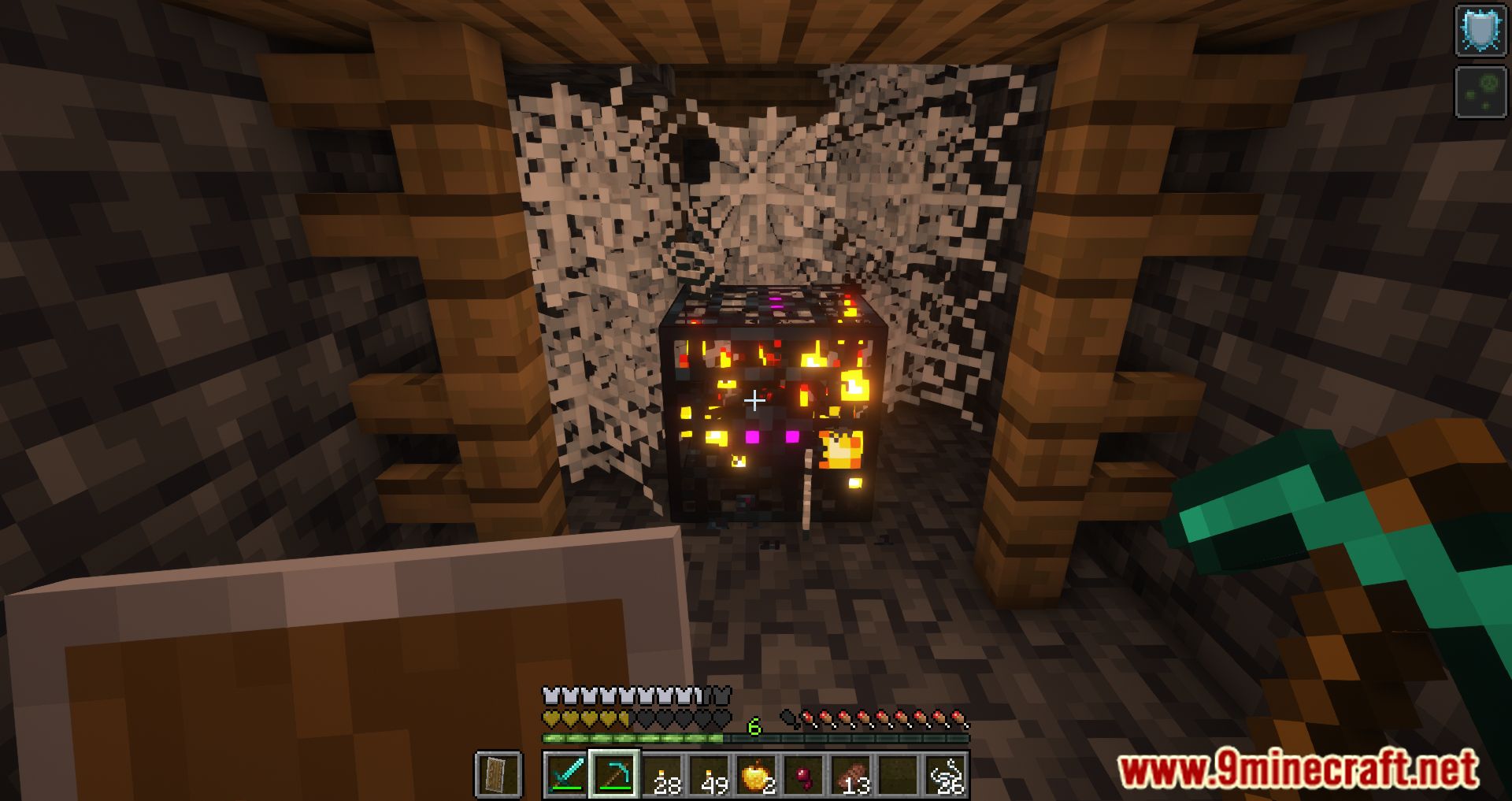
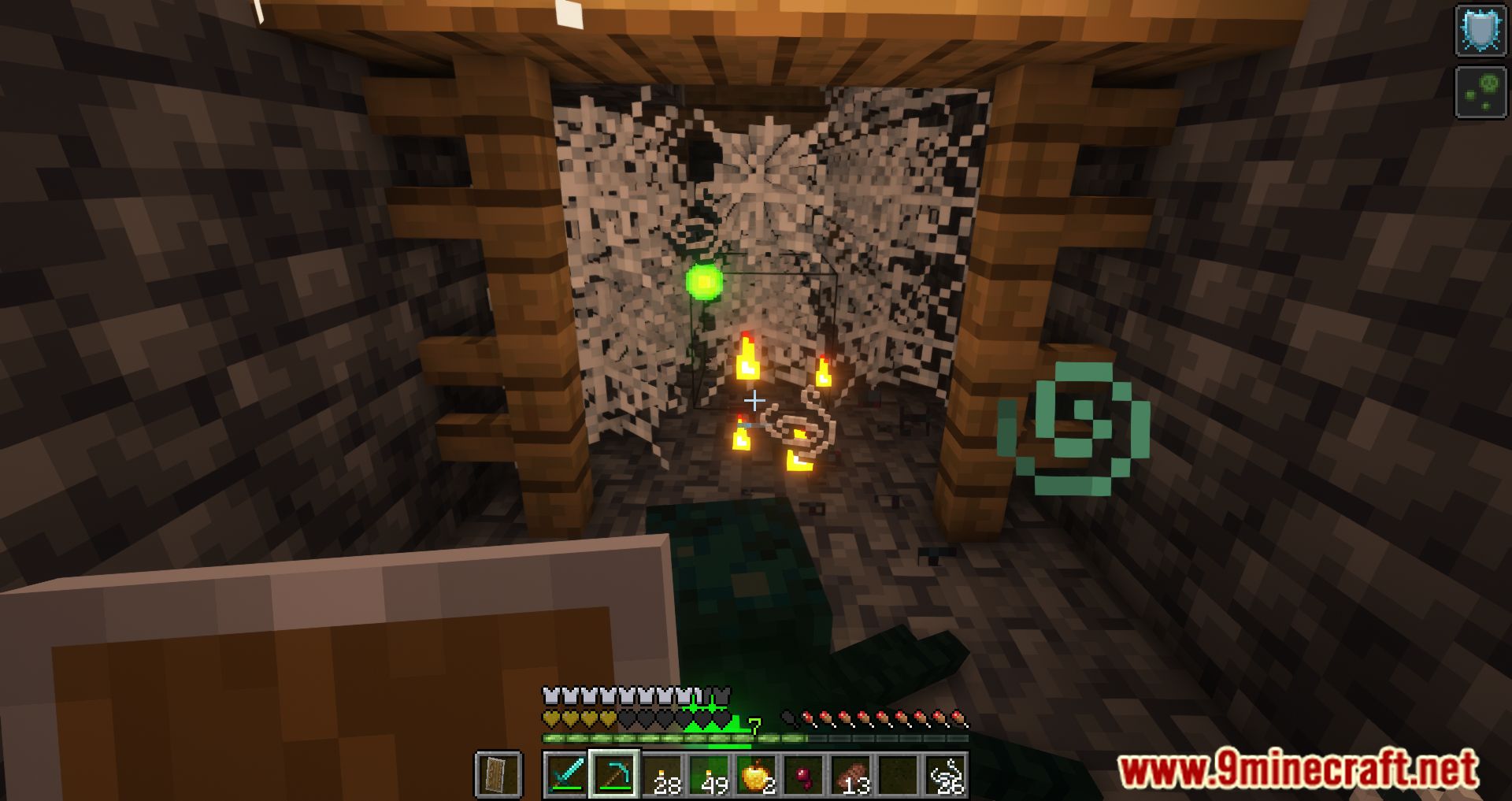
Harder Spawners Mod turns standard mob spawners into tough, dangerous threats inside Minecraft dungeons. You cannot rush in and stop a cage with torches because this mod makes spawners break nearby bright blocks, block bright liquids, resist explosions, and take as long to mine as Obsidian. When you try to break a cage, it hits back with 11 levels of Poison, Wither, or Blindness. Each spawner also gets a limited lifespan with a default 33% chance to explode on failure, or it slows down to one spawn every 25 minutes in Linger mode. Smoke warns you when a cage is almost out of spawns, so you can right-click it with an Iron Block to add more. All rules work on standard Minecraft spawners and include full config options and in-game commands for survival worlds, servers, and modpacks.
Features:
- Obsidian-Hard Mining and Blast Immunity: Spawners take about as long to mine as Obsidian by default and ignore all explosions. You can change the break speed from 0 (off) and 1 (50% slower) up to 2–11 times slower, with 4 as the default.
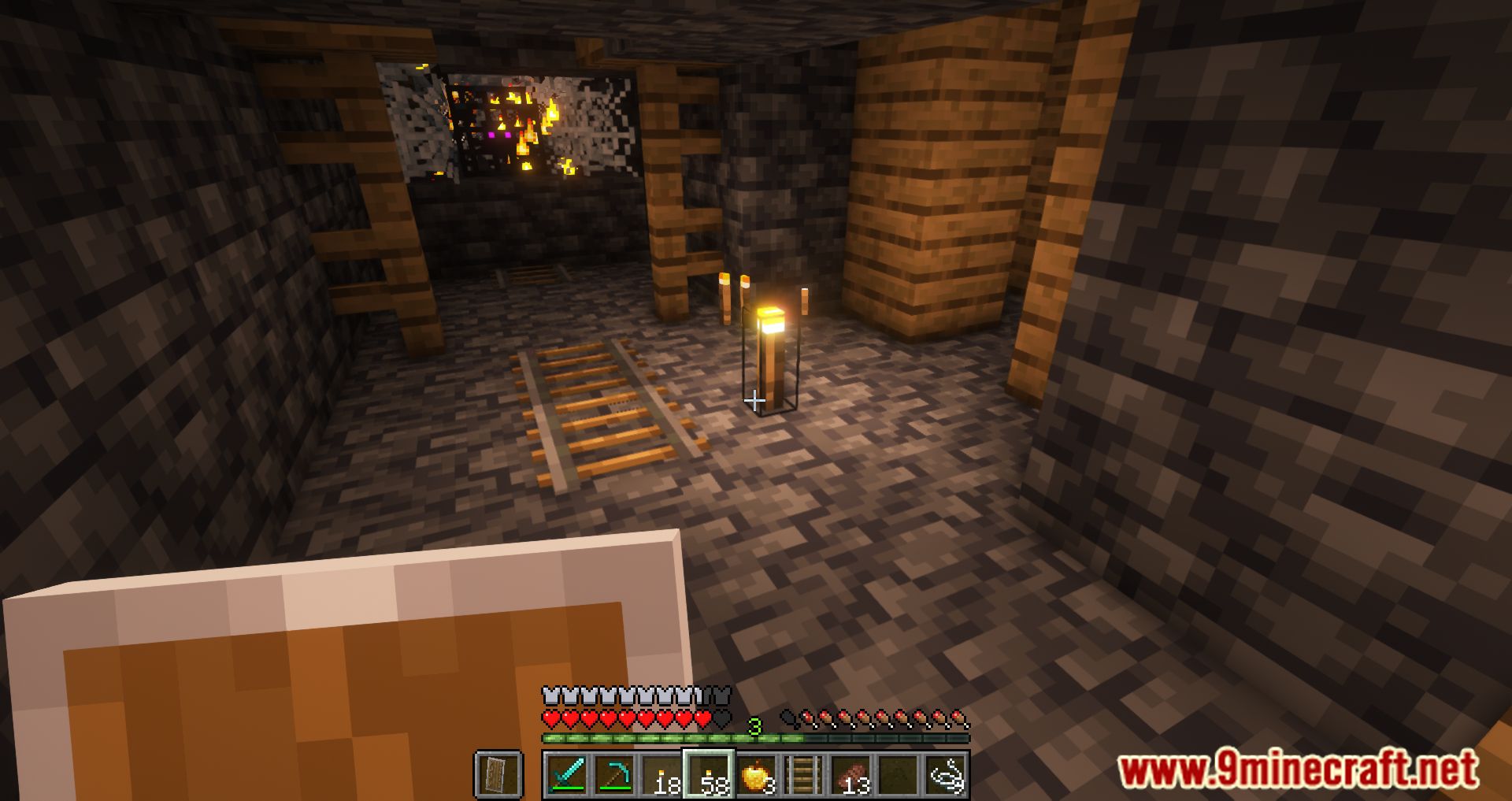
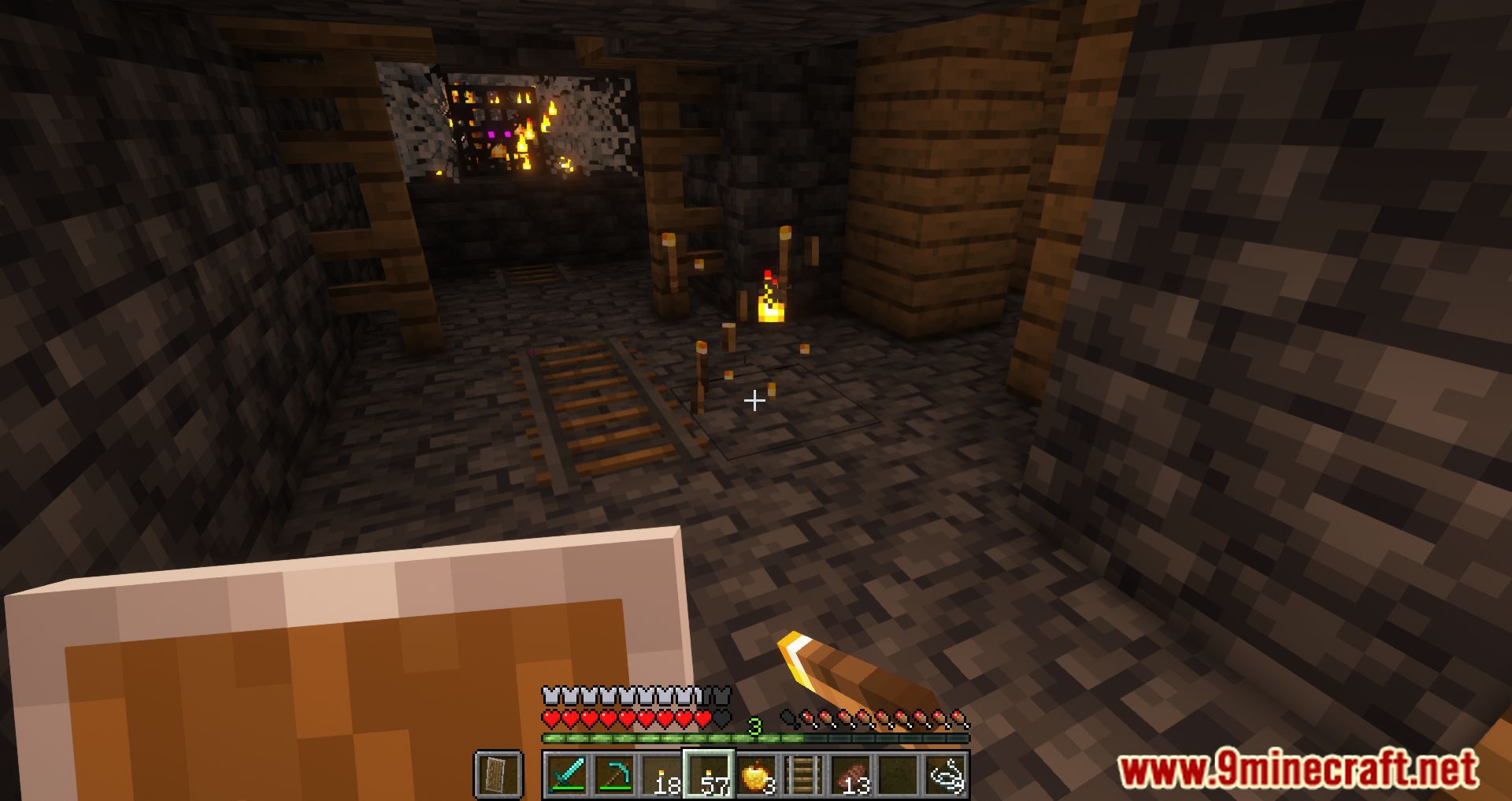
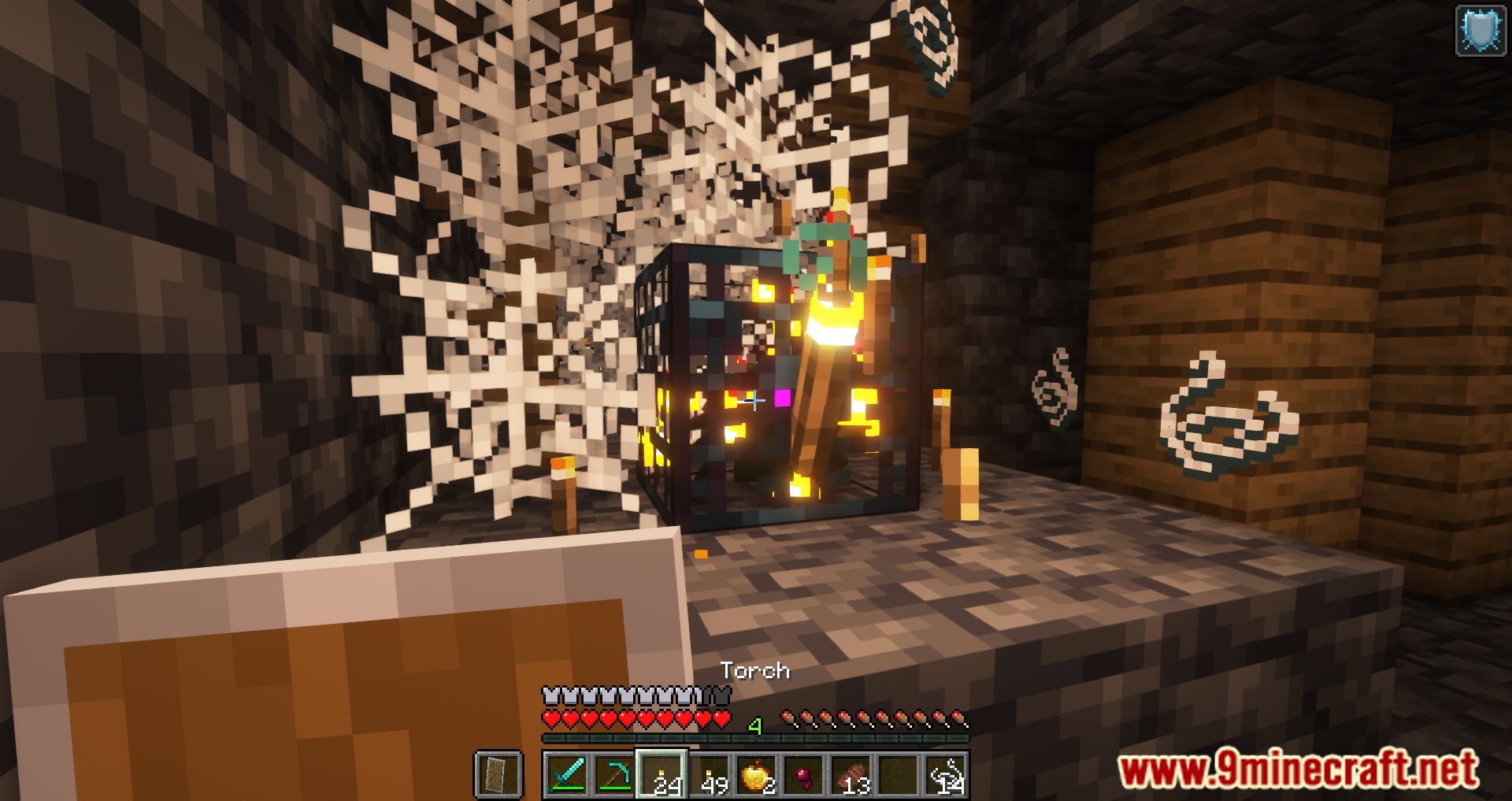
- Light and Lamp Blocking: Spawners break nearby bright blocks and stop you from placing bright liquids next to them with an extinguishing sound. This mod also blocks lamps on a lamp list, including the Create Rose Quartz Lamp Block and any modded block with
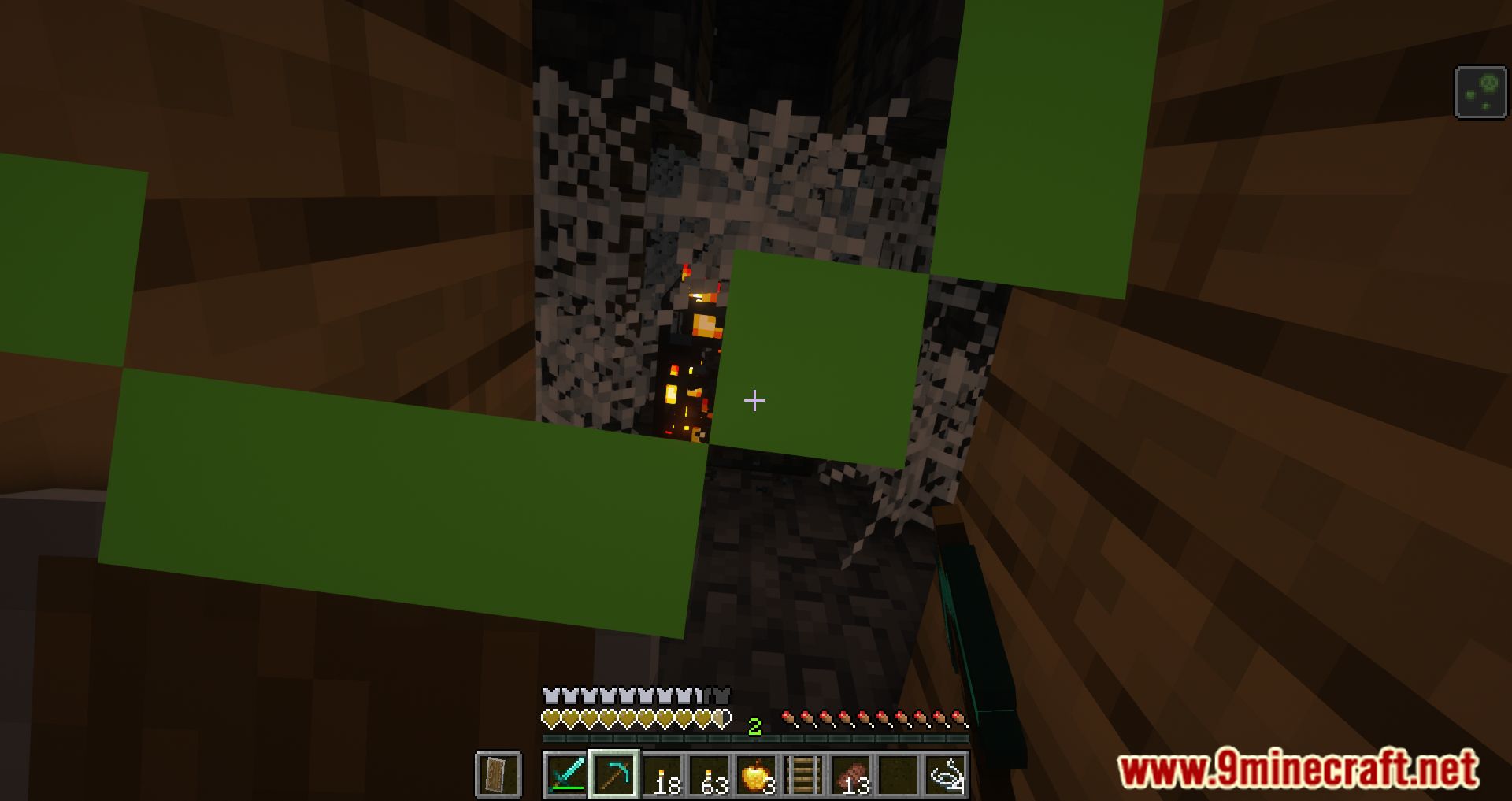
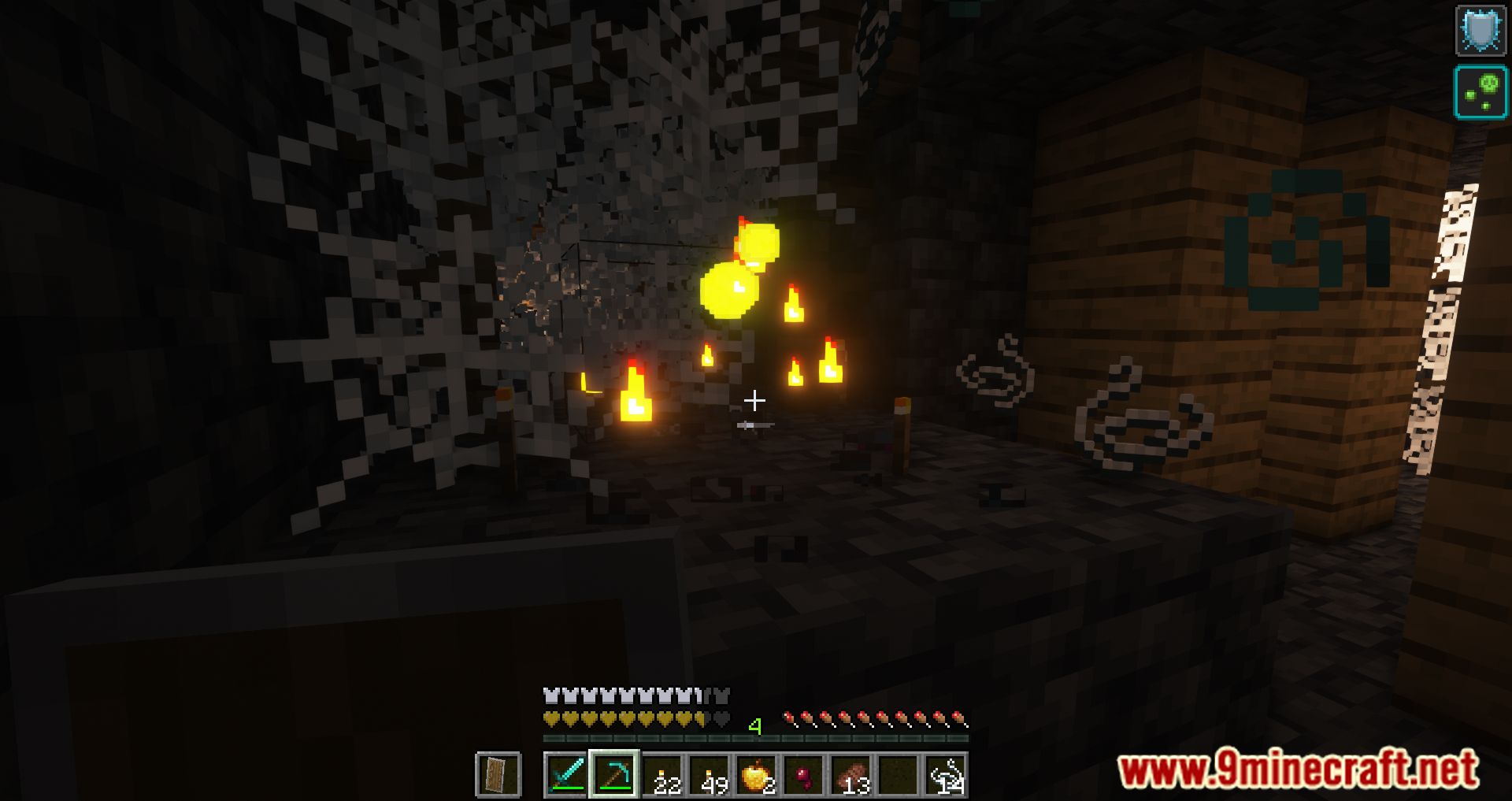
_lampin its code name. - Spawner Revenge: Mining a spawner hits you with harmful status effects until 2 seconds after you stop mining, or right away once the cage is stunned or destroyed. Revenge is set to level 1 by default and can be changed from 0 (off) up to level 11.
- Limited Lifespan and Failure Modes: Each spawner rolls a random durability between a minimum and maximum spawn count for its mob type. When it runs out of spawns, default Destroy mode makes it vanish or explode (33% explosion chance by default, adjustable from 0% to 100%), while optional Linger mode slows it to one spawn every 25 minutes until repaired.
- Smoke Warnings and Repairs: Failing spawners smoke, sputter, and show a floating repair item with “Add Durability” text above the cage. Right-clicking with the repair item (an Iron Block by default) adds 5 to 10 extra spawns out of the box, and you can set the repair amount from 0 (off) up to 1000 or pick rarer items for 100 or more spawns.
- Lets you stun spawners for 1 to 27 minutes instead of breaking them, with 0 disabling stuns and 27 minutes as Minecraft’s hard limit.
- Works with standard Minecraft spawners and modded spawners built on vanilla cages, while leaving custom-coded spawners untouched.
- Keeps counting spawns when players stand one dungeon floor above a spawner in multi-level dungeons.
- Supports about a dozen world languages for the “Add Durability” text and the subtitles showing a spawner wailing as it breaks.
Revenge Levels:
- Levels 1–3: Give Poison 1 through Poison 3 while you mine a spawner (default is level 1, Poison 1).
- Levels 4–6: Give Wither 1 through Wither 3.
- Levels 7–11: Give Wither 1 through Wither 5 plus Blindness.
Default Durability by Mob Type:
- Undefined mobs: Random durability between 50 and 500 spawns before failing.
- Zombies: Random durability between 100 and 550 spawns.
- Animals and Blazes: Pig, Cow, Sheep, Parrot, and Blaze spawners use 0 minimum and 0 maximum durability, giving them infinite durability so they do not fail.
Commands:
/harderspawners help: shows help info for this mod./harderspawners info: shows debug values and details for the spawner you look at./harderspawners setlifespan: changes the lifespan of the spawner you look at./harderspawners setInfinitelifespan: gives the spawner you look at infinite durability./harderspawners shownearbyspawners: highlights nearby mob spawners./harderspawners setDebugLevel: sets the debug level (0 for Off, 1 for Log, or 2 for Chat+Log) for the current game session.
Configuration:
durabilityRepairItem: sets the item used to repair spawners inmodid:item_nameformat (default isminecraft:iron_block).durabilityRepairAmount: sets how many extra spawns a repair adds from 0 to 1000, where 0 turns repairs off (default is 10).defMobSpawnerDurabilityRanges: sets minimum and maximum spawn durability per mob type, where 0 and 0 give infinite durability.spawnerBreakSpeedMultiplier: slows down spawner breaking from 0 (Off) and 1 (50% slower) to 2–11 times slower (default is 4).spawnerRevengeLevel: sets the revenge strength from 0 (Off) to 11 (default is 1).spawnersExplodePercentage: sets the explosion chance when a spawner fails from 0.0 to 100.0 (default is 33.0).spawnerMinutesStunned: sets how many minutes a spawner stays stunned instead of breaking, from 0 (breaks normally) to 27.debugLevel: sets the debug output level from 0 (Off) and 1 (Log) to 2 (Chat+Log) (default is 0).
How to Use:
- Find a standard mob spawner in a dungeon or underground cave; do not try to stop it with torches, lamps, or glowing liquids because the spawner breaks nearby bright blocks and blocks bright liquids with an extinguishing sound.
- Gear up before you mine a spawner, because it takes as long to break as Obsidian, ignores explosions, and hits you with Poison, Wither, or Blindness while you mine.
- Stop mining if your health drops low; the revenge effect wears off 2 seconds after you stop mining, or right away once the spawner is stunned or broken.
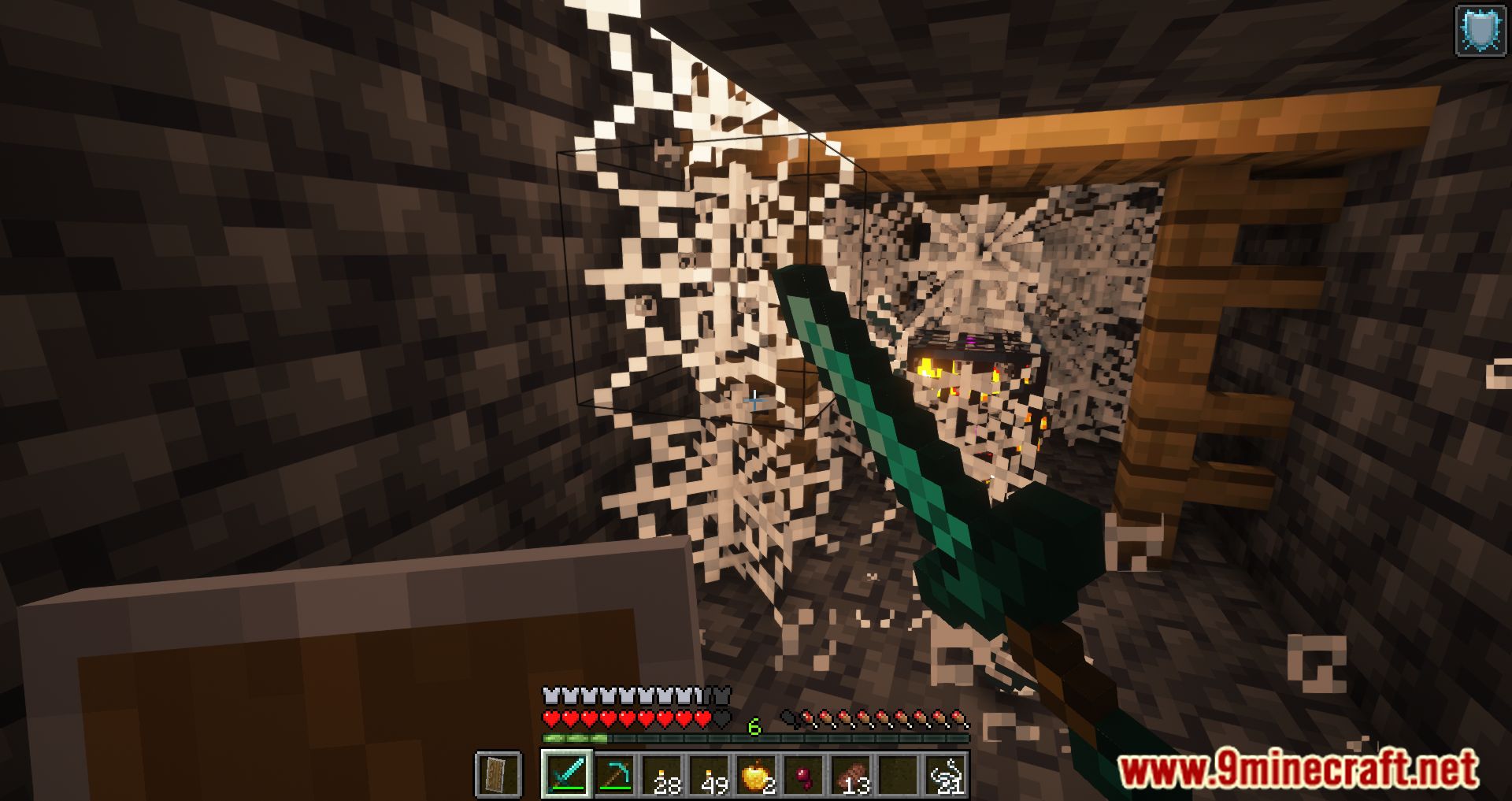
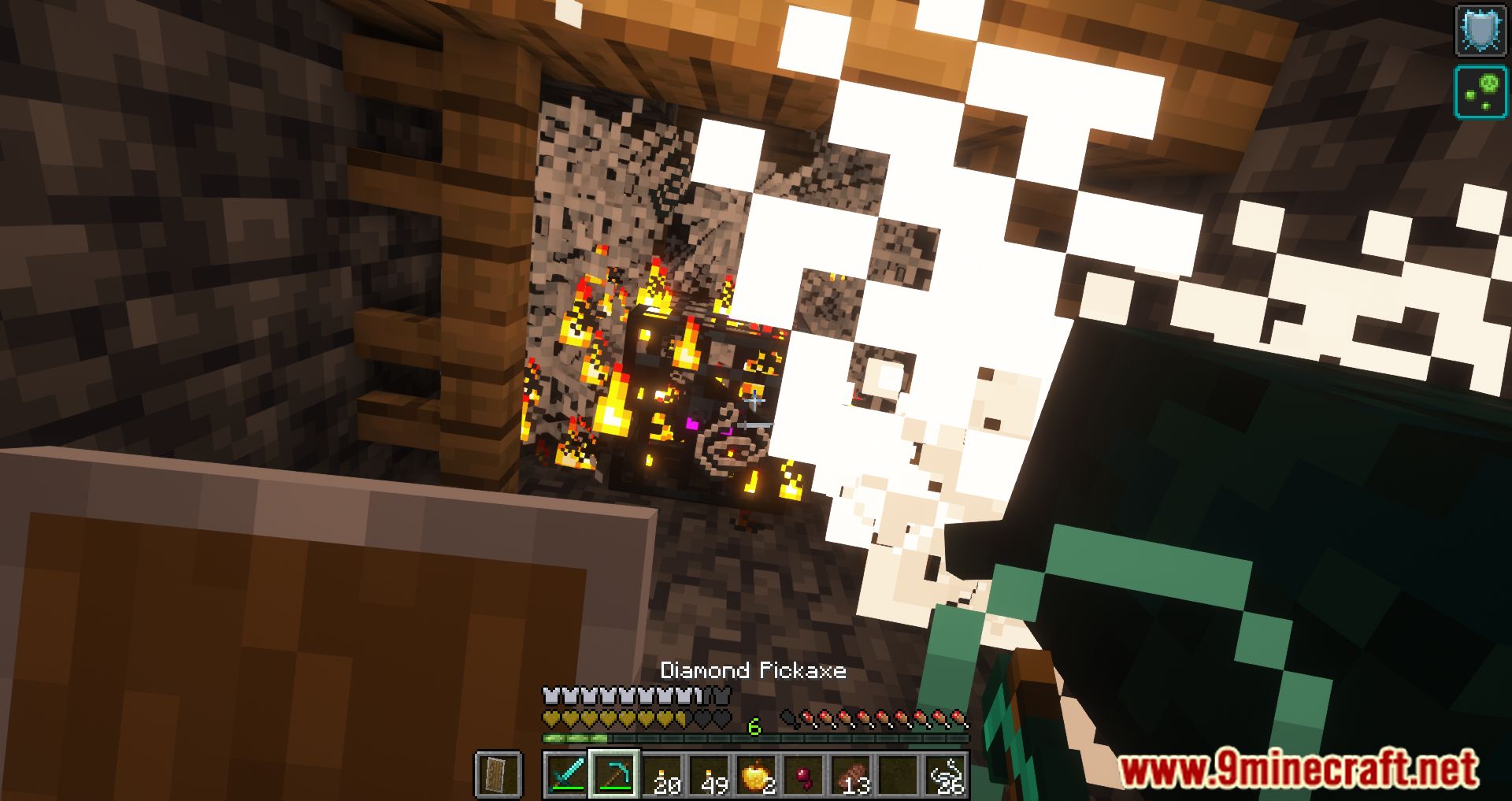
- Watch for smoke and sputtering around any spawner you want to save, because these signs warn you that the cage is almost out of spawns and may vanish, explode, or switch to slow Linger spawns.
- Wait until a floating repair item and “Add Durability” text appear above the failing spawner, then Right-click the cage with an Iron Block (or your chosen repair item) to add extra spawns.
- Look straight at a spawner and run
/harderspawners info,/harderspawners setlifespan, or/harderspawners setInfinitelifespanto view or change that cage, or run/harderspawners shownearbyspawnersto highlight spawners nearby. - Run
/harderspawners setDebugLevelin game to switch debug output between 0 (Off), 1 (Log), and 2 (Chat+Log) for your current session. - Open the config files in your
/configfolder if you want to change break speed, explosion chance, stun time (1 to 27 minutes), revenge levels (0 to 11), repair items, hostile spawn rules, or durability ranges for your world or server.
Screenshots:


How to Install:
New to Minecraft? Follow our step-by-step guide to install Mods on your PC.View Guide
Harder Spawners Mod Download Links
For Minecraft 1.16.5
Forge Version: Download from Server 1 – Download from Server 2
For Minecraft 1.17.1
Forge Version: Download from Server 1 – Download from Server 2
For Minecraft 1.18.1
Forge Version: Download from Server 1 – Download from Server 2
For Minecraft 1.18.2
Forge Version: Download from Server 1 – Download from Server 2
For Minecraft 1.19.2, 1.19.1, 1.19
Forge Version: Download from Server 1 – Download from Server 2
For Minecraft 1.19.3
Forge Version: Download from Server 1 – Download from Server 2
For Minecraft 1.19.4
Forge Version: Download from Server 1 – Download from Server 2
For Minecraft 1.20.1, 1.20
Forge Version: Download from Server 1 – Download from Server 2
For Minecraft 1.20.2
Forge Version: Download from Server 1 – Download from Server 2
For Minecraft 1.20.4, 1.20.3
Forge Version: Download from Server 1 – Download from Server 2
For Minecraft 1.20.6
Forge Version: Download from Server 1 – Download from Server 2
For Minecraft 1.21.1, 1.21
Forge Version: Download from Server 1 – Download from Server 2
For Minecraft 1.21.5
Forge Version: Download from Server 1 – Download from Server 2
For Minecraft 1.21.8, 1.21.7, 1.21.6
Forge Version: Download from Server 1 – Download from Server 2
For Minecraft 1.21.11
Forge Version: Download from Server 1 – Download from Server 2
You May Also Like
Picked for this page
 Indicatia Mod (26.3, 1.20.1) – Simple In-game Info and Utility
 Infinite Trading Mod (26.3, 1.20.1) – No More Limit Trade
 Better Third Person Mod (1.21.11, 1.20.1) – Cinematic Camera Angles
 Realistic Bees Mod (26.3, 1.20.1) – Adding Realism to the Bees
 Farsighted Mobs Mod (1.21.4, 1.20.1) – Mobs See Farther
 Tslat Entity Status Mod (1.21.11, 1.20.1) – Provide Information About Entities
 Fortune Ancient Debris Mod (26.3, 1.20.1) – Get More Scraps With Fortune
 Burn In The Sun Mod (26.3, 1.20.1) – Custom Sun Burn Entities
 Melius Commands Mod (26.3, 1.20.1) – Create and Modify Commands
 Harder Monster Boats Mod (26.1.2, 1.20.1) – Monster Boat Interaction Control
 Sliding Doors Mod (26.2, 1.20.1) – Give Your Builds a Clean, Modern Look
 Illager Raid Music Mod (26.1.2, 1.20.1) – Adds Music To Raids
Most viewed in Mods over the last 7 days
 Ala Industrial Mod (26.3) – Run Electric Power Grids and Automated Factories
 PleasureCraft Mod (26.3, 1.21.1) – Jenny Mod Remake for Fabric
 Jennycraft Mod (26.3, 1.20.1) – Virtual Girlfriend in Minecraft
 Fapcraft Mod (26.3, 1.12.2) – Comprehensive and Detailed Content
 Jenny Mod (Fapcraft) Official Complete Guide – How to use, Tutorial
 BangCraft Mod (1.20.1) – Jenny, Ellie and Elliot
 Fabric Loader (26.3, 1.20.1) – Fabric Installer for All Minecraft Versions
 The Shooting Star Demo Mod (26.3, 1.20.1) – Vaporize Terrain From Orbit
 Meteor Client Mod (26.3, 1.20.1) – Xray, HUD, Fly
 OptiFine HD (26.3, 1.20.1) – Run Faster, FPS Boost, Shaders Support
 Aristois Client Mod (1.21.4, 1.20.1) – World Class Minecraft Utility
 Prestige Client Mod (1.21.11, 1.21.4) – Powerful Ghost Features for Crystal & Sword PvP
More from Mods
 Paintings ++ 9minecraft Mod (26.3) – Pick the Exact Painting You Want
 owo-lib 9minecraft Mod (26.3) – Run Your Favorite Mods Without Errors
 Moonlight 9minecraft Lib (26.3, 26.2) – Run Complex Mods Without Errors
 Load My Tags 9minecraft Mod (26.3) – Mix Mods Without Breaking Recipes
 Kambrik 9minecraft Mod (26.3) – Run Kotlin Mods Without Game Lag
 Fast Paintings 9minecraft Mod (26.3, 26.2) – Place Wall Art Exactly Where You Want It
 Bonsai Trees 9minecraft Mod (26.3, 26.2) – Automate Wood Farming in Tiny Pots
 Enhanced Block Entities 9minecraft Mod (26.3) – Build Lag-Free Storage Rooms
 Better Nether 9minecraft Mod (26.3, 26.2) – Survive Forever in the Nether
 BCLib 9minecraft Mod (26.3, 26.2) – Power Custom Nether and End Overhauls
 ForgedLoaderAPI Mod (1.19.2, 1.18.2) – Bring Ported Fabric Creations
 Shield System Mod (1.21.1) – Tank Heavy Monster Hits Without Losing Hearts

This post has no comments yet. Be the first — your comment will appear here.