


Durability Show Mod (1.12.2, 1.11.2) – No More Surprise Breaks
 4,536
4,536
 0
0

🌐 Good news — we've translated this article into other languages!
Or pick the one you like:
Durability Show Mod lets you see how much durability is left on your tools and armor right on your screen. This means you don’t have to open your inventory to check if your items are about to break.
Features:
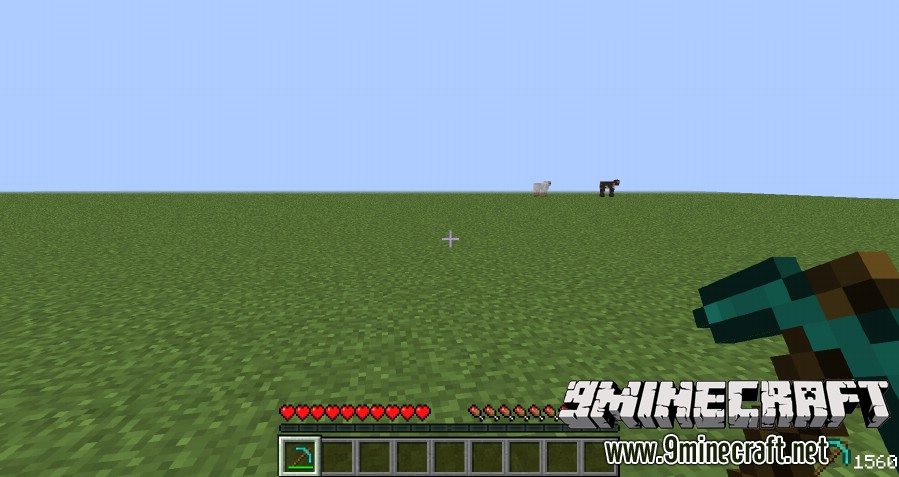
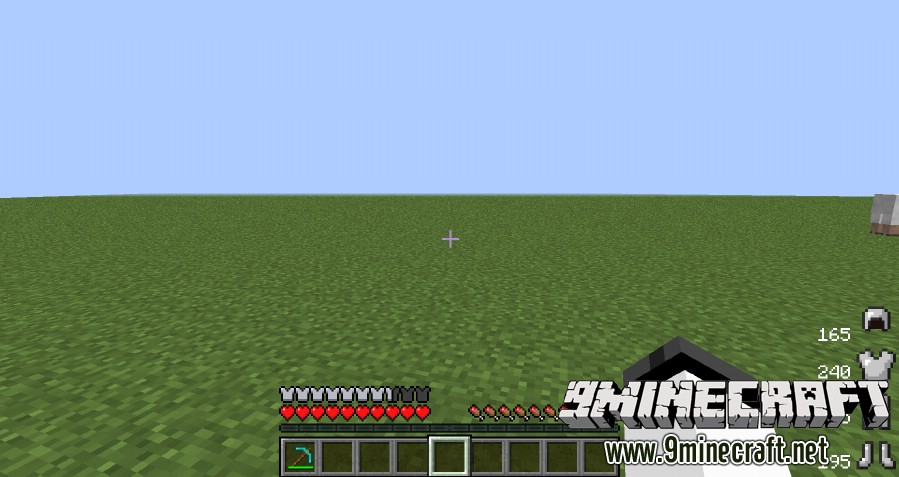
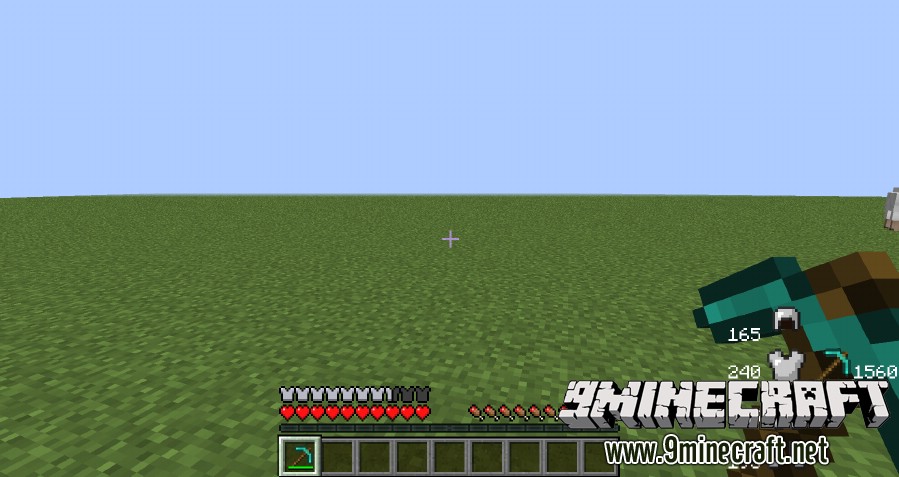
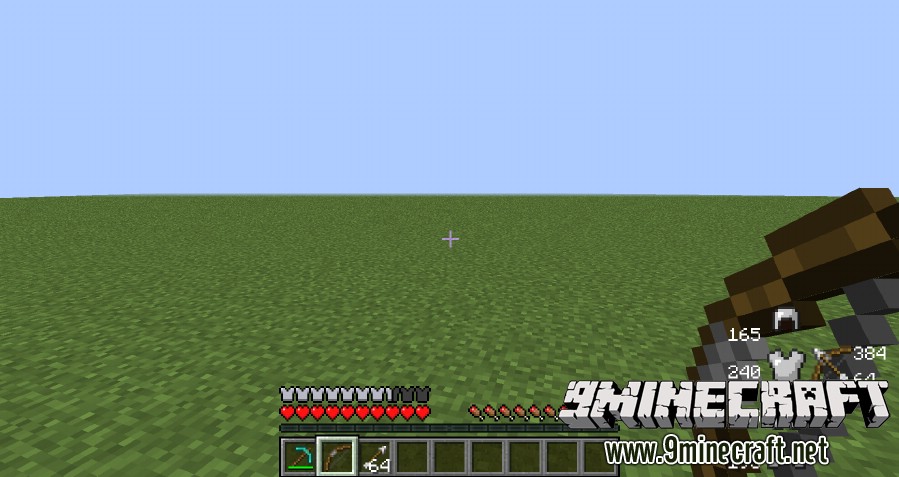
- Displays the remaining durability for your equipped armor and held tools.
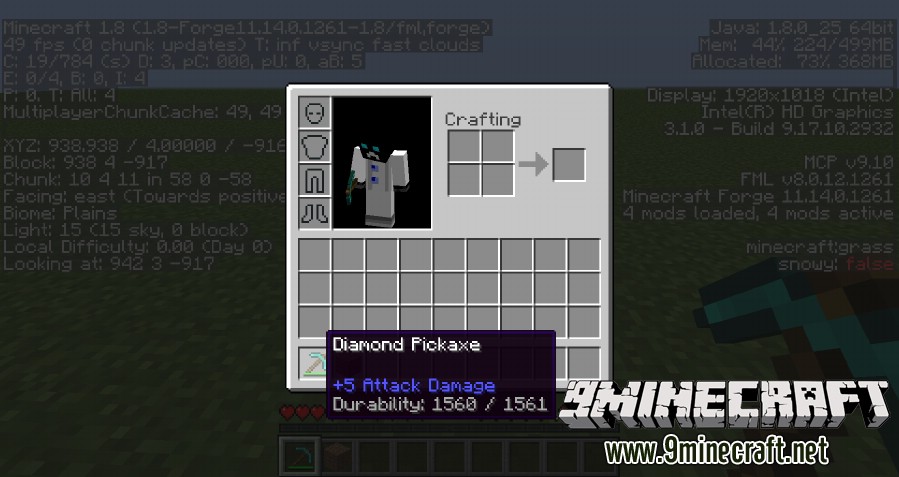
- Shows an item’s durability in its tooltip, even if you have advanced tooltips turned off.
- Provides a simple on-screen interface that you can show or hide.
- Works with the Baubles mod to also display durability for those items.
How to Use:
- Press the “H” key to show or hide the durability display.
- Hold the Shift key while pressing “H” to toggle the on-screen character model.
- Hold the Control key while pressing “H” to turn the display for Baubles items on or off.
Screenshots:
How to Install:
New to Minecraft? Follow our step-by-step guide to install Mods on your PC.View Guide
Durability Show Mod Download Links
For Minecraft 1.7.10
For Minecraft 1.8.0
For Minecraft 1.8.9
For Minecraft 1.10.2, 1.9.4
For Minecraft 1.11.2
For Minecraft 1.12.2
Click to rate this post!
[Total: 3 Average: 5]
You May Also Like





This post has no comments yet. Be the first — your comment will appear here.