


Dynamic Surroundings Rebirth Mod (26.1.2, 1.20.1) – Hear Realistic Weather
 0
0
 0
0

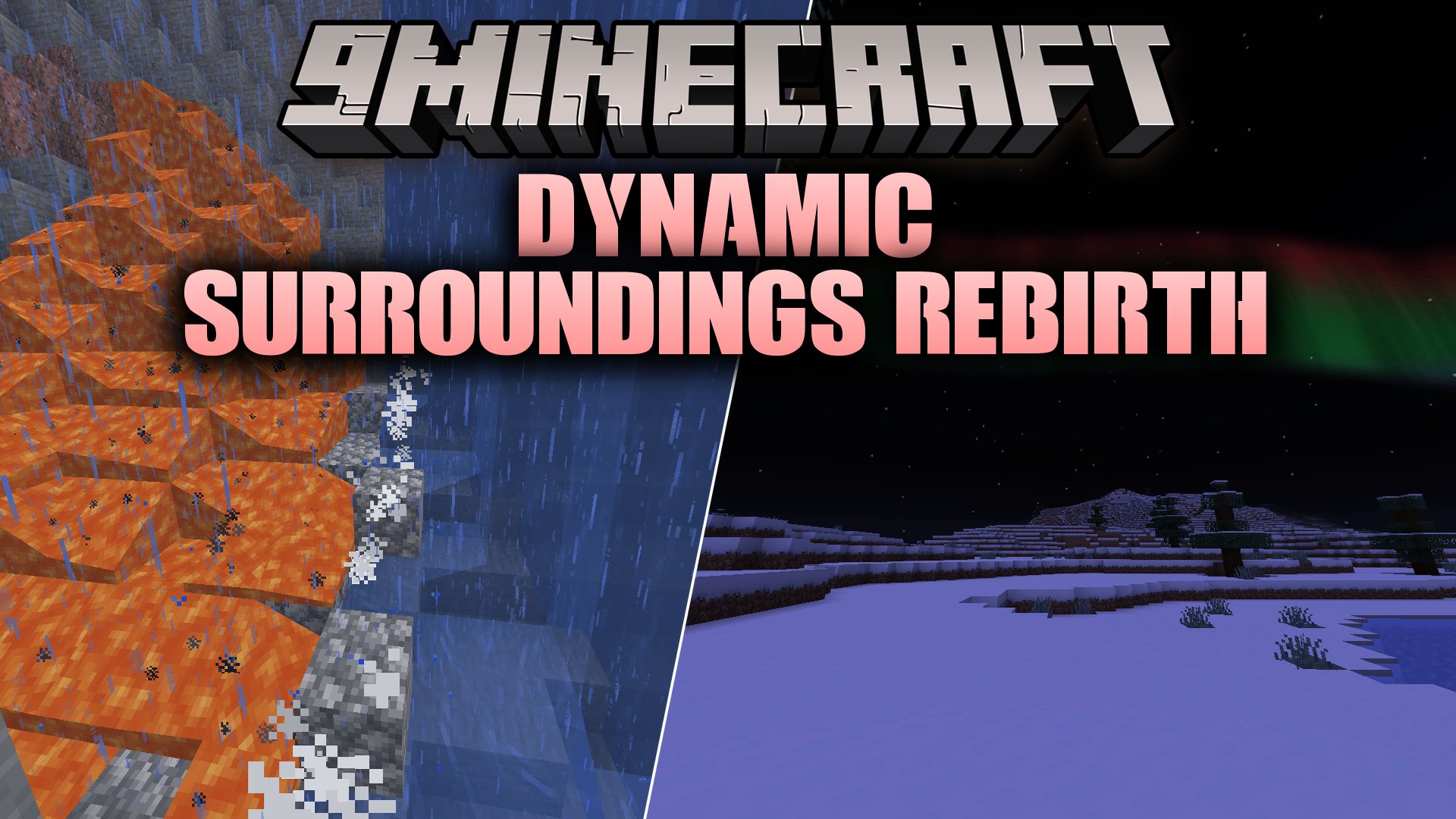
Dynamic Surroundings Rebirth Mod brings the classic atmospheric elements of Dynamic Surroundings to modern Minecraft versions. It adds biome soundscapes, surface-specific footstep audio, and weather effects like desert sandstorms and Nether dust rain. This mod works on the client side so you can join multiplayer servers without extra server files.
Features:
- Plays custom environmental audio across forests, plains, jungles, oceans, and caves with smooth transitions.
- Adds surface-specific footstep audio for different ground materials, jump actions, landing impacts, and walking through brush.
- Produces player condition sounds including heartbeats during low health, hunger rumbles, crafting clicks, and hotbar switching.
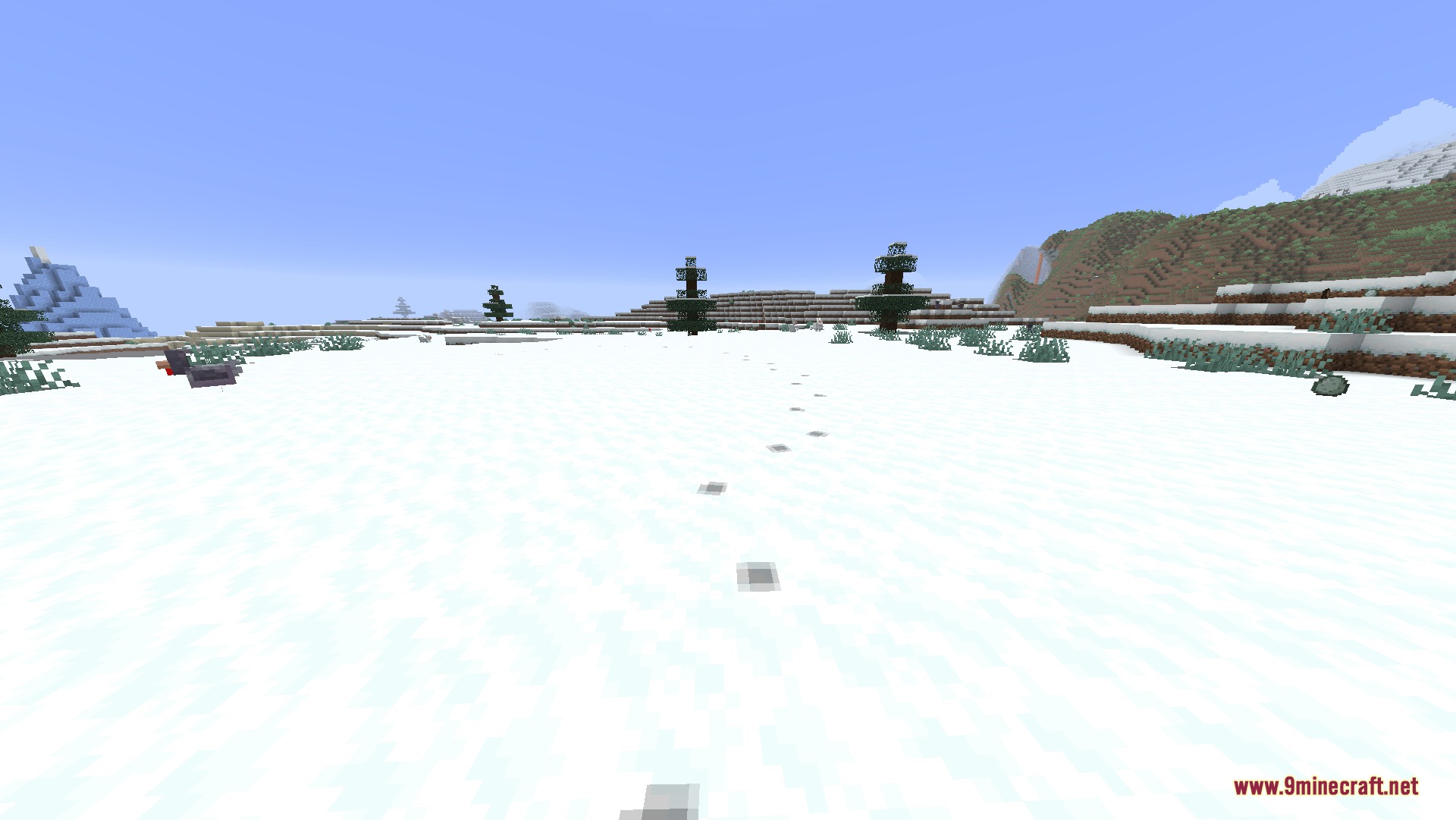
- Leaves visible footprints behind in snow, sand, and mud.
- Muffles audio when swimming underwater or listening through thick solid walls.
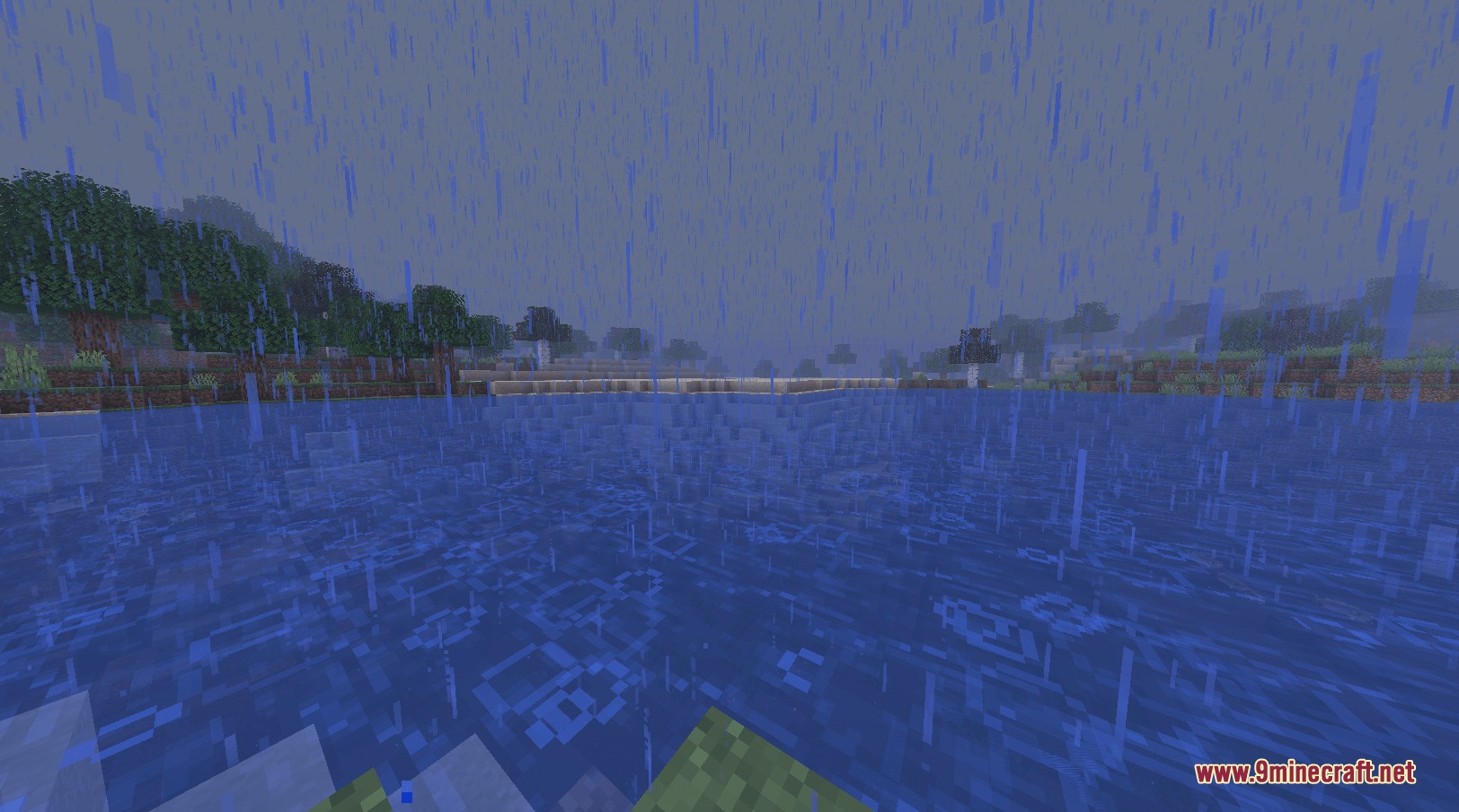
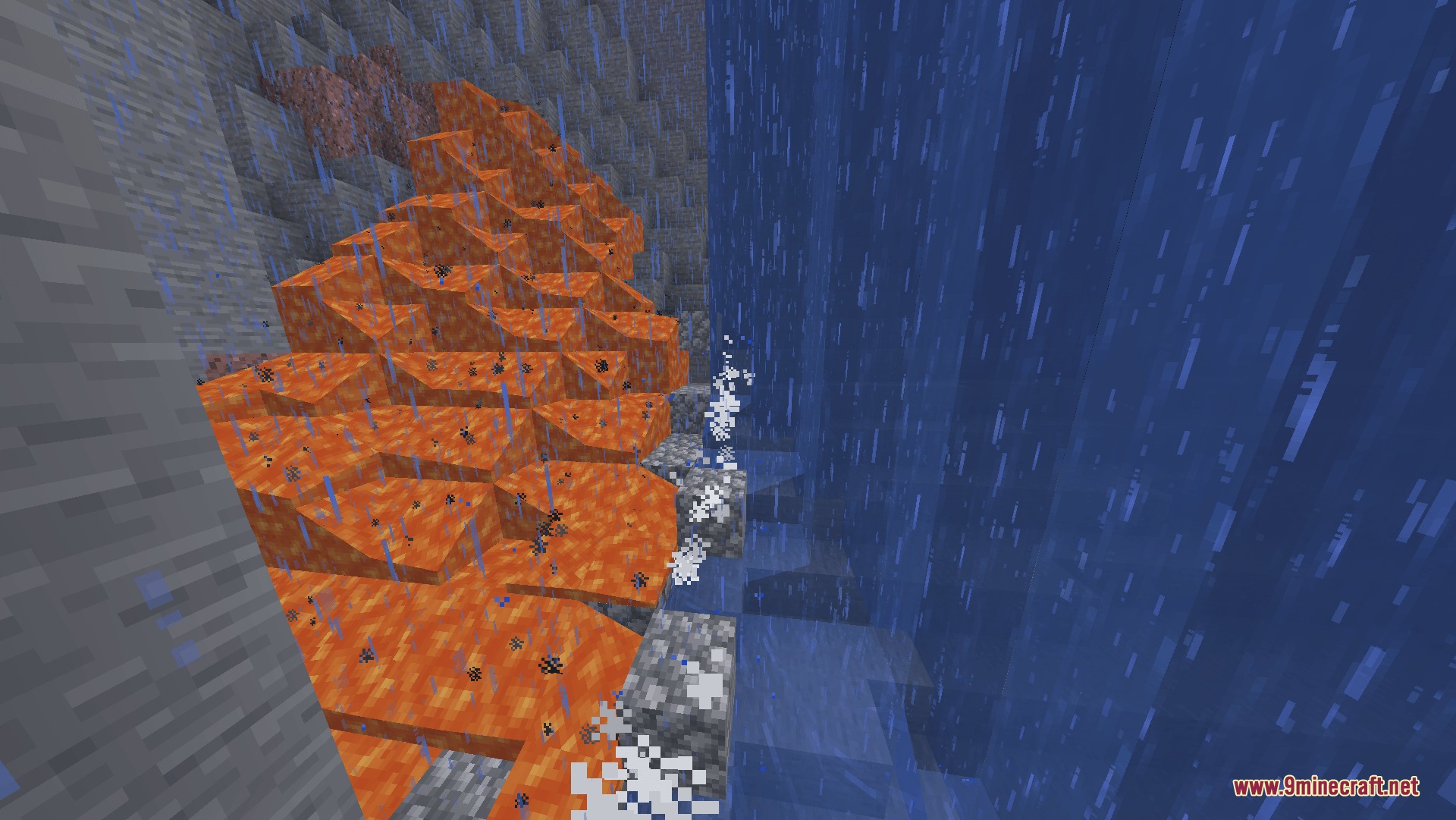
- Introduces desert sandstorms, Nether dust rain, and distant thunder during stormy weather.
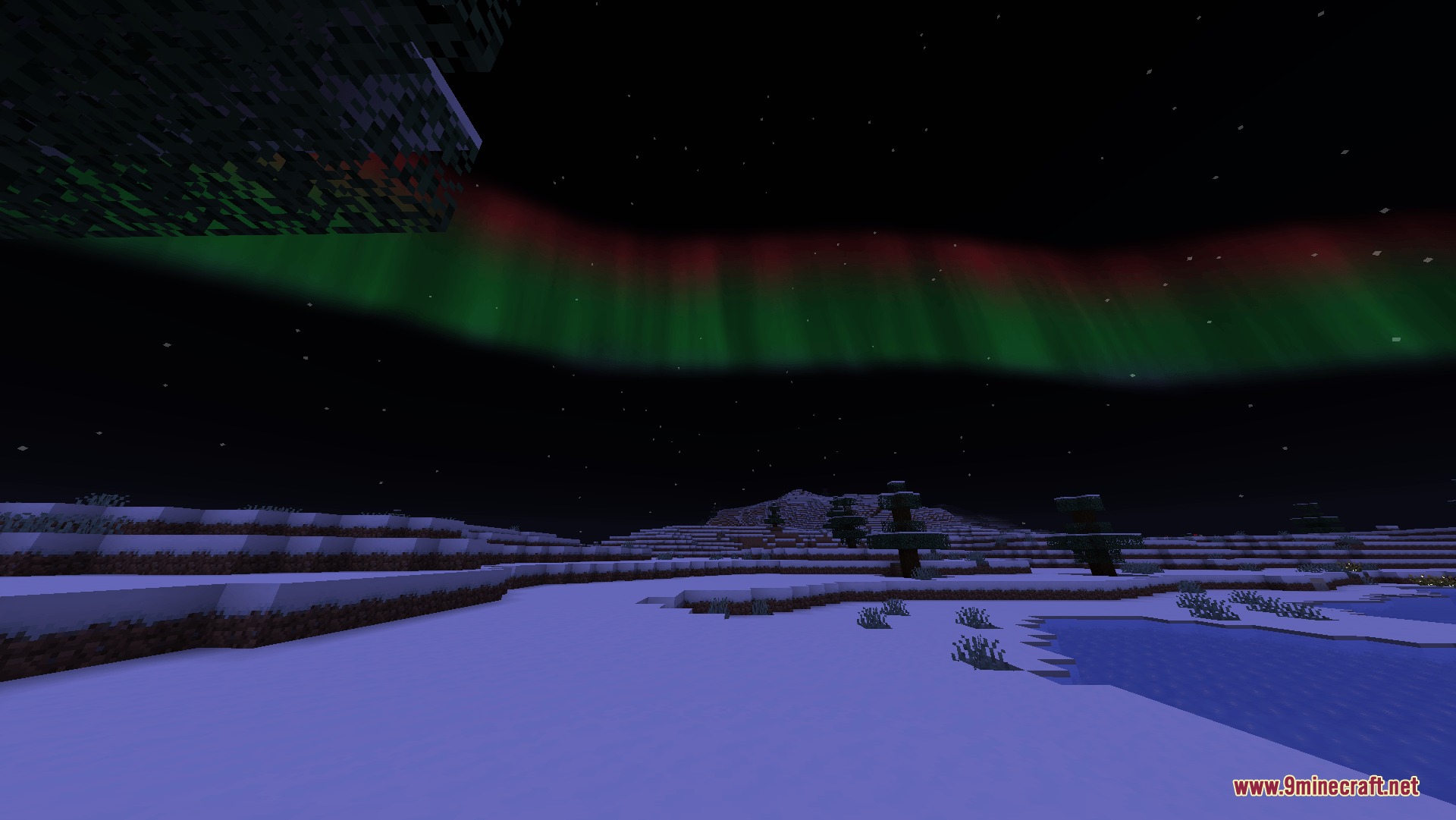
- Displays shader-driven northern lights over cold biomes around midnight with vibrant color curtains.
- Adds morning mist, biome fog, bedrock fog, and elevation fog.
- Shows special particles such as fireflies, frost breath in cold areas, and water ripples.
- Plays Deep Dark audio cues with low drones, faint heartbeats, and intermittent Sculk clicks.
- Shows held compass and clock information directly on the HUD.
- Displays the exact horizontal distance to target locations on explorer maps.
How to Use:
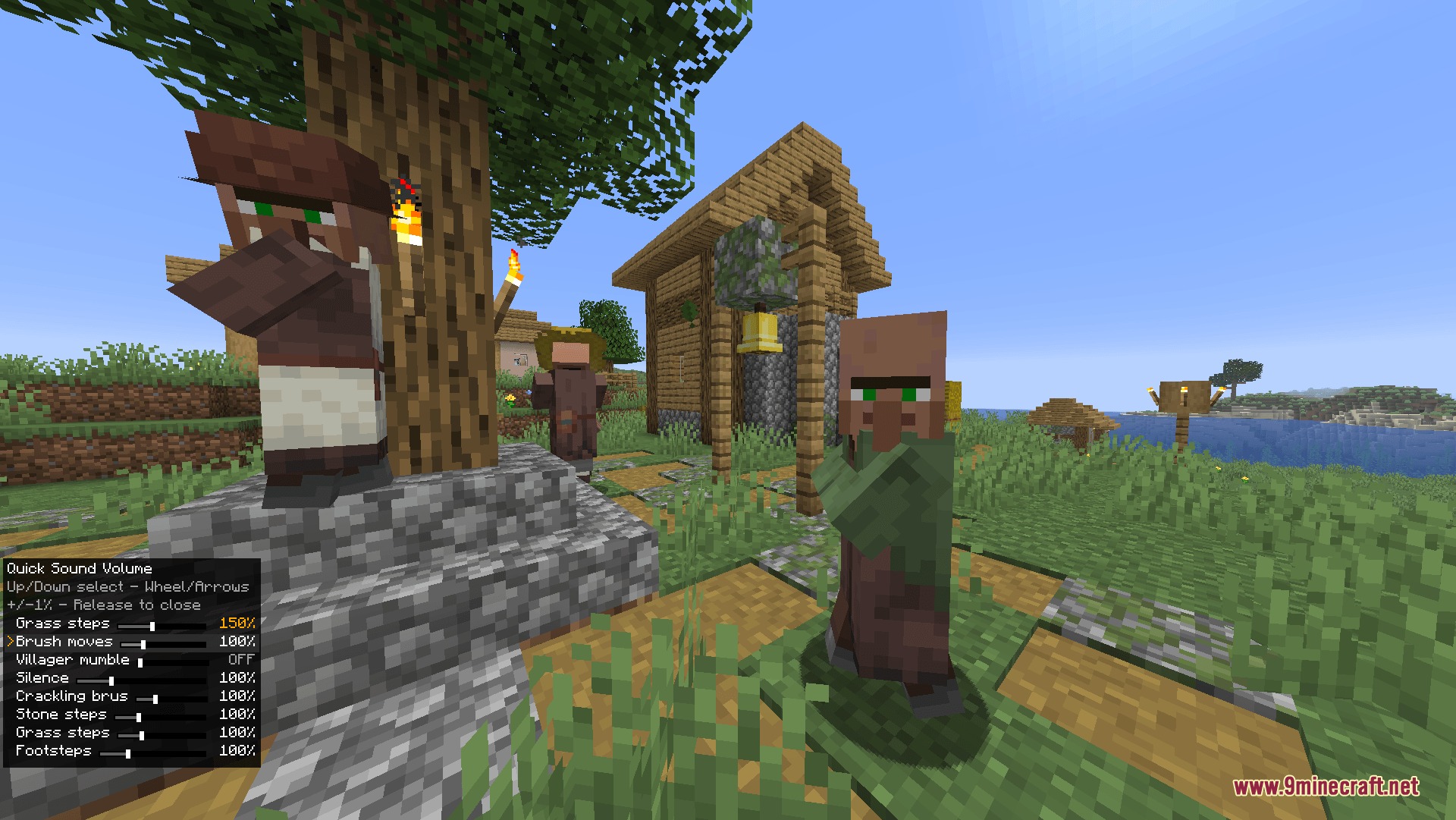
- Hold Ctrl + ` (backtick) to adjust volume levels for recently played sounds on the fly.
- Open the standard Sound Options menu to adjust Footstep and Biome sound sliders independently.
- Hold a compass or clock in your main hand or off-hand to view the HUD overlay.
Screenshots:
How to Install:
New to Minecraft? Follow our step-by-step guide to install Mods on your PC.View Guide
Requirements:


Dynamic Surroundings Rebirth Mod Download Links
For Minecraft 26.1.2, 26.1.1, 26.1
For Minecraft 1.21.1, 1.21
For Minecraft 1.20.1, 1.20
Click to rate this post!
[Total: 0 Average: 0]
You May Also Like



This post has no comments yet. Be the first — your comment will appear here.