
Eclipse Deferred (26+, 1.21) – Soft Shadows and Sun Rays
 106
 0

Eclipse Deferred transforms lighting in Minecraft Bedrock with deferred rendering and physically based rendering (PBR) for lifelike visuals. Every surface reacts to light in its own way, so metals shine, rough blocks scatter light, and glowing objects light up dark places. This shader adds dynamic global illumination, soft shadows, volumetric fog, water waves, and custom sun and moon lighting across the day-night cycle. It includes 13 atmosphere profiles, 6 fog profiles, 5 ACES color-grading profiles, and custom color and fog tuning for 87 biomes. You also get detailed 16x textures for blocks, items, mobs, and the sky, along with Default and Saturation color options. This pack works with Minecraft Bedrock’s Vibrant Visuals mode, so you need to turn on Vibrant Visuals in your video settings to see its effects.
Requirements:
- MCPE/Bedrock 1.21.100 – 1.21.130
all 10 versions
1.21.130, 1.21.124, 1.21.123, 1.21.122, 1.21.121, 1.21.120, 1.21.114, 1.21.111, 1.21.101, 1.21.100
- Built for Minecraft Bedrock's Vibrant Visuals mode — its effects only show with Vibrant Visuals enabled in the video settings

Features:
- Brings deferred rendering and physically based rendering (PBR) with metalness, emissive, roughness, normal, and height maps so metals shine, rough blocks scatter light, and glowing objects light up dark areas.
- Adds dynamic global illumination, soft shadows, and volumetric fog across your world.
- Handles multiple light sources and complex lighting smoothly with an efficient deferred pipeline.
- Changes sun and moon lighting across the day-night cycle and adapts atmosphere effects to time and weather.
- Includes 13 atmosphere profiles and 6 fog profiles for different biomes and dimensions.
- Uses ACES tone mapping with 5 color-grading profiles to give caves, sunsets, and landscapes deeper colors and a cinematic tone.
- Tunes colors and fog individually for 87 biomes and adds biome color overrides.
- Adds waves to water surfaces for a more natural look.
- Offers 2 in-game options, Default and Saturation, to change the color balance.
- Retextures blocks, items, mobs, and the sky at 16x resolution with detailed textures.
- Adds custom UI tweaks to fit the visual style.
- Supports Vibrant Visuals mode, ray tracing, and RenderDragon patches.
How to Use:
- Open your Minecraft Bedrock video settings and switch on Vibrant Visuals mode so the shader effects appear in your world.
- Pick between the Default and Saturation in-game options to change the color balance.
Screenshots:


For MCPE/Bedrock 1.21+
What texture resolution do you typically install for your resource packs?
12 responses · See the full results →
You May Also Like
Picked for this page
 Prizma Shader (1.26+) – PBR Deferred Pack for MCPE/Bedrock
 Newb Glow Shader (1.21.20+) – MCPE/Bedrock
 Climax Shader (1.26+) – Deferred Rendering
 Prizma RTX Pack (1.21+) – MCPE/Bedrock PBR RTX Pack
 Survival Reworked Addon (26.x, 1.21) – MCPE/Bedrock Mod
 Mob to Waifu Addon (26.x, 1.21) – MCPE/Bedrock Mod
 Nature Panoramas UI Pack (26.x, 1.20) – MCPE/Bedrock
 Xiao Sakura Shader (1.26+) – MCPE/Bedrock
 Brewing Potion Guide Texture Pack (26.x, 1.21) – MCPE/Bedrock
 ZZZ VIBRANT VISUAL Shader (26.x, 1.21) – Warm Lighting with Zero Lag on Mobile
 Clear Sight Shader (26.x, 1.21) – Brighter Caves and Clear Water on Any Device
 Hollow Visual Shader (26.x) – Hollow Terrain and Pitch Black Night Skies
Most viewed in Shaders over the last 7 days
 Mirai Shader (1.26+) – Sharp Water Reflections and Volumetric Clouds
 Best Minecraft PE Shader for 1.26+ – Realistic and Lightweight For Low-End Devices
 Newb X Iterationt Shader (1.26+) – Black Hole Skybox And Stylized Clouds
 Better Render Dragon (1.26+) – Add Shaders Back To Minecraft
 MLYX Shader (1.21.50+) – MCPE/Bedrock
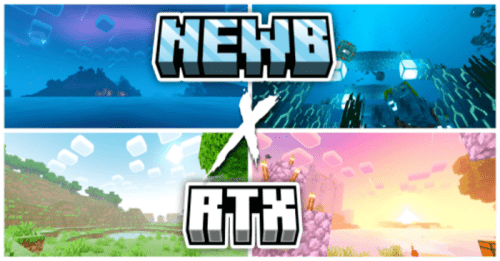 Newb X RTX Shader (1.26+) – Support RenderDragon
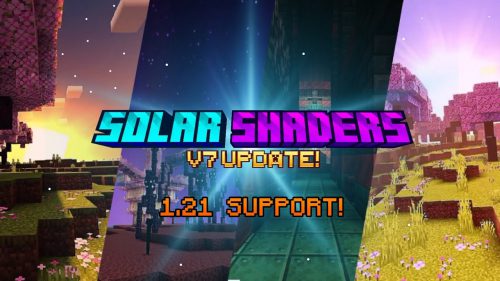 Solar Shader (1.26+) – Support BetterRenderDragon
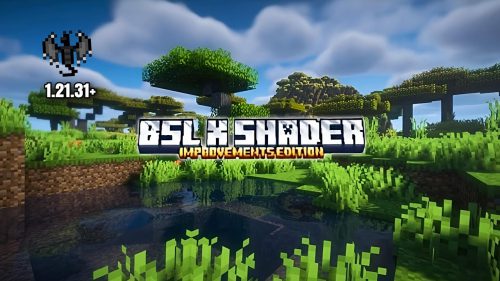 BSL X Improvement Shader (1.21.31+) – MCPE/Bedrock
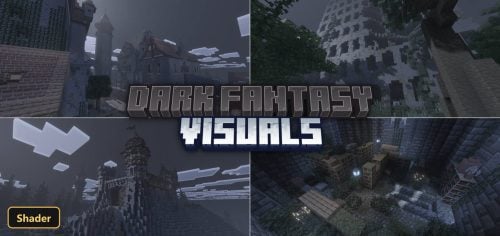 Dark Fantasy Visuals (26+, 1.21) – MCPE/Bedrock Shader
 Evermist Shader (26.x, 1.21) – Realistic Clouds and Crystal Clear Water
 Newb X Dawn Shader (1.26+) – RenderDragon, All Devices
 YSSBE Shader (1.21, 1.20) – Shader Cinematic for RenderDragon
More from Shaders
 Cherry Visuals Shader (26.x) – Vivid Pink Color Grading and Night Auroras
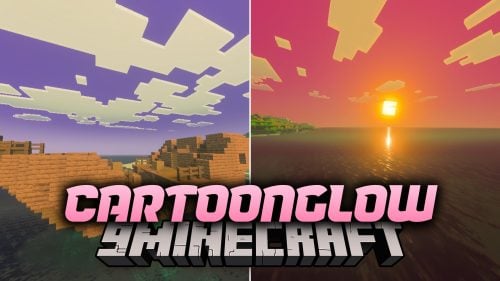 CartoonGlow Shaders (26.x, 1.21) – Pastel Fantasy Skies and Glowing Water
 Black N White Sky Shader (26.x, 1.21) – Custom Minimalist Clouds
 Tragic Fantasy Visuals (26+, 1.21) – MCPE/Bedrock Shader
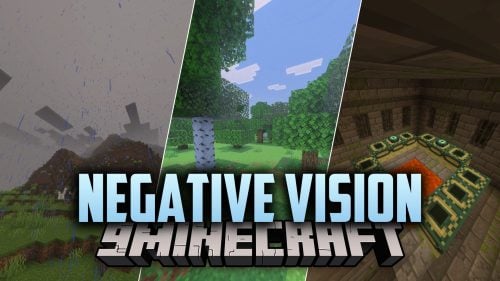 Negative Vision Shader (26.x, 1.21) – Inverted Color Effects with Quick In-Game
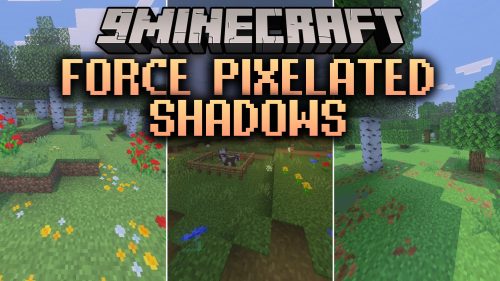 Force Pixelated Shadows Shader (26.x) – Blocky Hard Shadows for Stylized Worlds
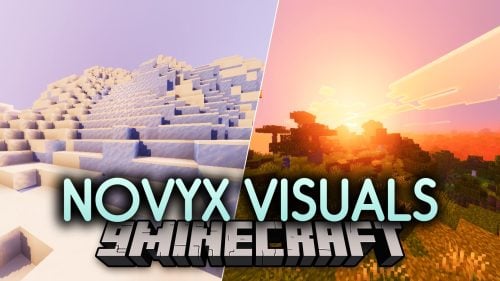 Novyx Visuals Shader (26.x) – Realistic Shadows and Clean Water for Bedrock
 Clear Nether Portals Shader (26.x, 1.21) – Transparent Portal Textures
 GURJAR X Standard Shader (26.x, 1.21) – Natural Lighting and Soft Shadows
 BRG Soft Bloom Shader (26.x, 1.21) – Soft Bloom Lighting and Natural Water
 Variated Blocks Shader (26.x, 1.21) – Randomized Block Textures
 Among Us Suspicious Sand and Gravel Shader (26.x, 1.21)

This post has no comments yet. Be the first — your comment will appear here.