


Entity Canvas Editor Mod (1.21.11, 1.20.1) – Customize Every Mob Directly
 0
0
 0
0

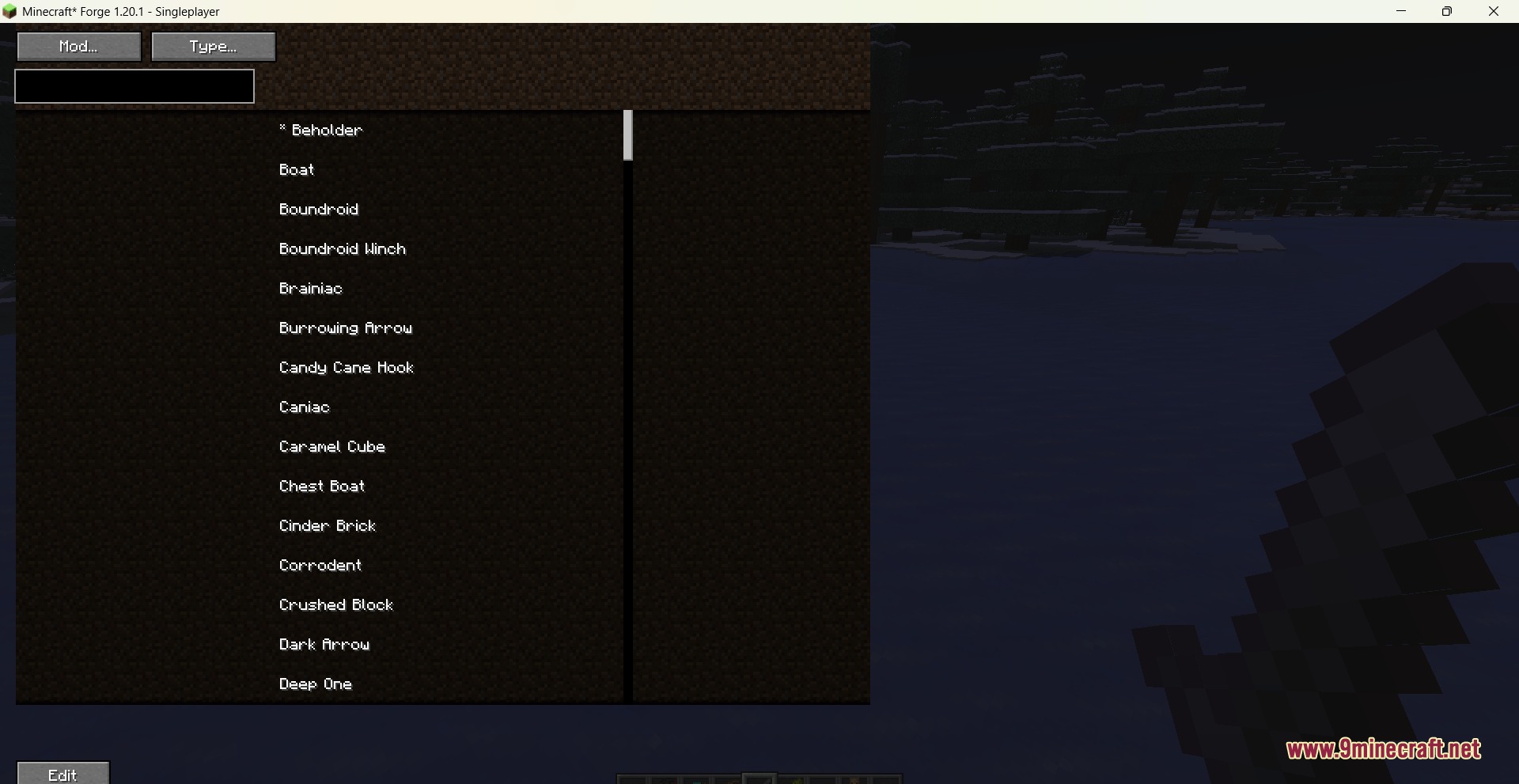
Entity Canvas Editor Mod gives you an interactive visual menu to edit any mob in your world. You can adjust health, speed, damage, and spawn rules without writing complex scripts. The mod lets you change how mobs behave, set custom immunities, and view your edits on a real-time model before saving them.

Features:
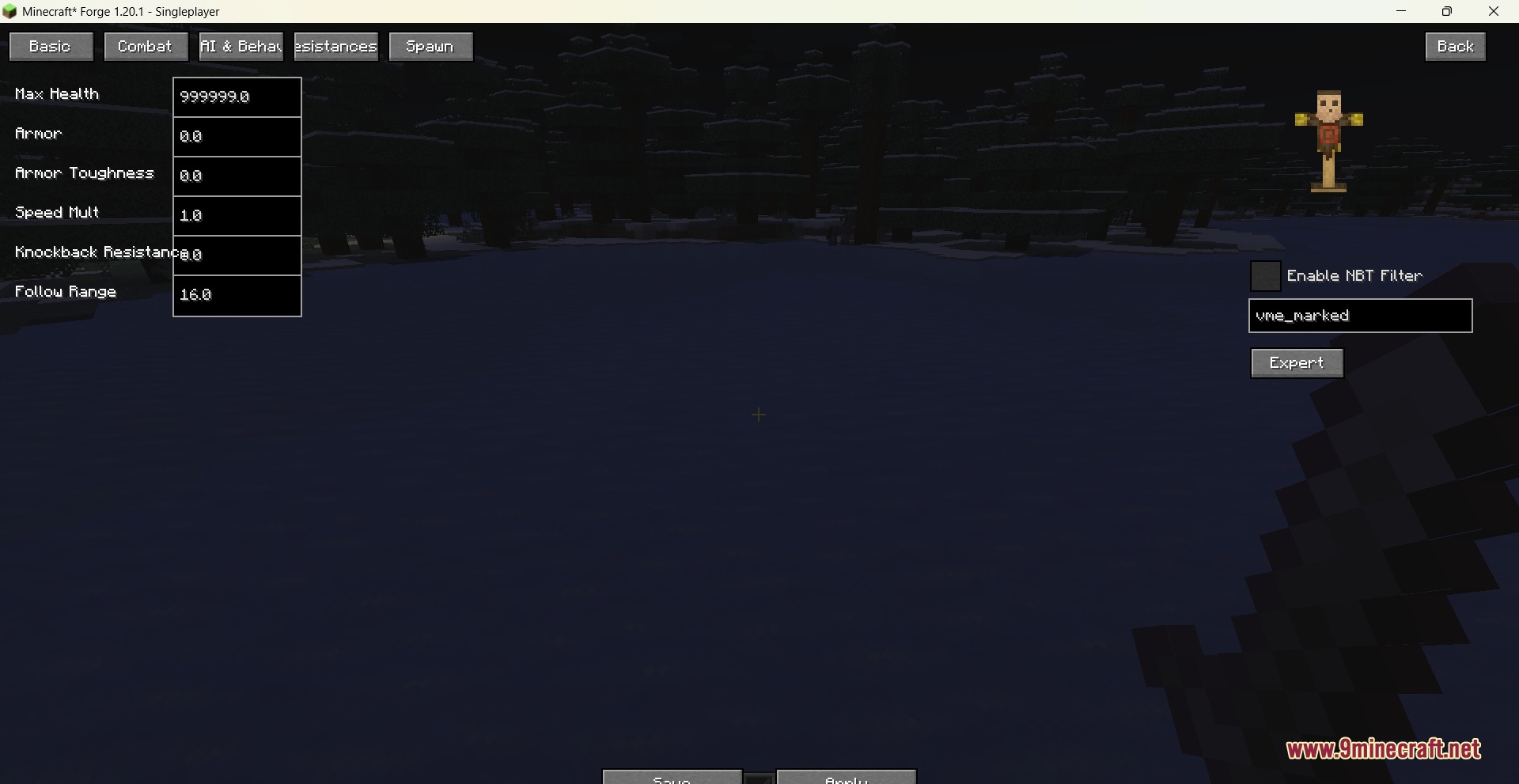
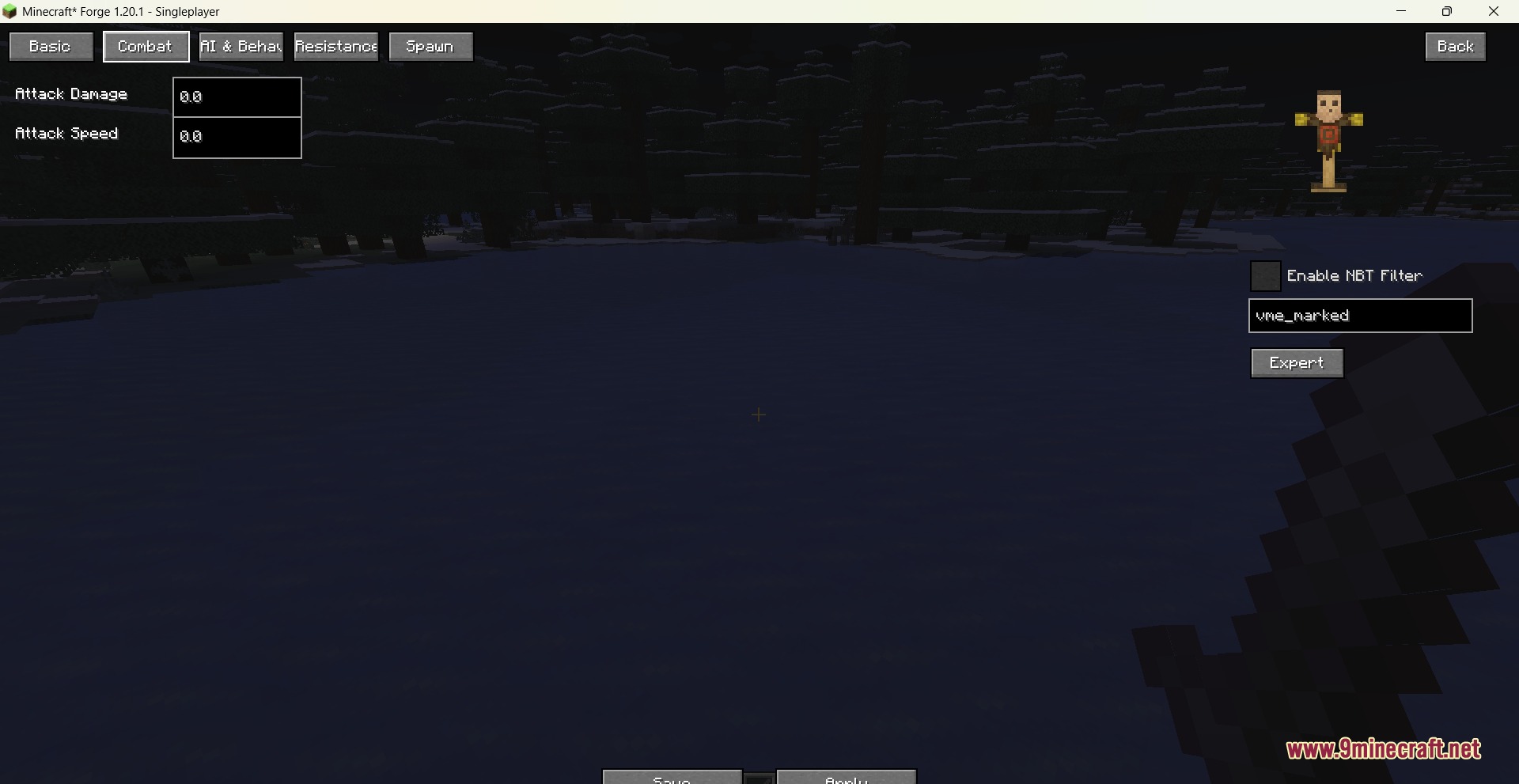
- Adjust basic mob attributes such as maximum health, armor, movement speed, attack damage, and follow range.
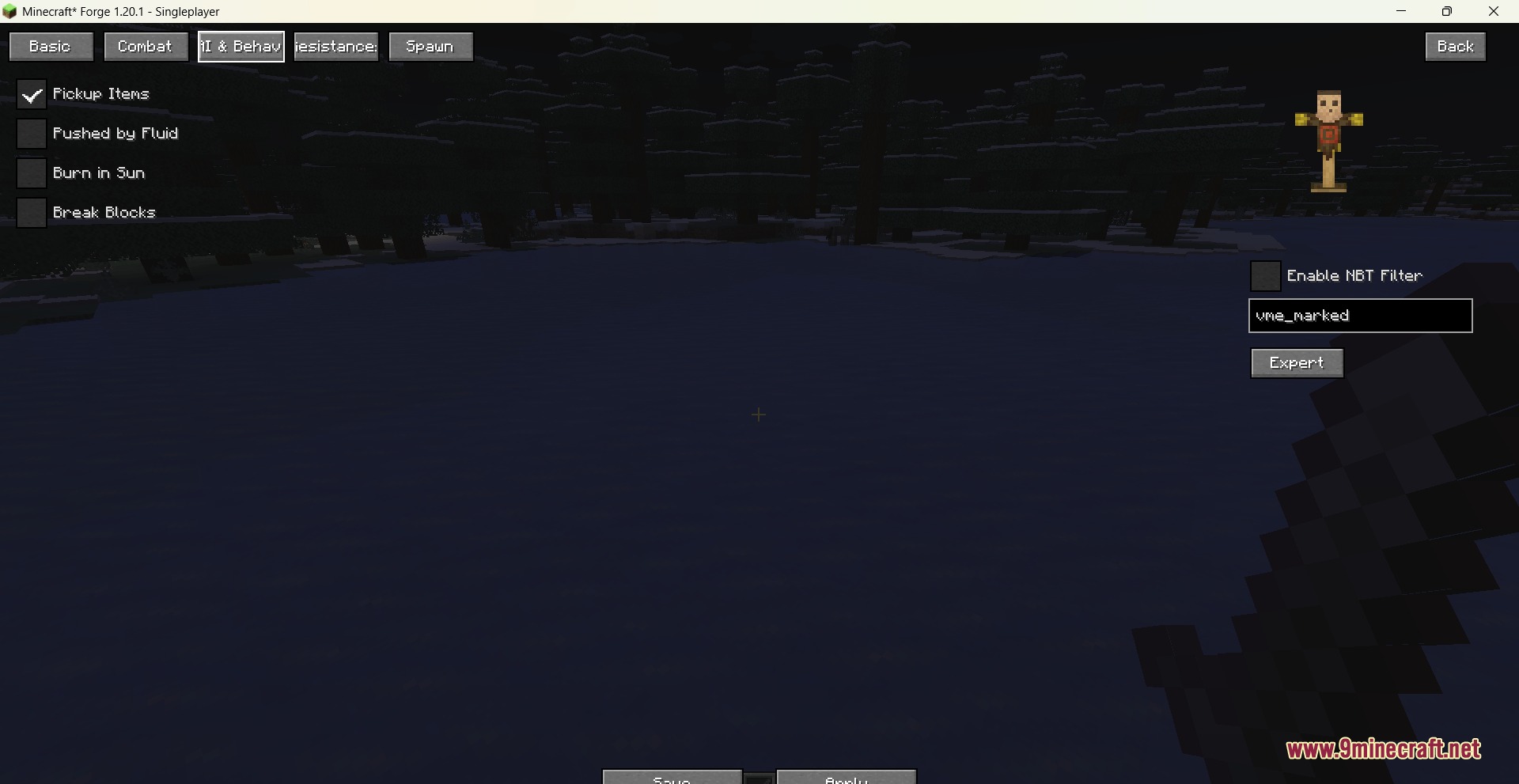
- Toggle specific mob behaviors including item pickup, fluid pushing, burning in daylight, and block destruction.
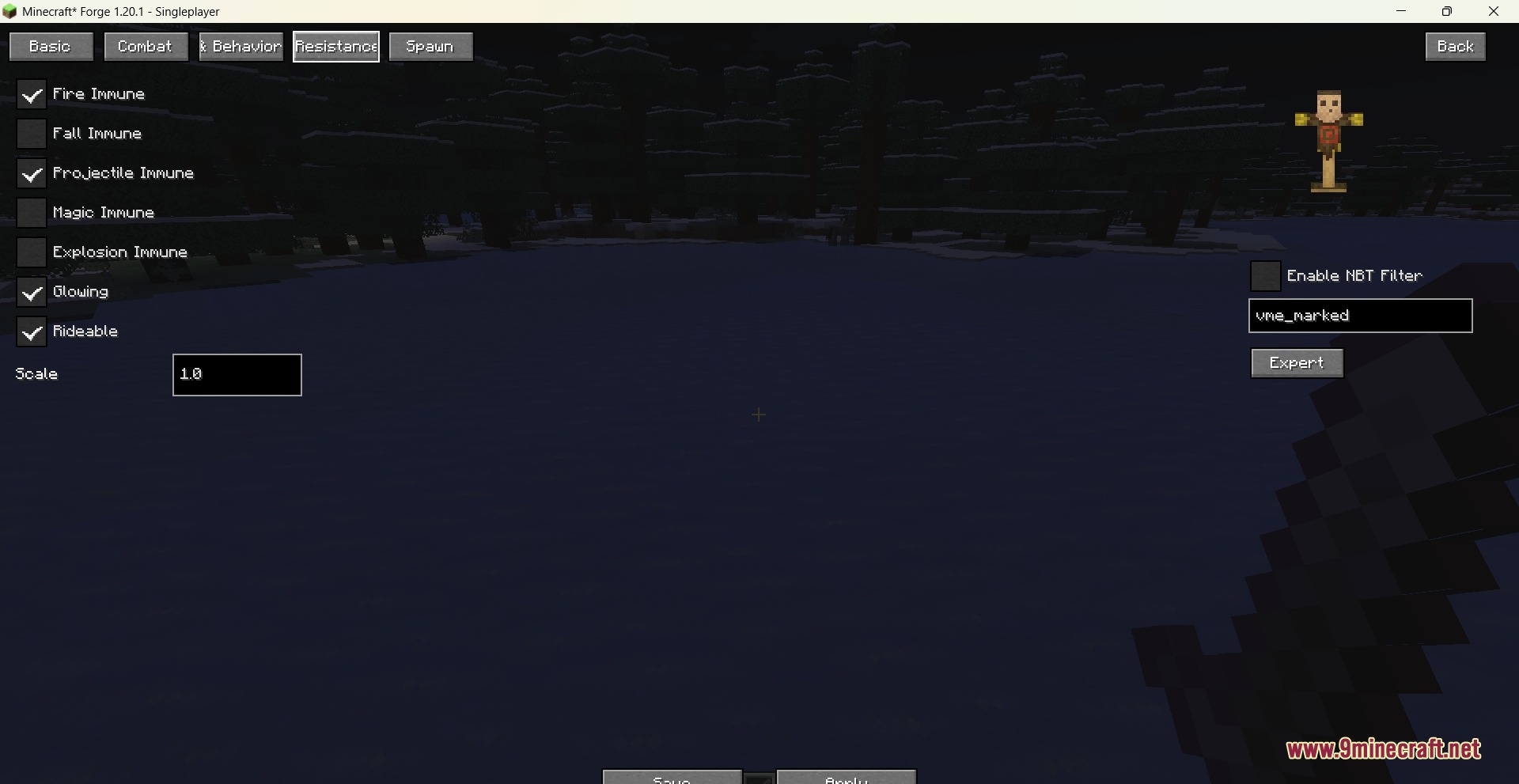
- Set mob immunities against fire, falling, projectiles, magic attacks, and explosions.
- Make any living entity permanently rideable or give them a constant glowing outline.
- Customize natural spawn conditions such as spawn weight, group numbers, light levels, height limits, and biomes.
- Rotate and inspect selected mobs in an interactive three-dimensional preview panel.
- Filter templates by specific NBT tags to modify targeted groups of mobs across your game.
- Use an expert editing mode to input custom attribute IDs and values directly.
- Saves all template changes to a configuration file that applies across your game.
Commands:
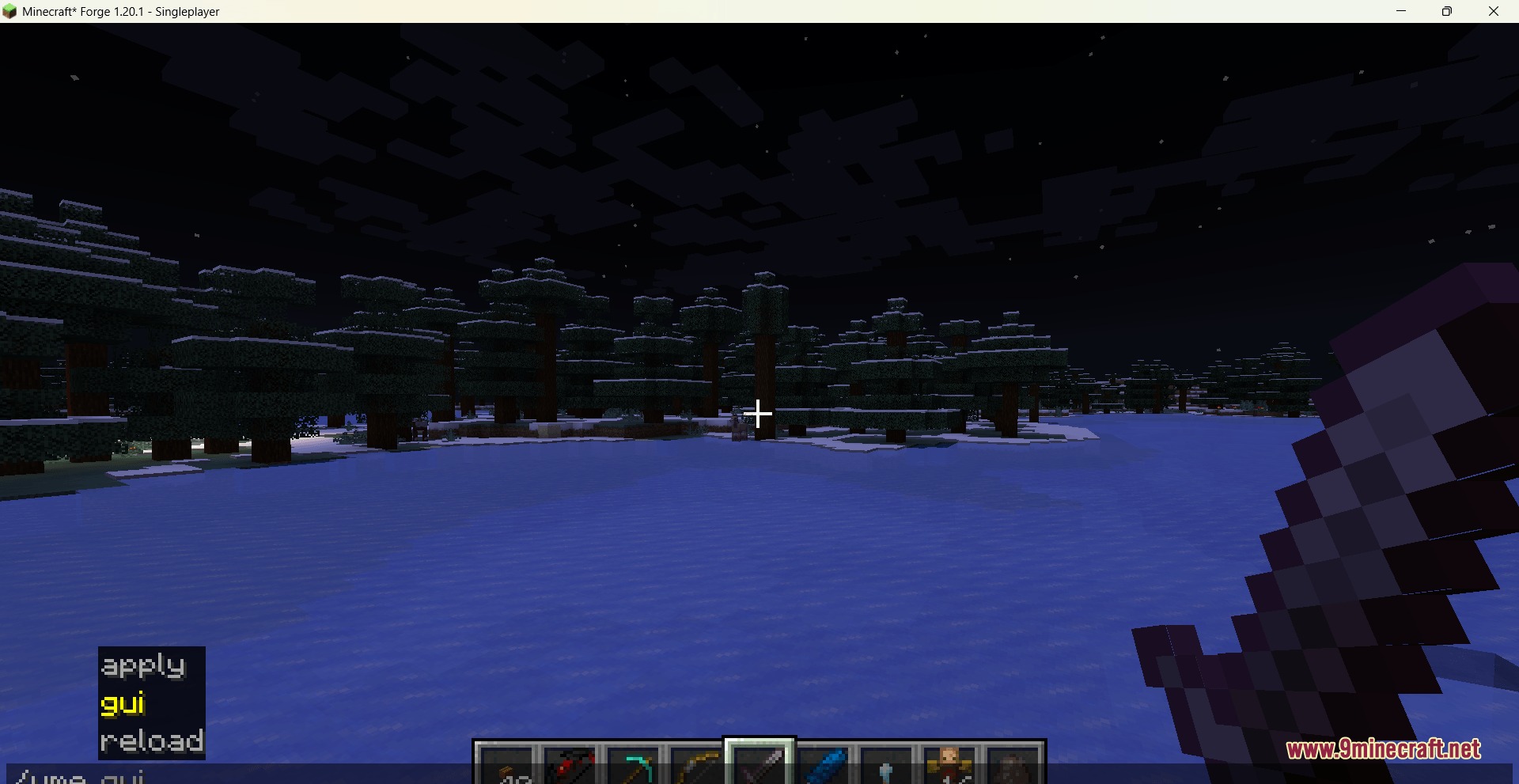
/vme gui: opens the main visual editor menu.
How to Use:
- Type
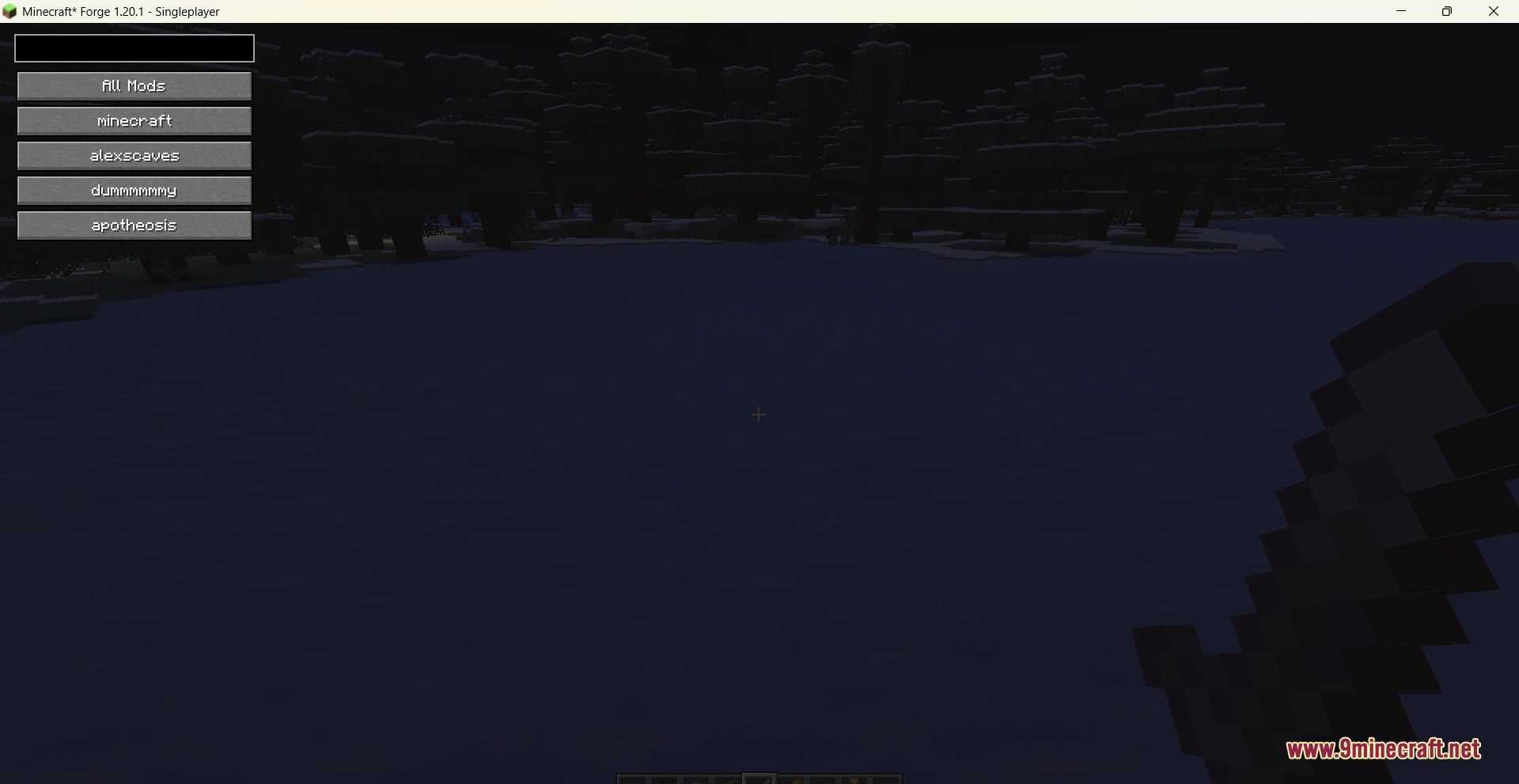
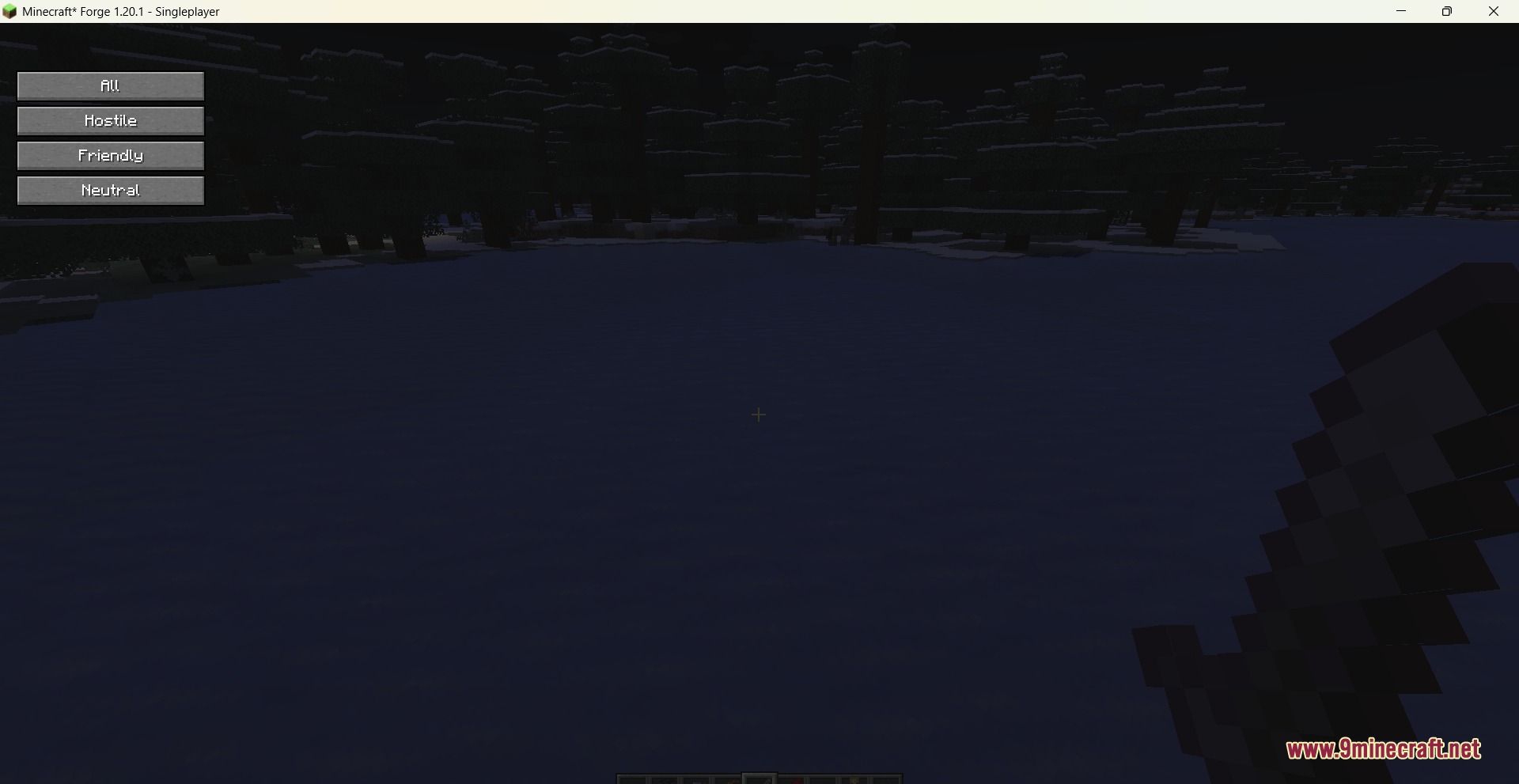
/vme guiin the chat box to open the editor. - Filter the list of mobs by mod name or hostility type.
- Click on the mob you want to change and press the Edit button.
- Switch between the property tabs to adjust attributes, behaviors, immunities, and spawn rates.
- Save your changes to store them in your template file.
Screenshots:
How to Install:
New to Minecraft? Follow our step-by-step guide to install Mods on your PC.View Guide




Entity Canvas Editor Mod Download Links
For Minecraft 1.21.11
For Minecraft 1.21.1, 1.21
For Minecraft 1.20.1, 1.20
Click to rate this post!
[Total: 0 Average: 0]
You May Also Like


















This post has no comments yet. Be the first — your comment will appear here.