
Entity Desync Viewer Mod (1.21.8, 1.21.1) – Track Real Entity Positions

 0


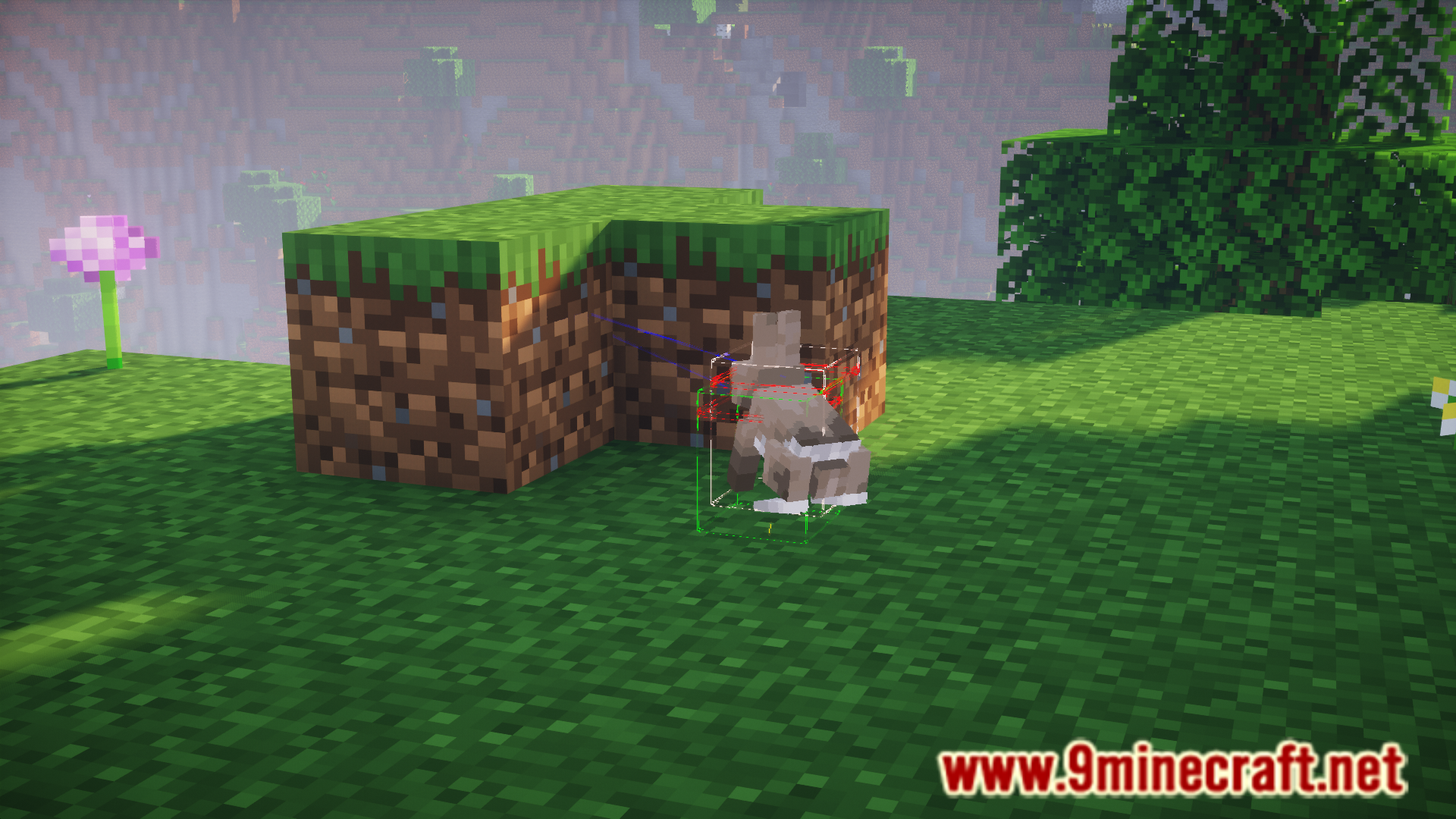
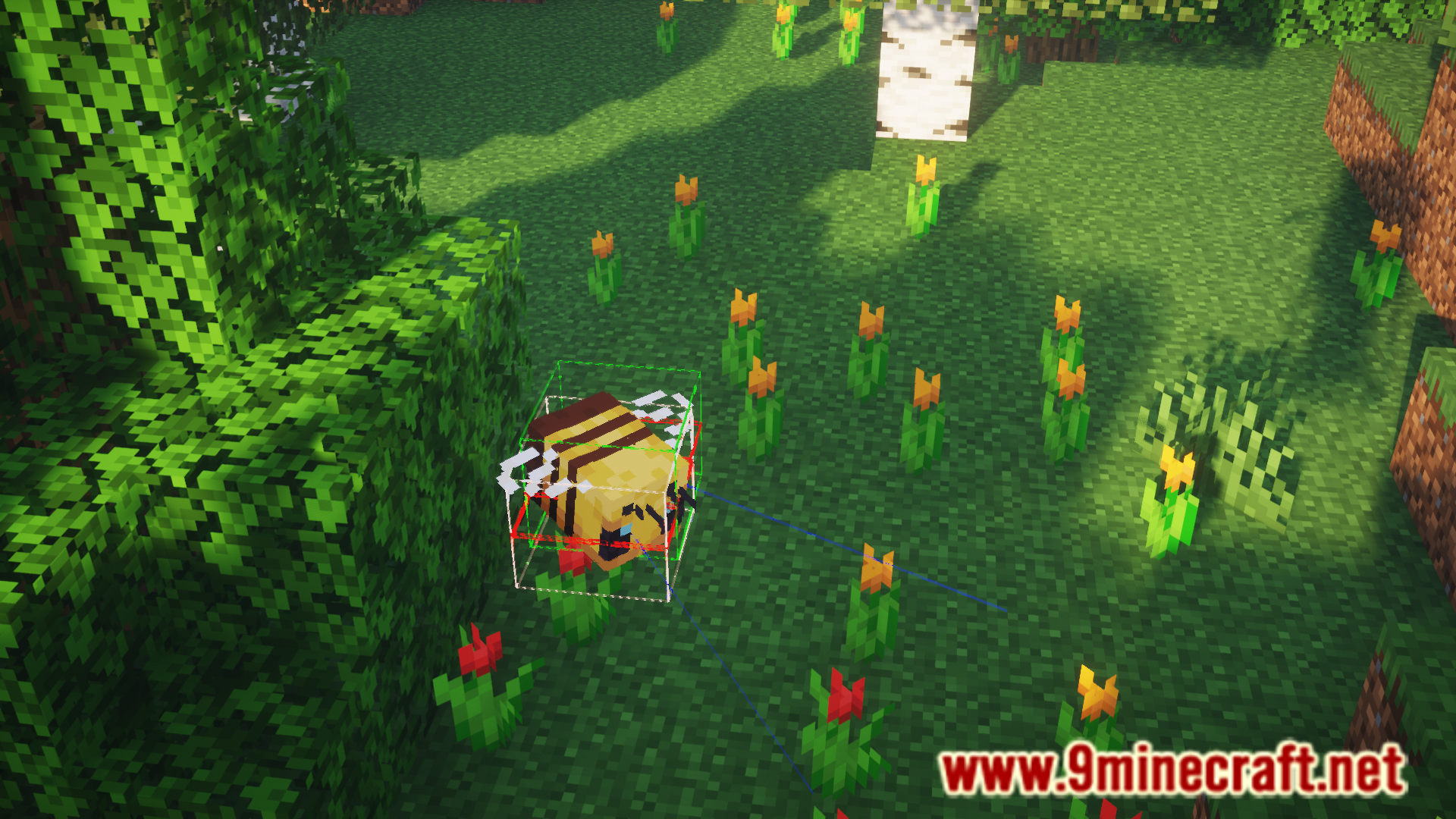
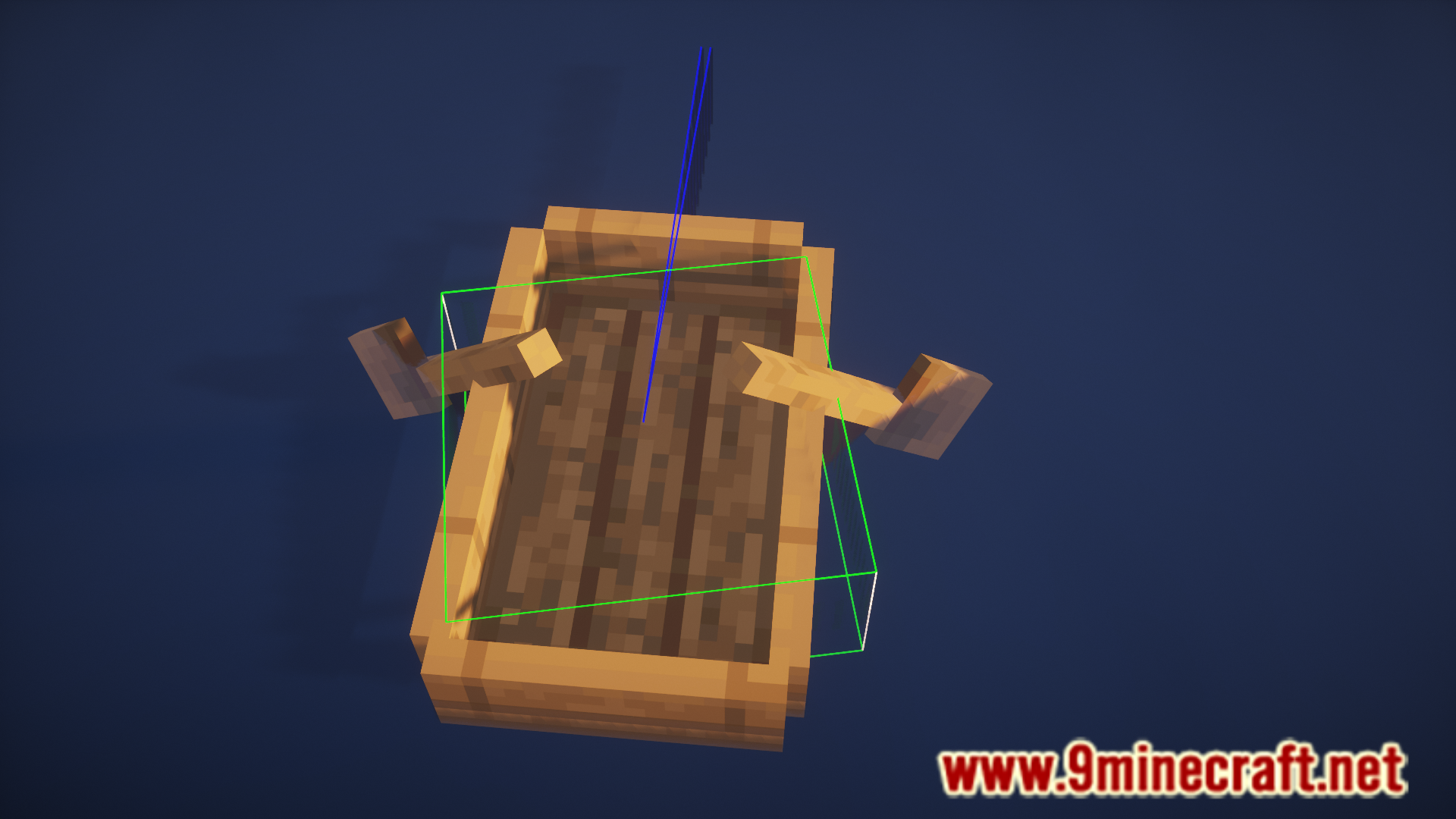
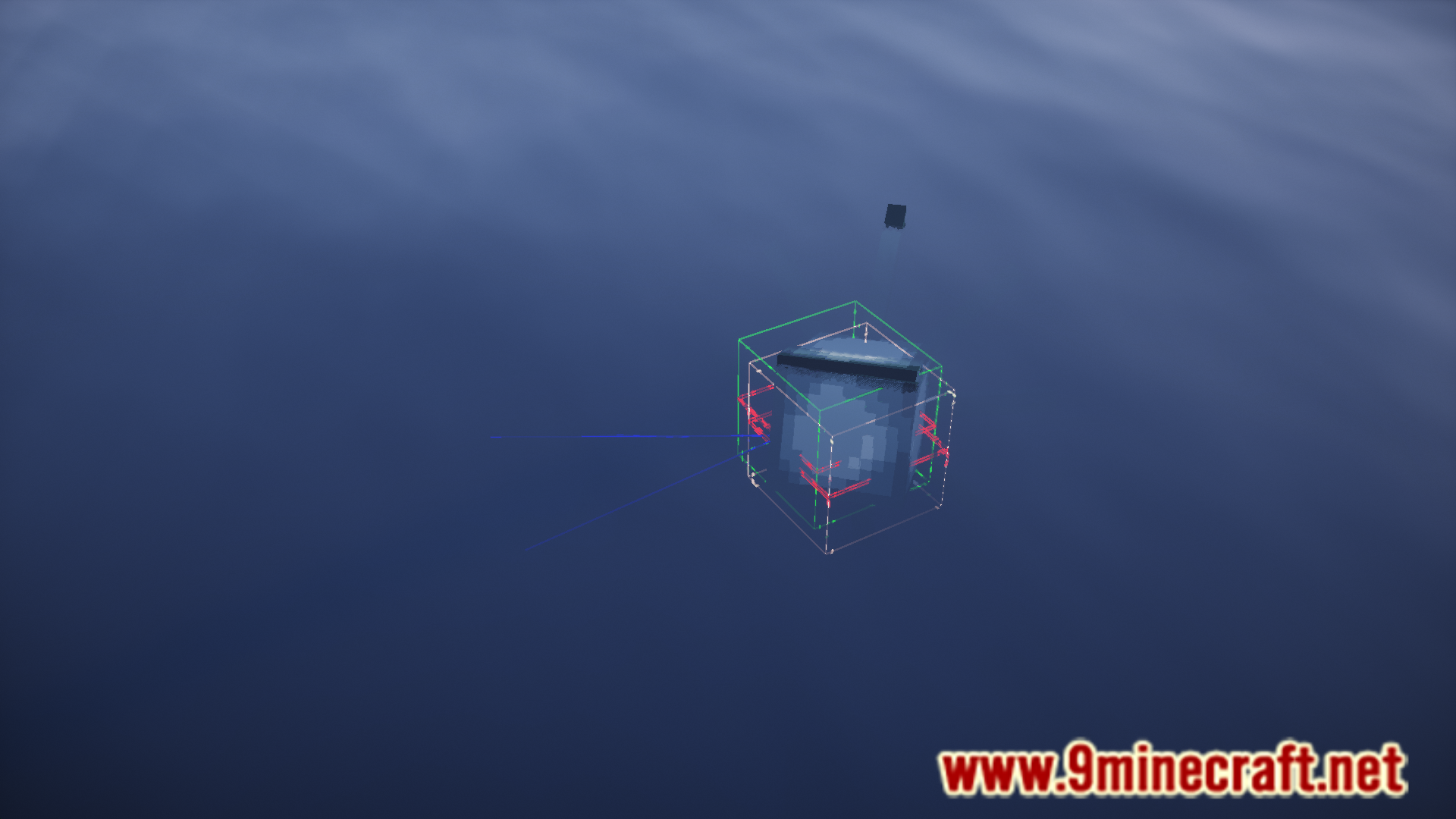
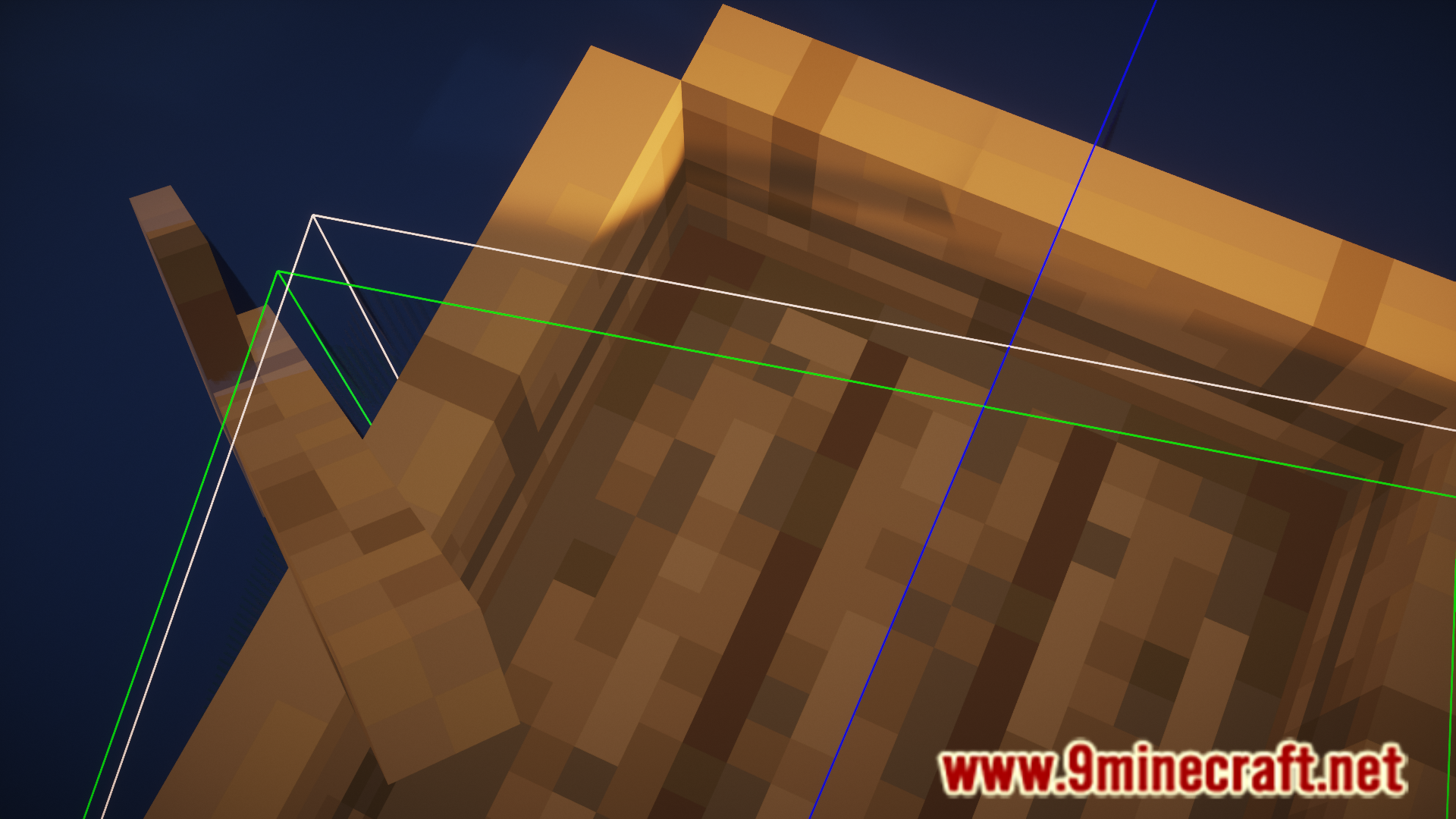
Entity Desync Viewer Mod enables the built-in debug feature to render server-side hitboxes in singleplayer worlds. It helps you see position differences between the client side and the integrated server side. Press F3+B to turn on hitboxes and view client boxes in white and server boxes in green. This tool works for the integrated server in singleplayer mode.
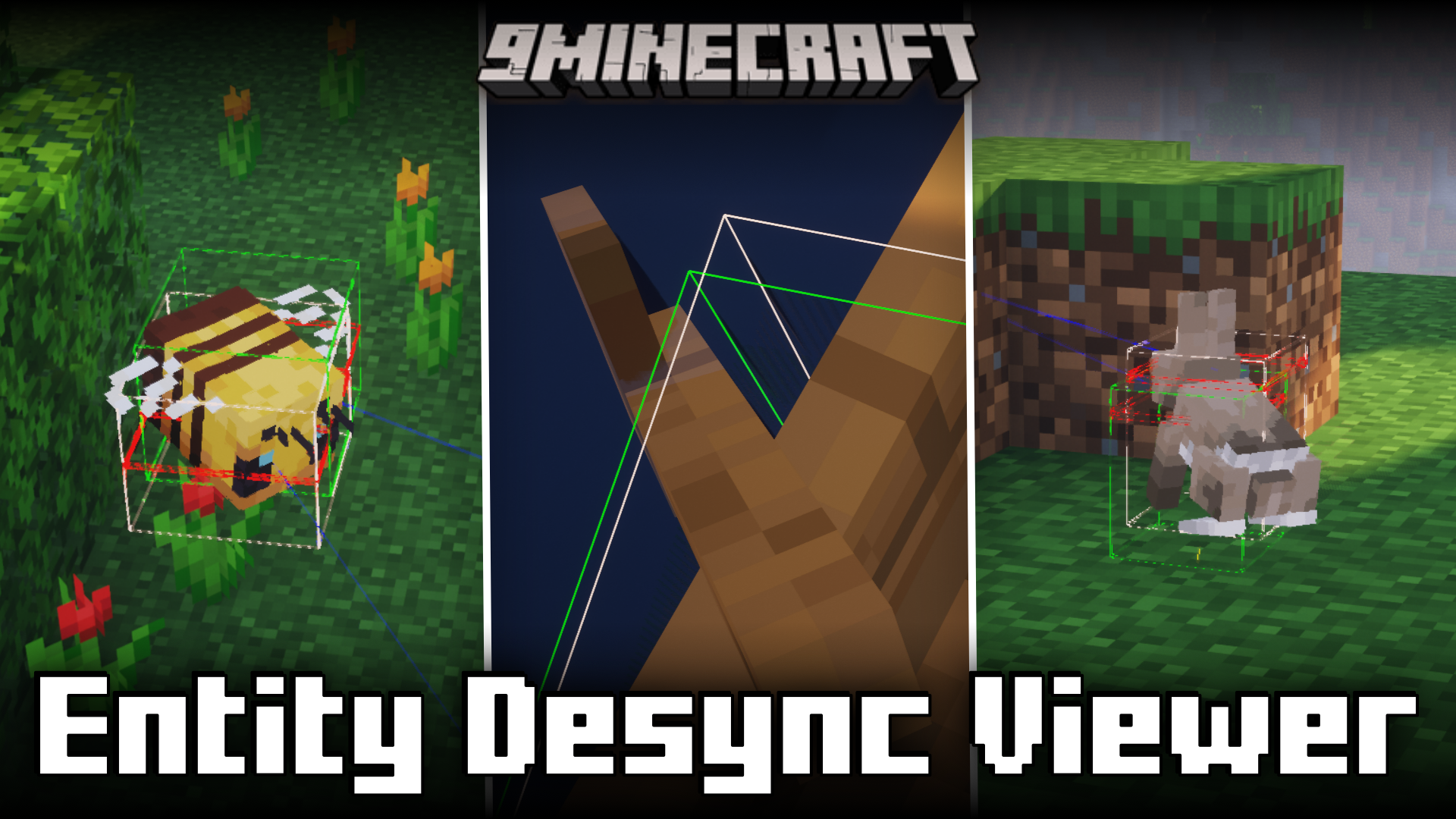
Features:
- Renders server-side hitboxes in green to show entity positions clearly.
- Shows client-side hitboxes in white alongside the server-side boxes.
- Works for the integrated server in singleplayer mode.
- Helps you spot position desync after actions like sprint-punching mobs or standing on piston heads.
How to Use:
- Press F3 + B in your singleplayer world to show all entity hitboxes.
- Look for white boxes which represent the client side position.
- Look for green boxes which represent the server side position.
- Observe any position desync while moving, sprint-punching, or riding entities.
Screenshots:

How to Install:
New to Minecraft? Follow our step-by-step guide to install Mods on your PC.View Guide
Entity Desync Viewer Mod Download Links
For Minecraft 1.21.8, 1.21.7, 1.21.6, 1.21.5
Fabric version: Download from Server 1 – Download from Server 2
For Minecraft 1.21.4, 1.21.3
Fabric version: Download from Server 1 – Download from Server 2
For Minecraft 1.21.1, 1.21
Fabric version: Download from Server 1 – Download from Server 2
Click to rate this post!
[Total: 0 Average: 0]
You May Also Like
Picked for this page
 Chunk Loaders Mod (26.3, 1.20.1) – Keep Everything Running Even When You’re Away
 Towers of the Wild Modded Mod (26.2, 1.20.1) – Multiple Dimensions & Planets
 Universal Bone Meal Mod (26.3, 1.20.1) – New Uses for Bone Meal
 Move Boats Mod (26.3, 1.20.1) – Easily Pick Up, Carry Boats Anywhere
 Colored Bricks Mod (1.21.11, 1.20.1) – Colored Bricks, Stairs & Slabs
 Nemo’s Mossy Blocks Mod (26.3, 1.20.1) – Shearable Mossy Building Blocks
 Afk Plus Mod (26.3, 1.20.1) – Manage AFK Statuses Easily
 OfflineLAN Mod (26.3, 1.20.1) – Adds A Toggle In The “Open To LAN” Menu
 0,5 HP Mod (26.3, 1.20.1) – Never Die To Fall Damage
 Smart Completion Mod (26.3, 1.20.1) – Command Typing Supercharged
 Pet Protect Mod (26.3, 1.21.1) – Protect Pets During Combat
 Named Traders Mod (26.3, 1.20.1) – Name Traders To Prevent Despawning
Most viewed in Mods over the last 7 days
 Ala Industrial Mod (26.3) – Run Electric Power Grids and Automated Factories
 PleasureCraft Mod (26.3, 1.21.1) – Jenny Mod Remake for Fabric
 Jennycraft Mod (26.3, 1.20.1) – Virtual Girlfriend in Minecraft
 Fapcraft Mod (26.3, 1.12.2) – Comprehensive and Detailed Content
 Jenny Mod (Fapcraft) Official Complete Guide – How to use, Tutorial
 BangCraft Mod (1.20.1) – Jenny, Ellie and Elliot
 Fabric Loader (26.3, 1.20.1) – Fabric Installer for All Minecraft Versions
 Meteor Client Mod (26.3, 1.20.1) – Xray, HUD, Fly
 The Shooting Star Demo Mod (26.3, 1.20.1) – Vaporize Terrain From Orbit
 OptiFine HD (26.3, 1.20.1) – Run Faster, FPS Boost, Shaders Support
 Aristois Client Mod (1.21.4, 1.20.1) – World Class Minecraft Utility
 Prestige Client Mod (1.21.11, 1.21.4) – Powerful Ghost Features for Crystal & Sword PvP
More from Mods
 Shade & Saturation Slider Mod (26.2, 1.21.11) – Make Every Biome Vibrant
 Cataclysm X Yung’s Better Nether Fortresses Compat Mod (1.21.1, 1.20.1)
 Patchouli 9minecraft Mod (26.3) – Read Mod Guides Without Leaving Minecraft
 Paintings ++ 9minecraft Mod (26.3) – Pick the Exact Painting You Want
 owo-lib 9minecraft Mod (26.3) – Run Your Favorite Mods Without Errors
 Moonlight 9minecraft Lib (26.3, 26.2) – Run Complex Mods Without Errors
 Load My Tags 9minecraft Mod (26.3) – Mix Mods Without Breaking Recipes
 Kambrik 9minecraft Mod (26.3) – Run Kotlin Mods Without Game Lag
 Fast Paintings 9minecraft Mod (26.3, 26.2) – Place Wall Art Exactly Where You Want It
 Bonsai Trees 9minecraft Mod (26.3, 26.2) – Automate Wood Farming in Tiny Pots
 Enhanced Block Entities 9minecraft Mod (26.3) – Build Lag-Free Storage Rooms
 Better Nether 9minecraft Mod (26.3, 26.2) – Survive Forever in the Nether

This post has no comments yet. Be the first — your comment will appear here.