
Entity Detectors Mod (1.21.1, 1.20.1) – Automate Redstone Traps and Farms

 0


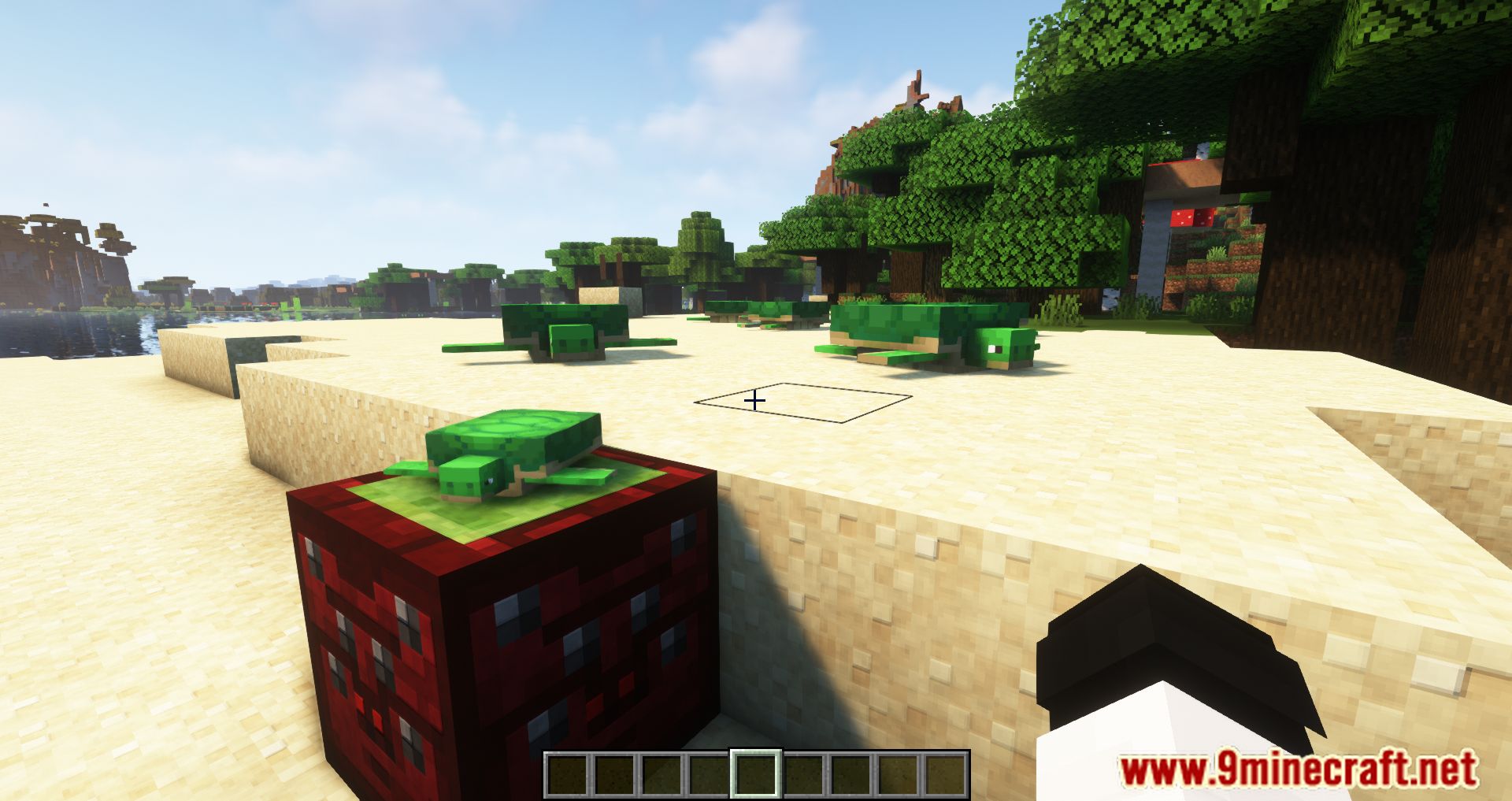
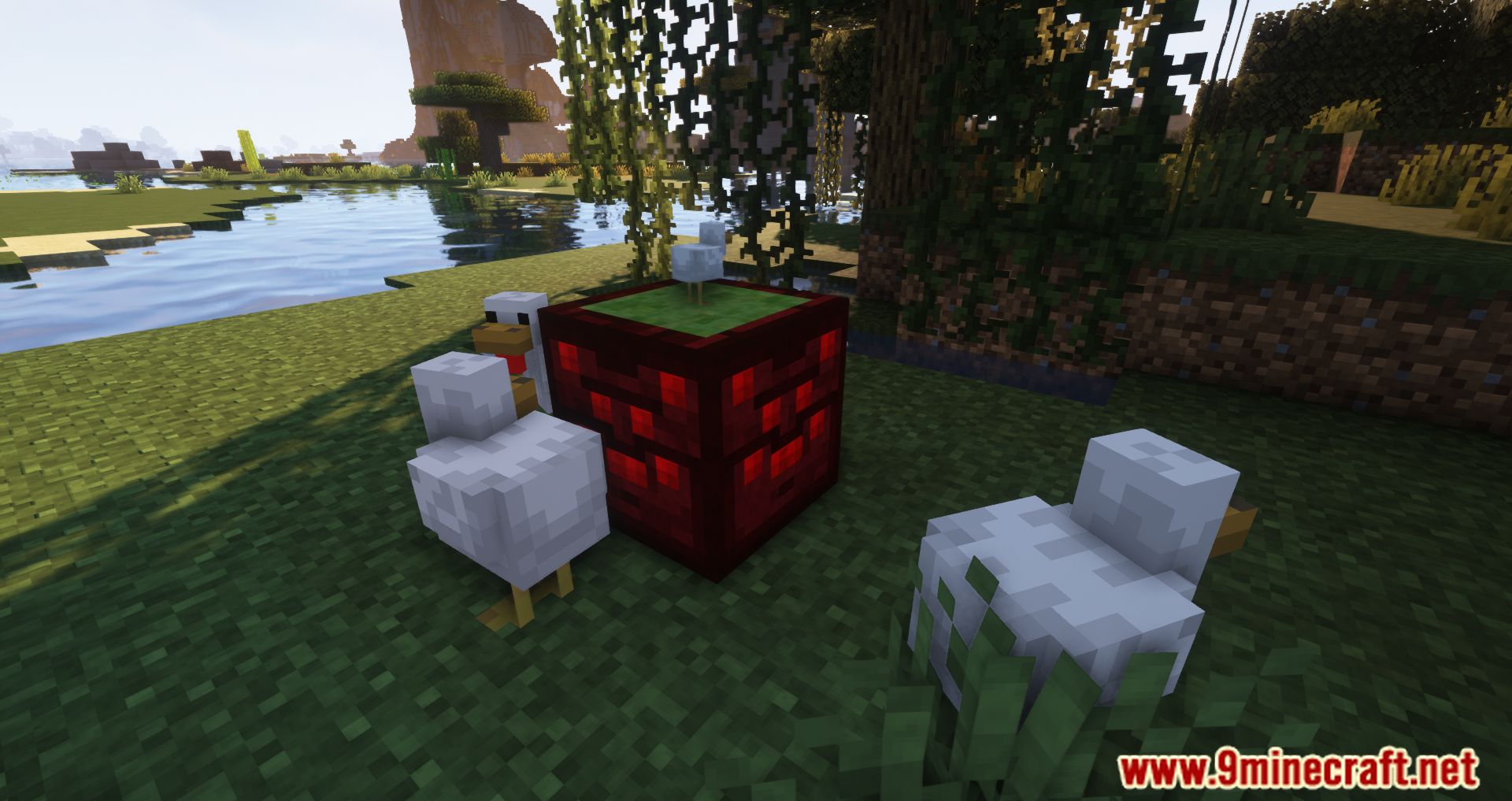
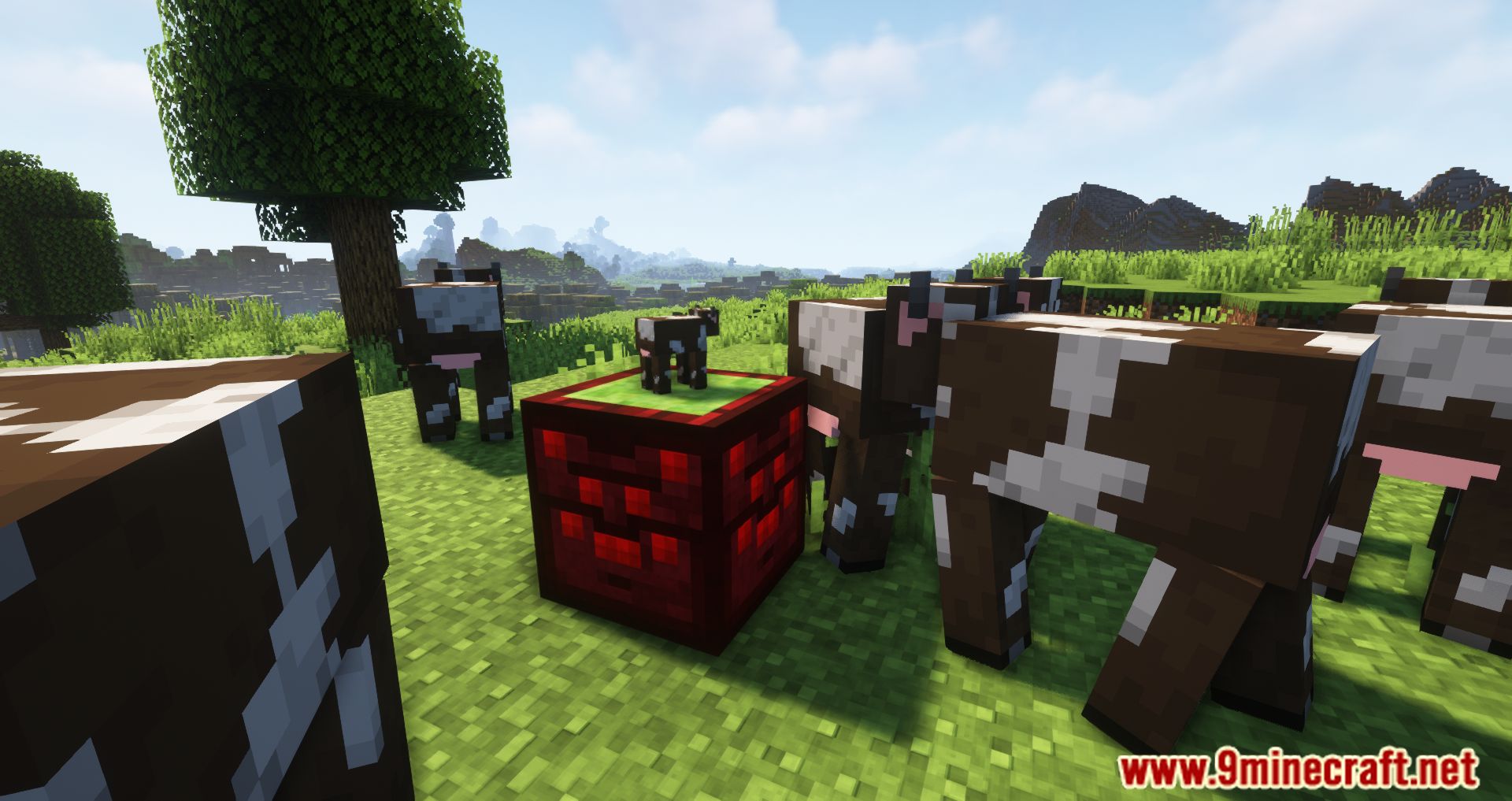
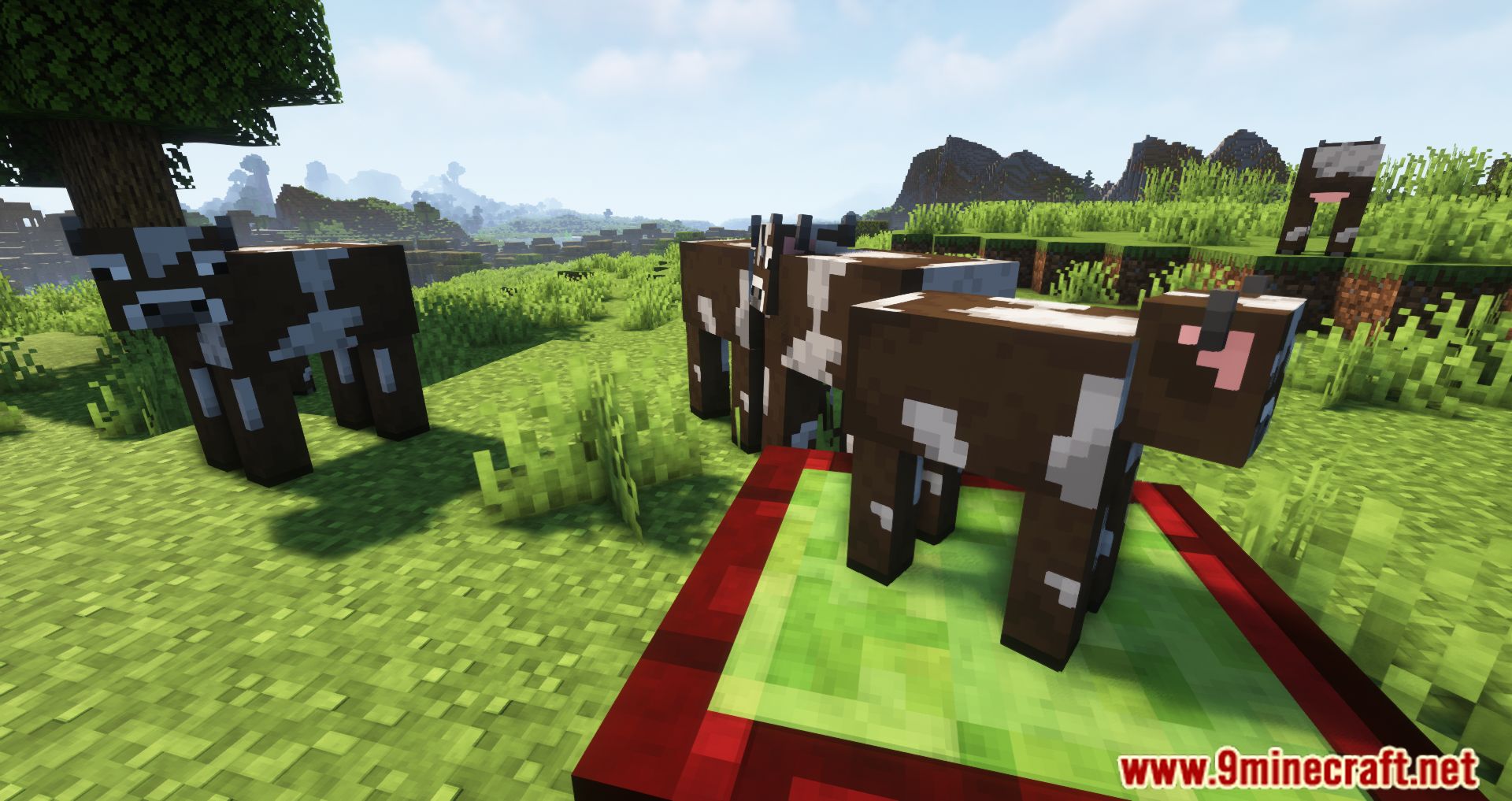
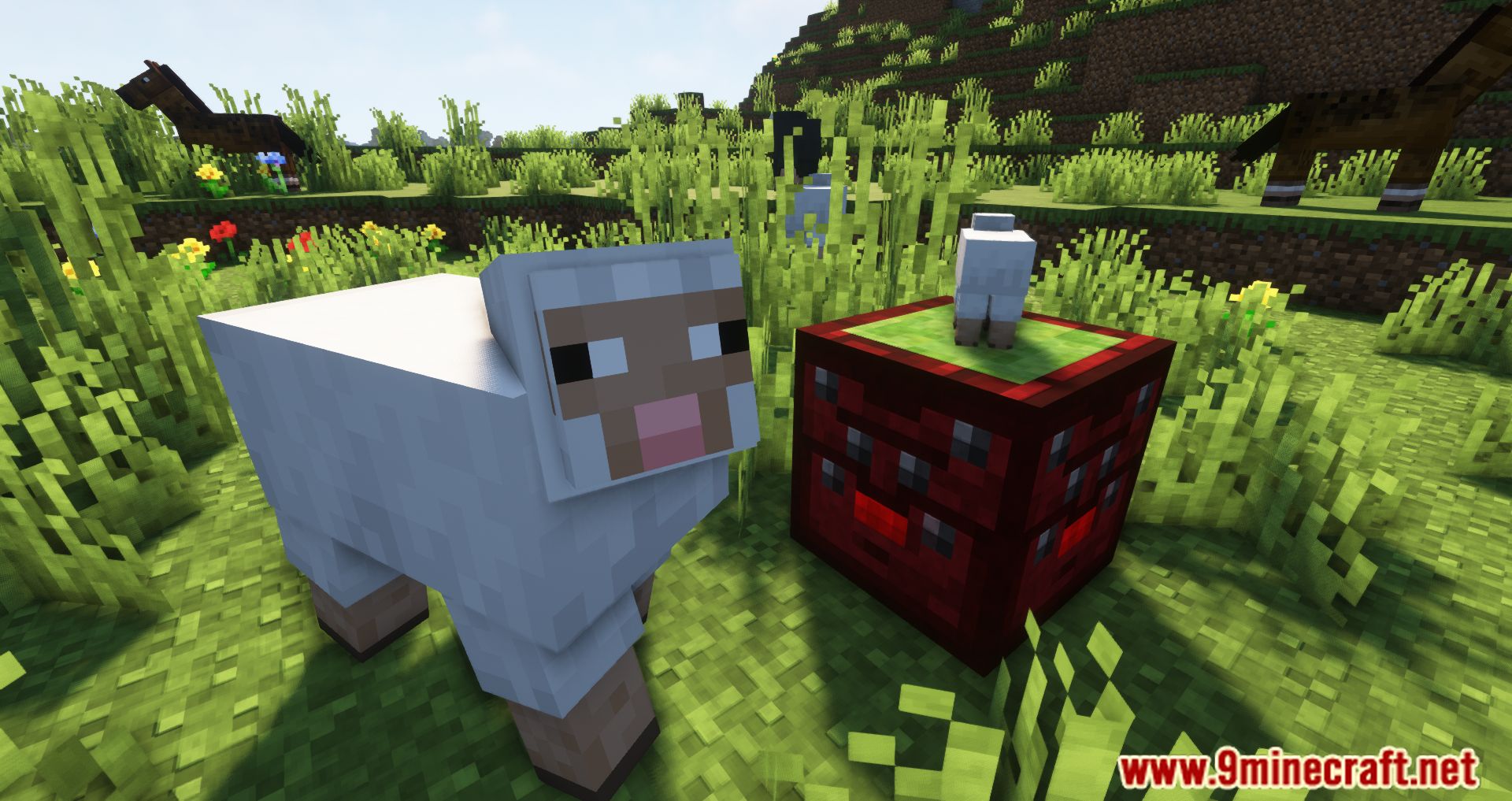
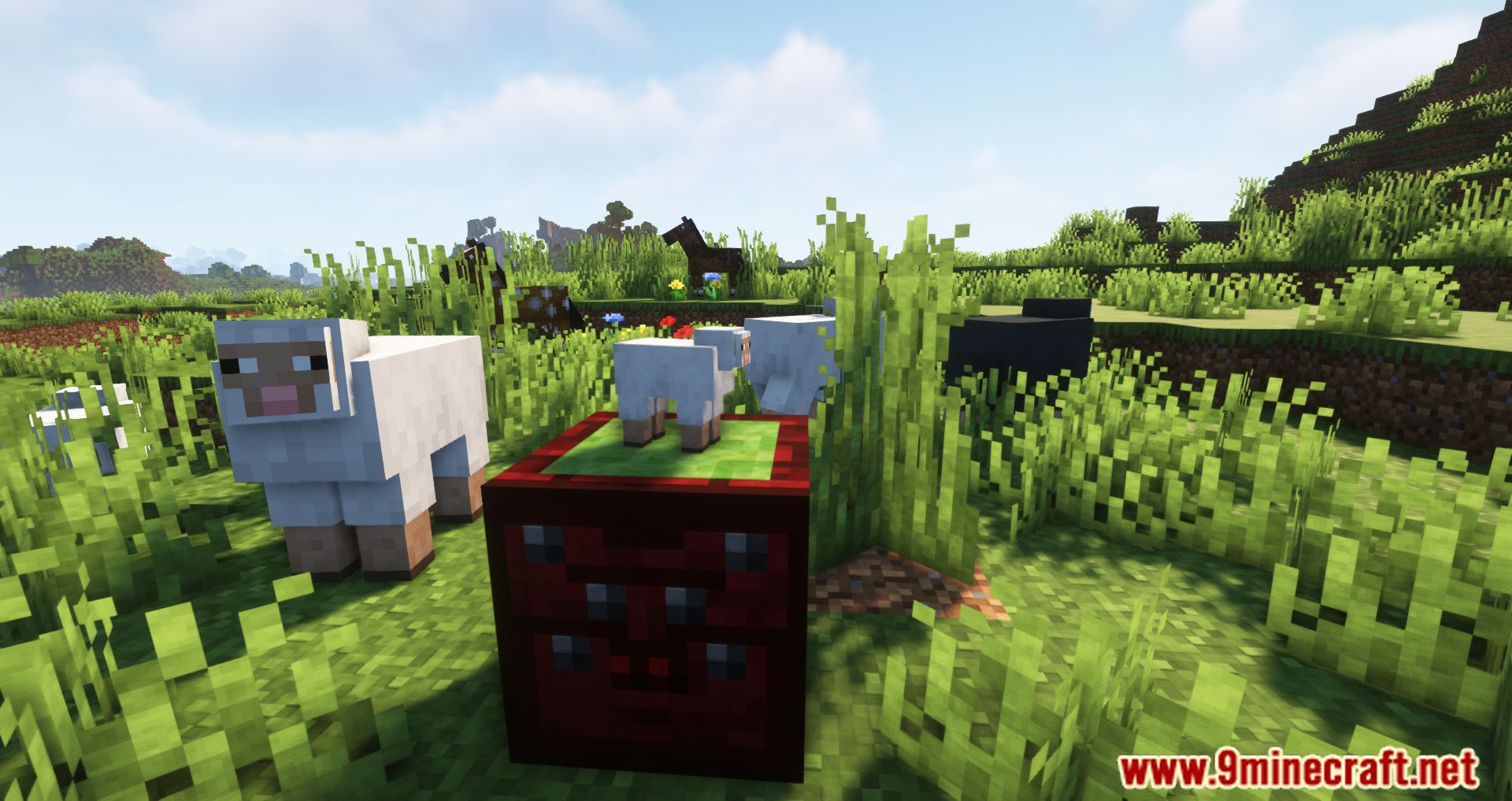
Entity Detectors Mod adds two redstone blocks that detect nearby players and mobs. One block sends out a redstone signal when players come close, and the other reacts to nearby mobs. You can set the detection range to 2, 4, 8, or 16 blocks and filter the mob detector to track just one mob type using an Imprinted Slimeball. This mod also lets you change how often the blocks scan the area in the server config.
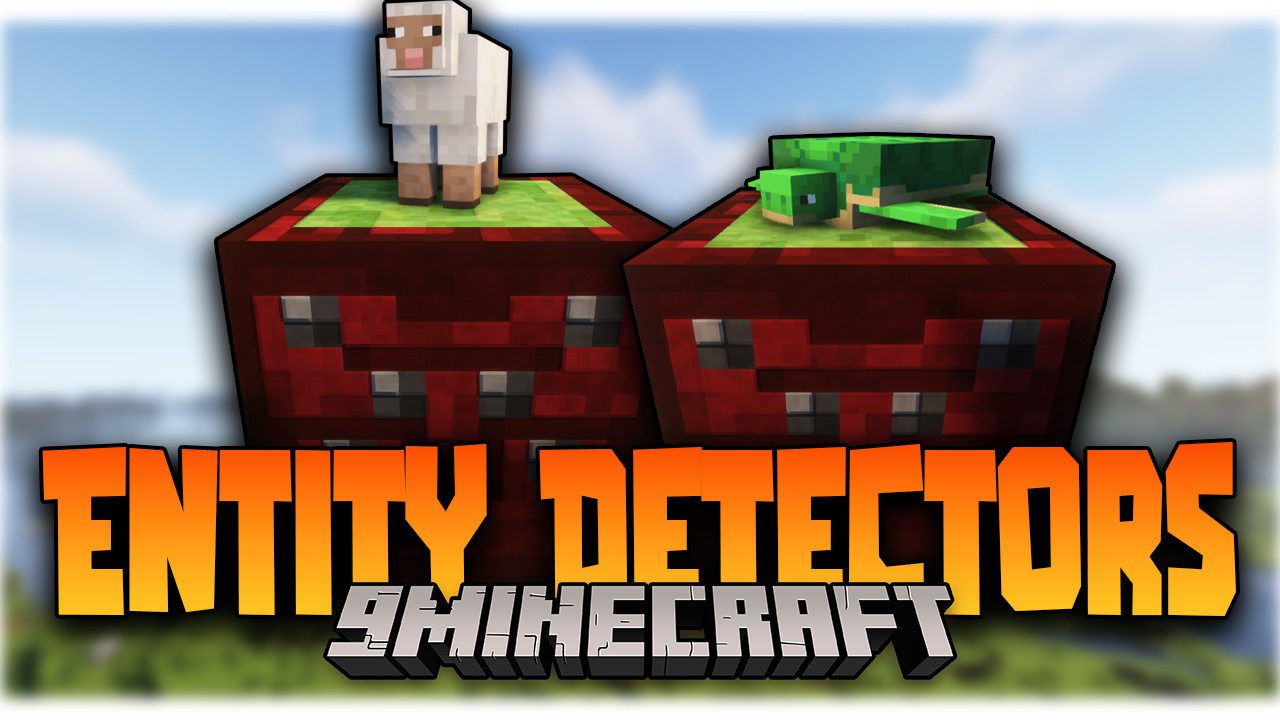
Entity Detectors Mod – Video Showcase
Features:
- Adds a player detector block that sends out a redstone signal while players are near.
- Adds a mob detector block that sends out a redstone signal while mobs are near.
- Lets you cycle the detection range between a 2-, 4-, 8-, or 16-block spherical radius by activating either block.
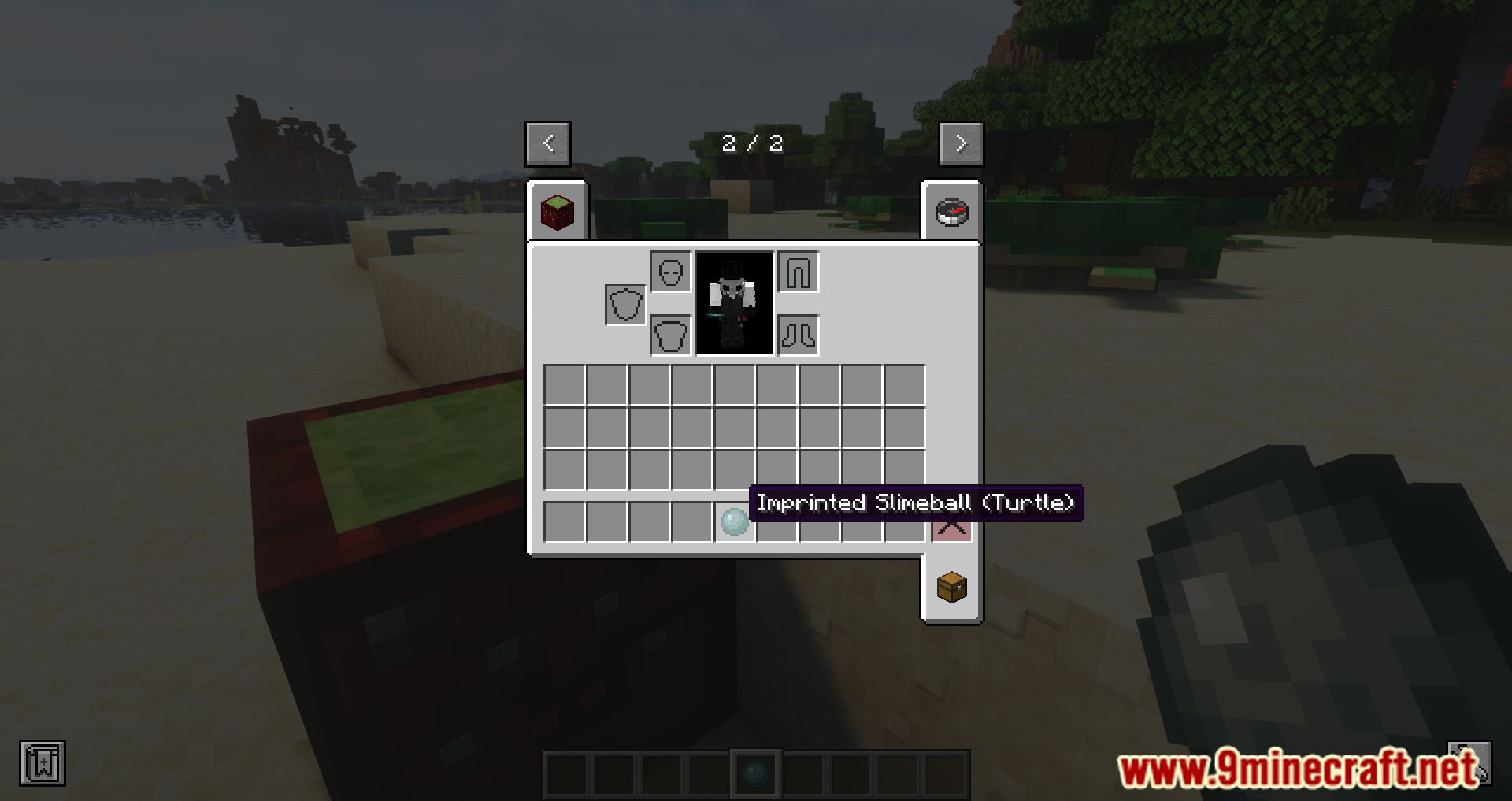
- Allows the mob detector to watch for only one mob type when you use an Imprinted Slimeball on it.
- Creates an Imprinted Slimeball when you shift-right-click or attack a mob while holding a slimeball.
- Resets a filtered mob detector to track all mobs when you use a regular slimeball on it or break the block.
- Checks for nearby targets once every 10 ticks by default, with an option to change this rate in the server config.
How to Use:
- Craft and place a player detector or mob detector block where you want it to send a redstone signal.
- Activate the block to cycle its detection range through a 2-, 4-, 8-, or 16-block spherical radius.
- Hold a slimeball and press Shift + Right-Click on a mob, or attack the mob with the slimeball, to get an Imprinted Slimeball for that mob type.
- Use the Imprinted Slimeball on a mob detector so it only reacts to that specific mob type.
- Use a regular slimeball on the filtered mob detector, or break the block, to reset it so it detects all mobs again.
- Edit the server config if you want to change how often the blocks check for targets from the default rate of once every 10 ticks.
Crafting Recipes:
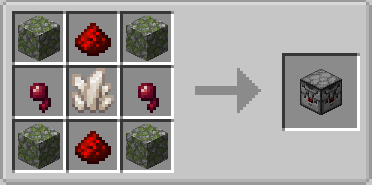
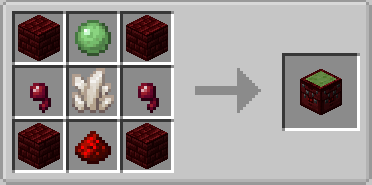
Screenshots:


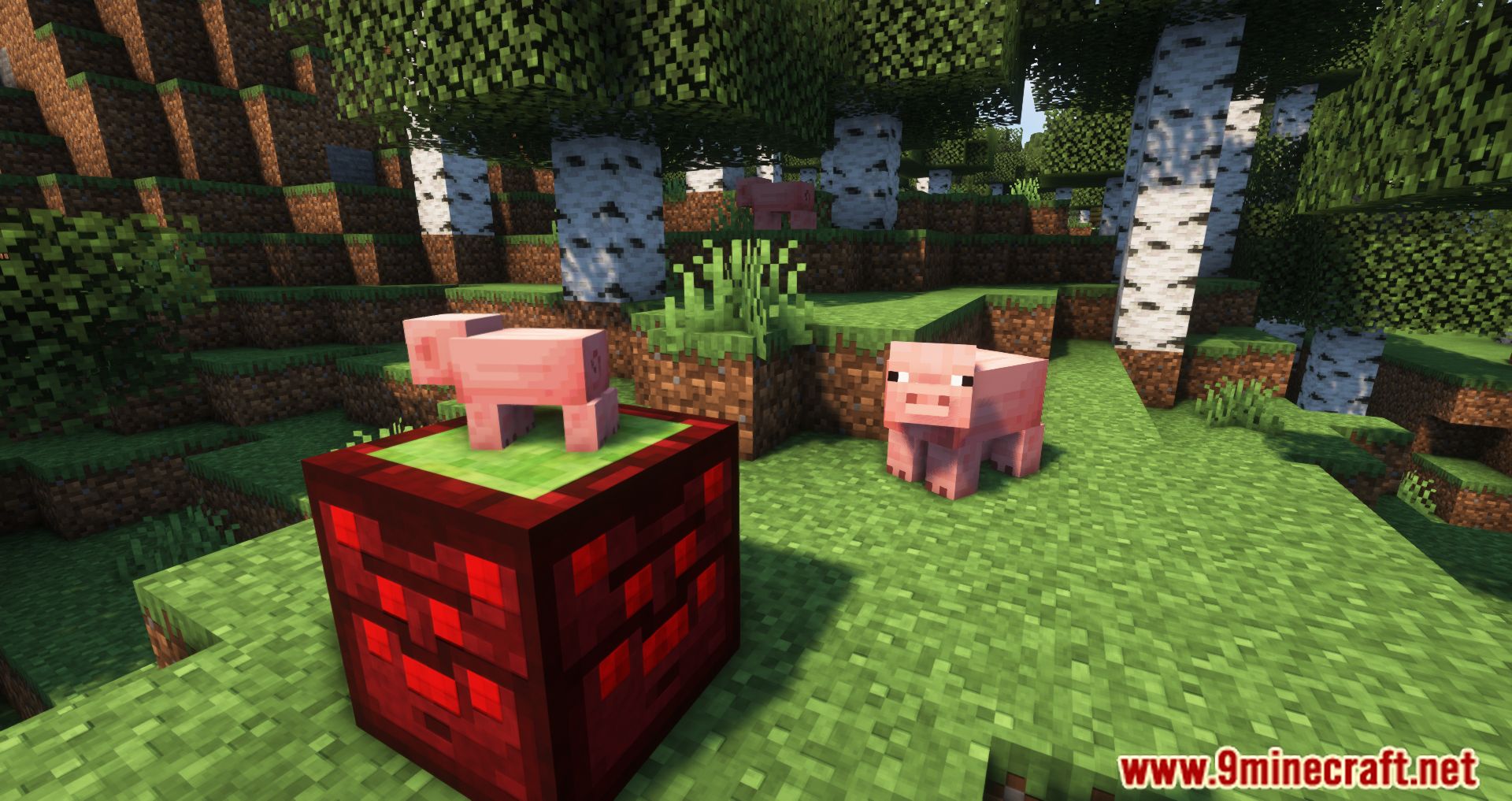
How to Install:
New to Minecraft? Follow our step-by-step guide to install Mods on your PC.View Guide
Entity Detectors Mod Download Links
For Minecraft 1.21.1, 1.21
NeoForge Version: Download from Server 1 – Download from Server 2
For Minecraft 1.20.1
Forge Version: Download from Server 1 – Download from Server 2
For Minecraft 1.19.2
Forge Version: Download from Server 1
For Minecraft 1.16.5
Forge Version: Download from Server 1
For Minecraft 1.15.2
Forge Version: Download from Server 1
Who do you usually play modded Minecraft with?
60 responses · See the full results →
You May Also Like
Picked for this page
 Better Animations Collection 2 Mod (26.3, 1.20.1) – Change In-Game Models
 Carpet Mod (1.21.11, 1.20.1) – Game Performance Monitoring
 Jumbo Furnace Mod (26.1.2, 1.20.1) – Jumbo Mumbo
 Player Tracking Compass Mod (26.3, 1.20.1) – Player Targeting
 Fusion Connected Textures Mod (26.3, 1.20.1) – Enhancing Resource Packs
 FuelInfo Mod (26.2, 1.20.1) – Extend Your Info on Your Fuels
 Infinity Water Bucket Mod (26.3, 1.20.1) – Infinite Water Source
 Hundred Years Warfare Mod (1.21.1, 1.20.1) – Archers, Cavalry, and Siege Machines
 Rolling Giant Oldest View Mod (1.20.1, 1.19.2) – Don’t Look Away, Ever
 WorldEdit Hang Fix Mod (26.1.2, 1.20.1) – Prevents Server Freeze on Shutdown
 Extra Quests Mod (1.21.1, 1.20.1) – Quest Expansion
 Paintings N Discs Backport Mod (1.21.1, 1.20.1) – New Content In Older Versions
Most viewed in Mods over the last 7 days
 Ala Industrial Mod (26.3) – Run Electric Power Grids and Automated Factories
 PleasureCraft Mod (26.3, 1.21.1) – Jenny Mod Remake for Fabric
 Jennycraft Mod (26.3, 1.20.1) – Virtual Girlfriend in Minecraft
 Fapcraft Mod (26.3, 1.12.2) – Comprehensive and Detailed Content
 Jenny Mod (Fapcraft) Official Complete Guide – How to use, Tutorial
 BangCraft Mod (1.20.1) – Jenny, Ellie and Elliot
 Fabric Loader (26.3, 1.20.1) – Fabric Installer for All Minecraft Versions
 Meteor Client Mod (26.3, 1.20.1) – Xray, HUD, Fly
 The Shooting Star Demo Mod (26.3, 1.20.1) – Vaporize Terrain From Orbit
 OptiFine HD (26.3, 1.20.1) – Run Faster, FPS Boost, Shaders Support
 Aristois Client Mod (1.21.4, 1.20.1) – World Class Minecraft Utility
 Prestige Client Mod (1.21.11, 1.21.4) – Powerful Ghost Features for Crystal & Sword PvP
More from Mods
 Infinity Bound Mod (1.21.1) – Snap Away Enemies with Legendary Superhero Gear
 Legacy Gecko Lib Fabric Mod (1.16.5) – Power Animated Creatures in Modpacks
 The Man from the Shadow Horror Mod (1.20.1) – Fight Hallucinations to Survive
 Shade & Saturation Slider Mod (26.2, 1.21.11) – Make Every Biome Vibrant
 Cataclysm X Yung’s Better Nether Fortresses Compat Mod (1.21.1, 1.20.1)
 Patchouli 9minecraft Mod (26.3) – Read Mod Guides Without Leaving Minecraft
 Paintings ++ 9minecraft Mod (26.3) – Pick the Exact Painting You Want
 owo-lib 9minecraft Mod (26.3) – Run Your Favorite Mods Without Errors
 Moonlight 9minecraft Lib (26.3, 26.2) – Run Complex Mods Without Errors
 Load My Tags 9minecraft Mod (26.3) – Mix Mods Without Breaking Recipes
 Kambrik 9minecraft Mod (26.3) – Run Kotlin Mods Without Game Lag
 Fast Paintings 9minecraft Mod (26.3, 26.2) – Place Wall Art Exactly Where You Want It

This post has no comments yet. Be the first — your comment will appear here.