


Epitaphs Mod (26.1.2, 1.21.1) – Never Lose Your Hard-Earned Gear When You Die

 0
0 

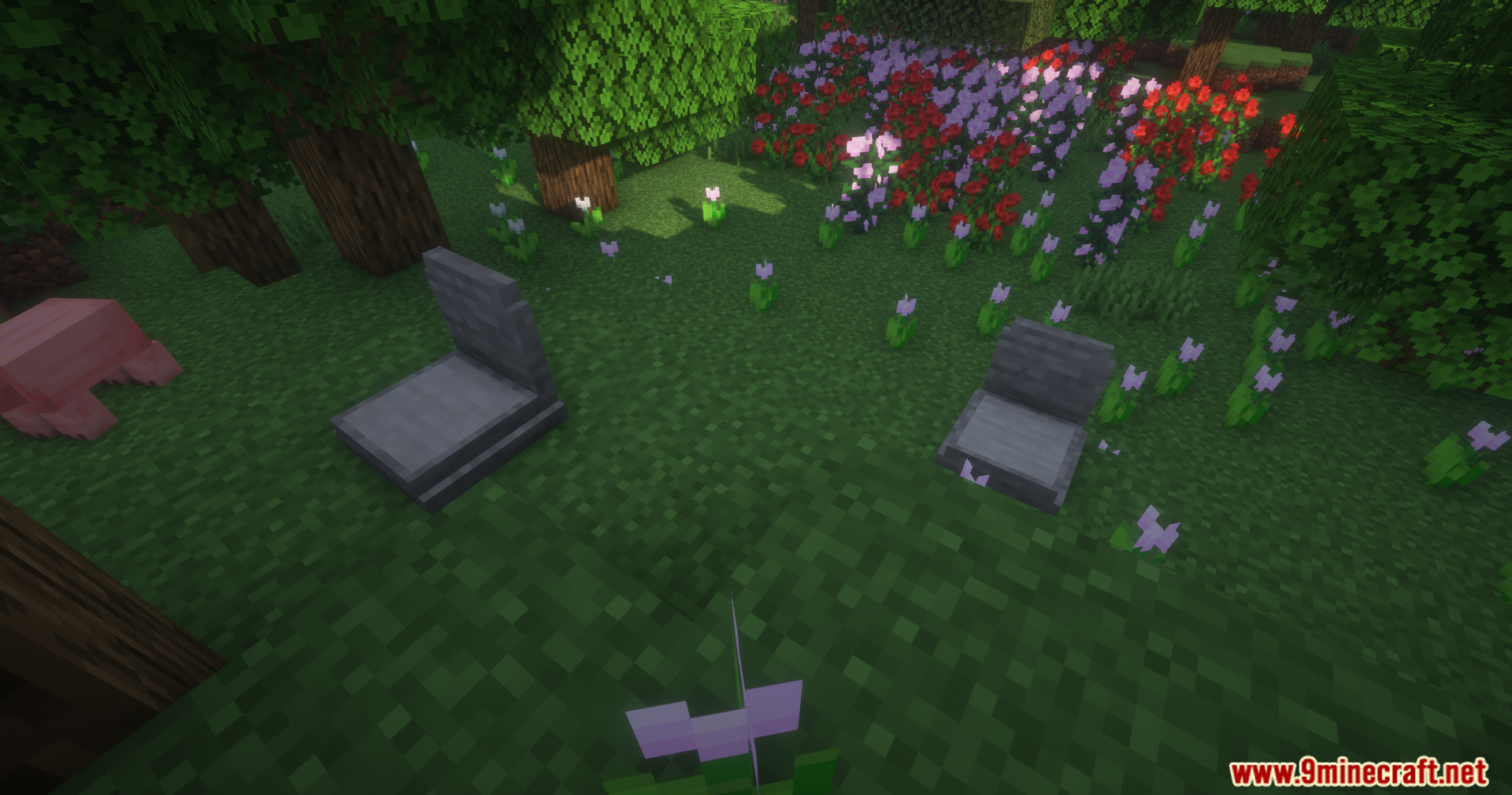
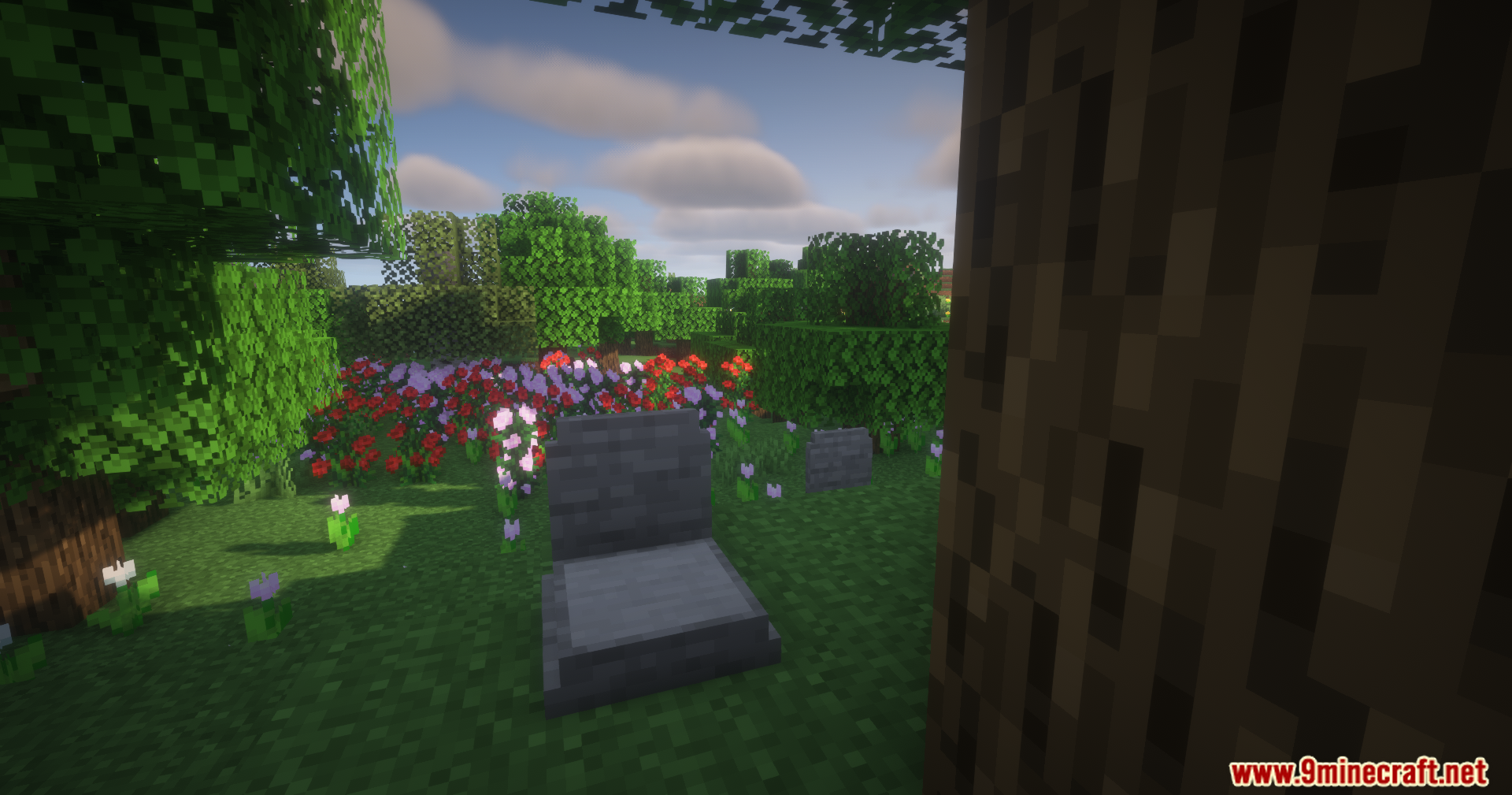
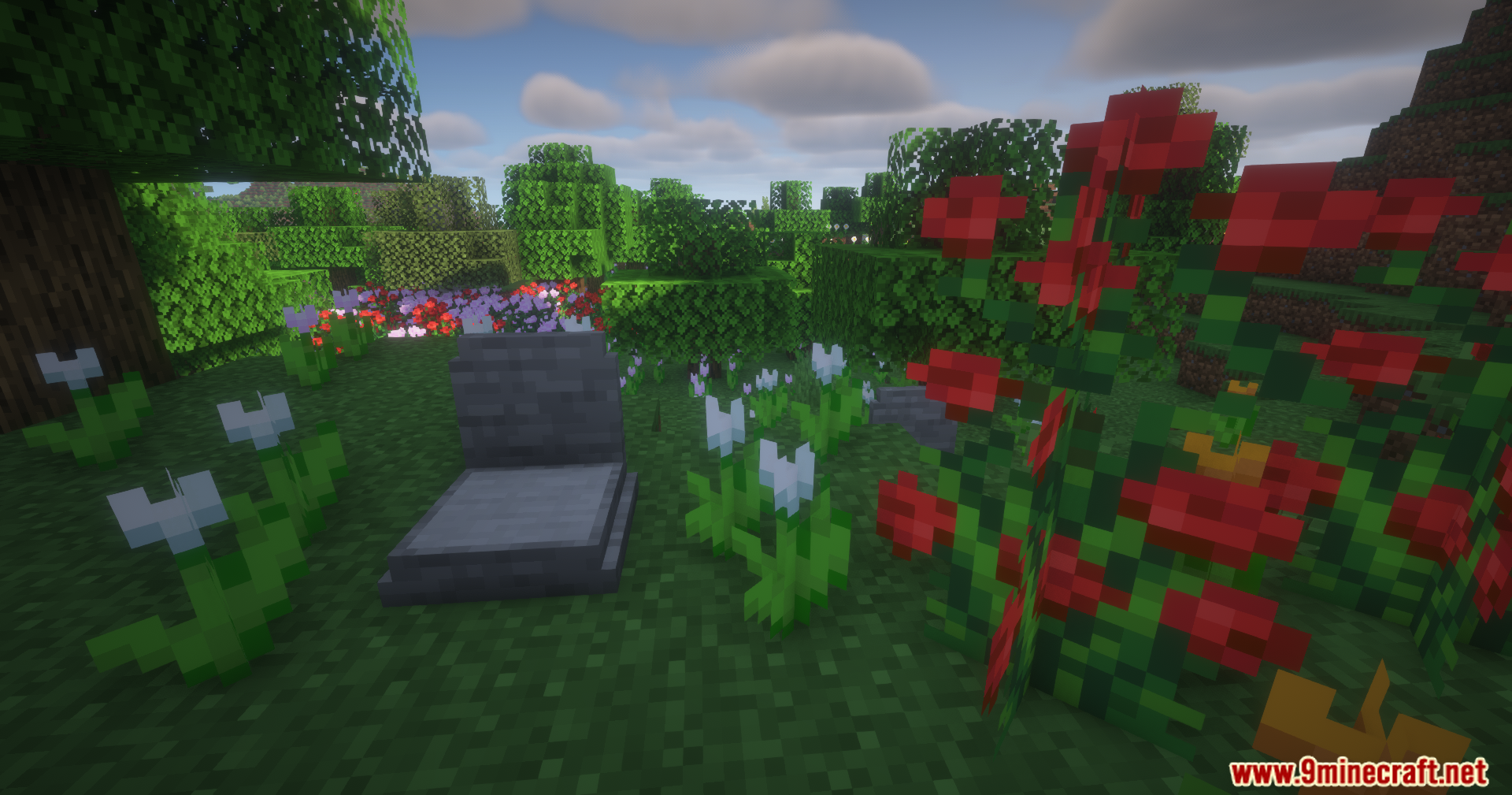
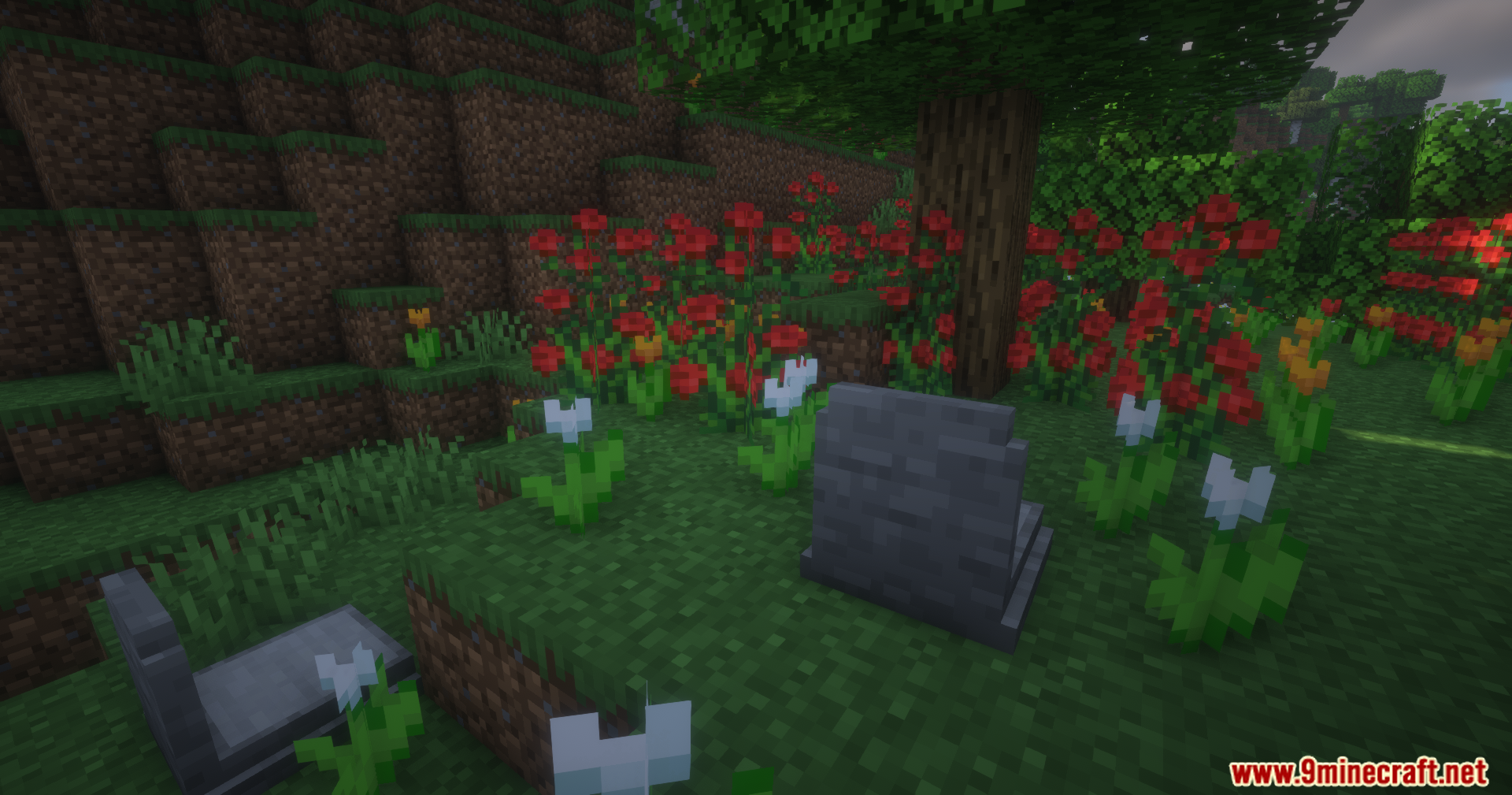
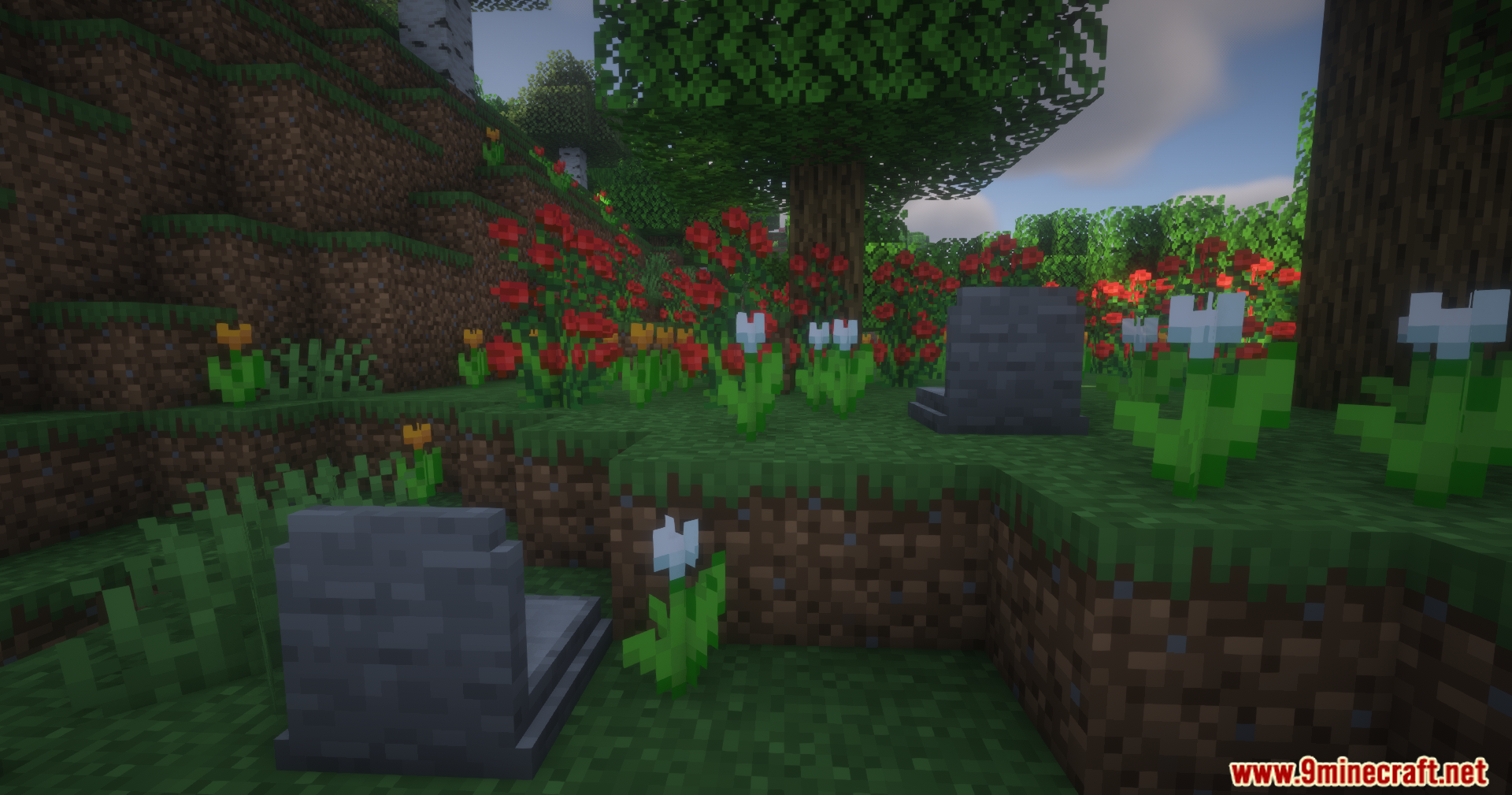
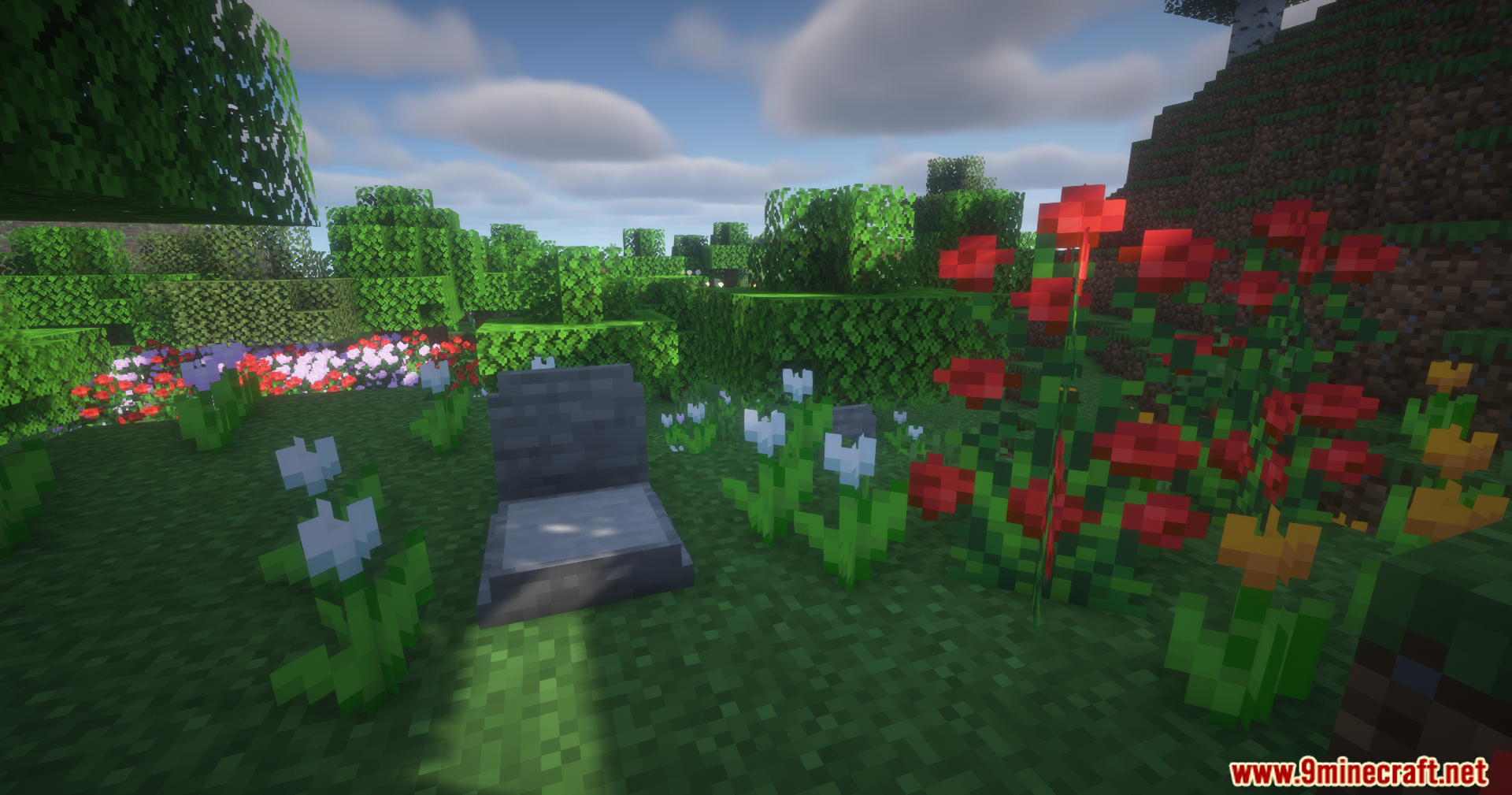
Epitaphs Mod spawns a safe grave where you die to protect your items. This addition makes sure your hard-earned gear stays safe from disappearing or falling into the wrong hands until you return to pick it up.
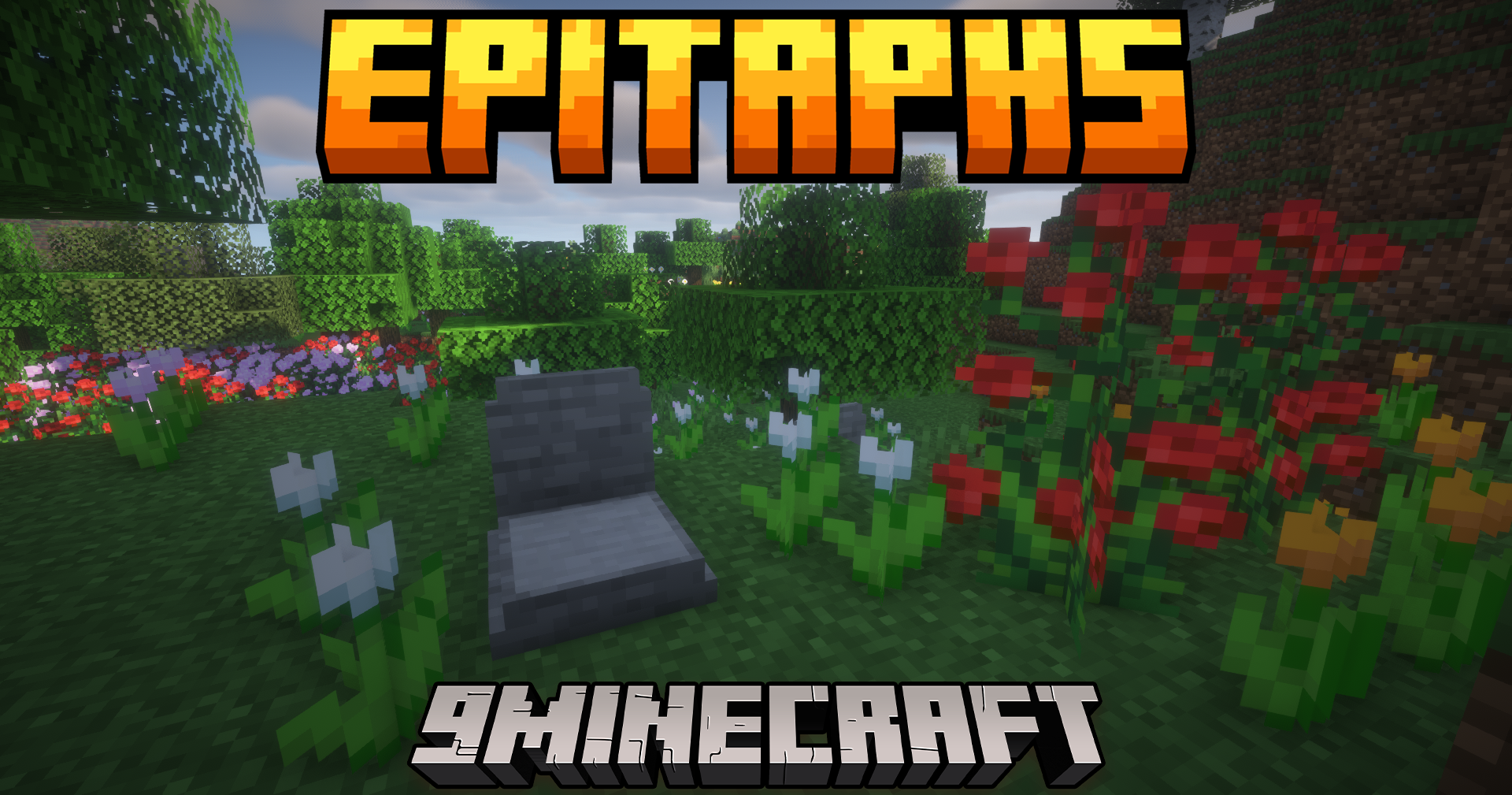
Features:
- Safe Item Storage: Creates a protected grave at your exact death spot that holds all your items and tools.
- Tries to place the grave on solid ground so it does not float in the air or fall into the void.
- Sends a handy chat message with exact coordinates right after you die so you know exactly where to go.
- Puts your gear back into the exact same inventory slots you had them in when you open the grave.
- Locks the grave so only you can open it, keeping other players from stealing your stuff.
- Shows a helpful box when you look at a grave, telling you who owns it and the exact time they died.
- Bypasses claimed land and spawn protections to make sure the grave always appears.
Special Items and Magic:
- Right-click a grave with an empty bottle to get a Soul in a Bottle.
- Drink the Soul in a Bottle to teleport straight back to your last death spot.
- Combine the bottle with gear in an anvil to get the Soulbound enchantment, which keeps that item with you through death.
- Add an experience bottle to Soulbound armor to get Experience Soulbound, saving a quarter of your XP per armor piece.
Commands:
/epitaphs listshows all your current grave spots./epitaphs highlight latestdraws a glowing outline around your newest grave so you can see it through walls./epitaphs highlight clearturns off the glowing outline./epitaphs save <players>lets server admins manually back up a player’s data./epitaphs recover player <player> <timestamp>helps admins give a player their lost items back if something goes wrong.
How to Use:
- Play the game normally until you run out of health and die.
- Check your chat box for the exact coordinates of your new grave.
- Walk back to the coordinates shown in the chat.
- If you cannot find it, type
/epitaphs highlight latestto see it glowing through blocks. - Interact with the grave to get all your items back in their original slots.
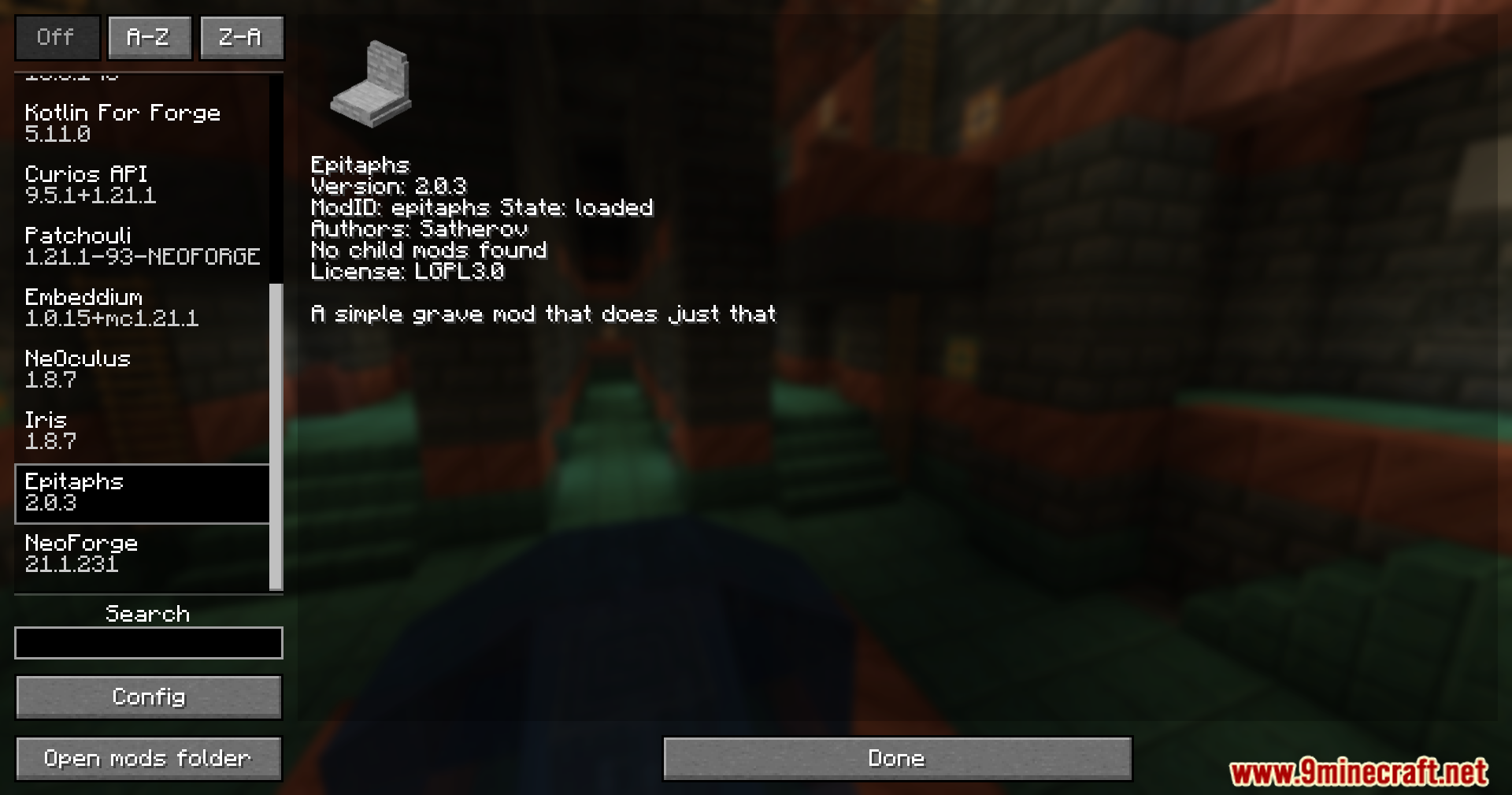
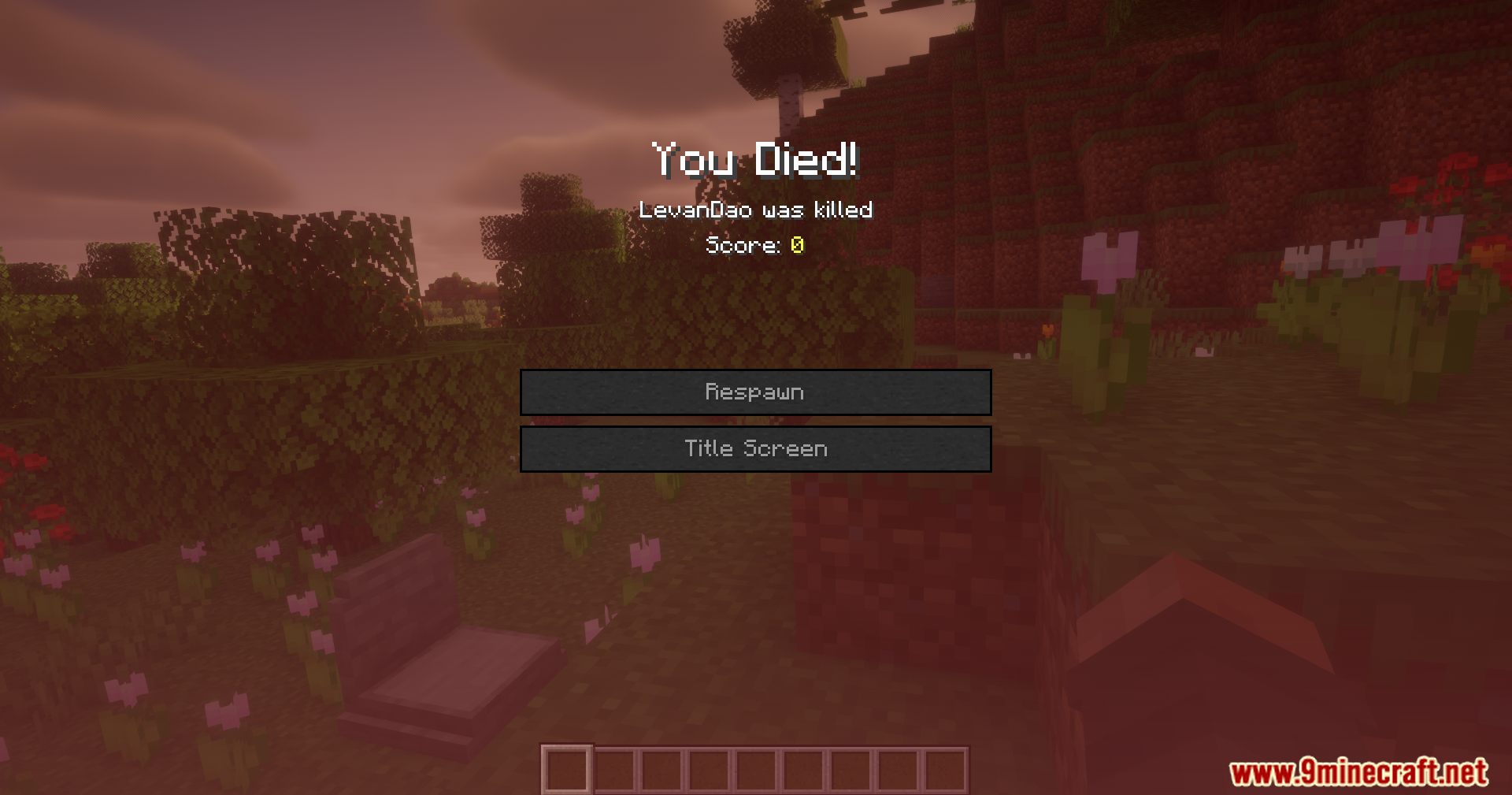
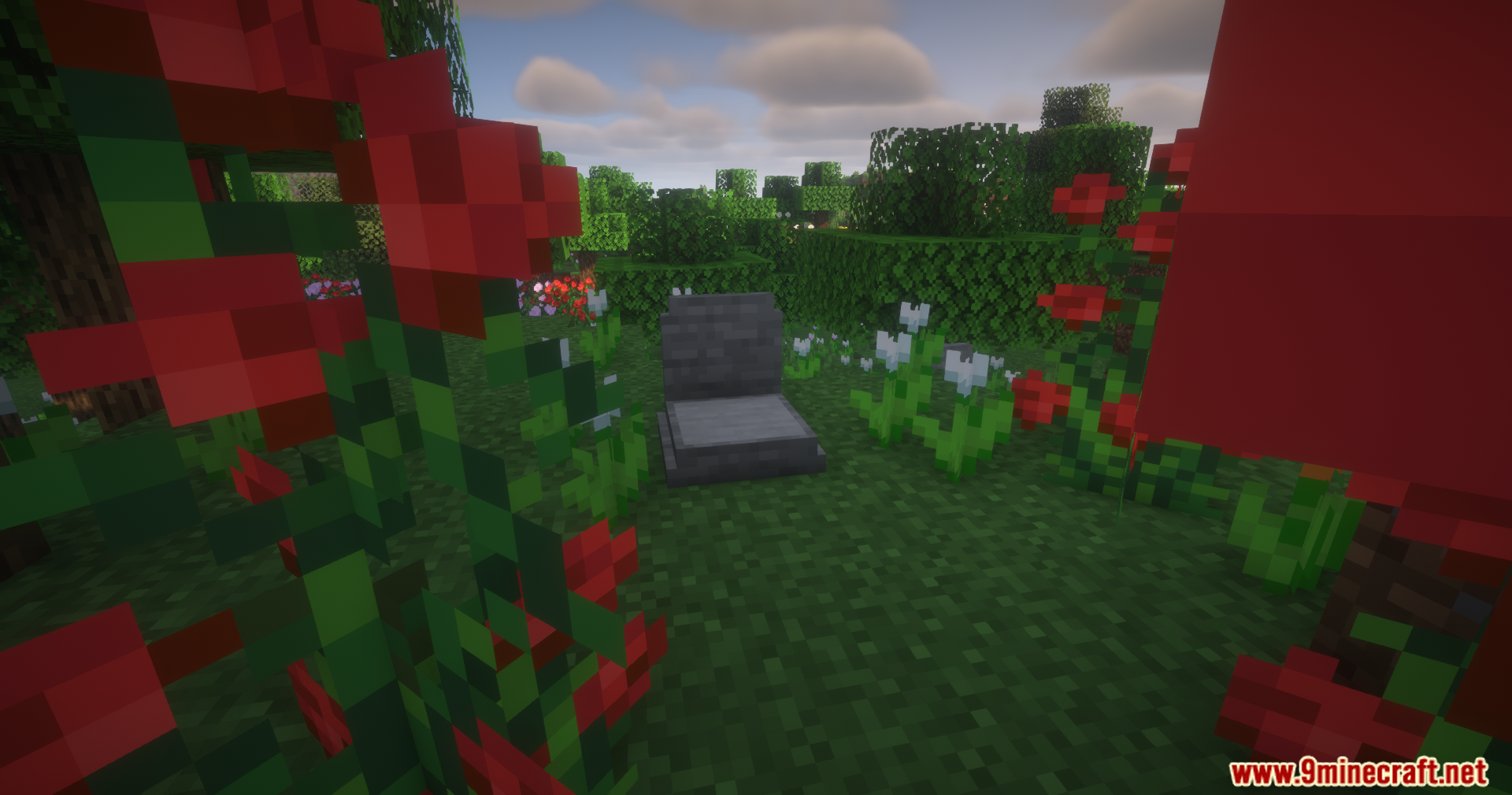
Screenshots:
How to Install:
New to Minecraft? Follow our step-by-step guide to install Mods on your PC.View Guide
Requirements:
Epitaphs Mod Download Links
For Minecraft 26.1.2, 26.1.1, 26.1
For Minecraft 1.21.1, 1.21
Click to rate this post!
[Total: 1 Average: 5]
You May Also Like





This post has no comments yet. Be the first — your comment will appear here.