


Essentials Kit GUI Plugin (1.21.1, 1.20.1) – Pimps up Essentials /kits Command

 0
0 

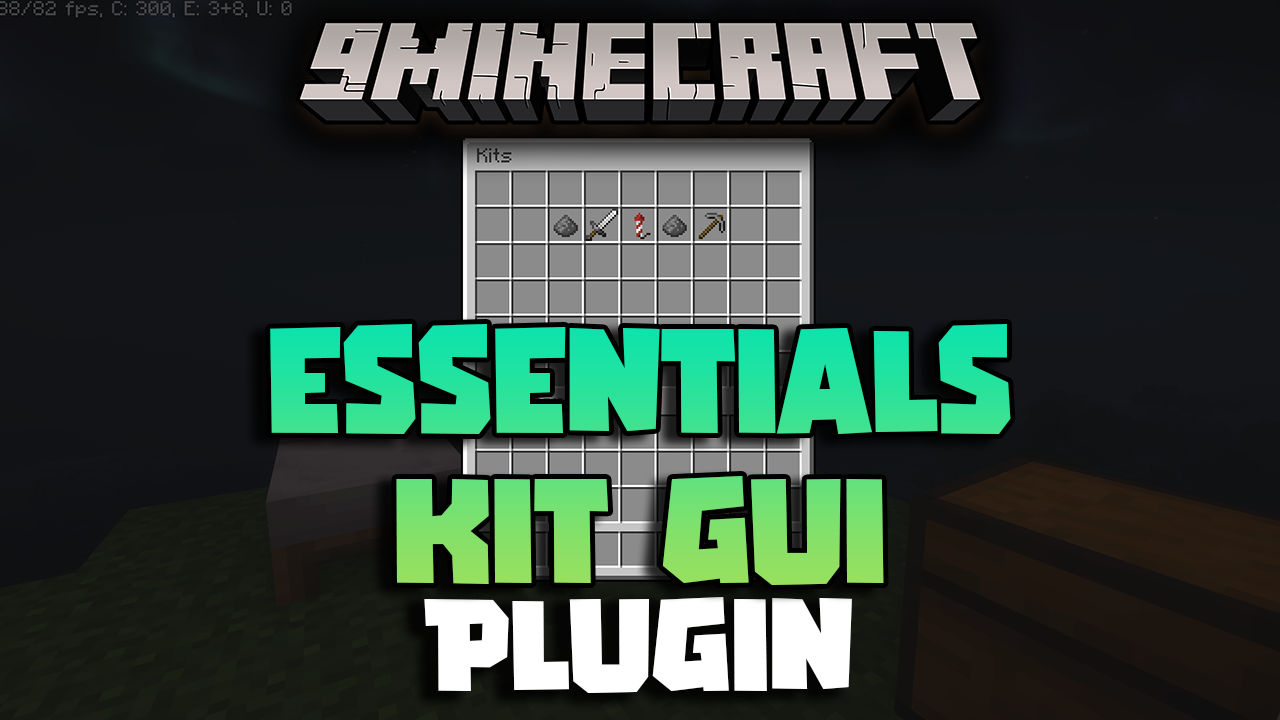
Essentials Kit GUI Plugin is a Minecraft plugin that enhances the player experience by providing a graphical user interface (GUI) for selecting and managing kits. This plugin integrates with EssentialsX, allowing players to easily access and use kits without the need for complicated commands. It’s an ideal addition for servers aiming to improve usability and make kit selection more intuitive.
Features:
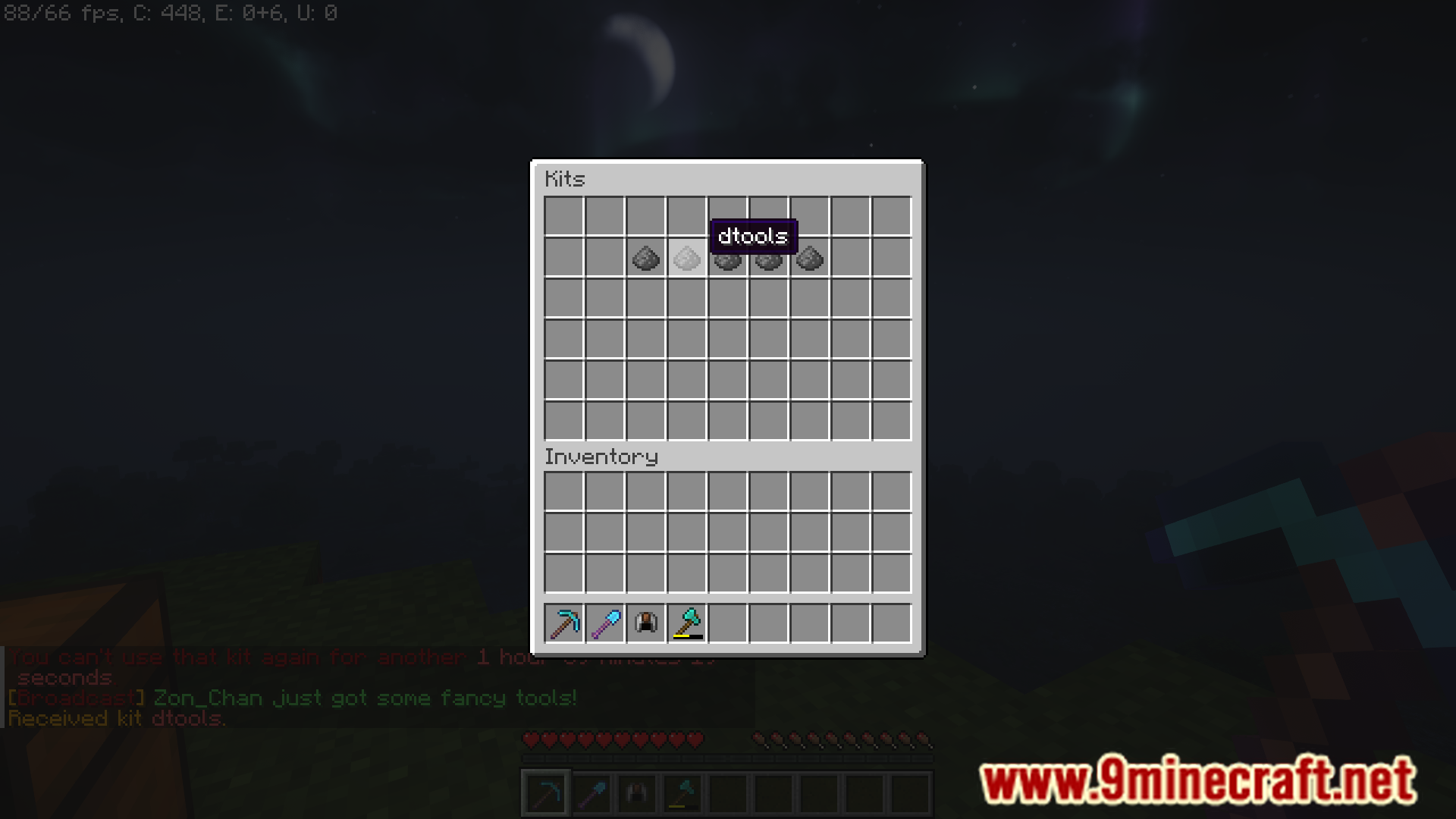
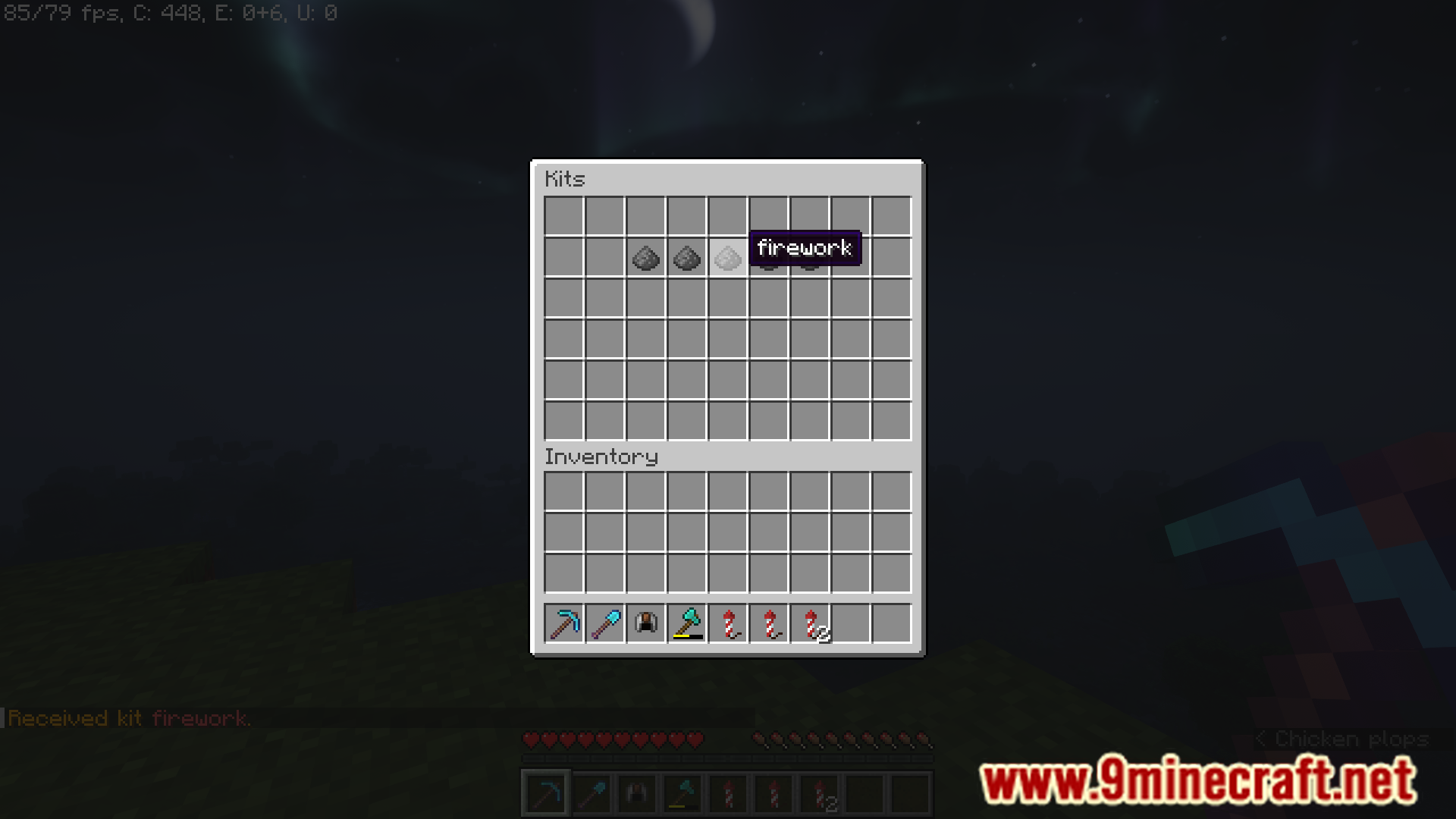
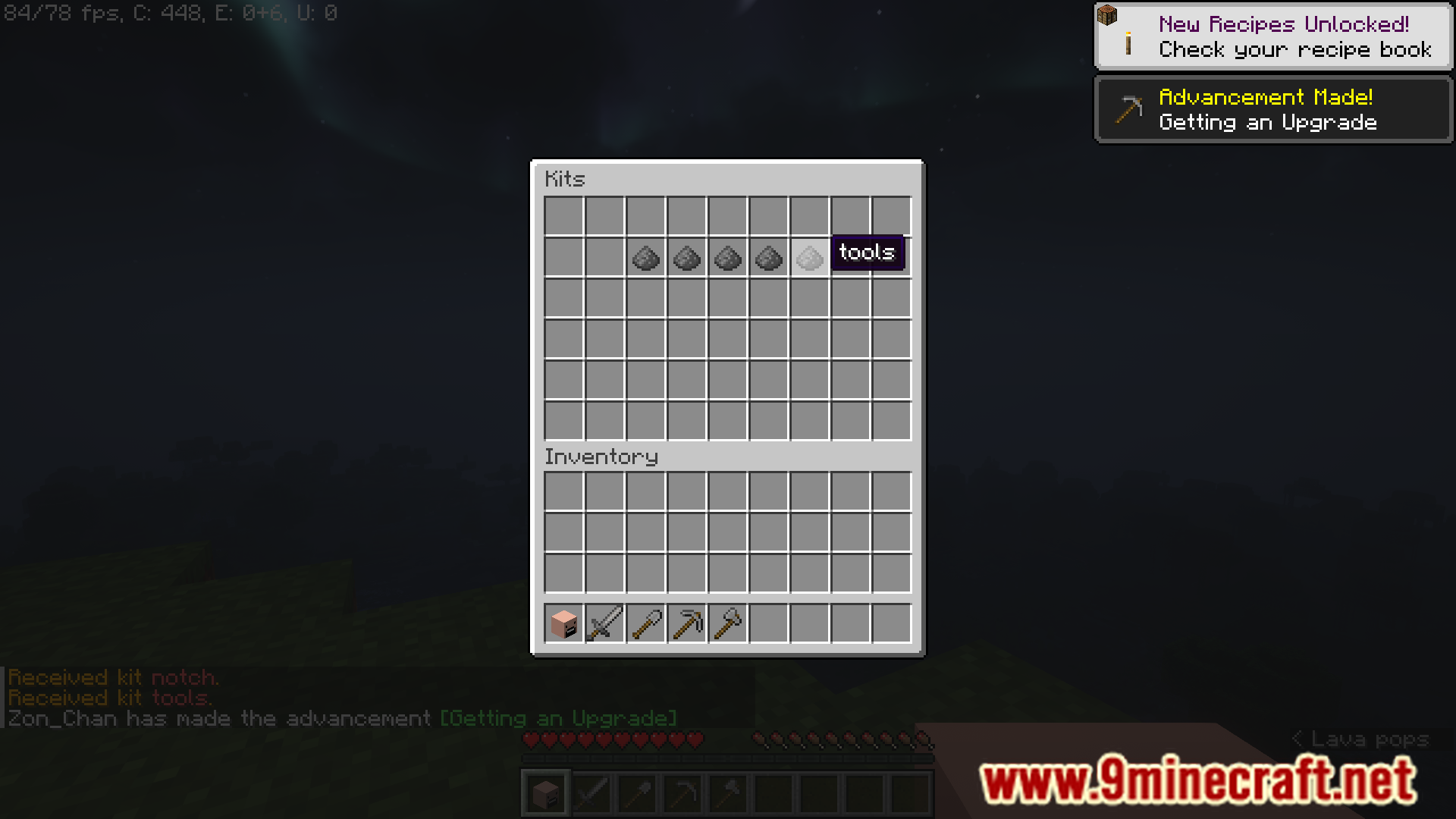
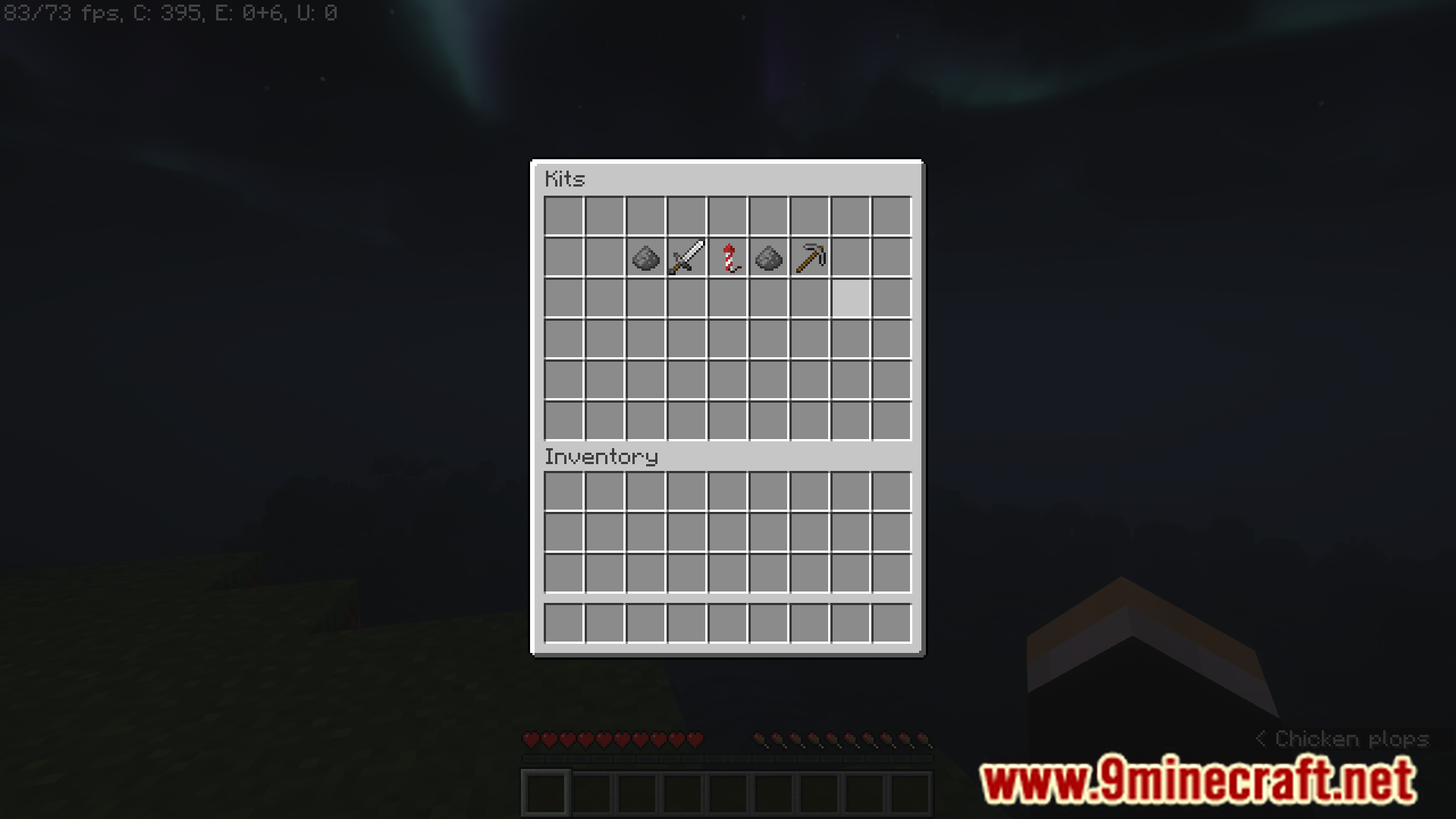
- The plugin offers a visually appealing and easy-to-navigate GUI, allowing players to quickly select and use kits with just a few clicks.
- Fully compatible with EssentialsX, ensuring that all your existing kits are accessible through the GUI without any extra setup.
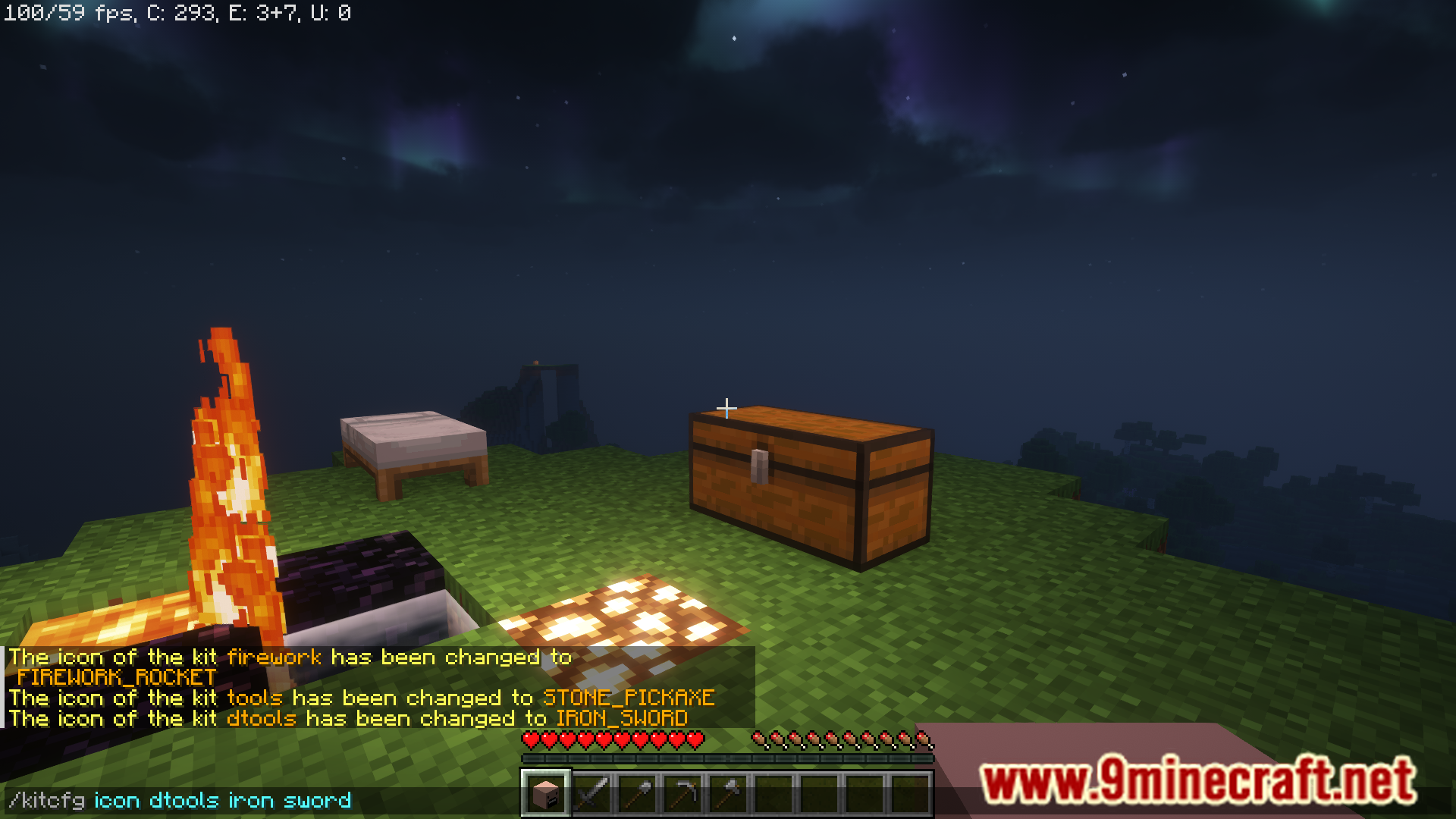
- Server admins can customize the icons and layout of the kits in the GUI, providing a personalized experience for players.
- The plugin includes permissions settings, allowing admins to control which players can access specific kits through the GUI.
- The configuration file is straightforward, enabling easy adjustments to suit the server’s needs.
Screenshost:
Commands:
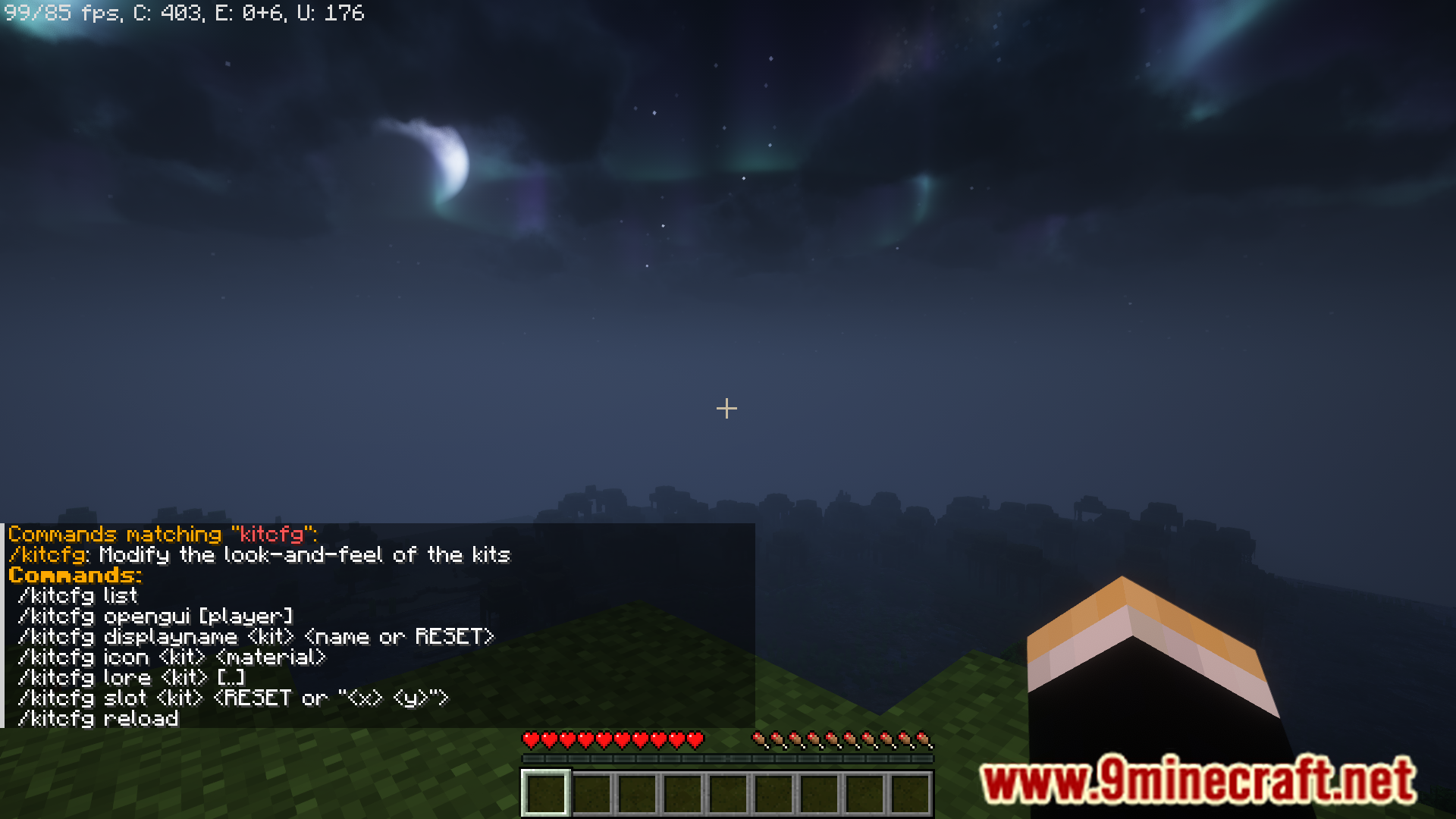
- /kitcfg list
- /kitcfg opengui [player]
- /kitcfg displayname <kit> <name or RESET>
- /kitcfg icon <kit> <material>
- /kitcfg lore <kit> [..]
- /kitcfg slot <kit> <RESET or “<x> <y>”]
- /kitcfg reload
How to Install:
New to Minecraft? Follow our step-by-step guide to install Plugins on your PC.View Guide
Essentials Kit GUI Plugin Download Links
For All Versions from Minecraft 1.8 to Minecraft 1.21.1
Click to rate this post!
[Total: 1 Average: 5]
You May Also Like





This post has no comments yet. Be the first — your comment will appear here.