


Fabulous Claims Plugin (26.1.2, 1.20.1) – Keep Player Homes Safe
 0
0
 0
0


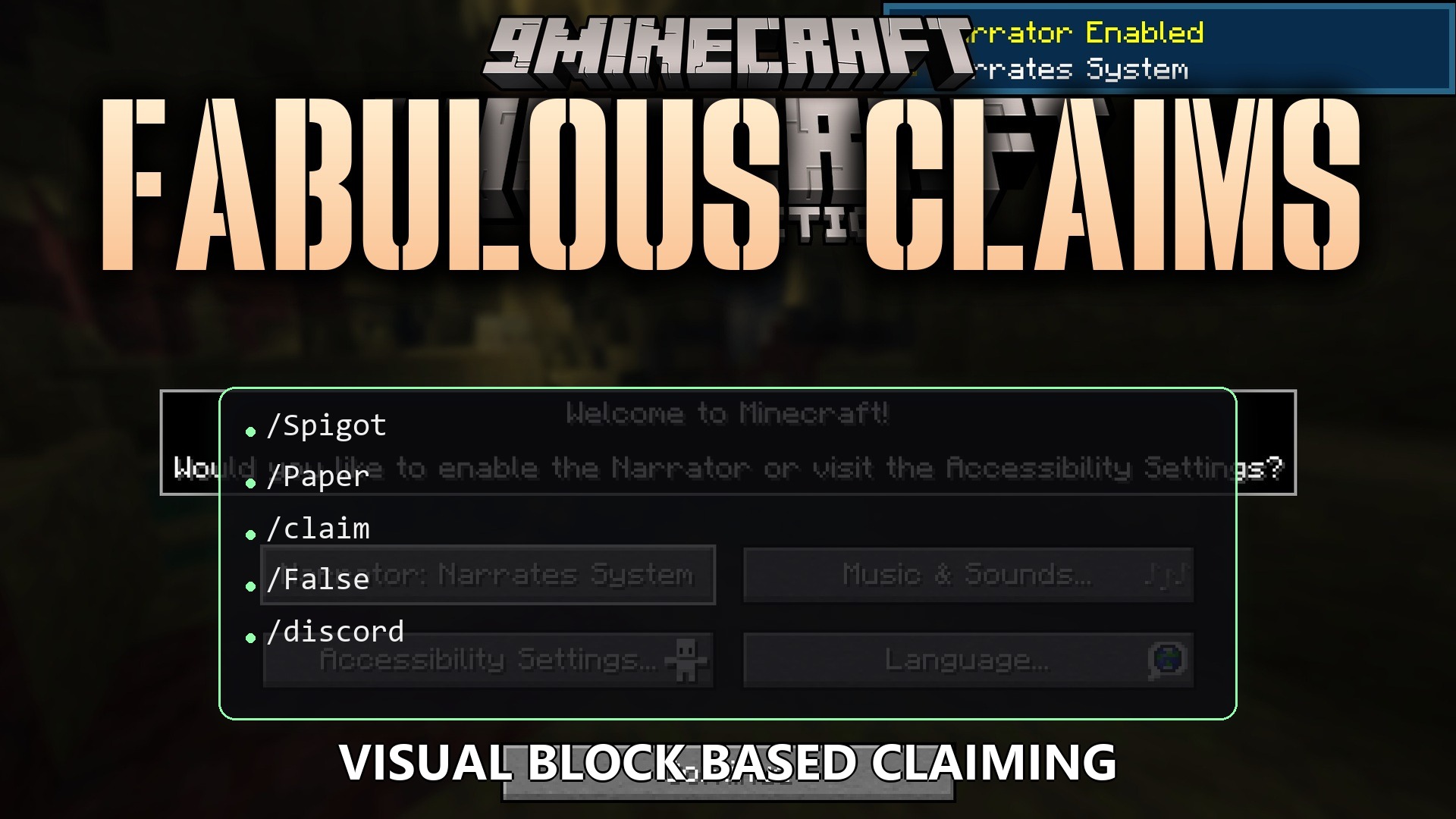
Fabulous Claims Plugin gives players an easy way to protect their houses and items from griefers. It lets you create safe zones using special blocks or simple chat commands. You can invite friends to build with you while keeping strangers out. The plugin also draws glowing lines in the air so you always know exactly where your protected land starts and ends.
Features:
- Visual Borders: Draws 3D glowing particle lines around your land so you can see your exact borders.
- Easy Menus: Opens a chest menu where you can manage all your owned lands in one place.
- Players can claim land by placing specific blocks like sponges or gold blocks on the ground.
- Stops uninvited players from breaking blocks, placing blocks, or opening your chests and furnaces.
- Lets you turn off mob spawning inside your base so monsters stay away.
- Prevents fire from spreading and stops TNT or creepers from blowing up your hard work.
- Allows you to add trusted friends by simply typing their names in the chat.
- Displays a custom welcome message on the screen when someone walks into your area.
Claim Sizes:
- Small: Protects a 32x32x32 area by default.
- Medium: Expands the safe zone to 64x64x64 blocks.
- Large: Covers a massive 96x96x96 block area.
Protection Rules:
- Blocks doors, trapdoors, and gates so strangers cannot walk inside.
- Locks buttons, levers, and pressure plates to keep your redstone safe.
- Turns off player versus player combat inside the safe zone.
Commands:
/claim: opens the help menu to show you what you can do./claim gui: opens the main chest menu to manage your lands./claim create <sizeId>: makes a new safe zone where you are standing./claim visualize: turns the glowing border lines on or off./claim list: shows the names and coordinates of all your safe zones./claim add <player>: adds a friend to your trusted list./claim remove <player>: removes a player from your trusted list./claim name <text>: gives your safe zone a new name./claim welcome <text>: sets a greeting message for visitors./claim upgrade <sizeId>: makes your safe zone bigger./claim flag <key>: changes rules like mob spawning or fire spread./claim transferOwnership <player>: gives your land to another player./claim delete: removes your safe zone completely.
How to Use:
- Stand in the middle of the area you want to protect.
- Type
/claim create smallin the chat to make your first safe zone, or place a special claim block on the ground. - Type
/claim visualizeto see the glowing lines that show your borders. - Type
/claim guito open the menu and change your settings or add friends.
How to Install:
New to Minecraft? Follow our step-by-step guide to install Plugins on your PC.View Guide
Requirements:

Fabulous Claims Plugin Download Links
For Minecraft
26.1.2,
26.1.1,
26.1
All Versions Covered
26.1.2
26.1.1
26.1
1.21.11
1.21.10
1.21.9
1.21.8
1.21.7
1.21.6
1.21.5
1.21.4
1.21.3
1.21.2
1.21.1
1.21
1.20.6
1.20.5
1.20.4
1.20.3
1.20.2
1.20.1
1.20
1.19.4
1.19.3
1.19.2
1.19.1
1.19
1.18.2
1.18.1
1.18
All Versions Covered
26.1.2
26.1.1
26.1
1.21.11
1.21.10
1.21.9
1.21.8
1.21.7
1.21.6
1.21.5
1.21.4
1.21.3
1.21.2
1.21.1
1.21
1.20.6
1.20.5
1.20.4
1.20.3
1.20.2
1.20.1
1.20
1.19.4
1.19.3
1.19.2
1.19.1
1.19
1.18.2
1.18.1
1.18
Click to rate this post!
[Total: 0 Average: 0]
You May Also Like














This post has no comments yet. Be the first — your comment will appear here.