


Favorita Mod (1.21.1, 1.20.1) – Lock Items In Slots

 0
0 

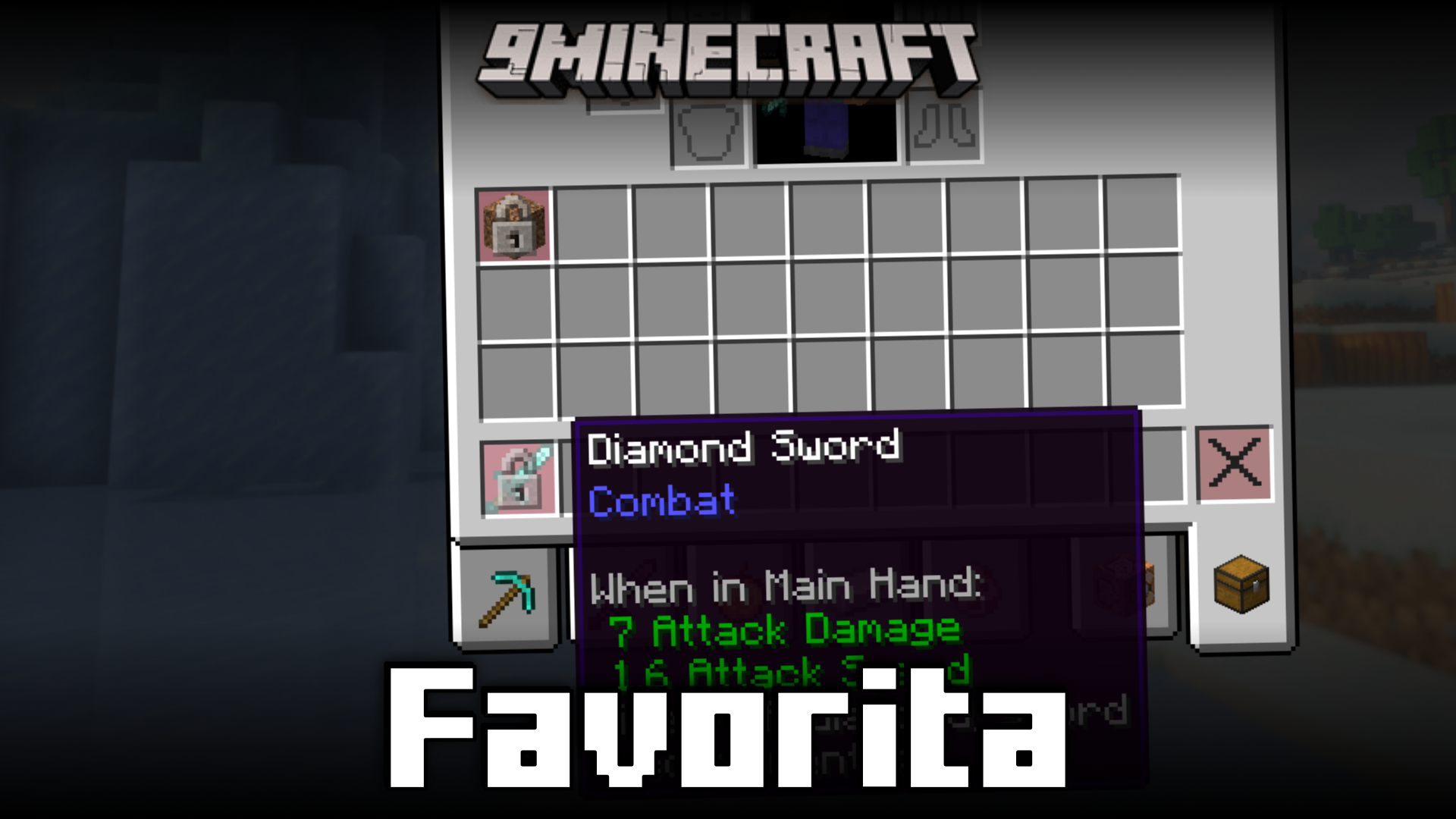
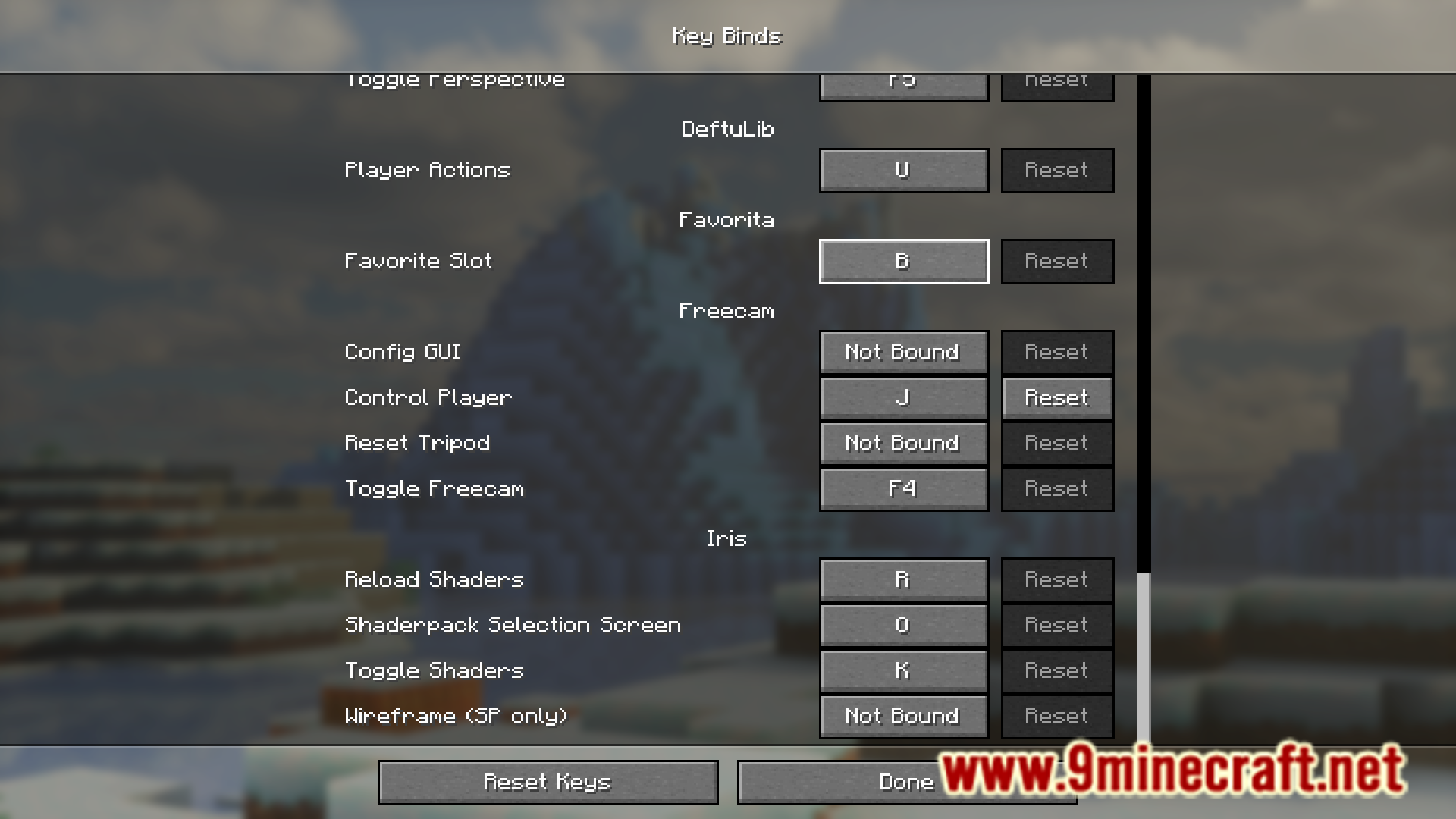
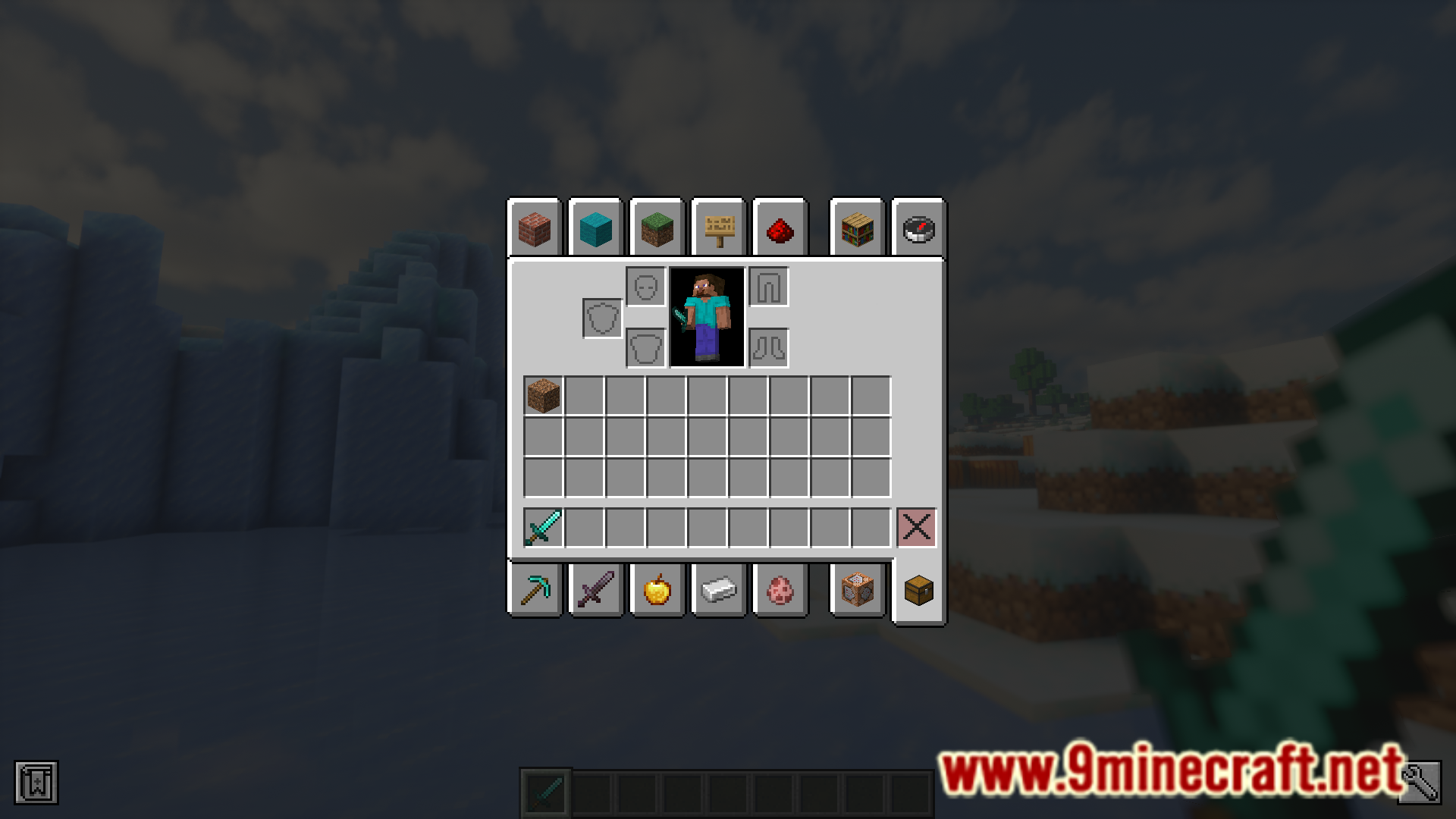
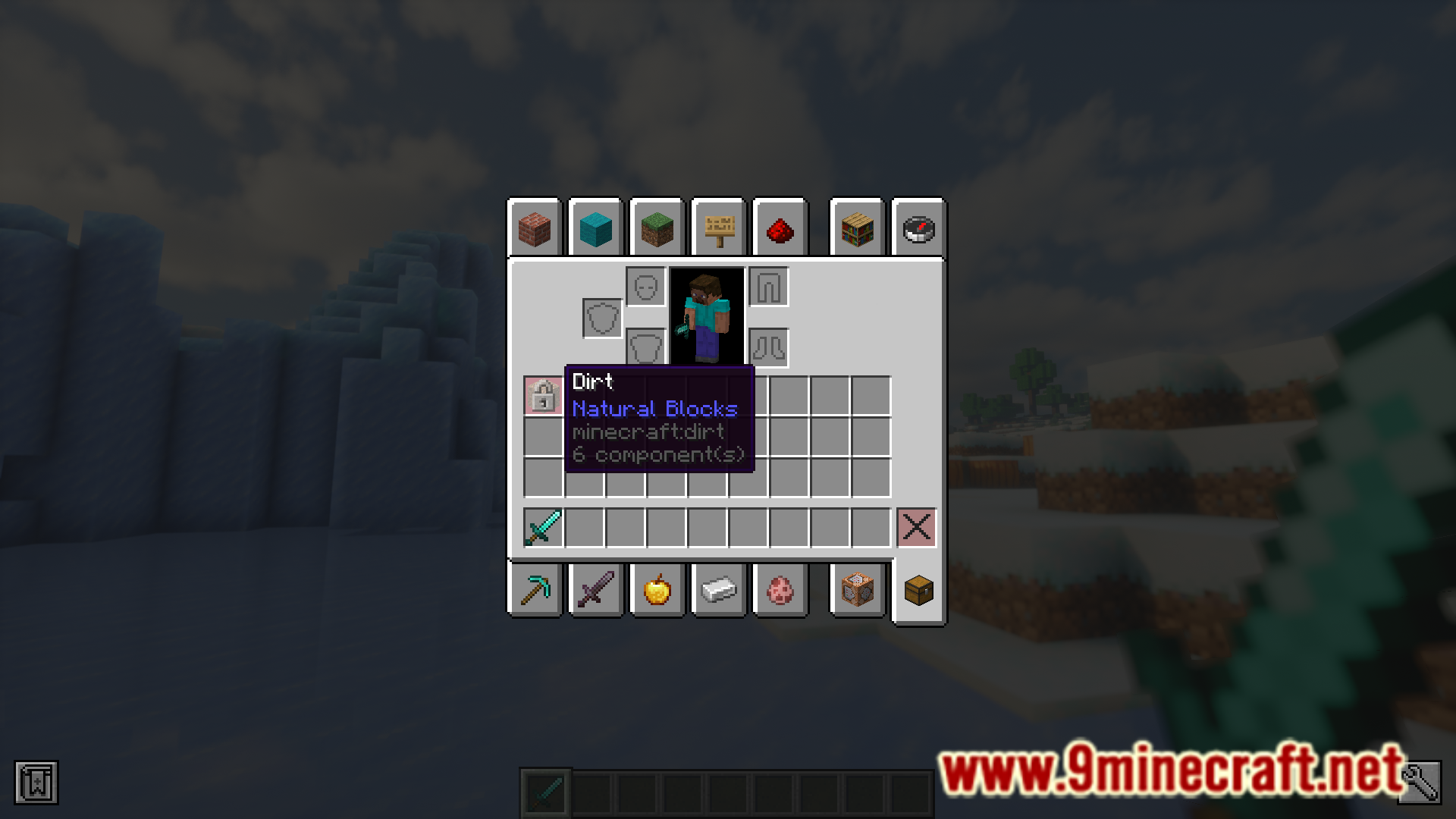
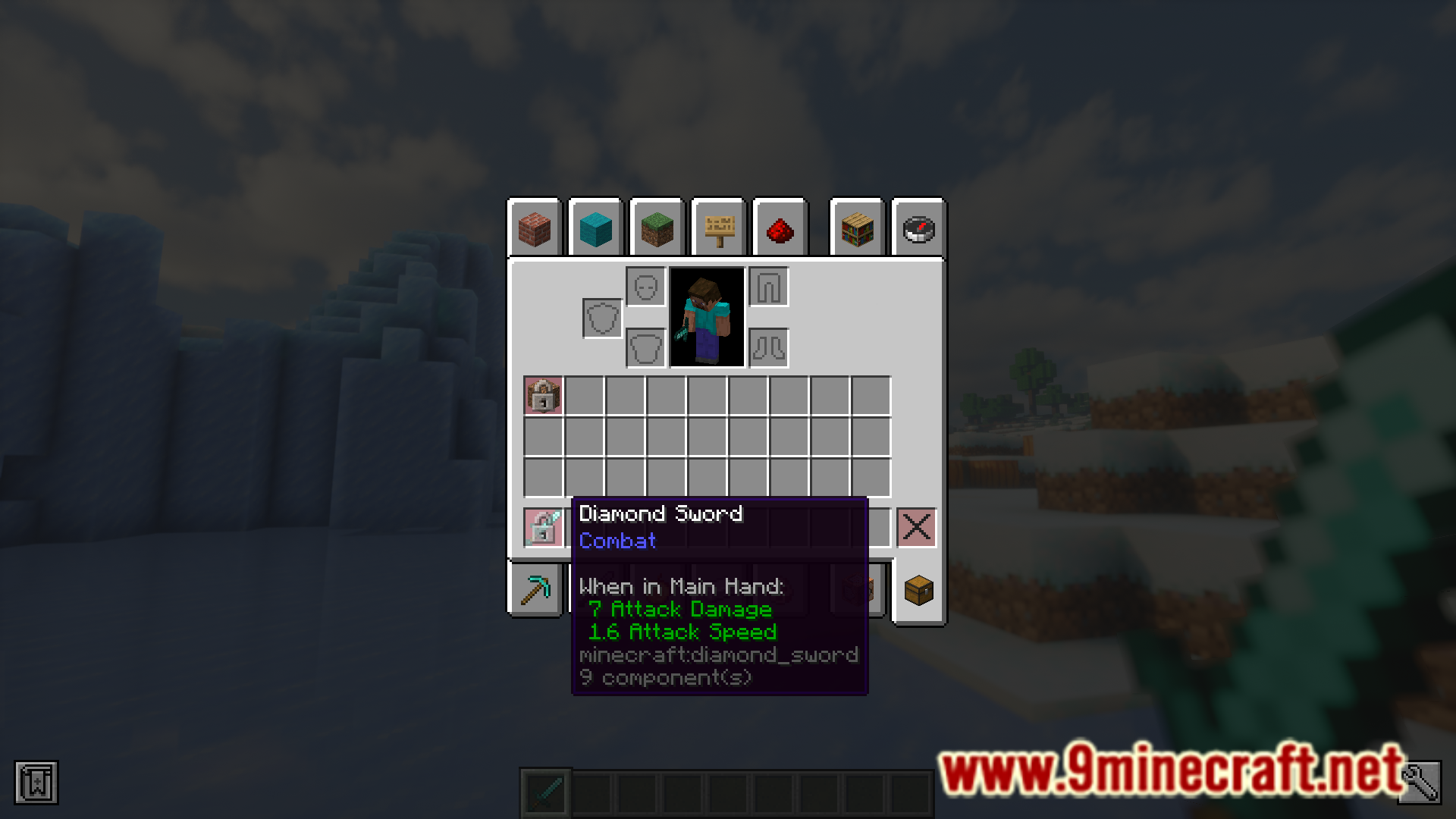
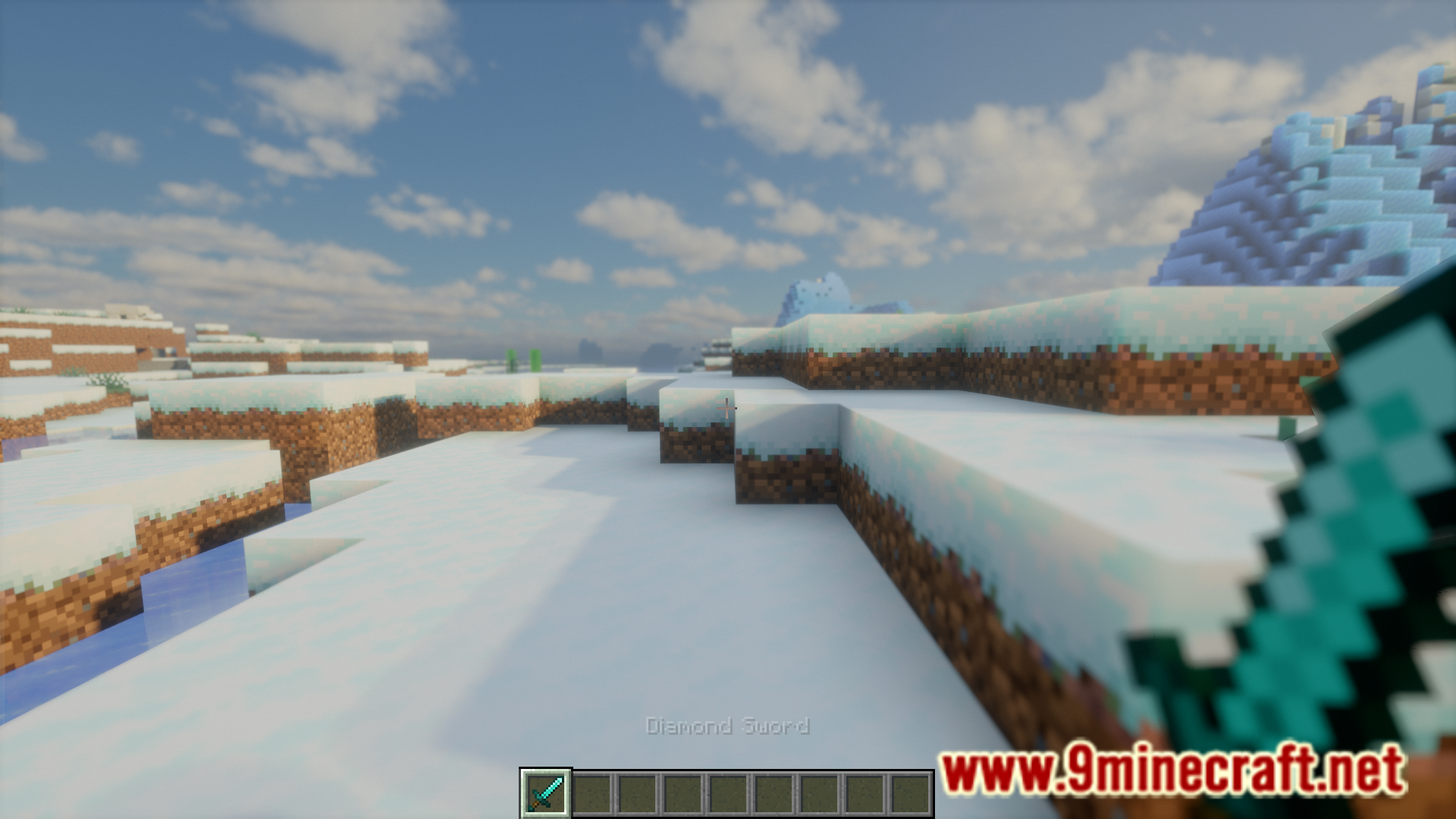
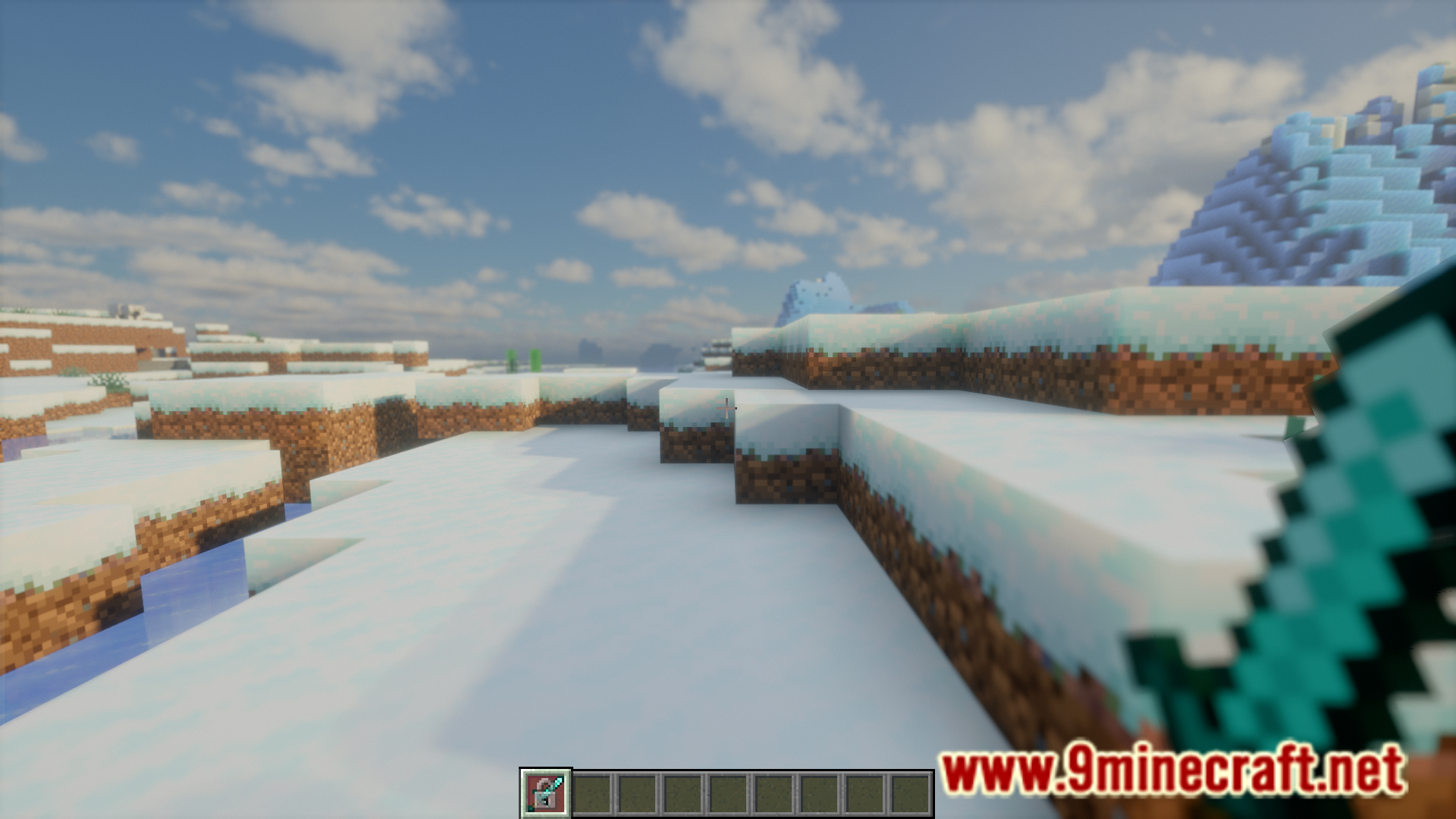
Favorita Mod allows you to lock items within their slots so that they cannot be moved or discarded. The items will be locked in their slot until the player manually unlocks them. This “locking” action can be performed in the player’s hotbar, inventory, armor slots and the offhand slot. Locking an item in a slot is as easy as hovering your cursor over the slot and pressing a keybind. The keybind is set to B by default, but can be configured in the keybind settings.
Features:
- Lock items in their slots.
- Locked items cannot be moved or discarded from their slots.
- The keybind to lock is set to B by default. Can be configured in the keybind settings.
Screenshots:
How to Install:
New to Minecraft? Follow our step-by-step guide to install Mods on your PC.View Guide
Requirements:
Favorita Mod Download Links
For Minecraft 1.8.9
Forge version: Download from Server 1 – Download from Server 2
For Minecraft 1.12.2
Forge version: Download from Server 1 – Download from Server 2
For Minecraft 1.16.5
Forge version: Download from Server 1 – Download from Server 2
Fabric version: Download from Server 1 – Download from Server 2
For Minecraft 1.17.1
Forge version: Download from Server 1 – Download from Server 2
Fabric version: Download from Server 1 – Download from Server 2
For Minecraft 1.18.2
Forge version: Download from Server 1 – Download from Server 2
Fabric version: Download from Server 1 – Download from Server 2
For Minecraft 1.19.2
Forge version: Download from Server 1 – Download from Server 2
Fabric version: Download from Server 1 – Download from Server 2
For Minecraft 1.19.4
Forge version: Download from Server 1 – Download from Server 2
Fabric version: Download from Server 1 – Download from Server 2
For Minecraft 1.20.1
Forge version: Download from Server 1 – Download from Server 2
Fabric version: Download from Server 1 – Download from Server 2
For Minecraft 1.20.4
Forge version: Download from Server 1 – Download from Server 2
NeoForge version: Download from Server 1 – Download from Server 2
Fabric version: Download from Server 1 – Download from Server 2
For Minecraft 1.20.6
NeoForge version: Download from Server 1 – Download from Server 2
Fabric version: Download from Server 1 – Download from Server 2
For Minecraft 1.21.1, 1.21
NeoForge version: Download from Server 1 – Download from Server 2
Fabric version: Download from Server 1 – Download from Server 2
You May Also Like



This post has no comments yet. Be the first — your comment will appear here.