


Forgelin-Continuous Mod (1.12.2) – Keep Older Kotlin Mods Running Without
 5
5
 0
0

🌐 Read this article in your language! Choose your preferred language below.
Or pick the one you like:
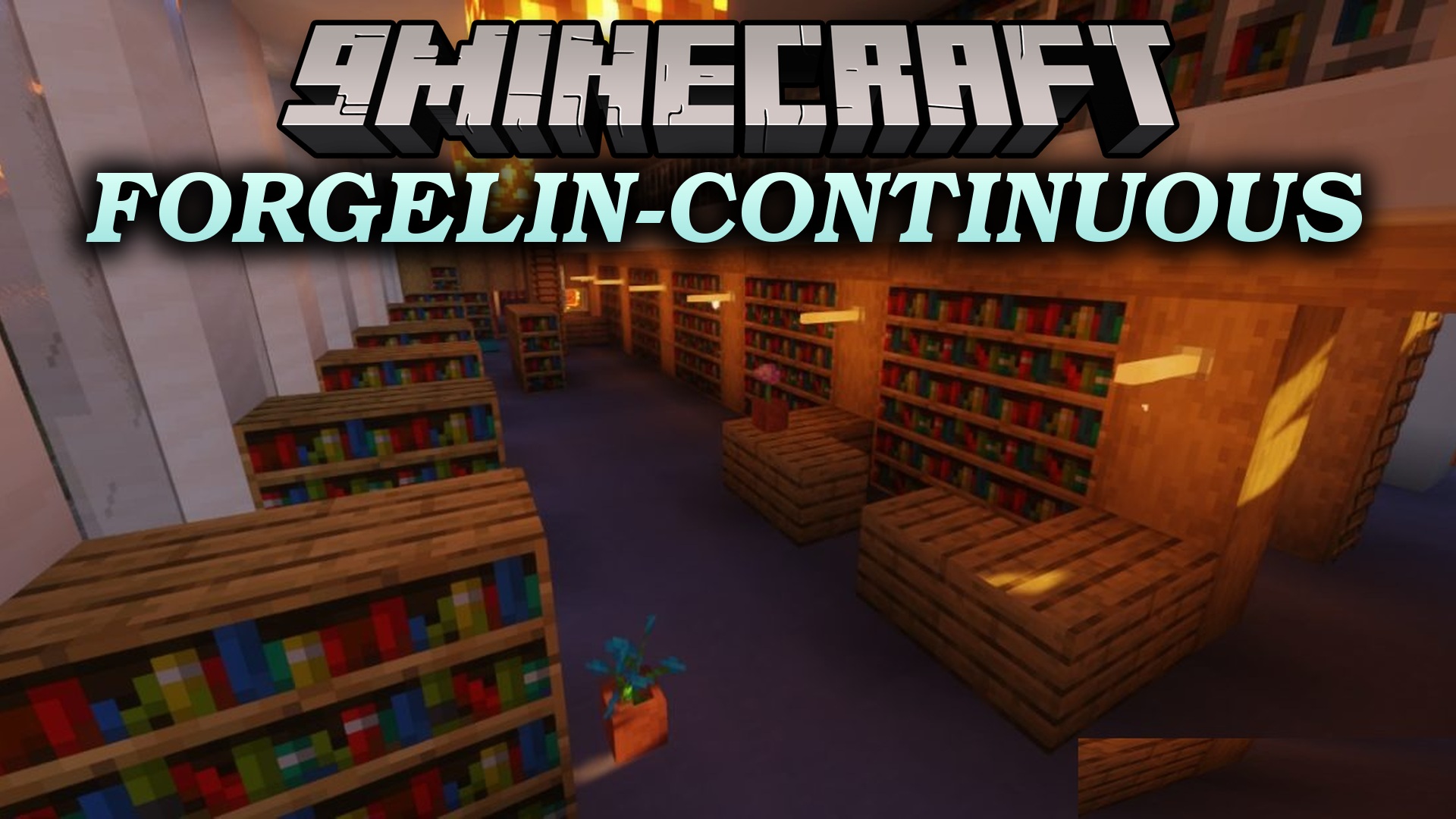
Forgelin-Continuous Mod updates Kotlin libraries for Forge mods that depend on Shadowfacts’ Forgelin. This mod acts as a direct replacement to keep Kotlin-powered mods running smoothly in your game. It helps prevent crashes caused by outdated library files in your setup.
Features:
- Packs newer Kotlin libraries for Minecraft Forge.
- Works as a drop-in replacement for older Shadowfacts’ Forgelin files.
- Prevents game crashes related to outdated Kotlin code.
- Keeps compatibility with most mods built for the original library.
- Pairs with LibrarianLib-Continuous for mod setups that require updated LibrarianLib files.
How to Use:
- Remove the old Shadowfacts’ Forgelin file from your mods folder to prevent file conflicts.
- Place this mod directly into your mods folder.
- Replace LibrarianLib with LibrarianLib-Continuous if your mod setup requires it.
- Start your game to play with your Kotlin-based mods.
How to Install:
New to Minecraft? Follow our step-by-step guide to install Mods on your PC.View Guide
Requirements:

Forgelin-Continuous Mod Download Links
For Minecraft
1.12.2,
1.12.1,
1.12
All Versions Covered
1.12.2
1.12.1
1.12
Client
Forge
Server
All Versions Covered
1.12.2
1.12.1
1.12
Client
Forge
Server
Click to rate this post!
[Total: 0 Average: 0]
You May Also Like











This post has no comments yet. Be the first — your comment will appear here.