


Glacial Suite Mastery Mod (1.20.1) – Wield Freezing Stand Armor
 10
10
 0
0

🌐 Read this article in your language! Choose your preferred language below.
Or pick the one you like:
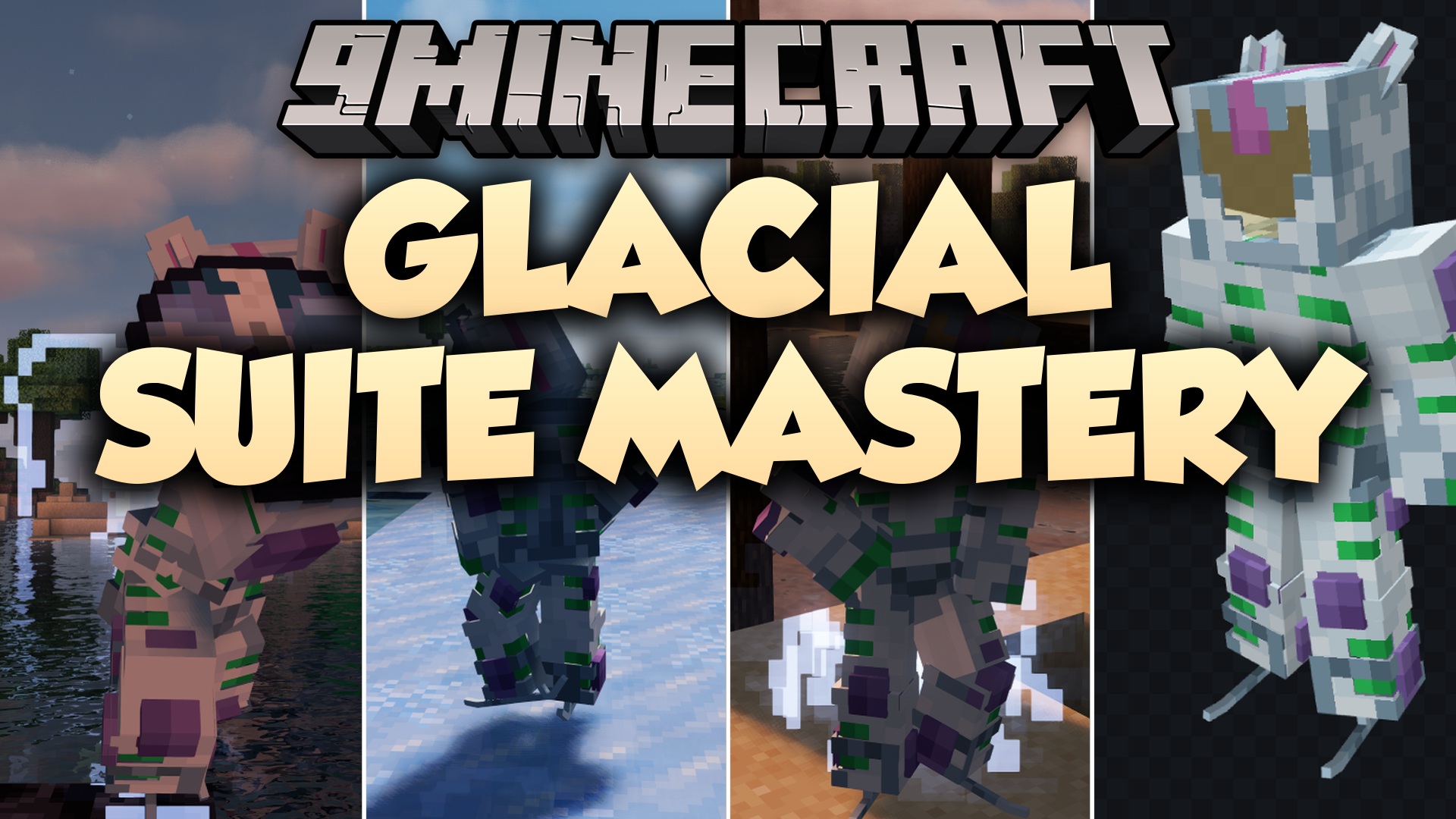
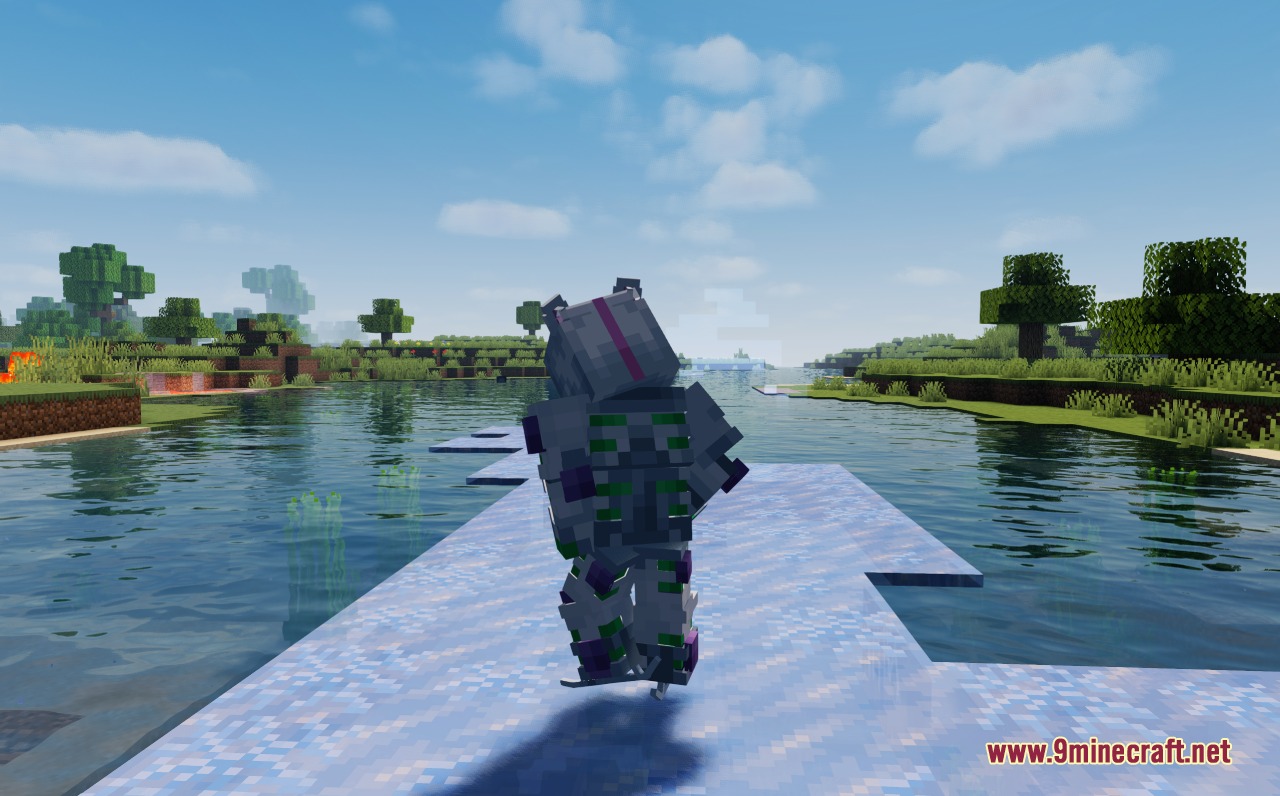
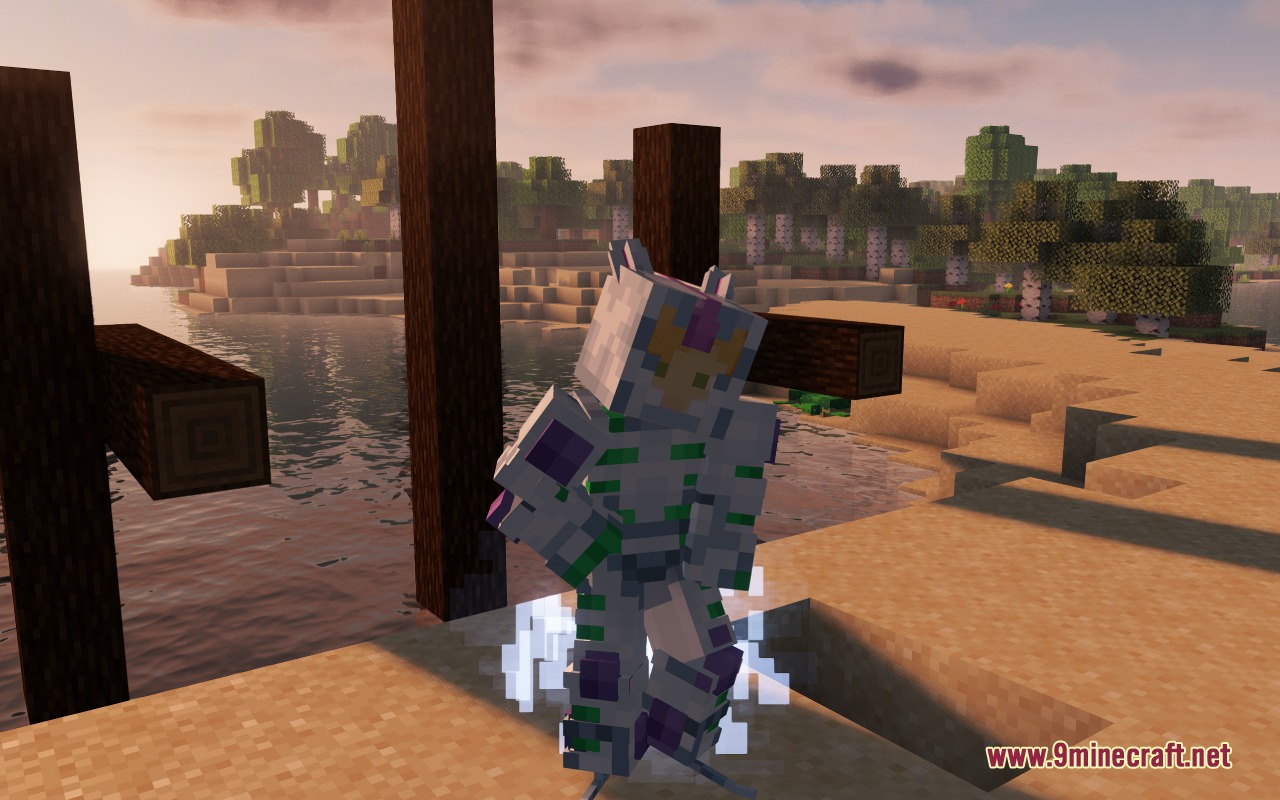
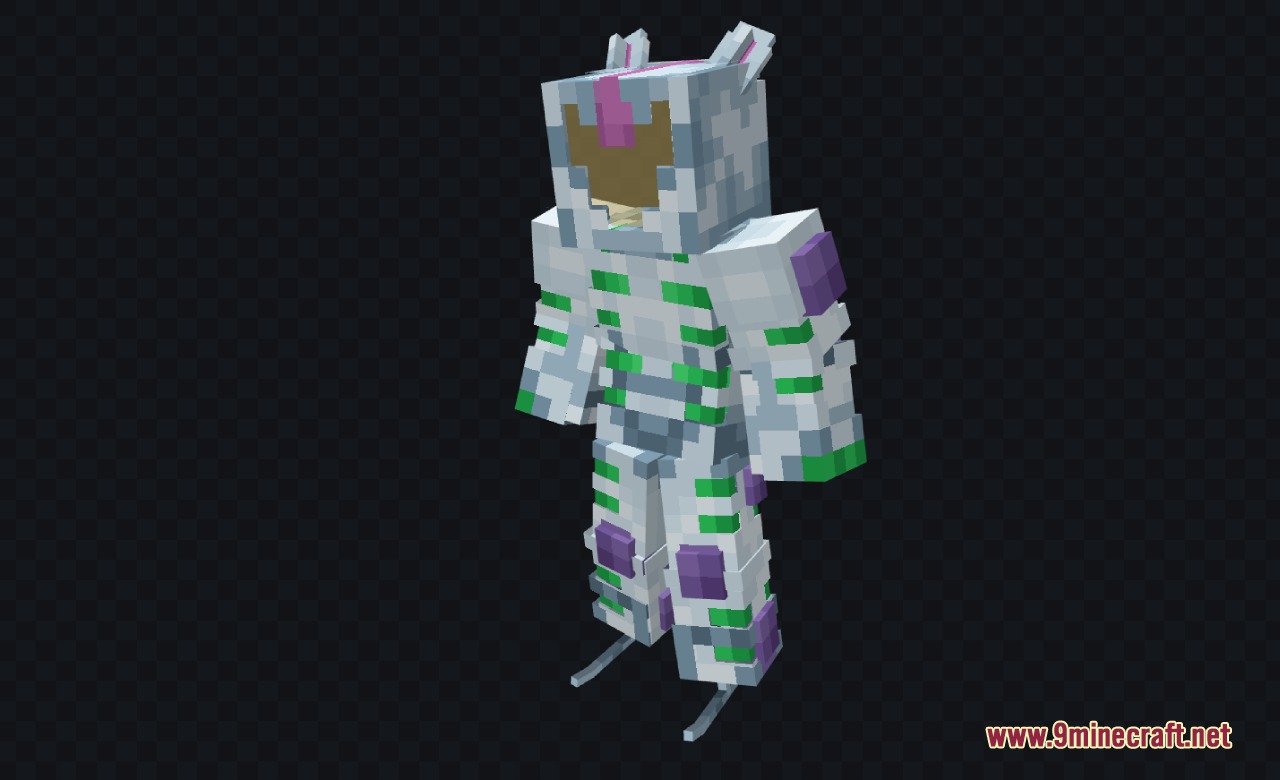
Glacial Suite Mastery Mod adds the White Album Stand to JCraft. It brings a separate Stand packed with custom ice powers without replacing any existing options in the base addon. Players can unlock this defensive armor suit during regular survival gameplay or test it instantly through console commands.
Features:
- Adds the White Album Stand as an expansion for JCraft.
- Brings custom ice combat abilities to battle mobs and other players.
- Works as an independent addition without replacing any existing Stands.
- Lets players obtain the power naturally by using a Stand Arrow.
- Includes built-in commands to check ability lists and equip the suit directly.
Commands:
/stand about: displays all abilities for the active Stand./stand set @s jcraft:white_album: equips the White Album Stand on your character.
How to Use:
- Obtain a Stand Arrow in your world.
- Use the Stand Arrow to unlock the White Album Stand, or run
/stand set @s jcraft:white_albumin chat. - Type
/stand aboutto review all of your available Stand abilities.
Screenshots:

How to Install:
New to Minecraft? Follow our step-by-step guide to install Mods on your PC.View Guide
Requirements:
 Fabric Loader Required
 Fabric API Required
 Minecraft Forge Required
JCraft Additions Required
JCRAFT: Eyes of Ender (JoJo) Required
JCraft Required
Glacial Suite Mastery Mod Download Links
For Minecraft 1.20.1, 1.20
Click to rate this post!
[Total: 0 Average: 0]
You May Also Like


















This post has no comments yet. Be the first — your comment will appear here.