


Gtceu Terminals Mod (1.20.1) – Manages and Copies Multiblock Structures

 0
0 

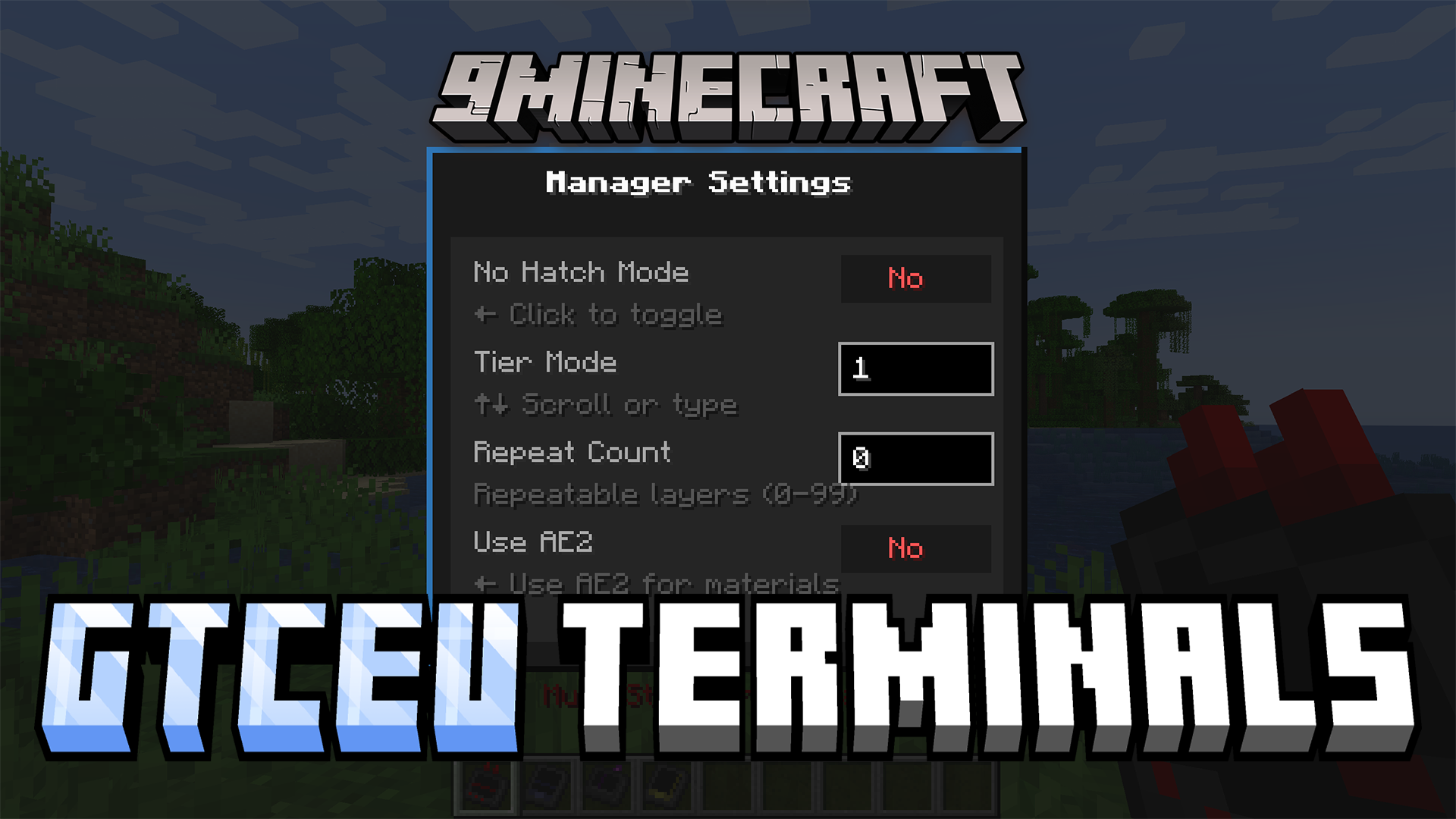
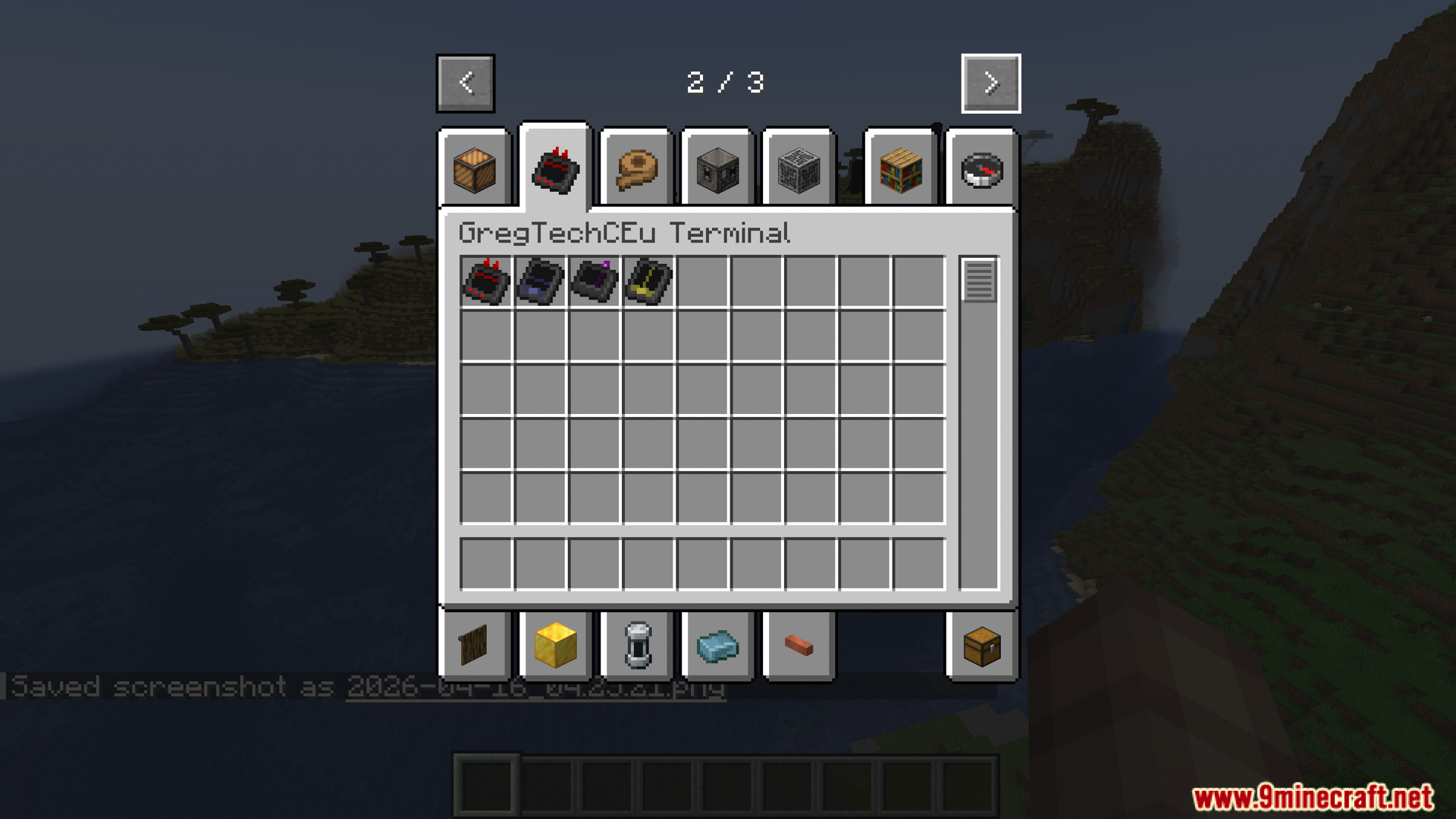
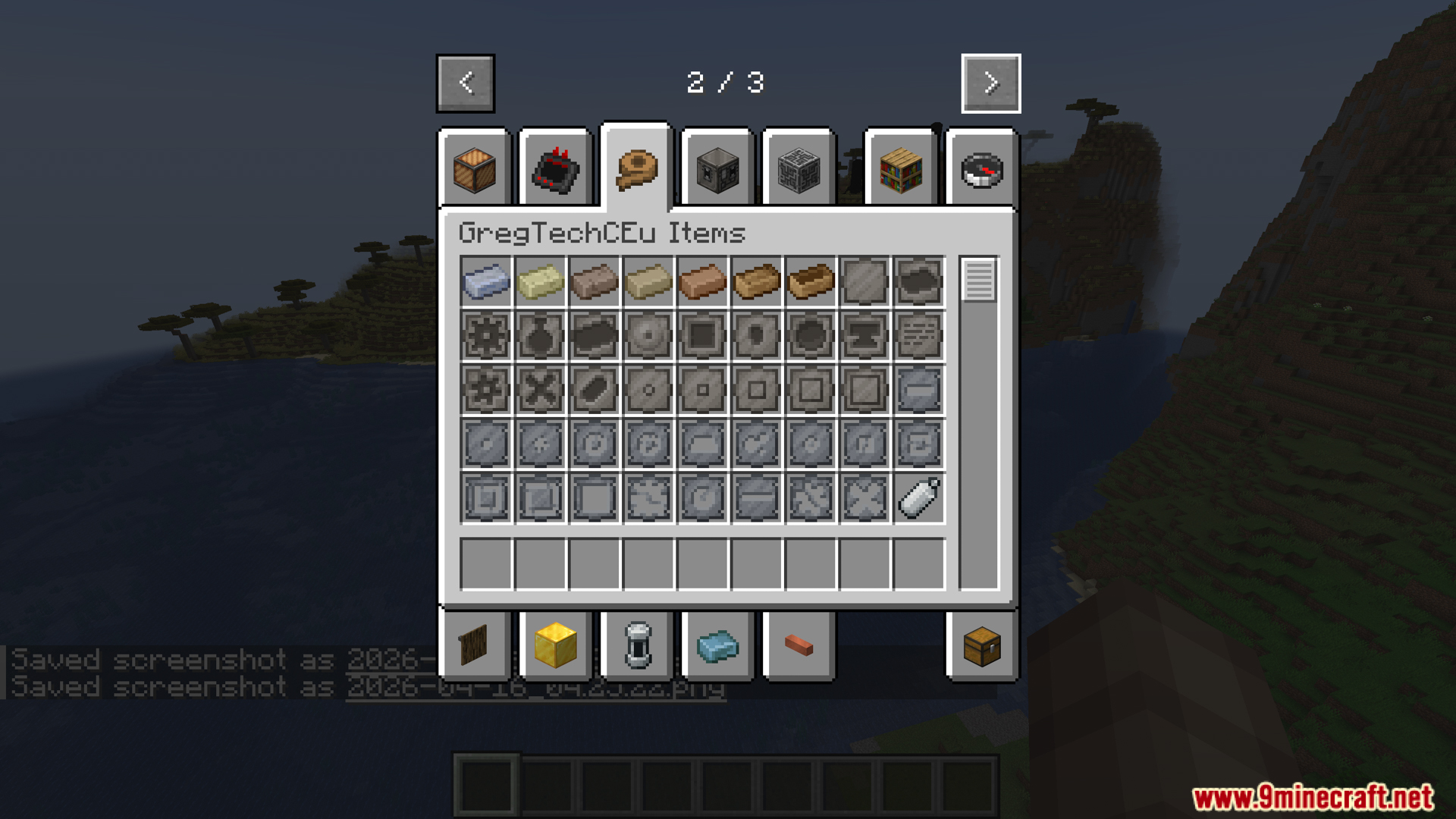
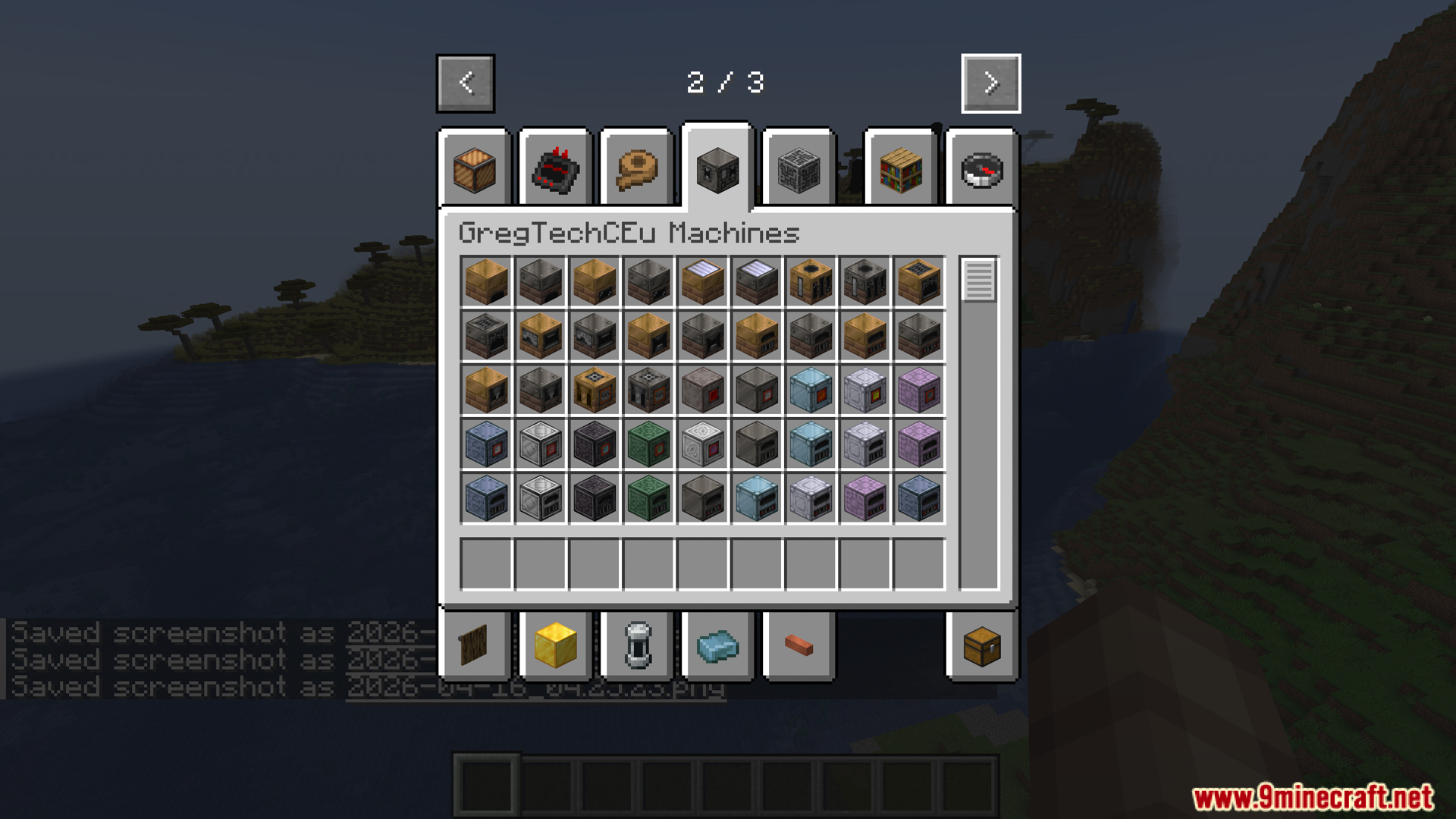
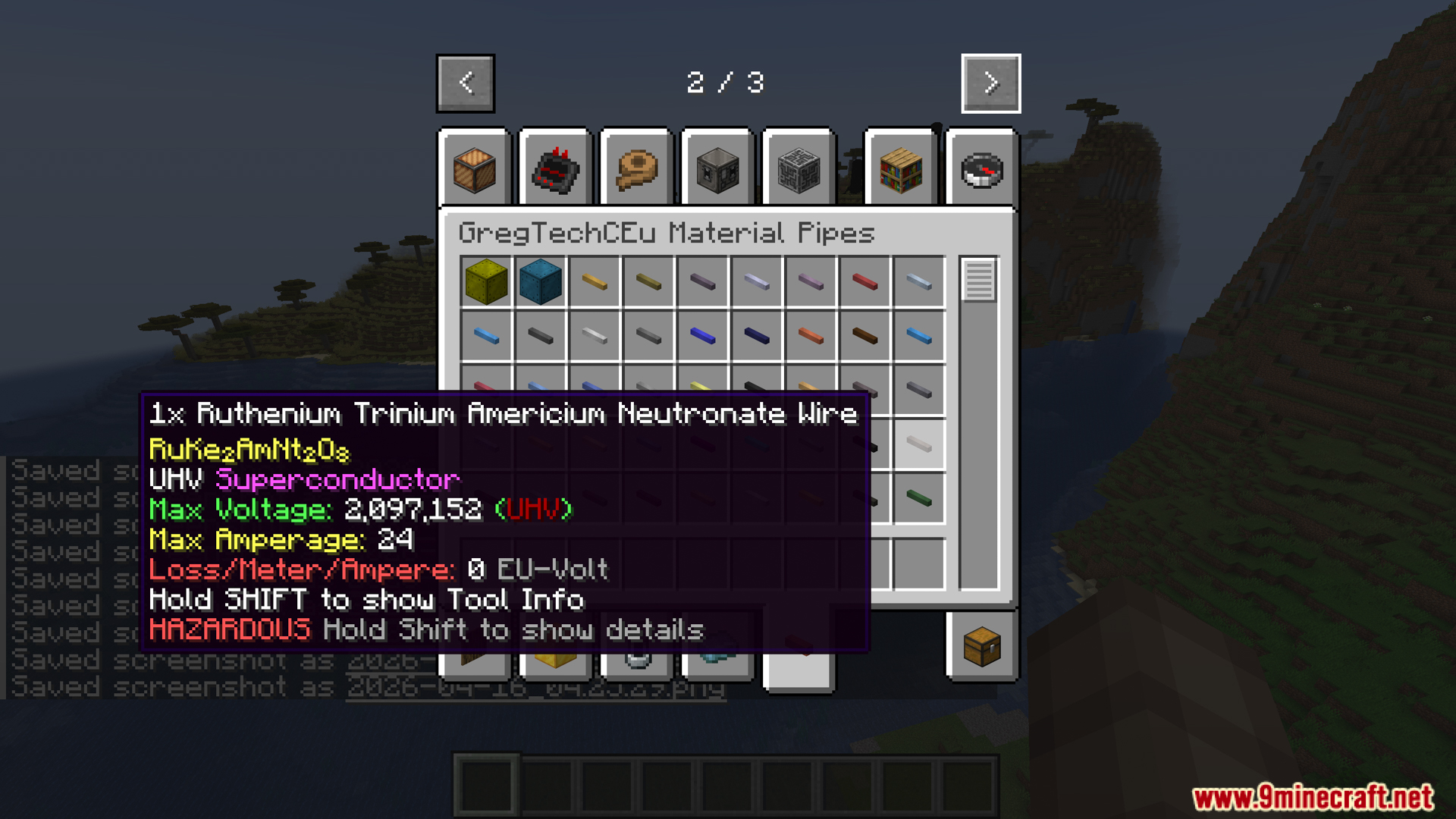
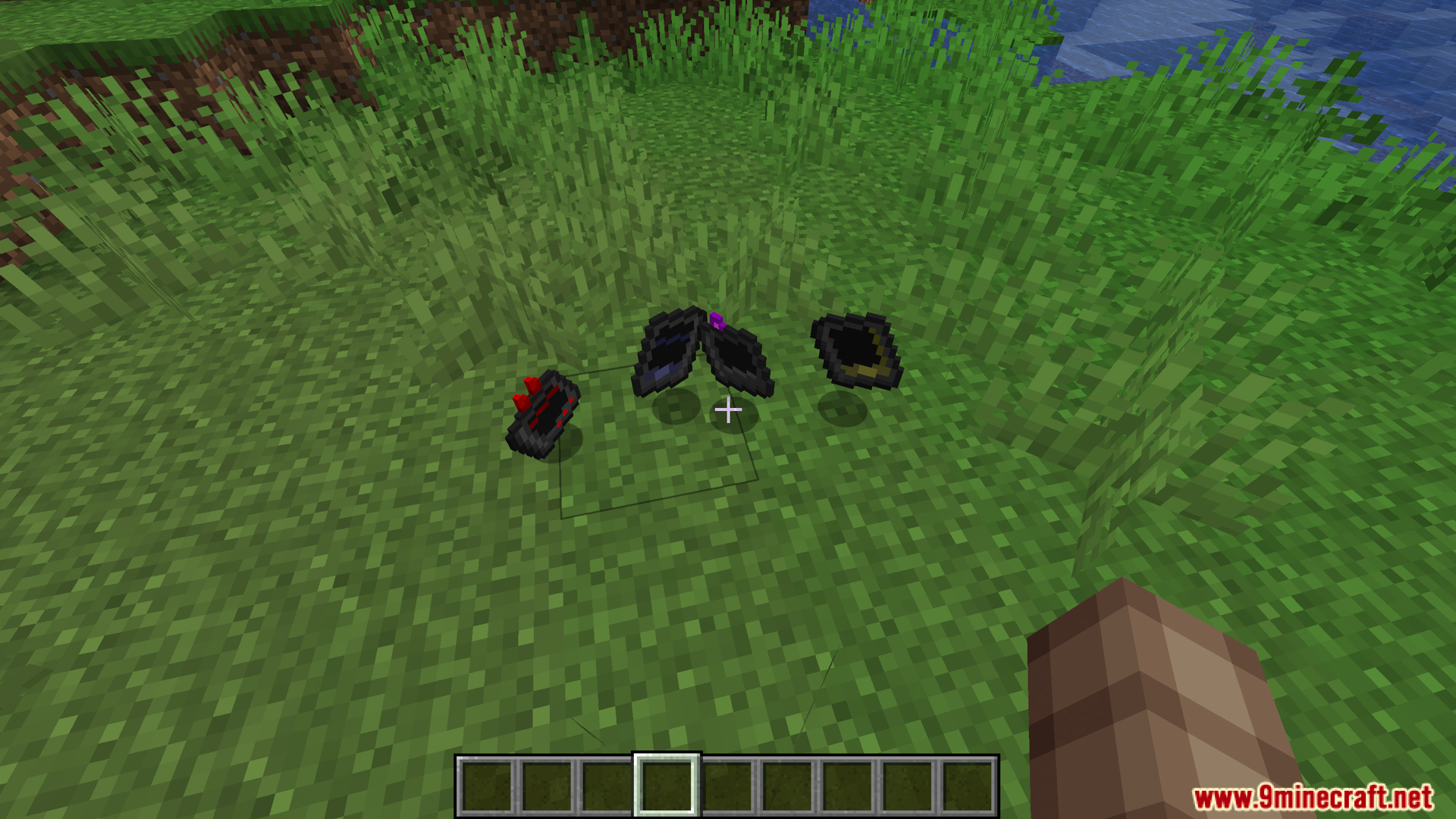
Gtceu Terminals Mod adds three helpful gadgets to make playing with GregTech easier. It lets you change, copy, and break down large machines without having to break blocks one by one. You can even connect these tools to your storage network to grab items fast.
Features:
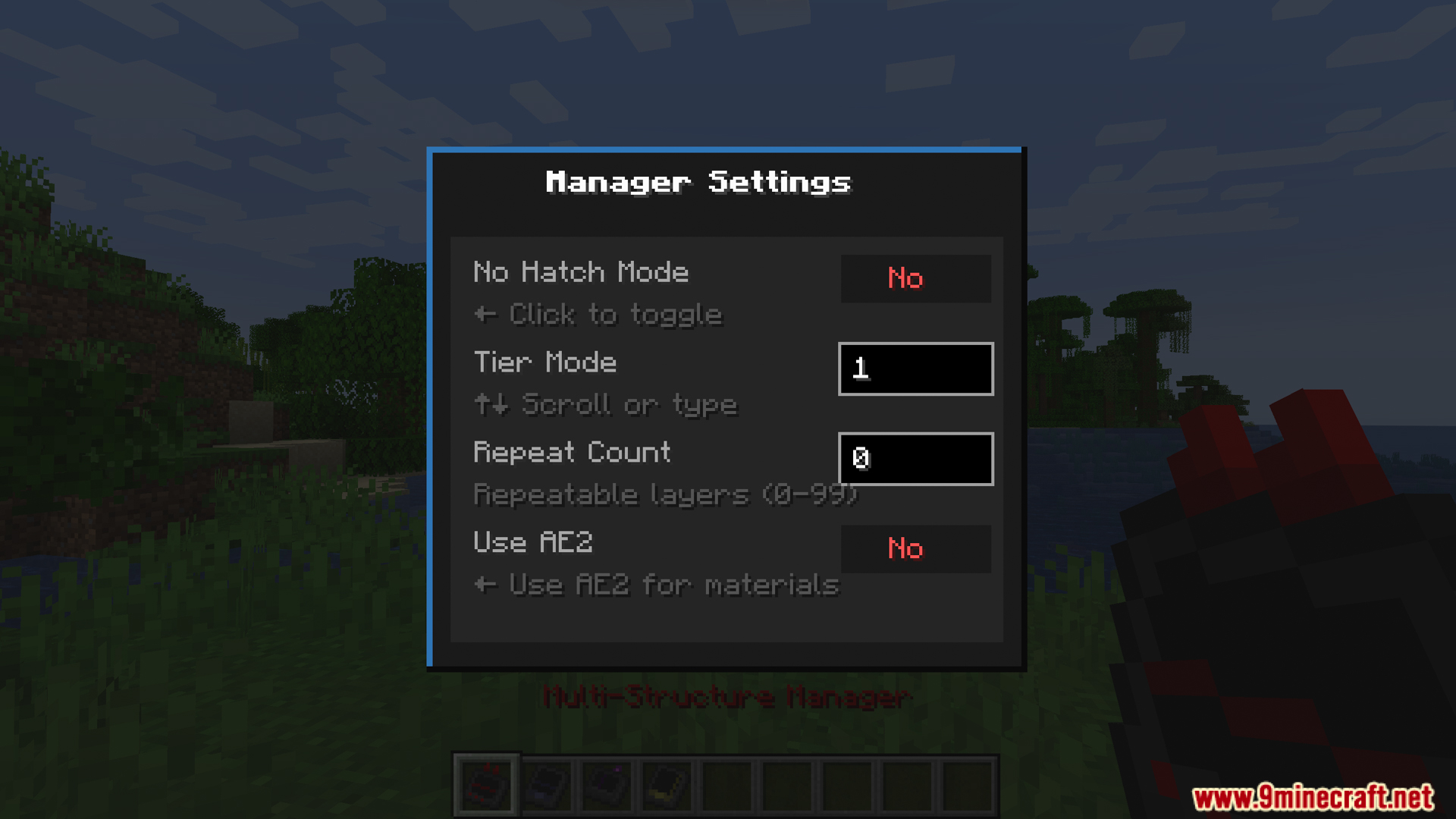
- Multi-Structure Manager: This tool finds all large machines within 32 blocks. It lets you change or upgrade machine parts like Coils and Hatches right from your inventory or your ME Network.
- Schematic Interface: This gadget lets you copy a whole machine and save it as a blueprint. You can then use the blueprint to build the exact same machine somewhere else.
- Dismantler: This tool picks up an entire machine at once. It puts all the blocks straight into your bags, and drops any extra blocks on the ground if you run out of space.
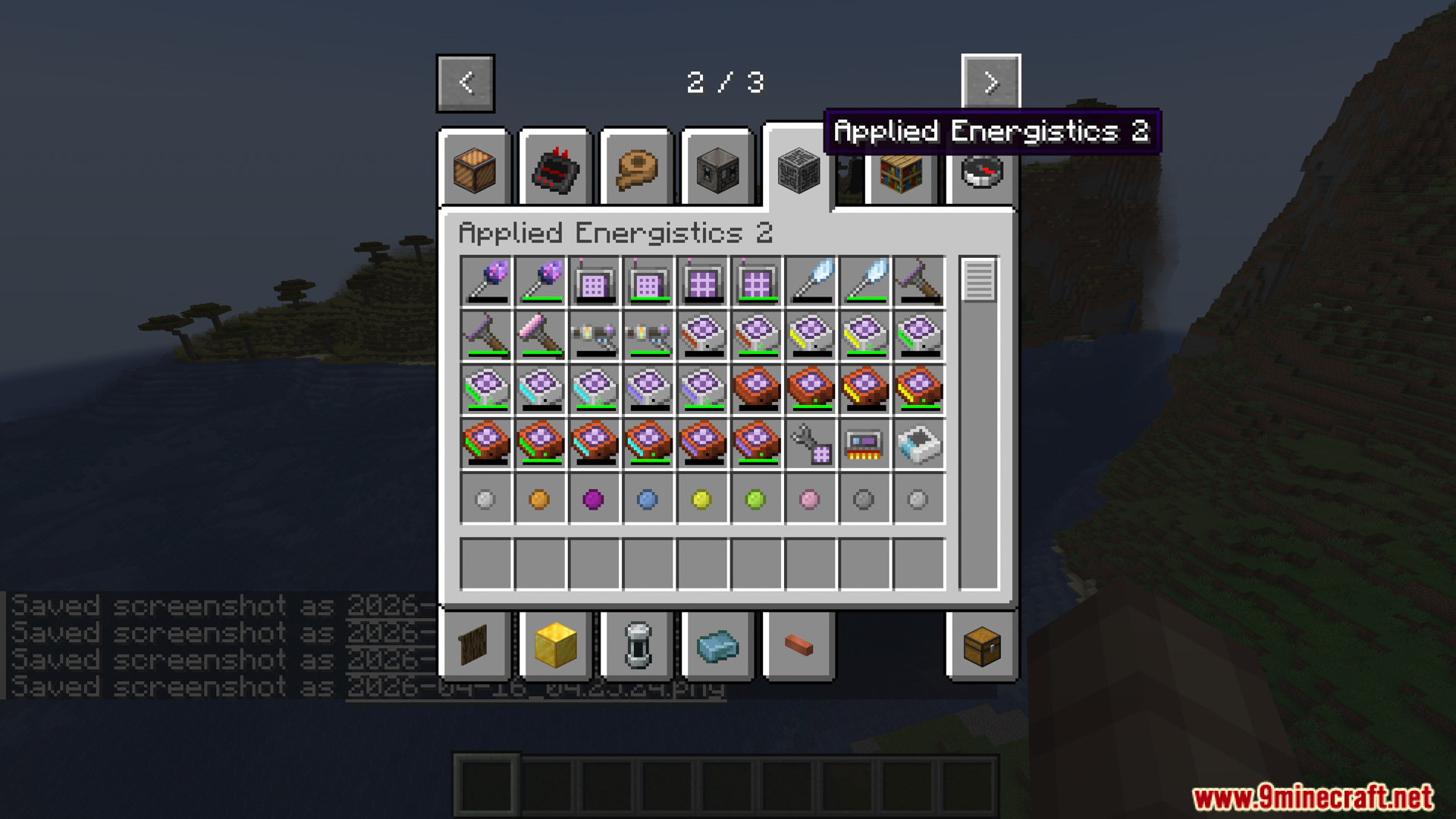
- ME Network Link: The tools can connect to your ME Network using a Wireless Access Point, so you can use items from your main storage.
- Modpack Support: Works with specific packs like TerraFirmaGreg and GTM Things to handle special machine parts.
How to Use:
- Hold Shift and right-click on a machine controller with the Schematic Interface to copy the blocks.
- Hold Shift and right-click on a machine controller with the Dismantler to pick up the whole machine.
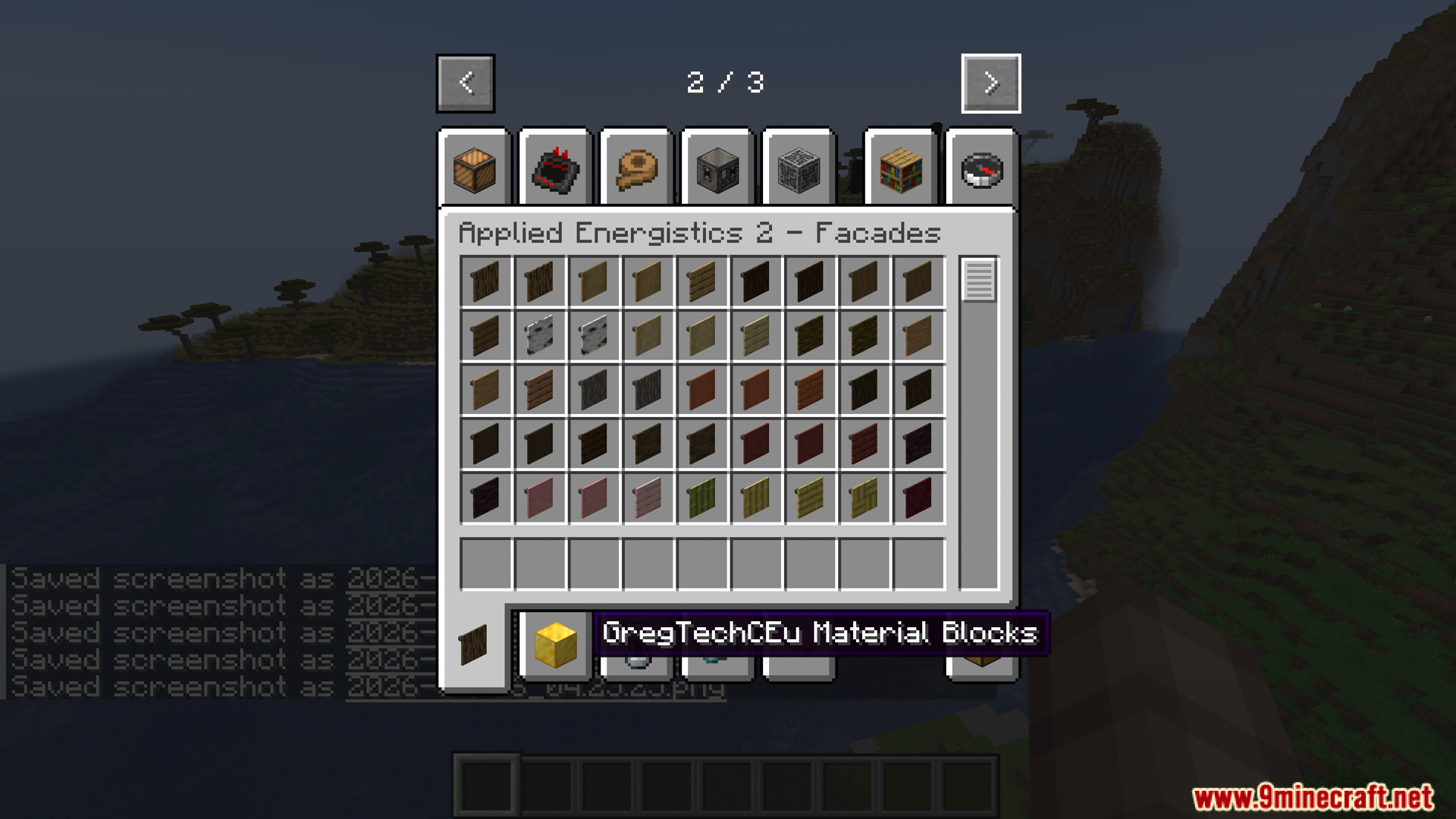
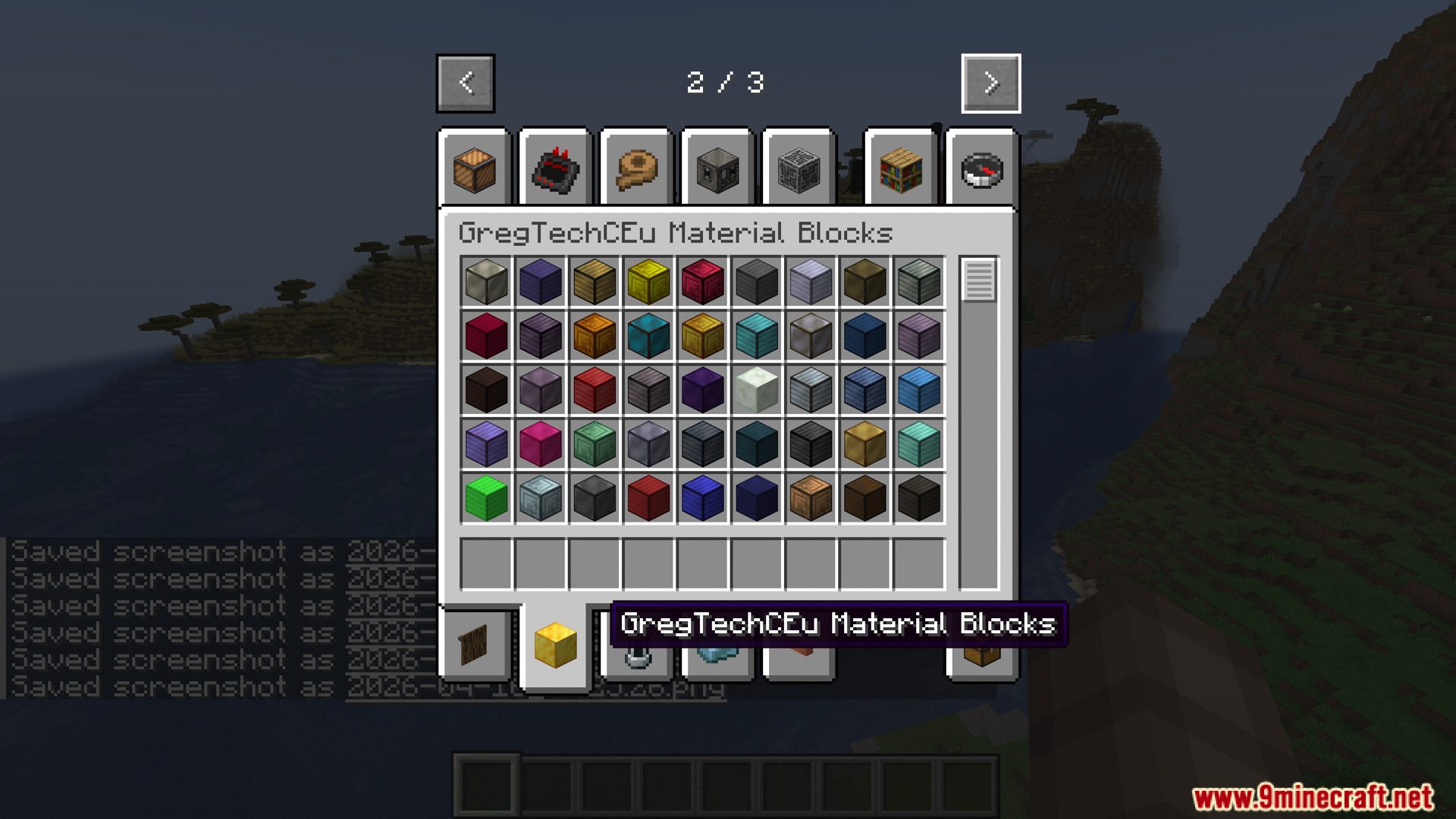
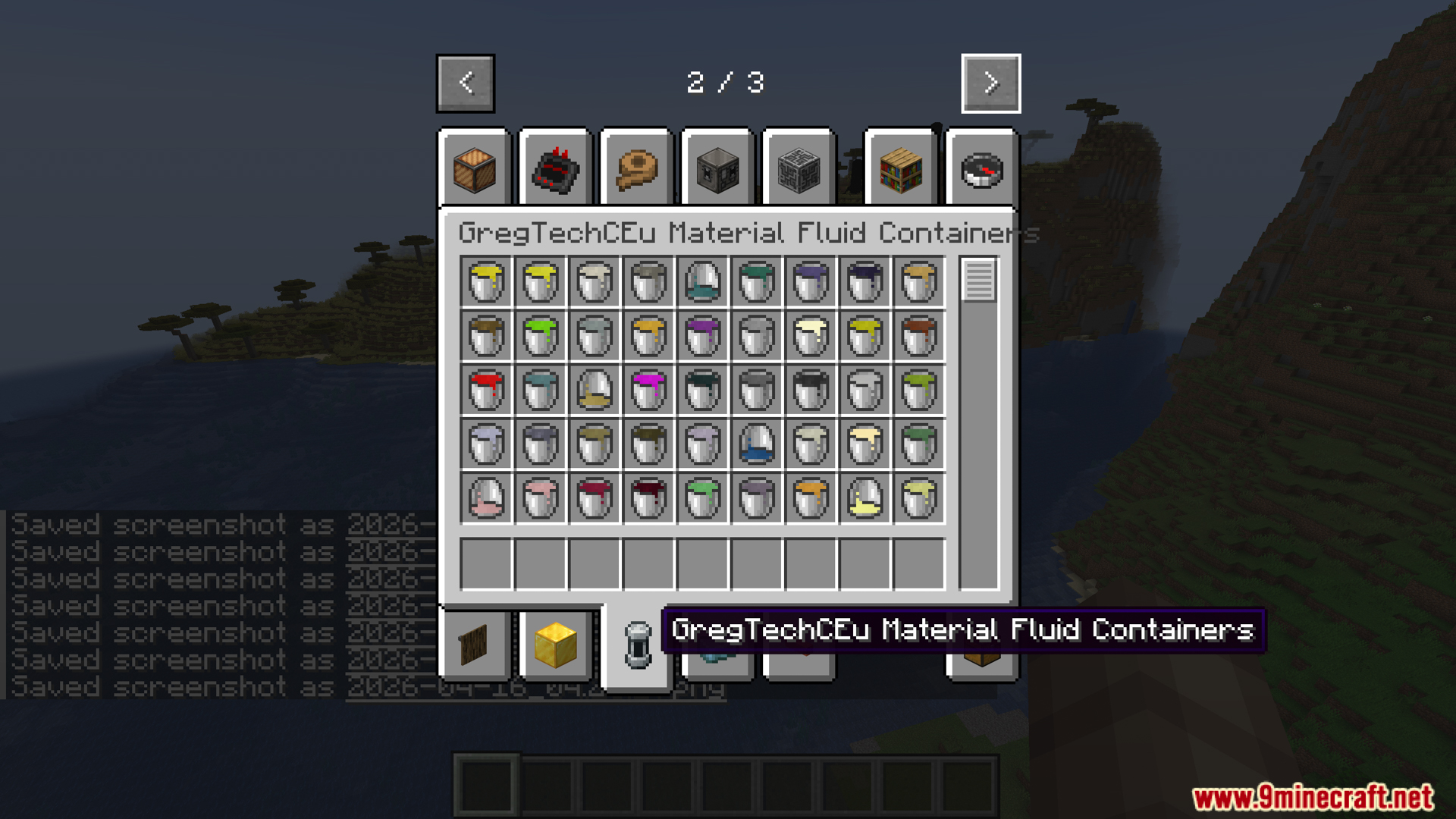
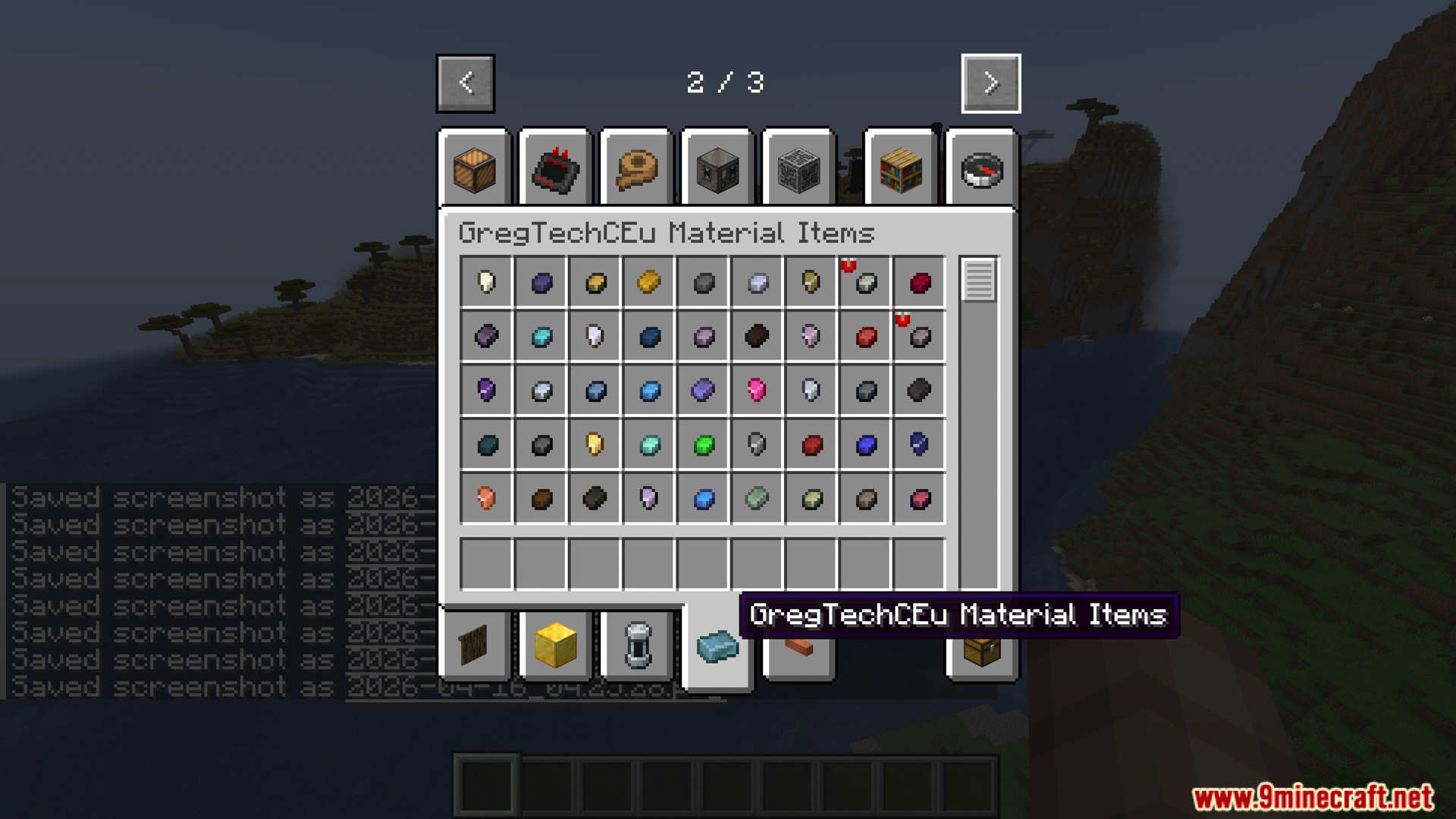
Screenshots:
How to Install:
New to Minecraft? Follow our step-by-step guide to install Mods on your PC.View Guide
Requirements:
 Minecraft Forge Required
 Applied Energistics 2 Wireless Terminals Mod Required
GregTech CEu Modern Required
Gtceu Terminals Mod Download Links
For Minecraft 1.20.1, 1.20
Click to rate this post!
[Total: 0 Average: 0]
You May Also Like






This post has no comments yet. Be the first — your comment will appear here.