


Gufl Chat Toggle Mod (1.21.1) – Toggle Chat Visibility Using Keybind

 0
0 

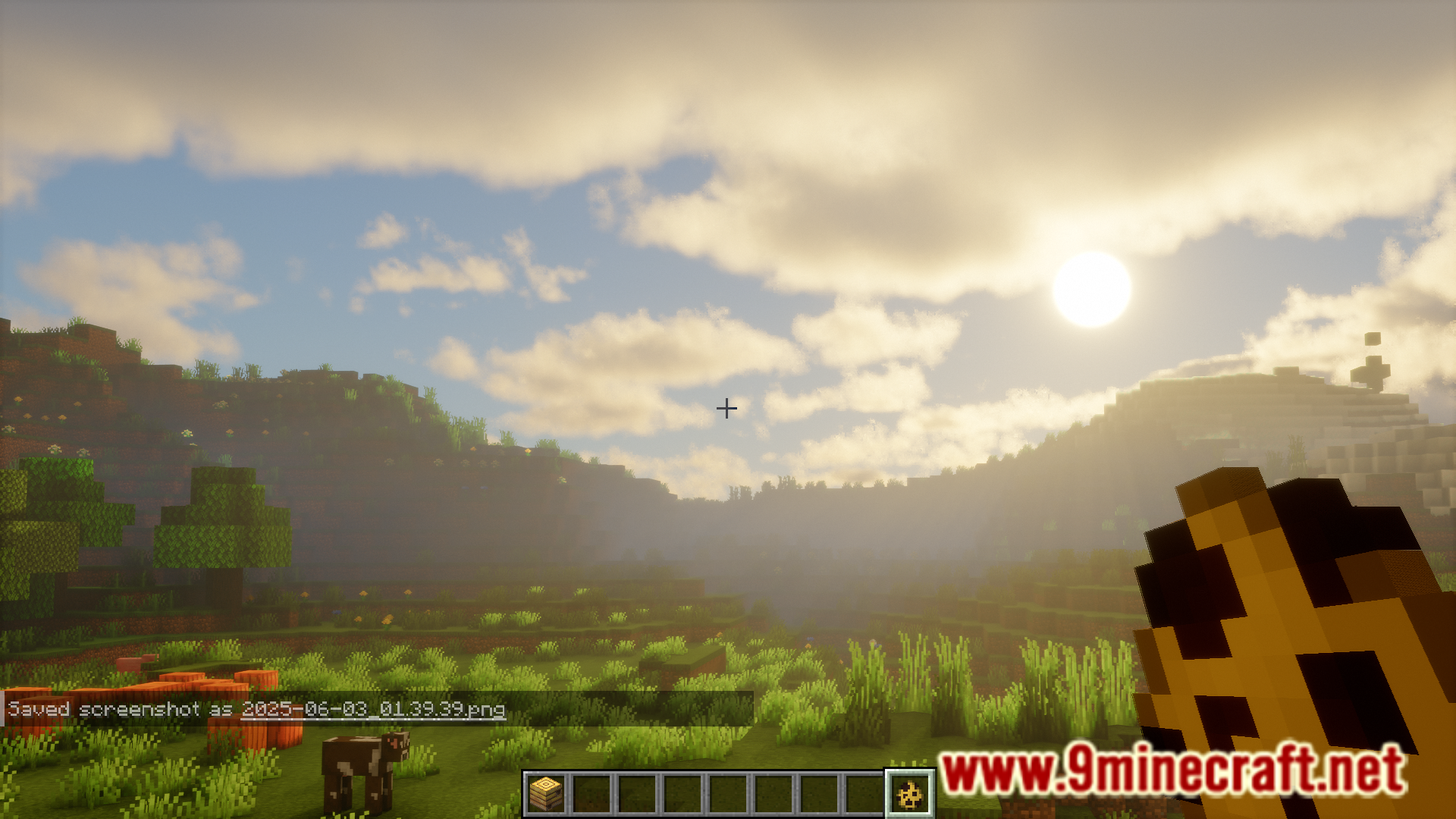
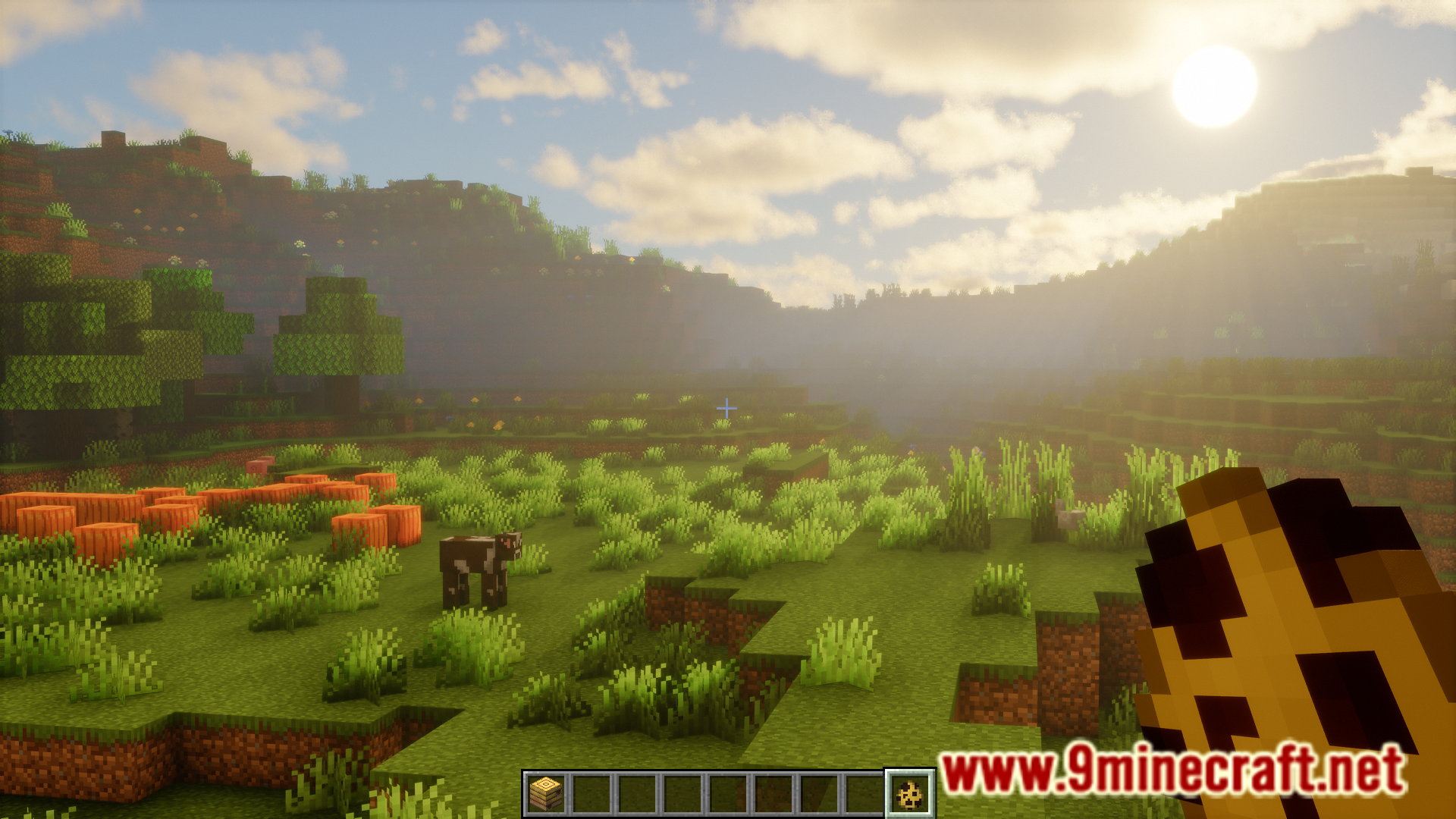
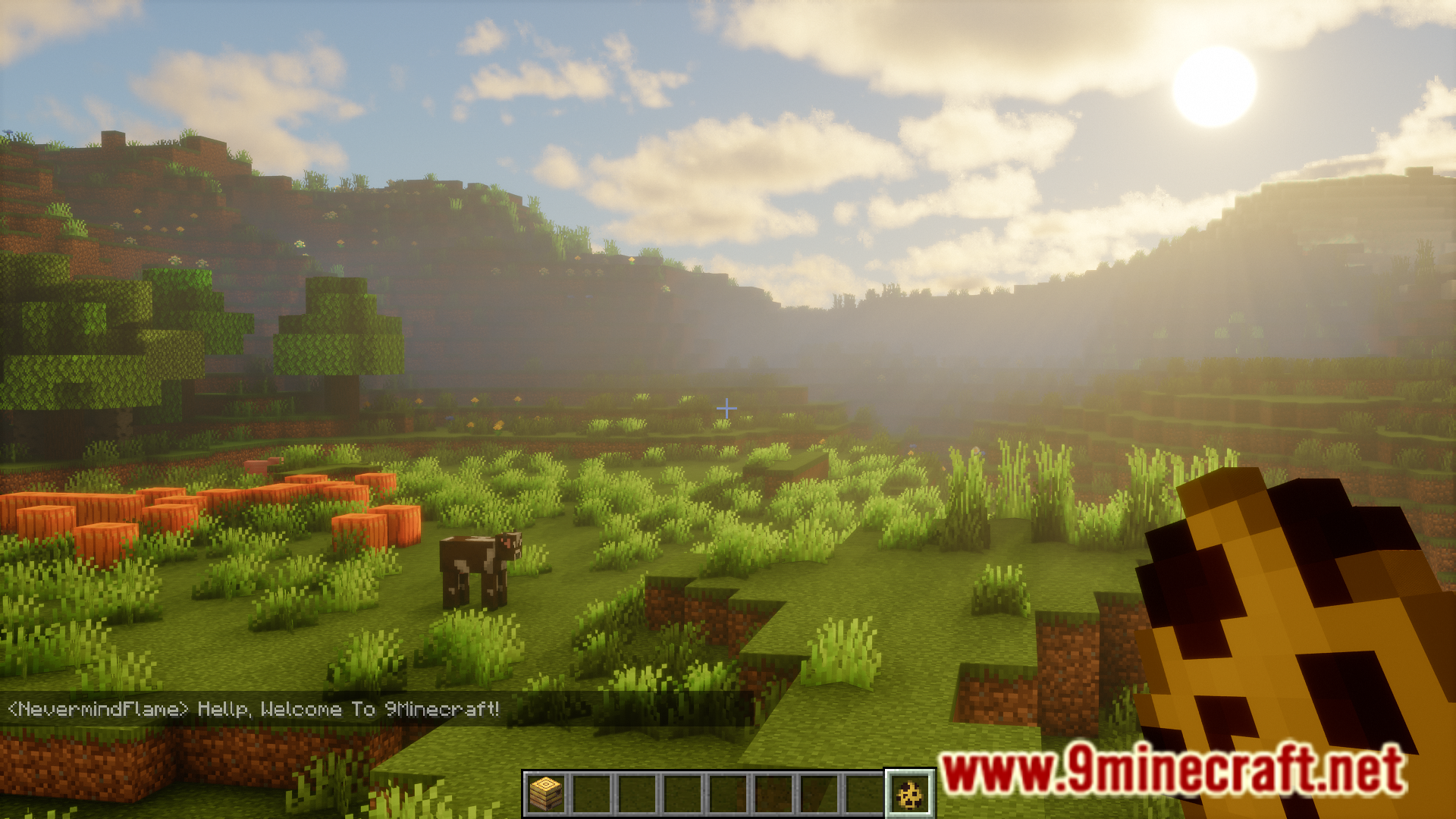
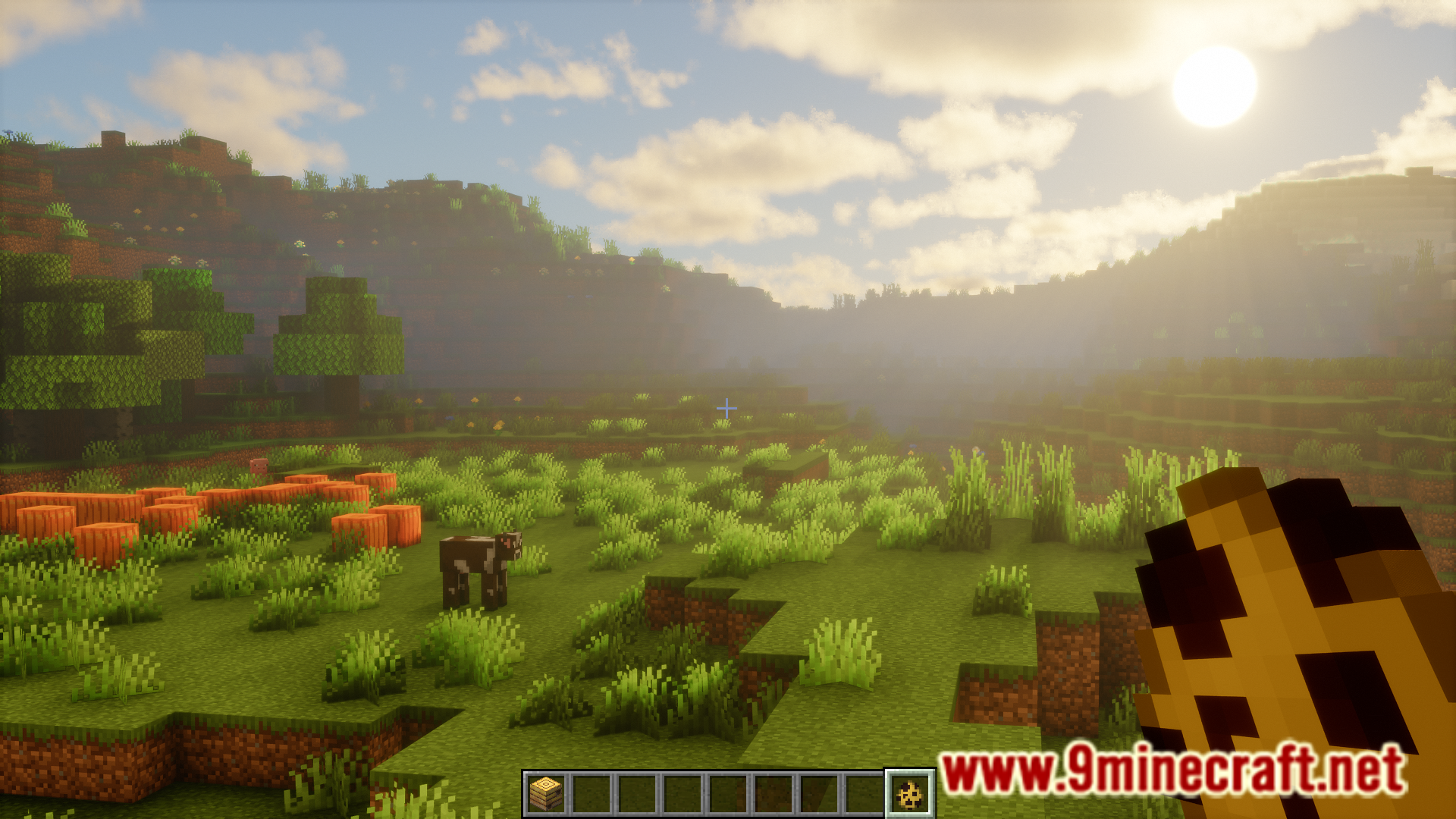
Minecraft’s in-game chat can be annoying at times. Sometimes they obstruct your view and you would prefer to turn down the opacity. But manually adjusting the chat opacity in the game settings can be an inconvenience. Gufl Chat Toggle Mod is here with a one-click solution. This mod basically allows you to toggle the visibility of the in-game chat just by pressing a keybind.

Features:
- Toggle the visibility of the in-game chat.
- Simply press a keybind.
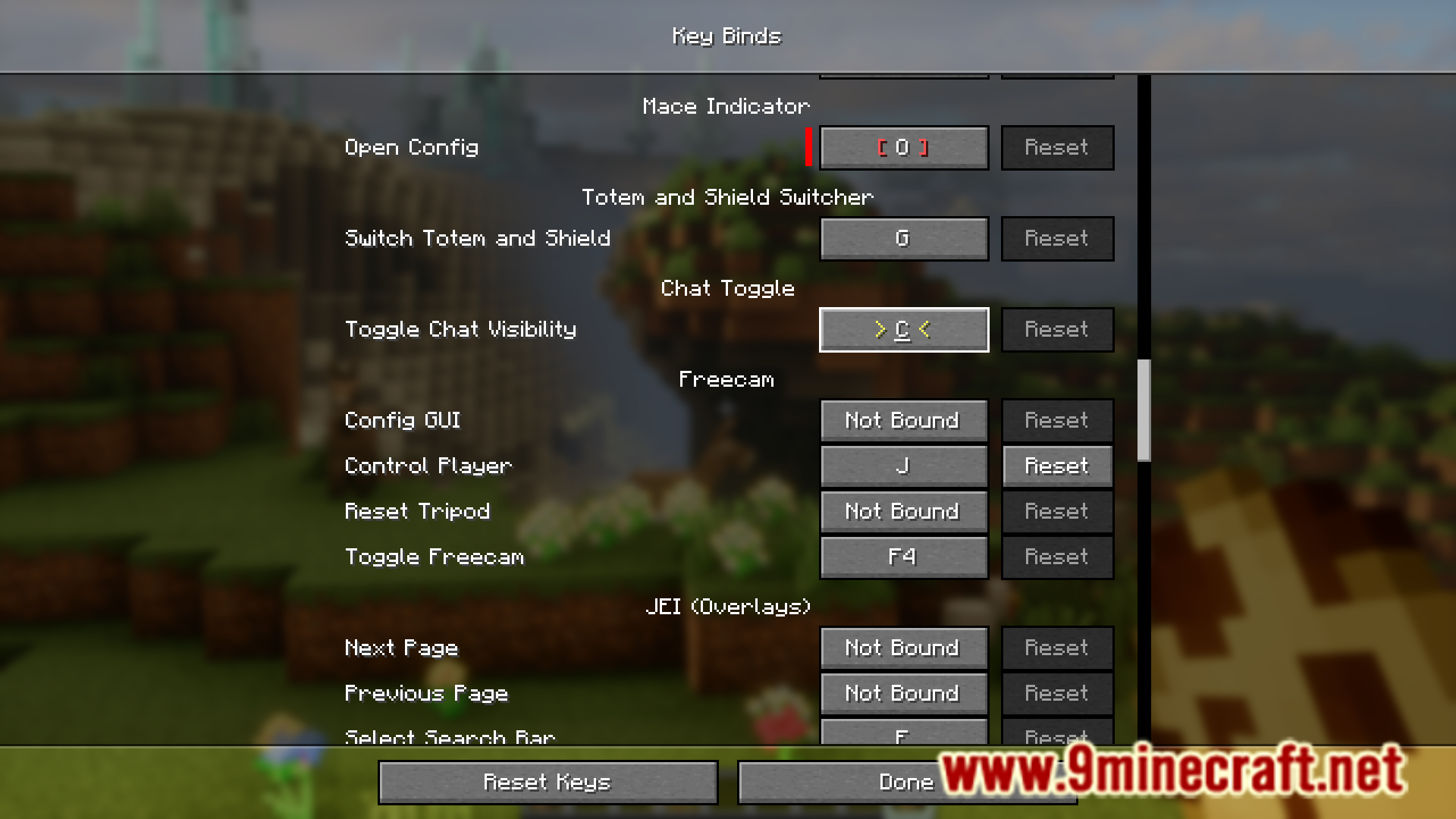
- Keybind is set to C key by default. Can be configured.
Screenshots:
How to Install:
New to Minecraft? Follow our step-by-step guide to install Mods on your PC.View Guide
Gufl Chat Toggle Mod Download Links
For Minecraft 1.21.1, 1.21
Fabric version: Download from Server 1 – Download from Server 2
Click to rate this post!
[Total: 1 Average: 5]
You May Also Like



This post has no comments yet. Be the first — your comment will appear here.