


Harvest Hearth Pets Mod (26.1.2, 1.20.1) – Cook 3D Meals and Befriend Cute
 14
14
 0
0

🌐 Read this article in your language! Choose your preferred language below.
Or pick the one you like:
Harvest Hearth Pets Mod expands farming and cooking in Minecraft with over two hundred fresh food recipes, custom 3D crops, and fruit-themed companion mobs. You can plant fruit trees, squeeze fresh juices, bake desserts, and convert your favorite meals into decorative 3D tabletop blocks with a single keypress.
Features:
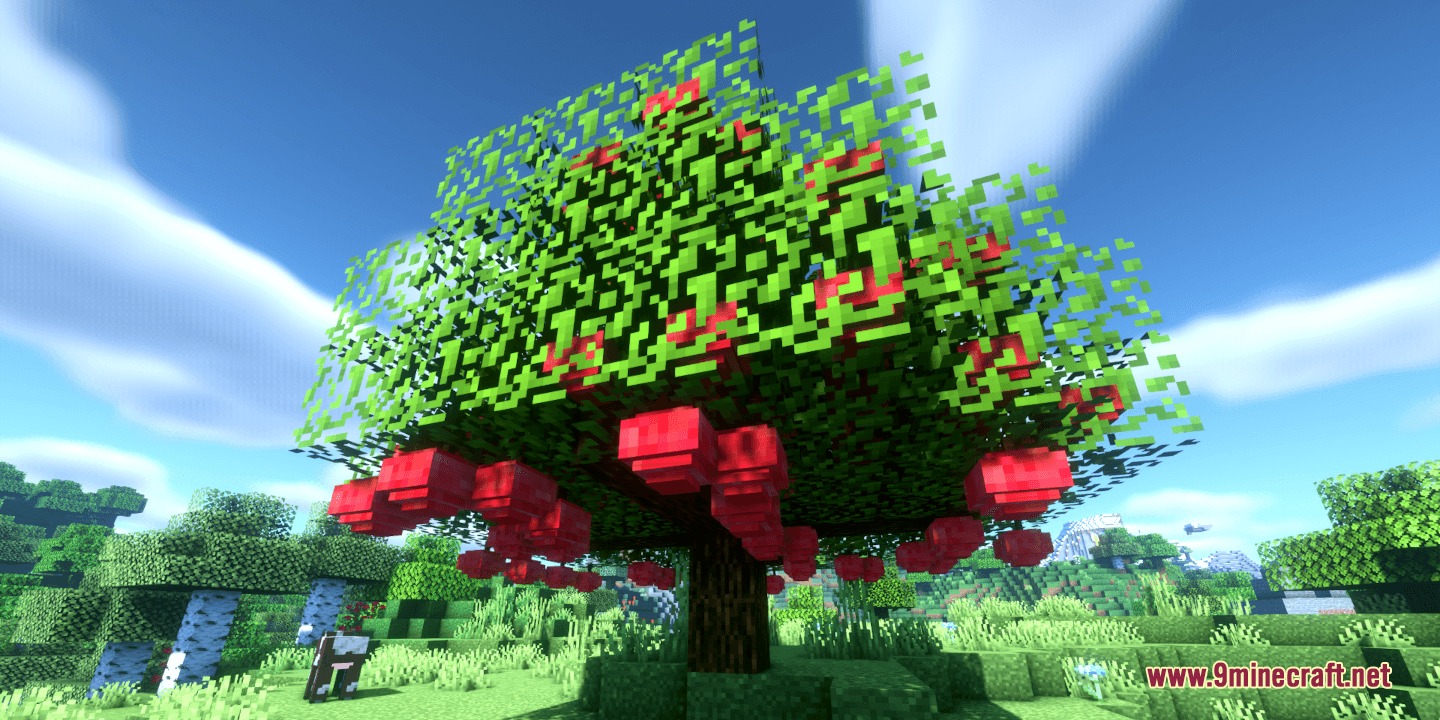
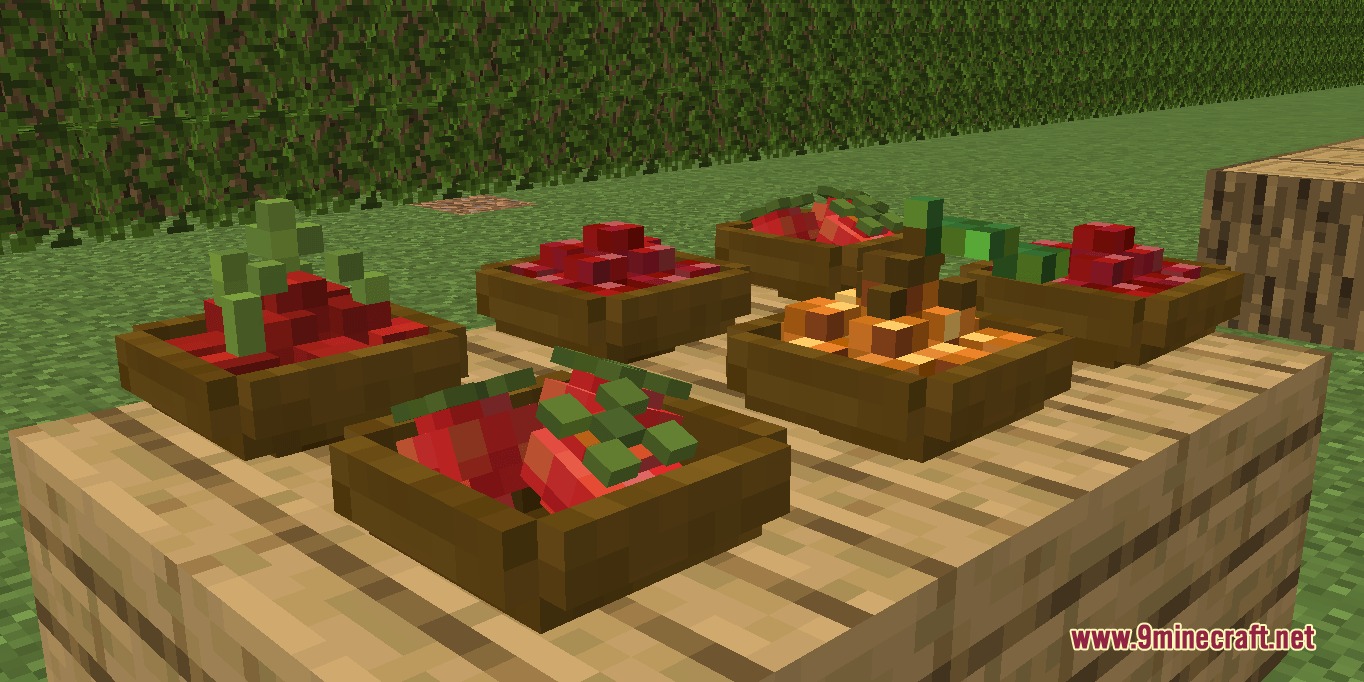
- 3D Crops and Orchards: Spawns unique 3D plant models for fruits such as apples, cherries, lemons, oranges, pears, strawberries, pineapples, grapes, bananas, and coconuts.
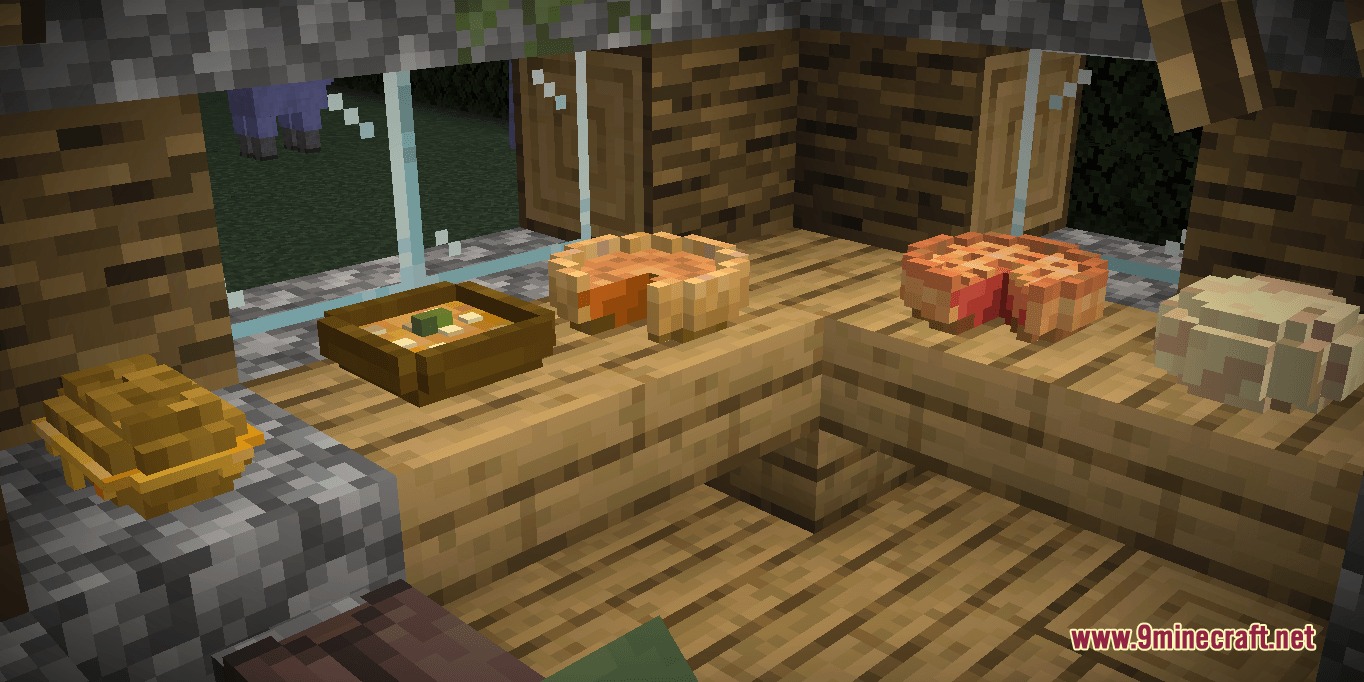
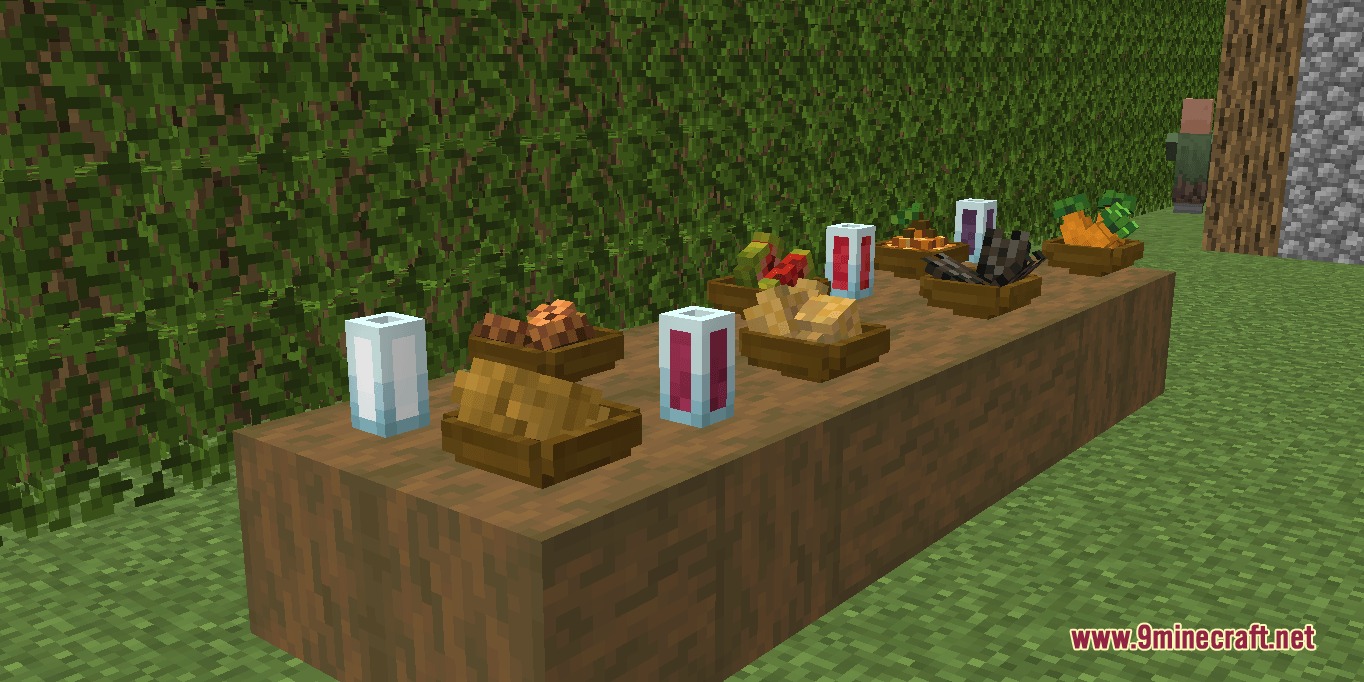
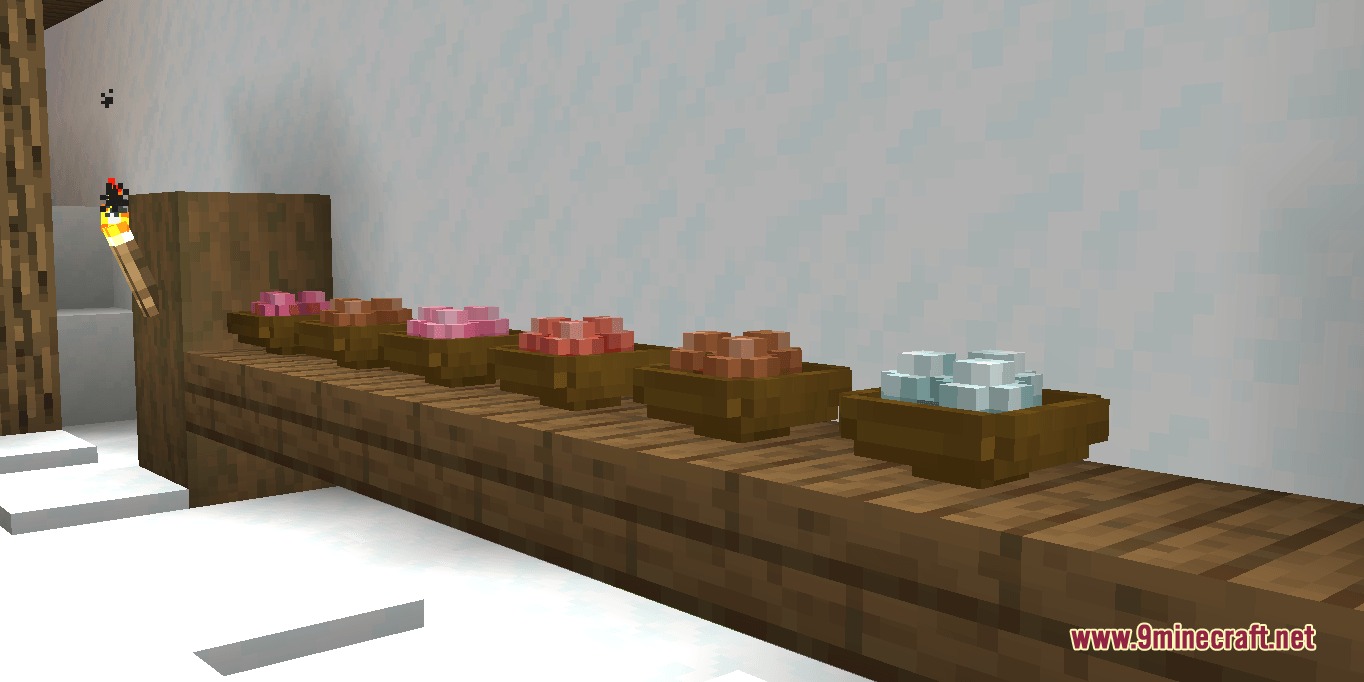
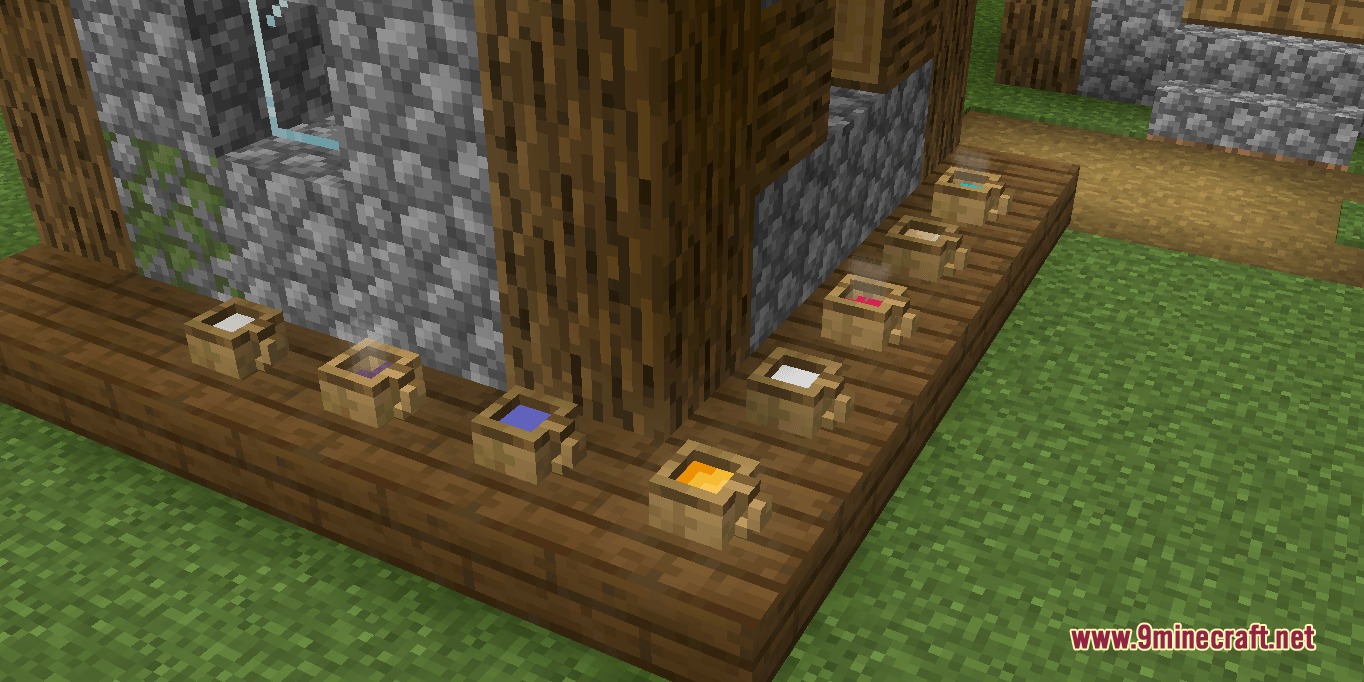
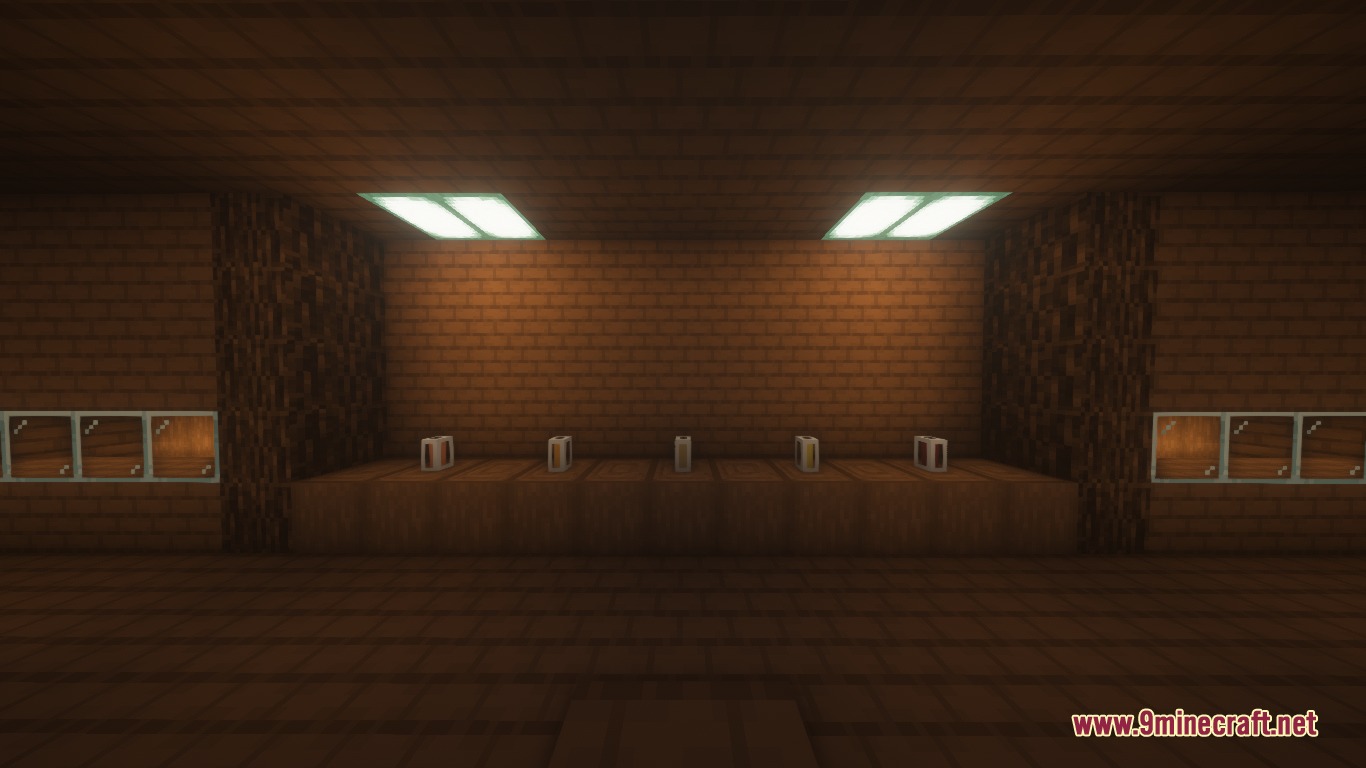
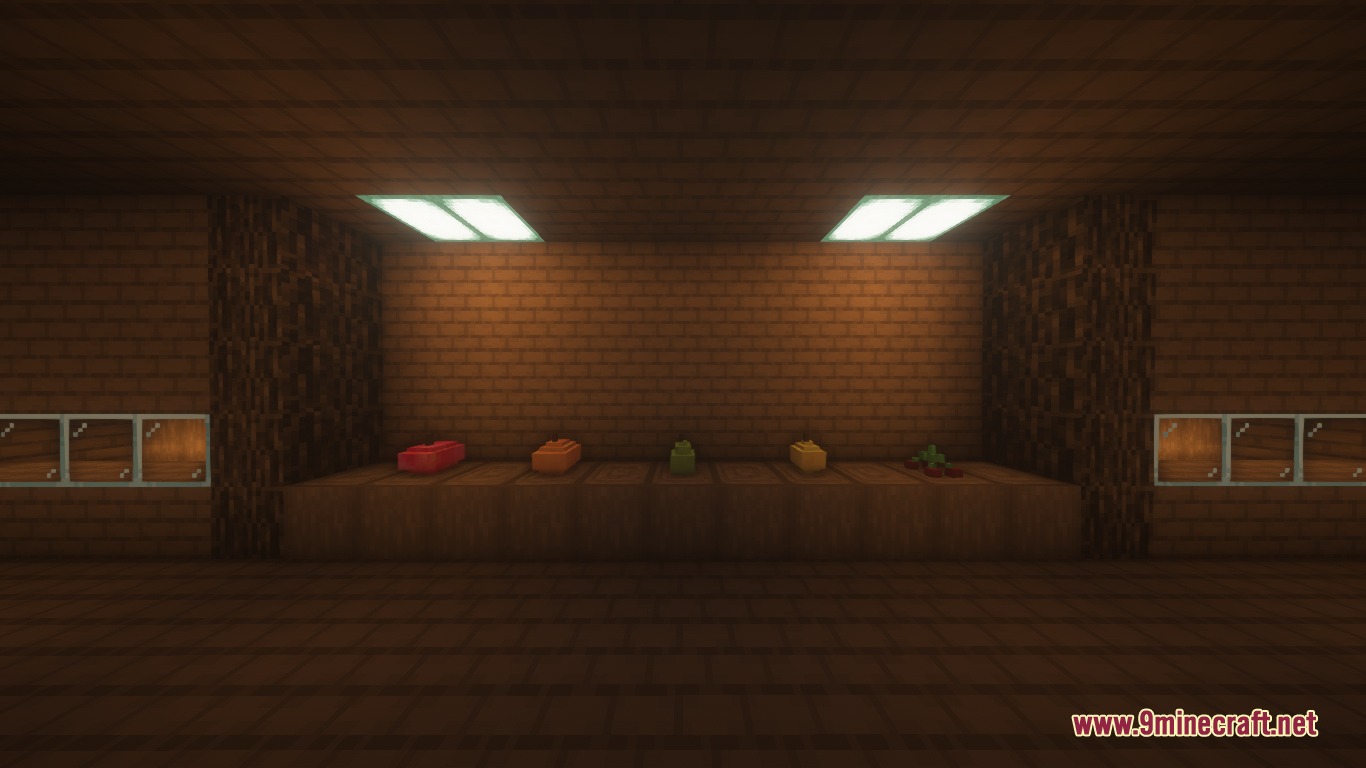
- Tabletop Display Mode: Lets you turn food items into placeable 3D decorative blocks on counters, tables, or plates.
- Kitchen Utensils: Introduces squeezer stations, knives, cutting boards, and cups to prepare multi-step meals.
- Adds 15 fruit and vegetable jam recipes crafted in glass bottles.
- Brings 8 wine varieties brewed with wheat, water, sugar, and harvested fruits.
- Offers 14 ice cream flavors prepared using snowballs, milk, and bowls.
- Features 7 whole cakes that can be sliced into individual servings with a kitchen knife.
- Includes 26 bread sandwiches layered with jam, cheese, fried eggs, or cooked meats.
- Provides 24 juice options and milk juice blends made with a squeezer or knife.
- Introduces hot tea infusions served in wooden cups, including sea tea and honey lemon tea.
- Brings deep-fried dishes like fries and fried chicken cooked using bottled oil.
- Spawns cute fruit-themed companion mobs based on apples, oranges, lemons, pears, and cherries.
- Adds more than 30 custom advancements to reward your culinary progress.
Food Categories:
- Desserts: Pies, cakes, chocolate bars, sweet skewers, and ice cream bowls.
- Drinks: Fruit juices, hot teas, chocolate milk, and brewed wines.
- Hearty Meals: Shredded wheat, mashed potatoes, meat sandwiches, and fried bowls.
How to Use:
- Harvest fresh fruits from 3D crop bushes and orchard trees.
- Combine ingredients on cutting boards or inside squeezer blocks to make juices and snacks.
- Hold any compatible food item and press Z to turn it into a placeable 3D block.
- Right-click on any surface to place the decorative food display.
- Press Z again on the placed food item to return it back to your regular inventory.
Screenshots:
How to Install:
New to Minecraft? Follow our step-by-step guide to install Mods on your PC.View Guide
Requirements:


Harvest Hearth Pets Mod Download Links
For Minecraft 26.1.2, 26.1.1, 26.1
For Minecraft 1.21.8, 1.21.7, 1.21.6
For Minecraft 1.21.1, 1.21
For Minecraft 1.20.1, 1.20
For Minecraft 1.18.2, 1.18
For Minecraft 1.16.5, 1.16
Click to rate this post!
[Total: 0 Average: 0]
You May Also Like












This post has no comments yet. Be the first — your comment will appear here.