


Heads Inventory Plugin (1.19, 1.18) – Spigot

 0
0 

Heads Inventory Plugin is a plugin that allows you to spawn decorative heads to enhance your builds and add more detail. It not only gives you access to player heads but also custom-skinned heads.
Features:
- Categorized high quality heads
- Manual head search in entire database (60000+ heads)
- Creating custom categories
- Requesting own head and other player heads
- Categorized heads caching in event of database downtime
- User friendly inventory interface (now with paging and category overview)
- Select a different database source
- Ability to hook into the plugin to add economy/permission features
Commands:
- /headsinv category <name>: Display heads from a category.
- /headsinv category all: Displays all heads from categories.
- /headsinv category: Opens the category UI.
- /headsinv search <searchterm>: Search for heads in the FreshCoal heads database.
- /headsinv msearch <searchterm>: Search for heads in the MineSkin heads database.
- /headsinv mhsearch <searchterm>: Search for heads in the minecraft-heads.com heads database.
- /headsinv getfirst <searchterm>: Get the first search result that you would have gotten with /headsinv search
- /headsinv mgetfirst <searchterm>: Get the first search result that you would have gotten with /headsinv search
- /headsinv mhgetfirst <searchterm>: Get the first search result that you would have gotten with /headsinv mhsearch
- /playerhead <playername>: Gives you the head of a player.
- /myhead: Gives you your head.
Permissions:
- headsinv.myhead: Allows the user to get their own head
- headsinv.playerhead: Allows the user to get another player’s head
- headsinv.inventory: Allows the user to use the heads inventory
- headsinv.search: Allows the user to search directly for heads from the database
- headsinv.help: Allows the user to see the help page
- headsinv.update: Allows the user to update the heads categories (Only for 1.9.x and earlier. See above)
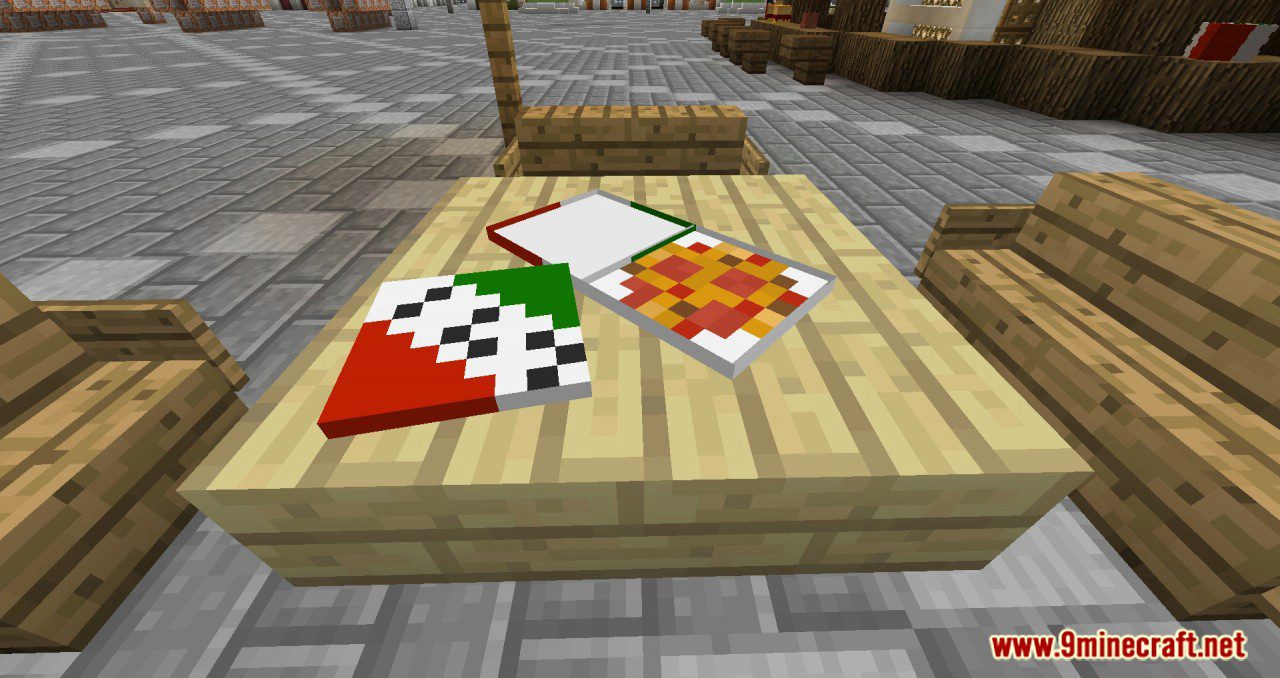
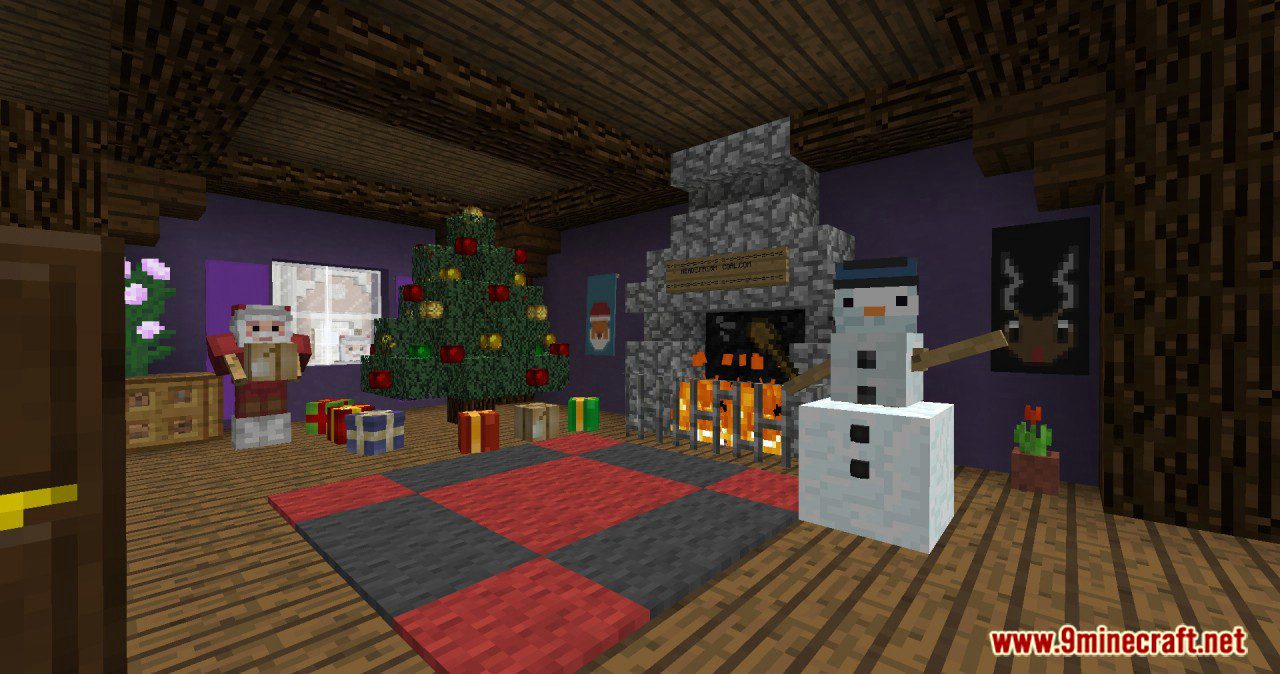
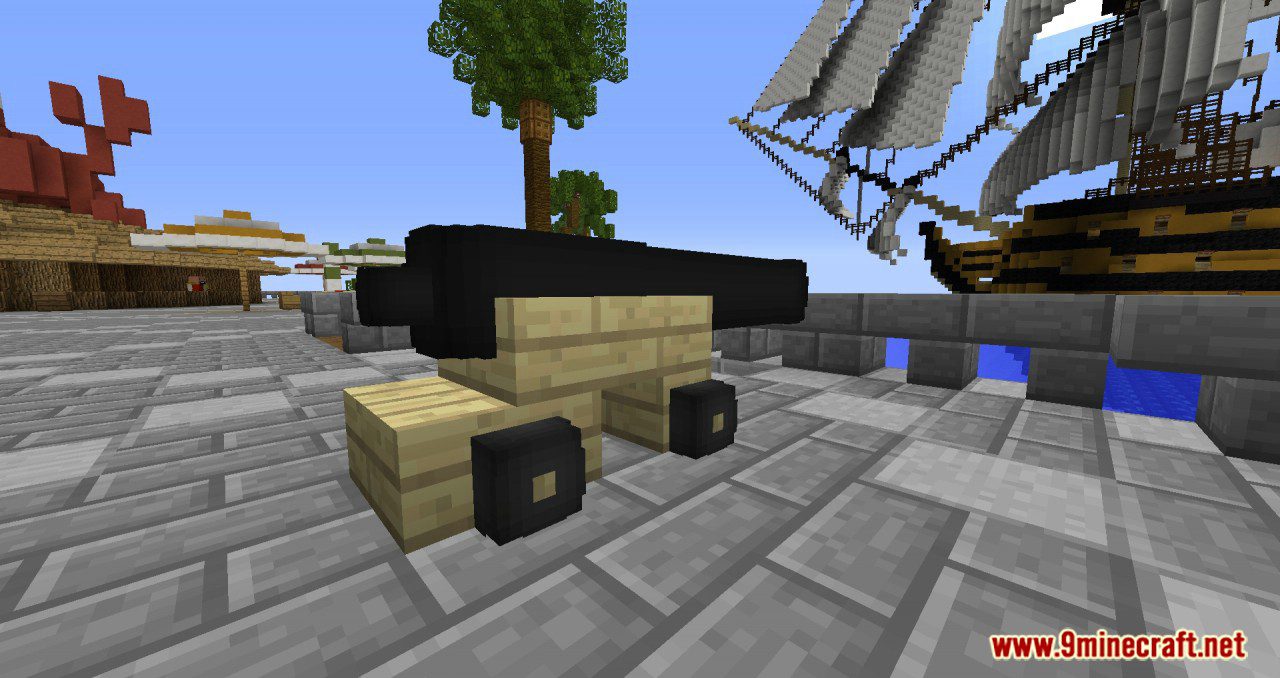
Screenshots:
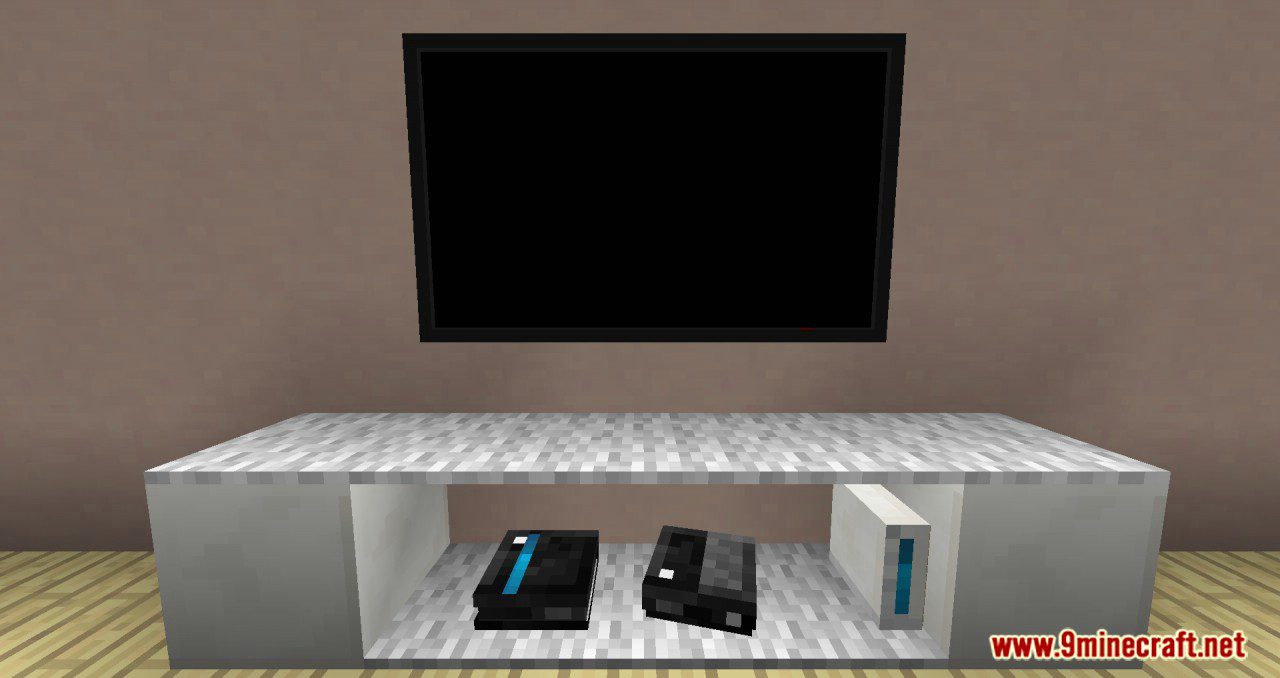
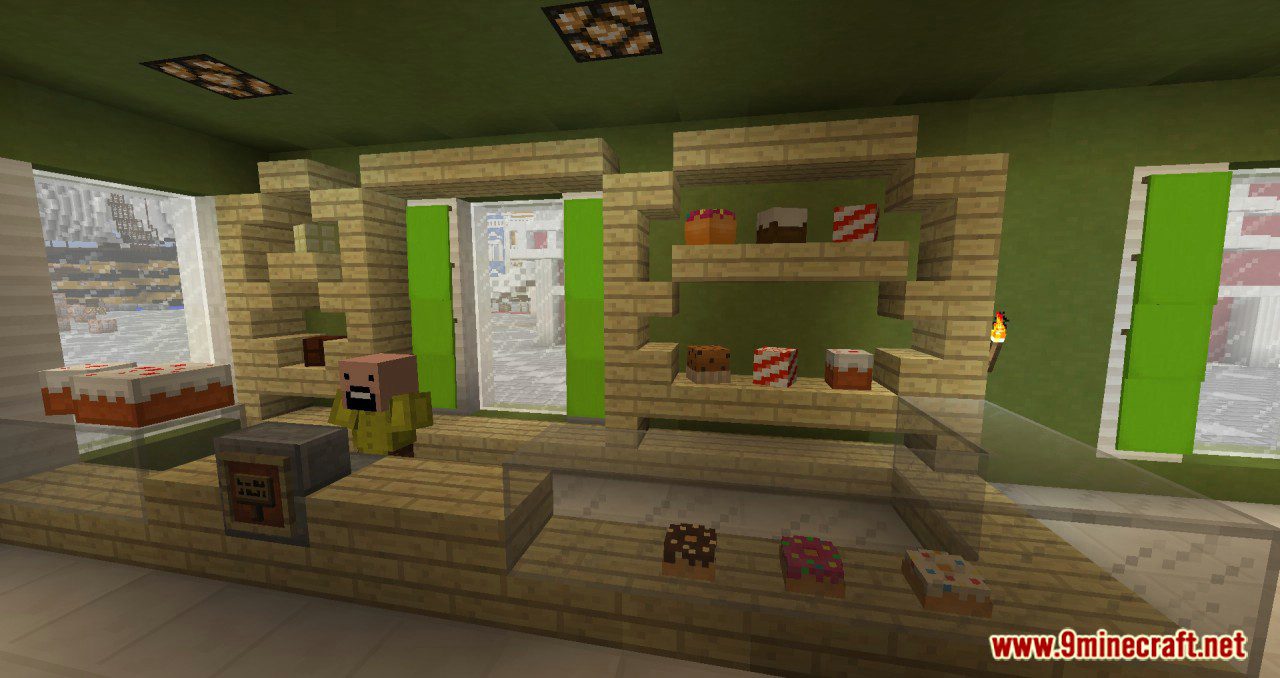

How to Install:
New to Minecraft? Follow our step-by-step guide to install Plugins on your PC.View Guide
Heads Inventory Plugin Download Links
For All Versions from Minecraft Spigot 1.7 to Minecraft Spigot 1.19
Click to rate this post!
[Total: 0 Average: 0]
You May Also Like

















This post has no comments yet. Be the first — your comment will appear here.