


HMI Pose Editor Mod (1.21.11) – Change How Your Character Holds Any Item

 0
0 

🌐 Read this article in your language! Choose your preferred language below.
Or pick the one you like:
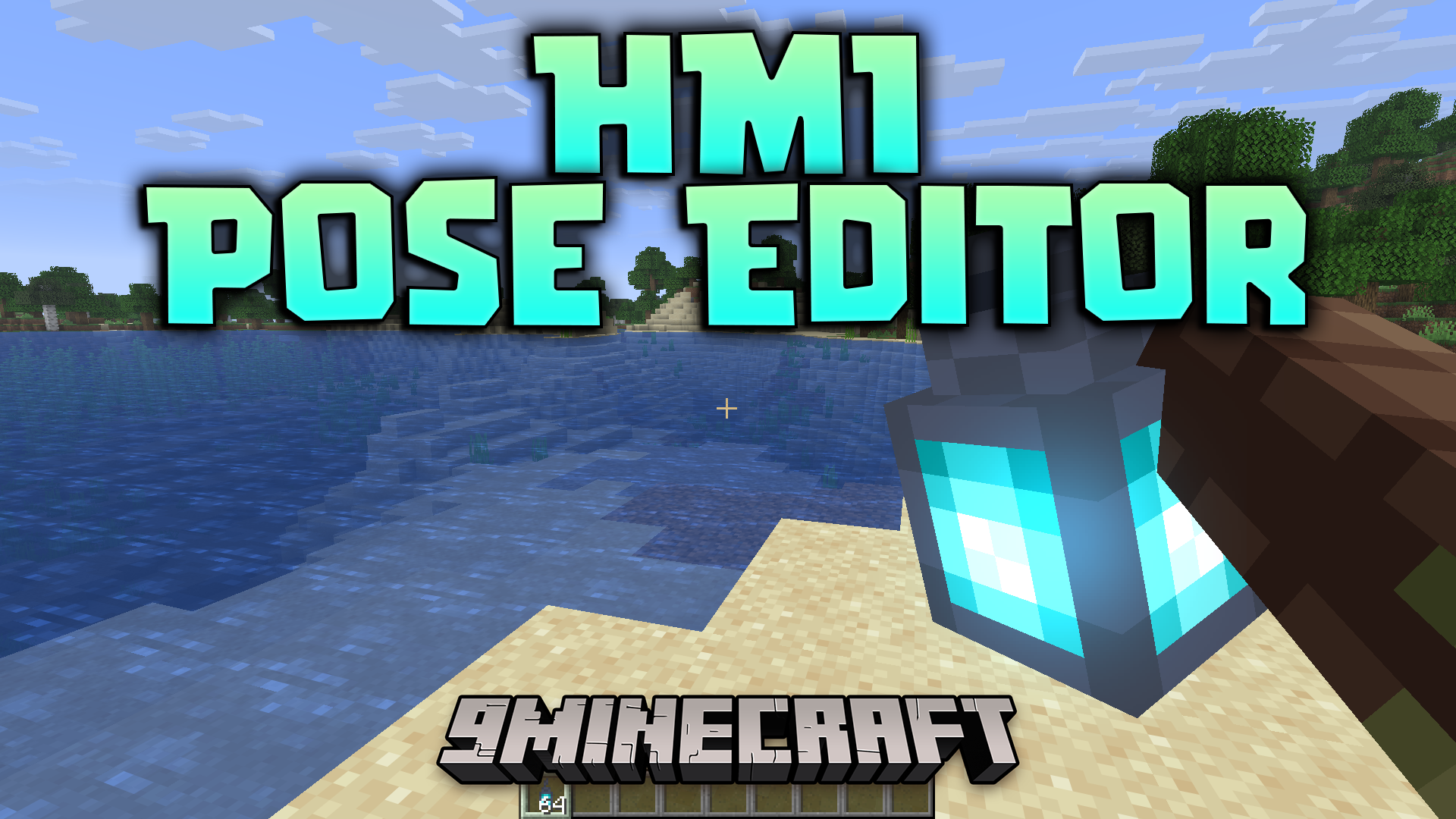
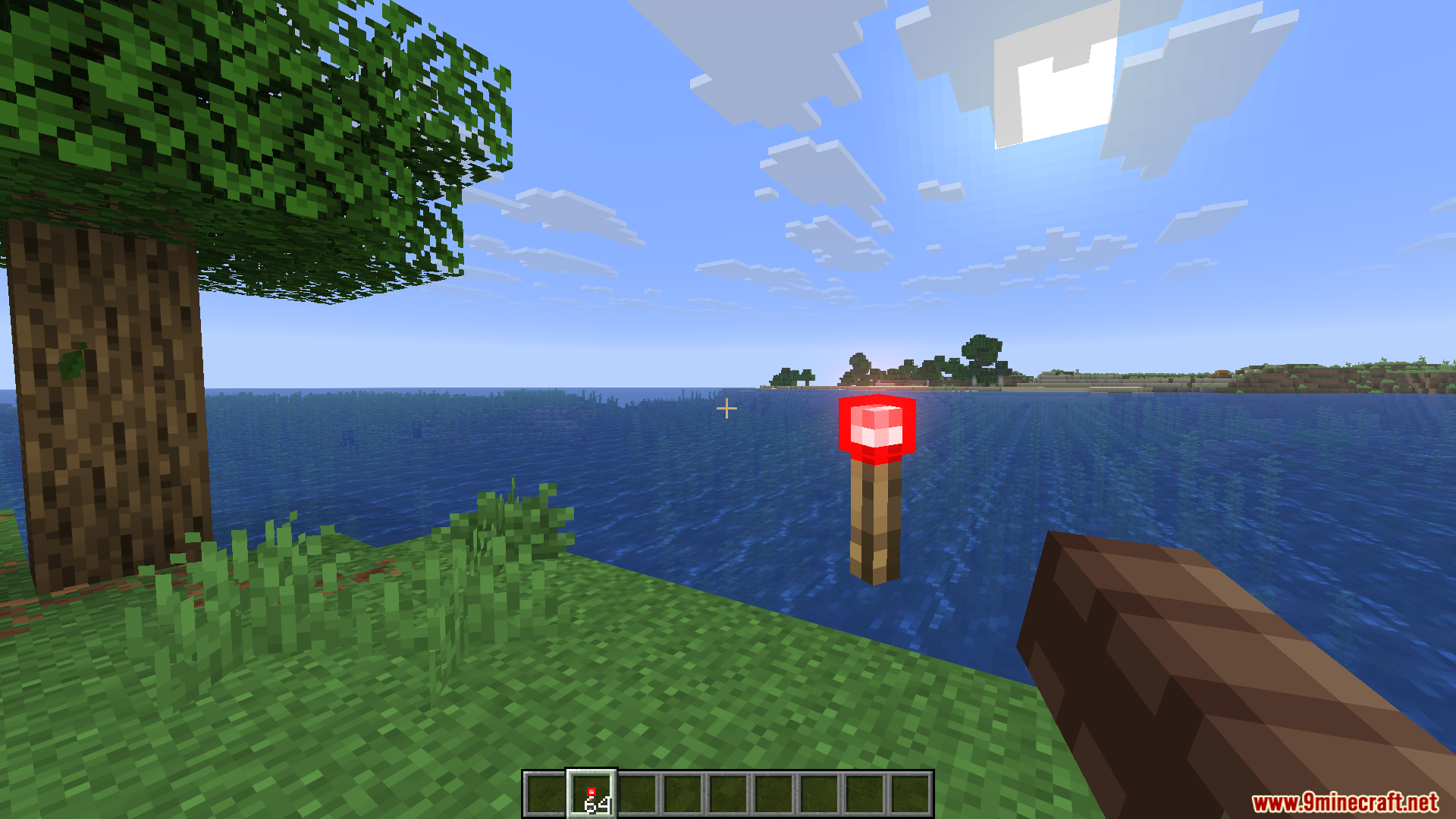
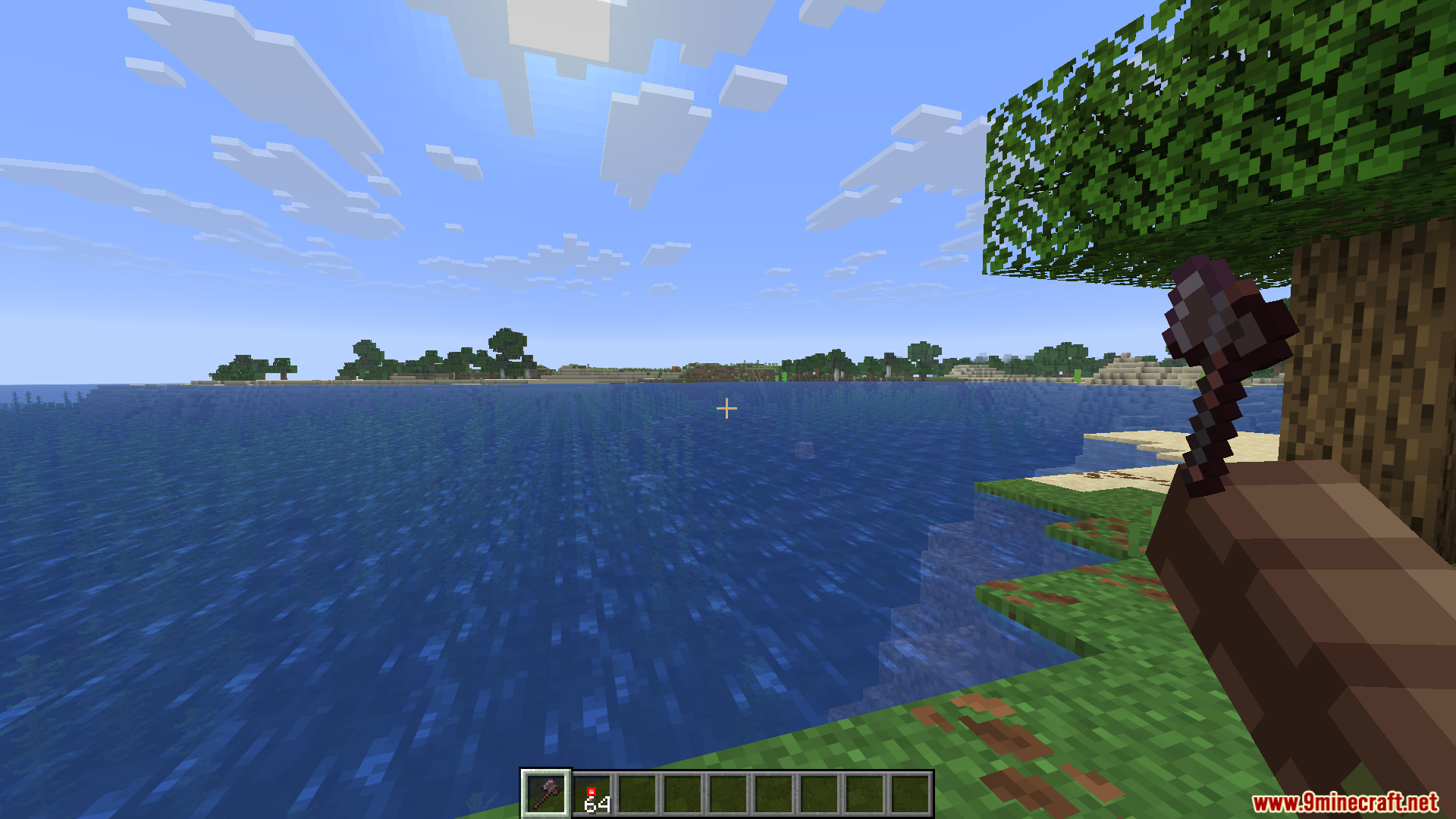
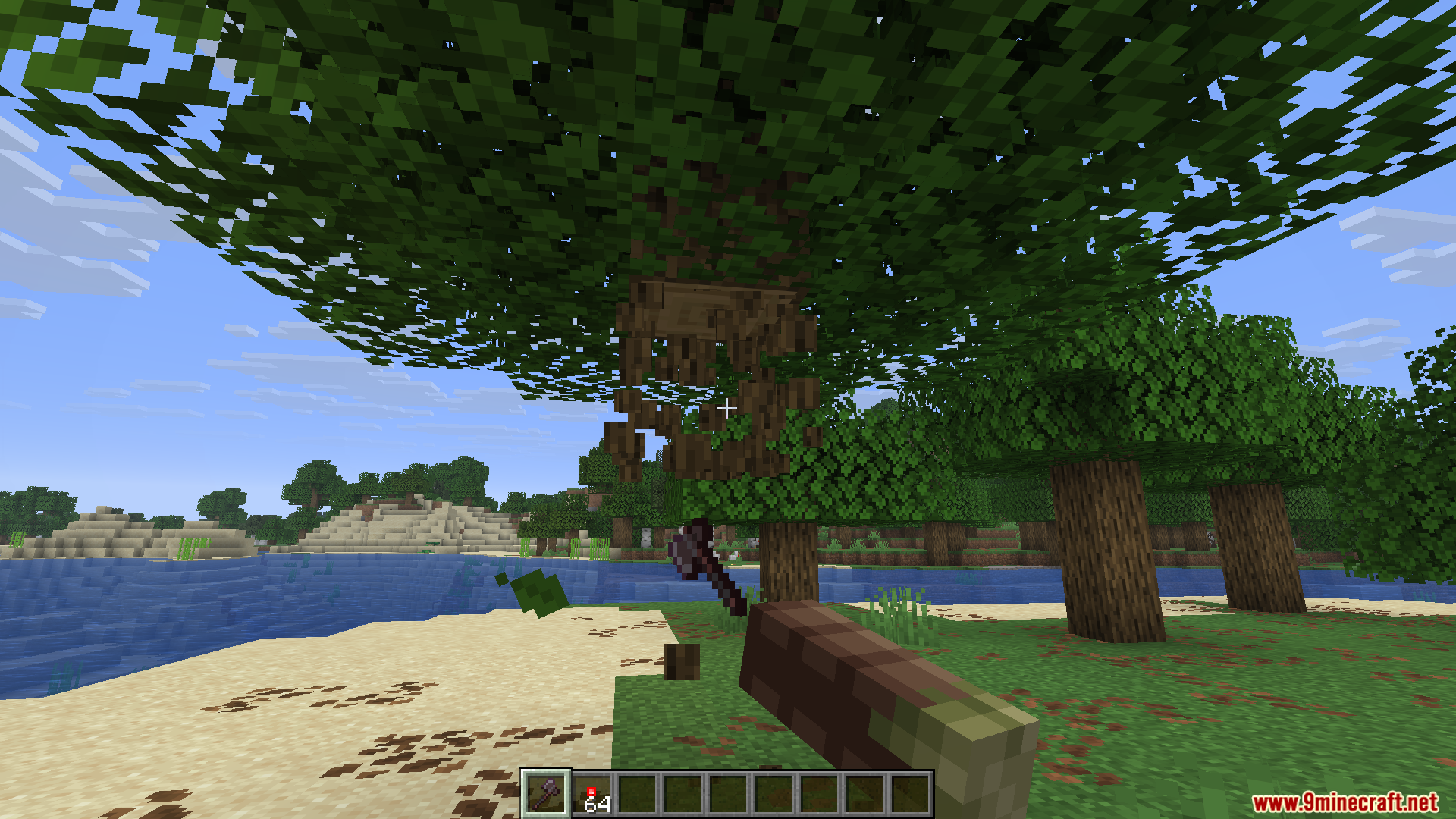
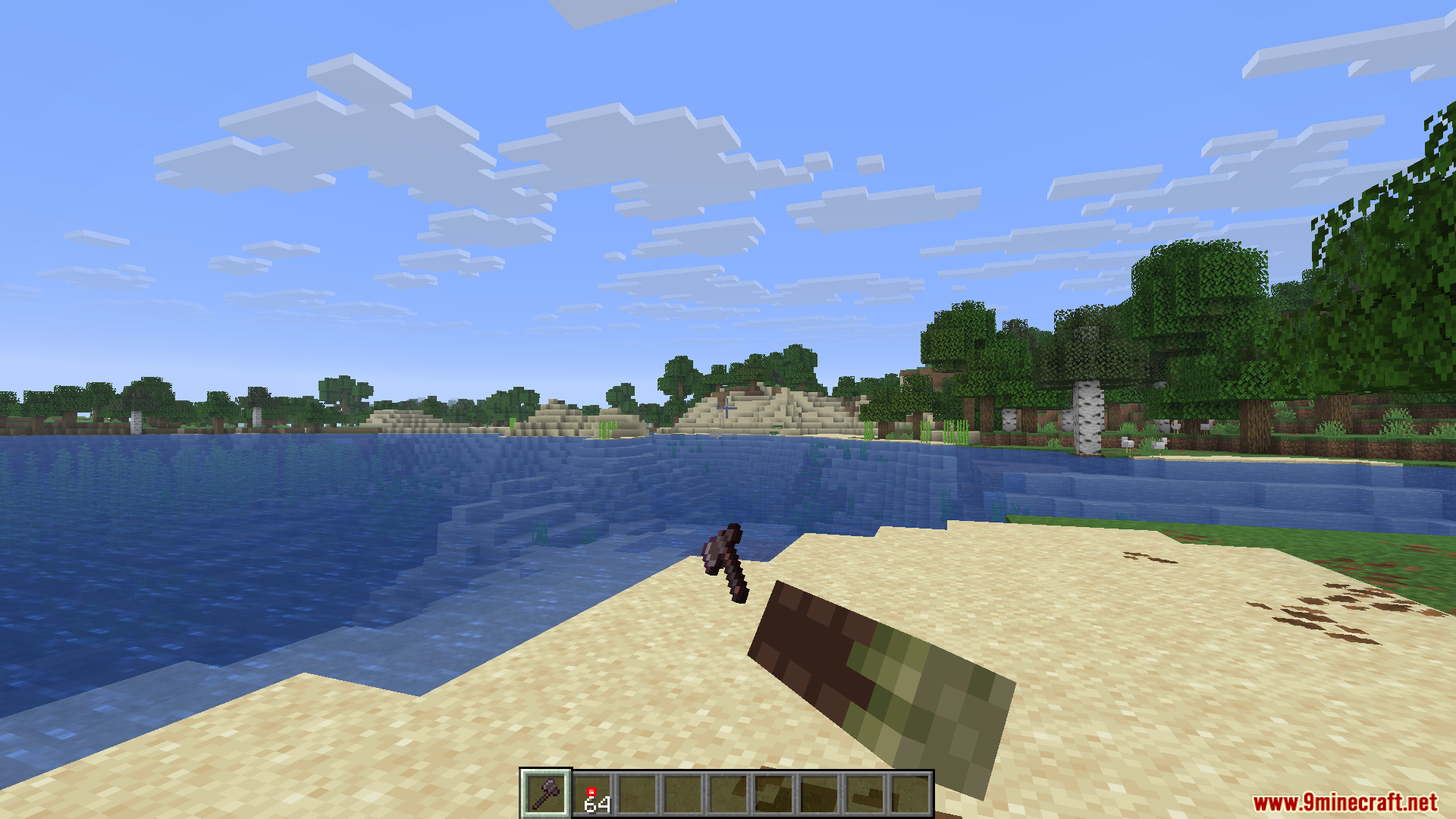
HMI Pose Editor Mod adds a custom pose menu for Hold My Items. It lets you change exactly how your character holds blocks, weapons, and tools in the game. You get full control to move, rotate, and resize whatever is currently in your hands.
Features:
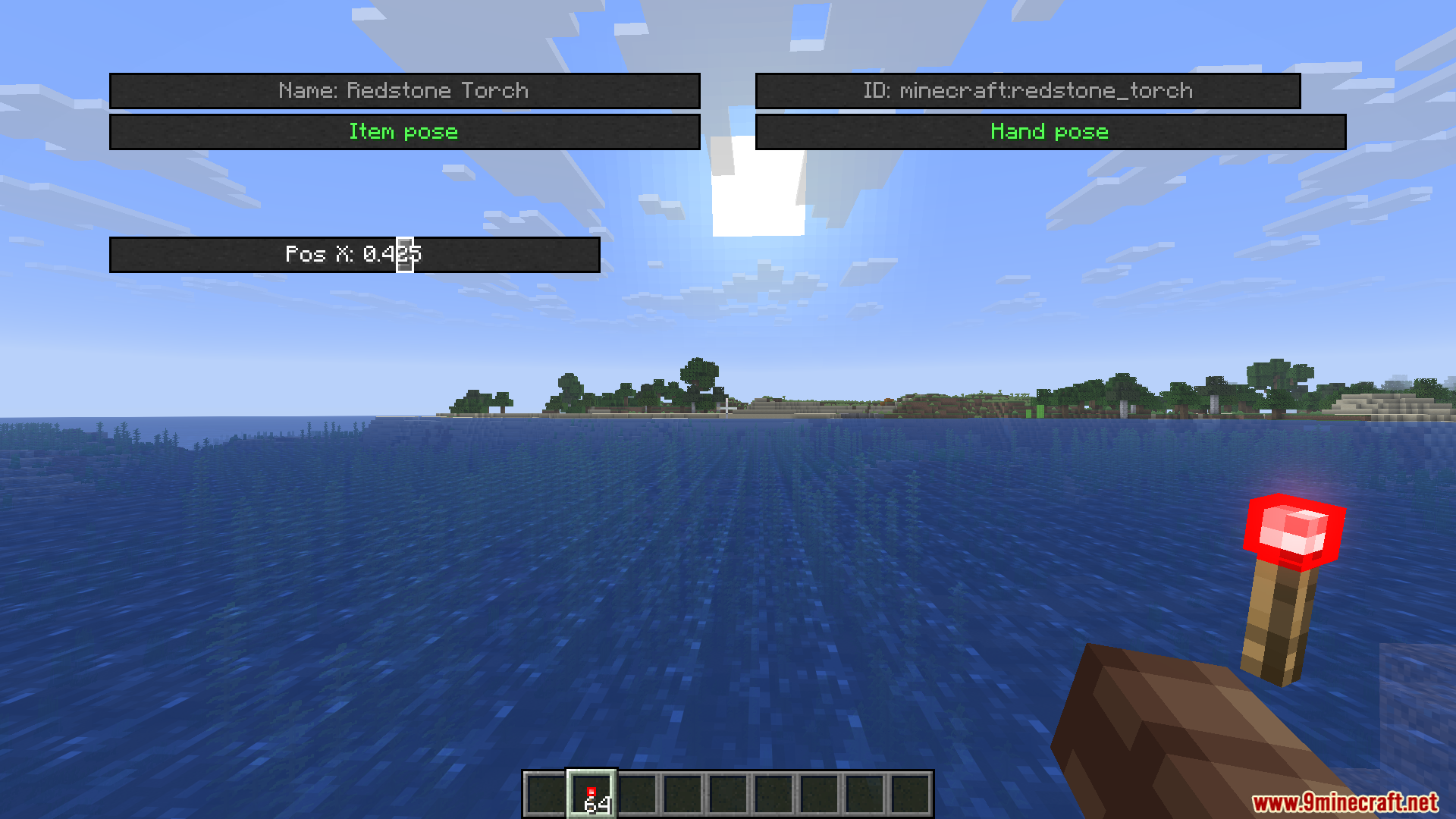
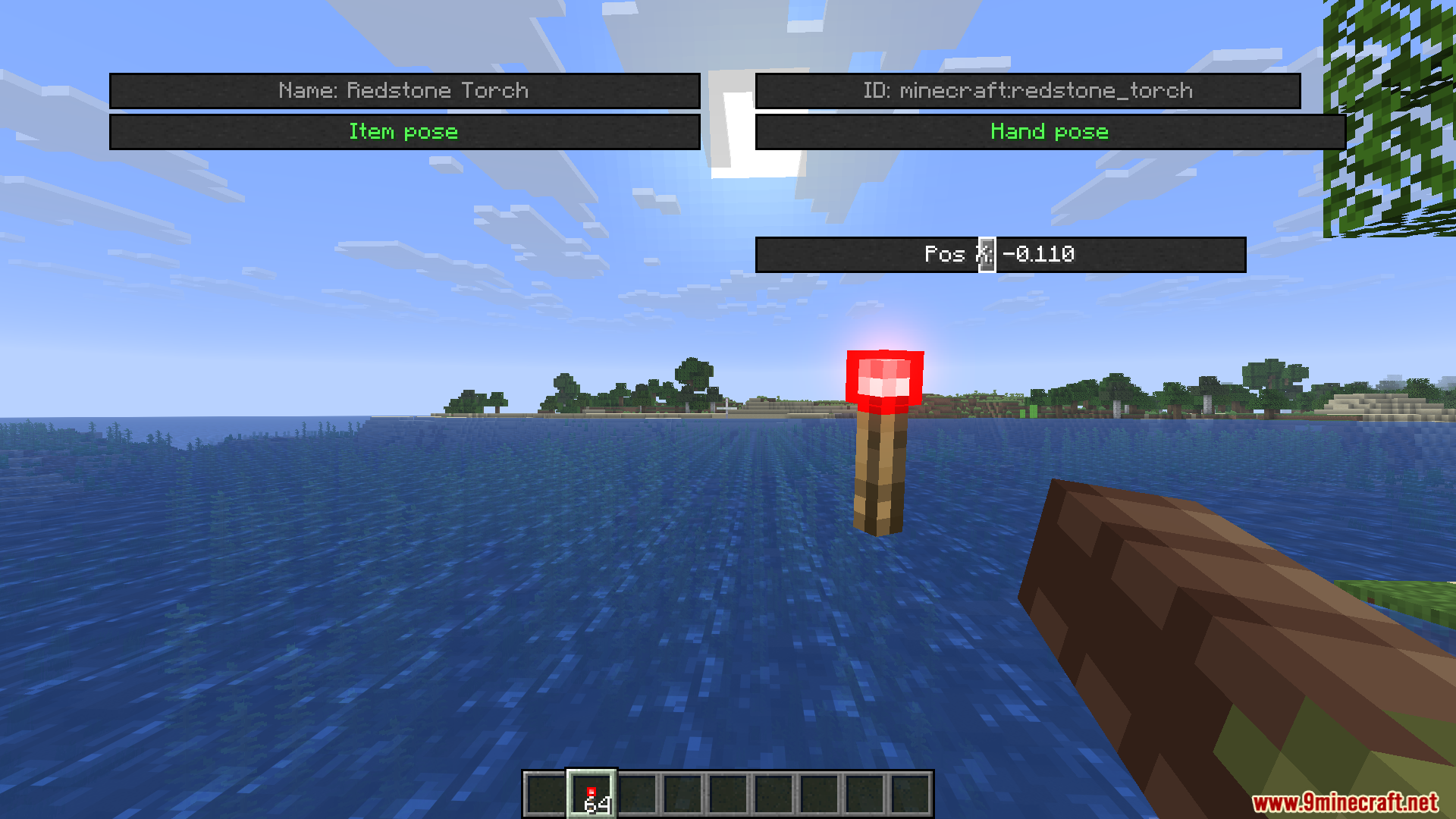
- Custom Poses: Lets you adjust the exact position of the item you are holding using simple sliders.
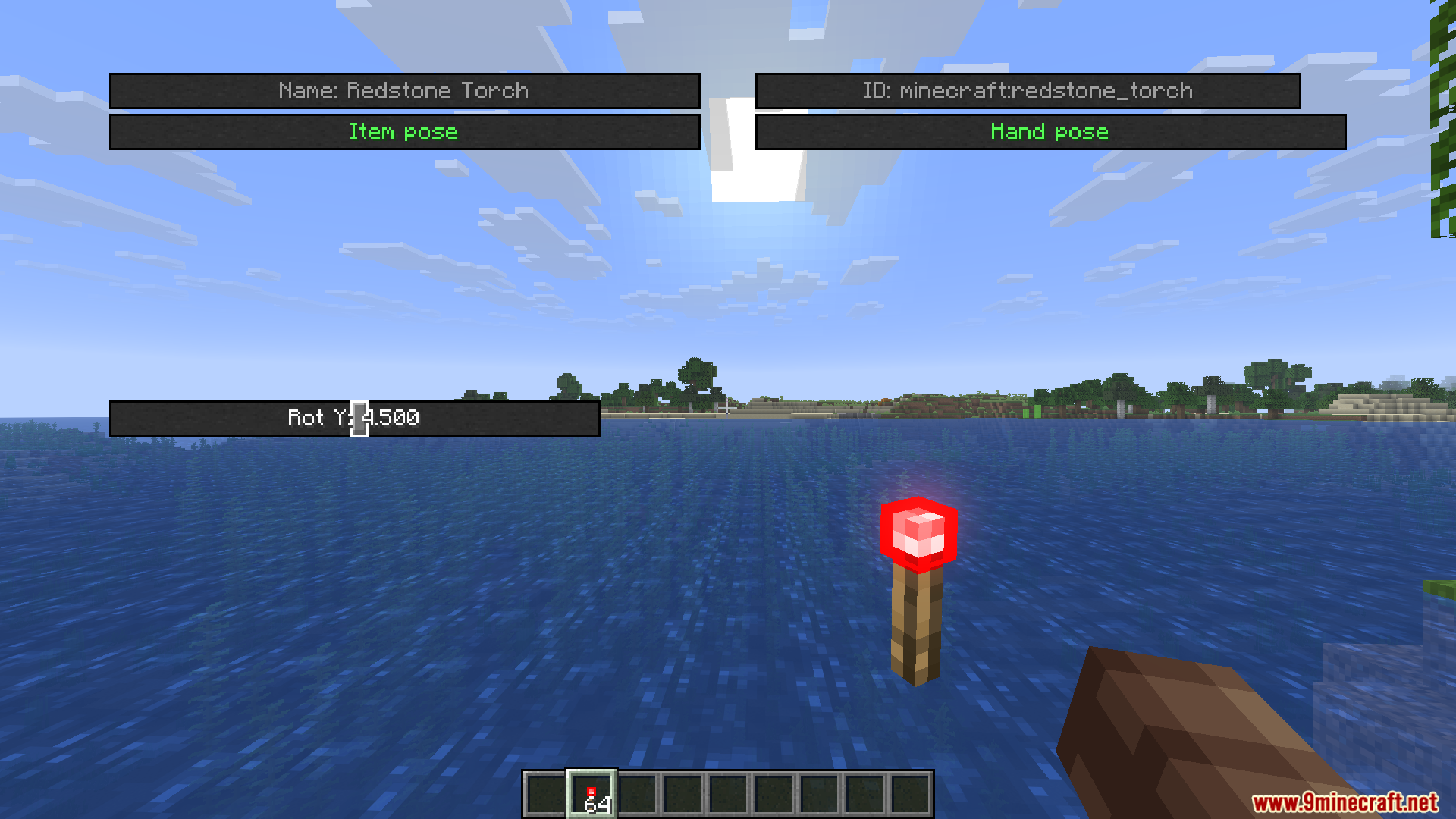
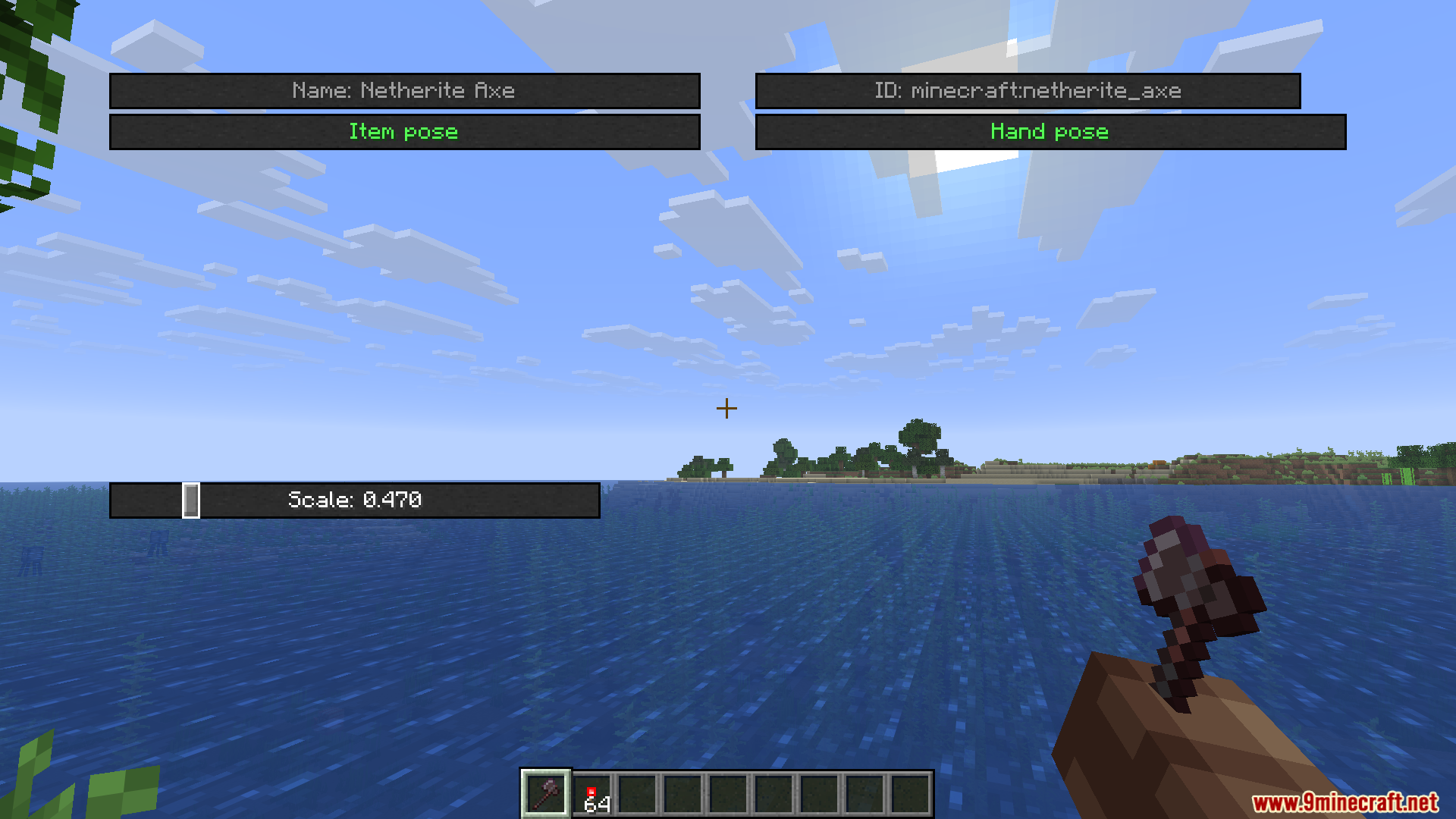
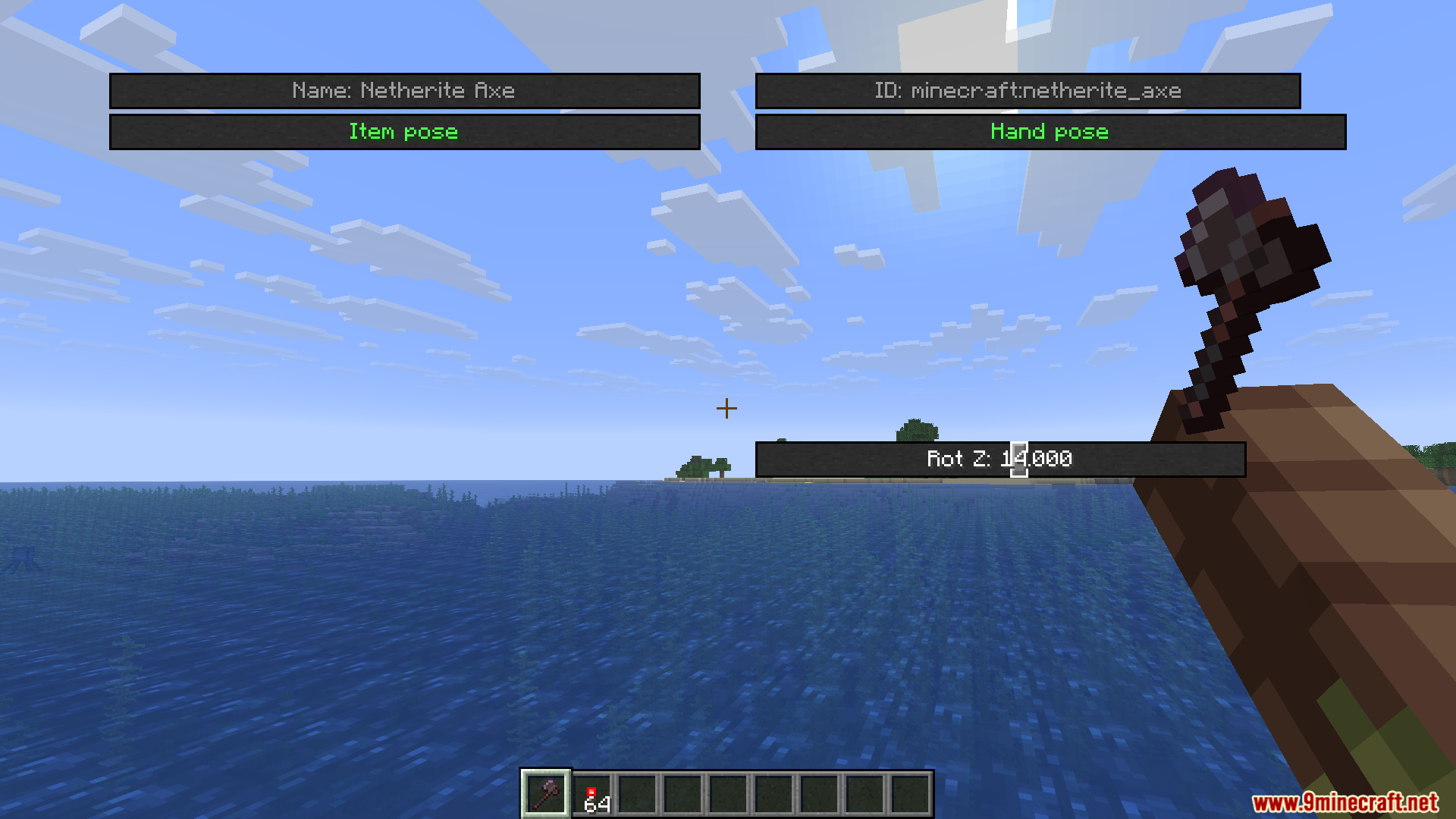
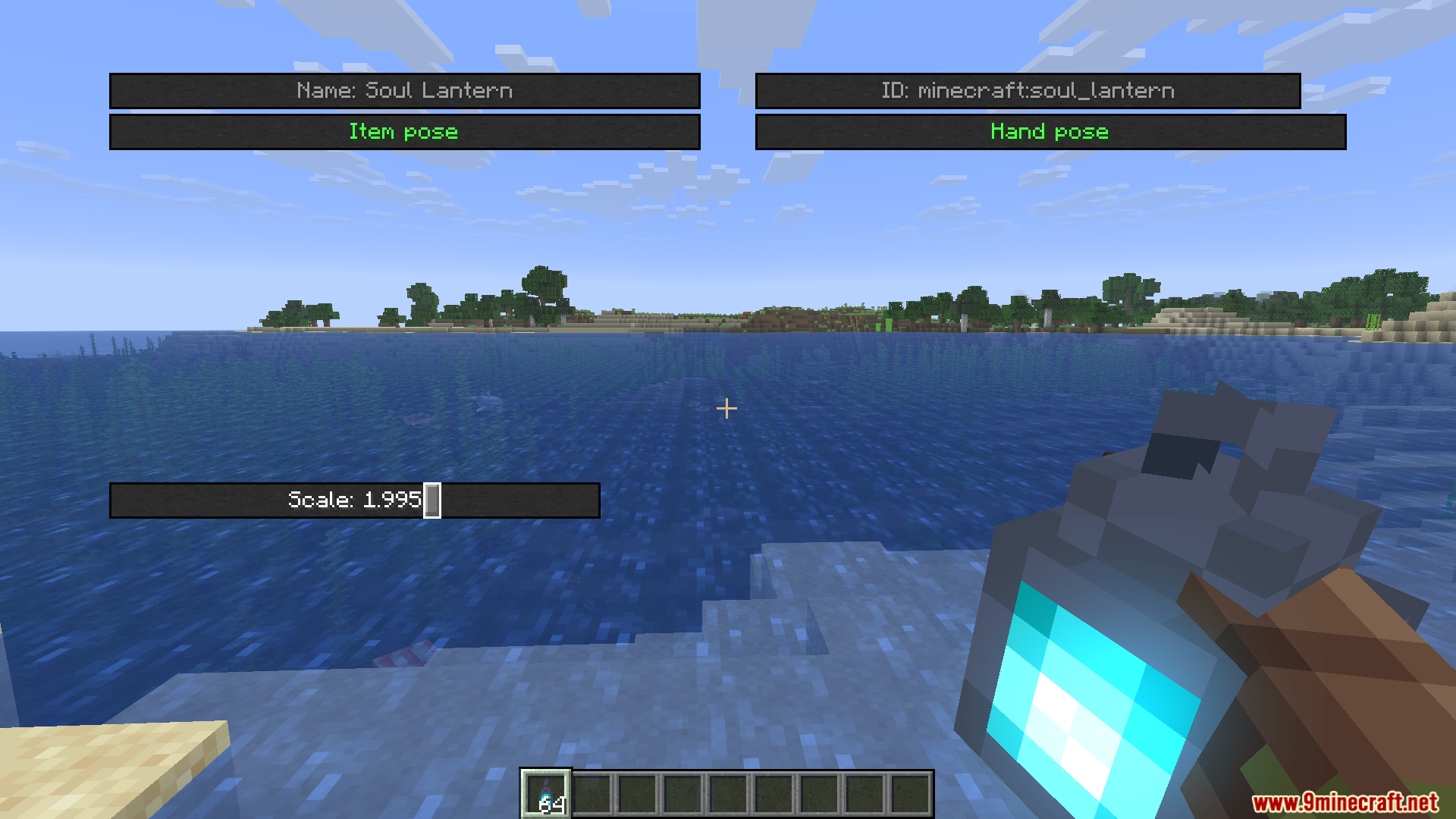
- Rotation and Scale: Gives you tools to spin items around or make them bigger and smaller on your screen.
- Works for both your main hand and your off-hand so you can pose dual-wielded items.
- Includes a separate editor just for changing your empty hand poses.
- Lets you create, name, apply, and delete your own custom pose templates.
- Saves all your custom positions automatically to a config file in your game folder.
How to Use:
- Press the N key on your keyboard to open the main editor menu (you can change this key in the game settings).
- Hold an item or block in your hand that you want to edit.
- Use the sliders on the screen to move, rotate, or change the size of the item.
- Switch between your main hand and second hand in the menu to adjust both sides.
- Save your final look as a template so you can load it again later.
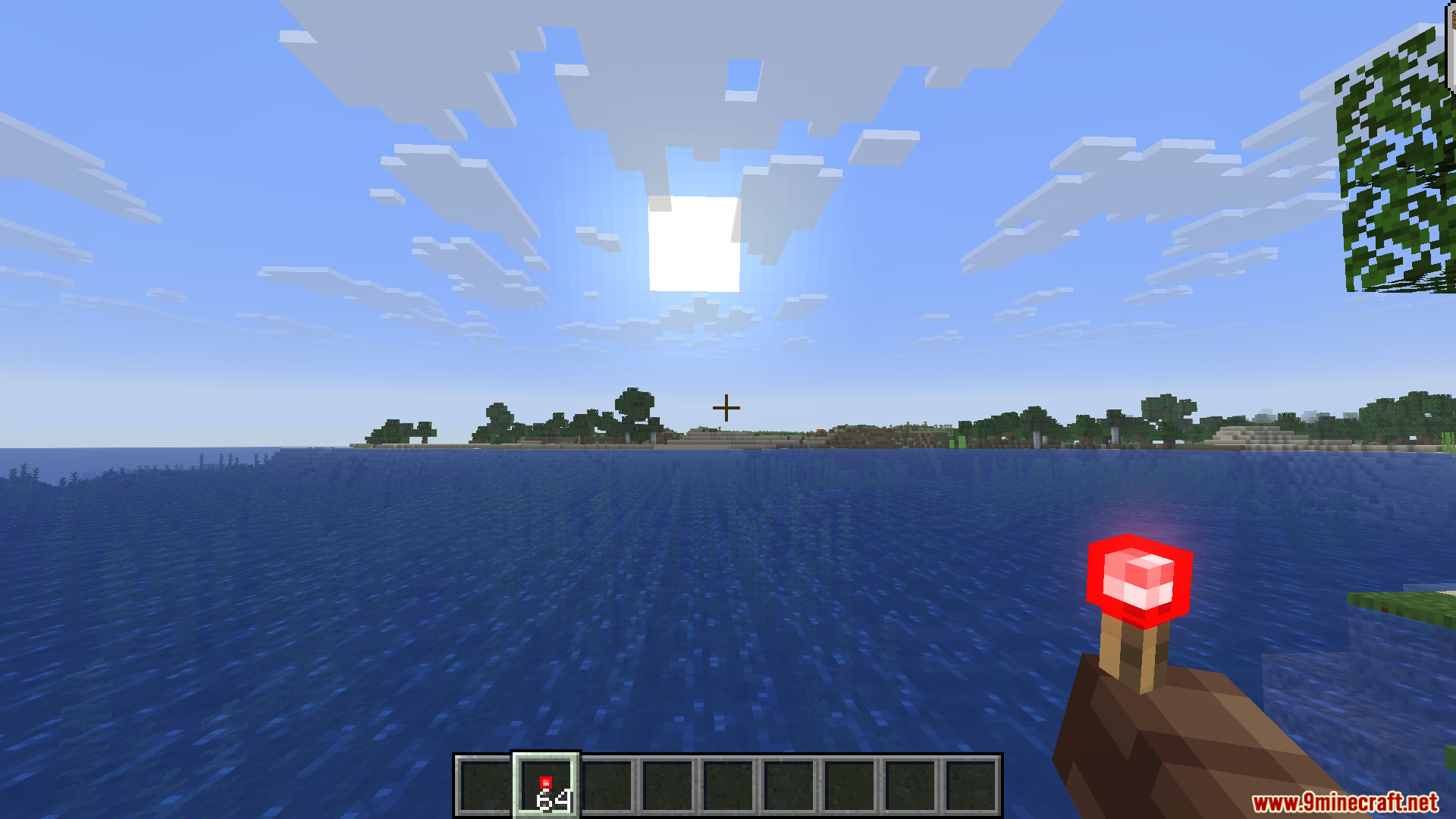
Screenshots:
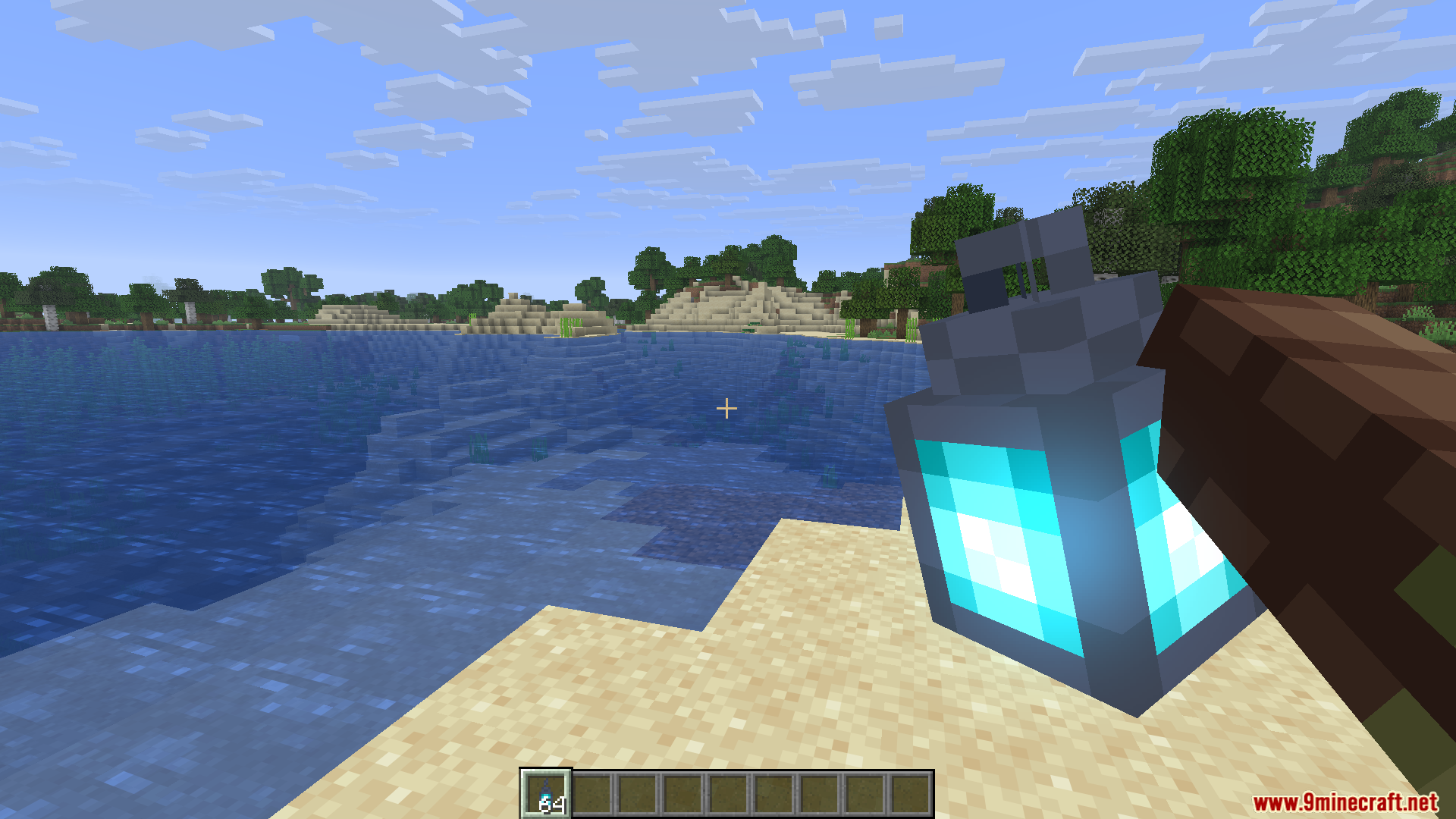
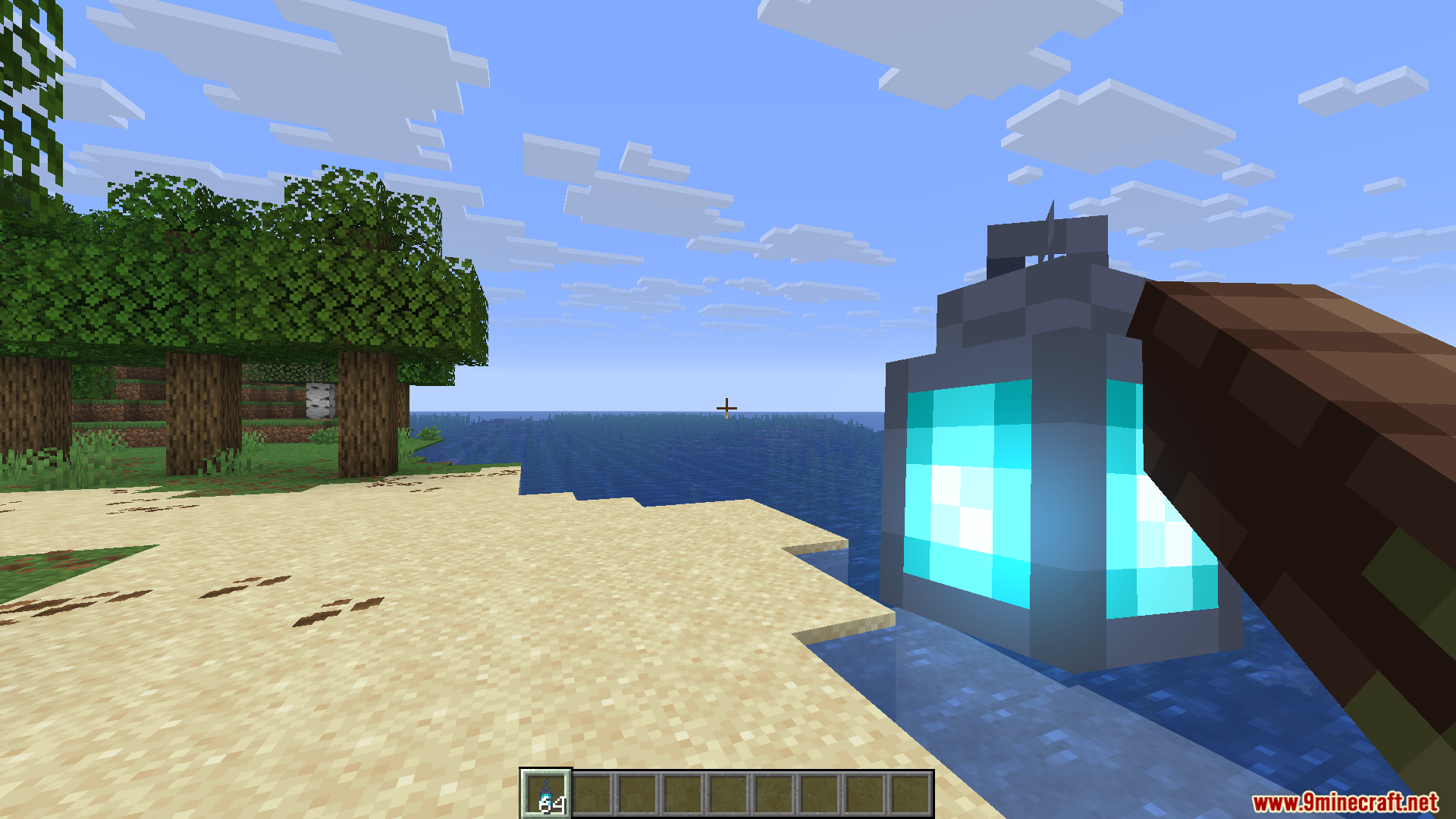
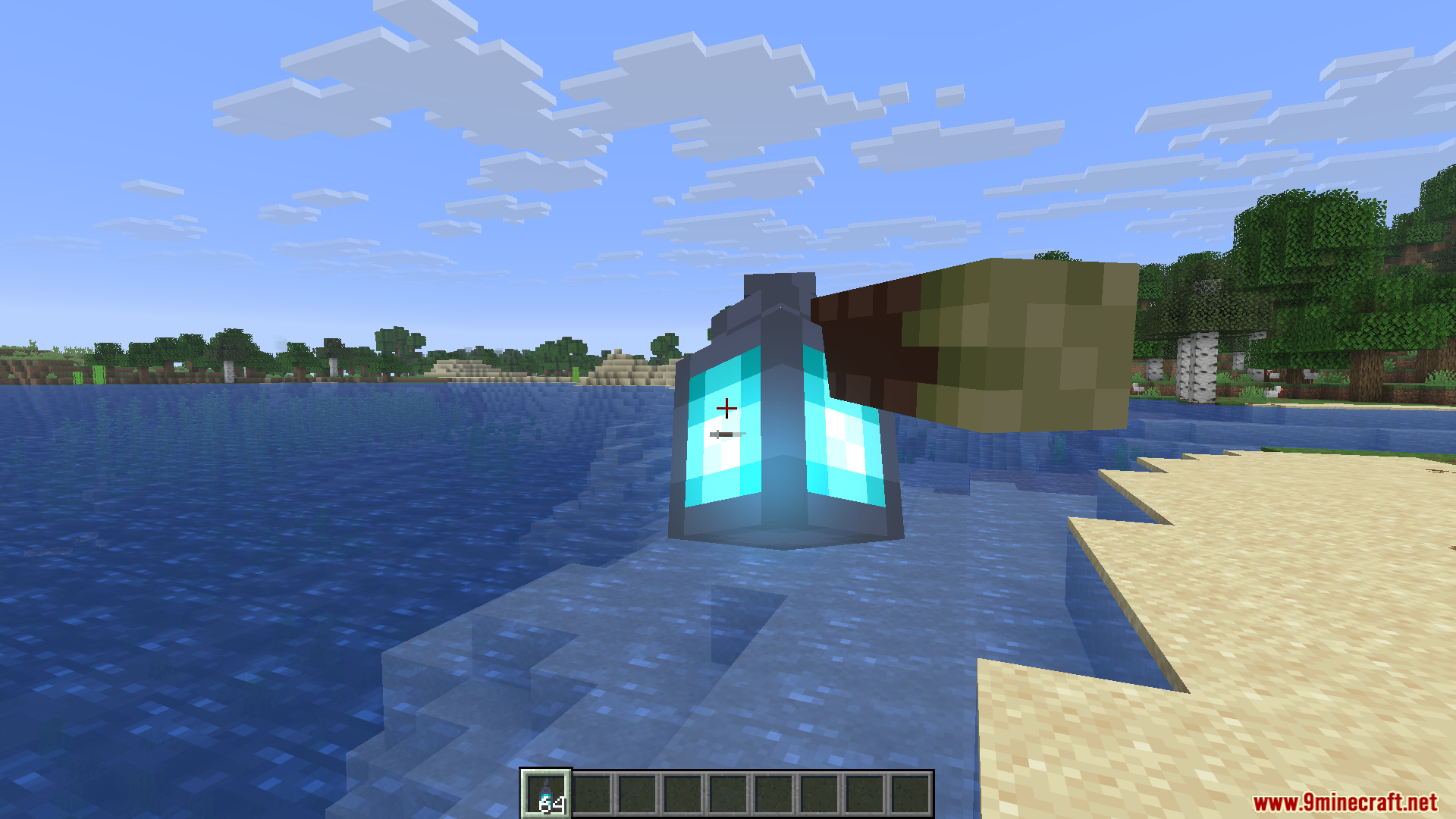
How to Install:
New to Minecraft? Follow our step-by-step guide to install Mods on your PC.View Guide


HMI Pose Editor Mod Download Links
For Minecraft 1.21.11
For Minecraft 1.21.10, 1.21.9
Click to rate this post!
[Total: 2 Average: 5]
You May Also Like





This post has no comments yet. Be the first — your comment will appear here.