


Lens Memory Explorer Mod (26.2, 1.20.1) – View Saved Screenshots Without
 0
0
 0
0

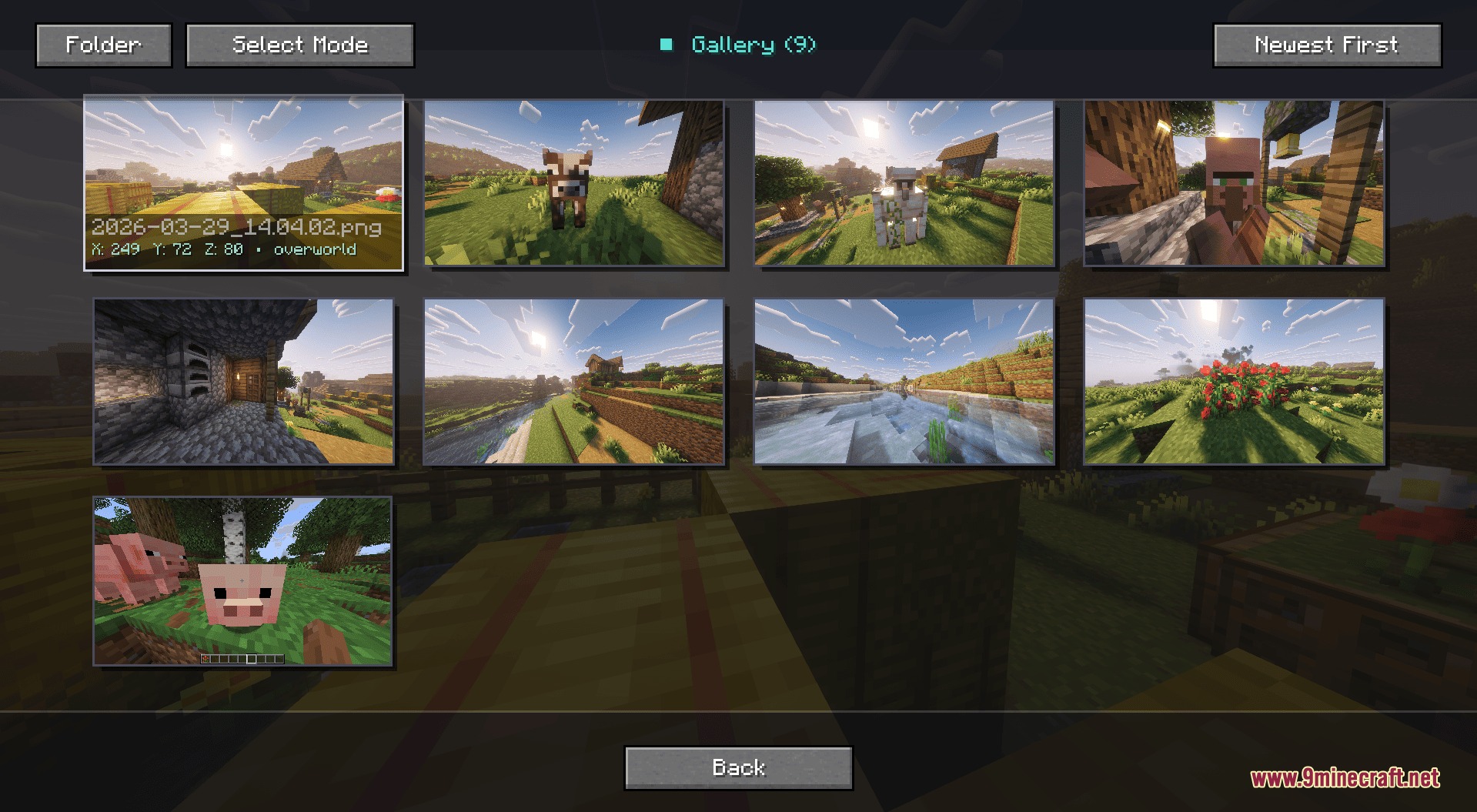
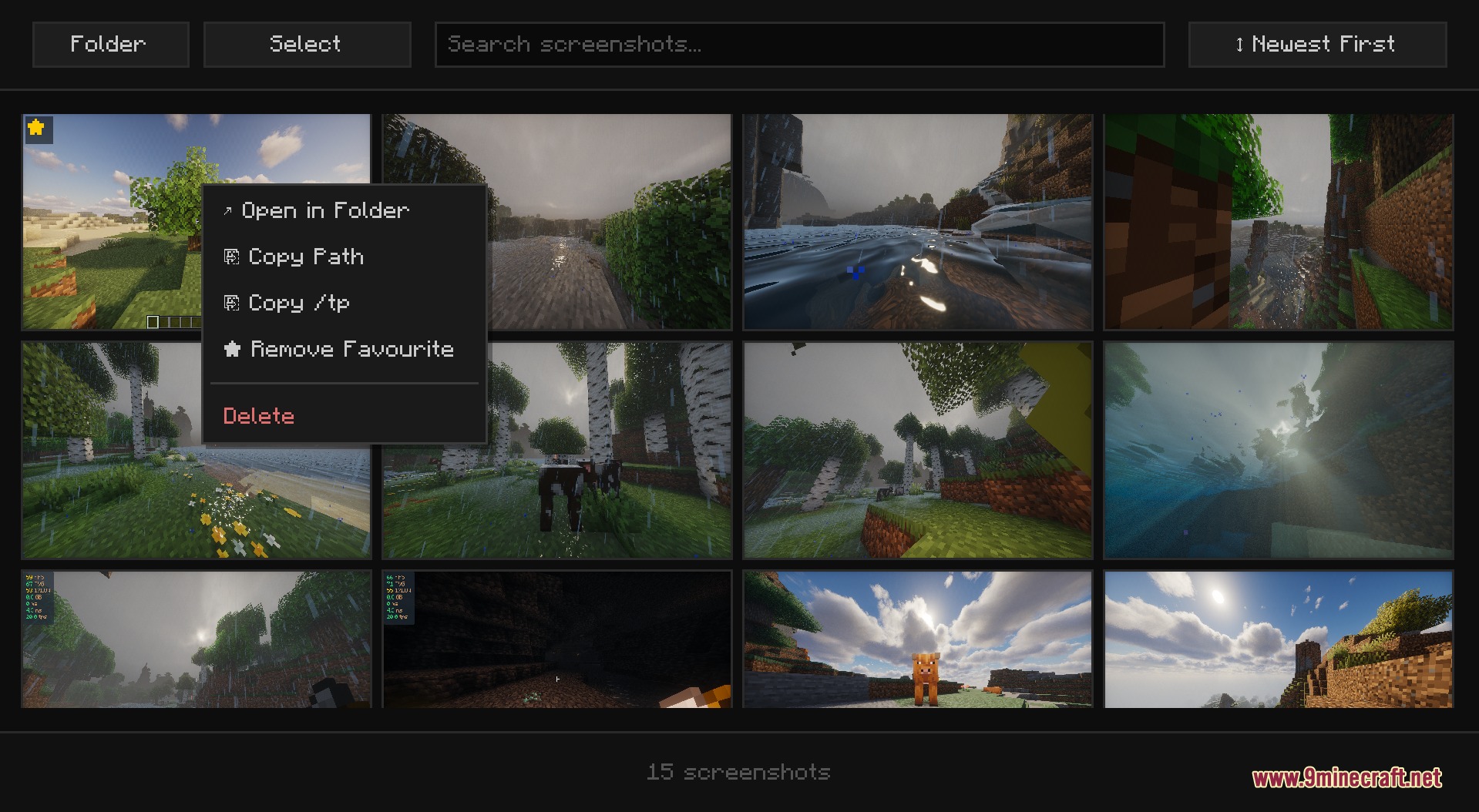
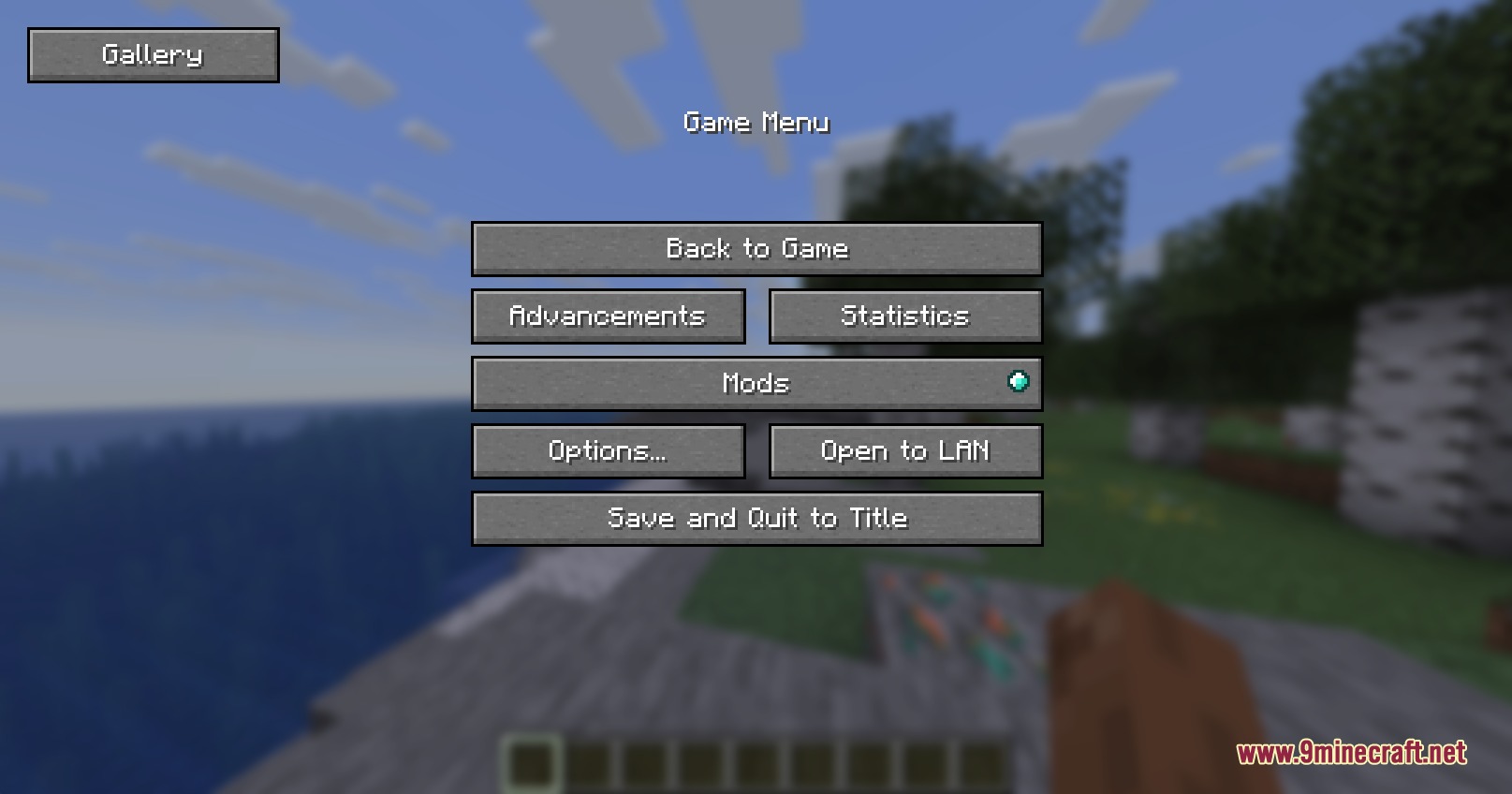
Lens Memory Explorer Mod adds an in-game screenshot gallery directly to the pause menu. Players can view their saved pictures in fullscreen, remove unwanted shots, or open their exact folder location without leaving the game. The mod helps players manage all captured moments and keeps picture files organized.

Features:
- Adds a dedicated Gallery button inside the pause screen.
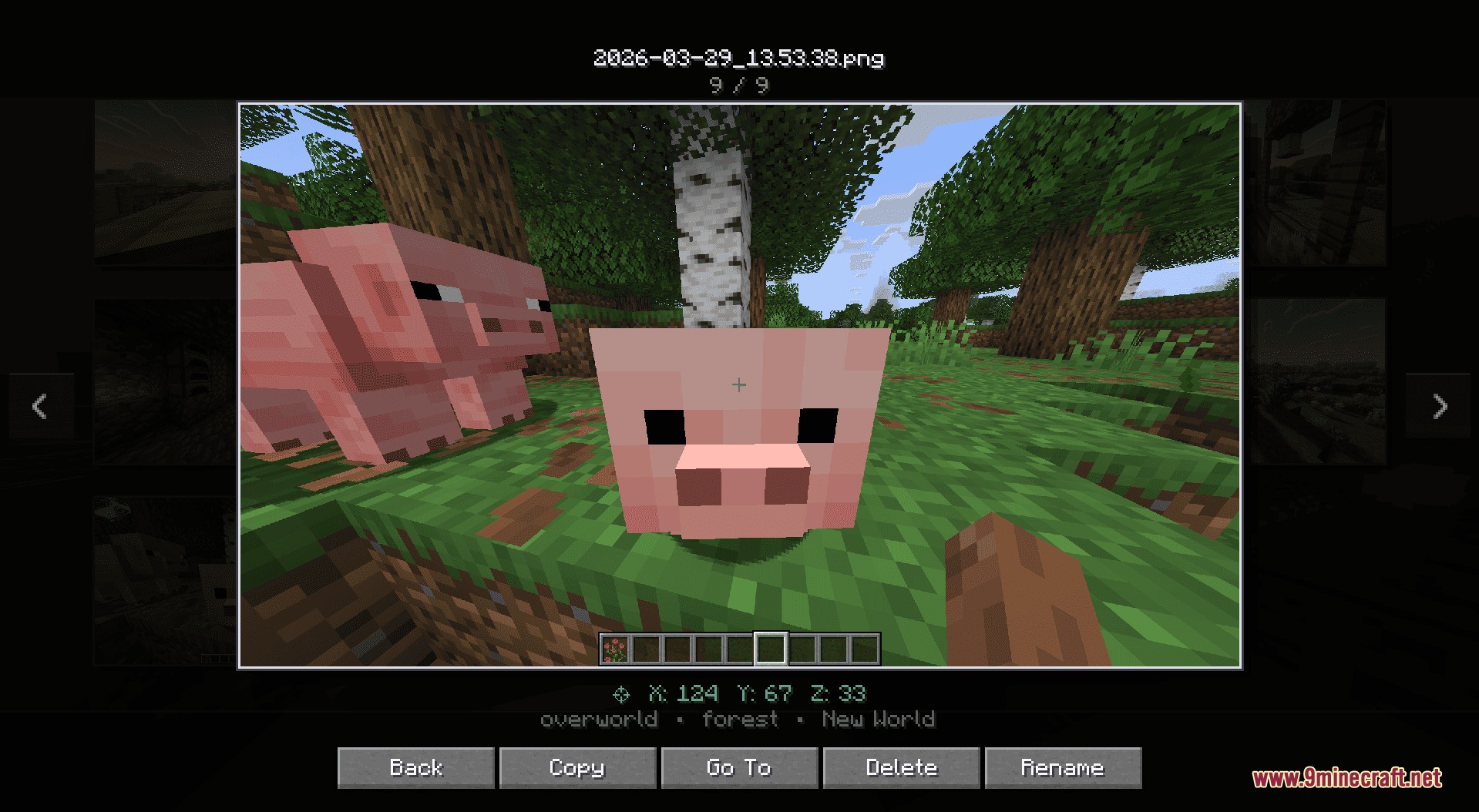
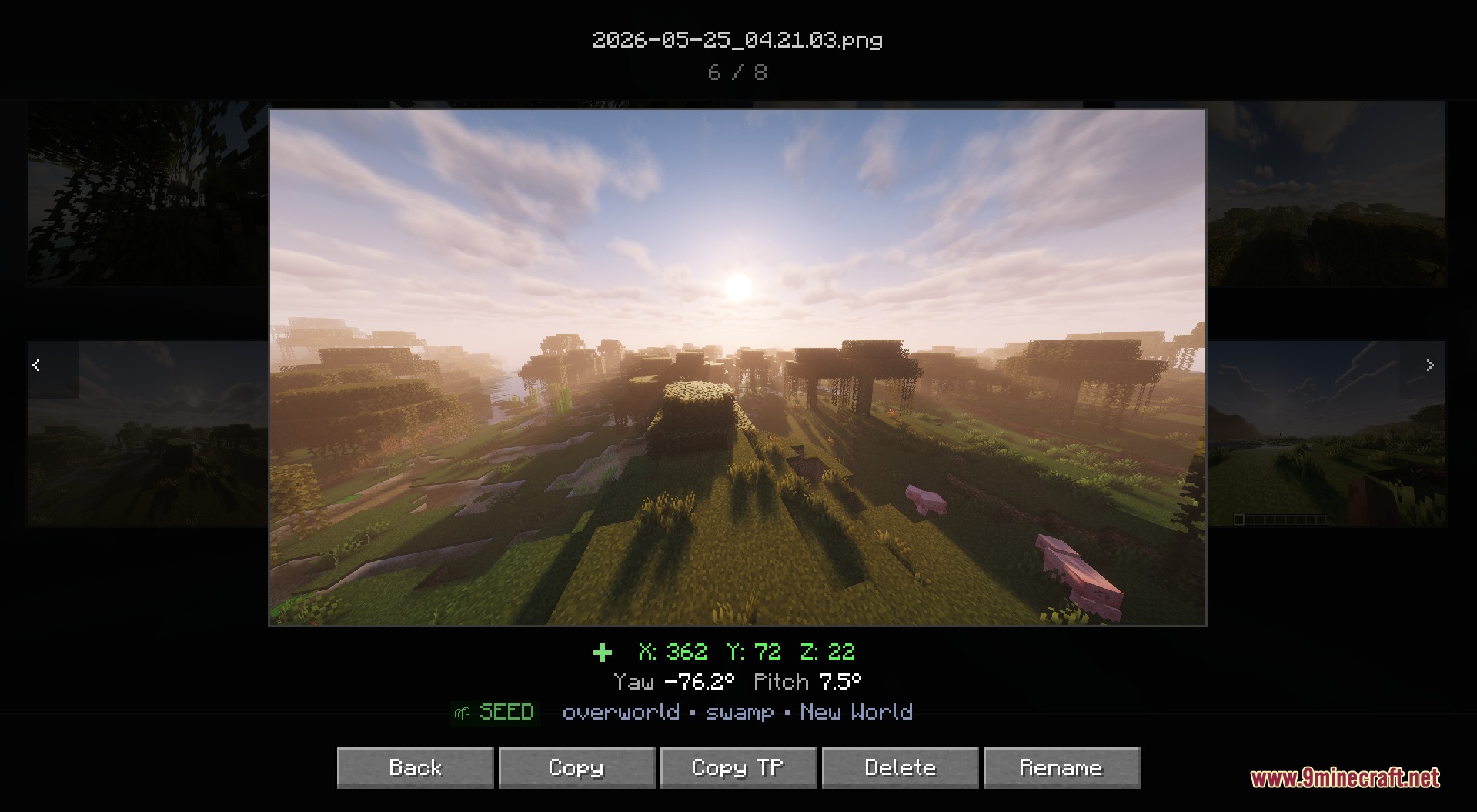
- Allows you to view any saved picture in fullscreen.
- Deletes unwanted files straight from the game interface without opening system folders manually.
- Includes a quick button that opens File Explorer with the chosen screenshot selected.
- Uses lazy loading to keep picture lists fast and responsive even with large folders.
How to Use:
- Press Esc while in-game to open the pause menu.
- Click the Gallery button on the screen.
- Select any picture from the list to view it fullscreen.
- Use the on-screen buttons to delete the file or locate it in your file manager.
Screenshots:
How to Install:
New to Minecraft? Follow our step-by-step guide to install Mods on your PC.View Guide
Requirements:





Lens Memory Explorer Mod Download Links
For Minecraft 26.2
For Minecraft 26.1.2, 26.1.1, 26.1
For Minecraft 1.21.11
For Minecraft 1.21.1, 1.21
For Minecraft 1.20.1, 1.20
Click to rate this post!
[Total: 0 Average: 0]
You May Also Like







This post has no comments yet. Be the first — your comment will appear here.