


Little Big Redstone Mod (26.1.2, 1.21.1) – Build Massive Redstone Circuits

 0
0 

🌐 Good news — we've translated this article into other languages!
Or pick the one you like:
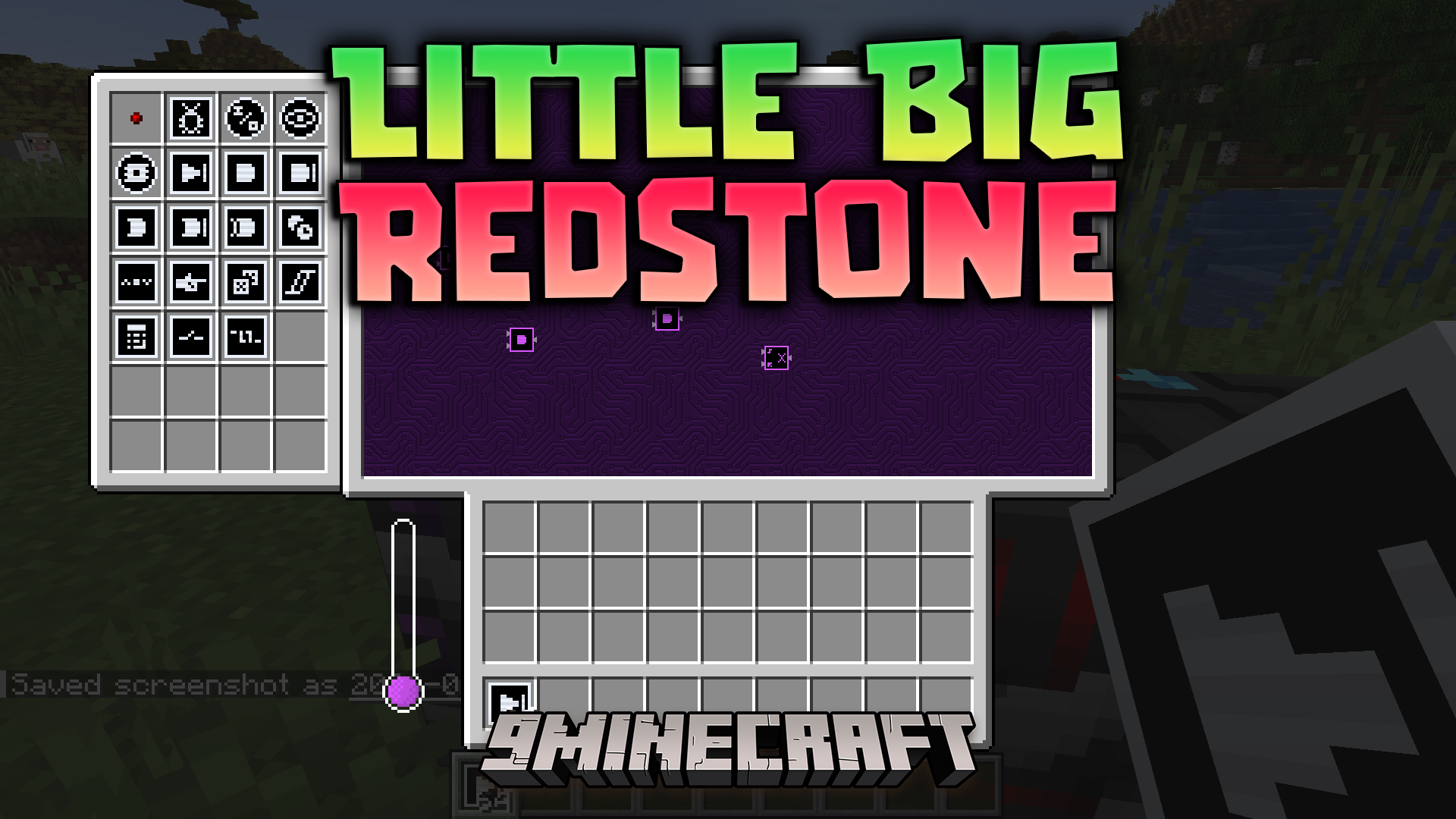
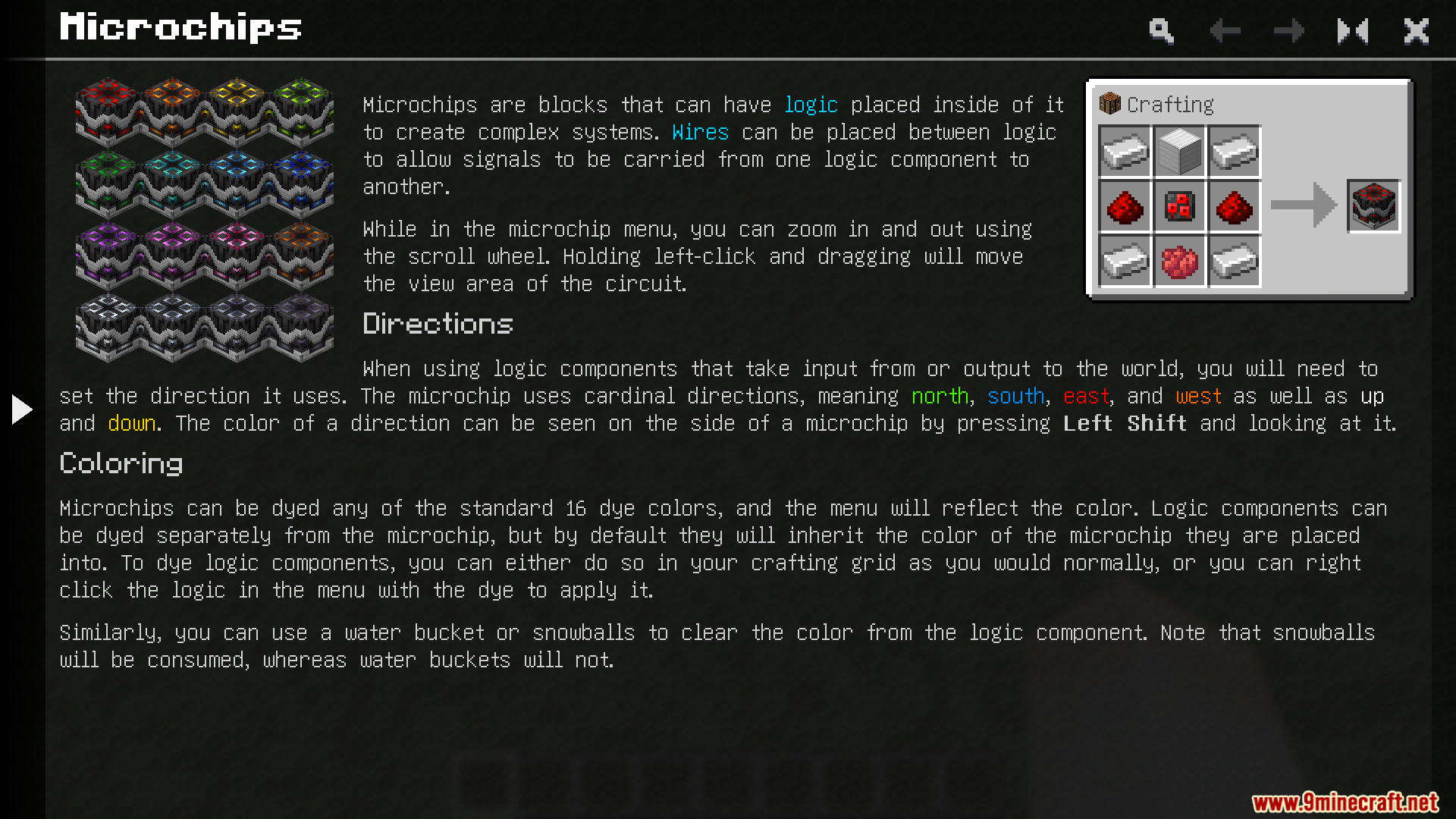
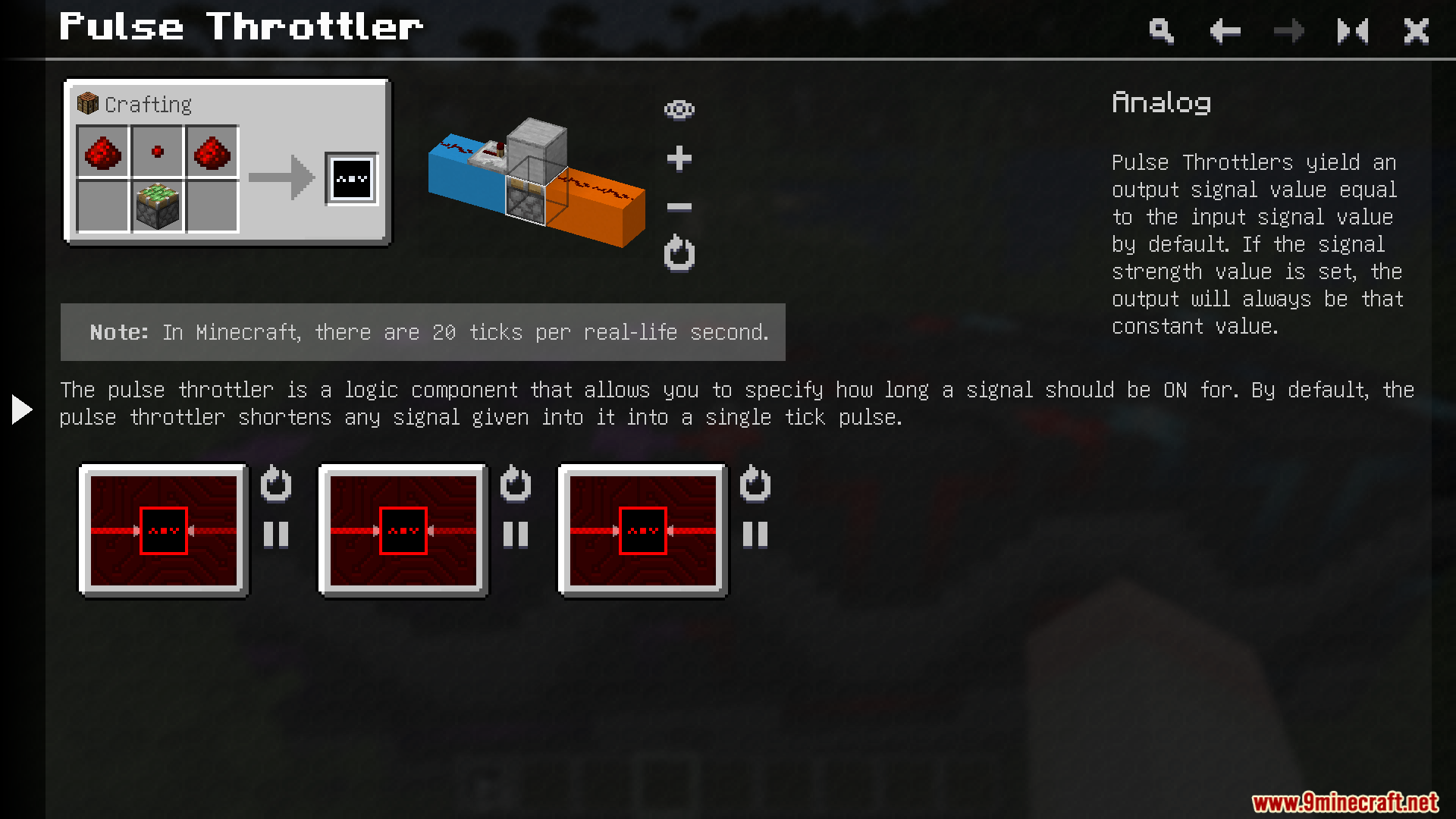
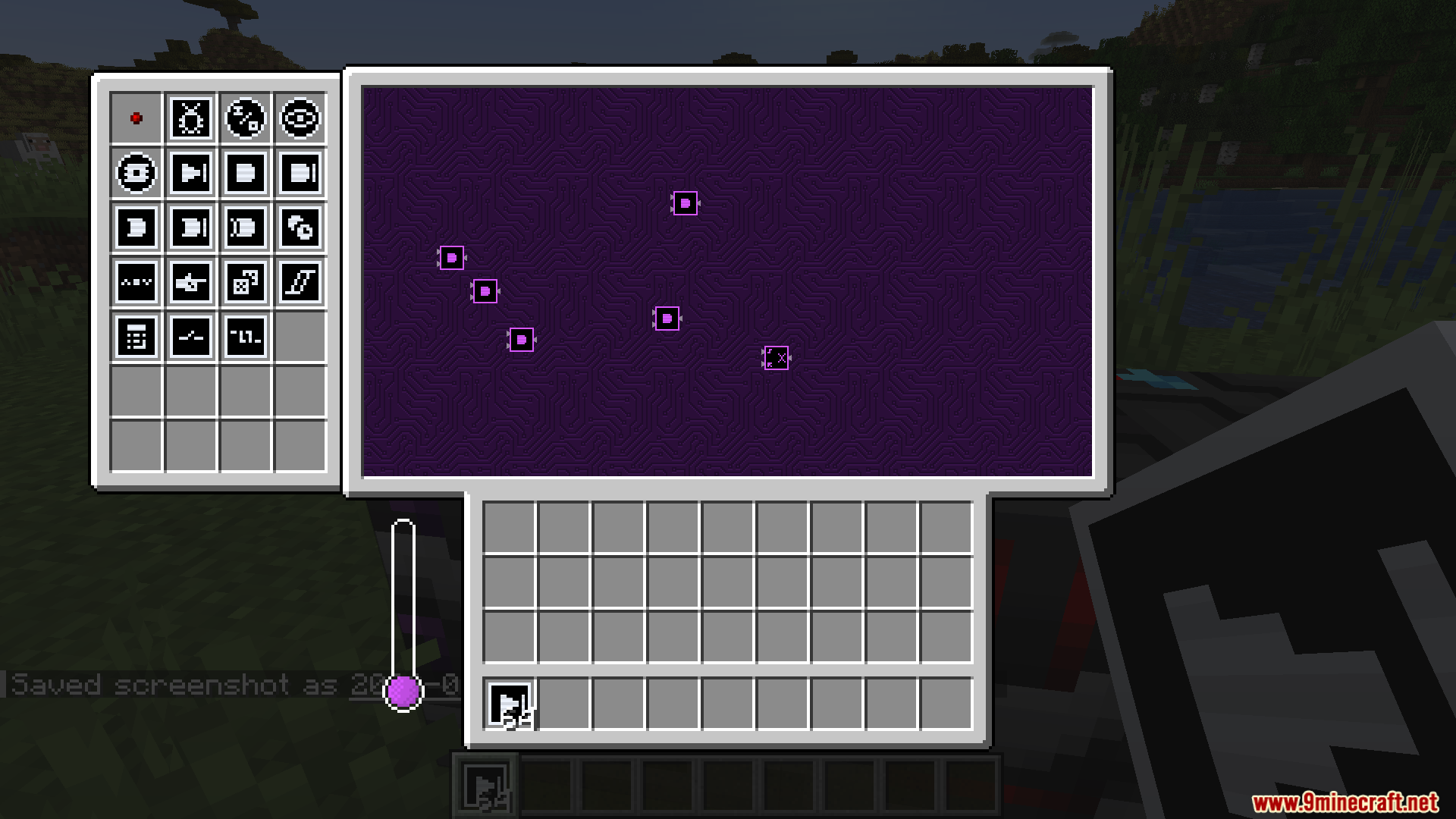
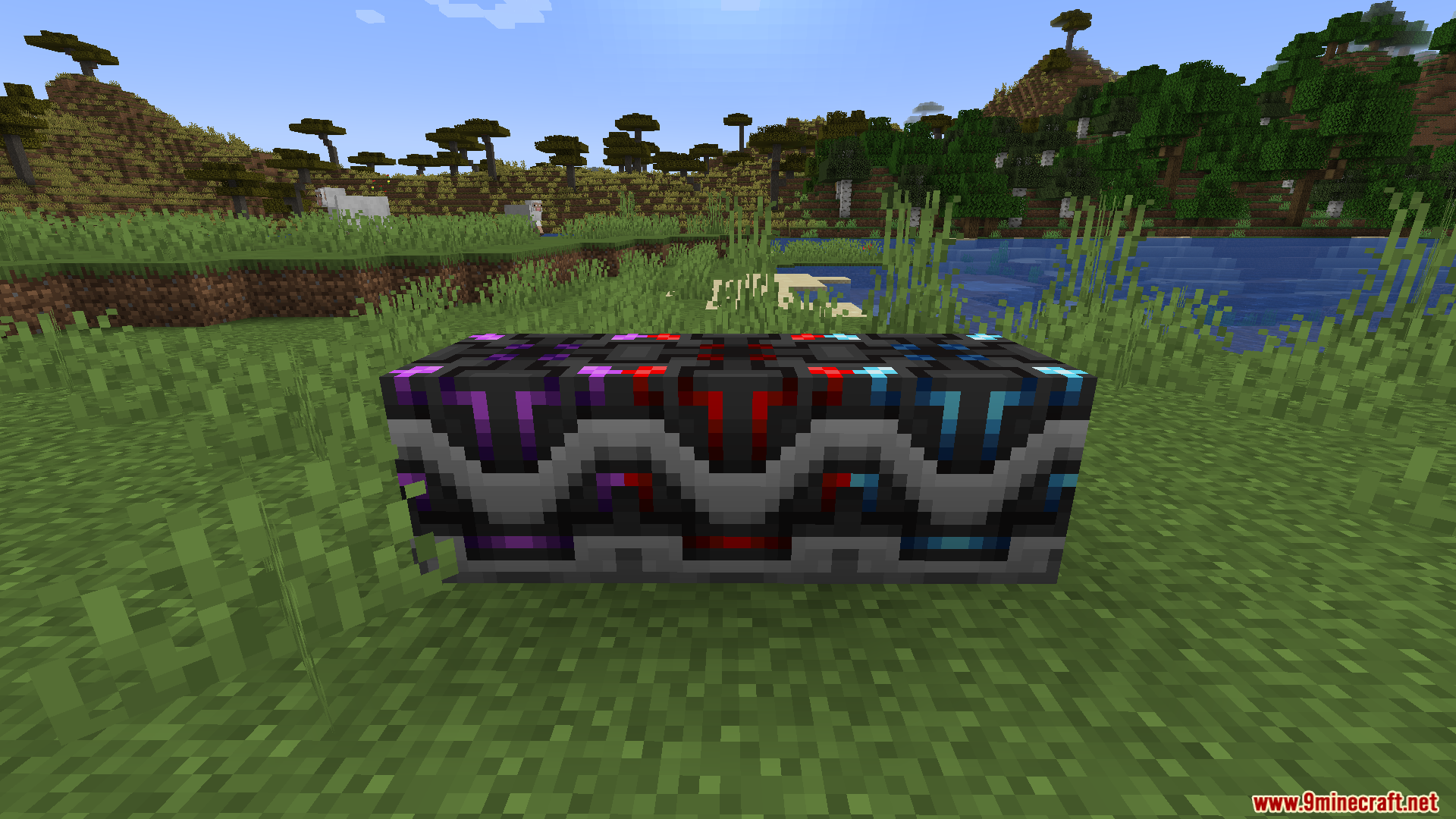
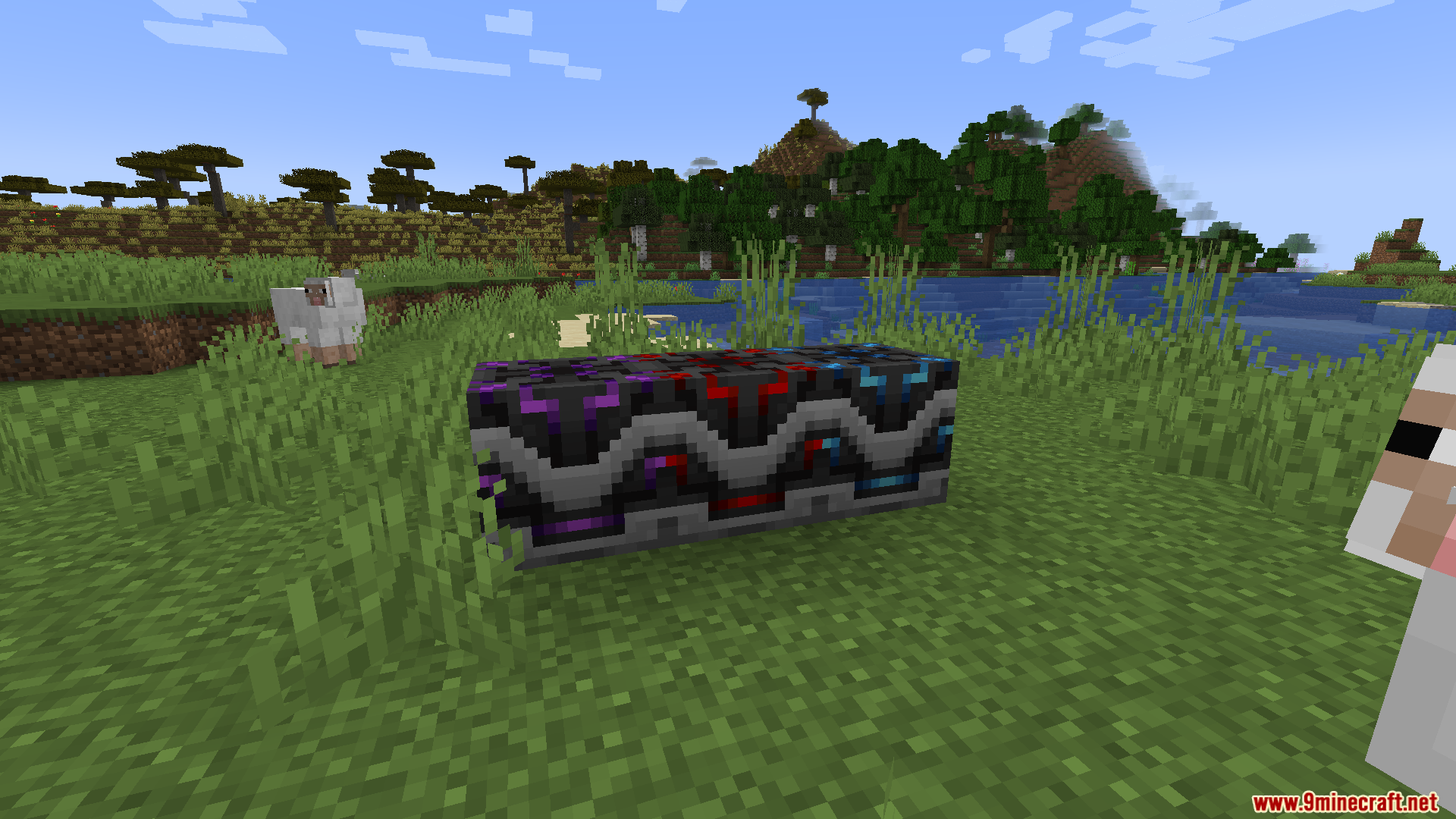
Little Big Redstone Mod lets you shrink huge redstone circuits down into a single block. It adds a special Microchip block where you build complex logic systems that connect to your redstone, items, fluids, and energy.
Features:
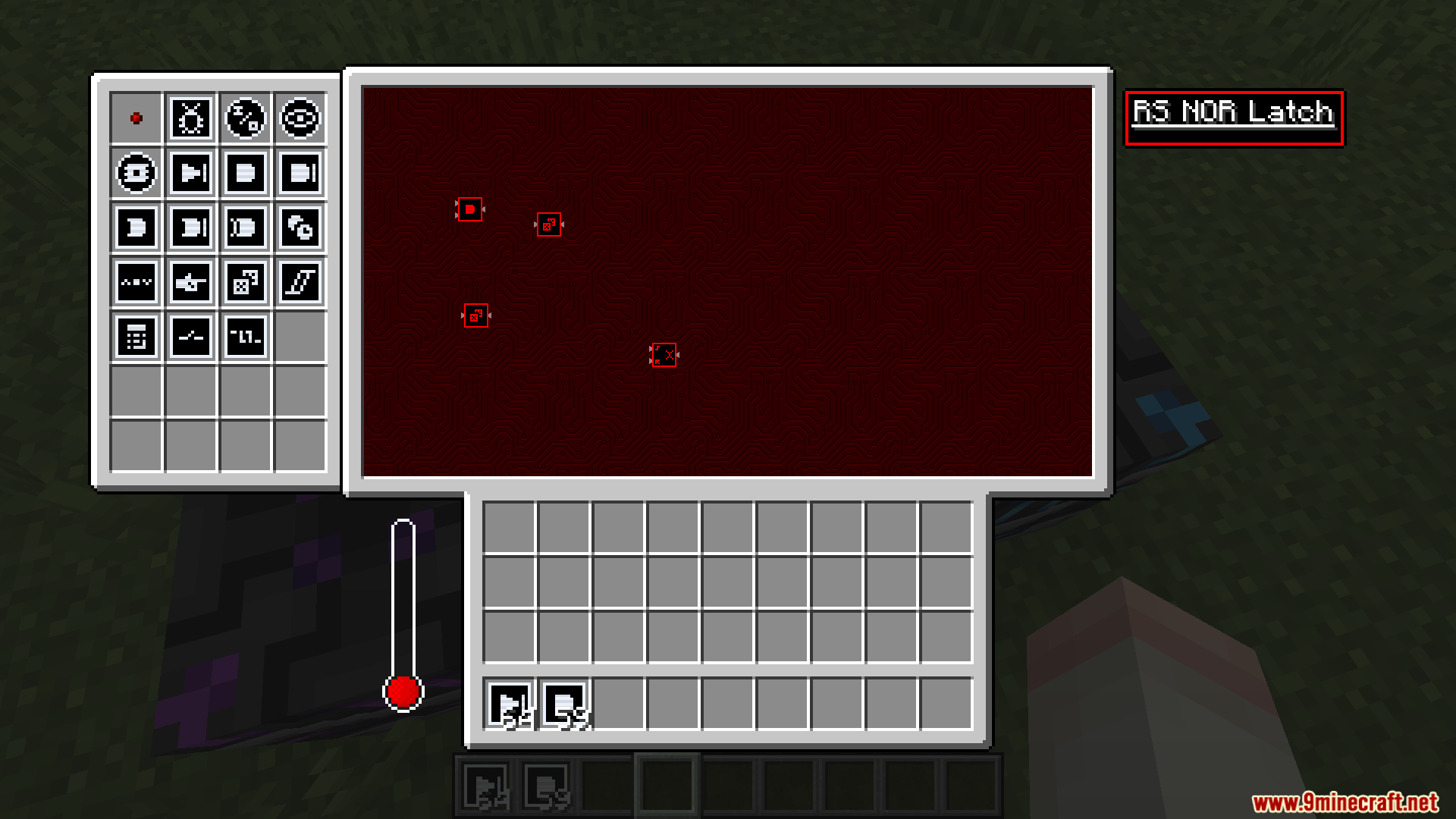
- Microchips: Places all your redstone logic inside one block’s menu instead of taking up space in your world.
- Connects your custom logic directly to outside redstone lines, item chests, fluid tanks, and energy power banks.
- Lets you dye components inside the microchip menu to keep your wires organized.
- Washes the color off your logic parts when you use snowballs or water buckets on them.
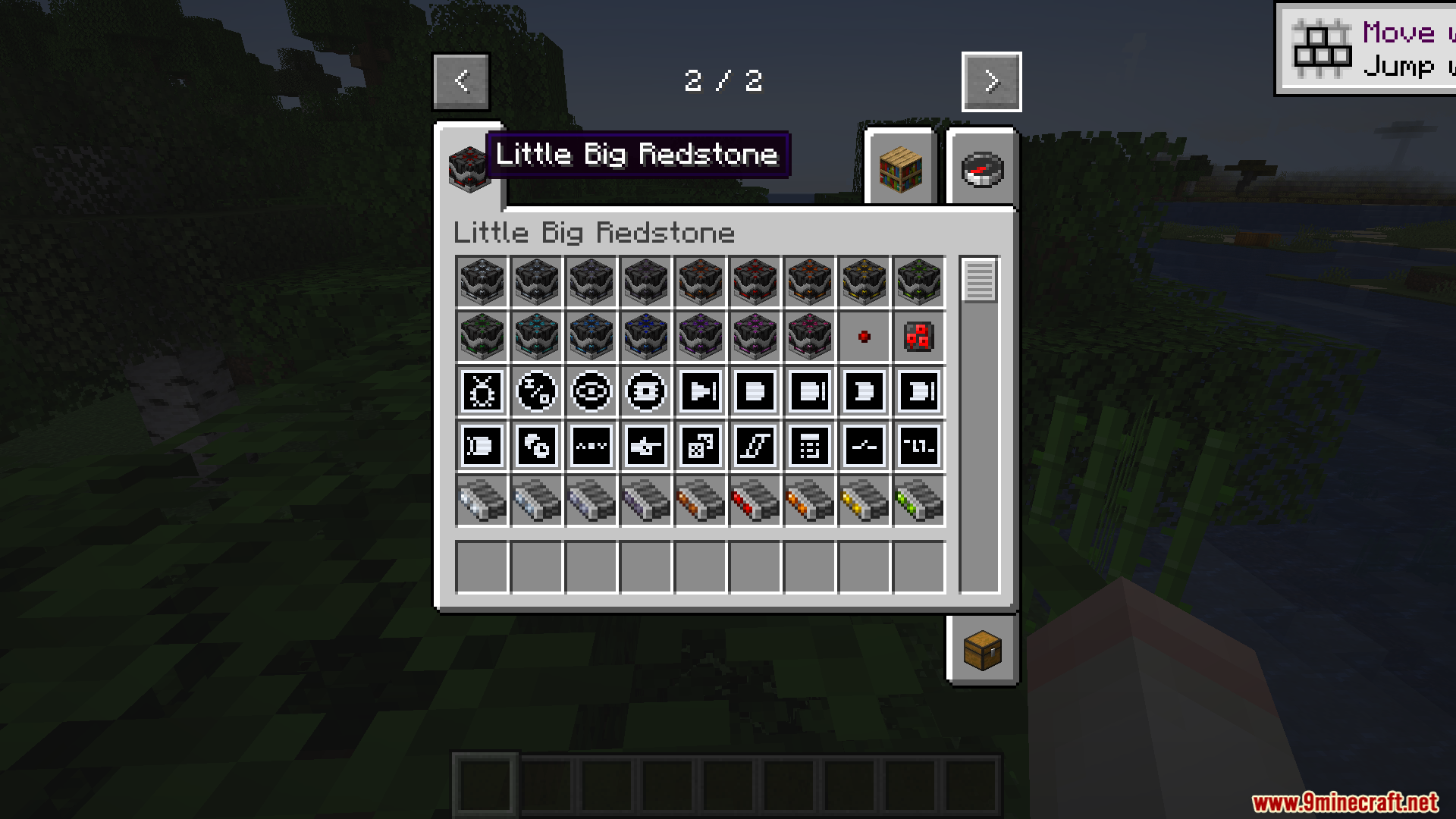
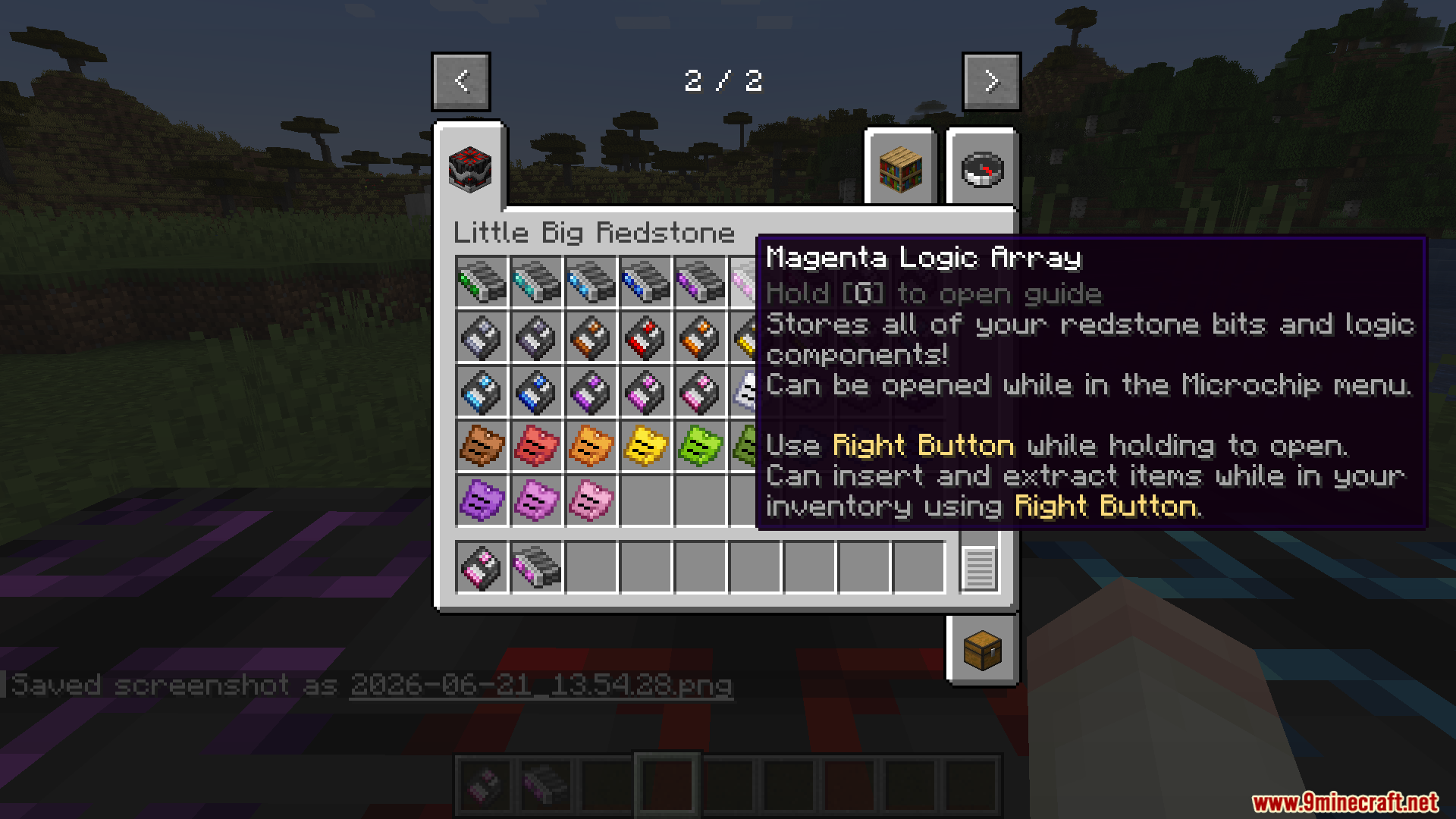
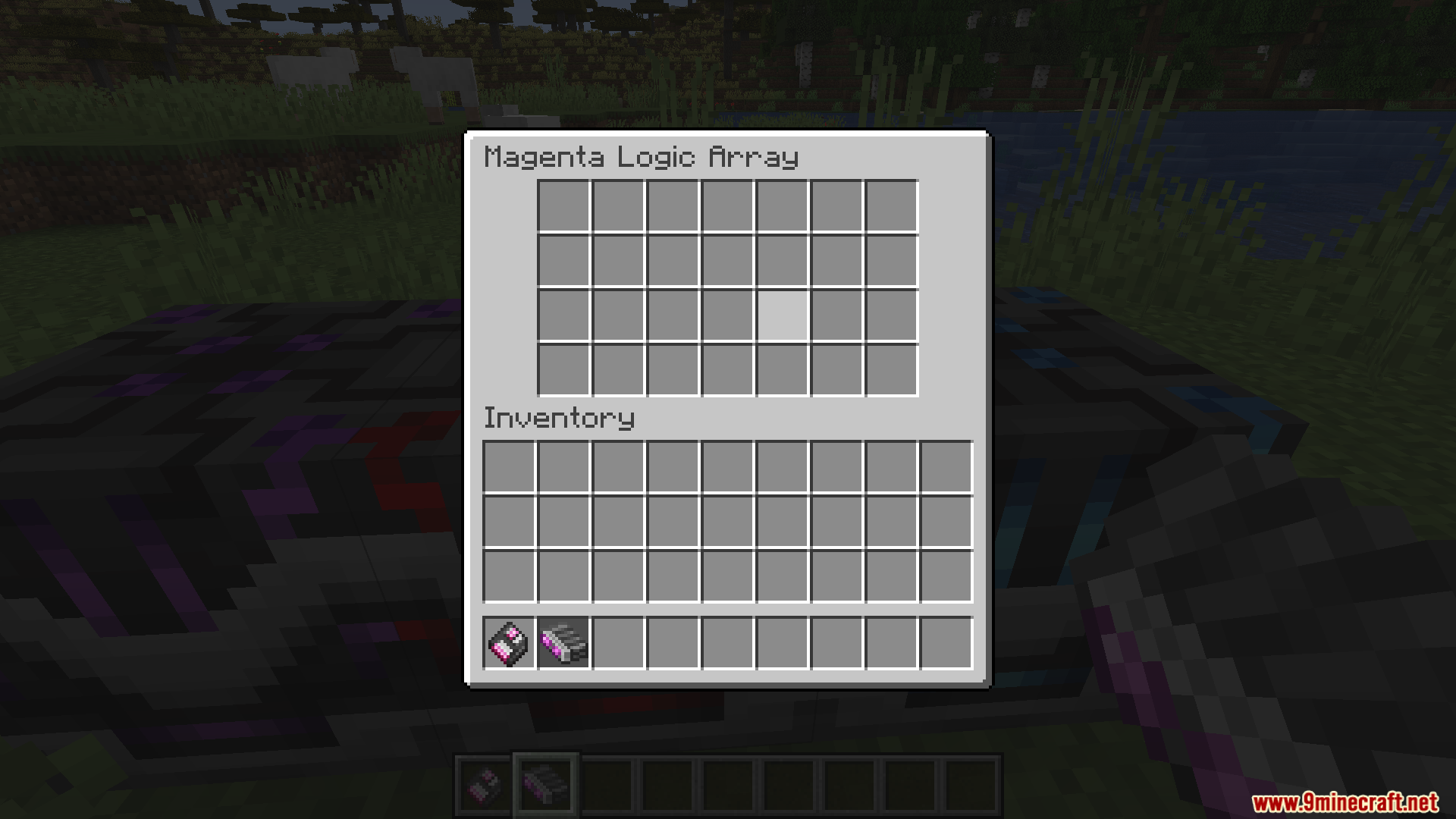
- Gives you Logic Arrays, which act as a handy storage bag for your redstone bits and parts.
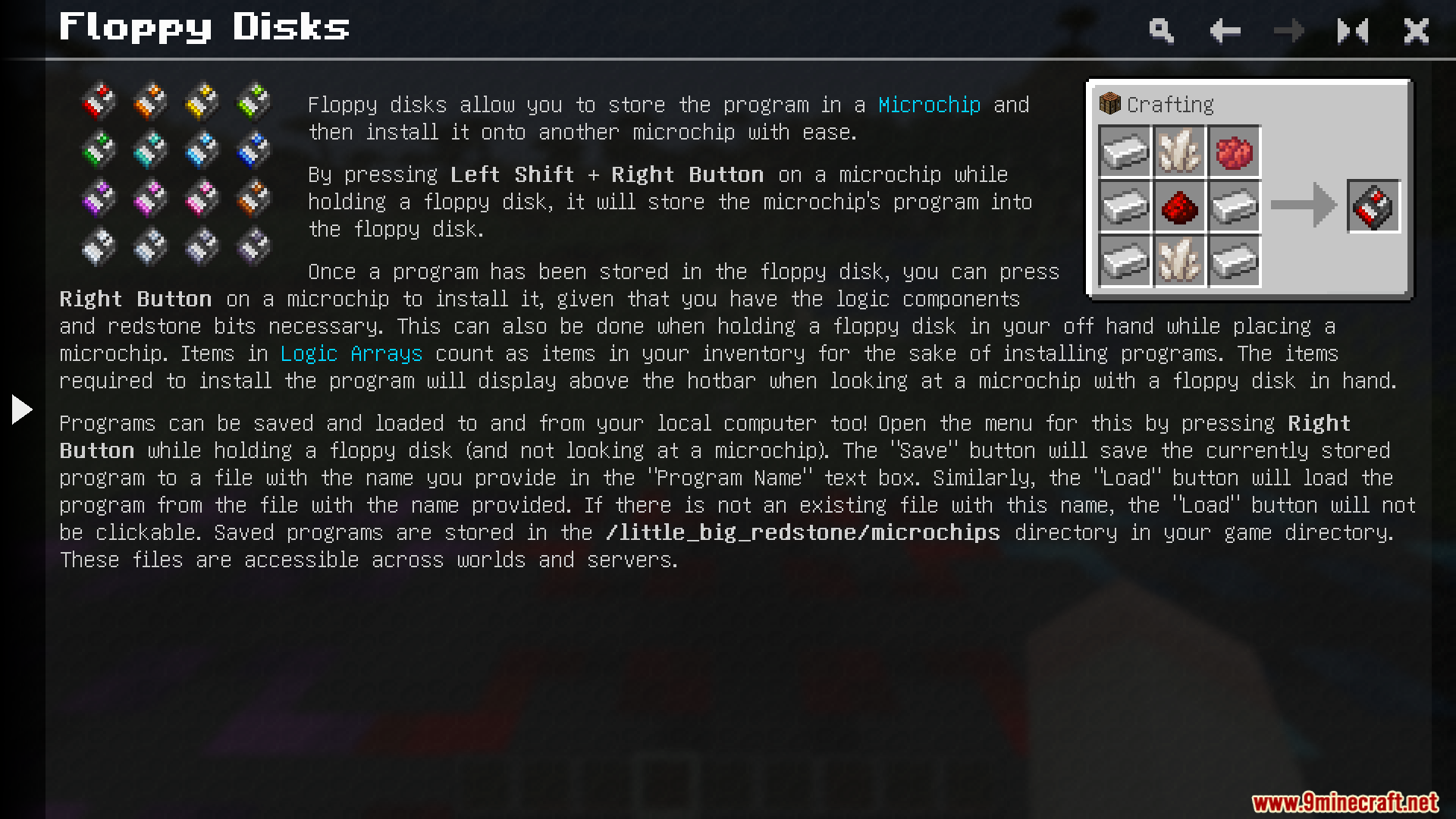
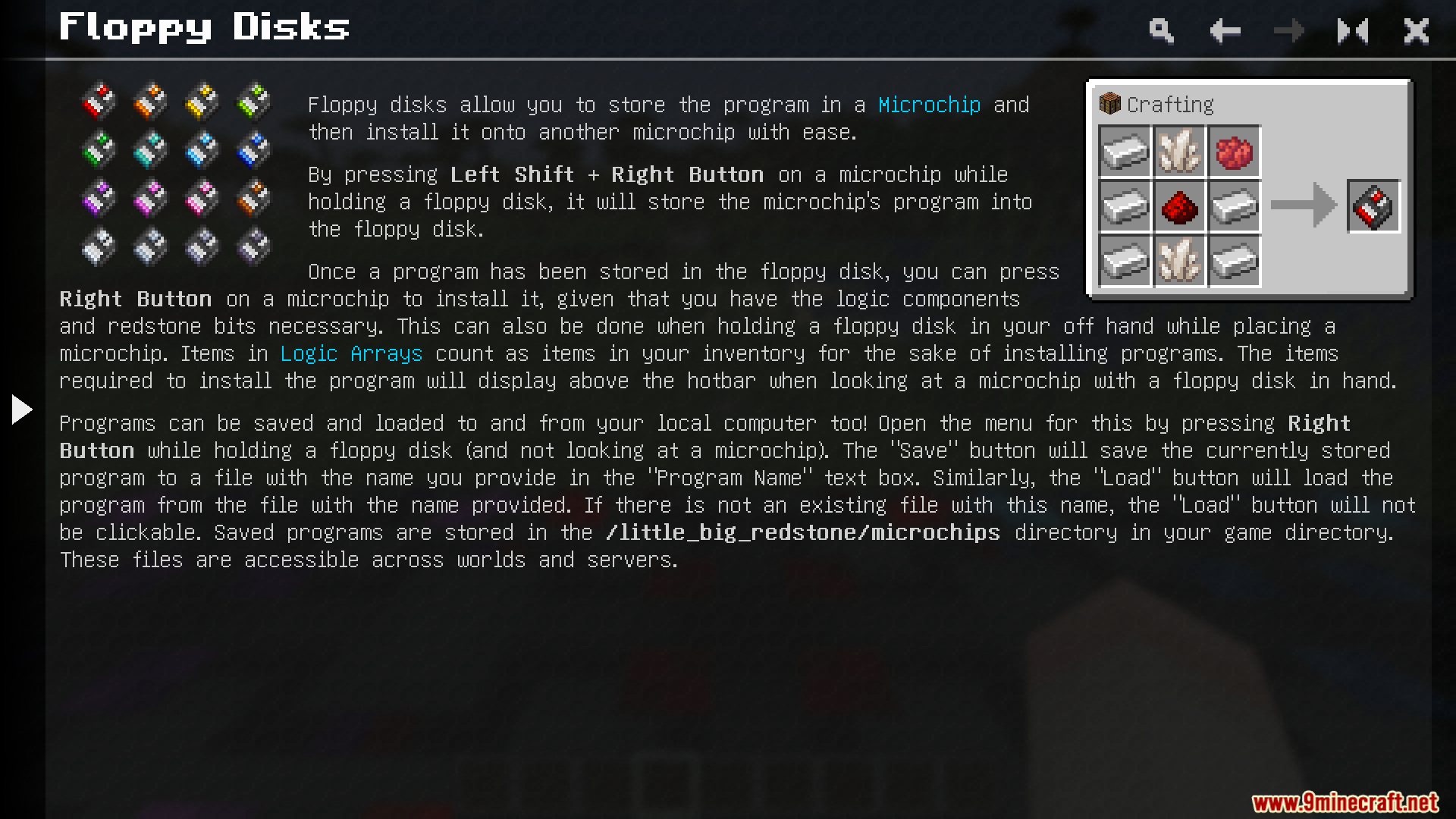
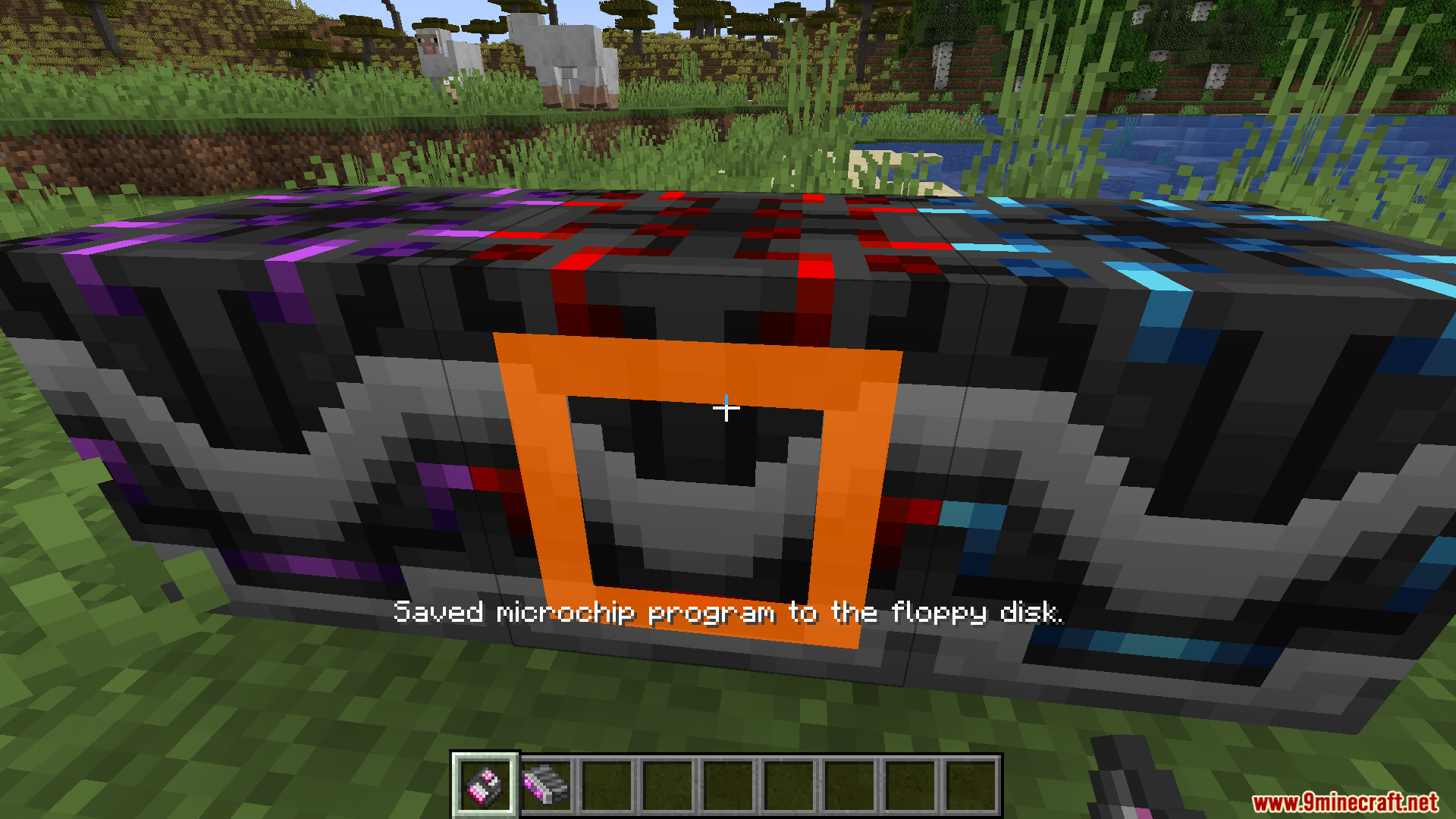
- Copies your entire circuit design onto a Floppy Disk so you can paste it into a brand new microchip.
- Adds Sticky Notes that stick to walls or go right inside your microchip menu to help you remember what each wire does.
- Keeps your written text and colors saved on the Sticky Notes even if you break and move them.
- Offers all items in every dye color so you can color-code your setups.
How to Use:
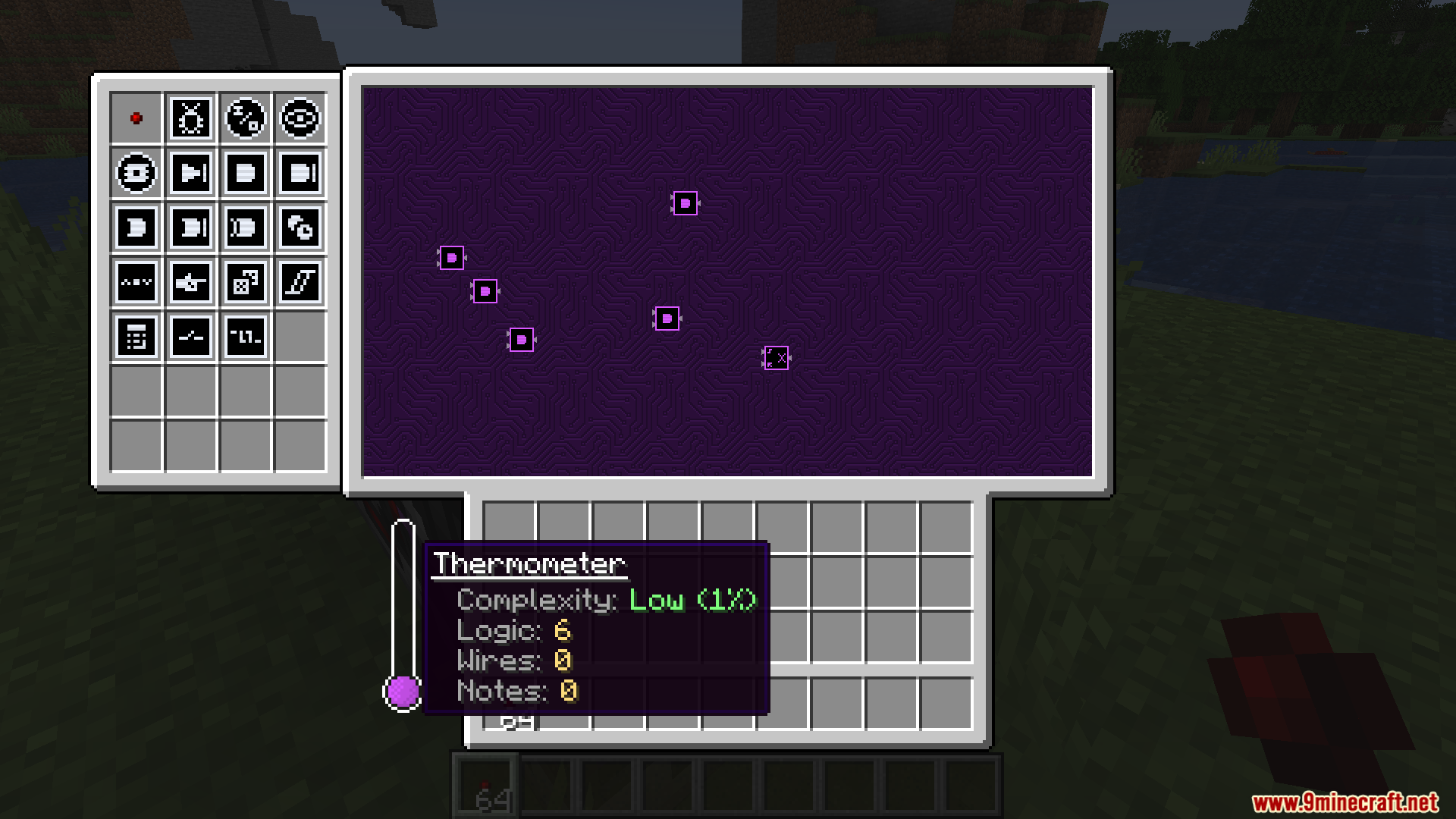
- Place a Microchip block and open its menu to start building your circuit.
- Hover over any logic part to read a tooltip that explains exactly what it does.
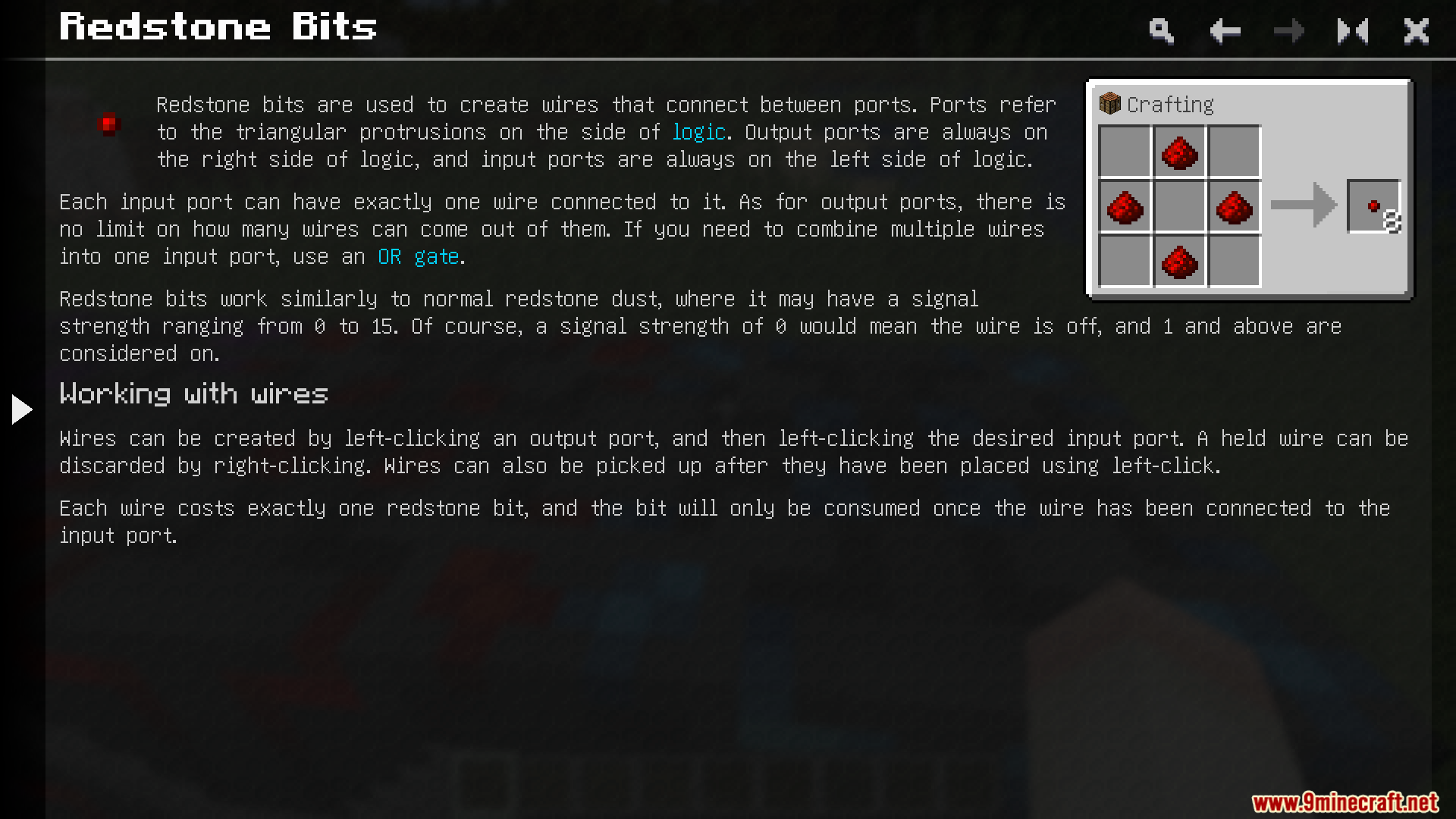
- Use redstone bits to draw lines and connect your parts together inside the menu.
- Click on a part with dye to change its color, or use a snowball to remove the color.
- Use a Floppy Disk to copy a finished layout and paste it somewhere else, as long as you have the right parts in your inventory.
Screenshots:
How to Install:
New to Minecraft? Follow our step-by-step guide to install Mods on your PC.View Guide

Little Big Redstone Mod Download Links
For Minecraft 26.1.2, 26.1.1, 26.1
For Minecraft 1.21.1, 1.21
Click to rate this post!
[Total: 0 Average: 0]
You May Also Like






This post has no comments yet. Be the first — your comment will appear here.