


Locked in Slots Mod (26.2, 26.1.2) – Never Accidentally Drop Your Best Tools

 0
0 

🌐 Read this article in your language! Choose your preferred language below.
Or pick the one you like:
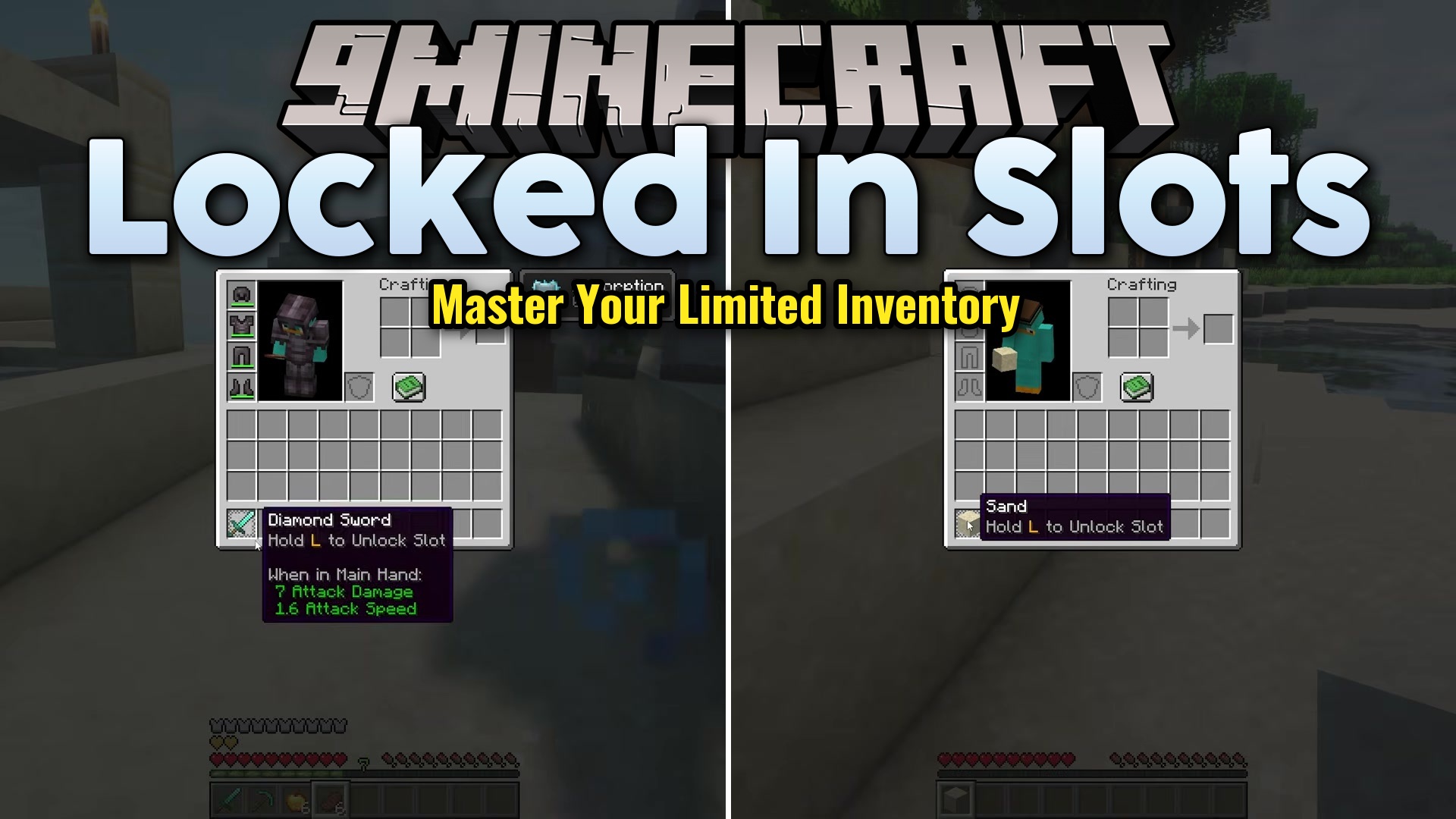
Locked in Slots Mod lets you lock specific spaces in your inventory so you never lose your favorite items by mistake. It stops you from accidentally pressing the drop button and throwing your best pickaxe away. You also cannot accidentally move a locked item into a chest or swap it out during a busy fight. The mod works entirely on your side, meaning you can use it in your own single-player world or while playing on public multiplayer servers.
Features:
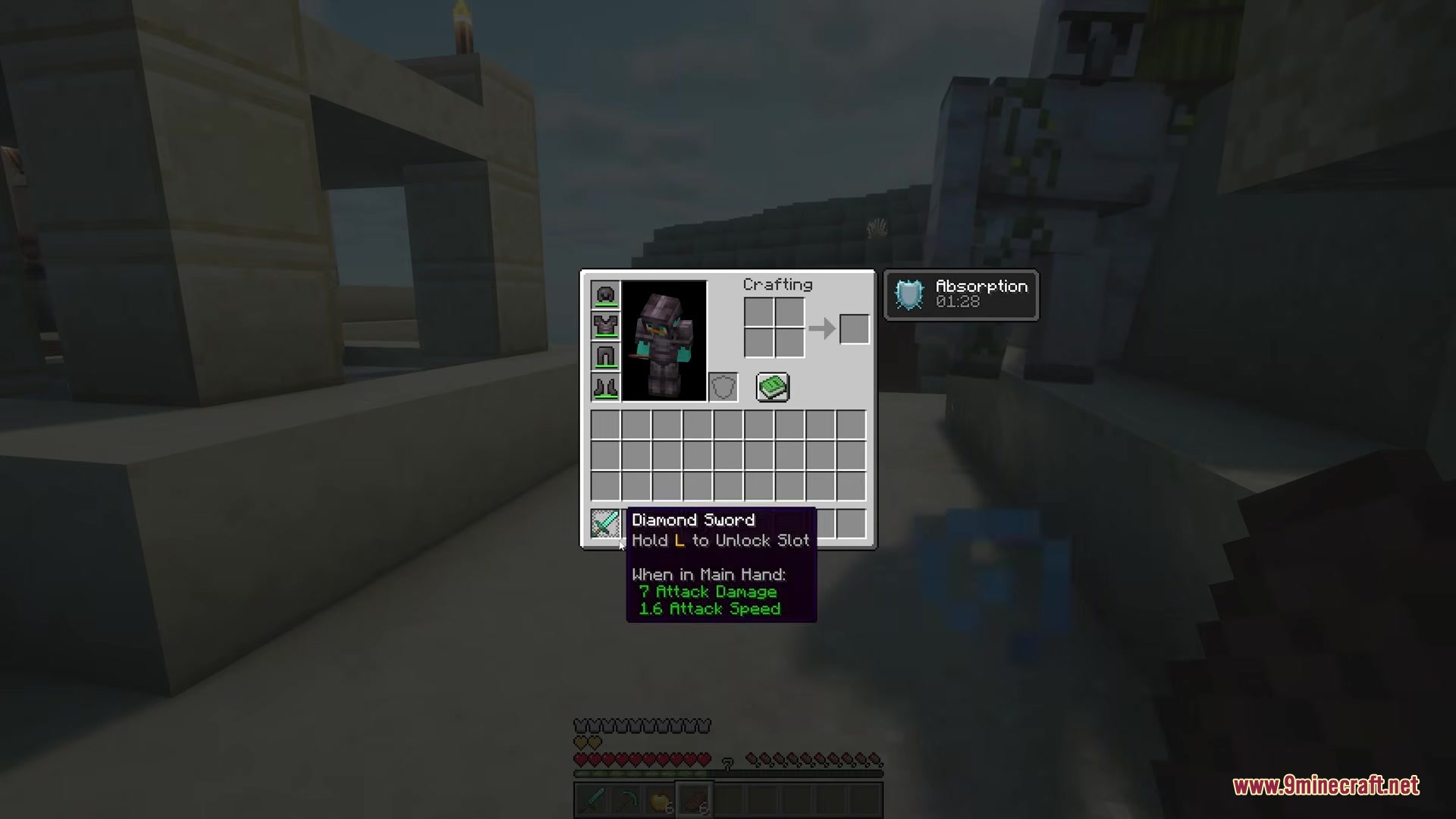
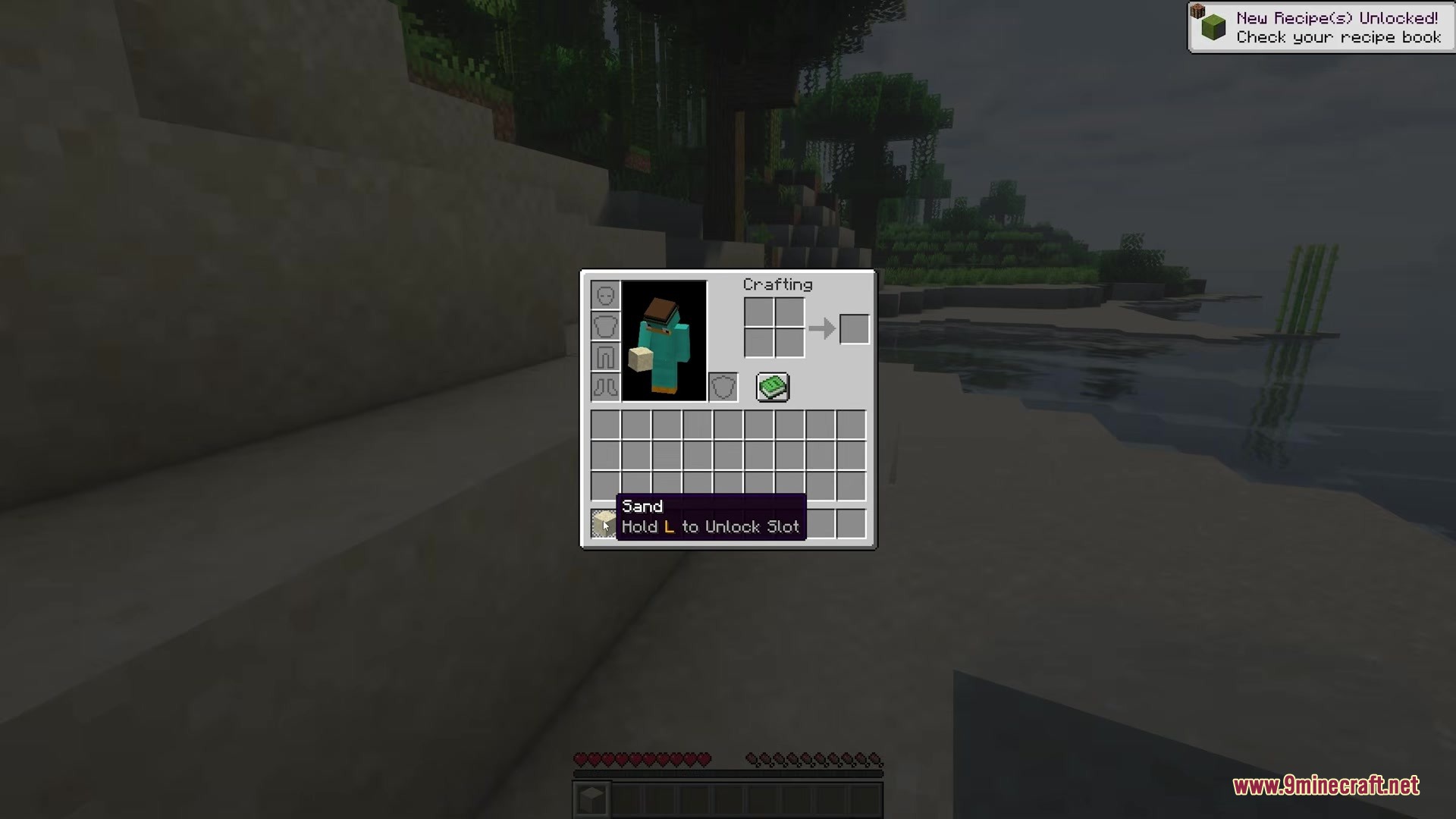
- Lock Any Slot: Press a chosen key while pointing at an inventory space to lock or unlock it.
- Hotbar Protection: Lock a space on your bottom hotbar even when your main inventory menu is closed.
- Locked items stay stuck in their space and cannot be picked up or moved with your mouse.
- Stops the drop key from throwing the protected item on the ground.
- Blocks other items from taking the place of your locked gear.
- Lets matching items pile up in a locked space, so things like arrows or dirt blocks can still stack.
- Shows short text hints on the screen to remind you how to unlock a space if you forget.
- Runs entirely on your computer, so you do not need the server owner to install it.
How to Use:
- Open your inventory and move your mouse pointer over the item you want to protect.
- Press the lock key to lock the space.
- Close your inventory and play normally. The item is now stuck in that exact spot.
- Point at the space and press the lock key again if you ever need to move or drop the item.
Screenshots:
How to Install:
New to Minecraft? Follow our step-by-step guide to install Mods on your PC.View Guide
Requirements:





Locked in Slots Mod Download Links
For Minecraft 26.2
For Minecraft 26.1.2, 26.1.1, 26.1
Click to rate this post!
[Total: 0 Average: 0]
You May Also Like








This post has no comments yet. Be the first — your comment will appear here.