OneKeyMiner Mod (1.21.11, 1.20.1) – Automatic Chain Mining And Farming

 0
0  December 23, 2025
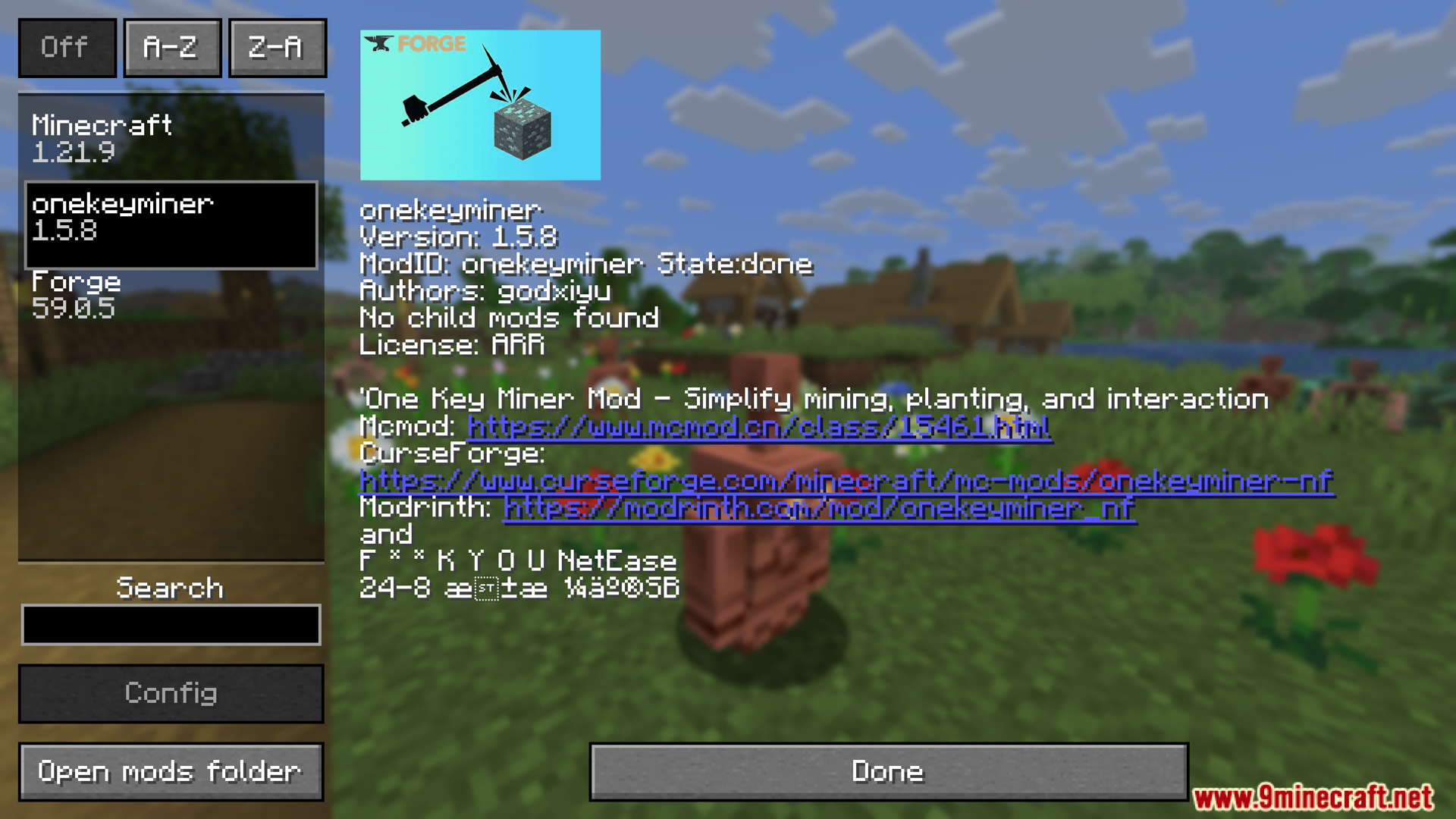
OneKeyMiner Mod (1.21.11, 1.20.1) is a mod for Minecraft that allows mining, farming, or mass interaction with multiple blocks/objects at once with a single action.
Features:
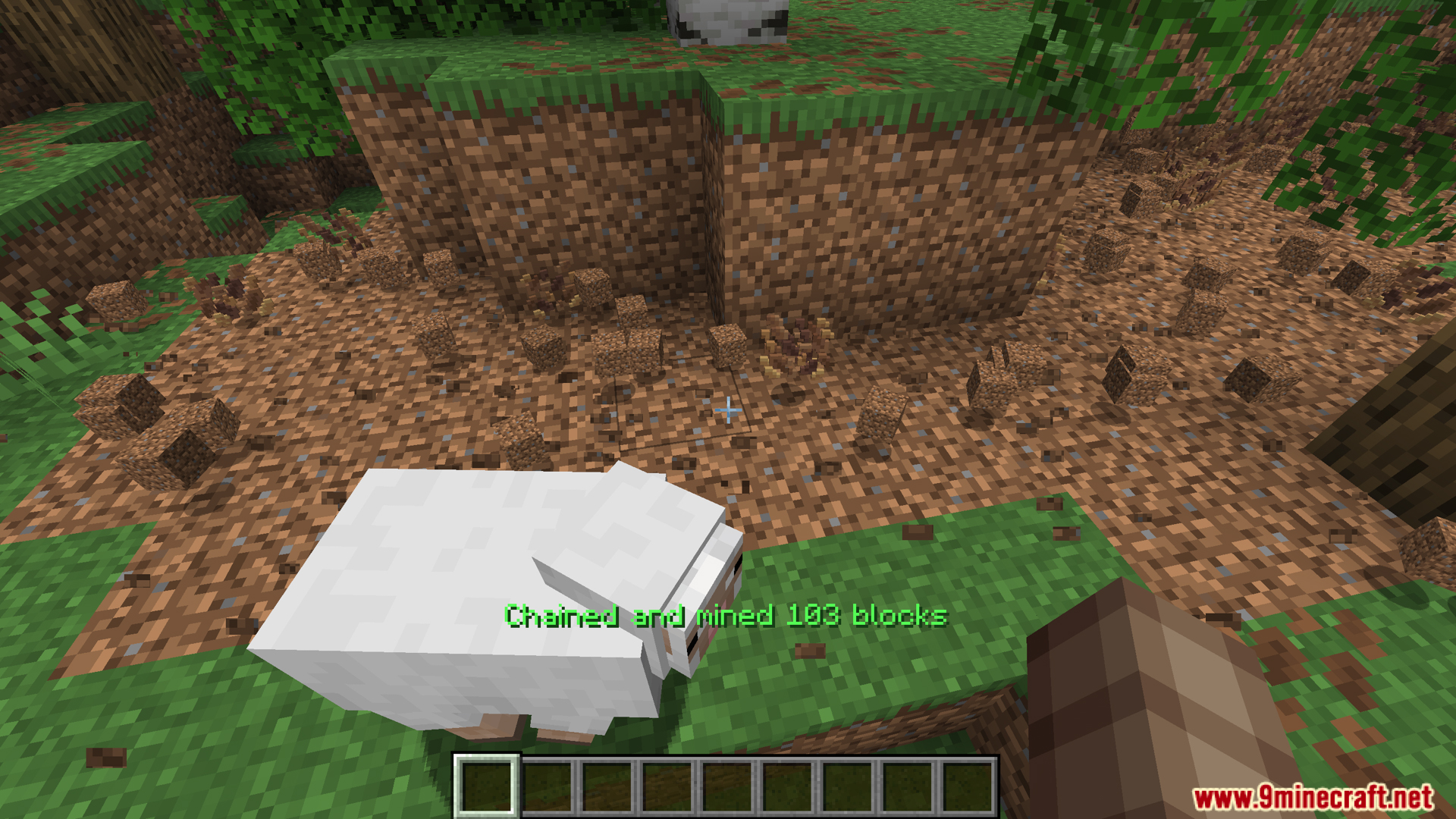
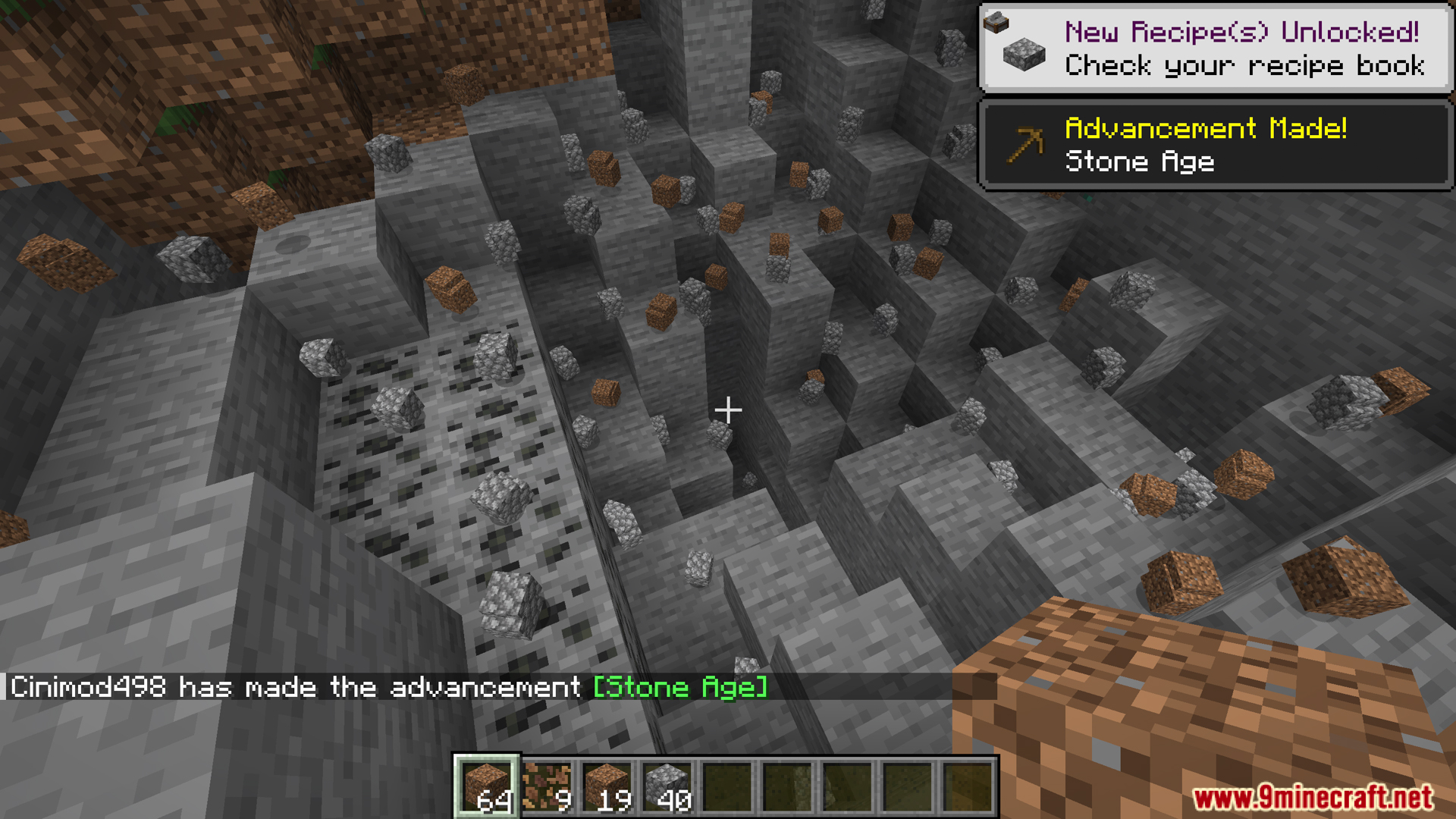
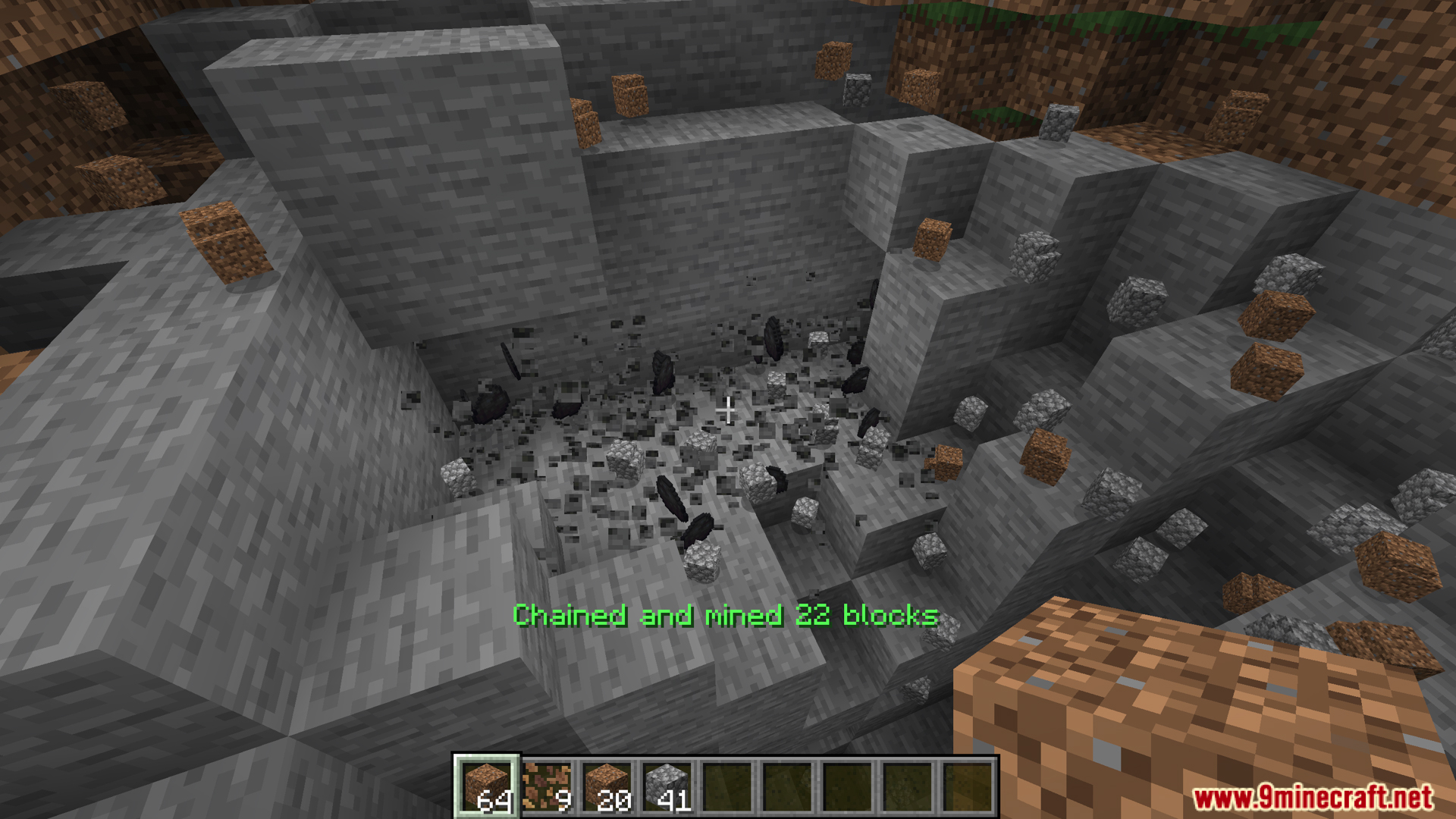
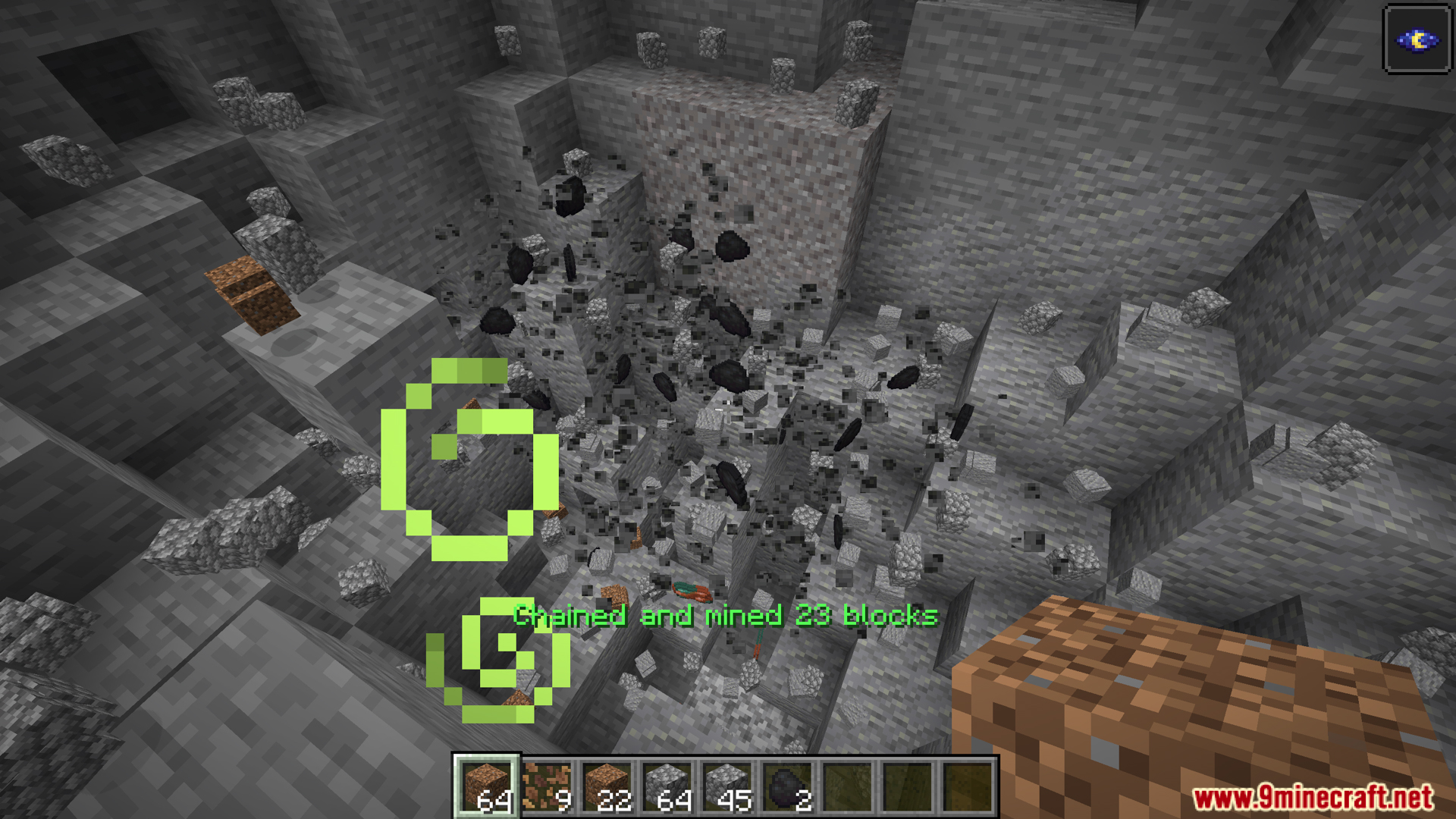
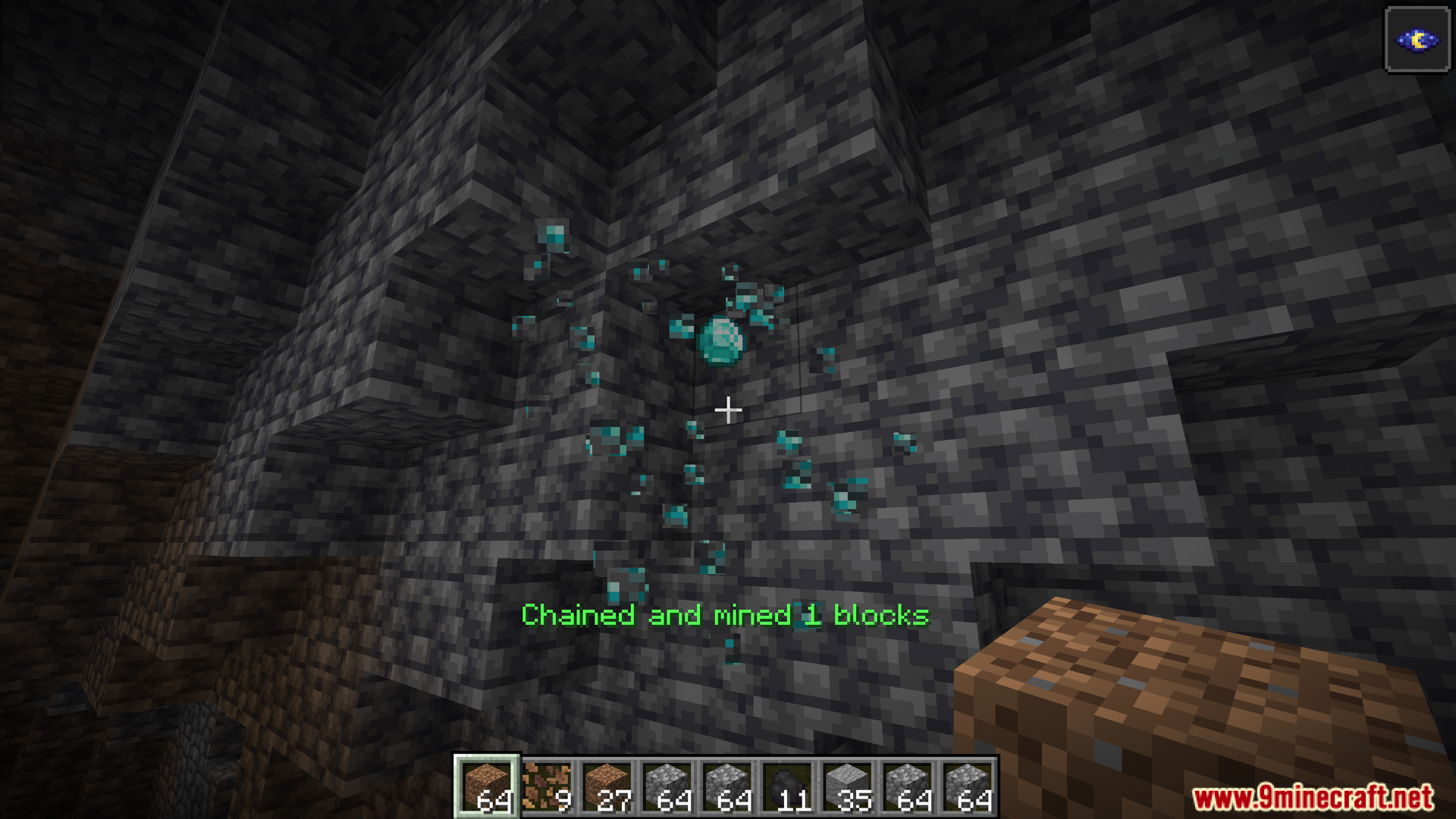
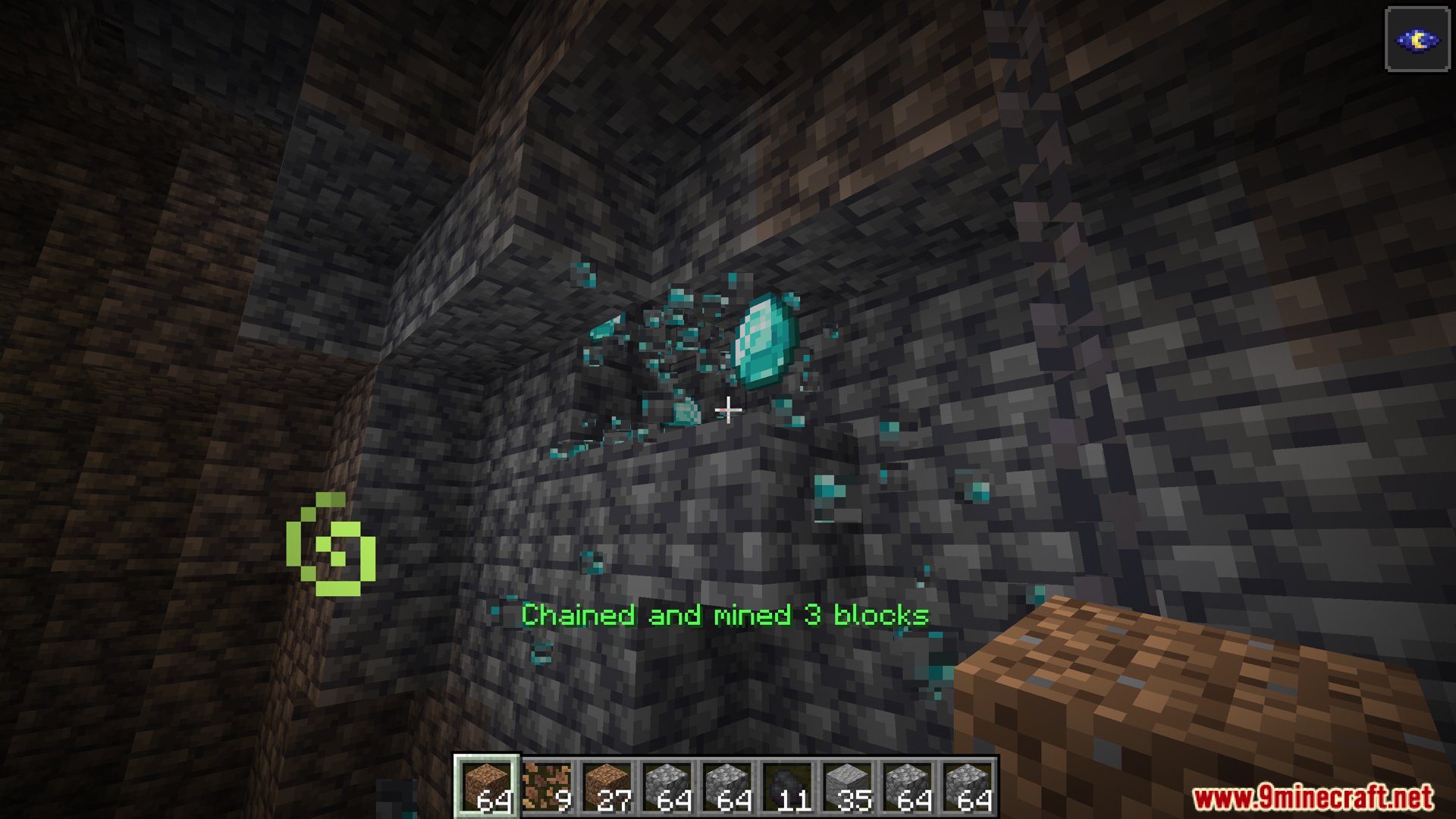
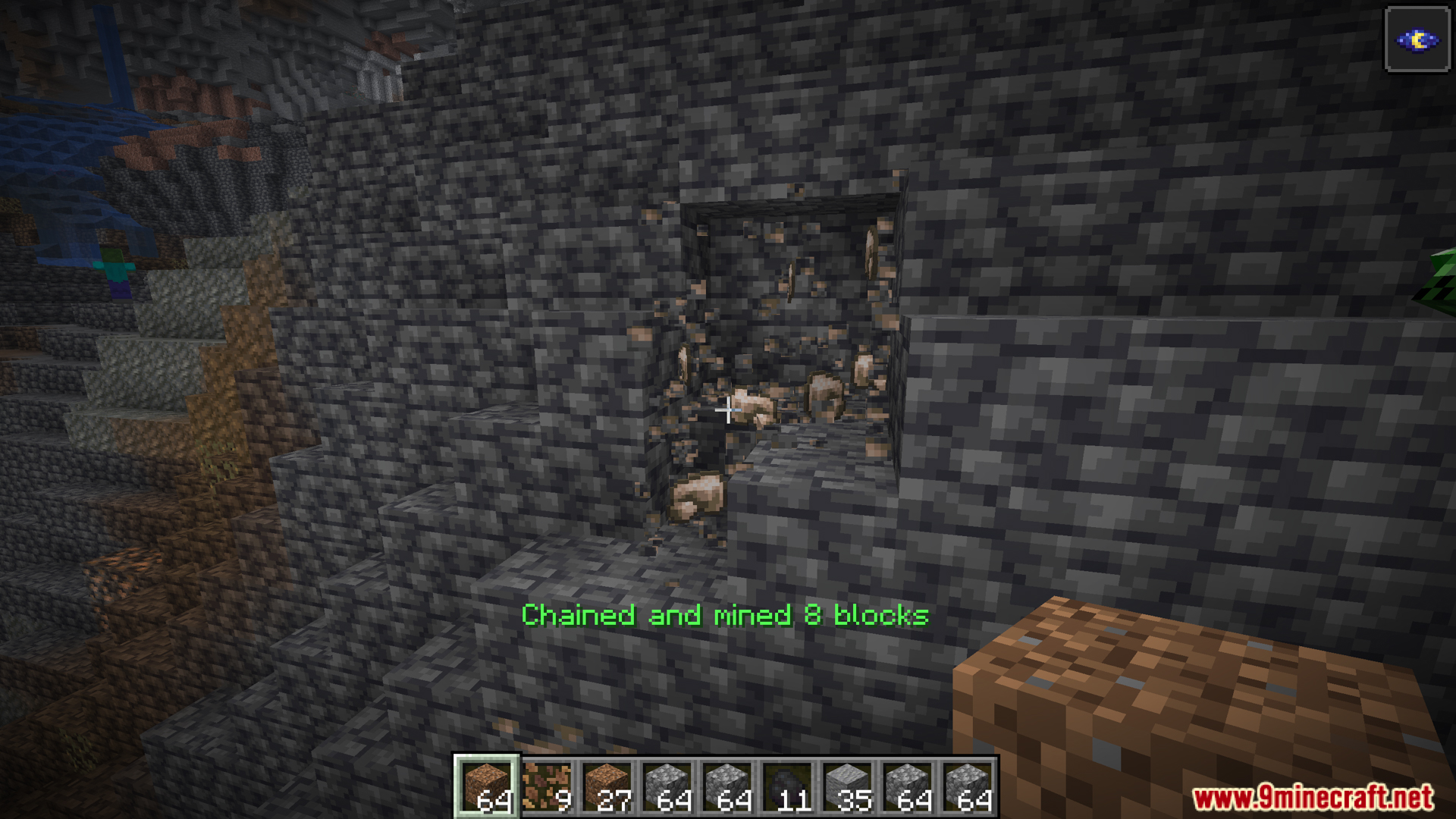
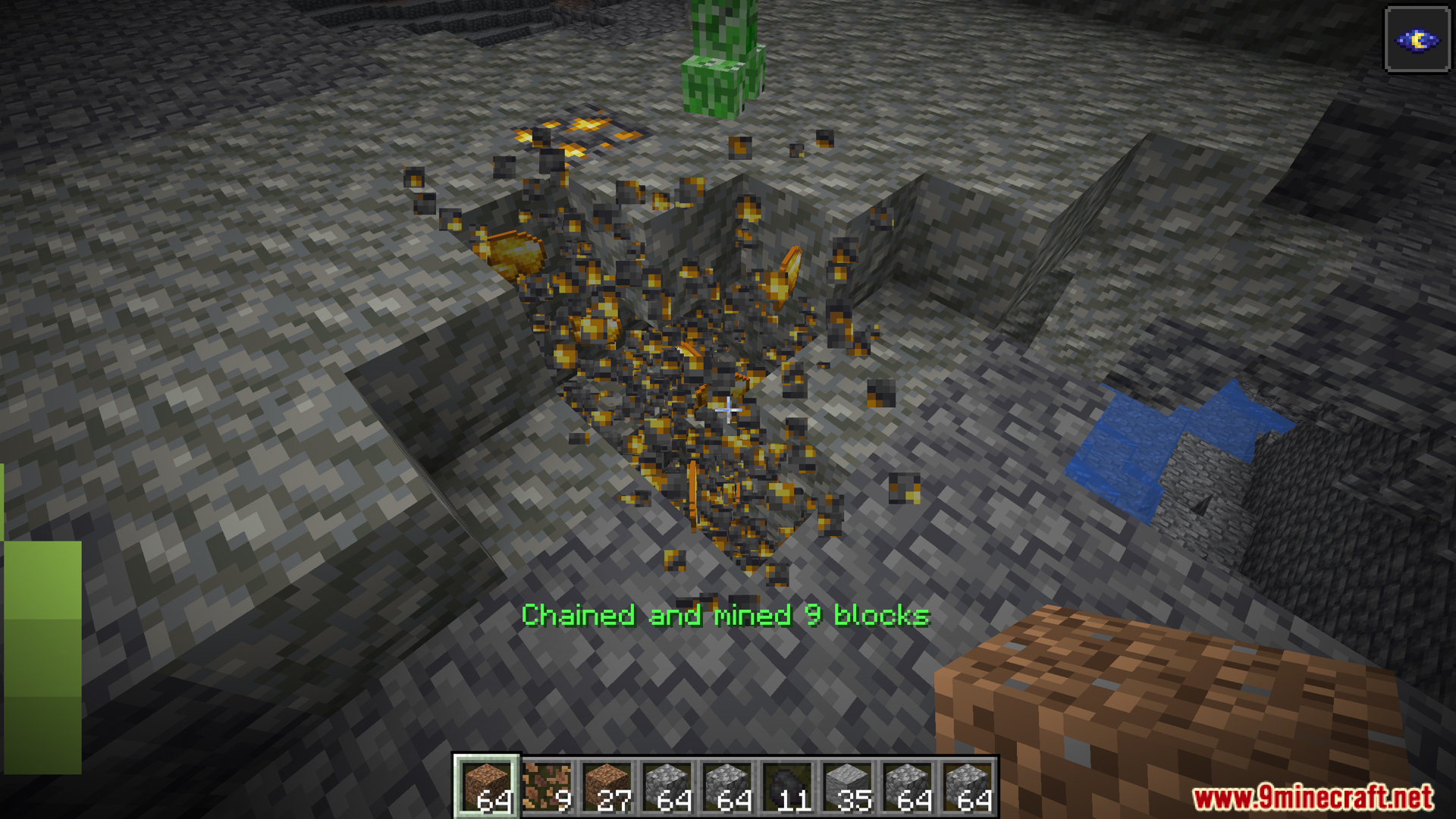
- Chain Mining: Break one block, and all connected matching blocks are automatically mined.
- Chain Planting: Plant seeds over multiple tilled blocks in one go.
- Tool Protection & Durability Check: Mod prevents tool breakage mid-use, ensuring smooth operation.
- Advanced Configuration: Customize limits, tools, block types, and modes for tailored play.
- NeoForge Exclusive – Chain Interactions: Beyond ore and crops, use the feature on sheep (shears), farmland, and other block-entity actions.
Commands:
The OneKeyMiner mod allows players and administrators to manage chain mining behavior through in-game commands. All commands start with /excavation.
- Permission Levels
- Level 0: Regular players
- Level 2: Game administrators
- Level 4: Server operators
- Basic Commands
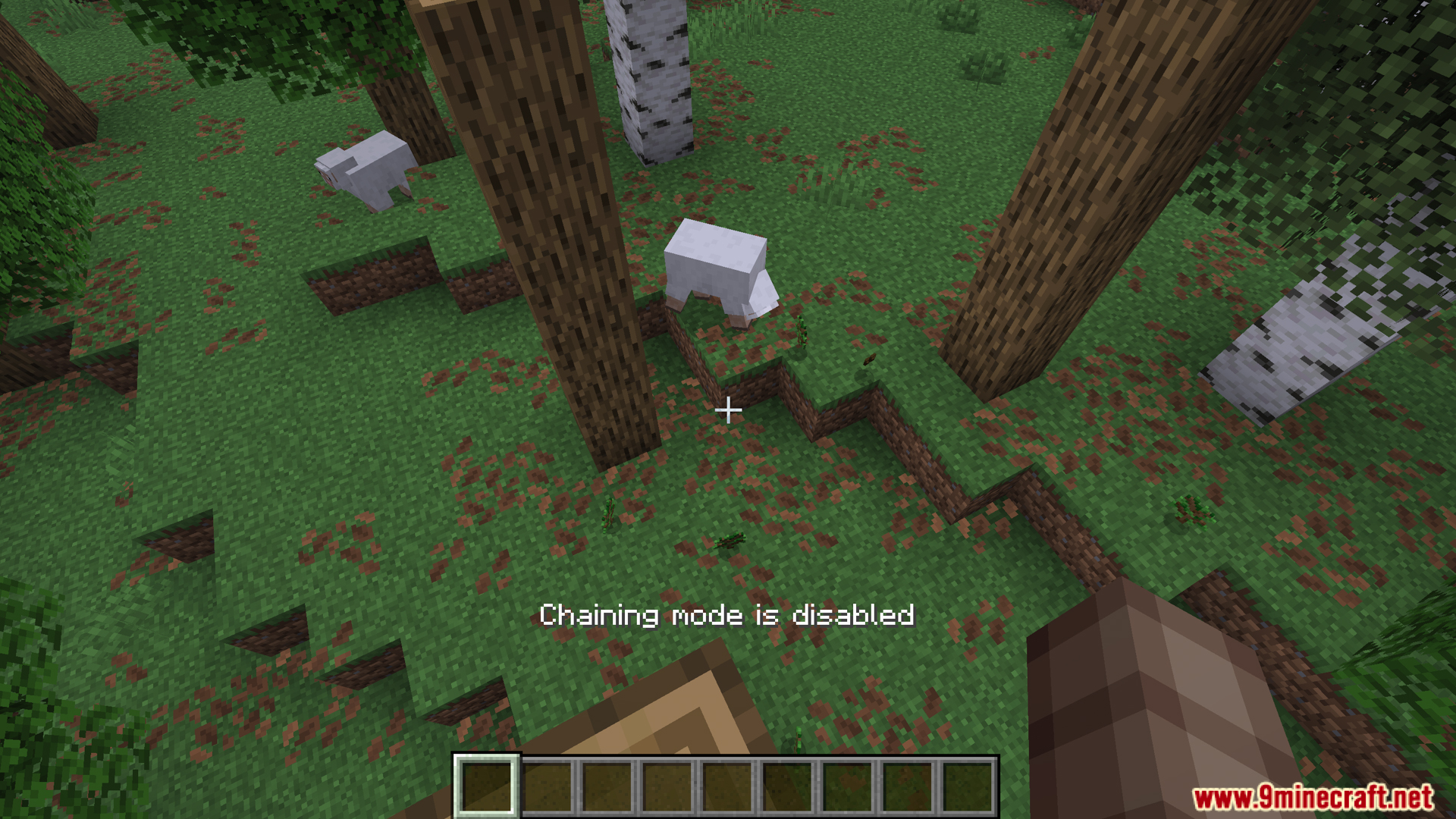
/excavation help: Display help for all commands (no permission required)/excavation status: Show current chain mode status and main configuration (no permission required)- Chain mode active?
- Maximum chain blocks
- Maximum chain depth
- Diagonal chaining enabled?
- Sneaking requirement enabled?
- Common Configuration Commands (Level 2 required)
- Syntax:
/excavation common options <config_item> [value] - Numeric Options
maxChainBlocks: Max number of chain blocks (1-4096)maxChainDepth: Max chain depth (1-64)maxBlocksInChain: Max blocks for survival mode (1-4096)maxBlocksInChainCreative: Max blocks for creative mode (1-16384)
- Boolean Options
enableDiagonalChaining: Allow diagonal blocks in chainteleportDropsToPlayer: Drops teleport to playerignoreToolCompatibility: Ignore tool-block compatibilitymatchBlockState: Match full block statematchSeedBlockState: Match seed block stateenableInCreative: Enable chain mining in creativerequireSneaking: Require sneaking to trigger chaining
- Block Blacklist
- View:
/excavation common options nonChainableBlocks list - Add:
/excavation common options nonChainableBlocks add <block_id> - Remove:
/excavation common options nonChainableBlocks remove <block_id>
- View:
- Seed Blacklist
- View:
/excavation common options seedBlacklist list - Add:
/excavation common options seedBlacklist add <seed_id> - Remove:
/excavation common options seedBlacklist remove <seed_id>
- View:
- Syntax:
- Client Configuration Commands (No permission required)
- Syntax:
/excavation client options <config_item> [value] - Options
showBlockCount: Show block count during chain mining (true/false)messageStyle: Message display style (chat, actionbar, both, none)keyMode: Activation method (toggle, hold)Debug: Enable client debug mode (true/false)frozen timer: Auto-reset time for chain state in toggle mode (seconds)
- Syntax:
- Server Configuration Commands (Level 4 required)
- Syntax:
/excavation server options <config_item> [value] - Options
toolDurabilityThreshold: Protect tools from breaking (≤1.0 = %, >1.0 = fixed)hungerThreshold: Minimum hunger for chain mining (0-20)
- Syntax:
- Usage Examples
- Administrator: Set Chain Parameters
/excavation common options maxBlocksInChain 32/excavation common options maxBlocksInChainCreative 128/excavation common options enableDiagonalChaining true/excavation common options ignoreToolCompatibility true
- Administrator: Manage Block Blacklist
- View list:
/excavation common options nonChainableBlocks list - Add block:
/excavation common options nonChainableBlocks add bedrock - Remove block:
/excavation common options nonChainableBlocks remove diamond_block
- View list:
- Player: Adjust Personal Settings
/excavation client options messageStyle actionbar/excavation client options showBlockCount true/excavation client options keyMode hold
- Server Operator: Adjust Protection
/excavation server options toolDurabilityThreshold 0.2/excavation server options hungerThreshold 5.0
- Administrator: Set Chain Parameters
- Important Notes
- Permission checks must match command requirements
- Numeric values must be within valid ranges
- Configuration changes are immediately saved and take effect instantly
- Block IDs can use abbreviations (auto-prefix
minecraft:) or full IDs - In-game Tab completion is supported for faster input
- Troubleshooting
- Insufficient permissions → contact admin
- Invalid arguments → check format and ranges
- Block not found → verify ID and mod loading
- Getting Help
- Use
/excavation helpfor command overview - Use
/excavation statusto view current settings - Execute configuration commands without parameters to view current values
- Use
- Configuration File Mapping
common options maxChainBlocks→ common config:maxChainBlockscommon options enableDiagonalChaining→ common config:enableDiagonalChainingclient options showBlockCount→ client config:showBlockCountclient options messageStyle→ client config:messageStyleserver options toolDurabilityThreshold→ server config:toolDurabilityThreshold
Screenshots:
Crafting Recipes:
Recommend that you should install Just Enough Items (for mods using Forge) or Roughly Enough Items (for mods using Fabric) to view the full recipes included in this mod.
Requires:
How to install:
Click the following link to view details: How to Install Mods for Minecraft Java Edition on PC: A Beginner Guide
OneKeyMiner Mod (1.21.11, 1.20.1) Download Links
For Minecraft 1.16.5
Forge version: Download from Server 1 – Download from Server 2
For Minecraft 1.18.2
Forge version: Download from Server 1 – Download from Server 2
For Minecraft 1.20.1, 1.20
Forge/NeoForge version: Download from Server 1 – Download from Server 2
For Minecraft 1.20.2
Forge version: Download from Server 1 – Download from Server 2
For Minecraft 1.20.4
Forge version: Download from Server 1 – Download from Server 2
For Minecraft 1.20.6
Forge version: Download from Server 1 – Download from Server 2
For Minecraft 1.21.4, 1.21.3, 1.21.1, 1.21
Forge version: Download from Server 1 – Download from Server 2
NeoForge version: Download from Server 1 – Download from Server 2
For Minecraft 1.21.6, 1.21.5
Forge version: Download from Server 1 – Download from Server 2
NeoForge version: Download from Server 1 – Download from Server 2
For Minecraft 1.21.8, 1.21.7
Forge version: Download from Server 1 – Download from Server 2
NeoForge version: Download from Server 1 – Download from Server 2
For Minecraft 1.21.10
Forge version: Download from Server 1 – Download from Server 2
NeoForge version: Download from Server 1 – Download from Server 2
For Minecraft 1.21.11
NeoForge version: Download from Server 1 – Download from Server 2
You May Also Like