
Multi-Piston Mod (1.21.1, 1.20.1) – Build Moving Bridges Fast
 11,278
 0


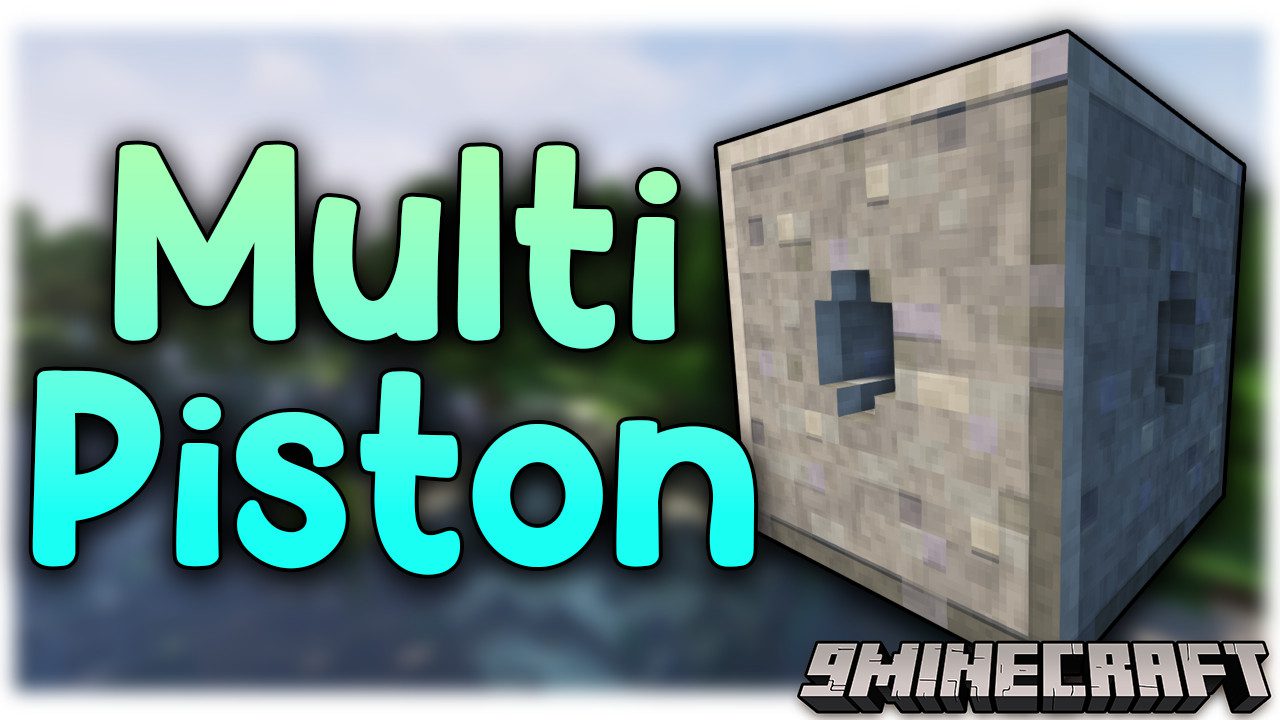
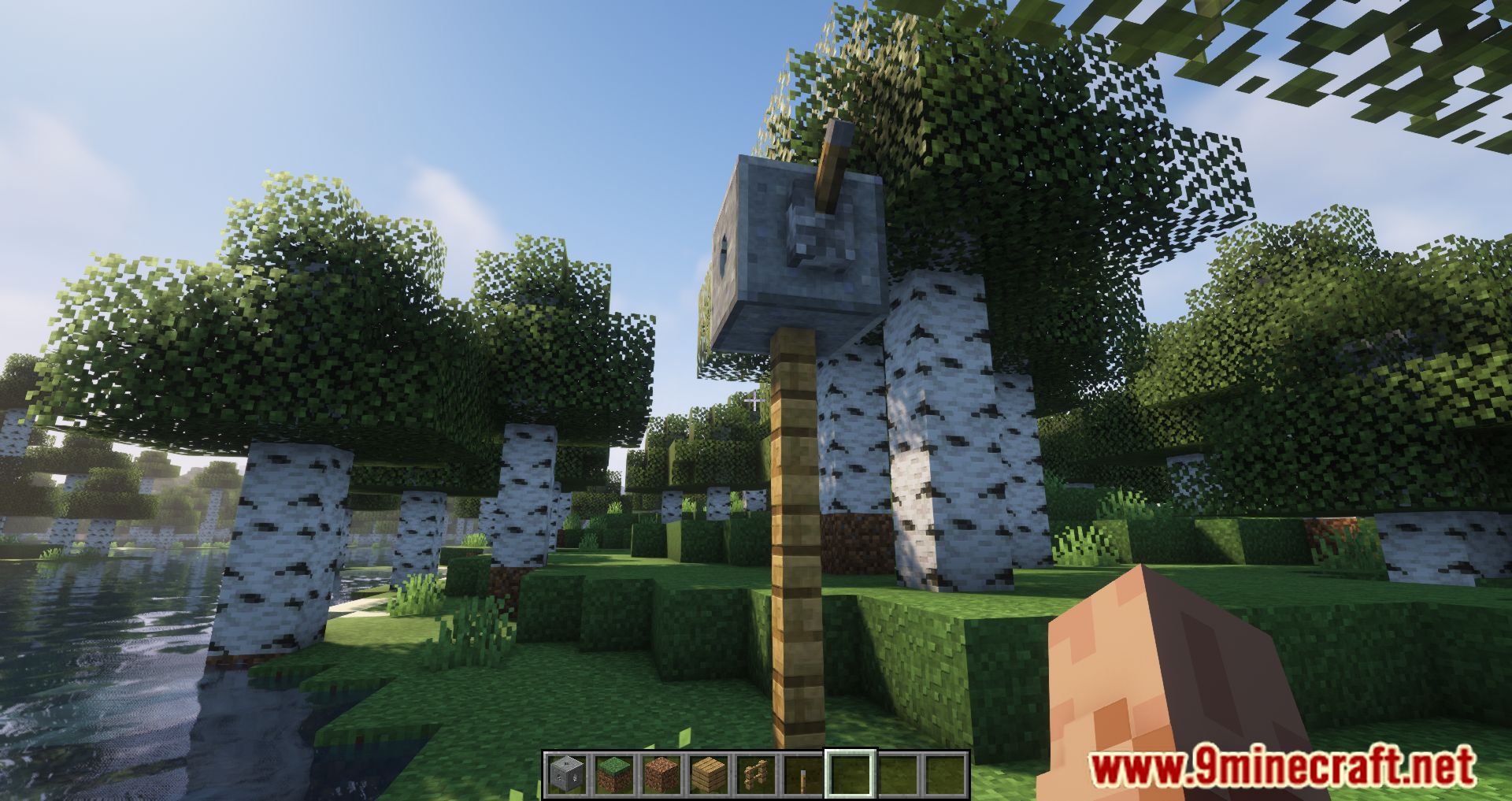
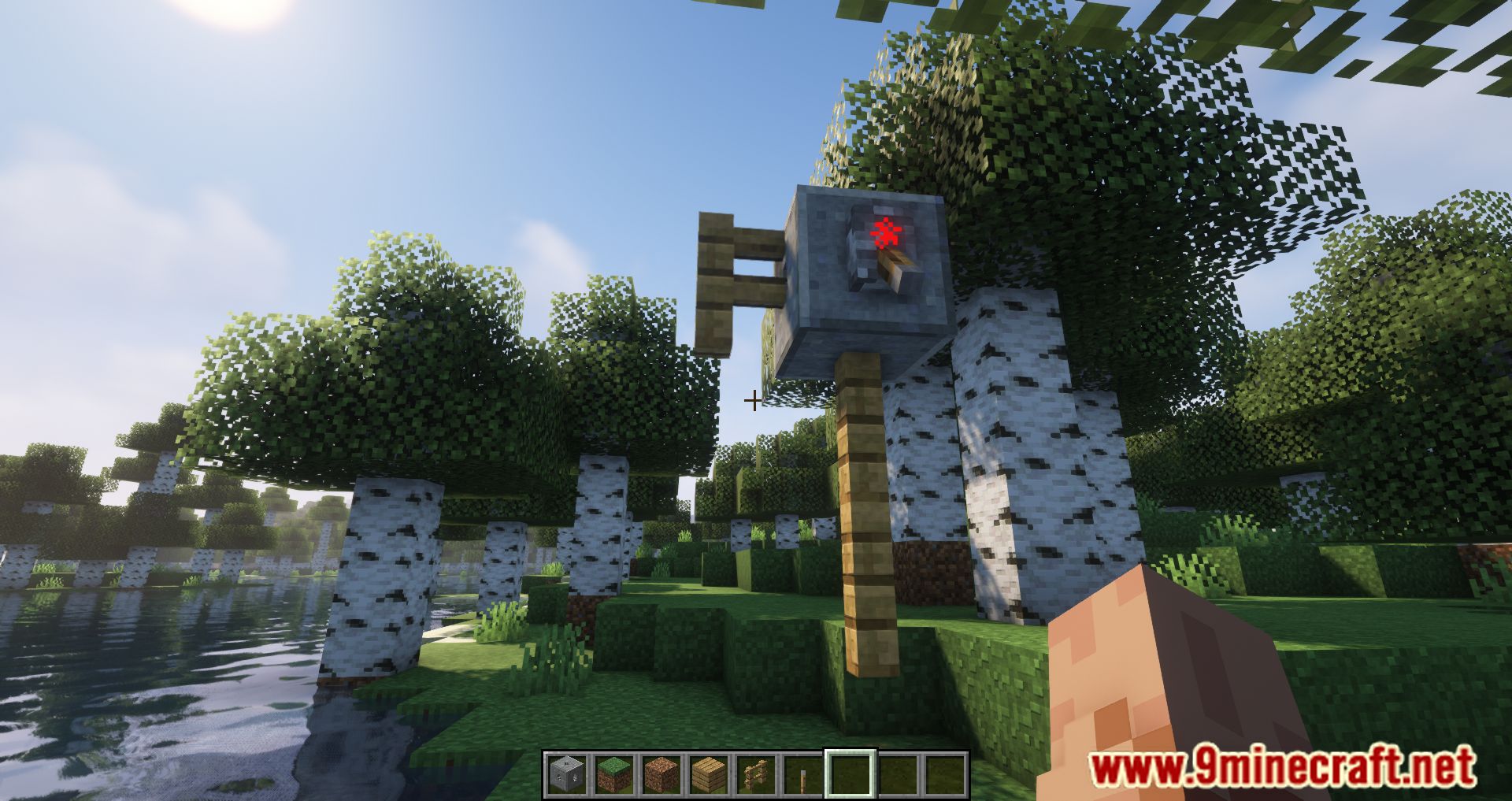
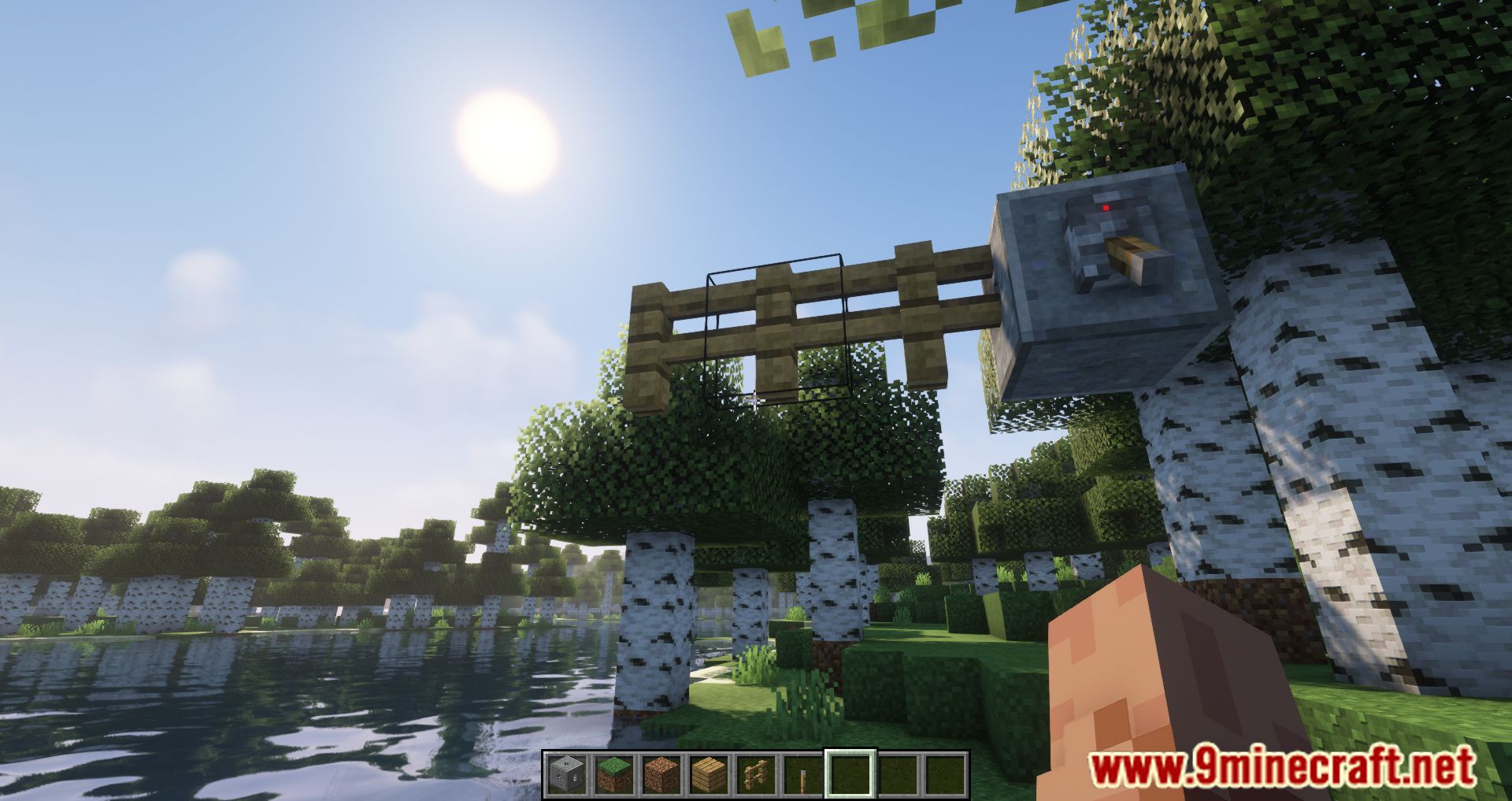
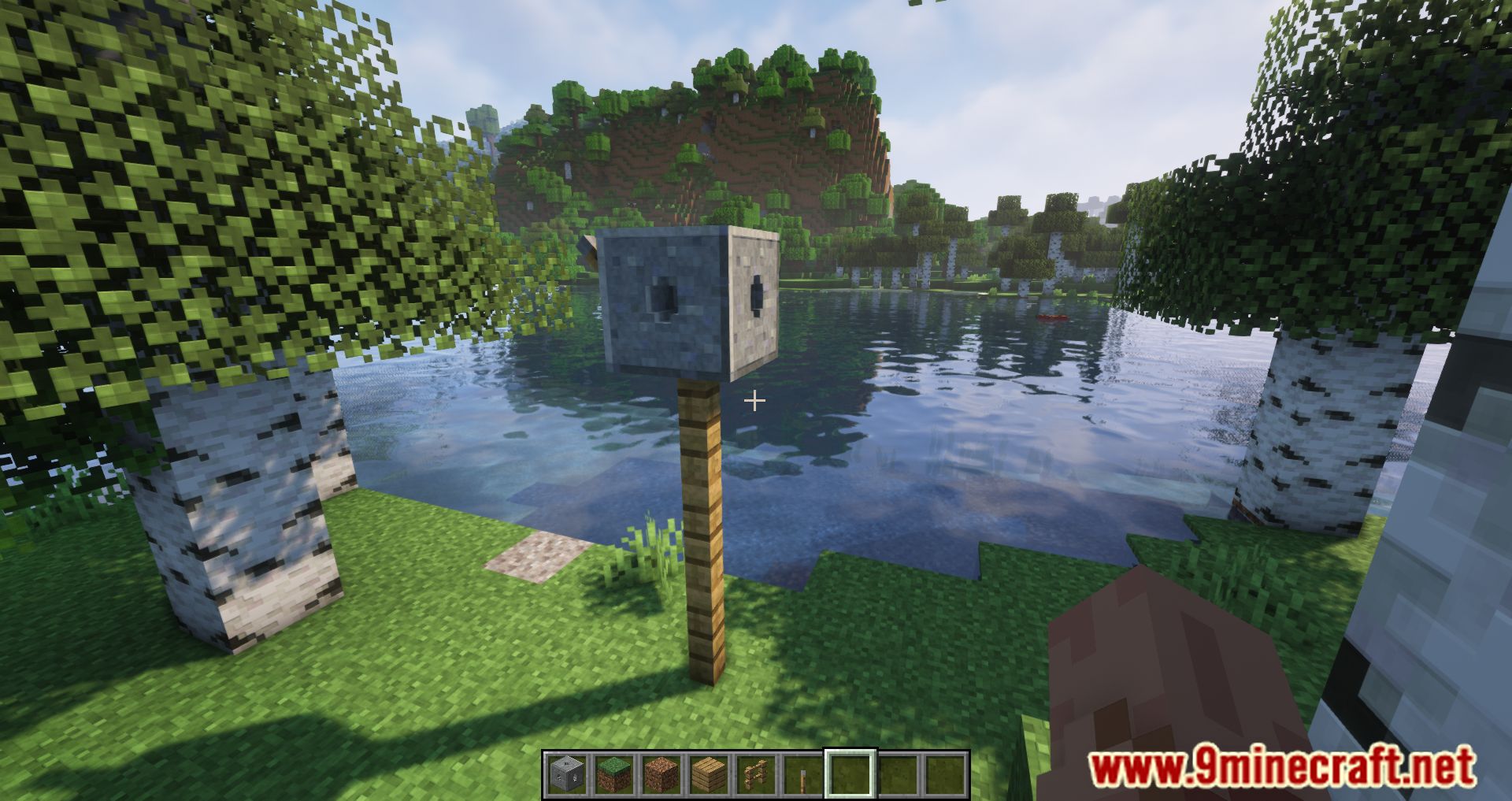
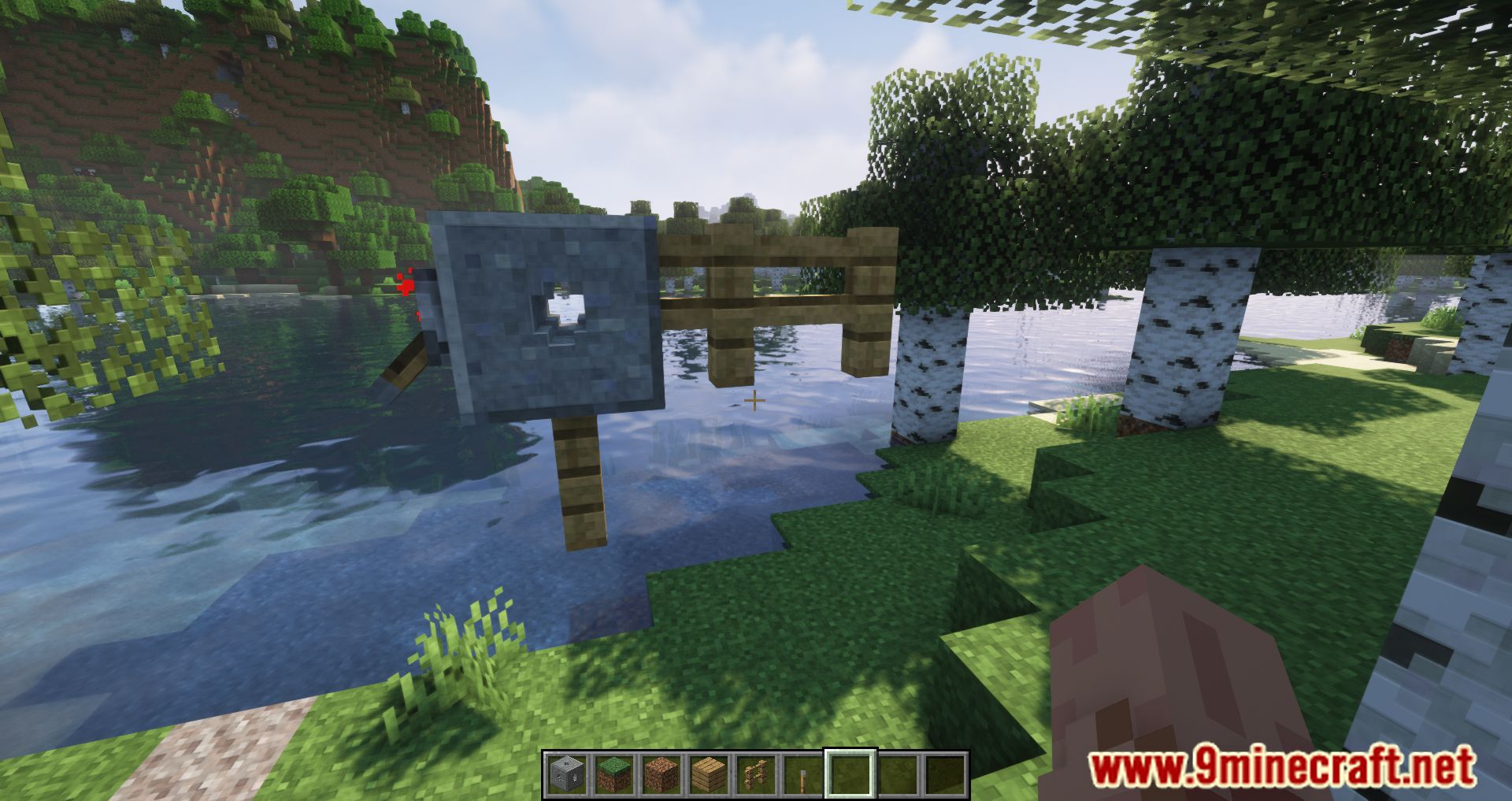
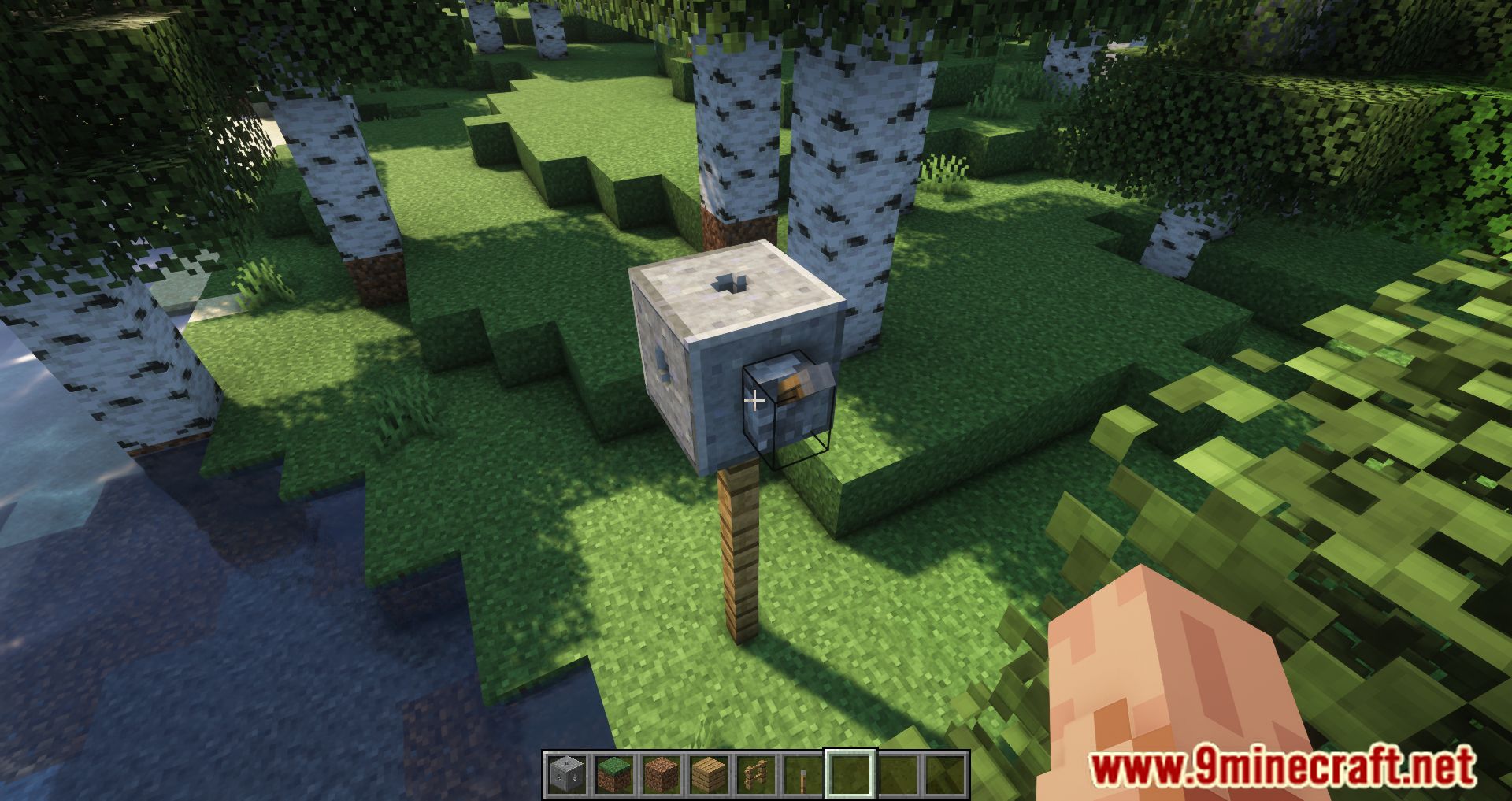
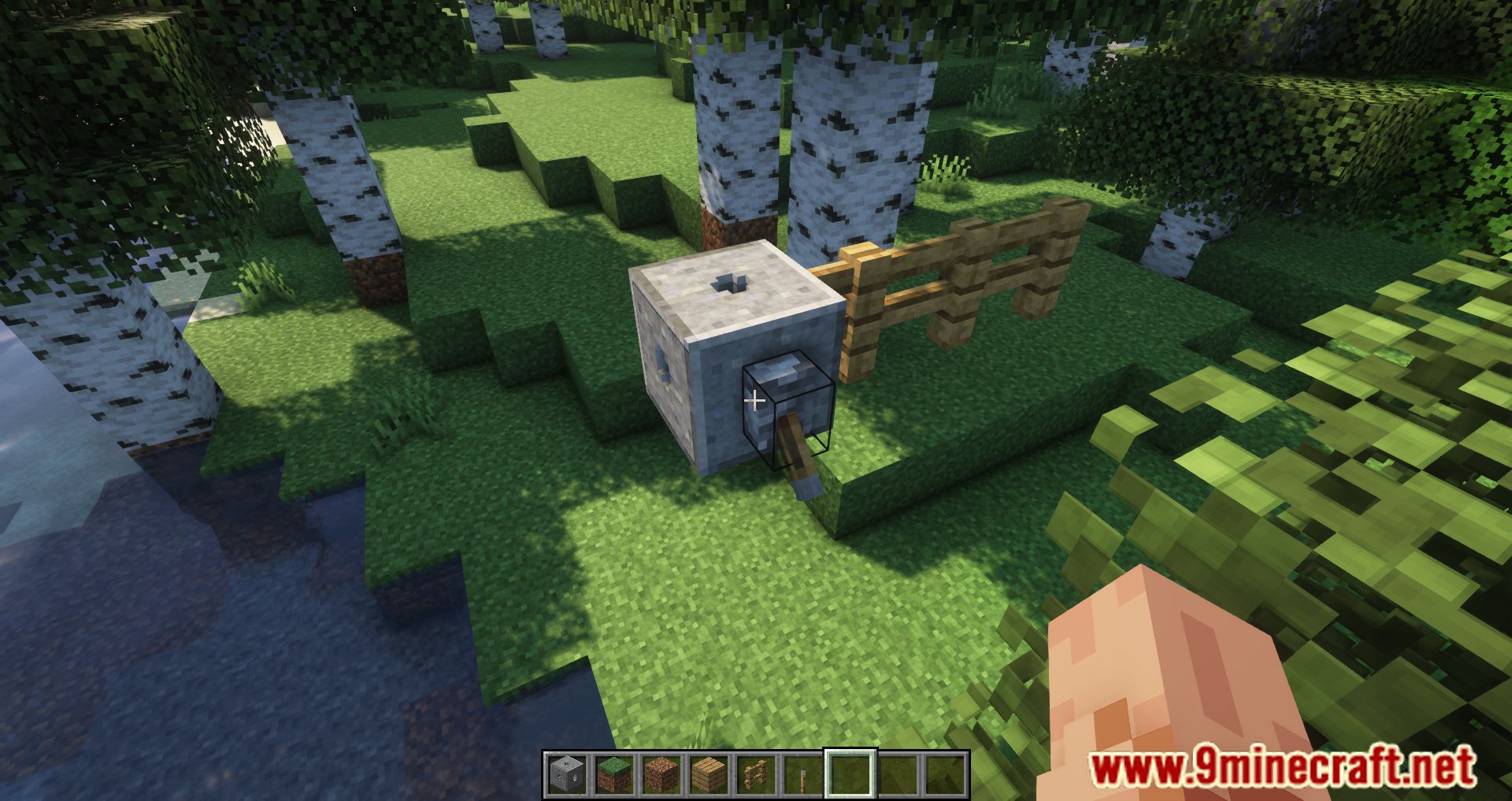
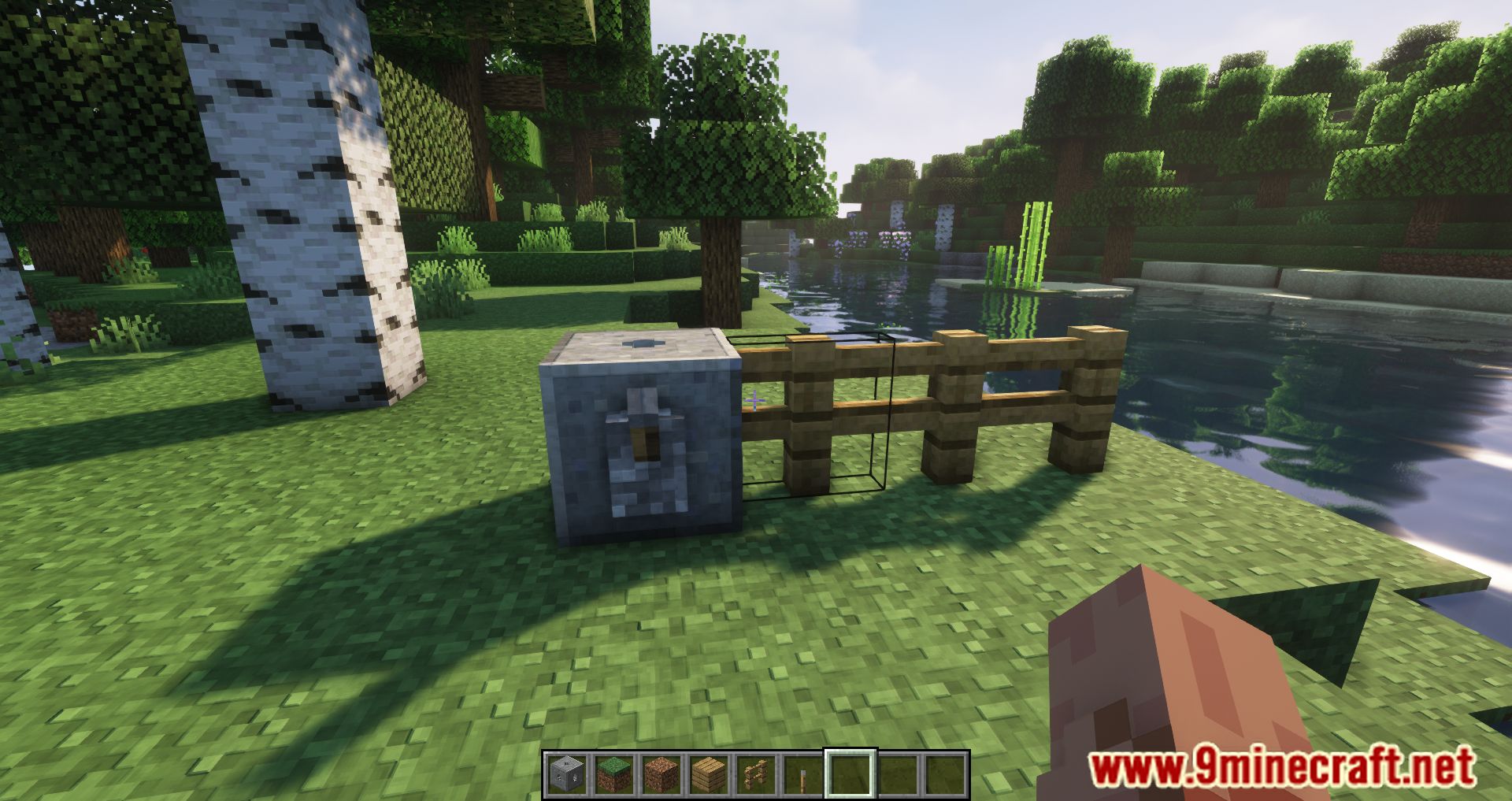
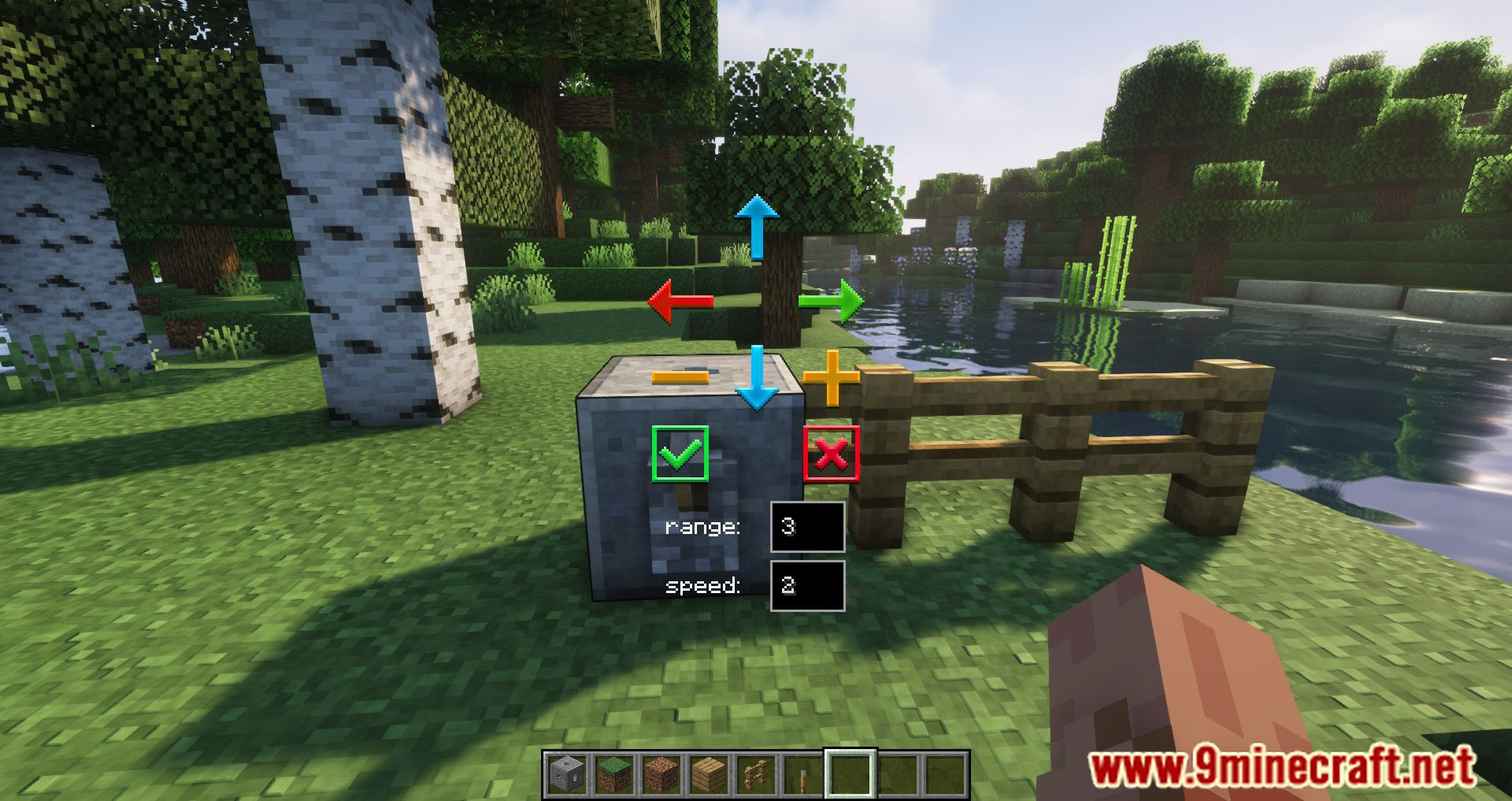
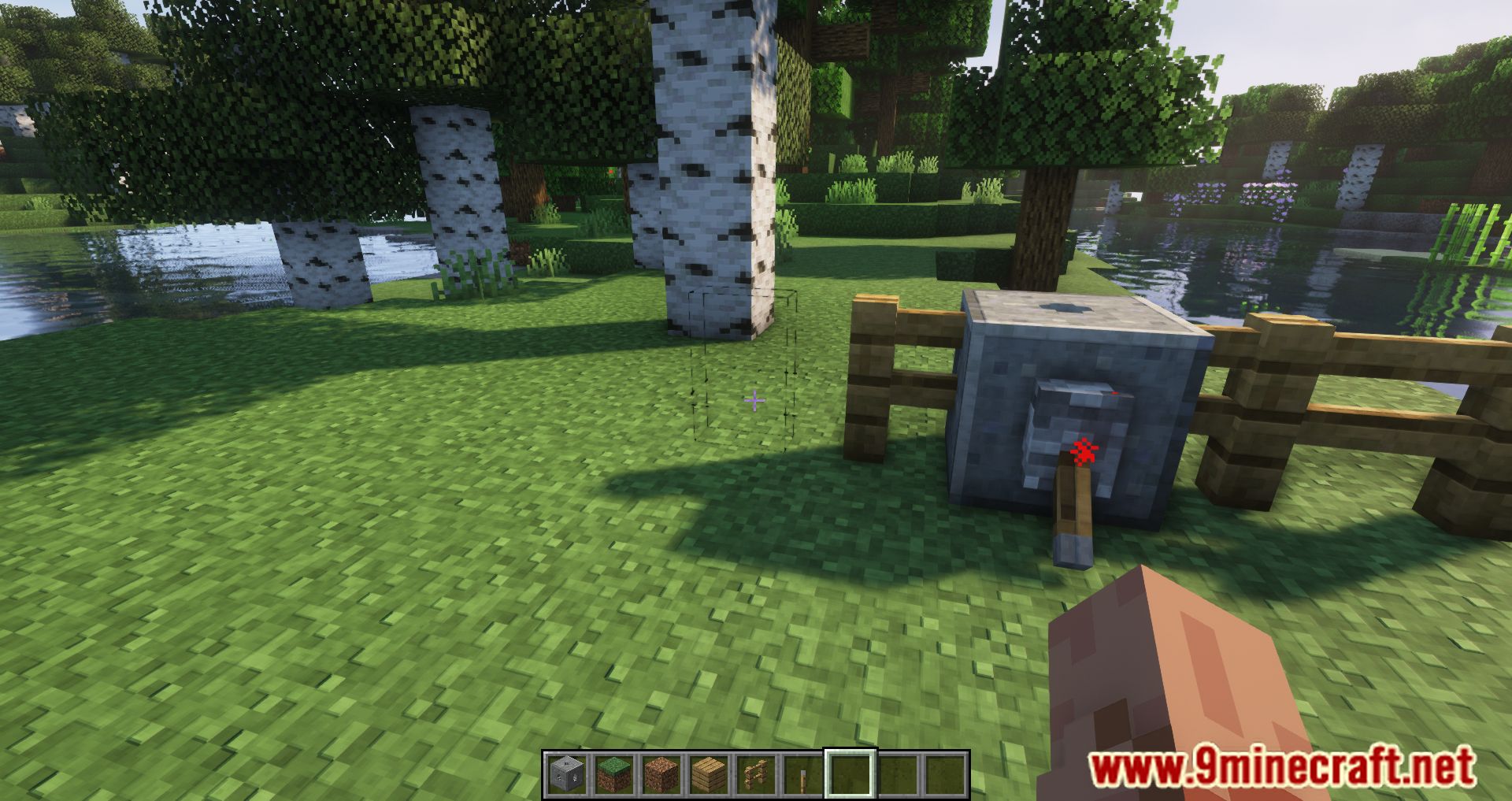
Multi-Piston Mod adds a special piston block that pulls blocks in from one side and pushes them out in another direction. It lets you build moving bridges and sliding gates without complicated redstone wiring or command blocks. Once you place the block down, you can adjust the movement direction, block range, and speed right from its menu.
Features:
- Pulls blocks in from a chosen side and pushes them out horizontally, vertically, or at an angle.
- Lets you set a movement range up to 10 blocks, stopping automatically if it hits a different block type.
- Allows you to adjust the movement speed up to level 3 inside the block menu.
- Works with levers, buttons, and any standard redstone signal just like regular pistons.
- Makes building extendable bridges and sliding gates simple without needing big piston setups.
How to Use:
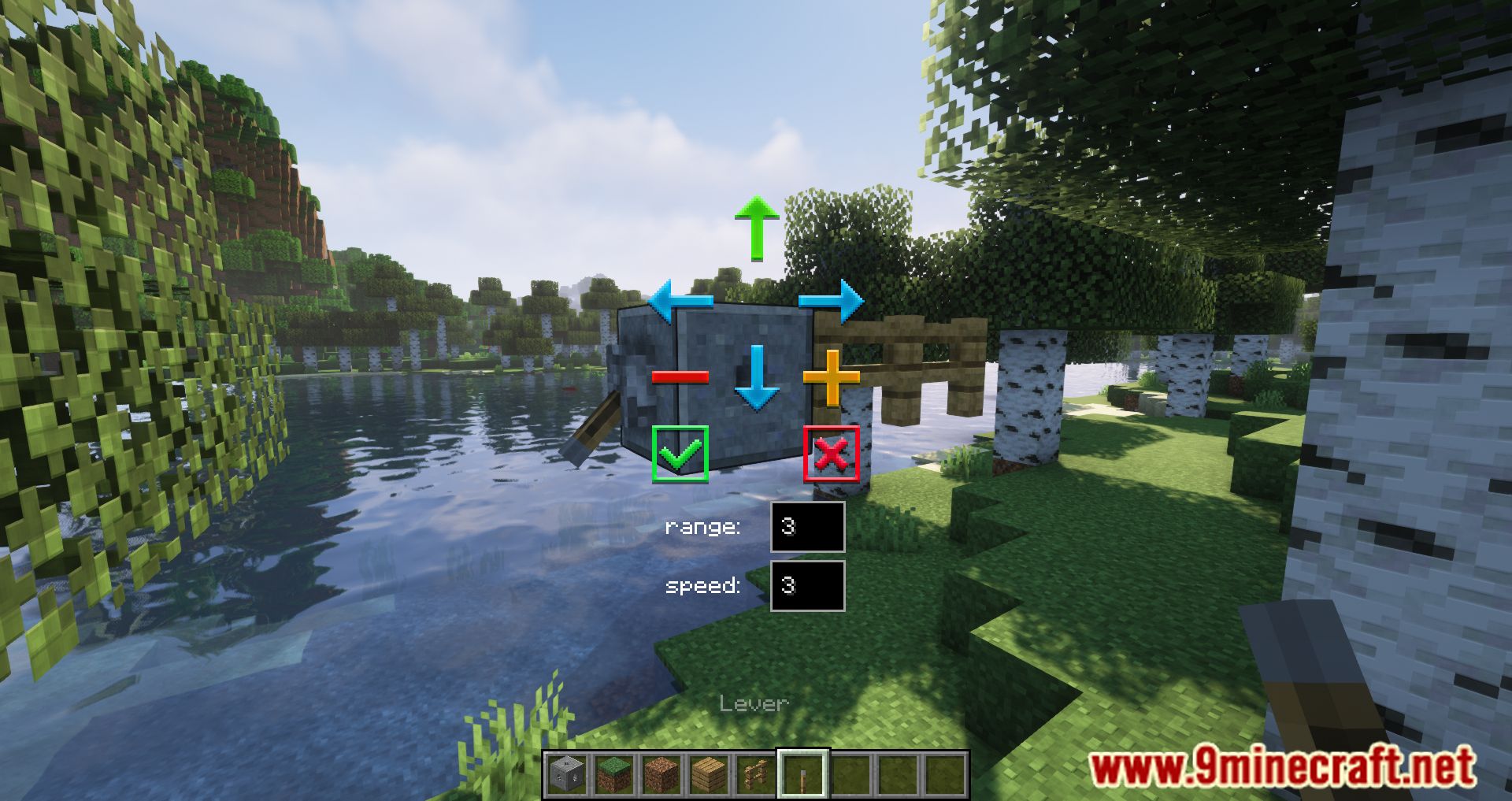
- Place the multipiston block and Right-click it to open the settings menu.
- Right-click an arrow to pick the input side and Left-click an arrow to pick the output side.
- Set your desired range and speed numbers, then press Esc to close the menu.
- Activate the block using a lever, button, or other redstone input to move the blocks.
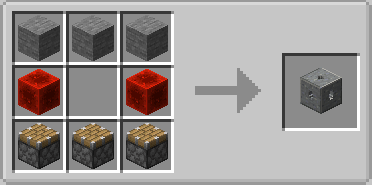
Crafting Recipes:
Screenshots:
How to Install:
New to Minecraft? Follow our step-by-step guide to install Mods on your PC.View Guide
Requirements:

Multi-Piston Mod Download Links
For Minecraft 1.21.1, 1.21
NeoForge Version: Download from Server 1 – Download from Server 2
For Minecraft 1.20.4
NeoForge Version: Download from Server 1 – Download from Server 2
For Minecraft 1.20.1, 1.20
Forge Version: Download from Server 1 – Download from Server 2
For Minecraft 1.19.4
Forge Version: Download from Server 1 – Download from Server 2
For Minecraft 1.19.3
Forge Version: Download from Server 1 – Download from Server 2
For Minecraft 1.19.2
Forge Version: Download from Server 1
For Minecraft 1.19.1
Forge Version: Download from Server 1
For Minecraft 1.19
Forge Version: Download from Server 1
For Minecraft 1.18.2
Forge Version: Download from Server 1
For Minecraft 1.18.1
Forge Version: Download from Server 1
For Minecraft 1.17.1
Forge Version: Download from Server 1
Have you ever used connector mods (like Sinytra Connector) to run Fabric mods on Forge/NeoForge?
21 responses · See the full results →
You May Also Like
Picked for this page
 Iron Chests Mod (26.3, 1.20.1) – Finally Organize Your Loot
 Naturally Charged Creepers Mod (26.3, 1.20.1) – Increased Game Difficulty
 Dusty Decorations Mod (1.21.11, 1.20.1) – Decoration for Ports and Markets
 Applied Botanics Mod (1.21.1, 1.20.1) – Mana Through AE2
 Productive Bees Mod (26.1.2, 1.20.1) – Build a Bee-Powered Farm
 Mob Population Control Mod (1.21.11, 1.20.1) – Anti-Lag for Server
 Vectorientation Mod (26.3, 1.20.1) – Improve Minecraft’s Visuals
 Redstone Multimeter Mod (26.3, 1.20.1) – Tracks Redstone Events Using Virtual Meters
 Discontinuous Beacon Beams Mod (26.3, 1.20.1) – A Visual Tweak For Beacons
 Player Pronouns Mod (26.3, 1.20.1) – Displaying and Respecting Player Pronouns
 Slyde More Mod (1.21.11, 1.20.1) – Push Settings Beyond Vanilla Limits
 Startup Time Mod (26.2, 1.20.1) – Track Load Times
Most viewed in Mods over the last 7 days
 Ala Industrial Mod (26.3) – Run Electric Power Grids and Automated Factories
 PleasureCraft Mod (26.3, 1.21.1) – Jenny Mod Remake for Fabric
 Jennycraft Mod (26.3, 1.20.1) – Virtual Girlfriend in Minecraft
 Fapcraft Mod (26.3, 1.12.2) – Comprehensive and Detailed Content
 Jenny Mod (Fapcraft) Official Complete Guide – How to use, Tutorial
 BangCraft Mod (1.20.1) – Jenny, Ellie and Elliot
 Fabric Loader (26.3, 1.20.1) – Fabric Installer for All Minecraft Versions
 Meteor Client Mod (26.3, 1.20.1) – Xray, HUD, Fly
 The Shooting Star Demo Mod (26.3, 1.20.1) – Vaporize Terrain From Orbit
 OptiFine HD (26.3, 1.20.1) – Run Faster, FPS Boost, Shaders Support
 Aristois Client Mod (1.21.4, 1.20.1) – World Class Minecraft Utility
 Prestige Client Mod (1.21.11, 1.21.4) – Powerful Ghost Features for Crystal & Sword PvP
More from Mods
 Nodeflow Mod (26.1.2, 1.21.1) – Wire Custom Redstone Logic on Visual Graph
 Winter Client Mod (1.21.11) – Survive Ruthless PvP on Anarchy Servers
 LARP Client Mod (1.21.11) – Dominate Crystal PvP on Anarchy Servers
 Berlin Client Mod (1.21.11) – Hunt Stashes and Win Crystal Fights
 Kaleidoscope Cookery Refabricated Mod (26.3, 1.20.1) – Cook Hearty Meals
 Minecraft MusicBox Mod (1.21.12) – Play Your Favorite Songs While Mining and Building
 MTR Navigation Mod (1.21.1) – Plan Railway Trips and Never Miss a Train Stop
 TheHouse Mod (1.21.11) – Host Casino Tables and Track Every Bet in Real Time
 CinematicInteractions Mod (1.21.1) – Watch Your Hands Work at Every Crafting Table
 Earth Platform Mod (1.21.1) – Travel Across Real Continents in a True Scale World
 Taunahi Mod (26.1.2) – Automate Daily Farming and Slayers in Hypixel Skyblock
 HORROR Fake Join Leave Messages Mod (1.20.1) – Trigger Creepy Chat Scares

This post has no comments yet. Be the first — your comment will appear here.